Learn how to take window screenshots on your Mac without the drop shadow effect which creates distracting extra space and white borders, resulting in a cleaner look.
How to remove the shadow effect from screenshots on Mac
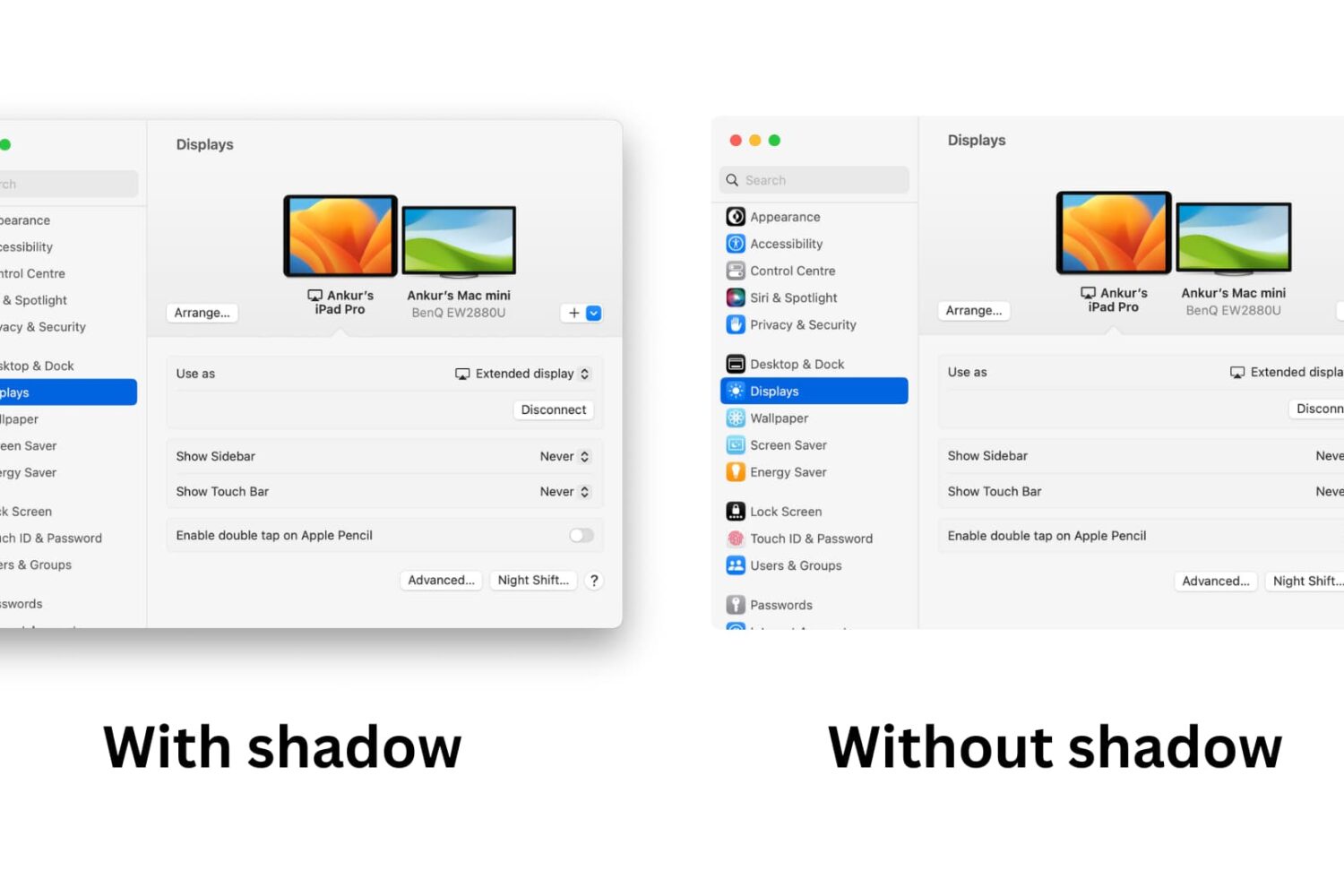
Learn how to take window screenshots on your Mac without the drop shadow effect which creates distracting extra space and white borders, resulting in a cleaner look.

Learn how to change the default Mac screenshot file format in macOS from PNG to JPG or similar to save storage space and avoid manual image conversion.
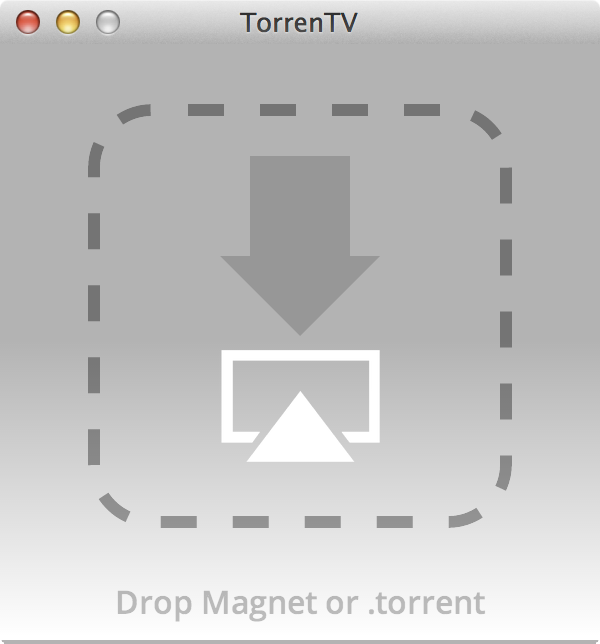
A new Mac app called TorrenTV was recently released to allow users to stream torrents directly to the Apple TV. The app, which begins playing movies immediately via a simple drag and drop of a .torrent file, streams to the Apple TV, even if the device isn't jailbroken.
Even better is the fact that TorrenTV requires zero setup. As long as your Mac and Apple TV share the same Wi-Fi network, TorrenTV will begin streaming video to your Apple TV almost immediately.
Of course, being that we don't condone piracy, the use of such an app would have its limits. Thankfully, there are legitimate videos available via torrents, which can thus be streamed directly to your Apple TV. Have a look inside for more information.
Following Apple's release of a public beta of OS X Yosemite, iDB reader Antony Verros sent us some code he wrote in AppleScript, which allows users to quickly restart a computer and automatically boot up in the installed OS of choice. For anyone who installed the OS X Yosemite beta on a separate partition, this is an easy solution for booting up into Yosemite or Mavericks without having to hold down the Option key on boot to select the desired partition. The script can even be tweaked to work with BootCamp.
While it's mostly a matter of time-saving convenience, this method can prove to be quite advantageous over time, particularly for users who find themselves frequently switching between OSs, whether it be a Yosemite beta, Mavericks, or Windows 7. Having an easily accessible application for booting into another OS while making a sandwich or refilling a cup of coffee, versus having to wait around to hold down Option, can be highly useful...
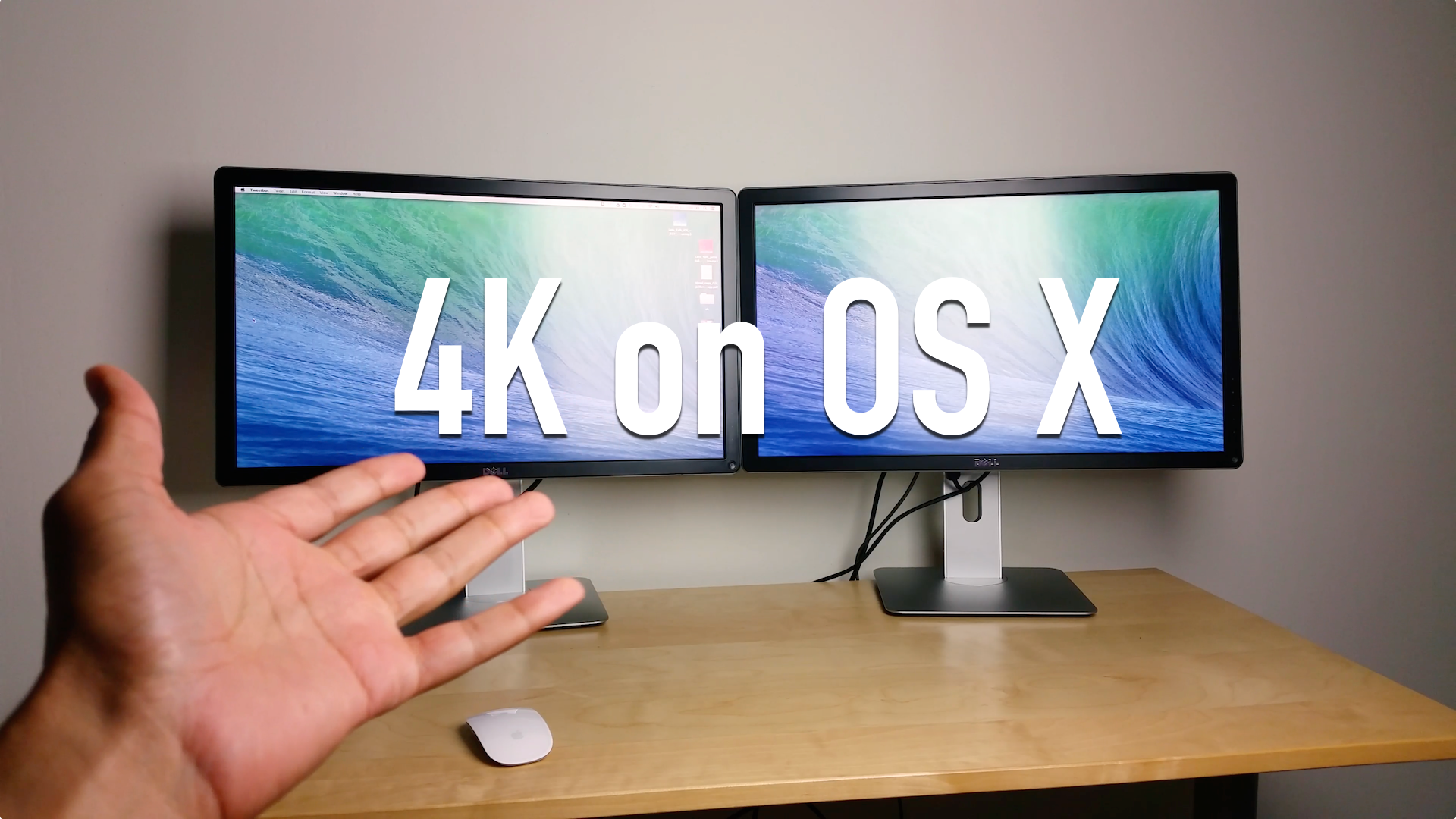
As many of you know, I'm rocking a 13" Retina MacBook Pro, and I love it. The screen is killer, it's fairly fast, and it's portable.
But as I begin to take on more "intense" projects, I'm starting to realize that I simply don't have enough screen real estate to be the most productive I can be. I need an external monitor.
The problem is, and if you're a current Retina MacBook owner you've no doubt faced a similar conundrum, most of the popular external displays pale in comparison to the Retina display. Even Apple's mighty Thunderbolt Display, with its 27" screen and 2560x1440 native resolution, looks downright grainy when placed side-by-side with the Retina screen of a MacBook Pro.
So what to do? You could hold off until Apple finally decides it wants to get with the program and offer a Retina capable Thunderbolt Display, or...or...or! You could get a ultra-HD 4K capable monitor right now and enjoy a "Retina" experience.
That's exactly what I decided to do. Inside, I'll break down some of the pluses and minuses of my latest pickup, Dell's ($799 on Amazon) 24" ultra-HD display, the UP2414Q.
Apple today opened the floodgate by posting the public beta of its upcoming OS X 10.10 Yosemite software, which launches officially sometime this Fall, and already a bunch of people took to Twitter over an error message saying the redemption code has already been used.
Each copy of Yosemite beta requires a promotional code which must be redeemed in the Mac App Store to download the installer. Is there anything you can do about this error message?
Yes, there is - and a remedy couldn't be simpler. Read on...
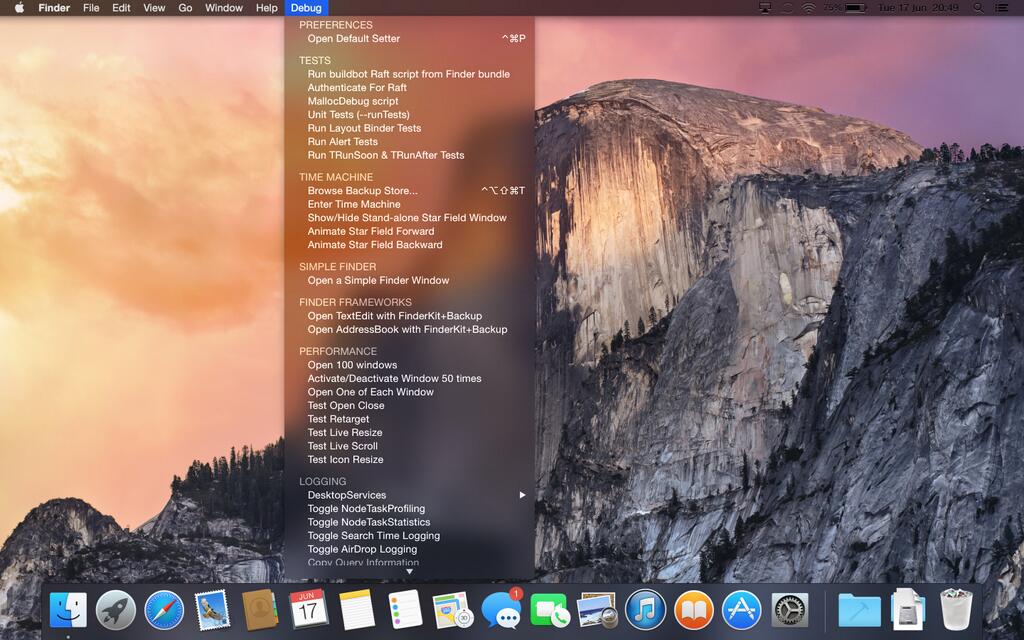
As promised, Apple today opened up OS X 10.10 Yosemite betas to the first million applicants who've signed up for the OS X Beta Program using their Apple ID. If you haven't yet signed up for the program, better hurry up! Otherwise, be patient as Apple will email you soon (using your Apple ID contact details) to let you know when your OS X Yosemite Beta redemption code is ready.
There's a lot to love about Yosemite - both in terms of the simplified, flattened user interface and new features that take integration between iOS and the Mac to the next level.
It also marks the first time Apple has permitted both its registered Mac developers and the general public to access betas of a work-in-progress Mac operating system update.
Today's poll asks a very simple question: are you, or are you not, going to install the public Yosemite beta on your Mac?
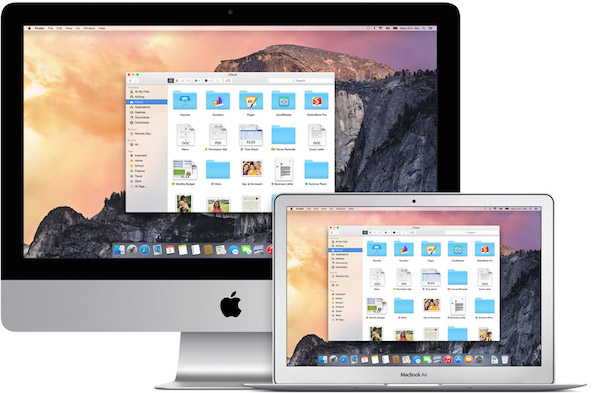
As we told you earlier in the morning, general public can get a taste of Apple's upcoming OS X 10.10 Yosemite desktop operating system for Macs by signing up for a public beta over at the OS X Beta Program webpage starting tomorrow.
The company has said that the public beta will only open to the first million applicants so you better sign up now if you haven't already. Here are a few things you should know if you plan on taking Yosemite for a spin...
In years past, only Apple's registered Mac developers were given access to early betas of OS X builds. With OS X Yosemite, Apple has changed tactics and is now allowing everyone to get in on the action by signing up for its new Public OS X Yosemite Beta preview program.
Apple has said that it will open up Public Yosemite beta for everyone later this summer and now CNET is reporting that the company is set to release the beta version of OS X 10.10 Yosemite to the public on Thursday, July 24...
As a follow-up to our recent article on how to change app icons in OS X, we've scoured the internet for the best icon packs for Mac apps in existence. The result is a beautiful assemblage of icons that is certain to give your Mac a fresh, new look.
In addition to large, themed icon sets, we've added several individual icons of third-party applications that have received an early update from independent graphic designers, who took inspiration from iOS 7, OS X Yosemite, and Apple's pre-Yosemite designs for iBooks, iLife, and iWork...
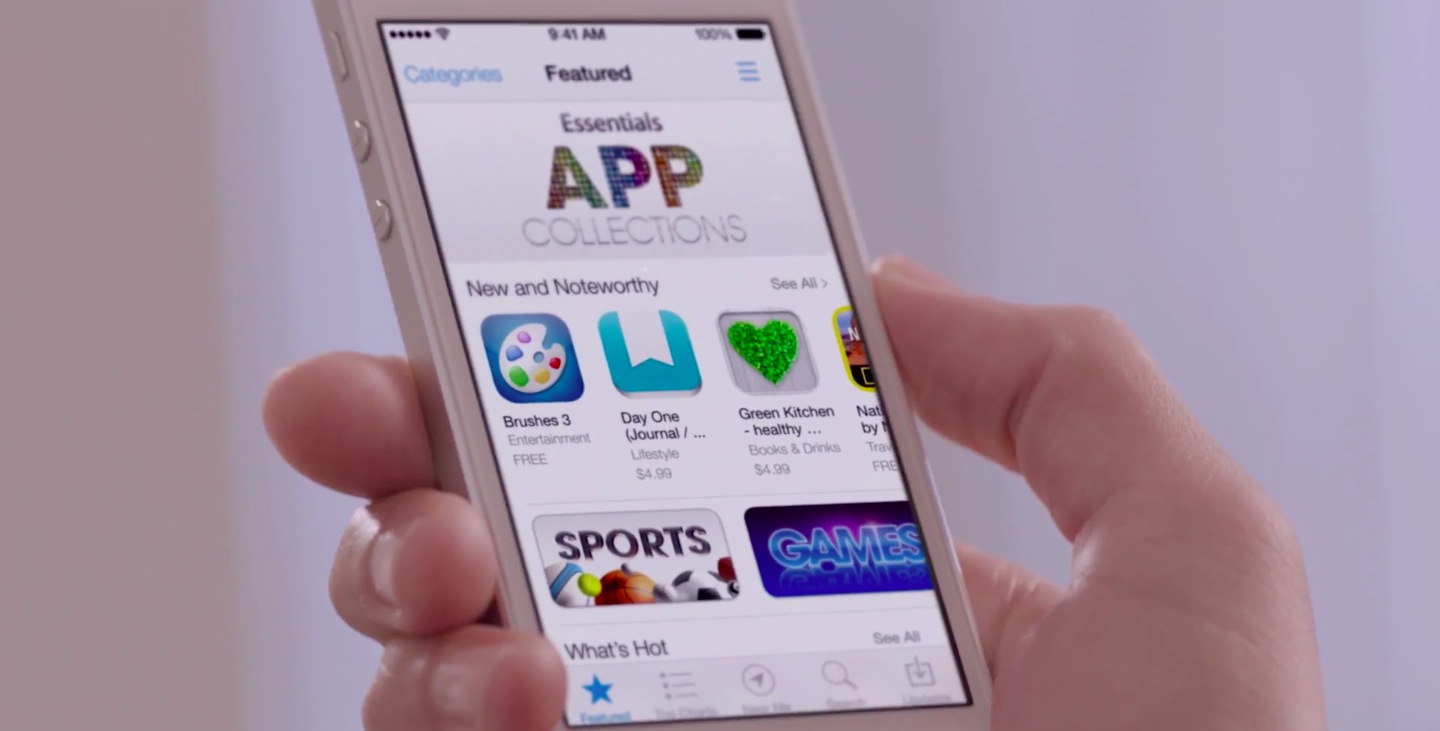
In-App Purchase, a way overused feature which provides a way for supposedly free games and apps to ask users for cash in order to enable advanced features or unlock virtual items, is increasingly drawing ire of regulators across the globe.
In-App Purchases are notorious for fooling less-informed adults and kids into downloading so-called freemium apps so it's no wonder the European Union officials have repeatedly warned that companies like Apple and Google should stop labeling free-to-download apps that contain In-App Purchases as "Free".
Companies could soon be forced to make the “true cost of apps” unambiguously clear before purchase, according to a complaint the European Commission filed today...
Adoption rates of the OS X Yosemite Developer Preview are smashing records with four times greater usage than its predecessor, OS X Mavericks. Developers' striking interest in the software is evidenced by usage stats web analytics firm Chitika provided Wednesday.
According to data, adoption figures of the Yosemite betas in North America have significantly outpaced those of OS X Mavericks, by as much as a factor of four.
Early adopters have helped OS X Yosemite Developer Preview hit 0.20 percent of total U.S. and Canadian web traffic originating from Mac OS X. By comparison, the OS X Mavericks Developer Preview was only able to hit a meager 0.05 percent mark after 30 days...