OS X

New watchOS 2.2.1 and OS X 10.11.5 betas have dropped, too

After seeding iOS 9.3.2 beta 2 to its registered developers this morning, Apple has also released new betas for its other forthcoming operating system updates: watchOS 2.2.1 and OS X 10.11.5 El Capitan. You can download watchOS 2.2.1 beta 2 (build 13V420) and OS X 10.11.5 beta 2 (build 15F24b) through Apple's Developer Center, which requires a paid account for full access, or apply them on the devices themselves through the Software Update mechanism on devices running a beta OS.

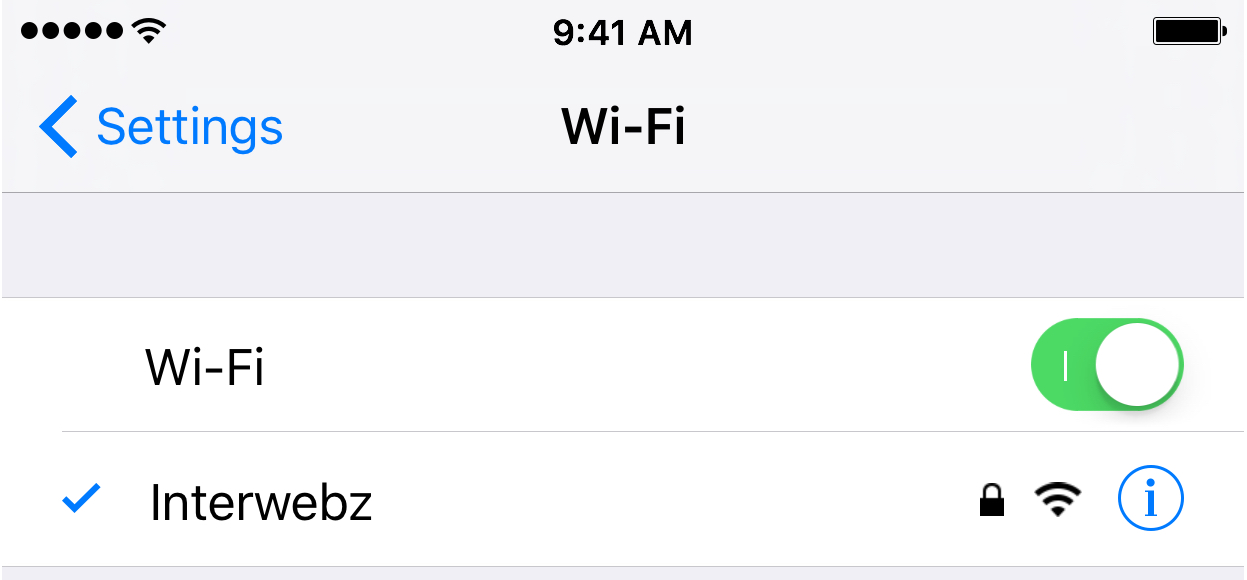
How to fix IP address conflicts on your Wi-Fi network

Every so often, you might end up with two devices on your Wi-Fi network that have the same IP address. This conflict can cause a plethora of problems with trying to use the internet on any of the devices affected.

Fortunately, there's a really easy to way reset your IP addresses on your iOS devices or Macs, and in this tutorial, we're going to show you how!

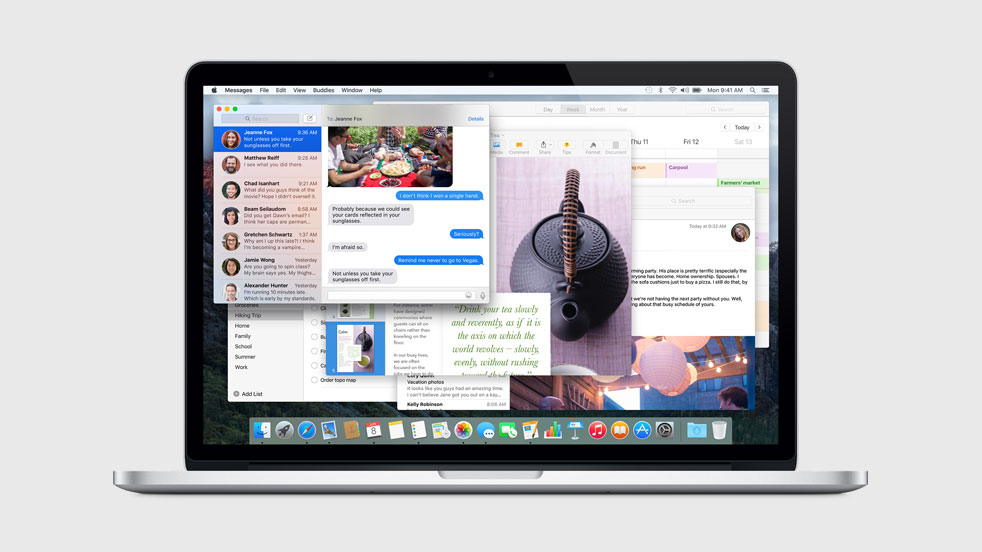
Apple’s environmental webpage hints at ‘MacOS’ name change

More evidence that Apple is planning to rebrand OS X to MacOS in the near future has been discovered on Apple's environmental webpage. First spotted by 9to5Mac, the recently updated page specifically refers to "MacOS" devices.

The news follows a March report that pointed to a MacOS reference hidden inside OS X code. And of course the change has long been speculated about, as it would bring the desktop OS branding in line with Apple's other platforms.

10+ things to do if your Mac won’t switch on

MacBook powering on and showing the Apple logo with a progress bar below it

Most of the time, when you want to use your Mac, you can just press the power button or lift the MacBook screen, hear a startup sound, and your computer will begin booting, so you can use it.

Sometimes, however, you don’t get so lucky. There may be a time when you go to use your Mac, and it doesn’t turn on at all.

As reliable as Macs can be, they can hiccup occasionally. In this piece, we talk about what you can do to troubleshoot if your Mac won’t power on after you press the power button.

OS X El Capitan 10.11.5 beta 1 also seeded to developers

Just over two weeks after posting OS X El Capitan 10.11.4 for public consumption, Apple this morning seeded the first beta of OS X El Capitan 10.11.5 to its registered developers. A fifth major update to the the most recent operating system powering the Mac, OS X 10.11.5 includes bug fixes, performance improvements and general security and stability fixes.

It is not expected to bring any major user-facing features. The new beta carries a build number of 15F18b and can be installed on computers running a prior OS X beta through the Mac App Store's Updates tab.

How to remove unwanted email addresses from the Mail app on Mac

One thing I hate about the Mail app on my Mac is how when I go to enter someone's name to email them, macOS has a nasty habit of picking the wrong email address for that person and I always notice it when it's too late.

I had this happen to me the other day and my email was sent to the wrong inbox of that person – an email address that they don't even use anymore – so they never got the email I sent and I had to resend it.

If you've ever had this happen to you before, then you're reading the right tutorial, because we'll be showing you how to delete email addresses from Mac Mail history so they aren't auto-suggested for you when you start to type someone's name.

Is Apple going to rebrand OS X as ‘macOS’?

OS X, the desktop operating system which powers the Mac—“it's what makes a Mac a Mac,” says Apple—does not fit into the company's current OS naming scheme that has already given us watchOS, tvOS and iOS, but that might be about to change.

According to Portuguese-language site MacMagazine.com.br, developer Guilherme Rambo has discovered an interesting mention of 'macOS' in the “FUFlightViewController_macOS.nib” interface file within the FlightUtilities framework inside OS X code.

This Mac app tracks how often you slack off

A lot of us use our Macs not only for our daily lives, but also for our work. The problem is, with all of the internet at our fingertips, it can be hard to stay focused when the allure of social networking, like Facebook and Twitter, as well as other things you can do to slack off, are no more than just a click away.

That's the idea behind the creation of an awesome free app for your Mac called Escape by FocusList, which tracks how much you slack off each day and provides you with a daily report for your viewing pleasure.

In this piece, we'll give you a look at the software and how it works; you might even find interest in trying it out for yourself!

FreeChat for WhatsApp brings a free native desktop app for WhatsApp to Mac

Anyone who uses WhatsApp Messenger who has been looking for a truly free native-style desktop app experience on their Mac has been hard-pressed to find a really good client that didn't have hidden costs and worked extremely well in the same package.

Fortunately, FreeChat for WhatsApp is an app on the Mac App Store that you can download on your Mac at no cost whatsoever, and it will work exactly how you would expect a WhatsApp Messenger client to work on your Mac without any hidden costs, ads, or caveats

MacID update adds multi-Apple Watch support, improved battery life, pairing reliability, & more

The popular MacID app for iOS and OS X has received an update on Friday that adds support for new features in the newly-released watchOS 2.2 and iOS 9.3 firmware.

MacID has been made popular for its ability to unlock Mac computers with Touch ID or from an interactive notification on the wrist of the app's user by way of their Apple Watch, rather than having to type a pasword to unlock the Mac from a sleep.

Version 1.3.3 of MacID is now available in the App Store for iOS devices and Apple Watches, and version 1.3.3 of MacID for the Mac is available from the developer's website.

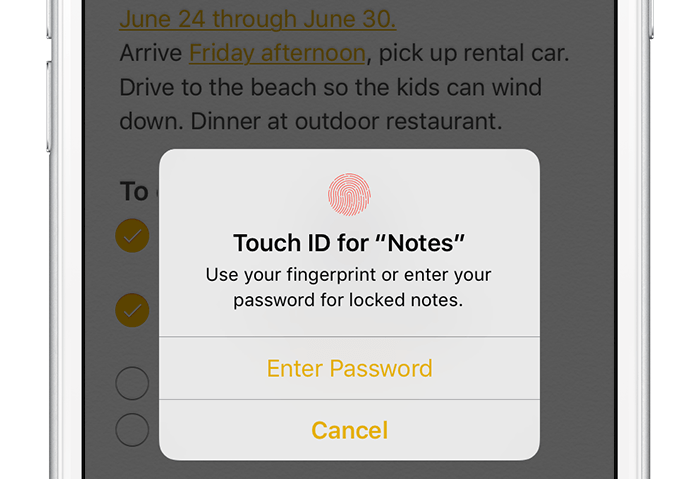
The ultimate guide to protecting your private information in Notes from the prying eyes

According to Apple, Notes is one of the most popular and most-frequently used stock applications on the iPhone, iPod touch and iPad.

People use Notes for everything from memorizing recipes to keeping track of errands, creating shopping lists, storing inspirational quotes and even passwords, codes and medical data.

Not all notes contain sensitive information, but many do. Beginning with iOS 9.3 and OS X El Capitan 10.11.4, you can protect your notes with a password or Touch ID.

In this tutorial, you'll learn how to set up Notes protection, secure items on a note-by-note basis so no one can view their contents and more.