Learn how to copy SMS texts, MMS messages or iMessages from Apple's Messages app on iPhone and paste the whole message or some text into another app.
How to copy an SMS, MMS or iMessage on your iPhone and iPad
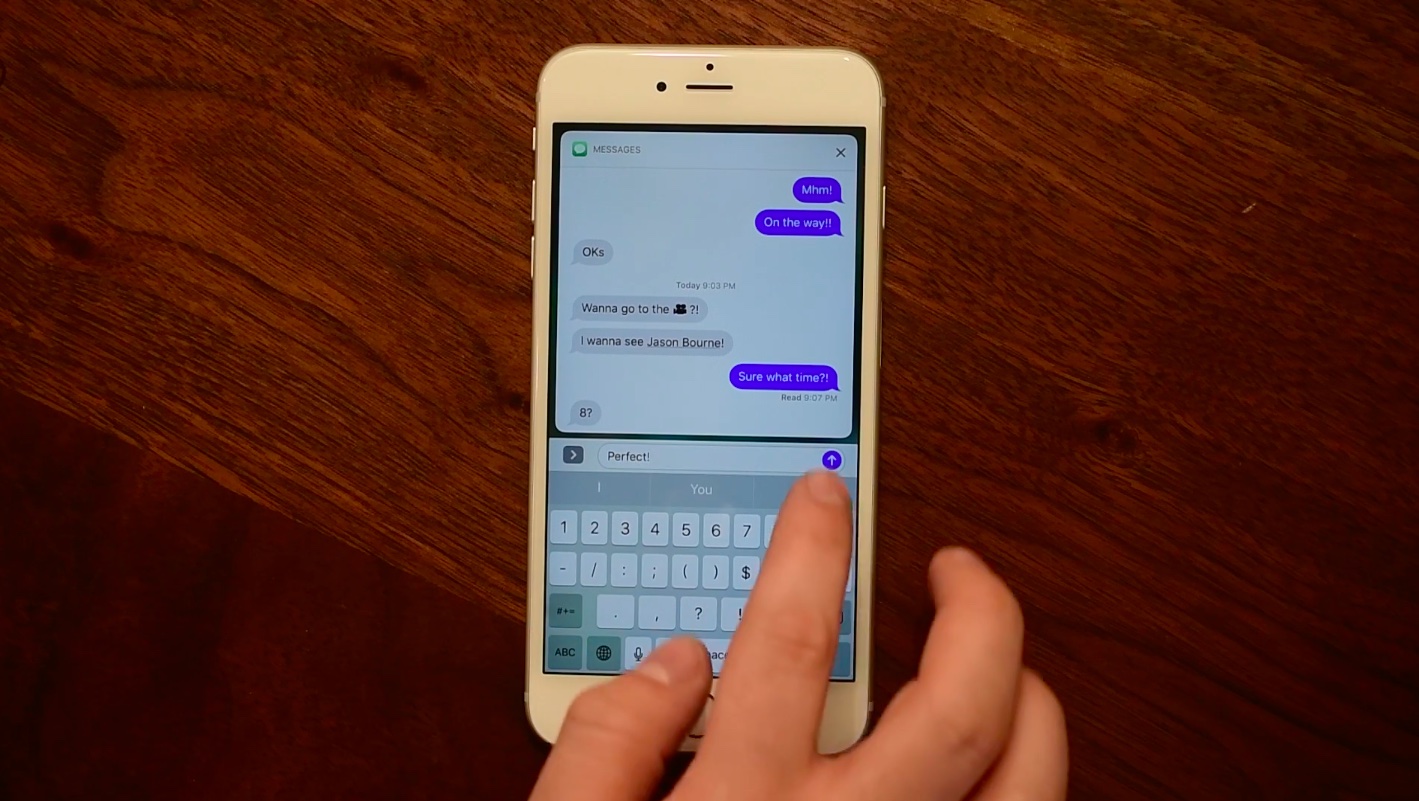
Learn how to copy SMS texts, MMS messages or iMessages from Apple's Messages app on iPhone and paste the whole message or some text into another app.
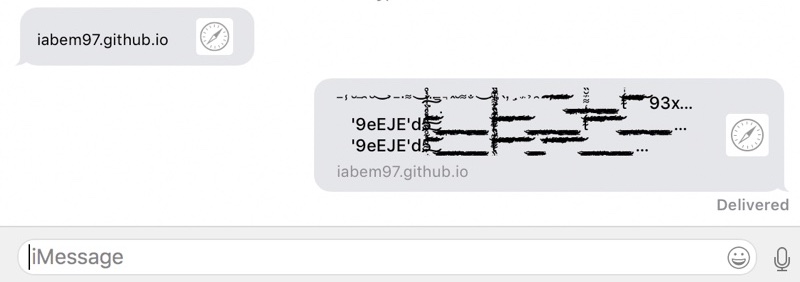
A fix for the ChaiOS bug that lets pranksters freeze iPhones, iPads and Macs by sending a maliciously crafted link as an attachment in a text or iMessage will be delivered next week.
Earlier this week, an iOS developer discovered that a malicious link texted to iPhones, iPads and Macs can cause freezes and restarts by overloading Mac and iOS's text rendering engine with several megabytes of text, consisting mostly of Unicode cascading accent marks.

A new type of malicious link that exploits an annoying bug in iOS and macOS can cause an unsuspecting user's iPhone, iPad, iPod touch or Mac to restart or freeze when received through the Messages app or opened in Safari.
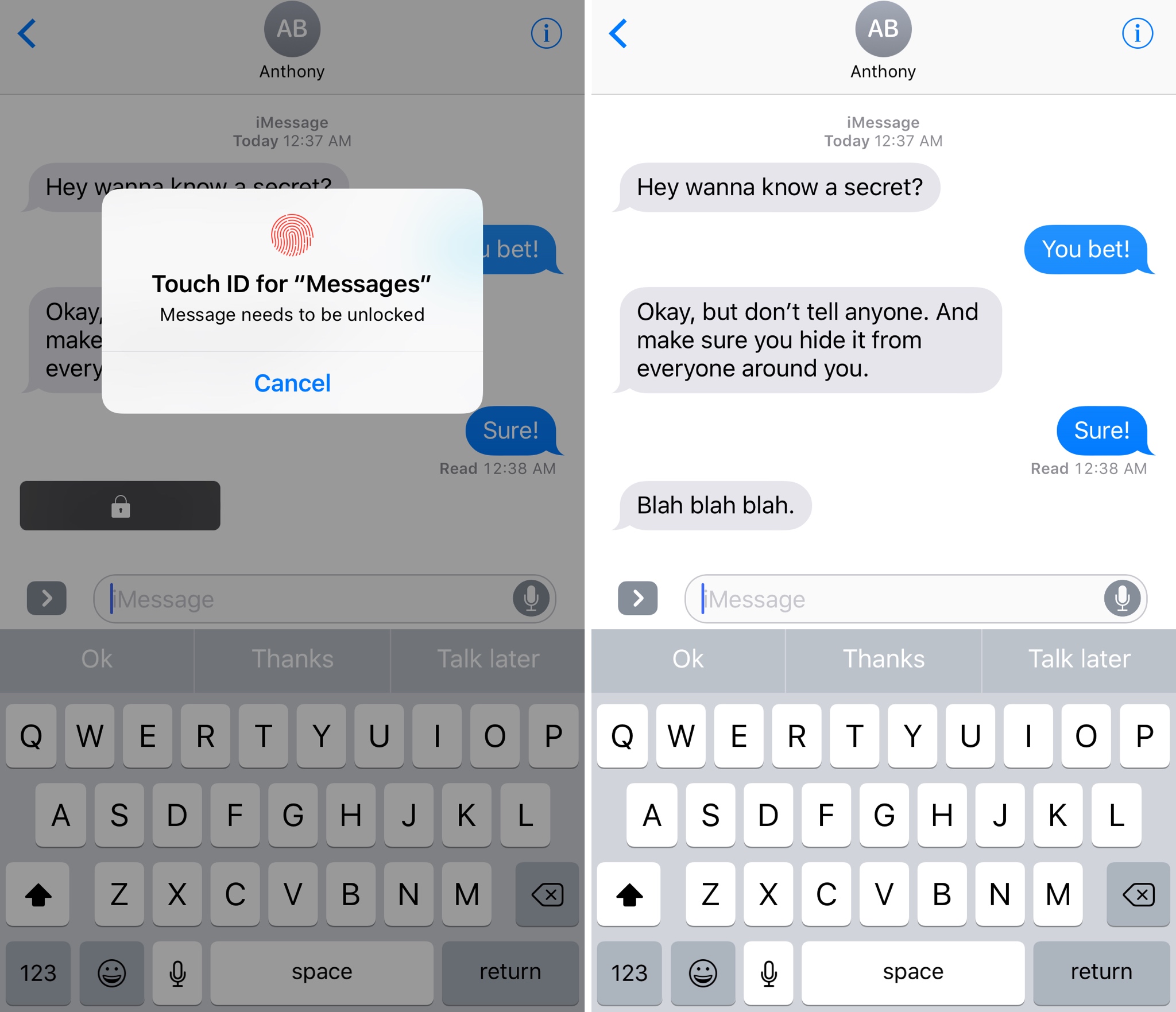
PrivateMessage is a new free jailbreak tweak by iOS developer Frozen Penguin that lets you lock individual message bubbles in the iPhone's stock Messages app with Touch ID.
Perfect for anyone with paranoia, this tweak can hide confidential messages from any text messaging conversation, regardless of the context or who you might be talking to.
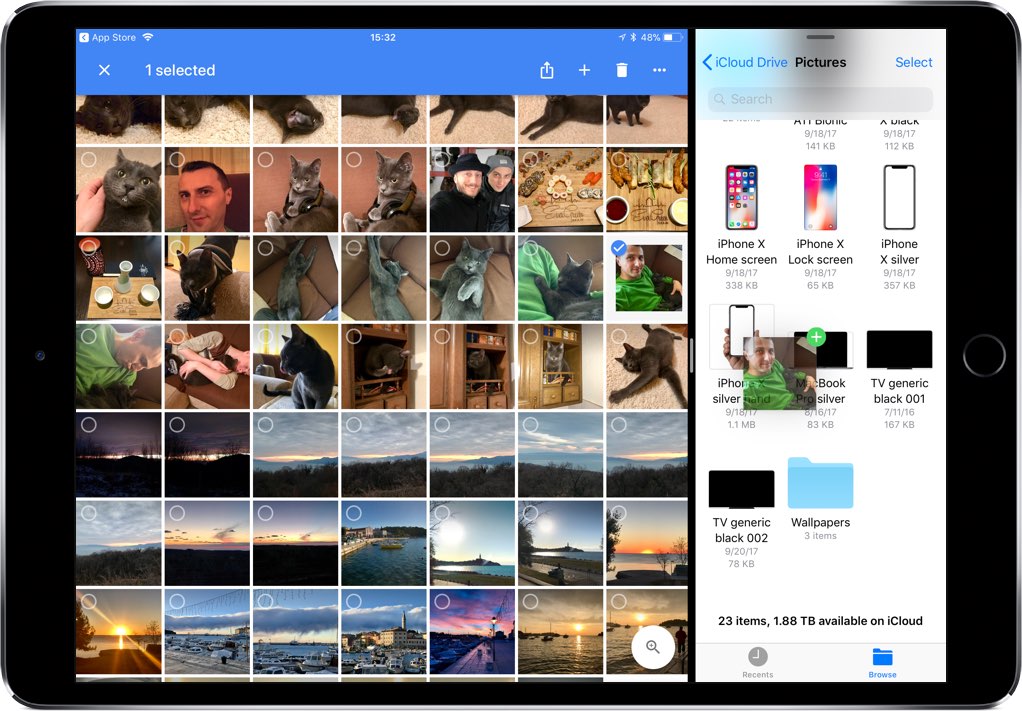
If you use Google Photos for iPhone and iPad, sharing your photos and videos just became a whole lot easier with the official iMessage app now available as part of the most recent update.
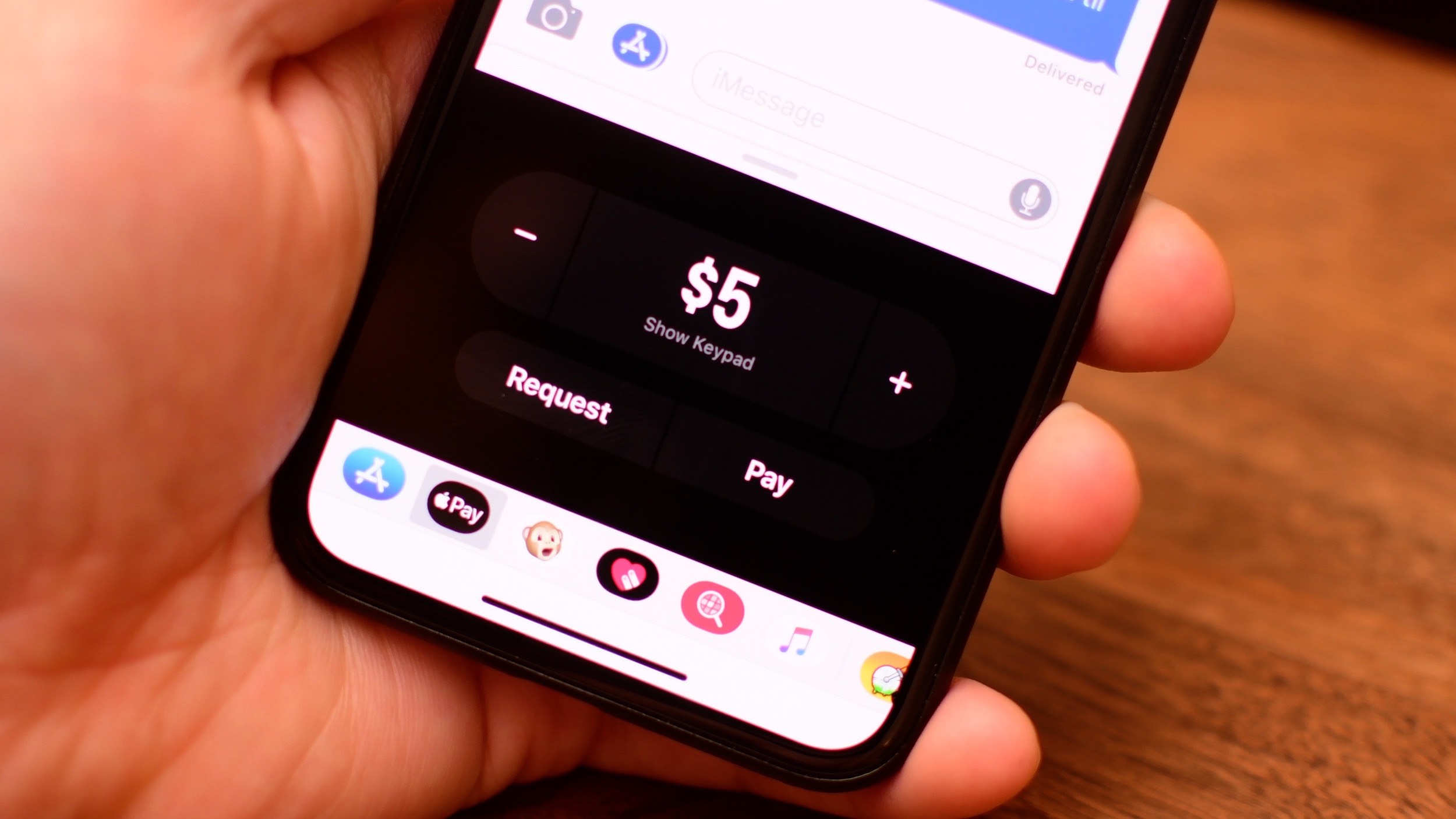
iOS 11.2 and watchOS 4.2 are mostly bug-fix updates, but with one big new feature: the inclusion of Apple Pay Cash, an easy way to pay and request money from friends using your iPhone, iPad or Apple Watch.

You have three ways to share YouTube clips in iOS, each with its own pros and cons. In this quick post, iDownloadBlog explores each of the share methods at your disposal.
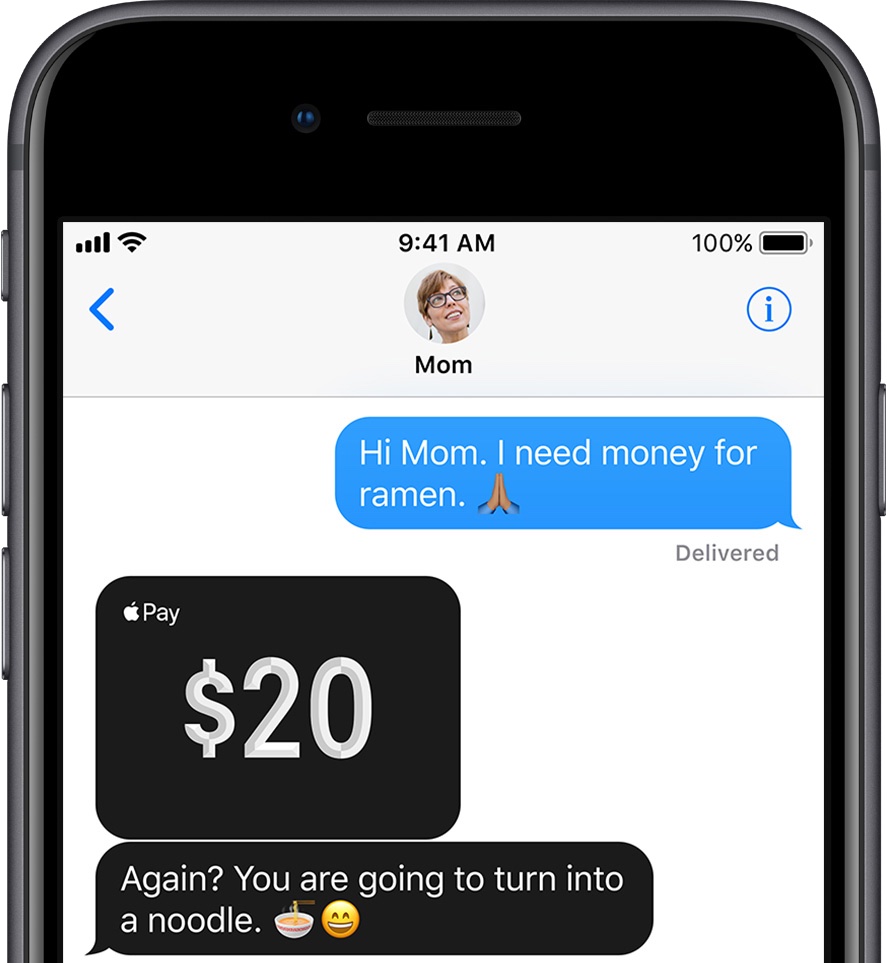
Select Apple employees appear to be testing the company's upcoming person-to-person money transfer service with iOS 11.1, which is not available publicly at this time.
Apple Pay Cash could arrive in late October, according to a footnote at the bottom of the Apple Watch Series 1 webpage on Apple's website, as first discovered by 9to5Mac.
Apple Pay Cash, a virtual card that will hold the funds you receive from friends and family through the Cupertino company's new peer-to-peer money transfer service in iOS 11, will be available later this fall as an update to iOS 11 and watchOS 4.
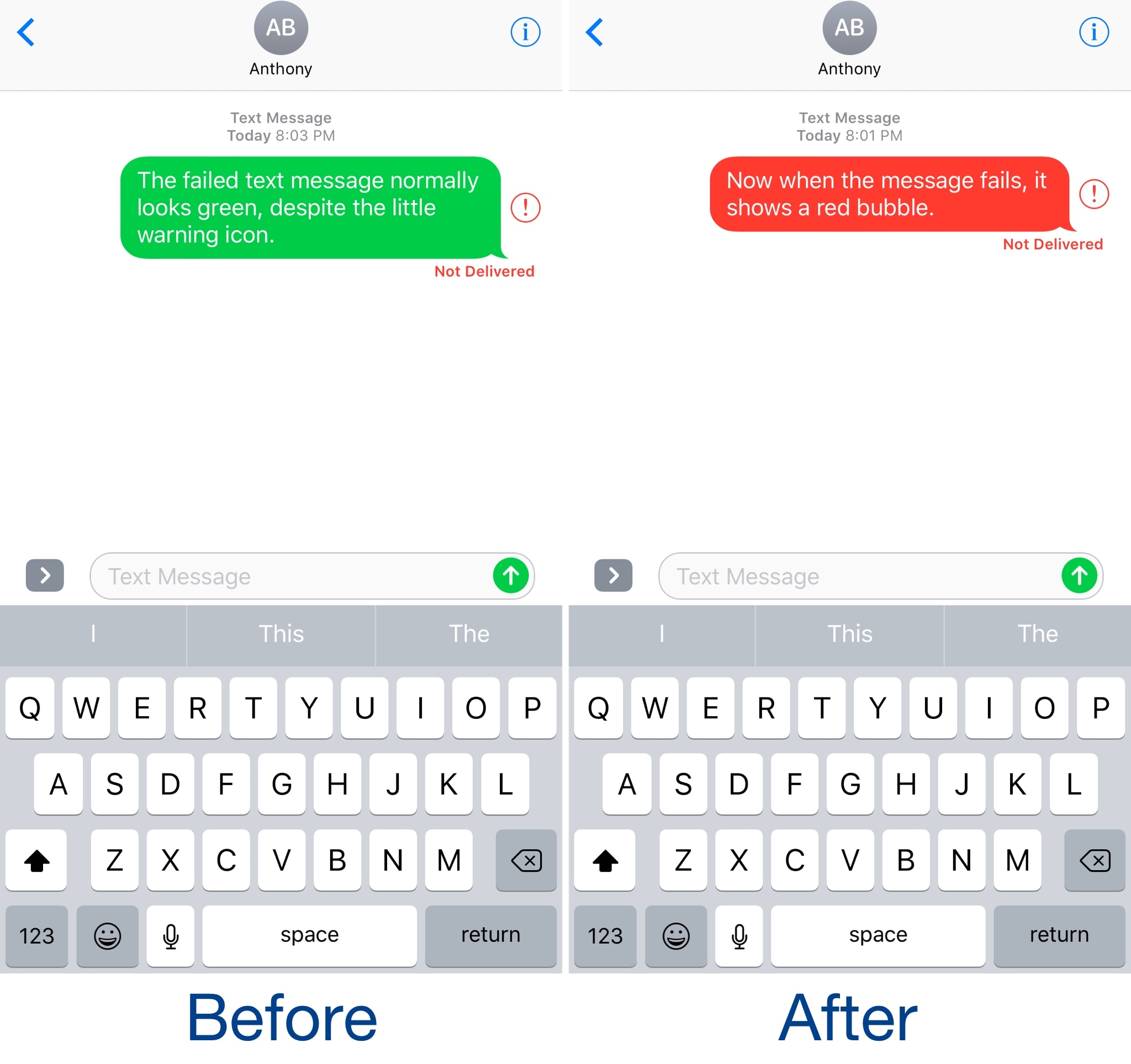
It’s never a good sight when a text fails to send in the Messages app, but sometimes the “failed message” alert isn’t as eye-catching as we want it to be, at times resulting in forgotten failed messages that leave the recipient hanging for hours.
A new free jailbreak tweak dubbed RedFailedMessages by iOS developer NeinZedd9 has the goal of making it easier to discern between successful and failed messages by turning the entire chat bubble of a failed message red.