macOS

MacID update brings improvements for iOS 10, watchOS 3, and macOS Sierra

An important update for the popular MacID utility for iOS and macOS has been released this week with improvements for iOS 10, watchOS 3, and macOS Sierra.

The utility is known for its ability to let you securely unlock your Mac with the Touch ID sensor on your iPhone or iPad, but it also has built-in features that let you unlock your Mac with your Apple Watch over Bluetooth or with a Tap to Unlock gesture on the trackpad.

How to enable “Hey Siri” on Mac

Five years after its introduction in 2011, Siri finally made its debut on Mac with the release of macOS Sierra. Featuring much of the functionality that Siri contains on iOS, such as being able to check the weather forecast or set a reminder, Siri for macOS also has some exclusive abilities, such as handling documents in the file system and being able to pin results to Notification Center.

One feature that macOS's Siri didn't port from its mobile counterpart, however, is the ability to activate Apple's digital assistant hands-free with the "Hey Siri" command. Fortunately, there's a viable workaround available that enables users to invoke Siri in macOS with their voice to give commands from across the room.

CloudMagic email client rebranded as Newton, gets more premium features

As far the Mail app on iPhone and iPad is concerned, it's pretty solid for day to day email activities, but third-party startups are coming up with great ways to improve the email experience. Now that you can remove stock apps from iOS 10, it's a great opportunity to try a new third-party email app on your device.

Enter Newton, a familiar email client, formerly known as CloudMagic, that brings a number of premium features to the world of email on all of your devices.

60+ new features in macOS Sierra

Apple released macOS Sierra today as a free update in the Mac App Store. Aside from headlining new features such as Siri, Auto Unlock, Universal Clipboard, picture in picture video, tabs in almost every app and so forth, Sierra happens to include a lot of under-the-hood tweaks and enhancements than we originally expected. To help get you up to speed, we've created this detailed overview of everything new in macOS Sierra so give it a read while Sierra is installing on your Mac.

How to invoke Siri with a keyboard shortcut on Mac

Your favorite assistant finally made its way to the Mac, starting with the macOS Sierra software update.

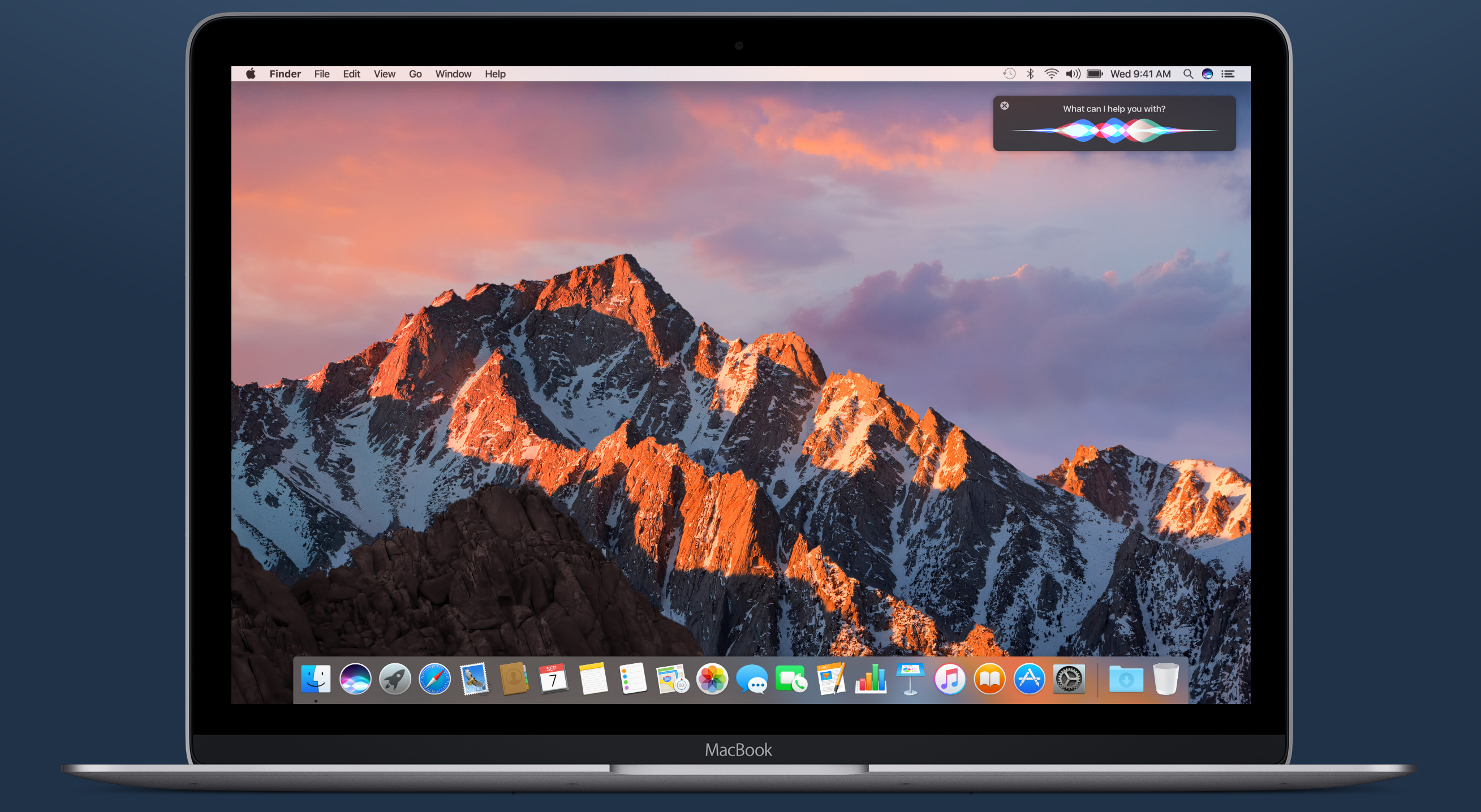
If you have used Siri on your iPhone or iPad before, then you'll probably feel right at home with the assistant on your Mac since it works in a similar way. However, unlike your iPhone, you don't have the ability to invoke Siri on your Mac by saying "Hey, Siri." Instead, you will have to click on the Siri icon in the Menu Bar, or in the Dock.

Another way to invoke Siri is by using a keyboard shortcut. Admittedly, this is my preferred way of activating the assistant as it feels faster and more efficient than reaching for the mouse or trackpad and clicking on the Siri icon.

Apple releases second macOS Sierra Golden Master to developers

Just eight days after releasing the macOS Sierra Golden Master, Apple has released a second version of the GM to registered developers today. Available via the Apple Developer Center, the new GM is build 16A323, while the previous one was 16A320. Scheduled to be released to the public on Tuesday, September 20th, this version of macOS Sierra will most likely be the final version.

How to disable the startup tone on your Mac

Whenever you turn on your Mac, you typically hear a startup tone just before your computer boots up. The tone is there to let you know your computer has passed a pre-boot test and its hardware is working properly.

Some people, however, prefer to boot up their computers in silence. If you're one of those people, we'll show you in this tutorial how you can disable the start-up tone on your Mac.