macOS

How to show the expanded Save dialog by default on Mac

By default, the behaviour of macOS upon saving a file is to open a simple dialog window, with only a single drop-down menu showing possible save locations. These locations can vary based on the program settings, your most-used save location, or your last-used save location.

Although this is fine for quickly saving documents to common folders such as Documents or Downloads, it is cumbersome to use the drop-down menu when saving regularly to multiple hard drives and previously unused nested folders. Luckily, there is a way to always show a full file browser in the save dialog for more granular control.

Seventh betas of iOS 10.3 and macOS Sierra 10.12.4 now available

Apple on Thursday seeded seventh betas of what would become the third major software update to iOS 10 and the fourth major update to macOS Sierra 10.12.4. Members of the Apple Developer Program can now install iOS 10.3 beta 7 (build 14E5277a) and macOS Sierra 10.12.4 beta 7 (build 16E191a) over the air, via the Software Update mechanism, on devices with a special configuration profile that's available through Apple's portal for developers.

Apple wants to zero in on ‘Pro’ segment, but what about the large majority?

In a statement warmly welcomed by us internet folk, Tim Cook recently proclaimed "you will see us do more in the pro area." In our circles, this is unquestionably good news, as we all foster an insatiable appetite for new innovations, be that on a hardware or software level. More pro is great, however I invariably had to spare a thought for the average, not-so techy Apple customer.

I’m talking about the type of customer that after owning their iPhone 6S for more than a year, still has little concept of what 3D Touch does. Or how about the one that loves their new MacBook, but will gaze at you with a stunned expression when you introduce them to Force Touch on their trackpad. This is by no means meant to sound snarky or patronizing, because as a matter of fact, I don’t blame them for not knowing - I blame Apple for failing to take everyone along for the ride due to poor communication.

Shifting up the ‘Pro’ a notch in the future sounds great, that said how do you straddle the line between pleasing us tech-warriors and not entirely overwhelming a large majority of users, a majority already only privity to roughly half of the juicy features on their devices? Apple needs to find some cogent answers to this issue, and rather than creating a two-tier system in their hardware sold (labelling only some products 'Pro'), I contend that software could be the key.
Chrome 57 hits Mac, Windows and Linux

Google yesterday released Chrome 57 for Mac, Windows and Linux. The release contains a number of fixes and improvements, as well as a bunch of improvements mostly focused on Android and Chrome OS devices. The browser brings a major feature for web developers: a new grid layout system allowing​ programmers to easily create web designs for a variety of screen sizes. On the iOS side, Google is currently testing a Safari-like Reading List feature for saving webpages for later.

Apple seeds macOS Sierra 10.12.4 beta 5 to registered developers

Apple on Tuesday seeded a fifth beta of what would become the fourth major update to Sierra. macOS Sierra 10.12.4 beta 5 (build 16E183b) can be deployed over the air on Macs with a prior beta and an appropriate configuration profile via the Mac App Store's Updates tab. We'll let you know if we find any outward-facing improvements in this beta.

First sign of macOS 10.13 spotted on Mac App Store

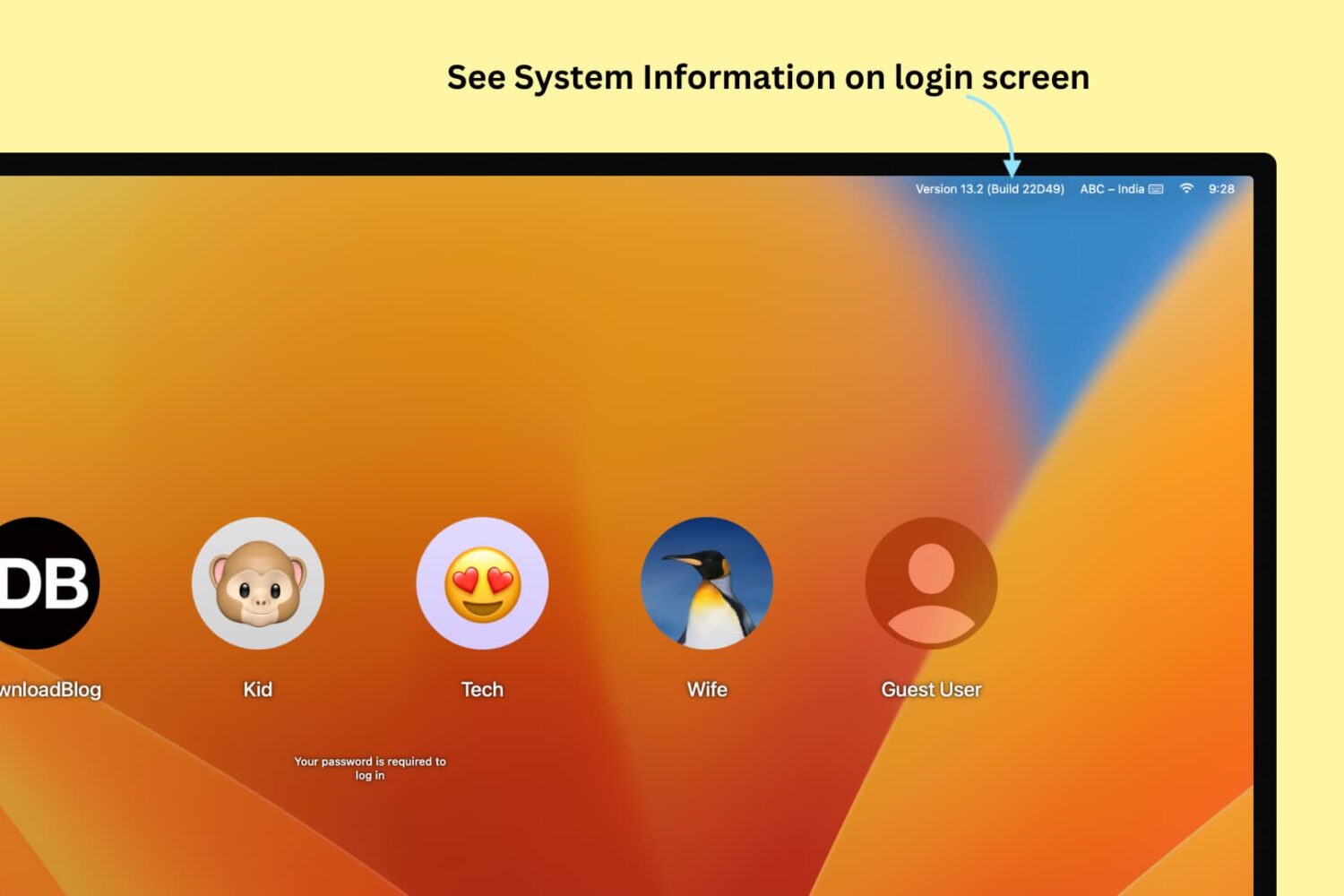
Visits from Mac computers identified as running macOS 10.13 have been increasing across iDownloadBlog and various other publications in recent weeks. And now, what looks to be the first public sign of macOS 10.13 has been spotted on Mac App Store, as per Pike's Universum which provided reliable information in the past. Apple will preview the next major versions of macOS, iOS, watchOS and tvOS at its annual developers conference which kicks off with a keynote on June 5.

How to change the default AirDrop destination folder on Mac

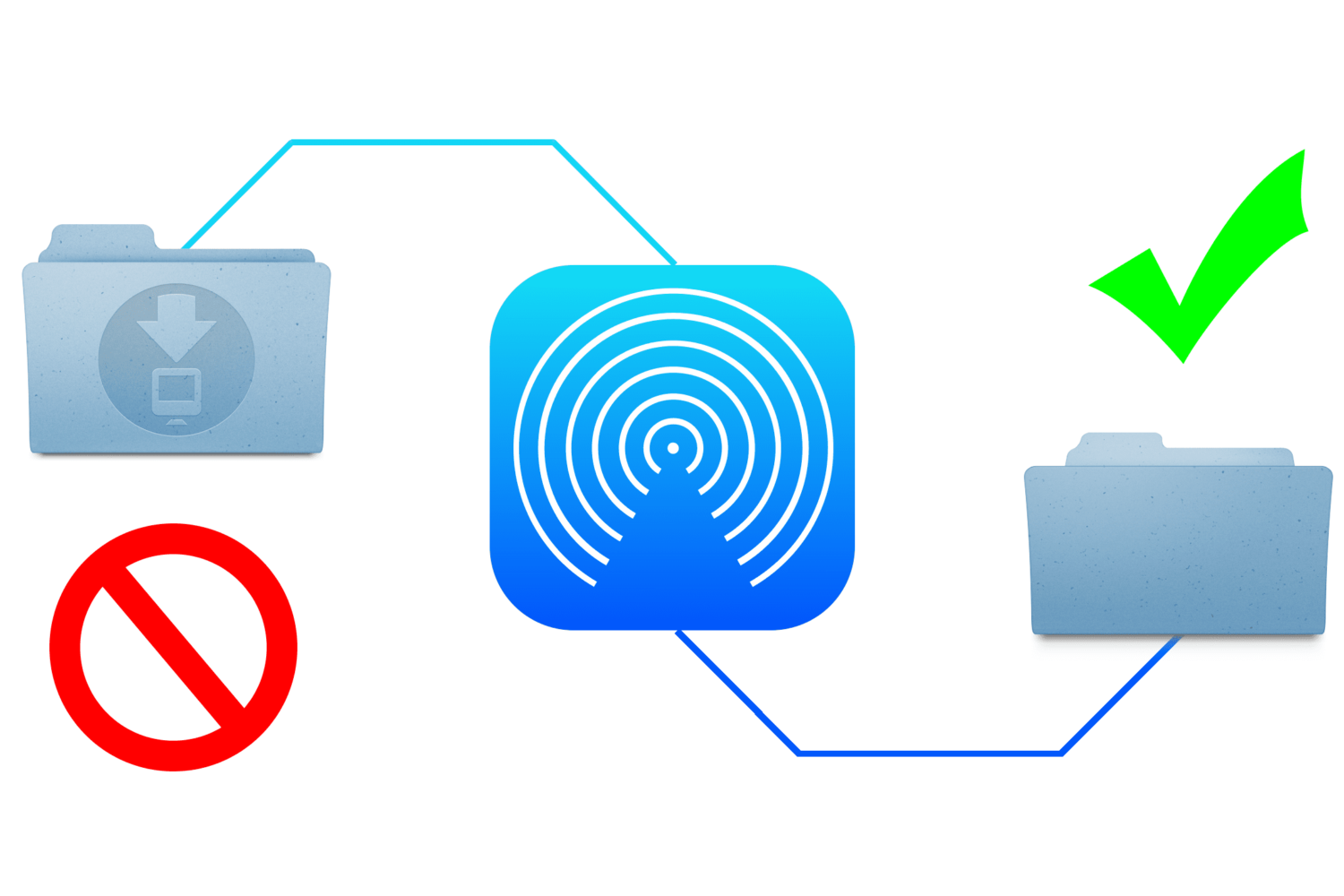
Change Airdrop Location on Mac

When you send files to your Mac via AirDrop, the received files are automatically saved to the Downloads folder. While this is a logical place for them to go, it's non-configurable and lumps them in with your Mail attachments and Safari downloads.

This approach is not granular enough for some users who may wish to designate a specific folder for AirDrop files to be saved to. Although macOS does not allow this out of the box, it's possible with some straightforward steps.

In this guide, we show you how to change the save location of files you receive via AirDrop on your Mac.

Google to expand Chrome’s malware protections on Mac

Google's Chrome and other browsers rely on a feature called Safe Browsing to display a warning message before you visit a dangerous site or download a harmful app. Google is now expanding the scope of Safe Browsing in Chrome for macOS to strengthen protections against malware and other unwanted software such as extensions that silently modify Chrome's settings. The expanded Safe Browsing features in Chrome for macOS will go in effect on March 31, Google has said.

Apple seeds fourth betas of iOS 10.3, macOS Sierra 10.12.4 and watchOS 3.2 to developers

Apple today seeded fourth betas of iOS 10.3, macOS Sierra 10.12.4 and watchOS 3.2 to members of the Apple Developer Program. iOS 10.3 beta 4 (build number 14E5260b), macOS Sierra 10.12.4 beta 4 (build number 16E175b) and watchOS 3.2 are now all available as over-the-air downloads through the Software Update mechanism on devices with an appropriate configuration profile. We'll update the article if we find new features or important under-the-hood changes in the new betas.

How to install macOS 10.12 Sierra on unsupported Mac hardware

With macOS Sierra, Apple dropped support for some of its hardware models for the first time in several years. Citing various incompatibilities and hardware deficiencies, they cut out a large swathe of machines from running Sierra. However, many Mac owners have questioned their motives, observing that some machines have made the cut whilst their more powerful contemporaries (such as the MacBook Pro) have mysteriously been left behind.

This led some to conclude that Apple is simply raising the bar to encourage hardware upgrades, and that there is often no incontrovertible hardware reason which dictates the unsupported machines. In many cases this turned out to be true, and with a few tweaks and amendments many of the "unsupported" machines have been brought back into the fold by a tool by dosdude1, called macOS Sierra Patcher. In this guide, we'll walk you through how to use the tool to install macOS 10.12 Sierra on older Mac hardware, which claims not to support it.

Beta 3 of iOS 10.3 and macOS Sierra 10.12.4 released for public beta testing

iOS 10.3 beta 3 with Find My AirPods and other enhancements and macOS Sierra 10.12.4 beta 3 with Night Shift Mode and other perks are both now available for public beta-testing, assuming you've enrolled in Apple's Beta Software Program. After signing up on the web at beta.apple.com, deploy a special configuration profile on your iPhone, iPad, iPod touch or Mac and you'll be able to install the latest beta over-the-air via Apple's standard Software Update mechanism.