You can easily activate Dark Mode on your Mac desktop and laptop to make the screen easier on your eyes, especially at night.
Here are three quick ways to turn on Dark Mode on your Mac running macOS Mojave or later.

You can easily activate Dark Mode on your Mac desktop and laptop to make the screen easier on your eyes, especially at night.
Here are three quick ways to turn on Dark Mode on your Mac running macOS Mojave or later.
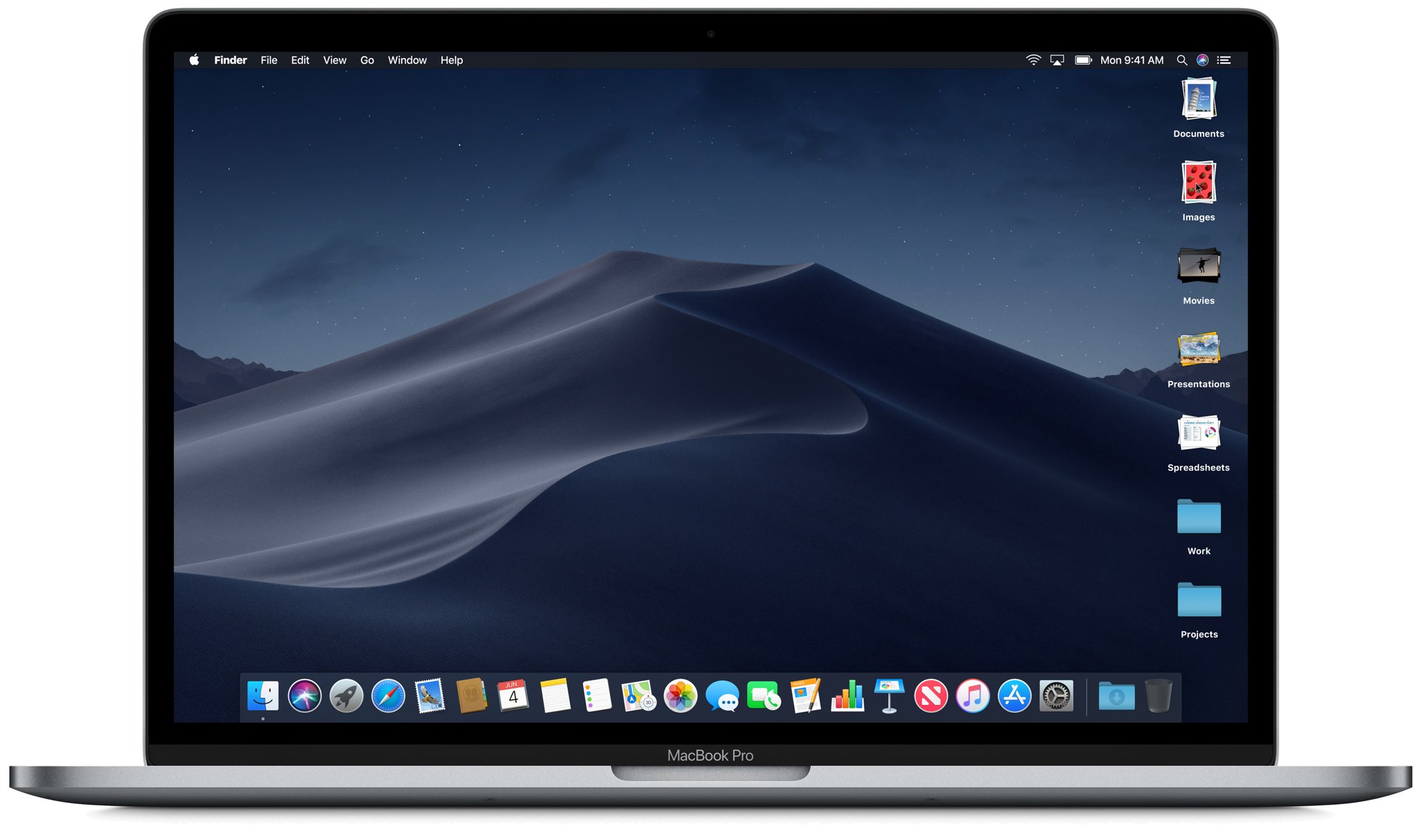
Use the Stacks feature to declutter and streamline your Mac desktop, simplifying your file organization and boosting productivity.
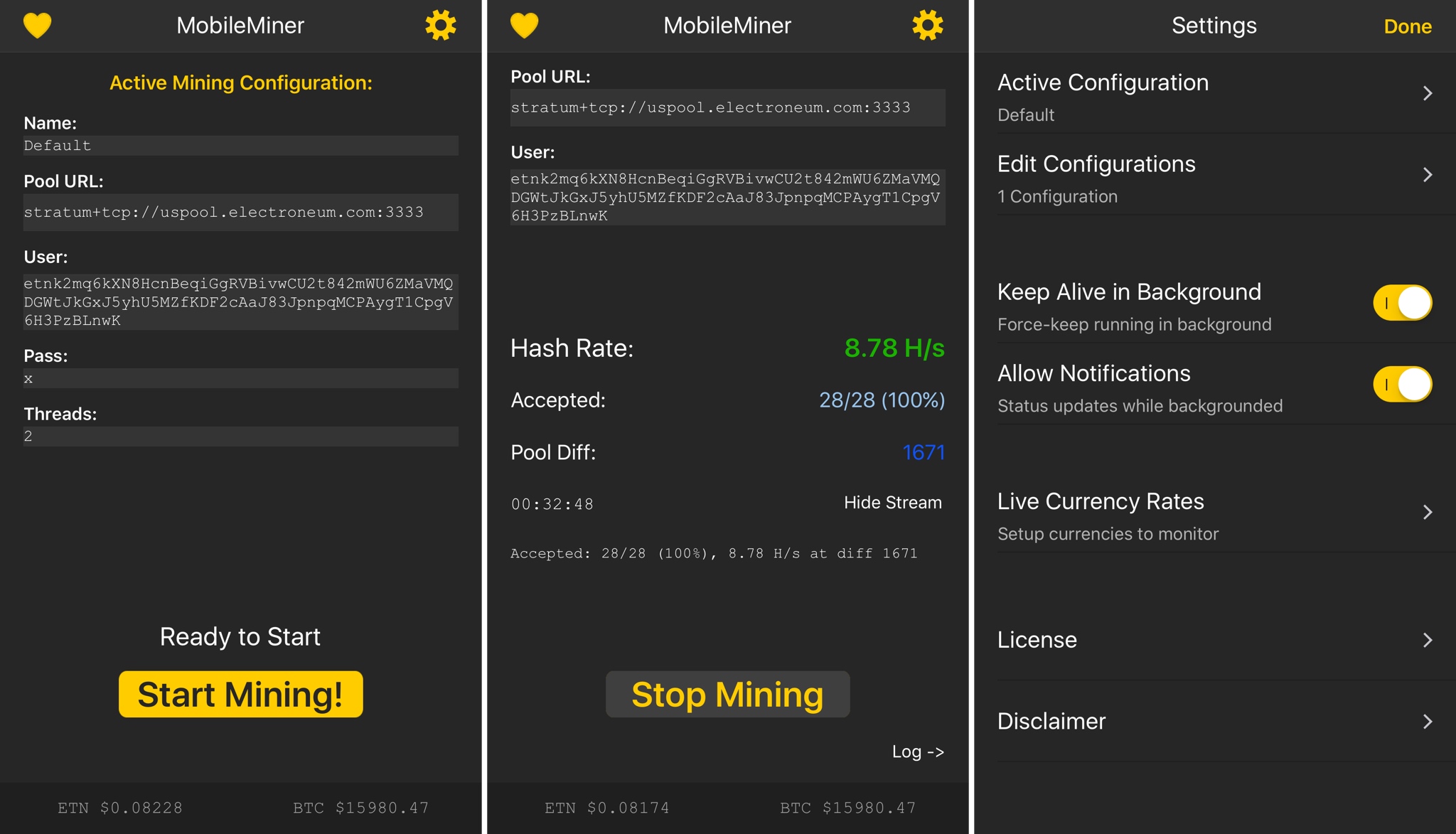
In an effort to limit cryptojacking on its devices, Apple has officially stopped accepting cryptocurrency mining submissions for iPhone, iPad and Mac and is no longer permitting such software to be distributed through both App Store and Mac App Store.
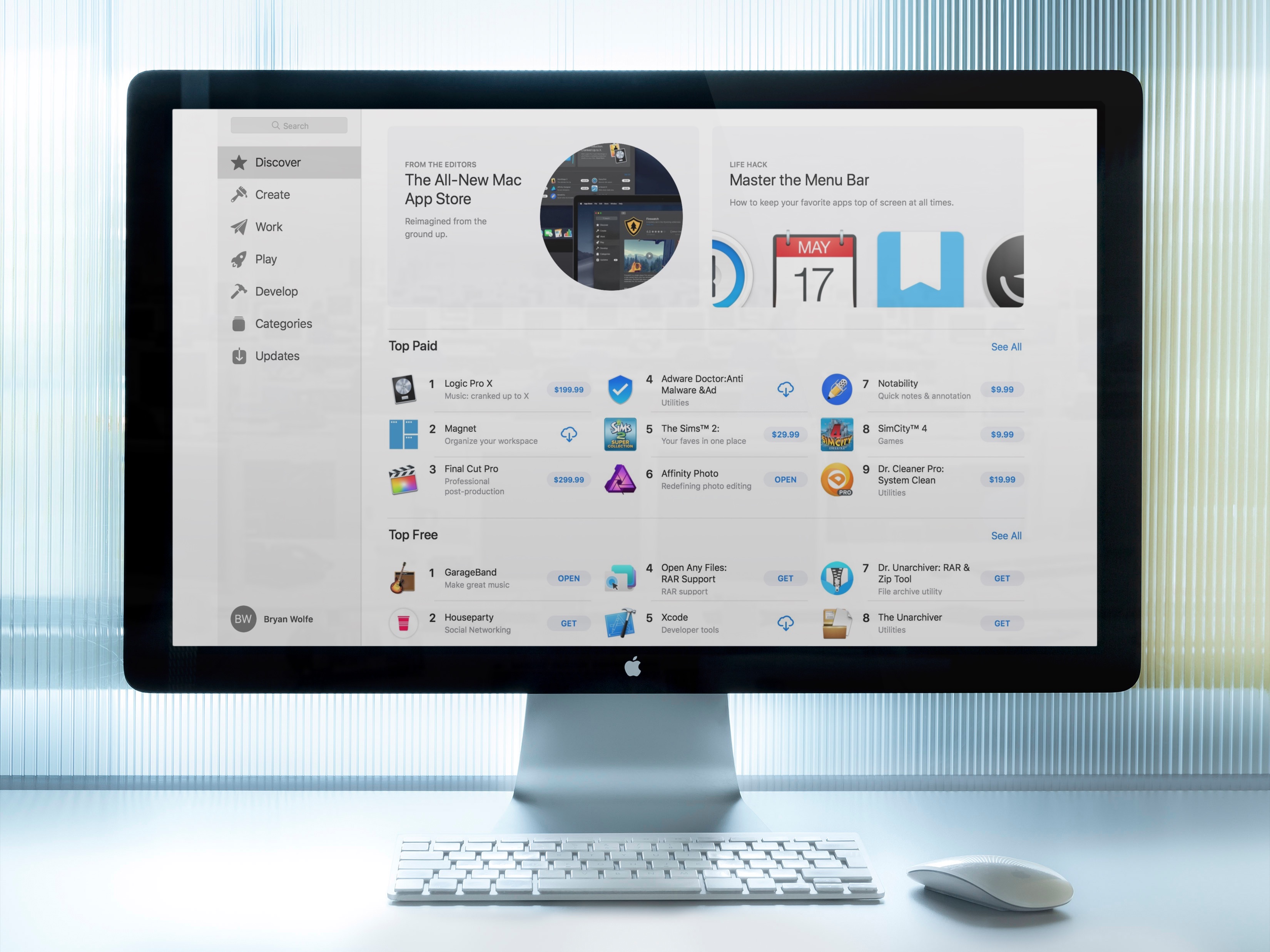
When the macOS Mojave Mac App Store arrives this fall, it will look familiar. It's almost identical to the iOS App Store and yes, this is a good thing. Here's a quick look at the redesign.
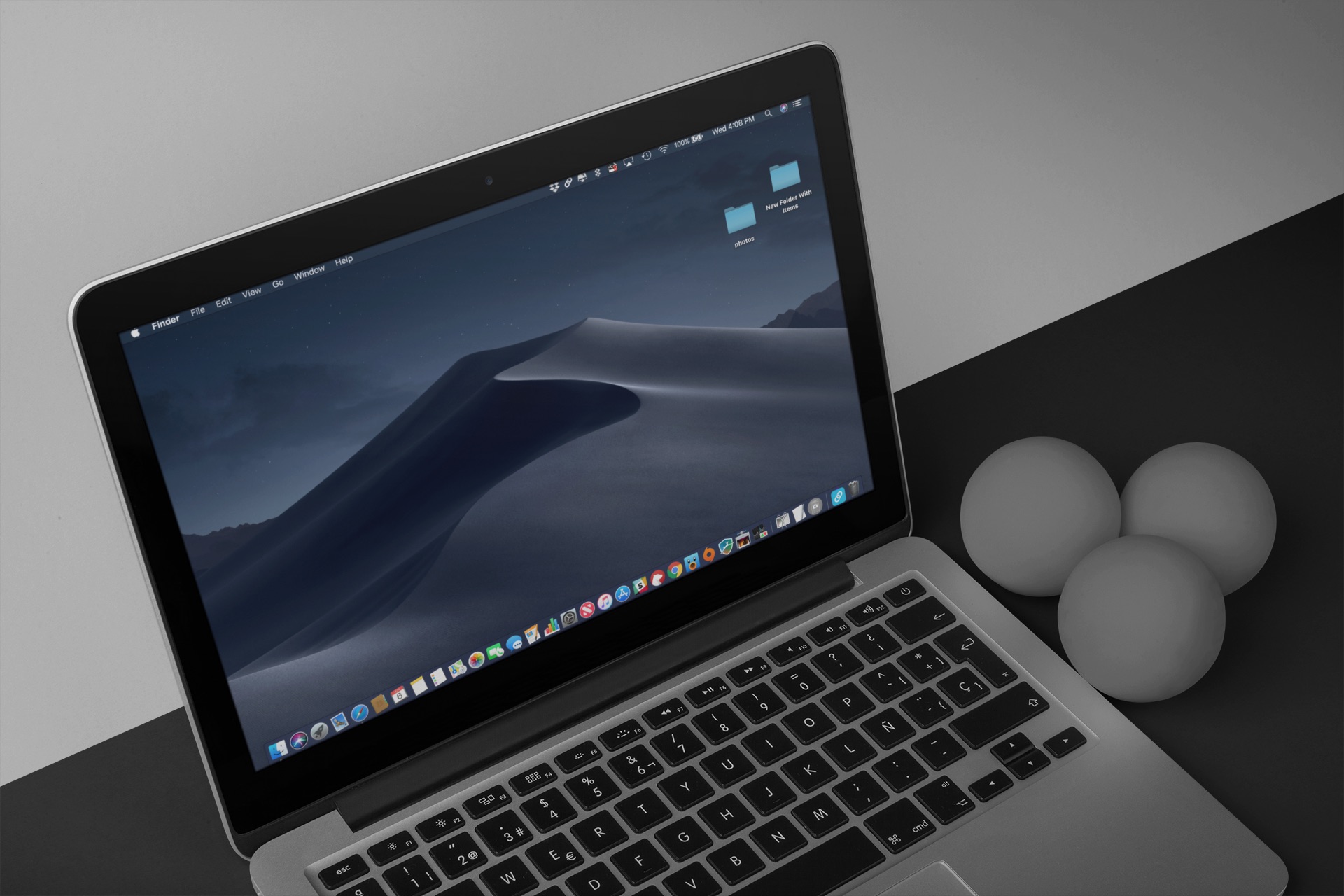
One of the newest Mac features coming this fall in macOS 10.14 Mojave is an all-new Dark Mode. With it, you now have a choice between a light and dark appearance. Here’s a sneak peek at how dark UI styling affects critical parts of macOS.
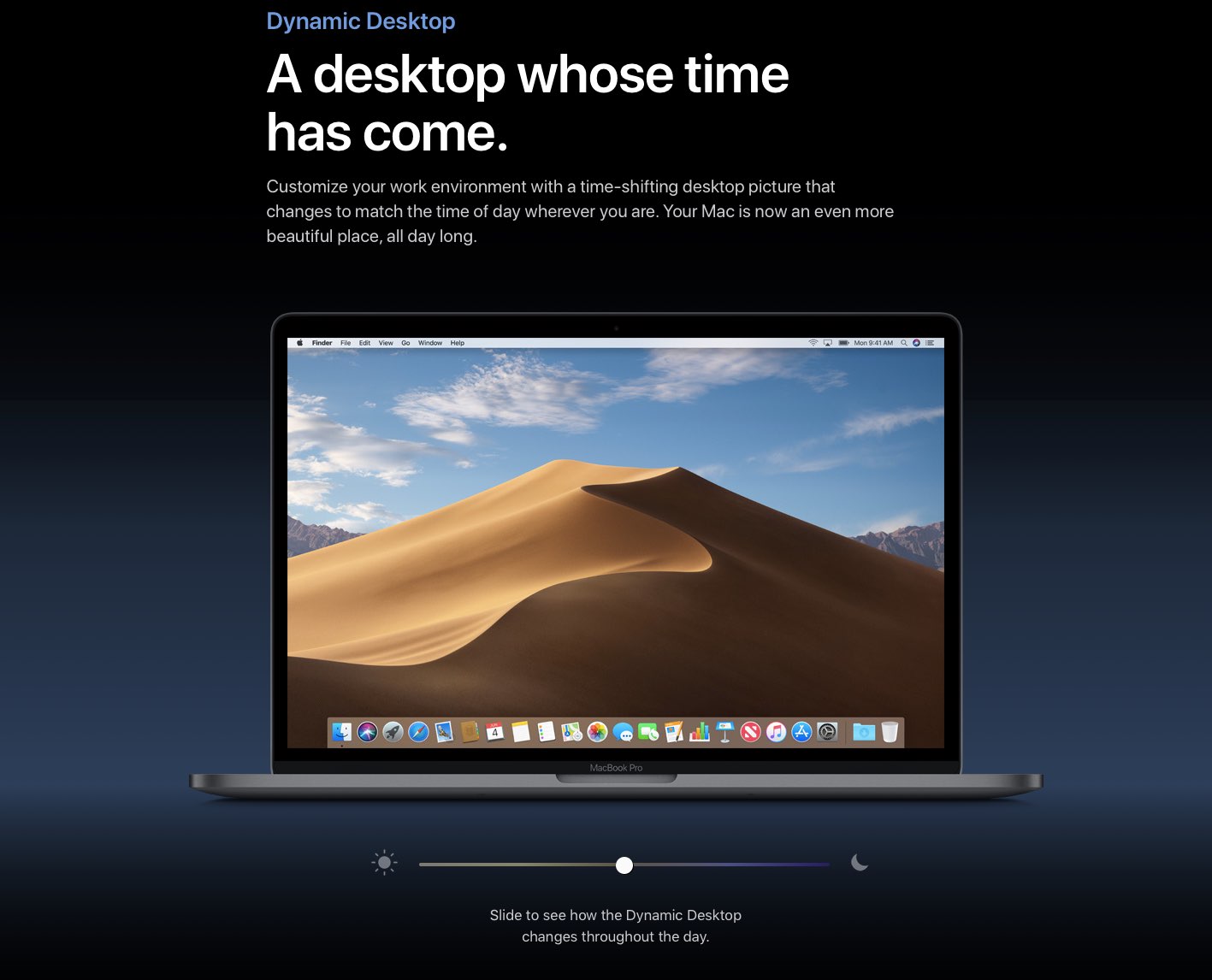
Aside from its major headline-grabbing capabilities, macOS Mojave brought a new Dynamic Desktop feature that automatically adjusts a special wallpaper to match the time of day.

Facebook, Twitter, and other social networking sites no longer have third-party integration in macOS Mojave. The shift follows a similar move that was enacted with iOS 11 in 2017. With the change, accessing and sharing information with those services on your Mac will require a few more steps.
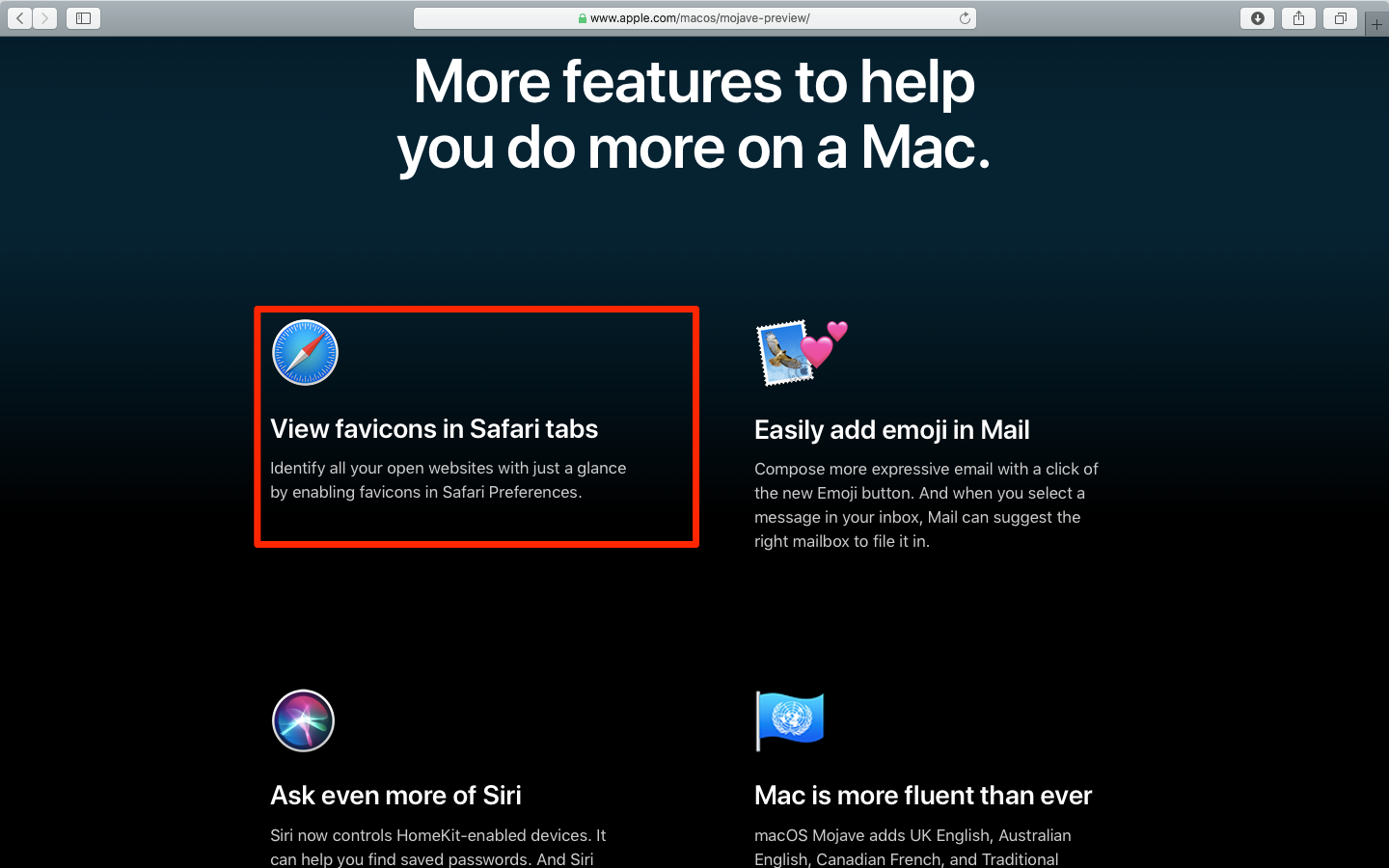
The latest version of Apple's Safari browser that ships with macOS 10.14 Mojave brings back the long-awaited favicons to help visually distinguish between multiple open tabs. What's more, favicons are available for the first time on iPhone and iPad thanks to iOS 12.

In macOS Mojave, Apple is bringing apps from iOS to the Mac for the first time, including News, Stocks, Voice Memos, and Home. The News app for Mac offers all the content you've come to expect from the curation app in a design that looks familiar. Here's a quick look at the News app for macOS.
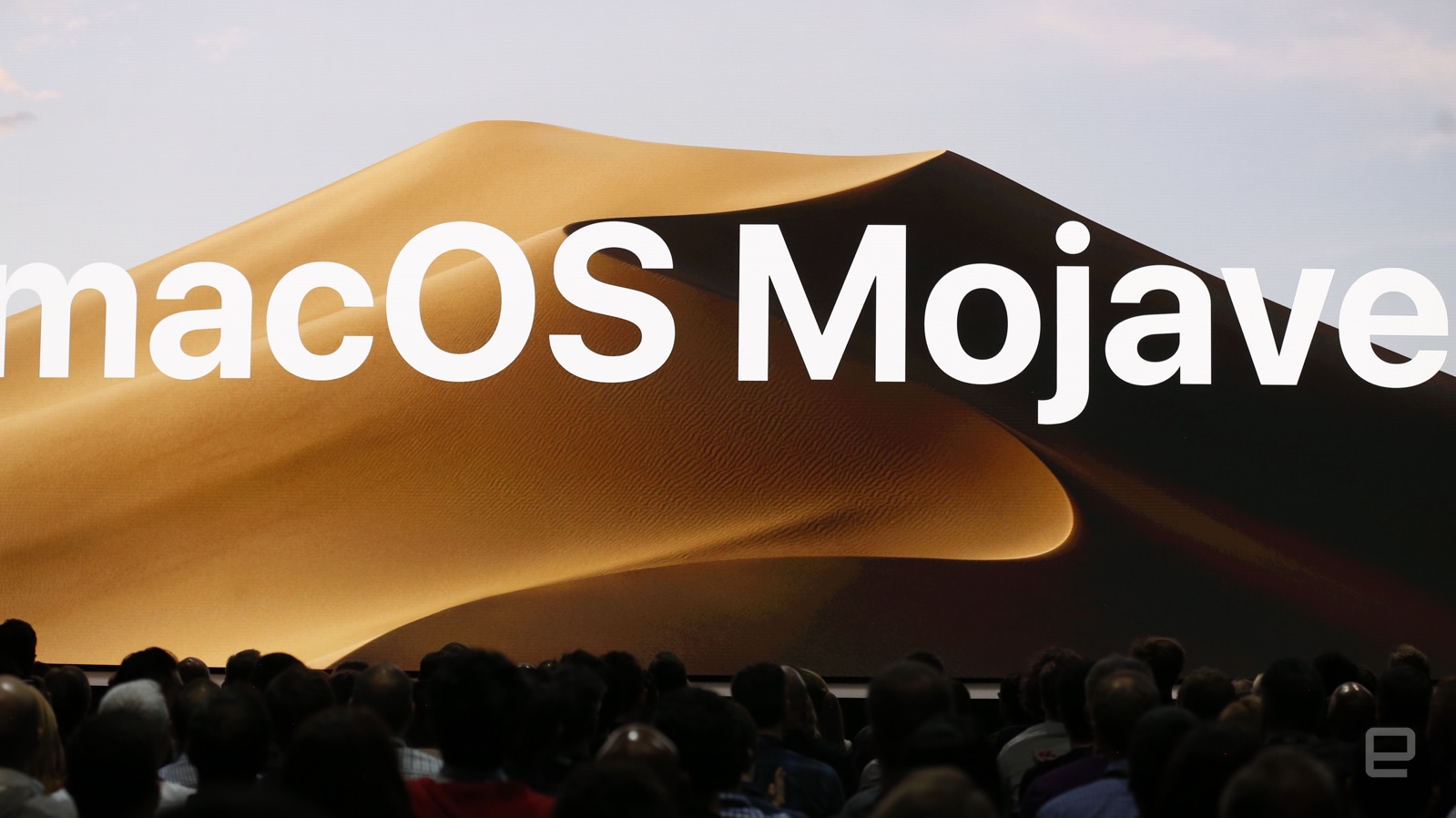
At WWDC 2018, Apple revealed the next version of macOS. Called Mojave, macOS 10.14 includes a number of new features including a dark mode.
The dark mode affects everything with the OS. Better still, the desktop can change throughout the day automatically.
With Desktop Stacks, there's a new way to declutter a desktop. There's also a Quick Actions feature in Finder and the ability to see full metadata. These Quick Actions are customizable.
Quick Look also includes all-new Markup tools. Screenshots have also been improved in macOS Mojave.
A new Continuity Camera feature was also demoed that allows you to bring images from iPhone to a Mac app without saving the file first.
The Apple News app is also arriving on Mac. Voice Memos are also arriving this fall.
On the security front, Apple's bringing new protections to Mac. This includes the ability to limit location tracking to specific apps. Safari includes new security tools too.
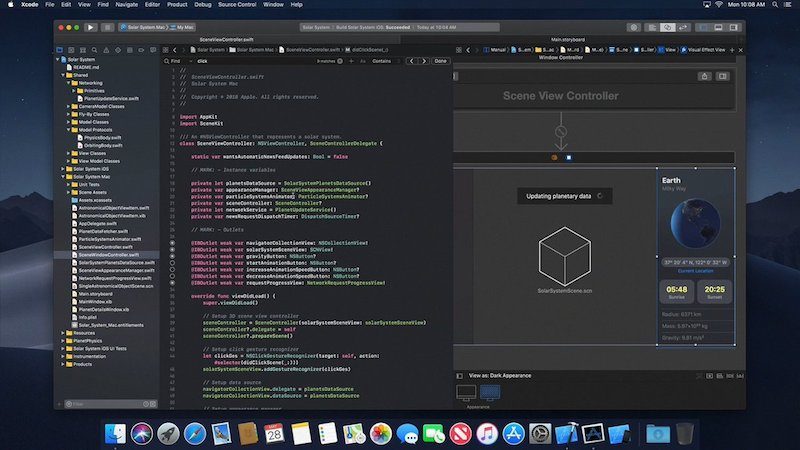
The next version of macOS is almost certainly going to be revealed on Monday, June 4 at Apple's Worldwide Developers Conference (WWDC). Now there's proof, courtesy of a 30-second video preview of Xcode for macOS 10.14 accidentally leaked by Apple and discovered by developer Steve Troughton Smith. The leak is significant in that it probably gives away at least three secrets about the next operating system for Mac.
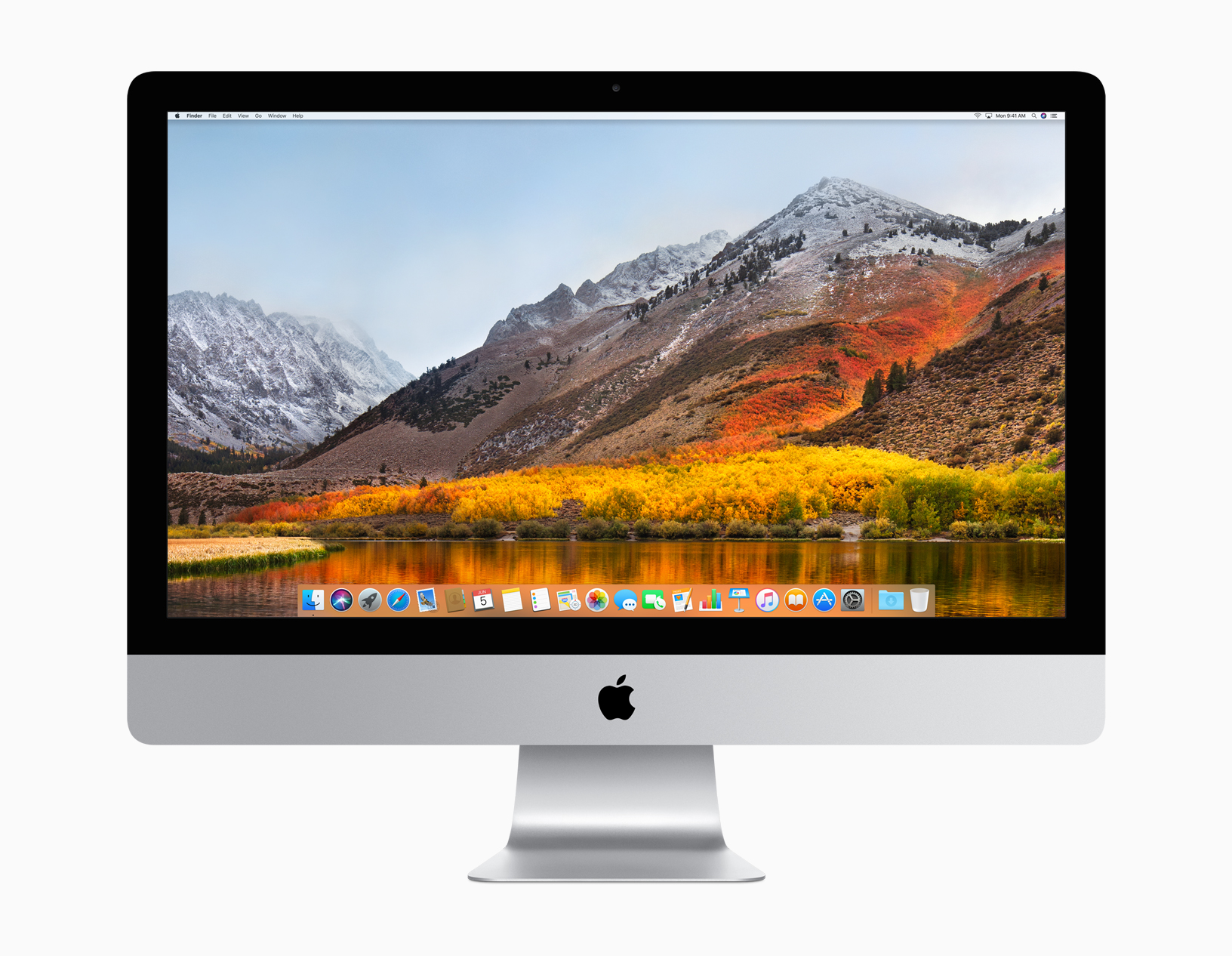
Apple has released macOS 10.13.5 to the public. The new update for Mac is available now for download over the air (OTA).