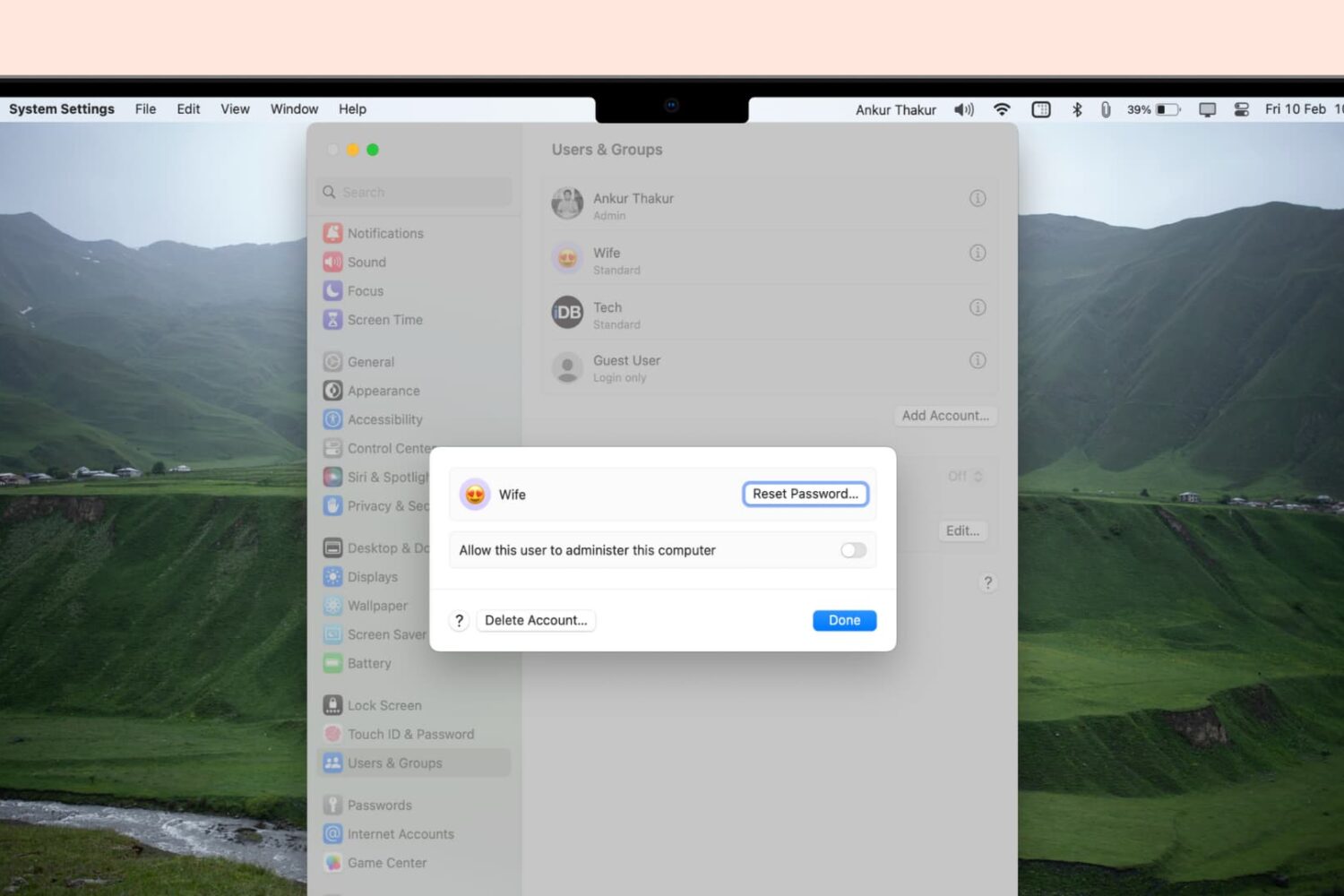
Whether you’re looking to free up space on your device or simply organize your accounts, this guide will walk you through the steps to delete user accounts on your Mac, including admin accounts.
How to delete user accounts from your Mac
Stay up-to-date on the latest Mac news, and tutorials. Get expert tips and tricks to optimize your Mac’s performance and learn about the latest Apple products and software updates. Discover the best Mac apps and accessories to enhance your user experience.
Whether you’re looking to free up space on your device or simply organize your accounts, this guide will walk you through the steps to delete user accounts on your Mac, including admin accounts.
In this step-by-step tutorial, we show you how to capture screenshots and make video recordings of your Apple TV screen running a recent version of tvOS. Aside from your TV, all you need is a little help from your Mac.
Release notes for iOS and iPadOS 16.3.1, macOS 13.2.1, watchOS 9.3.1 and tvOS 16.3.2 reveal bug fixes related to iCloud, Siri on HomePod and more.
This tutorial will show you how to customize the Lock Screen and login screen wallpapers of your Mac in macOS Ventura, including steps to set different pictures as the desktop and Lock Screen backgrounds.
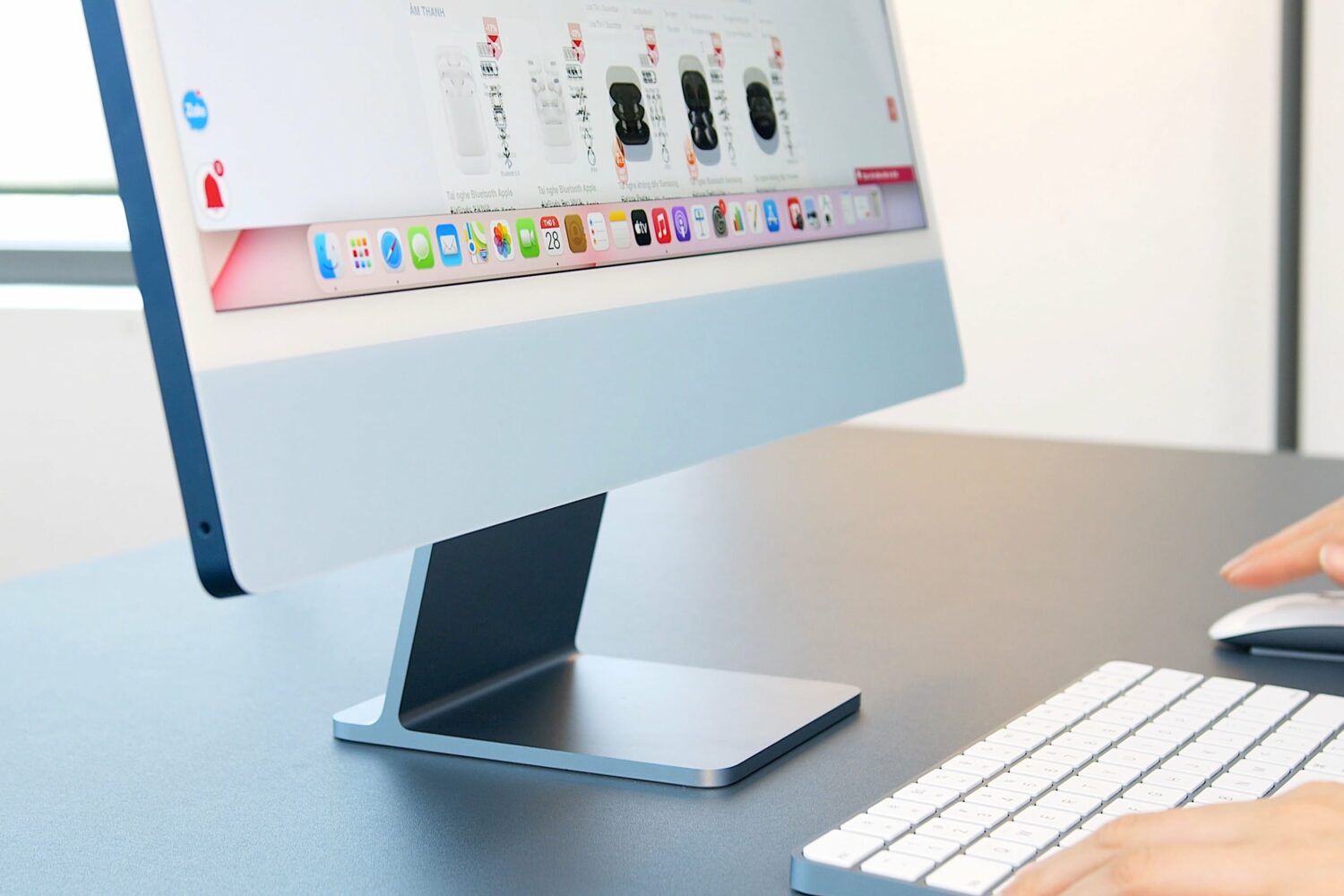
A Bloomberg reporter is optimistic that an updated 24-inch iMac powered by an unreleased Apple M3 chip could arrive before the end of 2023.

Learn how to create separate user accounts on your Mac, allowing each user to customize their settings and keep their files and documents private and secure.
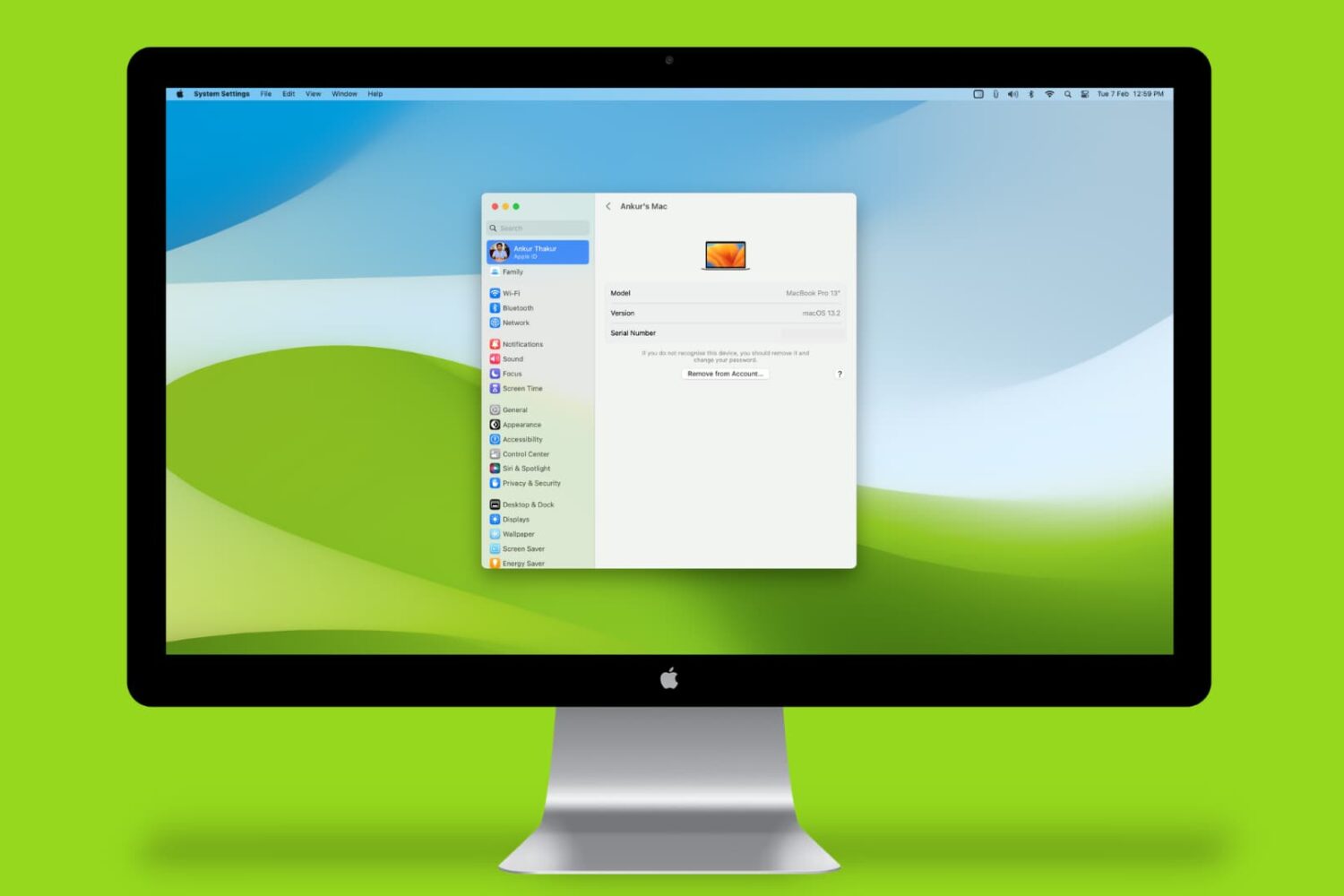
Learn how to find your Mac’s serial number, model number, part number, model name, and launch year, and why you might need this information.
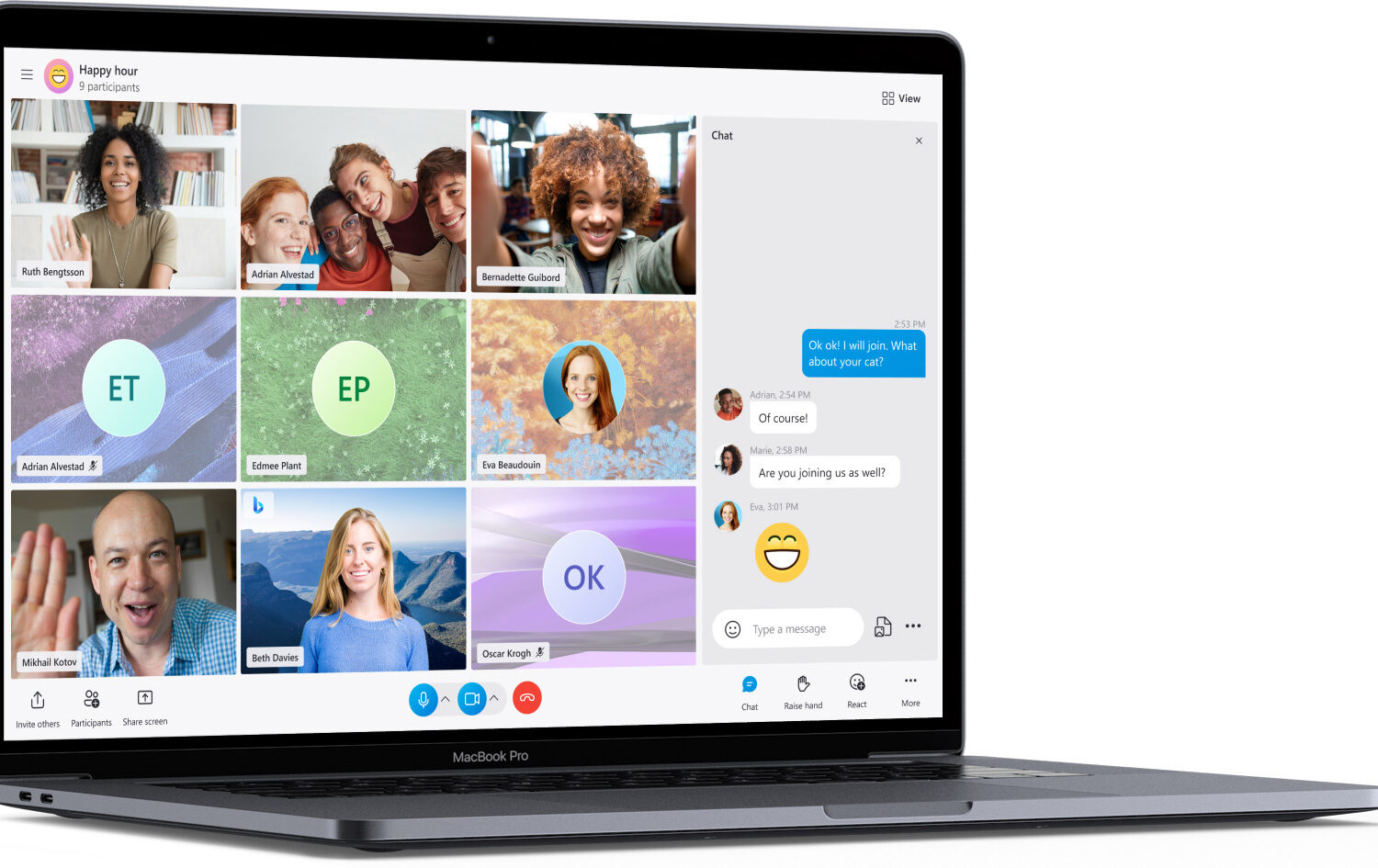
The new version also consumes less power and features more reliable call connections on Mac computers powered by the Apple M1 and M2 chips.
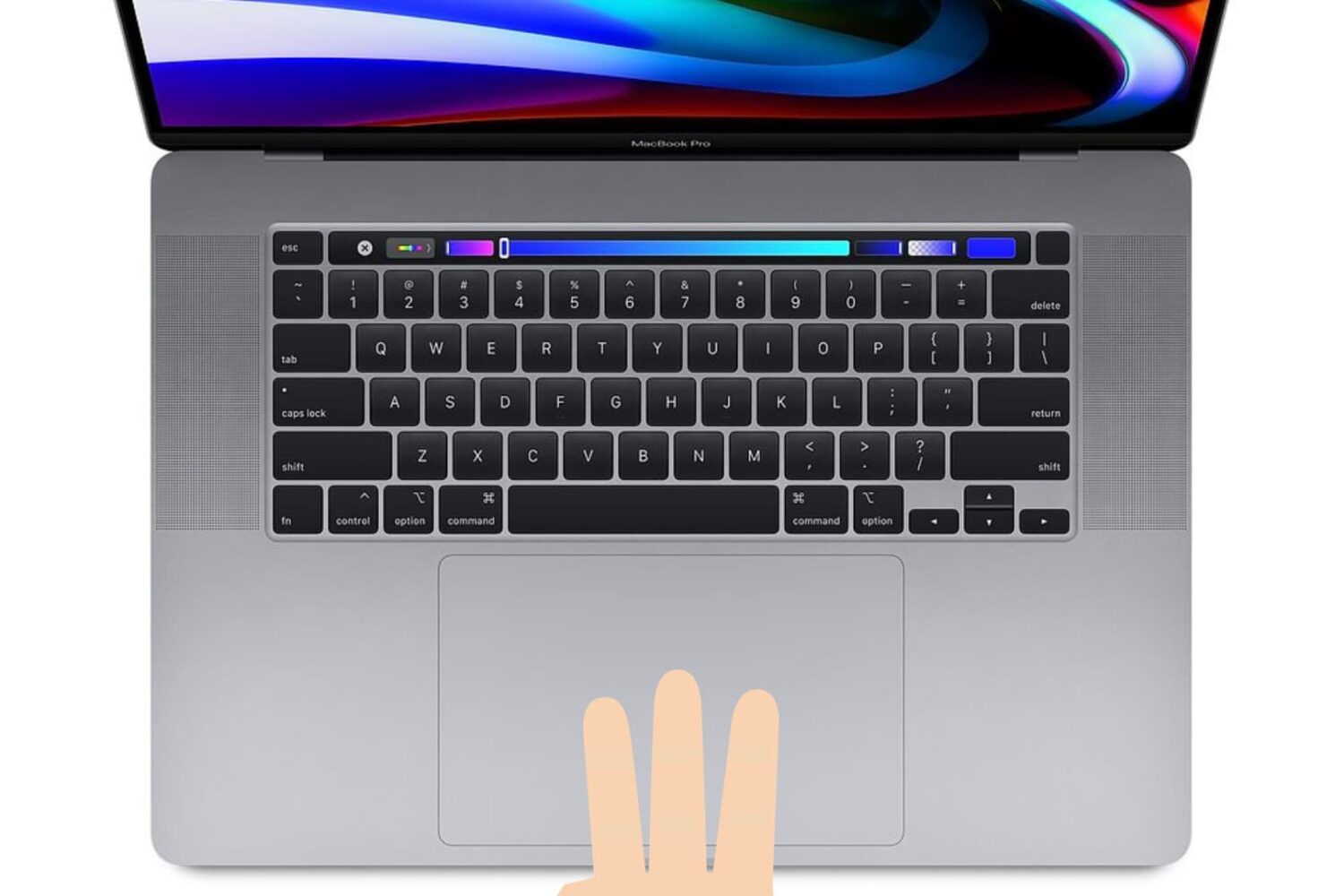
Learn how to enable three-finger drag on your MacBook’s built-in trackpad or a Magic Trackpad to make it easier to move windows and select text.
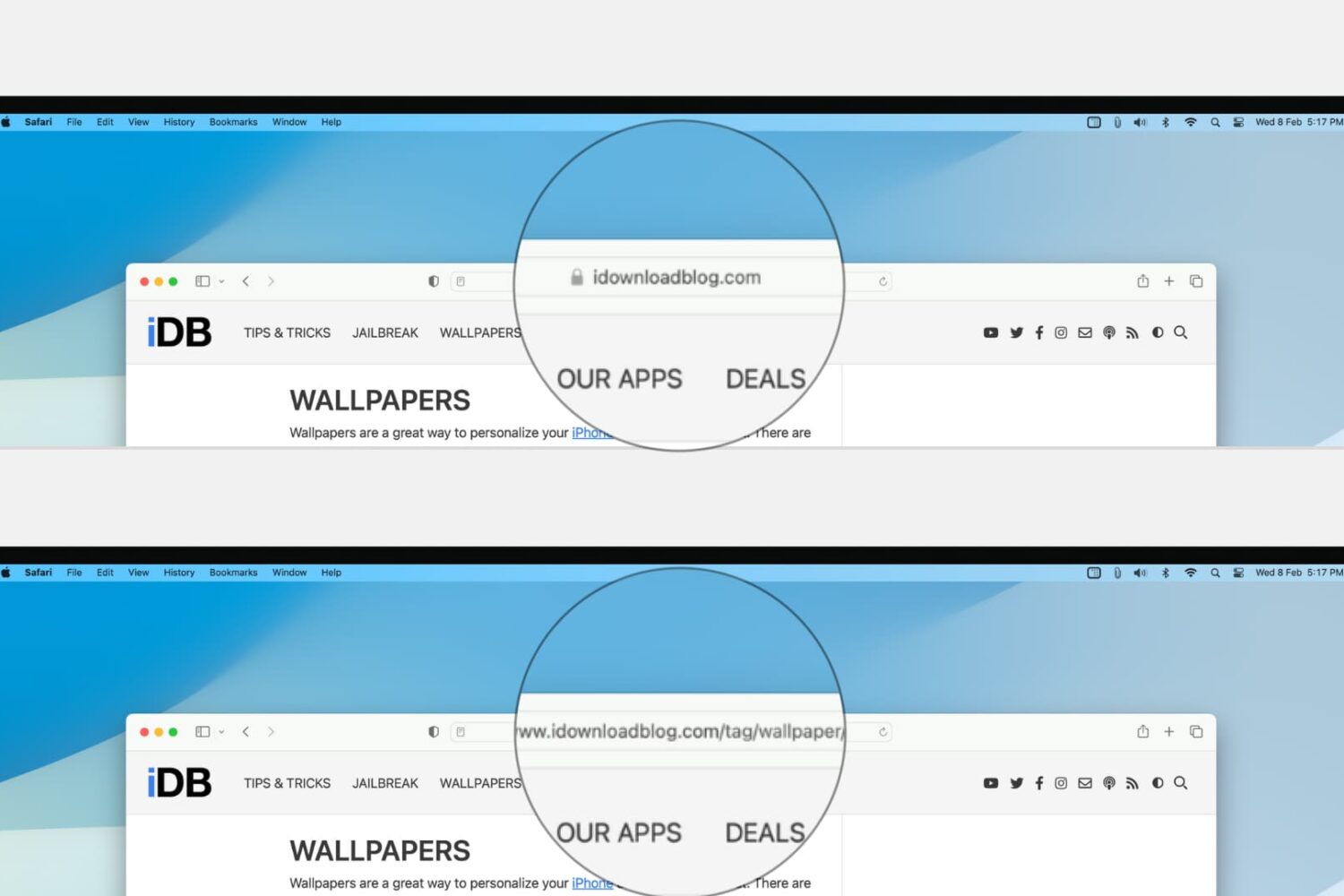
Learn how to configure Safari on your Mac to display the full website URL in the address bar, making it easier to distinguish between open tabs.
Learn how to prevent your iPhone messages, Phone & FaceTime calls, emails, and app notifications from showing up on your shared Mac to enhance your privacy.

If you use an external Pioneer USB drive to read and burn CD, DVD and Blu-ray discs on your Mac, you should hold off updating to macOS Ventura 13.2.