Learn how to reset the SMC on Intel-based and Apple silicon Macs to troubleshoot and fix various hardware issues with the power, display, webcam, etc.
Why and how to reset SMC on your Mac

Stay up-to-date on the latest Mac news, and tutorials. Get expert tips and tricks to optimize your Mac’s performance and learn about the latest Apple products and software updates. Discover the best Mac apps and accessories to enhance your user experience.
Learn how to reset the SMC on Intel-based and Apple silicon Macs to troubleshoot and fix various hardware issues with the power, display, webcam, etc.

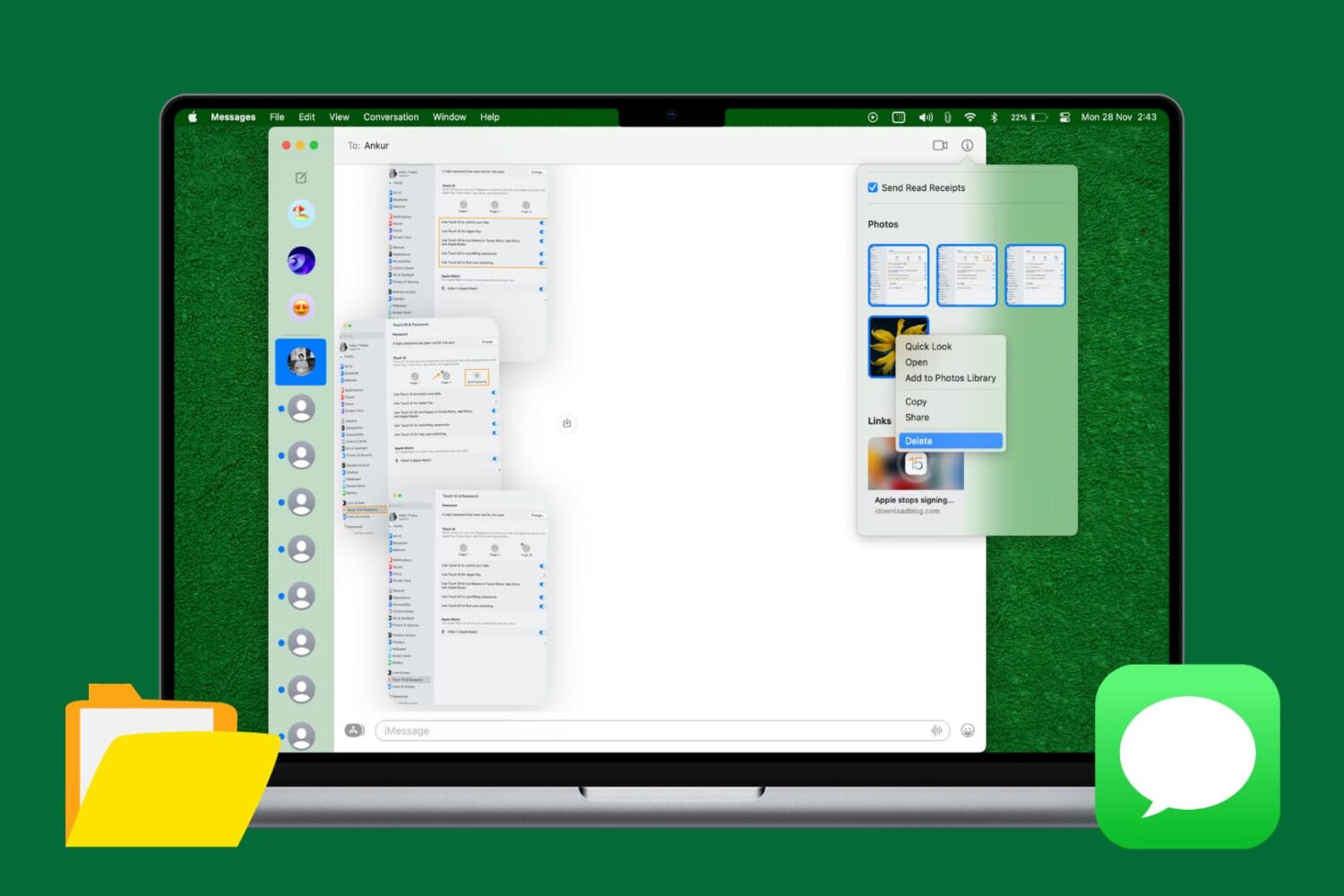
If you're a minimalist type of person, then you might prefer to keep your Mac's desktop free of any icons.
Yes, you can easily drag documents and other files that have been cluttering your desktop and put them in a folder on your Mac. However, that doesn't change the fact that icons for external hard drives, USB thumb drives and other hardware devices will still pop up on the desktop as soon as they're connected to your Mac.
Wouldn't it be nice if you could do something about that? Thankfully, Apple's engineers though of that, too, because macOS makes it easy to optionally remove desktop icons for different types of devices with just a few clicks.
All Macs with OS X El Capitan installed on them have a new layer of security known as System Integrity Protection, which has been given the nickname 'Rootless' because it closes off a lot of system files to user access to prevent malicious programs and code from causing harmful changes to the core of OS X.
For some, the added security feels like a must for protection of your personal information, but for more advanced users who poke their noses into system files quite often, the feature can get in the way and prevent user modifications to the operating system. In this tutorial, we'll give you an overview of System Integrity Protection and show you a way to disable it.

Try these tips if you’re having Bluetooth problems on your Mac and can’t connect accessories, AirPods, or other wireless devices, or send files to an Android phone or Windows PC.

Not long ago, we took you through an overview of the location services settings that come with your iOS device and told you all about how you can increase your privacy by configuring your location services wisely.
It's worth noting, however, that even your Mac uses your location for certain things; and with that in mind, you may want to look at your location services settings on your Mac to make sure you're limiting what you need to limit and are only allowing location services for the things you actually use.
In this walk-through, we'll explain the location services settings that come with macOS and tell you all about what might be using your location in the background.
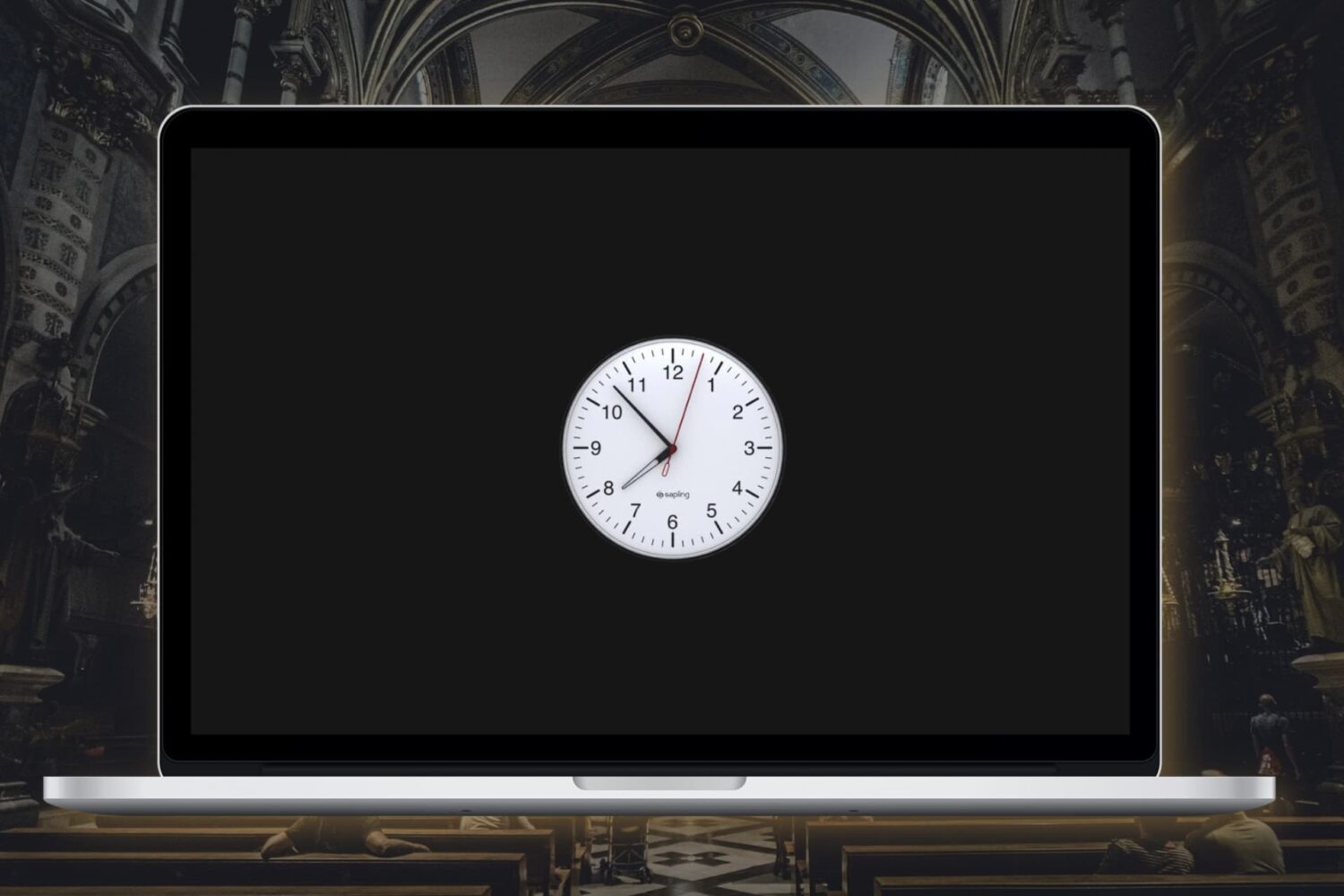
In this tutorial, we’ll show you how to enable the analog clock in the menu bar on your Mac, replacing the digital clock.
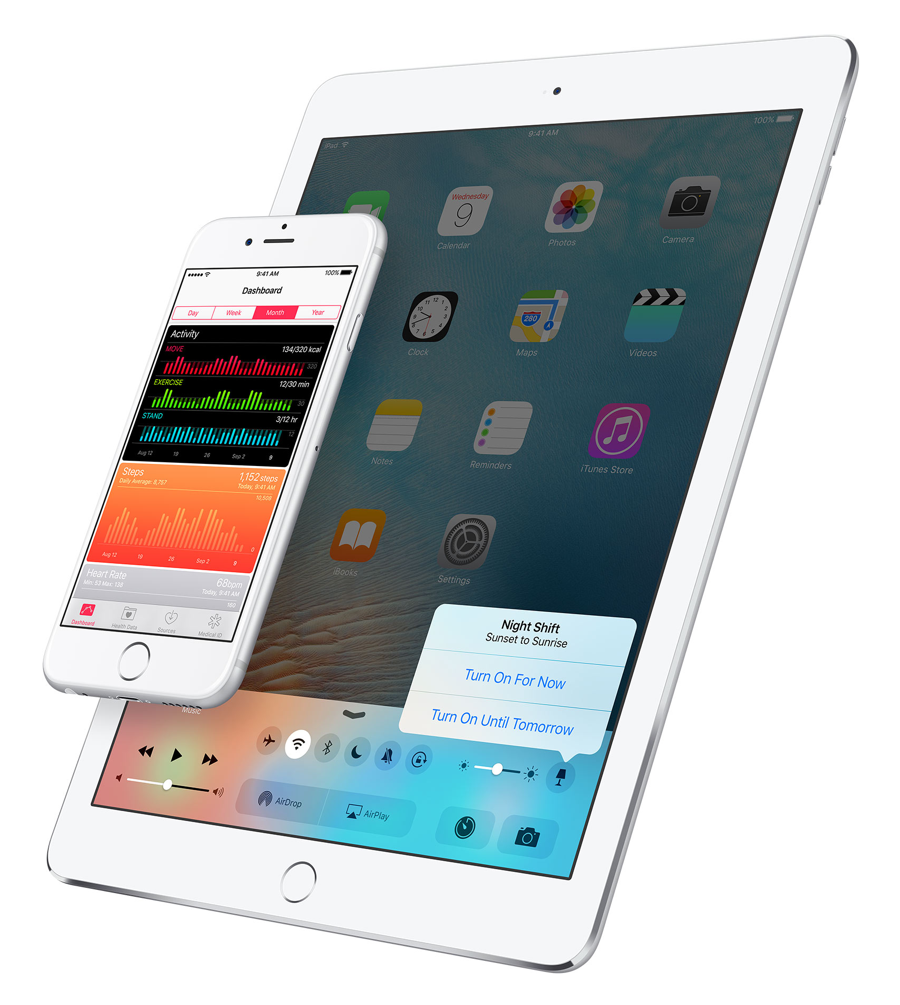
Two days after seeding OS X 10.11.4 El Capitan beta 2 and iOS 9.3 beta 2 to members of the Apple Developer Program, public beta testers who are signed on the Apple Beta Software Program can now freely deploy these new beta builds on their Mac, iPhone, iPad and iPod touch devices.
iOS 9.3 beta 2 is available as an over-the-air update in Settings → General → Software Update on enrolled devices. OS X 10.11.4 beta 2 can be downloaded through the Mac App Store's Purchased tab for those who are enrolled in Apple's beta testing program.

Unlike most desktop notifiers that merely send you to Gmail's mobile interface on the web, the most recent update to a cool Mac app called Aura actually implements Quick Reply functionality so you can reply to messages, or add a new message to any thread—right from its notification banner.
This nifty little app can save you time when you need to fire off a one-line response. It supports Gmail and Google Apps accounts, it's fully native and optimized for OS X Yosemite and El Capitan.
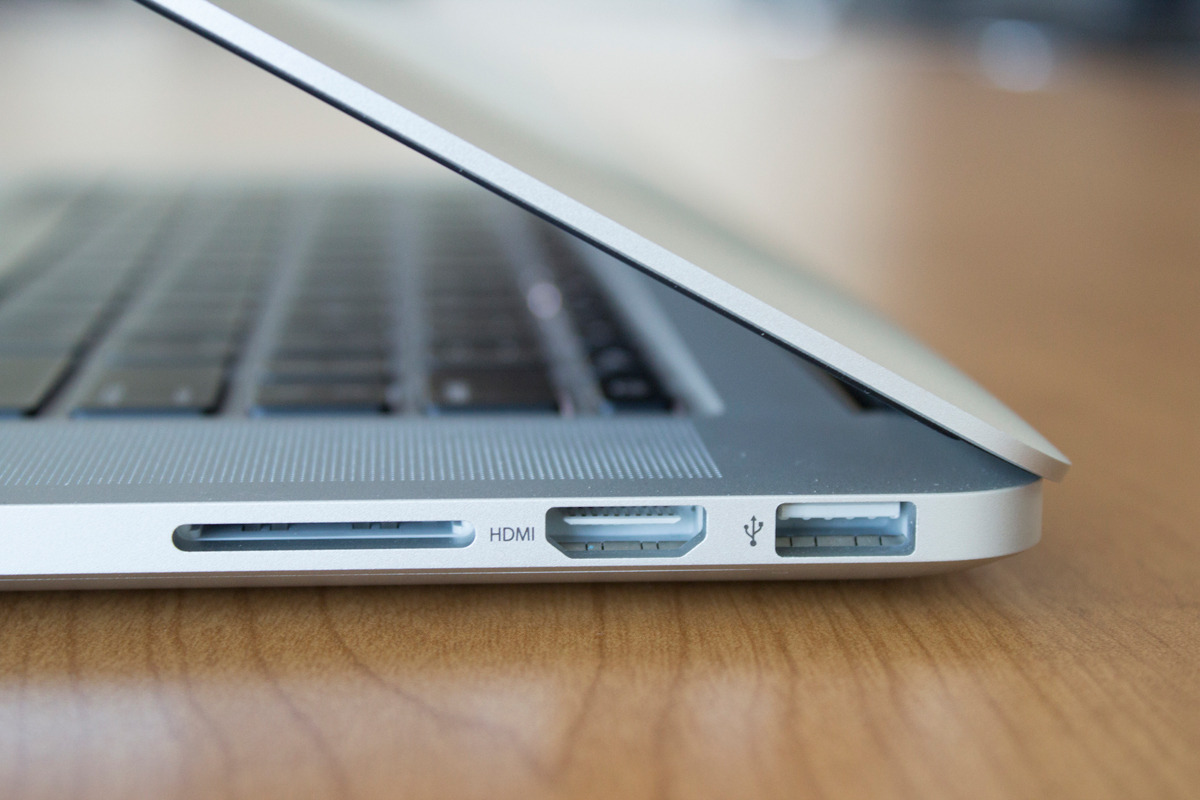
On the right side of all modern MacBook Pro models is an HDMI port used for digital video and sound. It's a great way to take in all of your favorite movies on the big screen.
On the other hand, if you wanted to use external speakers or headphones, it can cause issues if your sound settings aren't configured just right because HDMI itself is also an audio out port in addition to video out.
In this piece, we'll walk you through how to make sure your audio out is going to the right place.

Following the public release of tvOS 9.1.1 for the new Apple TV with the Podcasts app earlier this morning, Apple today seeded a second beta of OS X 10.11.4 El Capitan to members of its Apple Developer Program alongside iOS 9.3 beta 2, watchOS 2.2 beta 2 and tvOS 9.2 beta 2.
A standalone 10.11.4 beta 2 download should be available shortly via the Apple Developer Center and can be grabbed now through the Purchased tab in the Mac App Store on Macs with a prior beta.