Mac

Stay up-to-date on the latest Mac news, and tutorials. Get expert tips and tricks to optimize your Mac’s performance and learn about the latest Apple products and software updates. Discover the best Mac apps and accessories to enhance your user experience.

How to clear your web browsing cache in Chrome, Safari, and Firefox on Mac

Chrome settings on Mac

Over time, web browsers accumulate website data from everyday browsing. Known as cache, this data collection helps browsers load web pages more quickly, so these files don't have to be re-downloaded when you revisit the same websites in the future.

Unfortunately, cache is also the main suspect when diagnosing issues loading websites, and it can also eat up valuable storage space on your Mac. That's why in this tutorial, we'll show you how to delete cache and cookies in three of the most popular web browsers: Apple Safari, Google Chrome, and Mozilla Firefox.

Microsoft unveils touchscreen Surface Laptop, its $999 MacBook rival

At its educational event held this morning in New York City, Microsoft unveiled Surface Laptop, its $999 MacBook rival available for preorder beginning today ahead of its planned release this summer.

The device runs the new Windows 10 S operating system, the company's answer to Google’s Chrome OS, and features a clamshell body weighing at 2.76 pounds and measuring 14.47mm at its thickest point and tapering down to 9.9mm at its thinnest point at the front.

Taking on MacBooks

Surface Laptop runs either Intel’s seventh-generation i5 or i7 processor and sports vapor chambers integrated into the anodized aluminum finish on the rear to help keep it cool.

It's got a 13.5-inch PixelSense LCD touchscreen with a 3:2 aspect ratio featuring 3.4 million pixels (withCorning’s Gorilla Glass 3 for protection) and supporting the Surface Pen stylus. “This is the thinnest LDC touch model every created and put into a laptop,” says Microsoft's Panos Panay, who took to the stage to unveil the new products today.

Say hello to Surface Laptop

Watch a reveal trailer for Surface Laptop below.

https://www.youtube.com/watch?v=74kPEJWpCD4

The laptop is outfitted with a 14.5-hour battery.

That’s “up to four more hours of battery power than a 13-inch MacBook Pro” and “more battery life than any MacBook Air on the market today,” says the Windows maker in another comparison between its new notebook and Apple's MacBook line. The Windows maker claims you can watch as many as fourteen episodes of your favorite TV show in one sitting, without ever plugging in.

The device's keyboard has a 1.5mm travel, with the backlit keys made from the same material used for premium Surface Pro covers, called Alcantara fabric. The speakers are integrated underneath the keyboard, but there are no speaker grills or holes.

In terms of connections, Surface Laptop comes outfitted with a regular USB port, mini DisplayPort and the conventional Surface power connector, but no USB-C.

Windows 10 S or Windows 10 Pro?

Because it runs Windows 10 S, Surface Laptop can only run apps offered on Windows Store.

Google Chrome is not found on Windows Store and Spotify’s app with support for Surface Dial will be coming to the store early this summer. If you want to run apps not found on Windows Store, you can optionally upgrade to Windows 10 Pro for a one-time $49 fee.

Because Windows 10 Pro is the full version of Microsoft’s operating system, upgrading may result in reduced battery life and performance, cautions the Windows maker.

If you need to use an app that isn’t in the Windows Store, in just a few clicks can go to the Windows Store and switch to Windows 10 Pro. But you shouldn’t. This device, this OS, they’re made for each other, and together they offer so much. It’s everything you love about Windows, Office, and Surface, made pure and elegant in an unbelievably thin and light package.

Microsoft now has three families of Surface devices in its lineup: the Surface Pro 4 notebook/laptop hybrid, the all-in-one Surface Studio and the new Surface Laptop.

https://www.youtube.com/watch?v=8HCVUCqZoHI

Availability and pricing

Surface Laptop is available for pre-order via Microsoft Store starting today.

The entry-level $999 model uses Intel’s seventh-generation Core i5 processor with Intel HD Graphics 620, four gigabytes of RAM and 128 gigabytes of flash storage. The $1,299 model uses 256 gigabytes of flash storage and eight gigabytes of RAM.

The more powerful $1,599 model comes outfitted with Intel’s seventh-generation Core i7 processor with Intel Iris Plus Graphics 640, eight gigabytes of RAM and 256 gigabytes of flash storage. The flagship $2,199 model upgrades your storage and RAM to 512 and sixteen gigabytes, respectively.

Surface Laptop comes in four colors: Platinum, Burgundy, Cobalt Blue and Graphite Gold.

The notebook will start shipping this summer on June 15. For a limited time, Surface Laptop comes with an offer for one-year subscription to Office 365 Personal and one terabyte of free storage on OneDrive, giving you full access to Microsoft Word, Excel, PowerPoint and OneNote.

macOS Sierra 10.12.5 beta 5 rolls out to developers

Monday, Apple issued a fifth beta for the upcoming macOS Sierra 10.12.5 software update to its registered developers and members of the Apple Developer Program. The latest macOS Sierra 10.12.5 beta 5 (build 16F71b) software can be obtained via the Mac App Store's Updates tab on supported Mac models with a prior beta and an appropriate configuration profile.

Airmail for Mac gains HTML user templates, Bear/DEVONThink integrations and other improvements

Italian developer Bloop today updated its excellent Mac email client Airmail with a bunch of new features, third-party integrations and other enhancements. Airmail 3.2.5 for macOS, a free update for existing users, introduces new integrations with the information management app DEVONThink and Bear, a beautiful writing app for notes and prose. Other new features include HTML user templates, out-of-office auto responders, enhanced privacy and more.

What you need to know about OSX/Dok malware

A new type of man-in-the-middle attack has been detected in the wild, targeting Apple's Mac. Dubbed OSX/DOK, it relies on a new strain of macOS malware which leverages a bogus security certificate to bypass Apple's Gatekeeper protection. Popular anti-virus programs are currently unable to detect OSX/DOK.

The Hacker News and researches at CheckPoint explain that the malware affects all versions of macOS by using a valid developer certificate signed by Apple. Here's what OSX/DOK does, how it works, how to tell if you're affected and what you can do to protect yourself and avoid these kinds of attacks in the future.

Apple to cut affiliate commission on apps and in-app content to 2.5 percent

As first noted by Contrast founder David Barnard, Apple just slashed the affiliate commission on iPhone, iPad, iPod touch and Mac apps and In-App Purchases from the previous seven percent rate down to 2.5 percent globally.

“Beginning May 1, 2017, commissions for all apps and in-app content will be reduced from seven percent to 2.5 percent globally,” Apple told iTunes Affiliate Program members via email.

All other iTunes content types, including music, movies, electronic books and TV subscriptions, shall remain at the current seven percent commission rate in all markets.

“We will also continue to pay affiliate commissions on Apple Music memberships so there are many ways to earn commissions with the program,” reads Apple's message.

Apple's Affiliate Resources webpage has received a facelift with optimized navigation, a new Getting Started guide on becoming an affiliate partner, an updated Program Overview section providing information on the commission raters, reporting, creating links and more.

Source: David Barnard on Twitter via MacRumors

Fourth betas of iOS 10.3.2, macOS Sierra 10.12.5, watchOS 3.2.2 & tvOS 10.2.1 now available

Apple on Monday issued fourth betas of what would become maintenance and bug-fix updates to its four major software platforms: iOS, macOS Sierra, watchOS and tvOS. Members of the Apple Developer Program can now deploy iOS 10.3.2 beta 4 (build 14F5086a), macOS Sierra 10.12.5 beta 4 (build 16F67a), watchOS 3.2.2 beta 4 (build 14V5485a) and tvOS 10.2.1 beta 4 (build 14W5583a) through the Software Update mechanism.

Five neat tricks Spotlight search can do for you on iPhone

Bearing in mind the numerous ways to invoke Spotlight search on your iPhone today, the feature has clearly become a centerpiece of iOS 10th iteration.

That is because for one, it's the fastest way to rifle through your device for any type of information, however it is also incrementally adopting Siri-level intelligence. You might know about using Spotlight for swift currency and measurement conversions by now, but the list does not end here. Largely undiscussed on the web, here are five more cool uses for Spotlight.

How to fix: This is an application downloaded from the Internet. Are you sure you want to open it?

Open app dialog box on Mac

One of the security features in macOS is a prompt that appears when opening a program for the first time: This is an application downloaded from the Internet. Are you sure you want to open it?

While this can be helpful to the average Joe, preventing him from opening programs he may have downloaded accidentally (such as malware), power users may wish to circumnavigate the prompt. If you already practice good housekeeping with what you download and open, this dialog can be a time waster. There are various ways to deal with it, and this guide will talk you through their pros and cons.

1984 Apple Macintosh hardware gets emulated in a browser

When the original Apple Macintosh system hit the market 33 years ago in 1984, it ignited the personal computer revolution with its built-in black-and-white CRT screen measuring just nine inches diagonally and a mouse-driven graphical user interface. Would you like to try out for yourself how the future of home computing looked like back then? Look no further than Internet Archive's latest in-browser emulation of the classic Macintosh hardware.

New iMac to target Microsoft Surface Studio with server-grade Xeon chips, discreet graphics & more

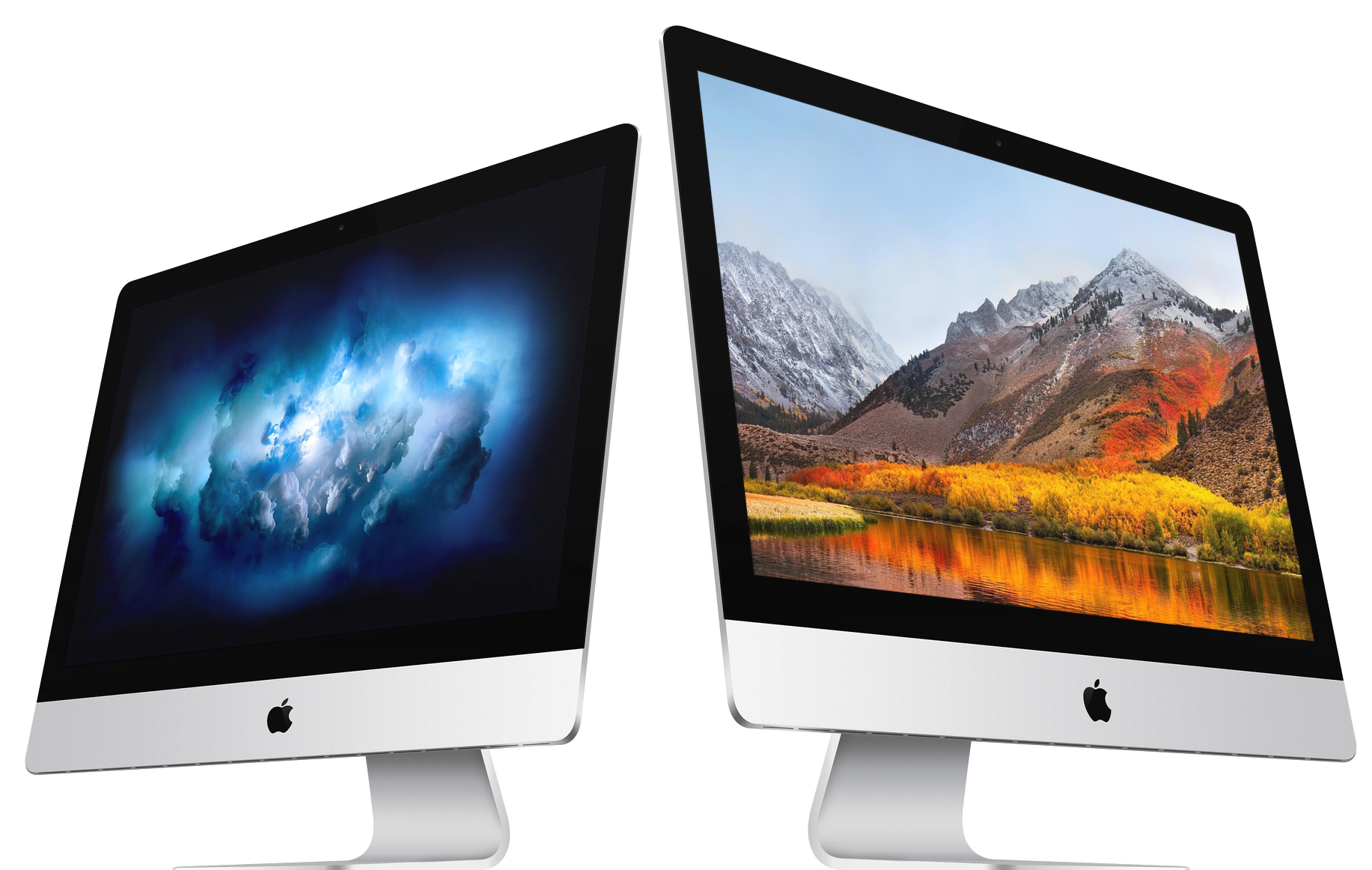
We know Apple is working on pro-level iMacs slated for release this year and one source has already described some of the features allegedly found on higher-end models, including faster Intel Xeon chips, ECC RAM and more. Citing sources from supply chain makers, Taiwanese trade publication DigiTimes said Tuesday that Apple is testing a new server-grade iMac model aimed at high-end users that will take on Microsoft's recently released Surface Studio.