Learn how to protect your sensitive information by locking your notes on iPhone, iPad, and Mac to keep them safe from prying eyes.
How to lock your Apple Notes and recover or change its password

Stay up-to-date on the latest Mac news, and tutorials. Get expert tips and tricks to optimize your Mac’s performance and learn about the latest Apple products and software updates. Discover the best Mac apps and accessories to enhance your user experience.
Learn how to protect your sensitive information by locking your notes on iPhone, iPad, and Mac to keep them safe from prying eyes.
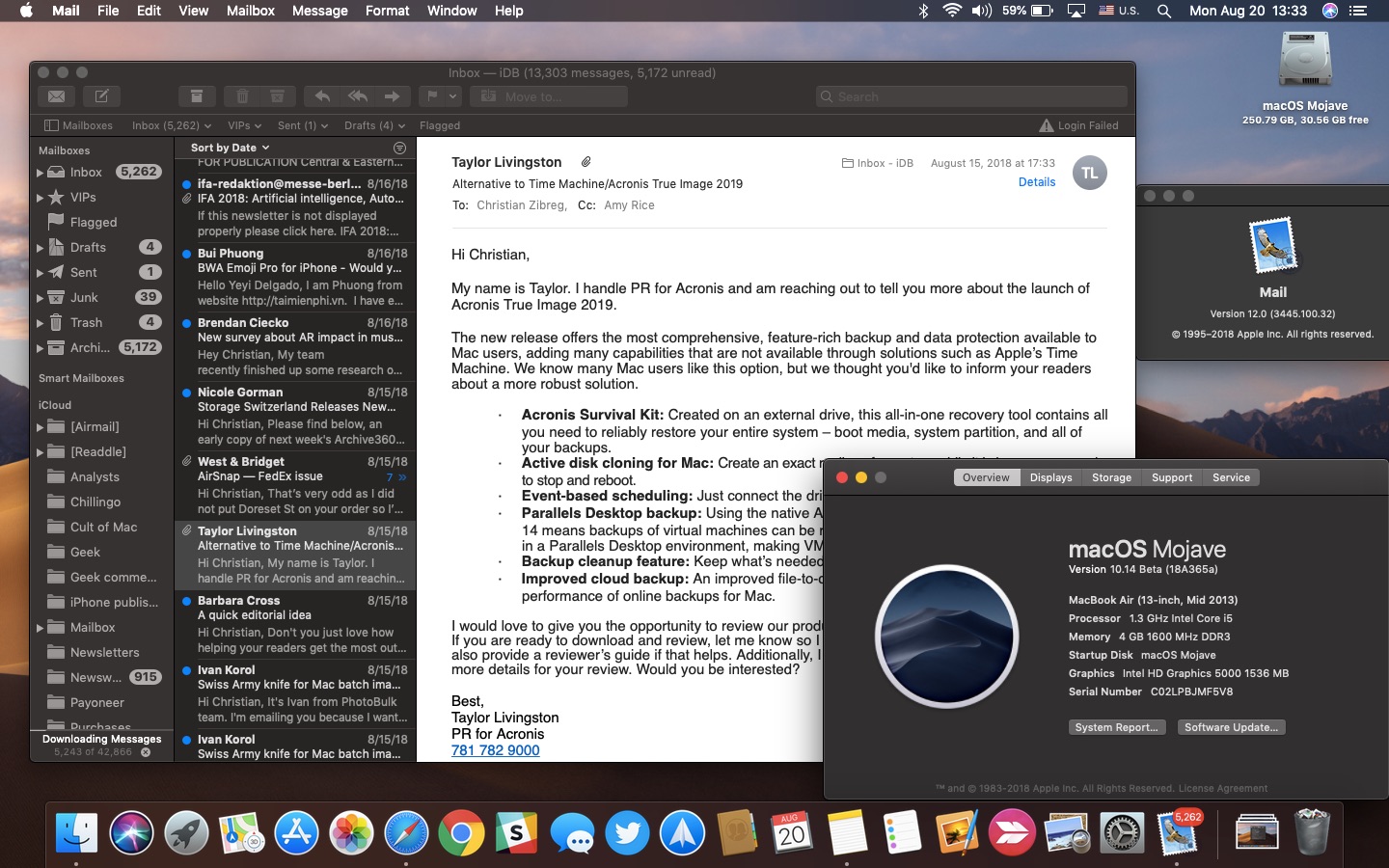
macOS Mojave brings a system-wide Dark Mode for the first time to your Mac. Available in system Apple apps including Finder, Photos and Calendar, Dark Mode will be coming to third-party apps, too, thanks to an Apple-provided API. In Apple Mail, Dark Mode is especially awesome due to a handy option allowing you to permit you to alternate your emails between darker and lighter appearances while having Mojave's Dark Mode turned on at a system level.

In this tutorial, we’ll share how to hide recent and suggested apps from your Mac Dock to make it smaller and less crowded.
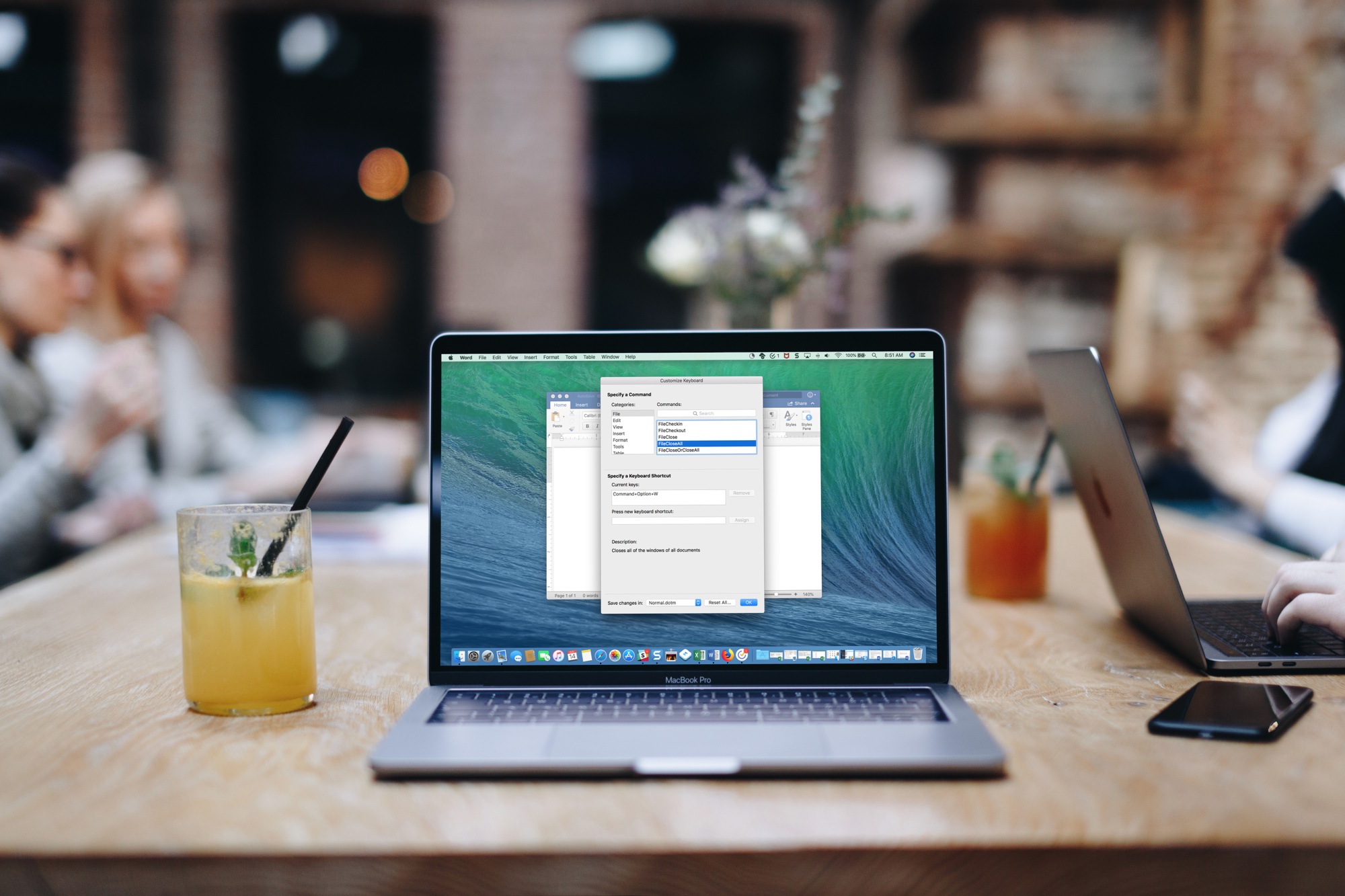
If you use Microsoft Word on your Mac, then you have more customization options than you probably realize. The settings can help make your experience more efficient and productive each time you use the application.
One of the settings that helps you move through your word-processing tasks faster is the keyboard shortcuts. Without lifting your fingers from the keyboard to grab your mouse or use your touchpad, you can accomplish a variety of tasks. And you can customize the shortcuts to suit what you use most and which keys are easiest to remember.
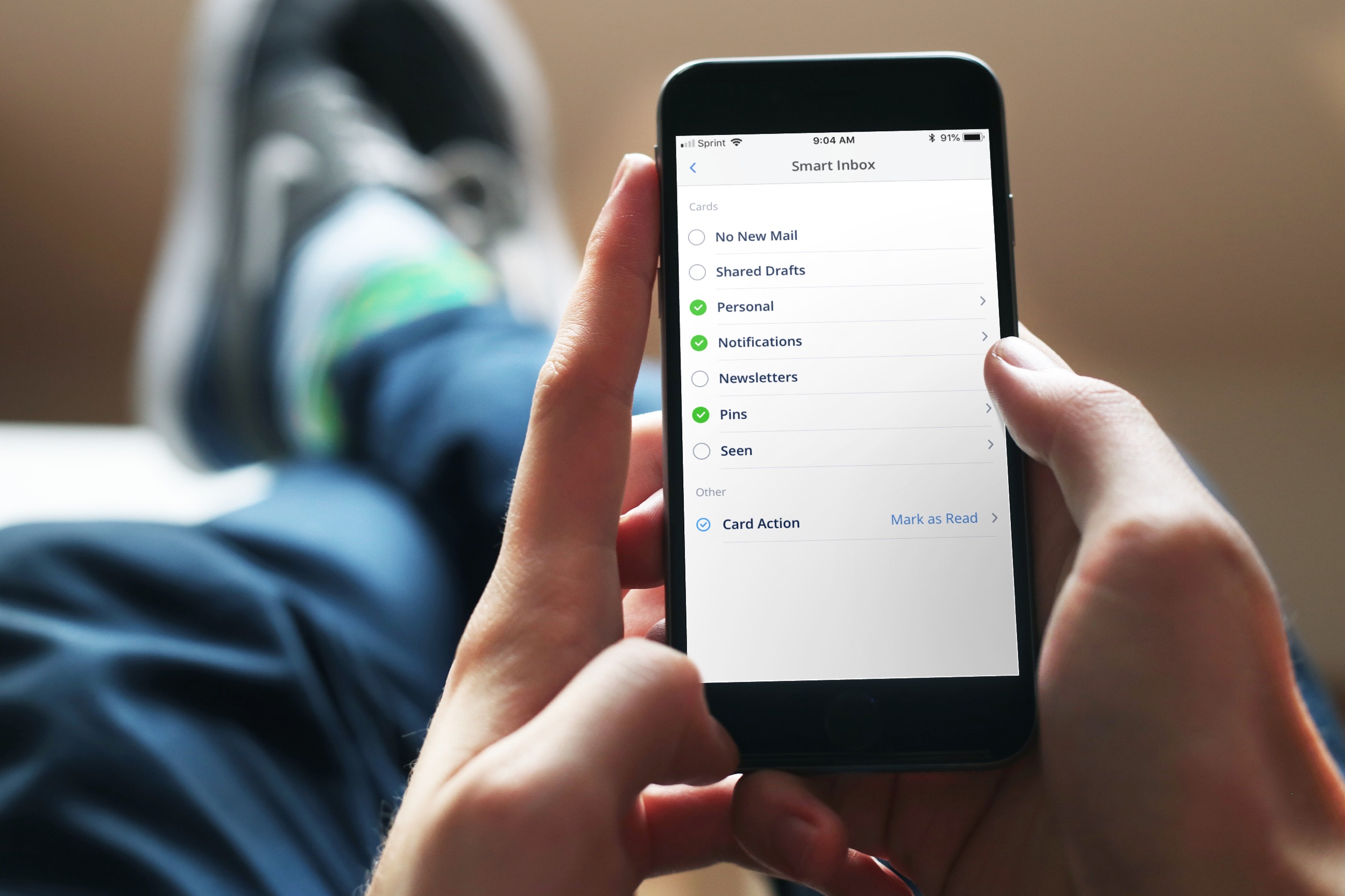
Spark is a great email solution if you want to move past your default Mail app on iPhone, iPad, or Mac. It offers a host of helpful features and one of them is the Smart Inbox.
The Smart Inbox is a spot in the app that gathers emails from your various accounts and categorizes them for you. This gives you a fast and easy way to zip through your inbox. The key is configuring it to work for you and here’s ways you can do that.
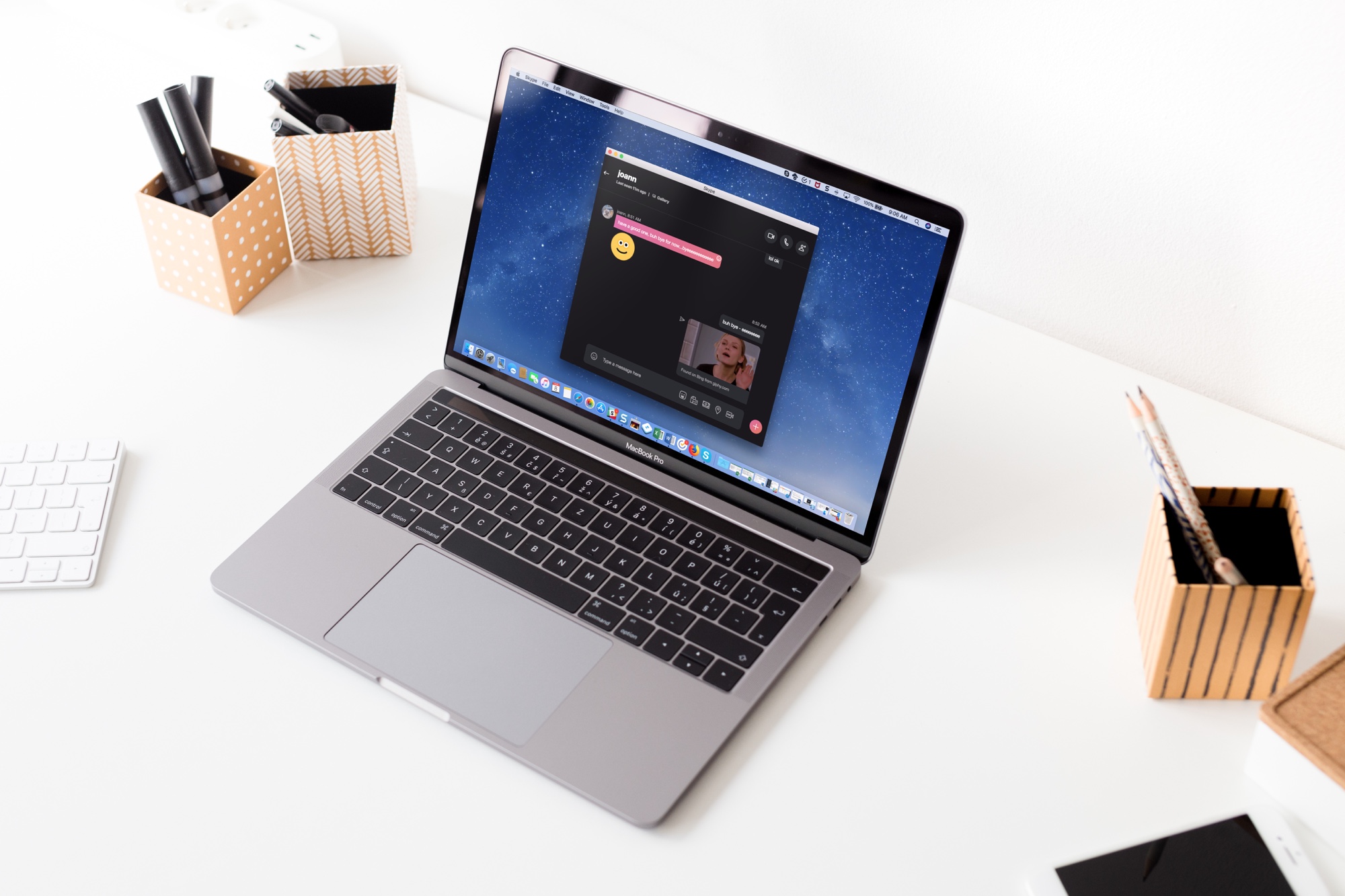
If you use Skype for chats or calls on your Mac, you might get bored with the appearance from time to time. But, you do have a few options to change the look and feel of the Skype window. Here’s how to customize the appearance of Skype to fit your taste or even your mood.

Learn how to make your Mac announce the time at regular intervals so you can better organize your schedule and never lose track of time again.

Learn how to use tables in the Apple Notes app on your iPhone, iPad, and Mac to present information more clearly in a structured format.

The Stickies app on Mac is a convenient tool for creating digital notes. You can pop Stickies onto your desktop just like you can put physical sticky notes on your desk.
While it’s a really simple app that comes in handy, it does offer a list feature that makes it even more practical. You can make lists for tasks, shopping, ideas, and more. Here’s how to create and format lists in your Stickies.

Learn how to set up and customize subtitles and captions on your iPhone, iPad, Mac, and Apple TV to better enjoy your favorite shows and movies if you’re deaf or cannot hear properly.
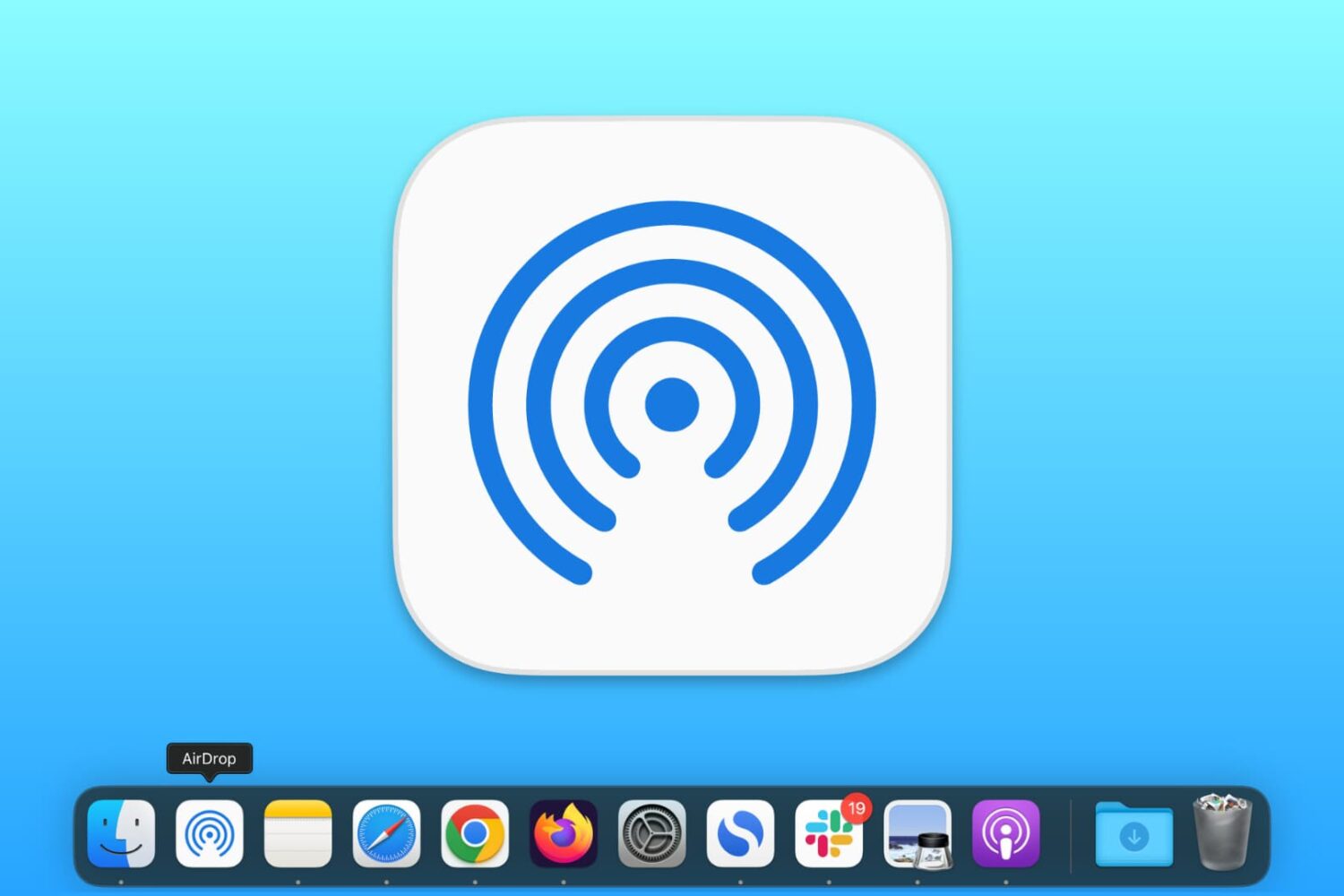
In this brief tutorial, we’ll show you how to add an AirDrop shortcut to your Mac’s Dock so it’s even easier to send files to other Apple devices.
Learn how to properly use the hands-free “Hey Siri” or “Siri” feature in a multi-device environment so that only the right Apple device responds to the wake-up phrase.