Lockscreen

Public Beta of IntelliScreenX Released

Want some hands-on time with IntelliScreenX before it is officially released tomorrow?

If you watched our video walkthrough of IntelliScreenX, then no doubt, the answer to that question is an emphatic yes.

If you have a jailbroken iPhone or iPod touch running iOS 5, then check inside for the details you need to try out IntelliScreenX right now...

SuperMusic: Advanced Lock Screen Music Controls

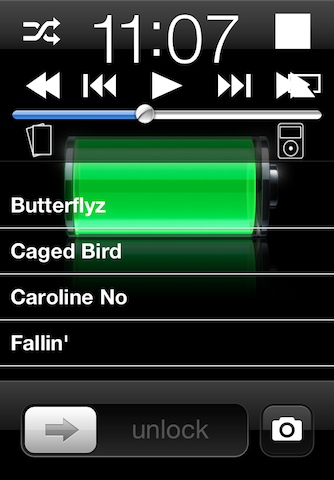
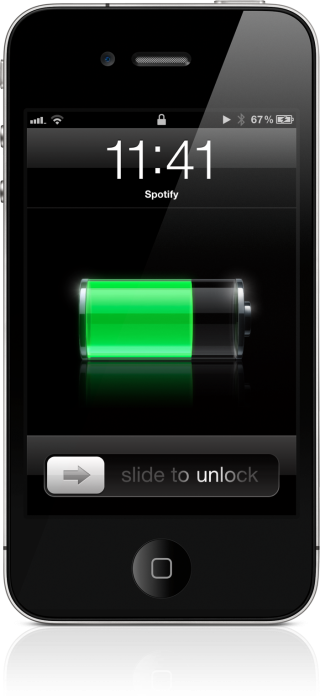
SuperMusic is a jailbreak tweak that aims to add more options to the music controls that appear on your Lock screen.

In addition to the basic back, pause/play, and forward buttons, SuperMusic adds fast-forward, rewind, stop, shuffle, and a full track listing of your music library right on your Lock screen.

Check out the video inside to see how it works in action...

IntelliScreenX: The Way Notification Center Should Be

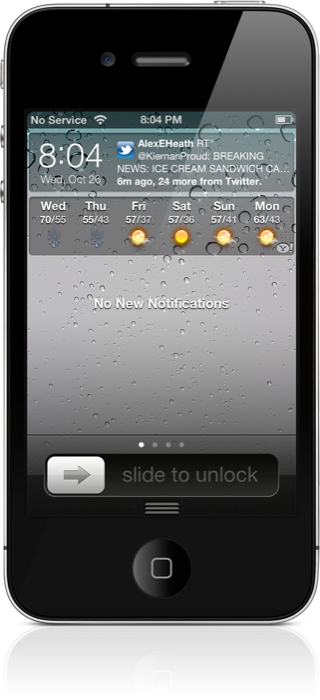
Today we finally got to go hands-on with a near final beta version of IntelliScreenX — the highly anticipated jailbreak app for iOS 5's Notification Center — and let's just cut to the chase, it lives up to the hype, and then some.

Ladies and gentlemen, this is how Notification Center is done. IntelliScreenX makes iOS 5's new pull down menu, a literal center of notifications.

There's Twitter, Facebook, RSS, and email, and it's done in such a way that you can communicate without ever leaving Notification Center; you can even do so from the Lock screen.

Check inside for a full video preview of IntelliScreenX, and you'll see why this upcoming app is reason enough alone to jailbreak your iPhone...
How to Open the Camera App From Your Lock Screen on iOS 5

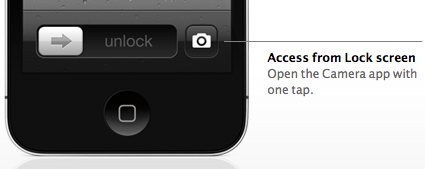
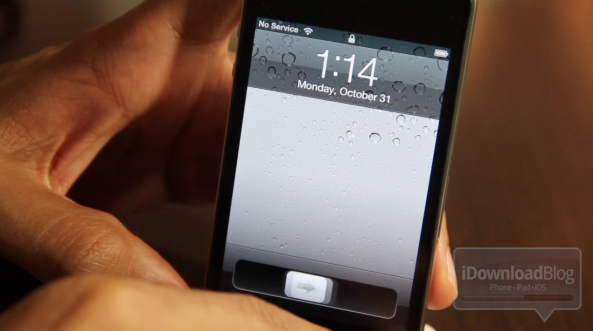
One of the cool new features of iOS 5 is that it allows you to bring up the Camera app directly from the lock screen. No need to unlock the phone, look for the Camera app and launch it, as you can now do that right from the lock screen now. This simple feature can save time if you want to take a picture right away.

I've been asked a few times today how to activate this feature, and even though most of you out there probably know how to use it, I figured it might be helpful for new iOS users...

UnlockBright: An Eccentric Brightness Tweak for Your Lock Screen

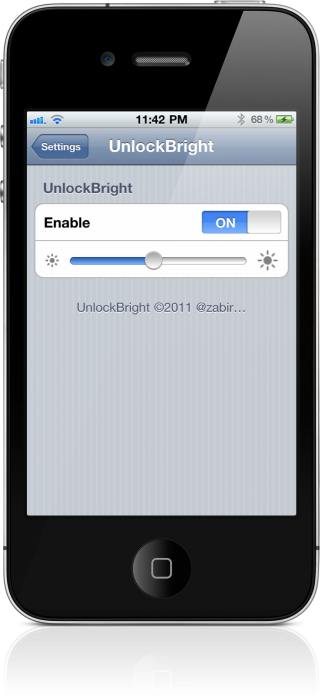
Feeling eccentric? If so, then why not add some interesting brightness controlling functionality to your iPhone's slide-to-unlock bar, by means of UnlockBright?

UnlockBright is an interesting jailbreak tweak, because it combines the slide-to-unlock bar with your iPhone's brightness settings. The weird thing is, that these settings aren't permanent, they only take effect as you're unlocking your phone.

Confused? Take a look at the video demo just after the break...

LSMediaControls: Control Music Simply By Swiping Your Lock Screen

I have to admit, I really didn't see much of a need for LSMediaControls in my jailbreak repertoire...until I happened to use it while driving.

My experience using this tweak while on the road has opened my eyes to how incredibly useful it can be.

No longer do you need to glance at the iPhone to make sure you're tapping the right button.

LSMediaControls makes it simple to play, pause, skip and listen to previous music, from virtually any music app. Check inside for the video details...

New App Brings the “Slide to Unlock” to Your Mac

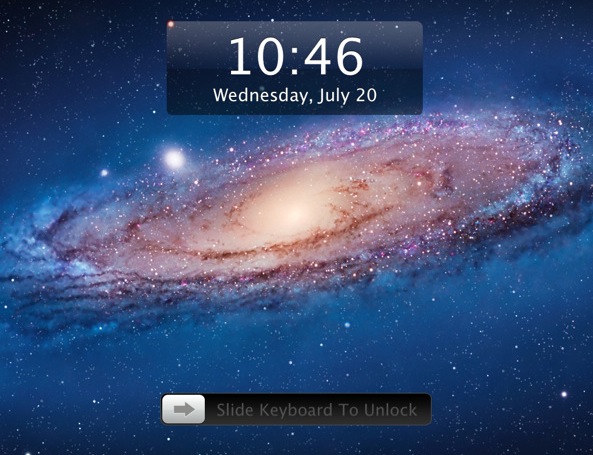
Want to give an iOS feel to your Mac while also adding an extra layer of security? Then the Lock Screen 2 app for Mac might just be what you are looking for.

The app is pretty simple and straightforward. It allows you to slide your keyboard or your trackpad to unlock your Mac and get access to the desktop, just like you would on your iOS device of choice...

LockSecondsIndicator: Add Seconds to Your Lockscreen

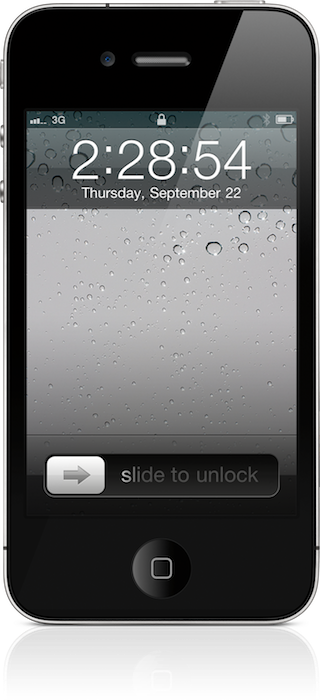
LockSecondsIndicator isn't the first tweak that adds seconds to your lockscreen clock, but it just might be the best.

A while back, I reviewed a similar tweak entitled ClockSeconds. That tweak attempted to do something similar, but it had its fair share of issues.

Does LockSecondsIndicator fair any better? Look inside for the video evidence...

PowerLock: Access System Toggles From Your Lockscreen

We've seen a flurry of lockscreen tweaks over the past few weeks. There was StyleUnlock, which adds multitouch gestures to your lockscreen. And then there was FlashCam, which adds quick access to your camera.

Next up on the chopping block is a package called PowerLock. This jailbreak utility adds system toggles to your lockscreen, allowing you to do things like respring and restart your device without unlocking...

StyleUnlock: Use Multitouch Gestures to Unlock Your iPhone

There's been no shortage of jailbreak tweaks that allow you to unlock you iPhone in some unique way, but StyleUnlock claims to take the cake when it comes to the stylishness that will ooze from your fingers upon swiping you lockscreen.

StyleUnlock is a tweak that focuses solely on its primary function — unlocking your iPhone from the lockscreen using multitouch gestures.

In total, there are over a dozen gestures for you to master, and the following video walkthrough showcases a few of them in action...

‘GravityLockScreen’ Adds a Bit of Physics to Your iPhone’s Lockscreen

Looking for a new way to spice up your iPhone's lock screen? If so, then Developer Chance Hudson might have the jailbreak tweak for you.

Entitled GravityLockScreen, this tweak allows you to add a measure of physics to your iPhone's unlocking functionality.

The end result is a tweak that allows you to better showcase your iPhone's wallpaper, while altering the manner in which you unlock your iPhone into something a bit more entertaining...