iPhone

Stay up-to-date on the latest iPhone news and learn new tips and tricks with our comprehensive tutorials. From software updates to new features, we’ve got you covered.

Make your Status Bar’s Breadcrumb links look better with Croutons

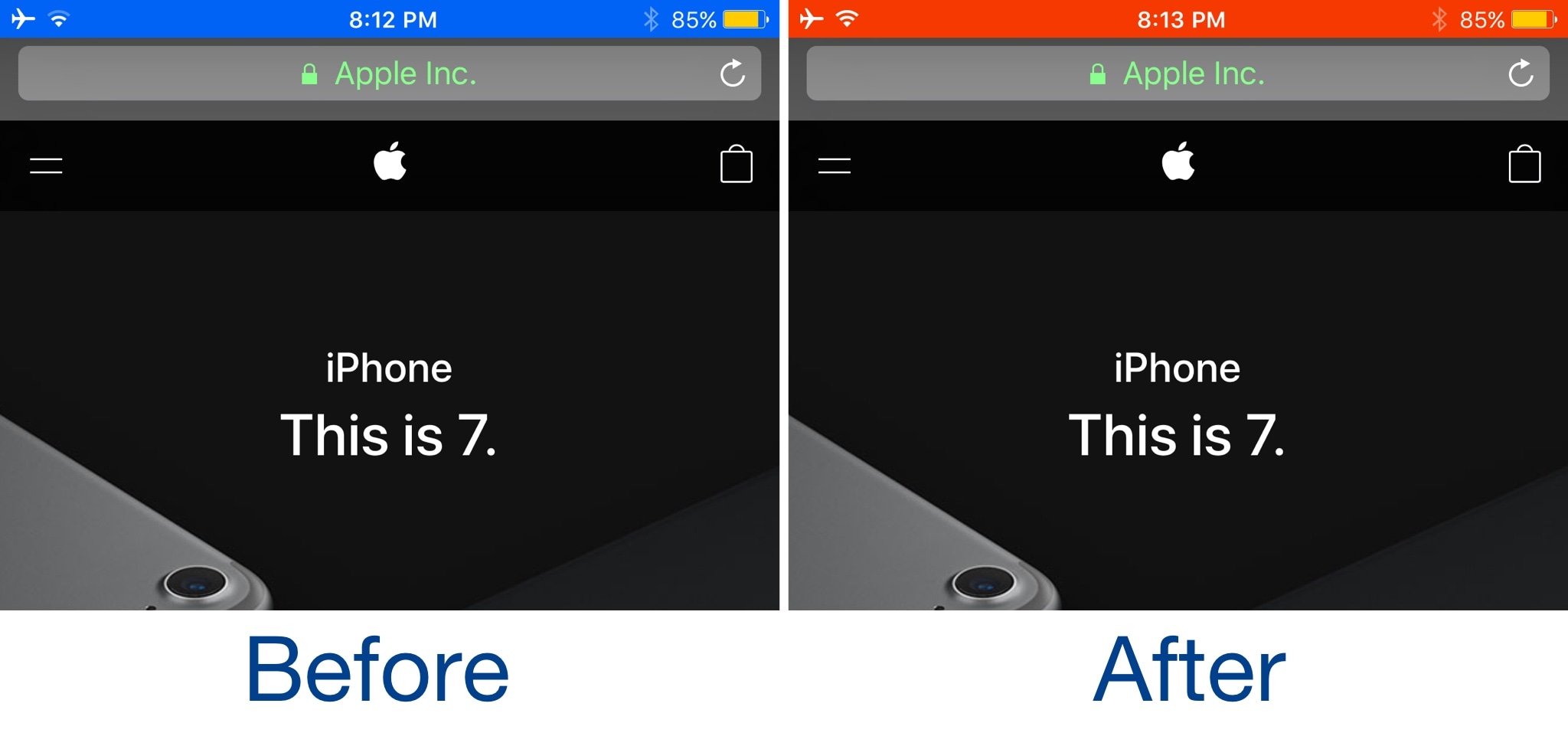
One of the more useful features Apple integrated into iOS is the Breadcrumb link function, which is accessible from the Status Bar. With it, you can go back to previously-used apps more quickly after you’re redirected to another on your device.

Despite how handy it is, people aren't so fond of their Status Bar getting cluttered up with extra text. Fortunately, iOS developer Sticktron found an aesthetically-pleasing way to improve your Breadcrumb link trail in his new free jailbreak tweak dubbed Croutons (iOS 9/10).

EmojiType inserts relevant Emoji in the place of plain text characters

As you type with your iPhone's keyboard, standard plain text characters appear on the screen, but that's not always enough if you're a heavy Emoji user. To insert Emojis, you need to visit the Emoji keyboard and tap on them manually, while the predictive keyboard suggests relevant Emoji from time to time. Nevertheless, it won’t automatically-insert them for you.

If you wish things worked a little differently, then a new free jailbreak tweak called EmojiType by iOS developer Adriano Junior is now available that automatically replaces certain text characters with relevant Emoji characters.