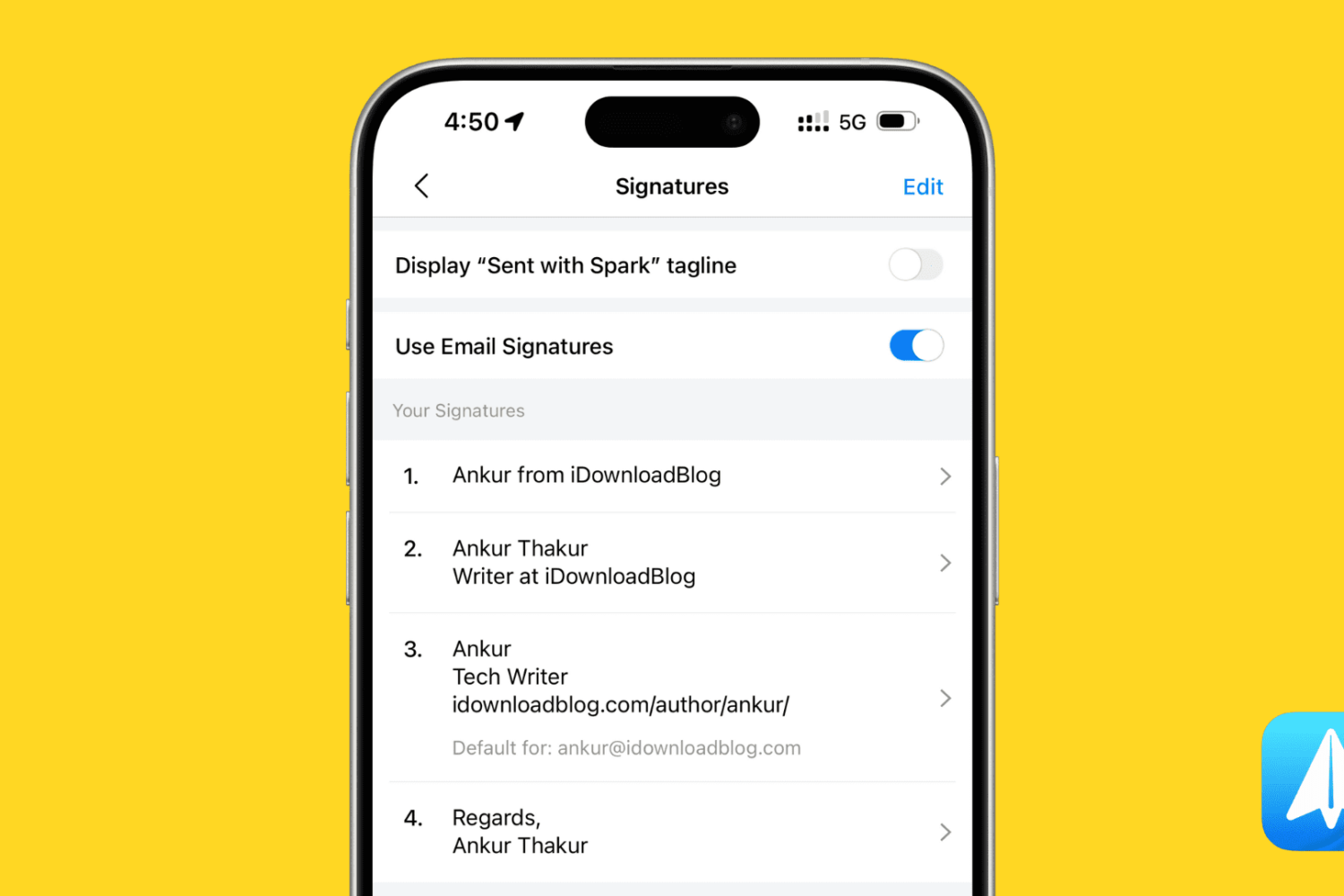
Learn how to set up multiple email signatures in the Spark email app on your iPhone or Mac and use them based on the email you are composing.
How to set up multiple Spark email signatures on iOS and Mac
Stay up-to-date on the latest iPhone news and learn new tips and tricks with our comprehensive tutorials. From software updates to new features, we’ve got you covered.
Learn how to set up multiple email signatures in the Spark email app on your iPhone or Mac and use them based on the email you are composing.
Having a jailbroken iPhone or iPad means being able to customize it such that it delivers an experience unlike anyone else’s handset, and with a new free jailbreak tweak called Cabello by iOS developer daniel63194, you can do just that.
Cabello compliments your handset’s hardware buttons with customizable effects, such as custom sounds and haptic feedback. Right out of the box, the tweak lets you configure these parameters for the Home button, volume buttons, and the sleep/wake button.
If you’ve got a jailbroken iOS 11 device, then you’re probably wondering what kinds of jailbreak tweaks you should be installing on it. Fortunately, we’ve got you covered.
In this roundup, we’ll be talking about all the jailbreak tweaks released in Cydia from September 3rd to September 9th. As usual, we’ll kick things off by discussing our favorites and then outline the rest afterward.
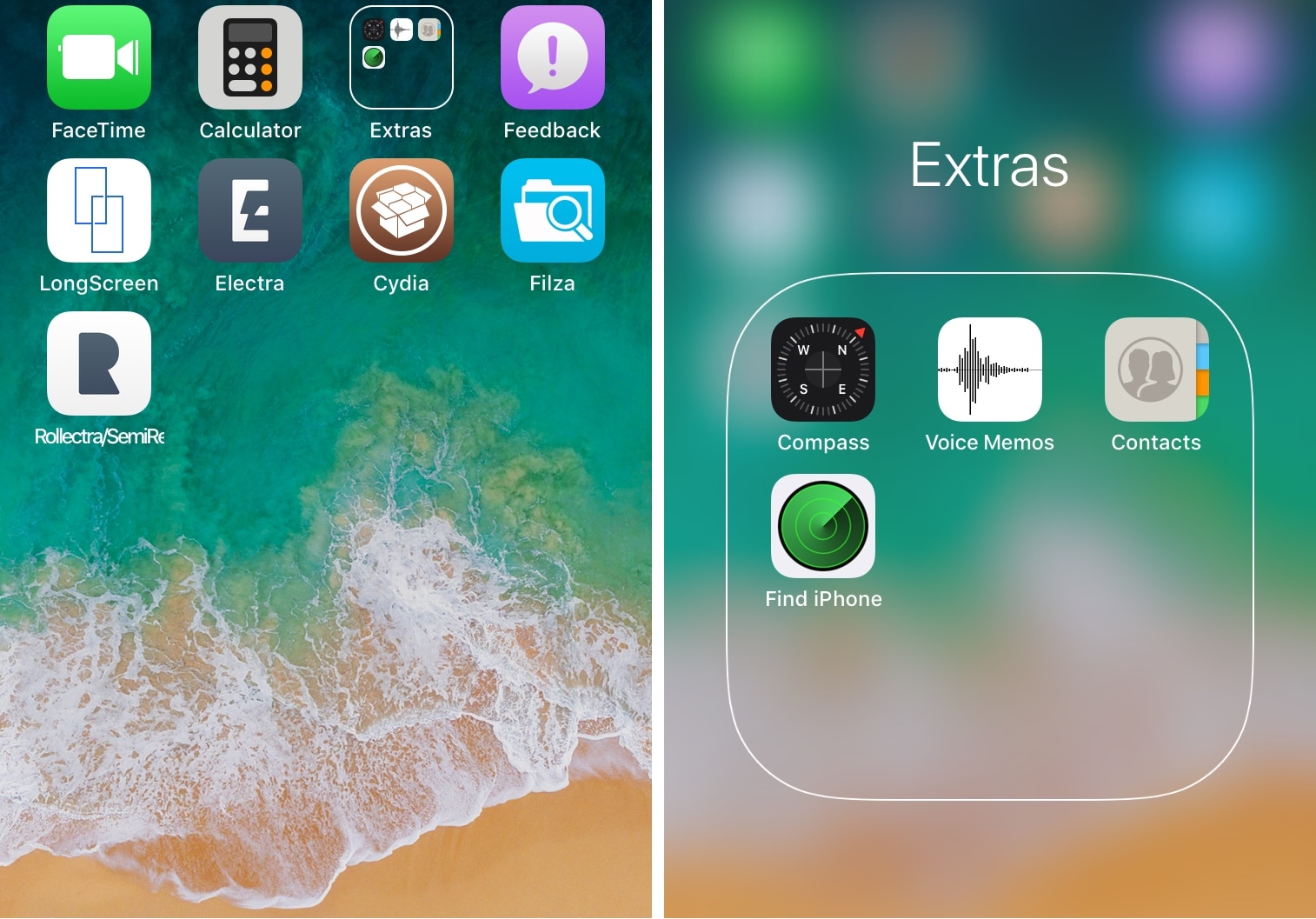
Folders are incredibly useful for managing cluttered Home screens, but their core design hasn’t changed much in some of the most recent iterations of iOS.
If you’re looking for a completely redesigned folder experience in iOS 11, then we encourage you to check out a new free jailbreak tweak dubbed CoolFolder by iOS developer 4nni3.

Developer Epic Games this morning officially responded to the numerous reports on Reddit which are describing various performance issues that have been plaguing Fortnite on the iOS platform lately, making the battle royale title practically unplayable.
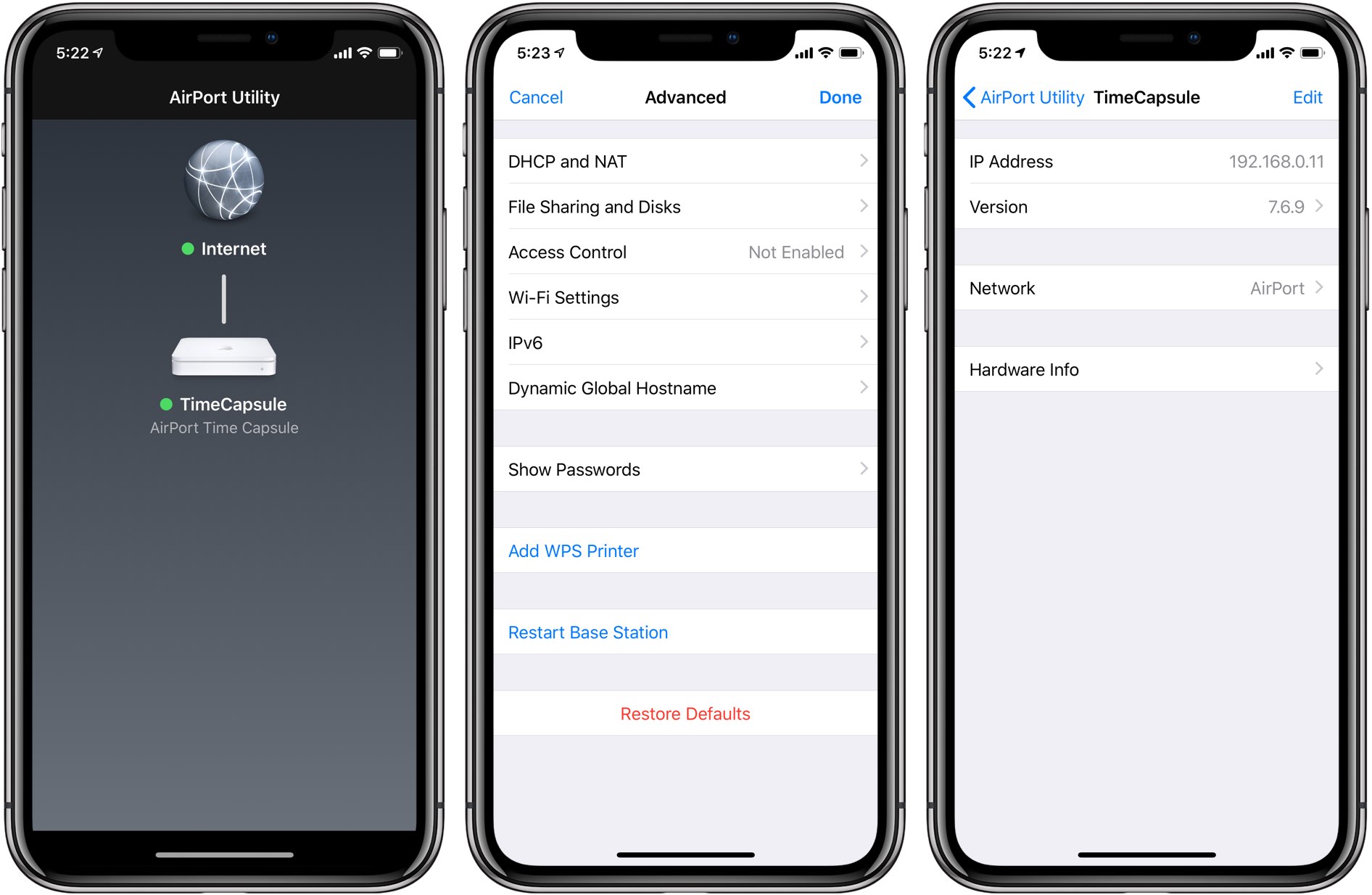
AirPort Utility, the Apple-made iPhone, iPad and Mac app used to manage the company's now-discontinued line of AirPort-branded wireless appliances, has been updated on App Store earlier this week with native display support on iPhone X and iPad Pro.

Rakuten-owned Viber for iPhone has been refreshed on App Store with an upgraded architecture, an in-chat translation feature, new storage settings and other perks.
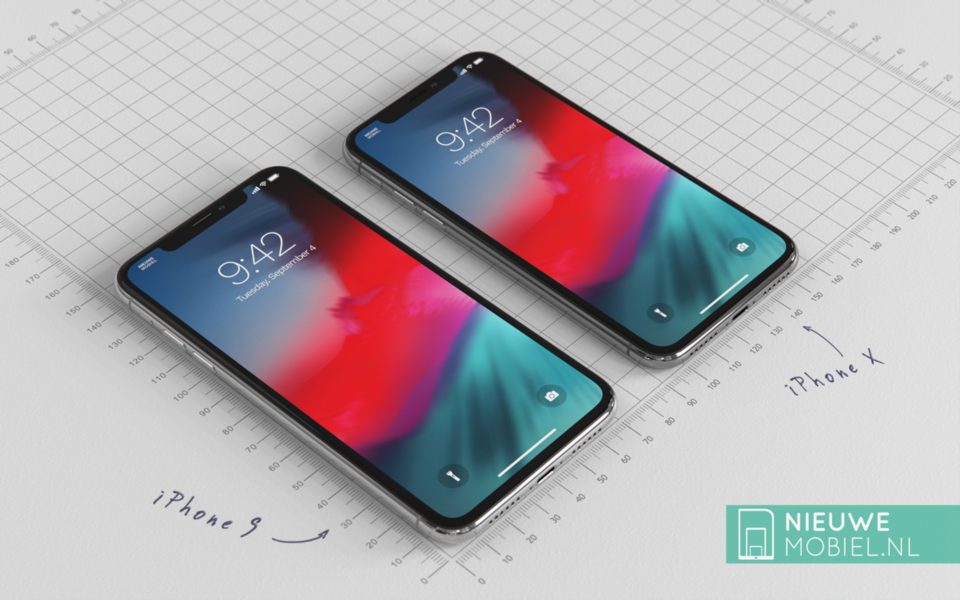
We know that Apple's OLED smartphones to be released this year will be most likely named “iPhone Xs” and “iPhone Xs Max.” As for Apple's third new phone this year, the 6.1-inch budget device, the name “iPhone Xr” has reportedly been circulating as its supposed title.
Depending on how often you take FaceTime or Phone calls on your iPhone, you might find it handy to have your handset automatically accept incoming calls from specific people under specific circumstances.
You can configure your iPhone to answer phone calls automatically if you have iOS 11, but a jailbreak tweak called AutoAnswer X (iOS 11) by iOS developer Elias Limneos provides a better long-term solution with more features and configuration than you could ever dream of receiving in an official iOS update from Apple.
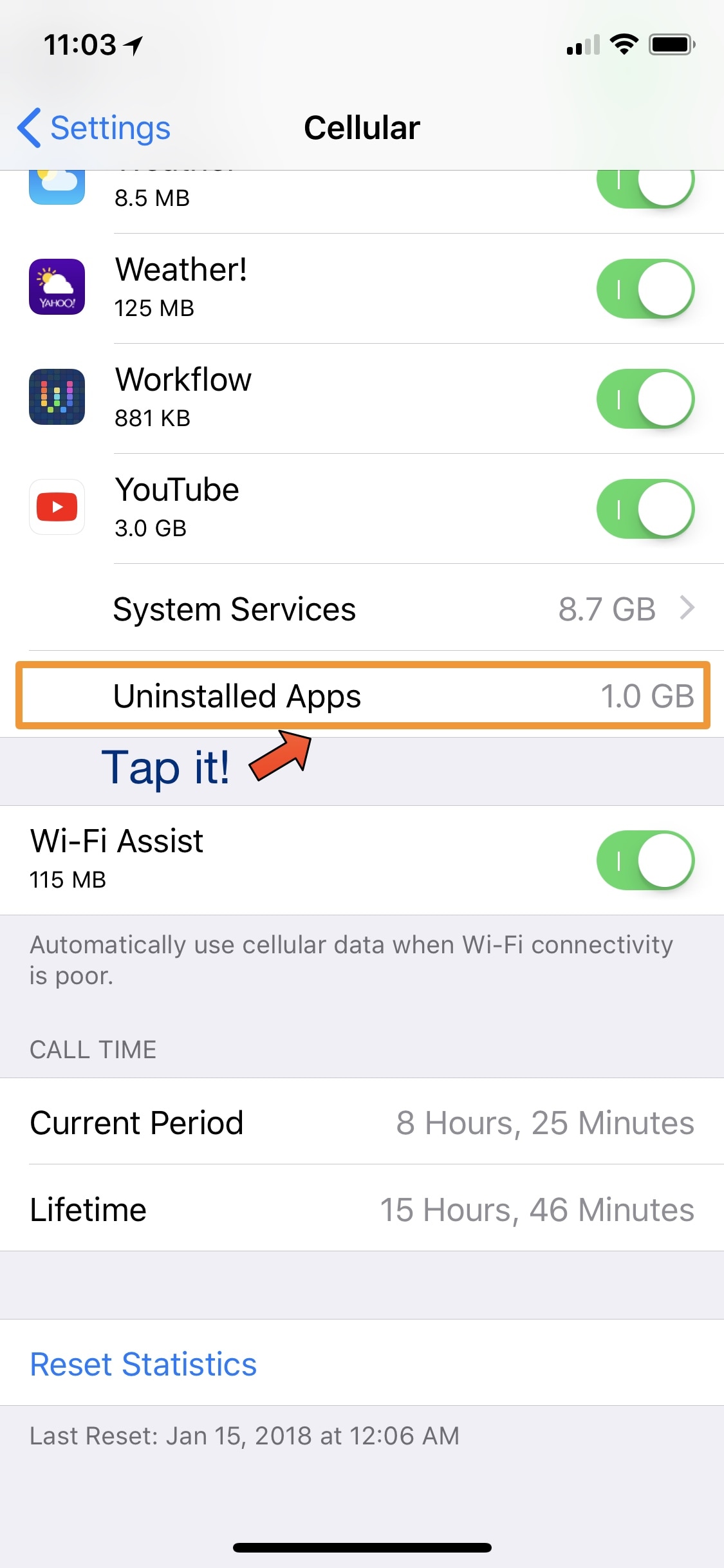
Unlimited data plans are everywhere these days, but a significant percentage of the population still uses capped plans. Anyone in the latter category likely pays closer attention to their monthly data usage than unlimited users do. But in any case, iOS’ native cellular data monitoring system leaves a lot to be desired.
Fortunately, a new free jailbreak tweak called ShowGoneCellularData by iOS developer Kevin Muller can help. This tweak compels iOS to display detailed cellular data usage stats for apps you’ve previously removed.
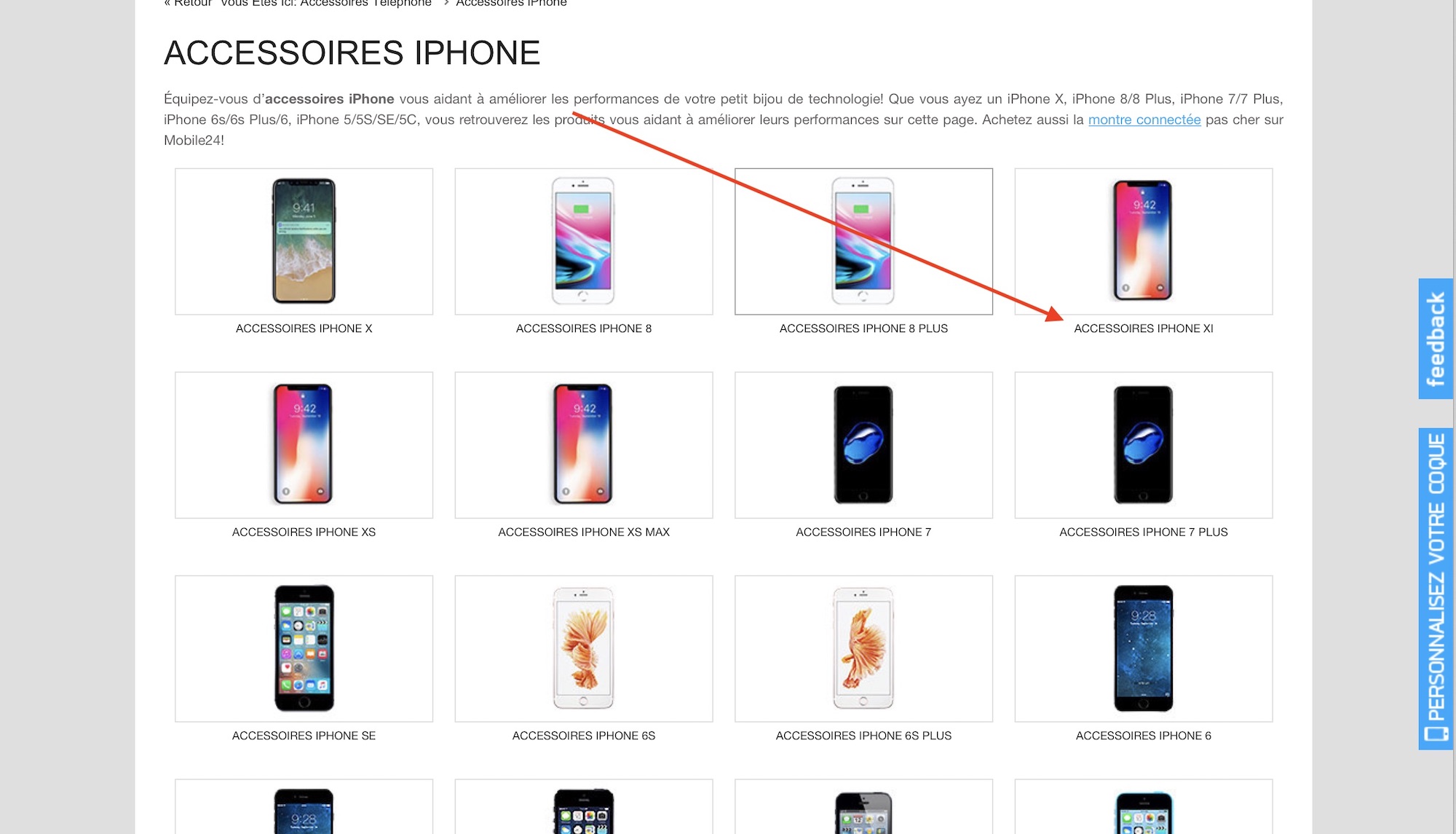
French site Mobile24 published a listing of iPhone accessories. On this page, it calls the upcoming 6.1-inch LCD iPhone, the iPhone XI. This comes just days after another site, 9to5Mac, said Apple's 5.8-inch and 6.5-inch OLED iPhone models will be called the iPhone Xs and iPhone Xs Max, respectively.
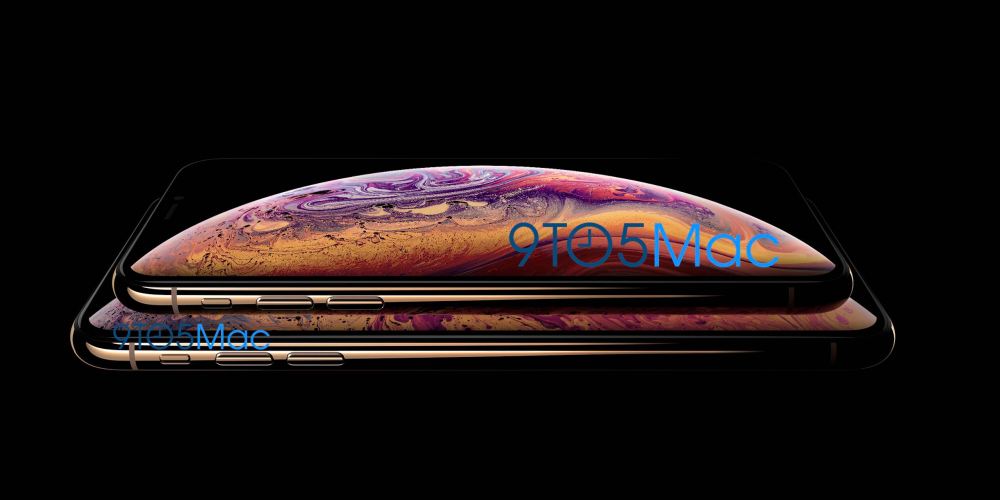
Last week, 9to5Mac published what it claimed was the first official image of this year's two upcoming OLED iPhones. At the time, the site said the long-rumored 5.8-inch and 6.5-inch models would be called iPhone Xs. Today, Sept. 5, 9to5Mac says the larger of these two models will likely be named the iPhone Xs Max.