Following its debut on the App Store nearly three months ago, Google's gesture-driven predictive keyboard for the iPhone and iPad—called Gboard—today received its first feature-focused update. Gboard 1.1 for iOS, a free download, includes a darker keyboard theme, smart GIF suggestions and increased global availability with language support for English, French, German, Italian, Portuguese (Brazil and Portugal) and Spanish (Spain).
Apps
Telegram for iOS gains personal storage, group previews and trending/archived stickers
Telegram, a secure instant messaging service that supports rich media attachments and optional end-to-end encryption, today refreshed its mobile app on the App Store with a few new features. Telegram for iOS, now bumped to version 3.11, offers some interesting new sticker packs and lets you archive those you no longer use.
You can now preview groups before joining them and store your messages and media in the new storage chat.
Telegram is available free on the App Store and Mac App Store.
Dropbox Paper enters public beta, iPhone and iPad app now available
As of today, Dropbox Paper, a collaborative document editor akin to Google Docs and Apple's iWork for iCloud suite (only better!) is in public beta after spending about a year in private beta, the cloud storage startup announced.
In addition, the mobile Paper app for the iPhone, iPad and iPod touch launched today, too, so you can immediately download it at no charge from the App Store.
Snapseed update adds Text filter, image resizing when exporting and sharing & more
Since buying Snapseed from Nik Software in September 2012, Google has been somewhat neglecting this once popular mobile image editor, issuing maintenance updates that were light on new features. Today, the search firm announced that Snapseed, at long last, is getting some interesting new capabilities via an update on iOS and Android. The Text filter is now available and you can configure the app to resize photos when sharing/exporting.
UI adjustments and bug fixes are included in Snapseed 2.8 as well.
Snapchat rolls out city-specific stickers that mock local trends and highlight landmarks
Snapchat for iPhone, an ephemeral image messaging app, yesterday announced a new feature called Geostickers. Basically special stickers available in some of the biggest cities around the world, they can be applied to images and moved around before sending them. You can also stick these city-specific stickers on your Snaps.
Geostickers are available now in Los Angeles, New York City, San Francisco, Washington DC, Honolulu, London, Sydney, São Paulo, Paris and Riyadh.
Astropad graphics tablet app for iPhone and iPad is now a lot faster and uses less battery
Astropad is a very cool app from former Apple engineers designed to let you draw into Mac apps by connecting your iPad or iPhone to the computer via USB or Wi-Fi. You can then draw into most Mac apps directly on your iOS device's screen, using your finger as a replacement for a professional graphics tablet. In fact, it's too good that people are replacing their Wacom tablets with Astropad and an iPad.
I've been using Astropad quite extensively and it works like magic, really.
There's very little discernible lag, courtesy of the proprietary Liquid engine providing nearly three times more fluid responsiveness than Apple’s AirPlay. That's why I'm happy to report that in its most recent version 2.0 update, Astropad is now even faster and more fluid than before and a lot less taxing on the battery.
Twitter for iOS adds iPad keyboard shortcuts
Yesterday, Twitter's mobile application for the iPhone, iPad and iPod touch added a few useful keyboard shortcuts for iPad owners, said Twitter app developer Amro Mousa. If you have an iPad connected to a third-party Bluetooth keyboard or Apple's Smart Keyboard, Twitter for iOS now lets you use various keyboard shortcuts to quickly access some of the most frequently used options without needing to tap on-screen controls.
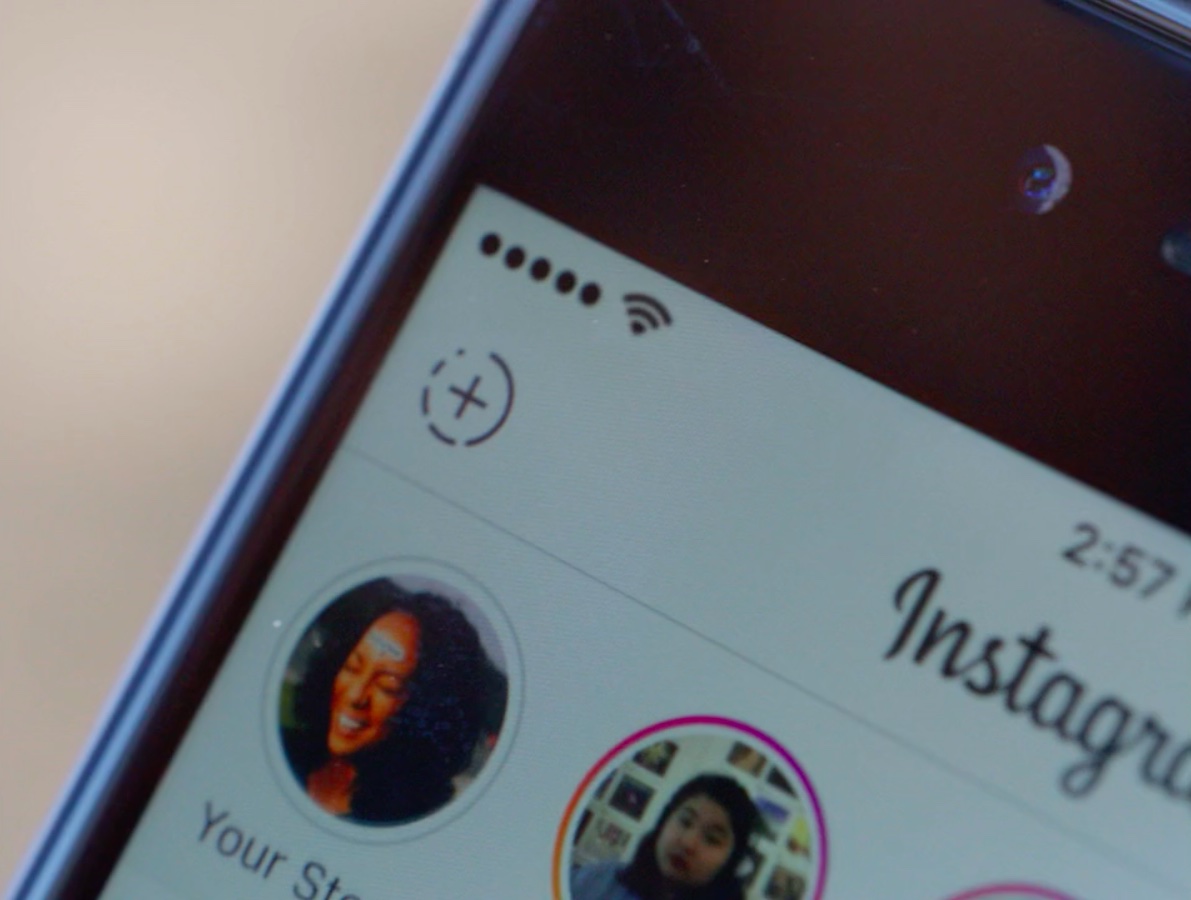
Instagram is rolling out Stories—Snapchat-like auto-dissapearing slideshows
Snapchat has Stories and now Instagram announced a similar feature of its own, called—wait for it—Stories. Basically a slideshow format designed for sharing multiple photos and videos, Stories appear on user profiles and, similar to ephemeral messaging services, automatically disappear 24 hours after being posted on the service.
This cool new feature will be rolling out globally over the next few weeks on the mobile Instagram app for iOS and Android.
Momentic, Upthere, Tung.fm, and other apps to check out this weekend
It's the weekend again, and you know what that means: time for another edition of our Apps of the Week roundup. This week's selections include photo-sharing app Momentic, cloud storage client Upthere, and a great new podcast player with a focus on sharing and discovery. Plus, we have two awesome new games for you to try!
New Apple Store app in the works with ‘For You’ recommendations
Apple is currently working on a redesigned version of its Apple Store mobile app with new recommendation features, reports Bloomberg. Citing sources familiar with the project, the outlet says the updated app could be rolled out in the next two weeks.
At the heart of the refresh is expected to be a "For You" tab, that will suggest products based on prior orders—similar to what Amazon.com does with its recommendations. So after buying an iPhone, the app could recommend cases and other accessories.
iMovie for iOS updated with improved sharing and project creation
Apple on Thursday pushed out an update for the iOS version of iMovie, bringing the video editing software to version 2.2.3. The update features much-needed improvements to the sharing and project creation processes, as well as the usual batch of stability and performance improvements.
Apple’s free app of the week: Power Hover
Apple on Thursday updated its App of the Week promotion with the game Power Hover. This means that for the next 7 days, you’ll be able to pick up the hit minimal, gravity-defying title on both iPhone and iPad for free—a savings of $4.
In Power Hover, players get to defy gravity and enjoy the freedom of controlling their own hoverboard. You must do your best to avoid various hazards and collect energy as you navigate your way through a desolate, robot-ruled world.