In order to make it easier to keep track of conversations and respond to a specific thread, Instagram today announced comment threading in its mobile app for iPhone and iPad.
Instagram introduces comment threads

From the latest news to the most comprehensive tutorials, learn how to get the most out of your iPad with our step-by-step guides and expert tips.
In order to make it easier to keep track of conversations and respond to a specific thread, Instagram today announced comment threading in its mobile app for iPhone and iPad.

As a big sucker for augmented reality demos built with Apple's ARKit framework, I tirelessly search for them virtually (pun intended) every day on YouTube.
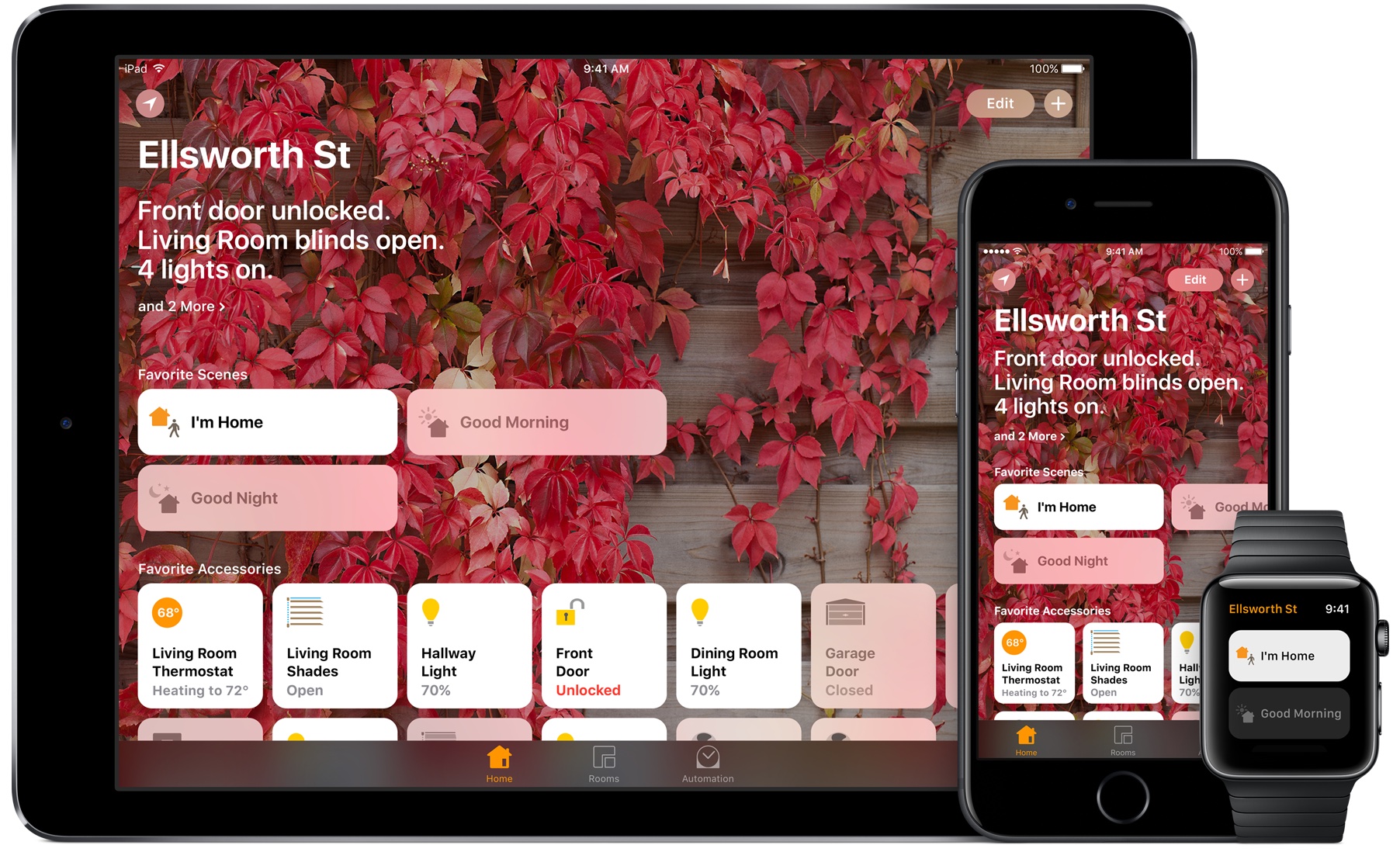
As we previously outlined, quite thoroughly, iOS 11 and watchOS 4 introduce many cool new features for HomeKit across iPhone, iPad and Apple Watch devices.
Some people resort to using proxy servers to maintain internet privacy and to get around website blocks at educational institutions and/or at work. On the other hand, anyone who’s ever used a proxy server knows how cumbersome it can be.
With a new jailbreak tweak called ProxySwitcher by iOS developer mbo42, toggling your favorite proxy server in iOS any time you’re connected to Wi-Fi just got a whole lot easier.
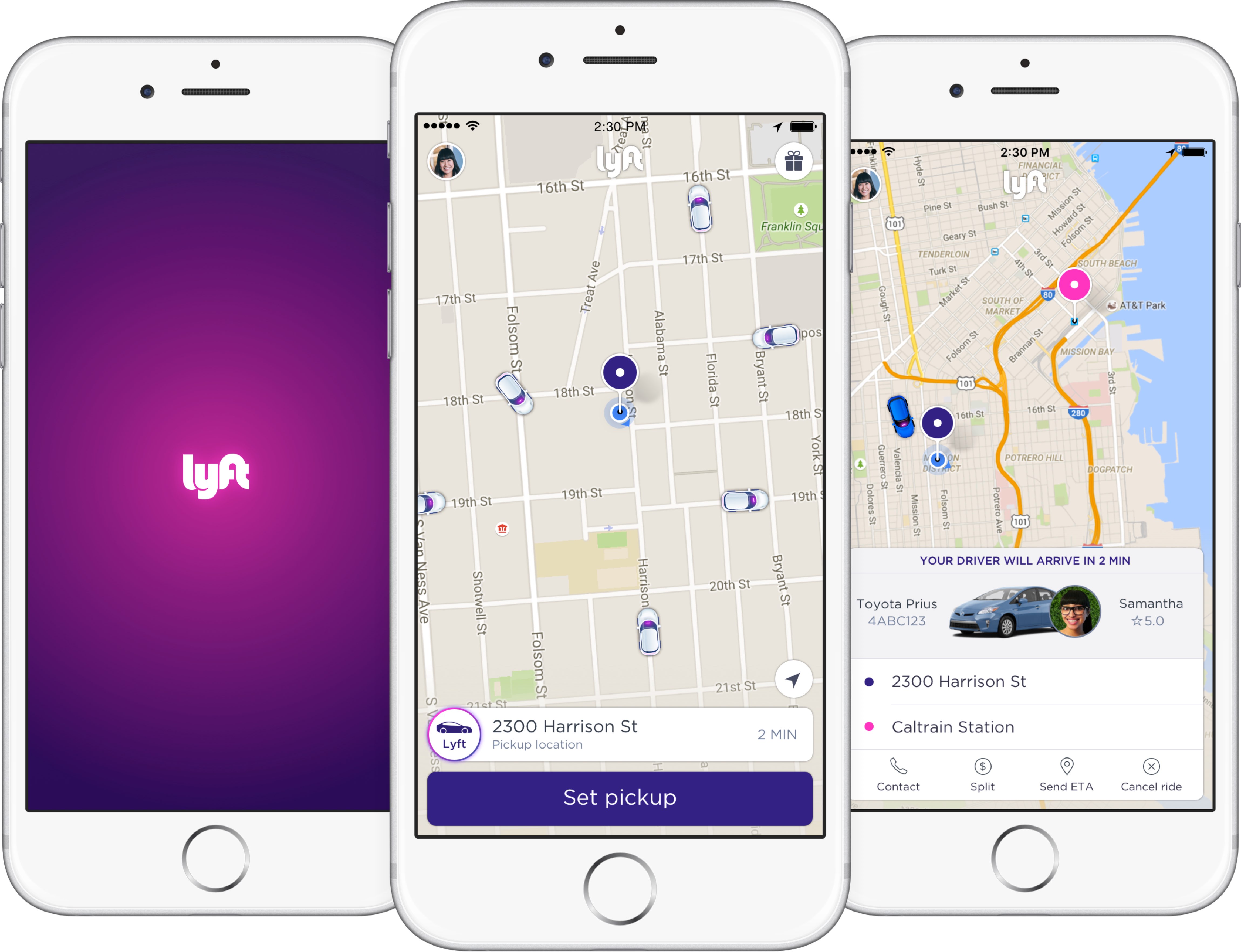
Sometimes you need to get home, and whether you’re too intoxicated because you had one too many drink or you’re just too tired to drive, both Lyft and Uber offer convenient transportation services to get you from point A to point B safely.
Both services have apps to make summoning transportation easy for you, but if you want to make things even easier, then you might like a new jailbreak tweak called Get Me Home by iOS developer Tom Effects.
iOS 11 is still a bit away from its public release this fall, but as we approach that deadline, betas are now starting to roll out closer and closer to one another.
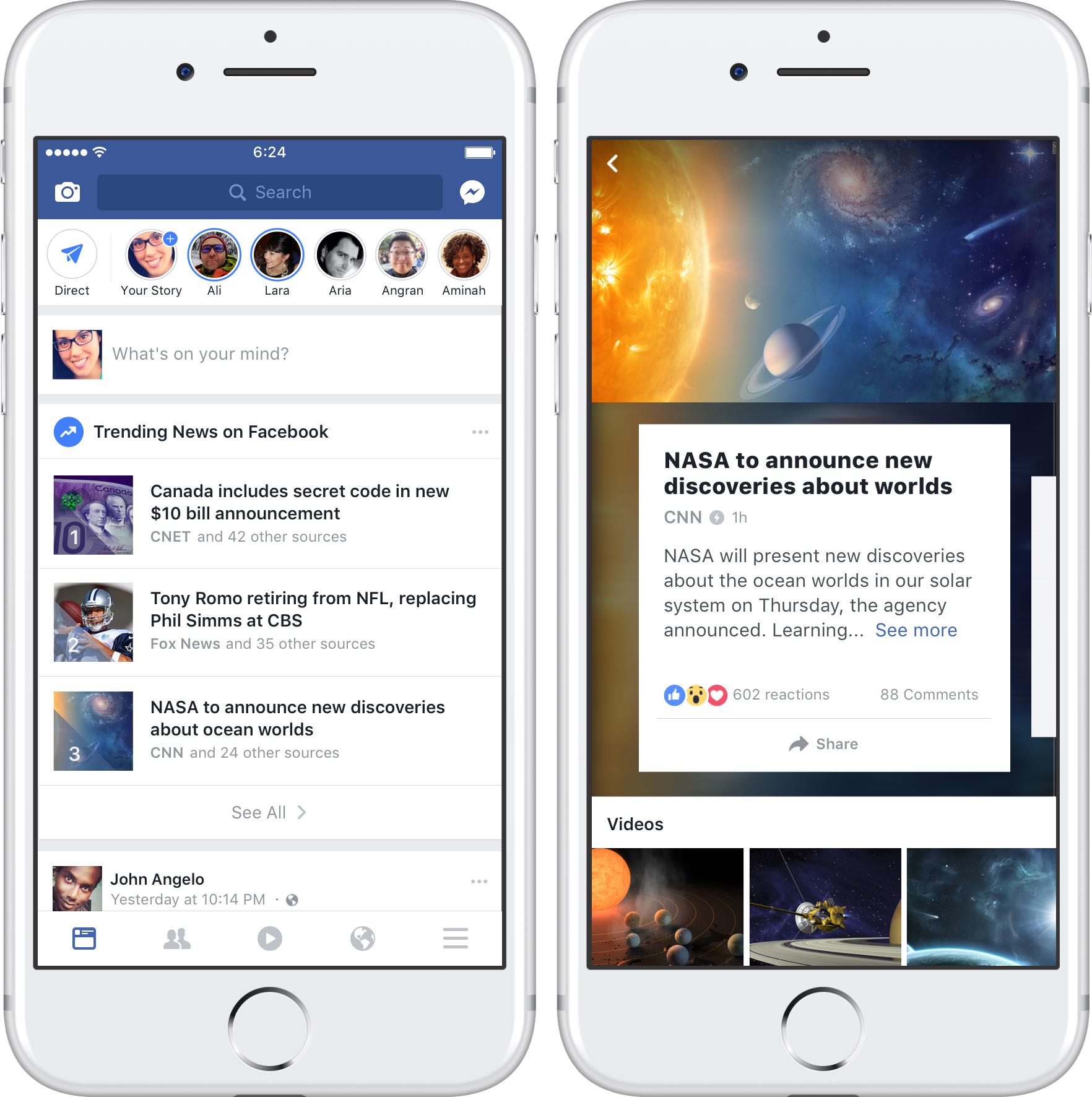
Facebook has begun rolling out a brand new Trending News section within its iPhone and iPad app for users in the United States, TechCrunch reported on Monday.
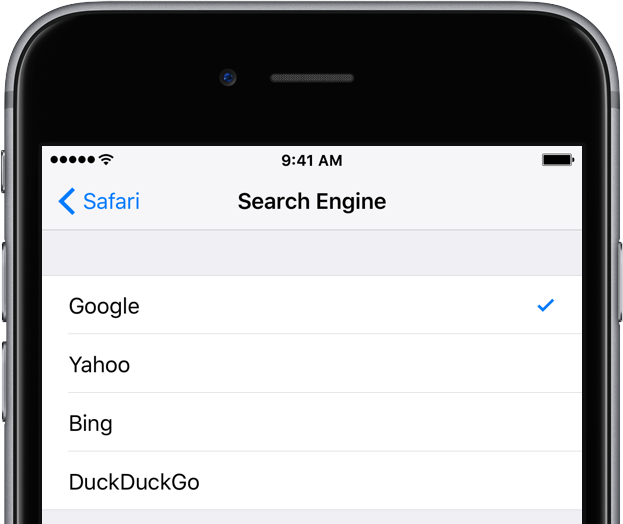
Google is paying Apple an estimated $3 billion per annum, or more, in order to remain the default search engine on iPhone, iPad and iPod touch devices, according to a new analysis from Bernstein analyst Toni Sacconaghi cited by Business Insider.

The jailbreak community is staying intact despite a slow couple of weeks; fortunately, new life was breathed into the jailbreak community this week with the launch of the Phoenix iOS 9.3.5 jailbreak and with the release of several interesting new jailbreak tweaks.
In this roundup, we’ll discuss all the new tweaks that launched in Cydia this week, starting with our favorites and then capping off with all the rest afterward.

The iPad Pro Smart Connector accessory business isn’t exactly booming, with Logitech’s Smart Connector-enabled backlit keyboard case among a small handful of third-party options currently available on the market.
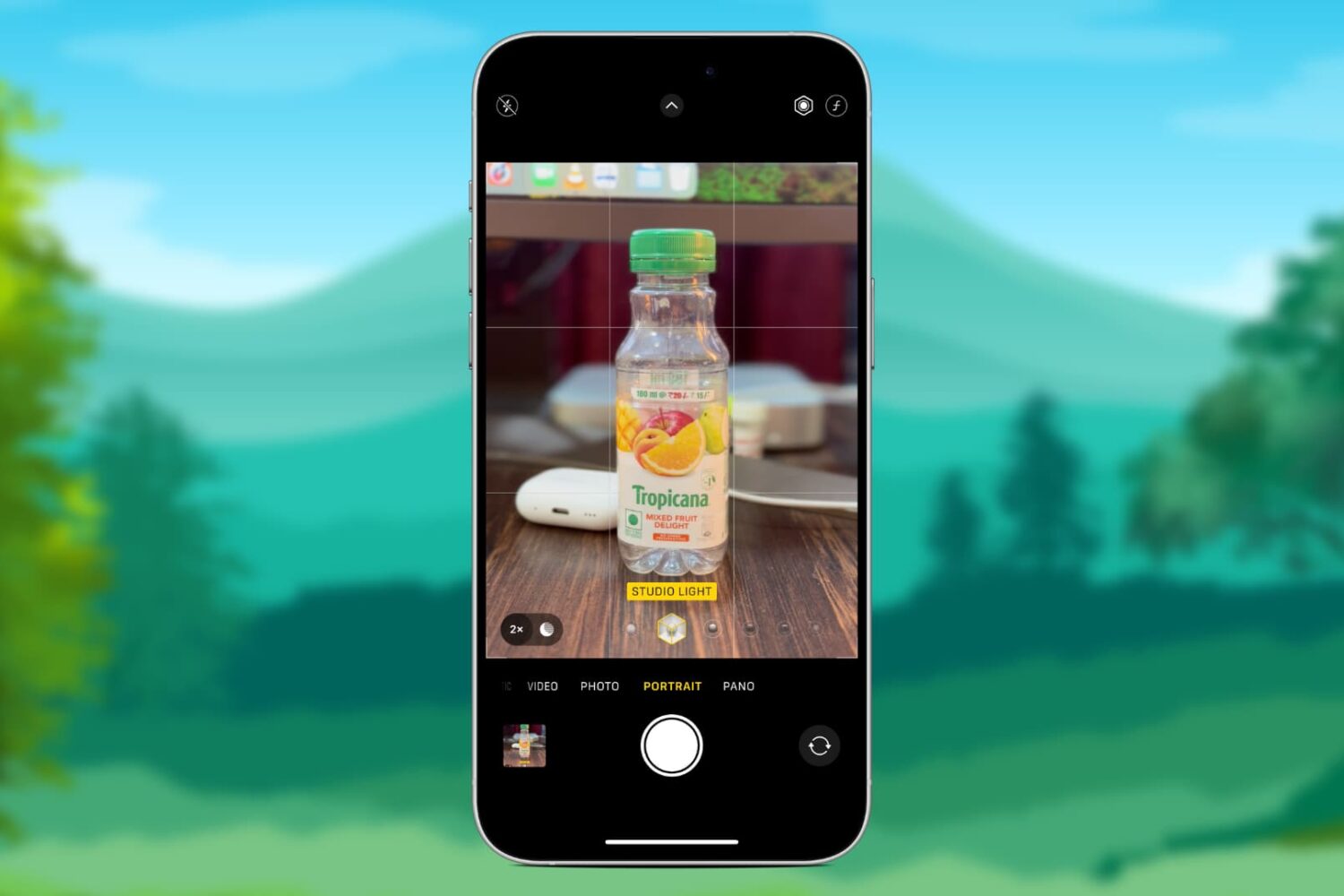
Learn how to remove the depth-of-field and background blur effects from portrait mode photos or adjust their intensity on iPhone or iPad.
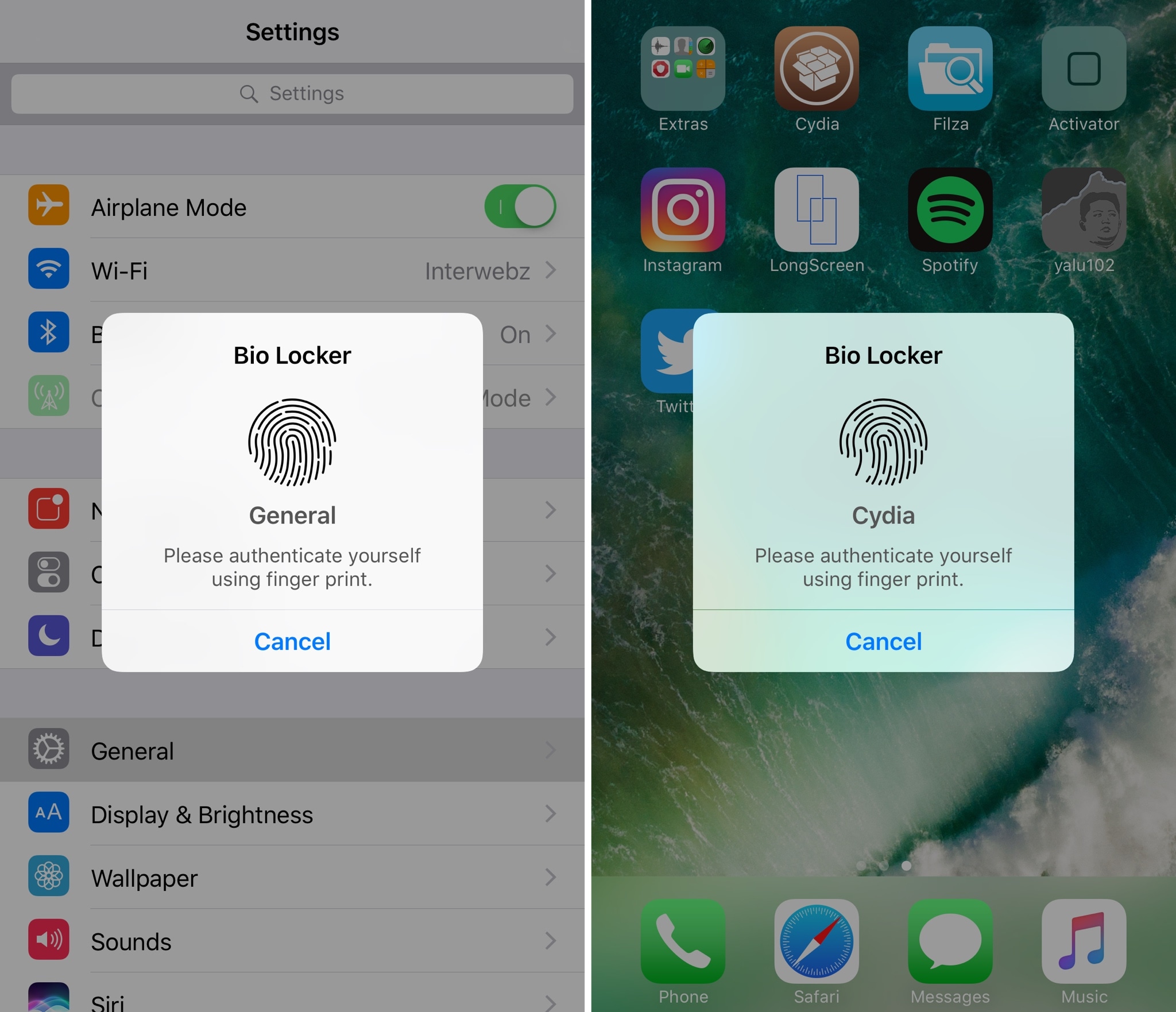
For most people, using a passcode or Touch ID authentication on the Lock screen is enough for keeping an iPhone secure from intruders. On the other hand, many share their passcodes with those near and dear to them or give their unlocked iPhones to others to show off photos or videos.
If you’re worried about someone rifling through your data when they shouldn’t be, and you fall under either of the two scenarios above, then a new jailbreak tweak called Bio Locker by iArrays might be worth checking out.