Learn how to stop your iPhone from automatically changing display brightness so you can adjust it manually and keep screen illumination consistent.
How to stop iPhone from auto-changing screen brightness
From the latest news to the most comprehensive tutorials, learn how to get the most out of your iPad with our step-by-step guides and expert tips.
Learn how to stop your iPhone from automatically changing display brightness so you can adjust it manually and keep screen illumination consistent.
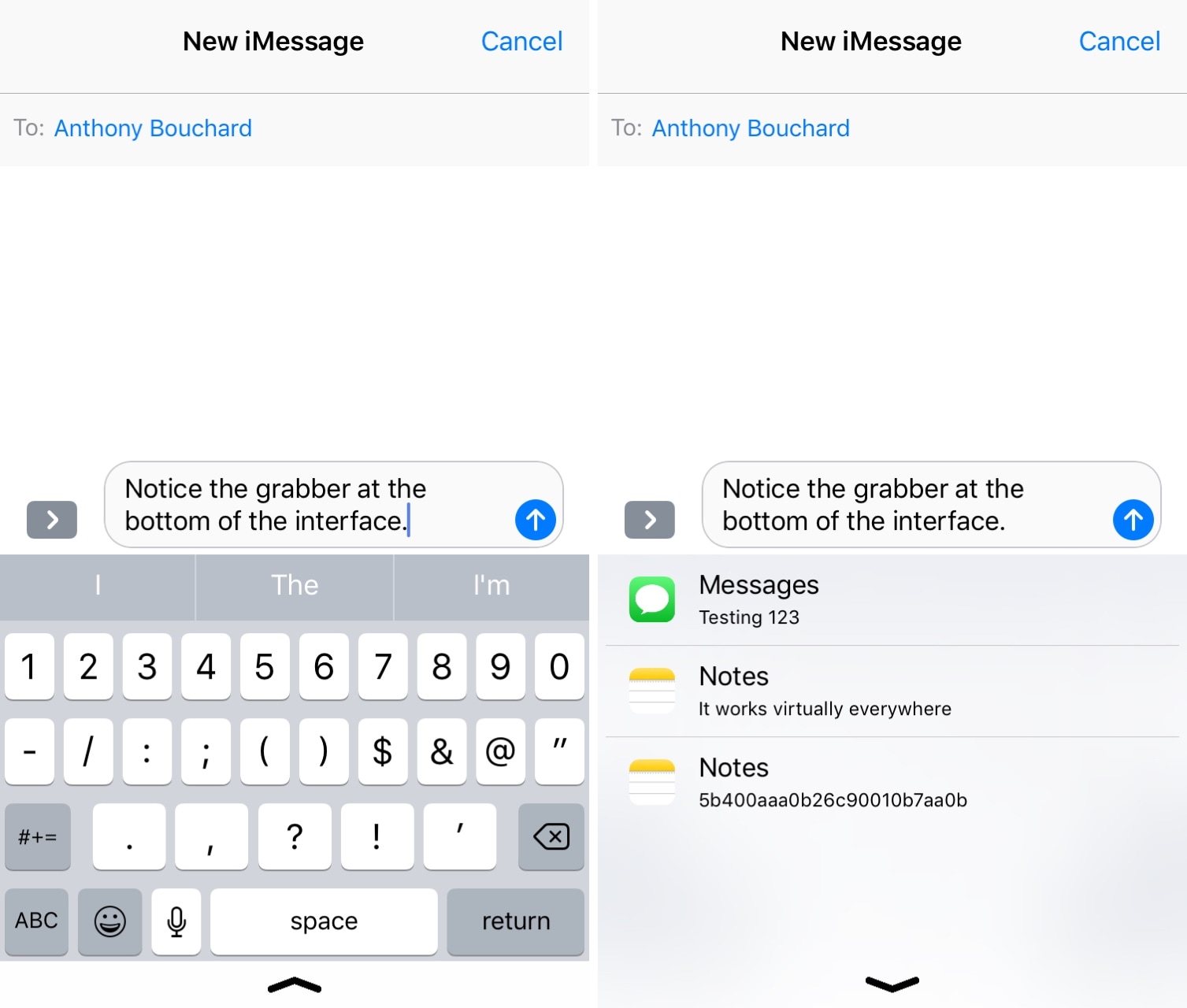
It’s no secret that iOS’ native clipboard leaves a lot to be desired, and that should underscore why there’s been such an uptick in the number of clipboard manager-centric apps and jailbreak tweaks for iOS as of late.
Although we’ve come to appreciate much of what’s available already, we’re also excited to discuss a new free release called Copypasta by iOS developer Nepeta. Its ultra-clean interface paired with the lack of a price tag make it a compelling option for many.
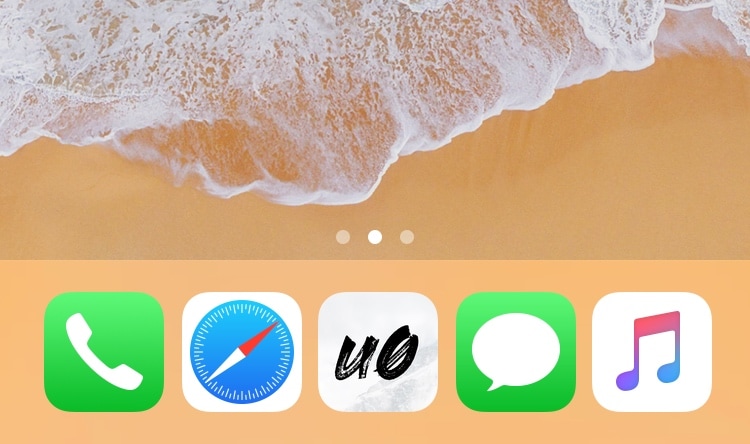
Given just how expansive Apple made the Dock on macOS and on iOS for iPads, it’s almost a shame that Apple limits the number of app icons you can have on your Dock in iOS for the iPhone and iPod touch.
With that in mind, I’ve always had a soft spot for tweaks that shattered that limitation, and that’s mainly why I’m excited to share the release of a free jailbreak tweak called Five Icon Dock (iOS 11 & 12) by iOS developer Guillermo Morán, the same creator behind the popular Eclipse dark mode tweak.
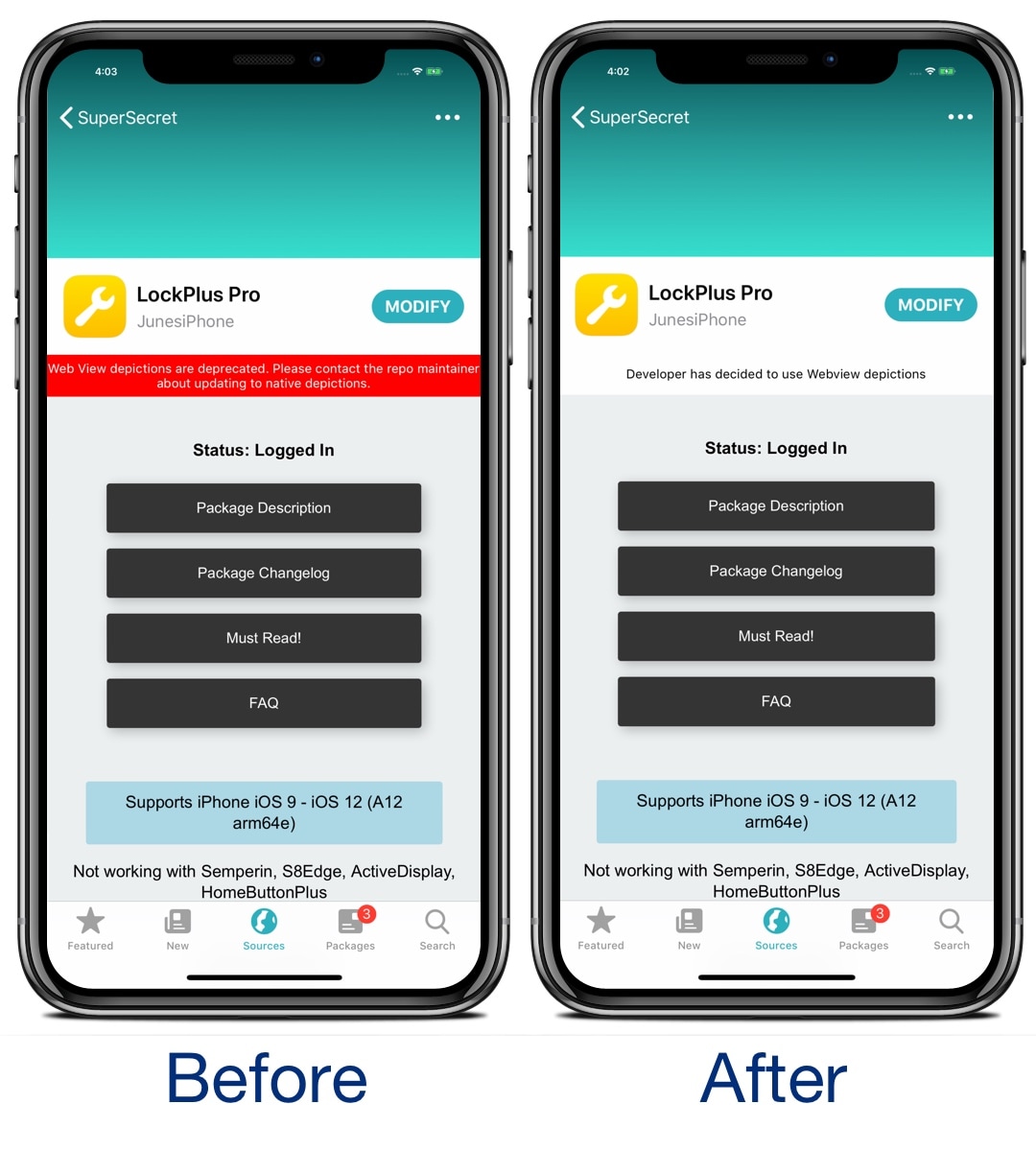
If you’re using the Sileo package manager on the Chimera or Electra jailbreak from the Electra Team, then you’ve undoubtedly stumbled upon a few repositories where the app displays an unsightly red banner just below the tweak’s name with a warning about how web view depictions are deprecated.
Those who use the Sileo app on a regular basis have probably gotten in the hint by now, and so if you’re getting tired of seeing this red banner each time you go to download a jailbreak tweak, then you just might come to appreciate a new free release called SileoNoBanner by iOS developer JunesiPhone.
Bloomberg today released a detailed report outlining some of the previously mentioned features coming to Apple platforms at WWDC 2019, including previously unknown enhancements like a dedicated Calculator app for Apple Watch and revamped Reminders and Health apps in iOS 13.
Upcoming new iPhones and iPads are expected to switch from two upper antennae and two lower antennae made from LCP to a single Modified PI (MPI) material and liquid crystal polymer (LCP) for the upper antenna and three MPI assemblies for the lower antenna.

Using my iPhone’s Control Center interface to adjust my display brightness and volume level has become a second nature to me, and while I love the visuals that Apple has implemented in the latest iteration of Control Center, I still think they could do better with the information displayed there.
With that in mind, I was pleasantly surprised to see a free jailbreak tweak called SugarCane12 from iOS developer manolz. This Control Center add-on displays numeric percentages in the display brightness and volume level sliders so that you have a better representation of their current levels.

With the Electra Team's Chimera jailbreak now available for all iOS 12.0-12.1.2 devices and Pwn20wnd working on Substitute support for jailbroken A12(X) devices using unc0ver, it’s an exciting time to be a jailbreaker. With that in mind, do you know what you should install on your jailbroken iPhone or iPad?
In this roundup, we’ll summarize each of this week’s new jailbreak tweak releases from Monday, April 29th to Sunday, May 5th. As usual, we’ll kick things off by discussing our favorites and then outline the rest afterward.
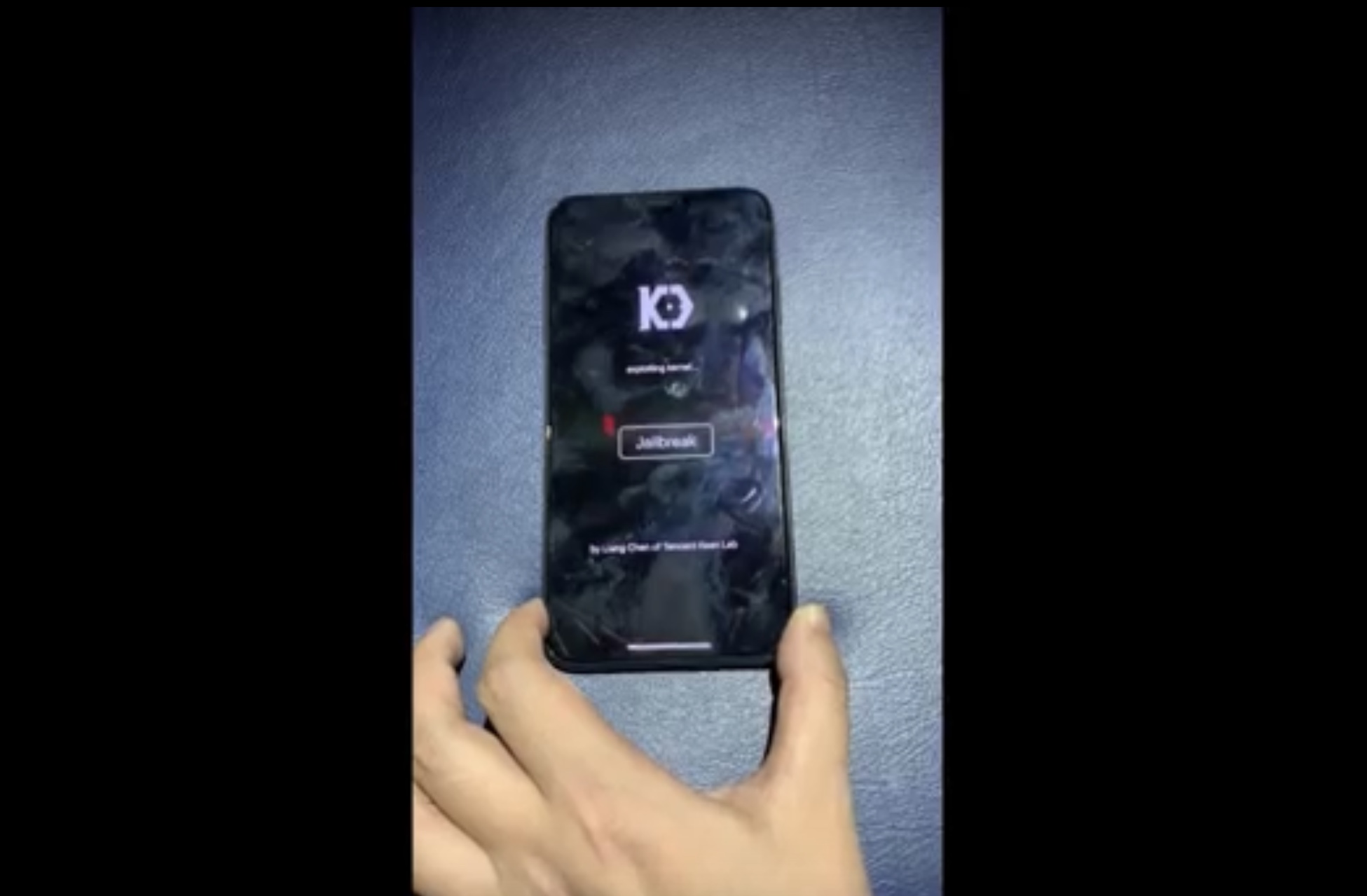
The talented Liang Chen of security research group KeenLab has once again flexed his hacking prowess this week after showing off what is believed to be the first-known jailbreak demonstration to support iOS 12.2.
Chen’s video demonstration, which has been published on YouTube, demonstrates what appears to be an iPhone XS Max running iOS 12.2:
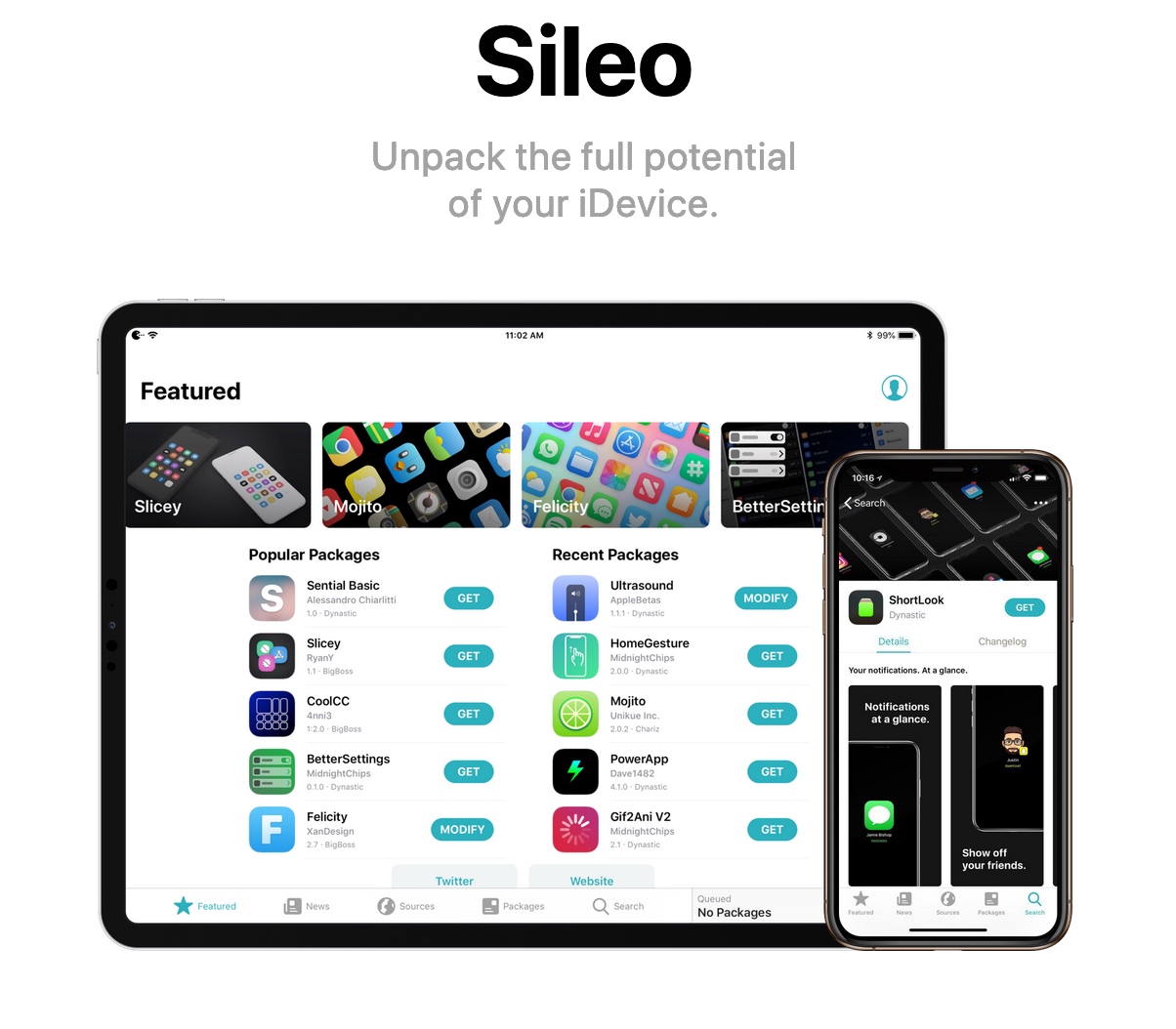
Aligning with the latest Chimera jailbreak tool updates that were released today, the Sileo Team launched two consecutive updates for the Sileo package manager dubbed versions 1.0.4 and 1.0.5 respectively.
The Sileo Team announced both the updates just this morning via Twitter, noting some of the changes that would come in each update:
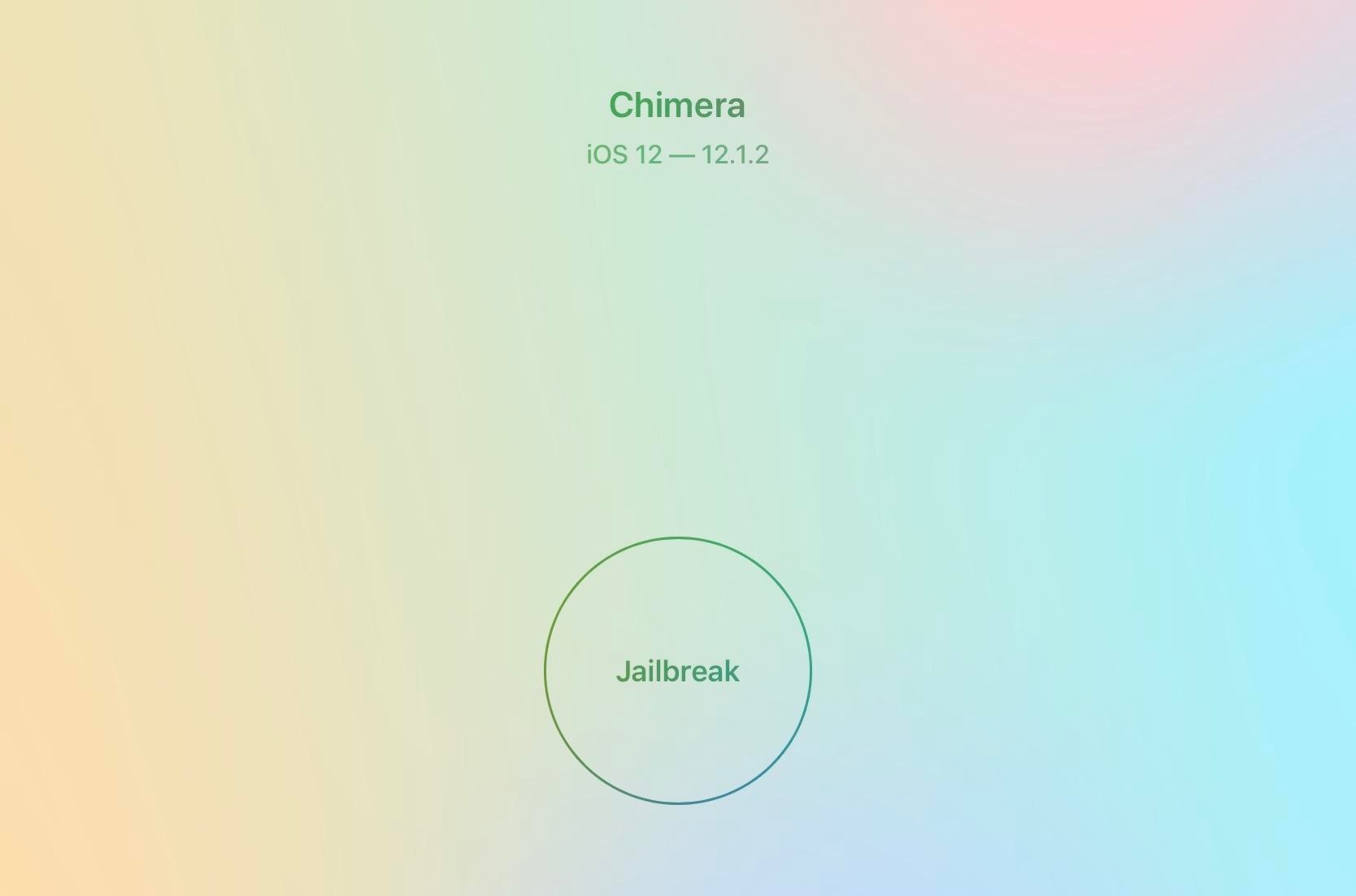
The Electra Team released two consecutive updates for the brand-new iOS 12-centric Chimera jailbreak tool on Saturday, with the first update being version 1.0.3 and the second being version 1.0.4 just a few hours later.
The Electra Team announced each of the updates just this morning via Twitter, adding that they would bring noticeable improvements to all Chimera jailbreak users:
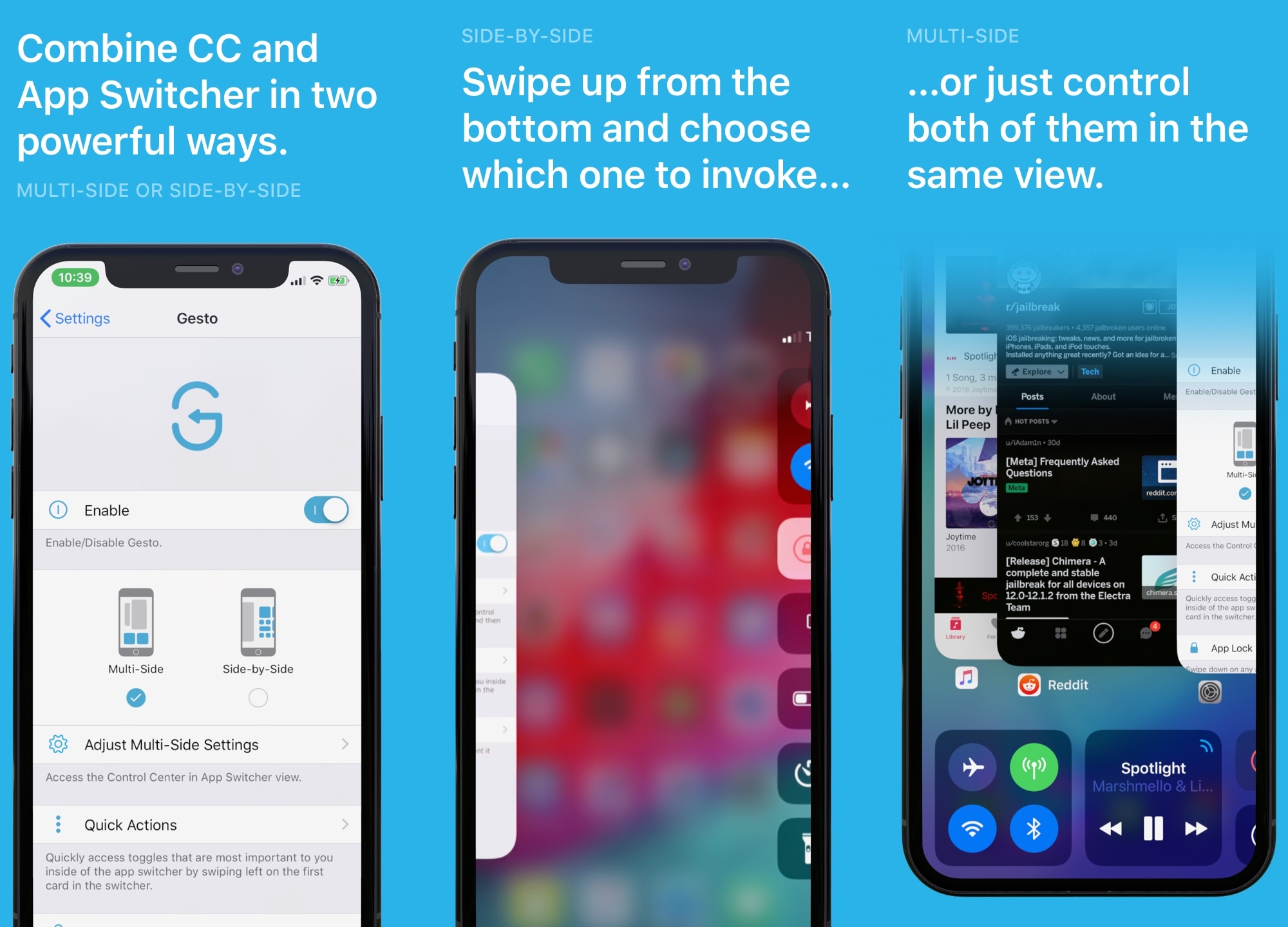
iOS’ App Switcher, love it or hate it, leaves a lot of wiggle room for improvement. With that in mind, it should come as no surprise to anyone that iOS developer Gabriele Filipponi and designer Alessandro Chiarlitti set out to improve it with the launch of a new jailbreak tweak called Gesto.
In a nutshell, Gesto augments your iOS handset’s App Switcher with powerful new features and integrations with the primary goal of making multitasking easier. And let us just say, based on our mind-blowing hands-on experience, this isn’t a tweak you’ll want to miss.