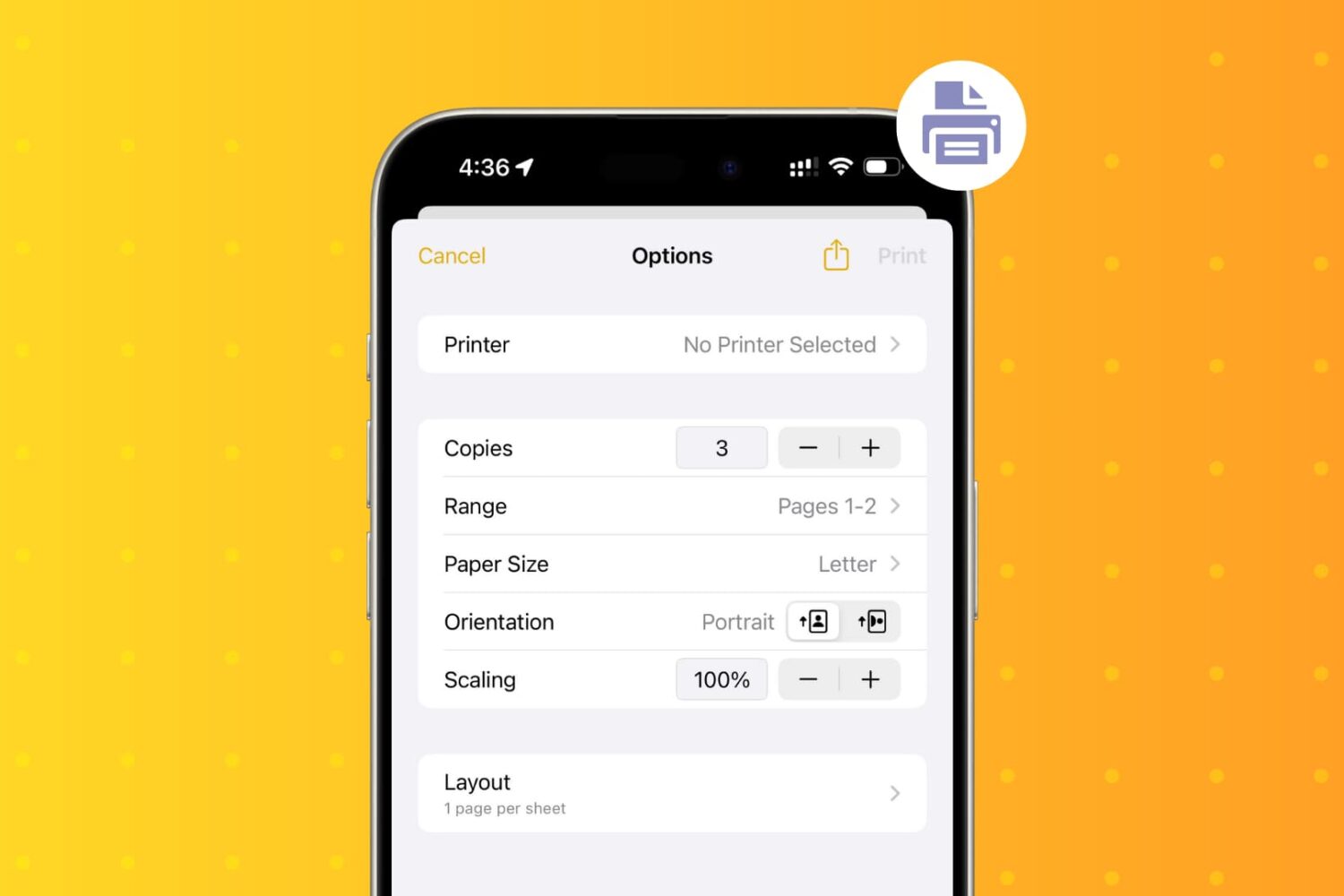
Learn how to wirelessly print PDFs, documents, or images from your iPhone and iPad using an AirPrint printer.
How to print wirelessly from your iPhone or iPad
From the latest news to the most comprehensive tutorials, learn how to get the most out of your iPad with our step-by-step guides and expert tips.
Learn how to wirelessly print PDFs, documents, or images from your iPhone and iPad using an AirPrint printer.

It’s been a crazy couple of weeks for the jailbreak community thanks to a slew of jailbreak tool updates from both the checkra1n and unc0ver teams adding support for iOS & iPadOS 13.5. Thankfully, we’re here to help keep you apprised of the best of the latest jailbreak tweak releases.
In this roundup, we’ll show you all the best jailbreak tweaks released from Monday, June 1st, to Sunday, June 7th. As usual, we’ll start things off by showcasing our favorite releases and then wrap things up with an outline of everything else afterward.
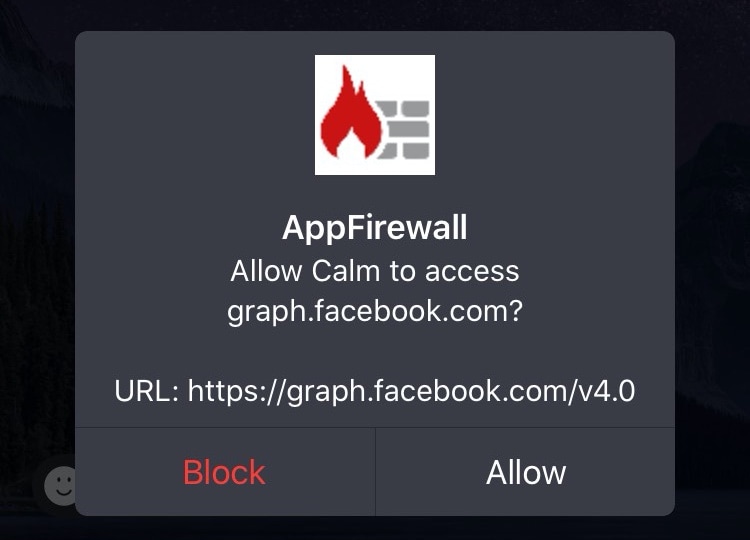
Veteran jailbreakers may remember a time in the distant past when you could install literal software firewalls in the form of jailbreak tweaks. Fast-forward to today when these tweaks a lot less common, and innumerable privacy concerns relating to camera snooping, location tracking, microphone eavesdropping, and the likes have sparked new interest in blocking outbound data communications on our handsets.
If you’re in the market for an increased say in the data that leaks out of your handset to the world wide web, then you’ll probably want to know about a newly released and free jailbreak tweak called App Firewall (iOS 10-13) by iOS developer Brayden Traas, as it can purportedly help you take control of your apps’ network access.
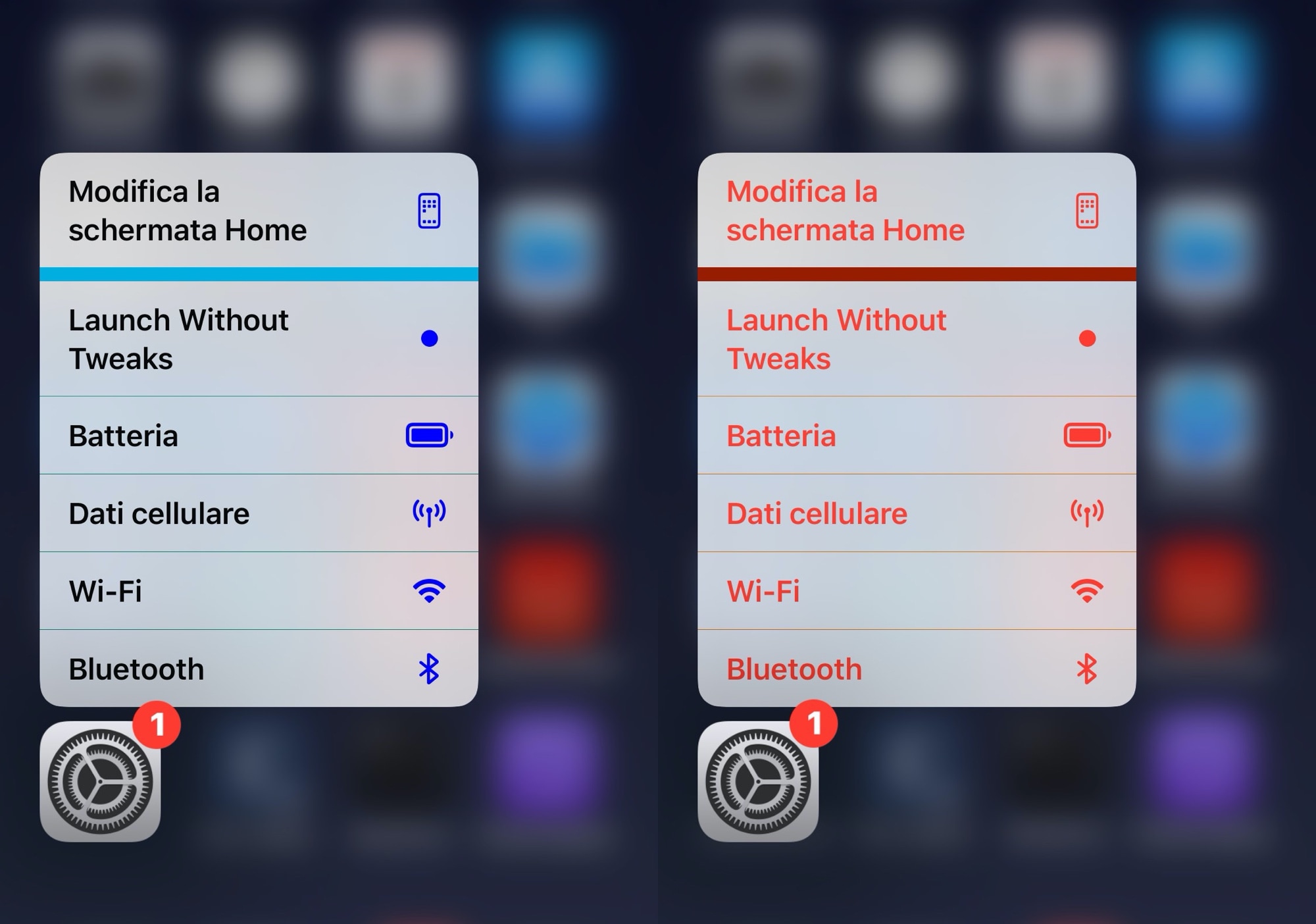
Whether you’re new to or experienced with jailbreaking, one thing that remains true about most users of pwned iPhones is that they love personalizing the native user interface in ways that makes it stand out from a crowd of vanilla handset users.
If you’re moderate when it comes to personalization and you like adding custom colors to existing interfaces as opposed to replacing them with something different outright, then you just might appreciate a newly released and free jailbreak tweak called Color3DIcons by iOS developer CydiaGeek.
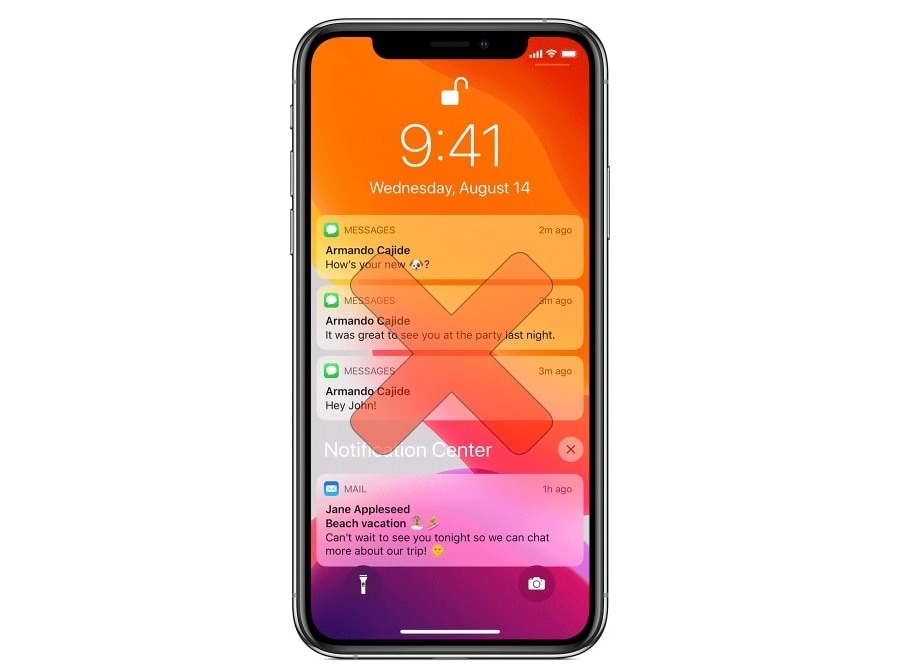
I’ll be the first to admit that I think push notifications are both a gift and a curse. It can be convenient to have real-time notifications when someone’s trying to get in touch with you, but it can also be annoying having a device that integrates your personal entertainment with seemingly endless streams of notifications that hijack your focus away from what matters most to you.
If you can relate, then we think you’re going to love a newly released and free jailbreak tweak called NotiBlock by iOS developer ShemeshApps.
All iPhones come with a feature out of the box called Auto Lock that can extend the handset’s battery life by automatically putting it to sleep after extended periods of inactivity. Auto Lock can be useful, but usage varies from one person to the next based on the apps they use and how they use them. Fortunately, you can configure certain parameters of Auto Lock such as the timeout period or disabling it in its entirety.
As nice as the aforementioned configurations can be, one thing that appears to be missing is a way to configure iOS’ Auto Lock on a per-app basis. It’s a simple concept that I think would solve one of the most substantial deal-breakers for a bevy of iPhone users, and that’s one reason why I like the concept behind a free jailbreak tweak called DoNotAutoLock13 by iOS developer moyashi.

The award-winning action role-playing game Oceanhorn 2: Knights of the Lost Realm today pushed a major new update to the App Store aimed at Apple Arcade subscribers.
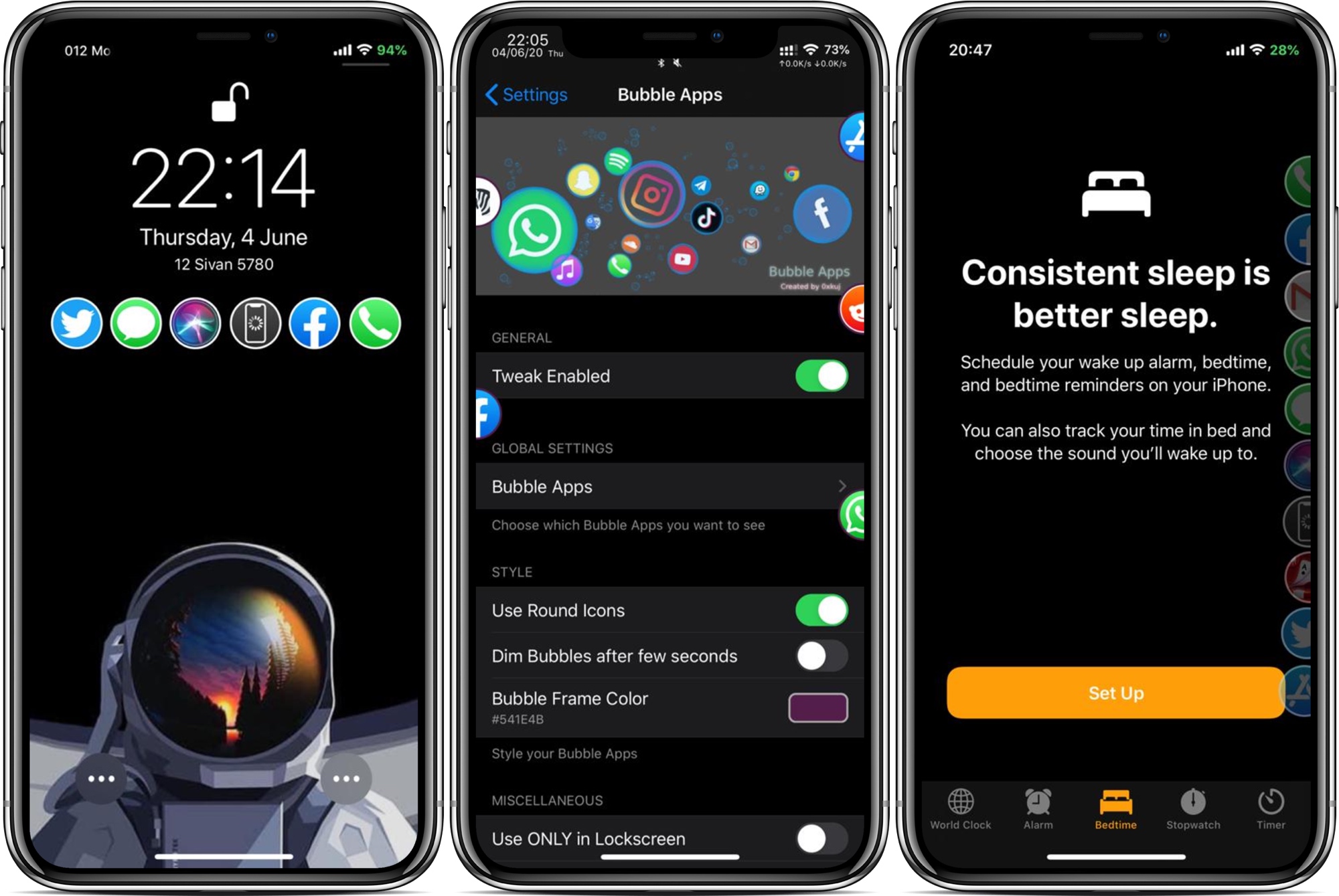
App launchers are popular among jailbreakers, mostly because they can make accessing your favorite apps from anywhere easy when you’re just out of reach of your Home screen. But what makes an app launcher perfect? The answer varies from one person to the next based on personal needs, which is one reason why we enjoy seeing different developers’ takes on the idea.
Enter Bubble Apps, the latest of such jailbreak tweaks created by iOS developer 0xkuj that provides users with a highly configurable app launcher interface that can be accessed from virtually any interface in iOS.
The next iPad Air should become the second Apple tablet to swap the company's proprietary Lightning port with the more ubiquitous USB-C protocol. At the same time, the upcoming iPad mini refresh should retain Lightning I/O.
Apple on Monday released iOS and iPadOS 13.5.1 to the general public for the sole purpose of patching the new exploit in the unc0ver v5.0.0+ jailbreak tool, and as you might come to expect, Apple will soon unsign the jailbreakable iOS 13.5 firmware.
It usually takes the Cupertino-based company a week or two after a new firmware release before it stops signing an older version of iOS or iPadOS, but in recent memory, just one week has been a lot more common. By doing this, Apple can leave its user base with no option of downgrading or upgrading back to iOS or iPadOS 13.5, effectively preventing users from jailbreaking.
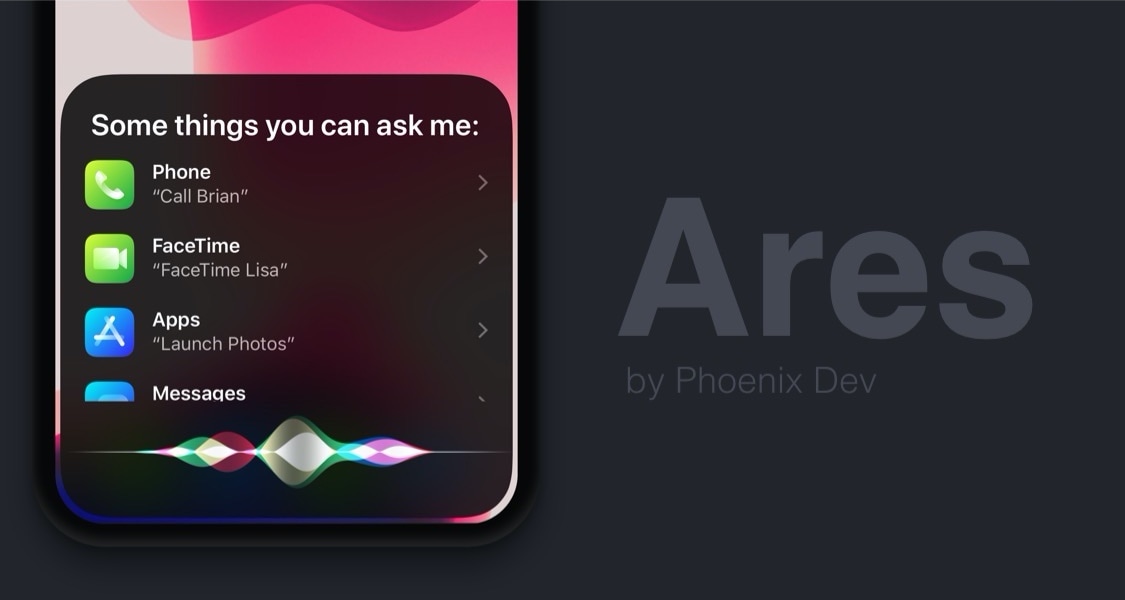
Siri can be a useful way of accessing information both on-device and via the internet, but one thing that Apple could have made better is the virtual assistant’s user interface, which at the time of this writing, takes up the entire real estate of your iPhone’s display.
A newly released jailbreak tweak dubbed Ares by iOS developer Phoenix Dev aims to make the Siri interface substantially more compact by compressing its contents into a floating view tantamount to the size of the AirPods pairing interface.
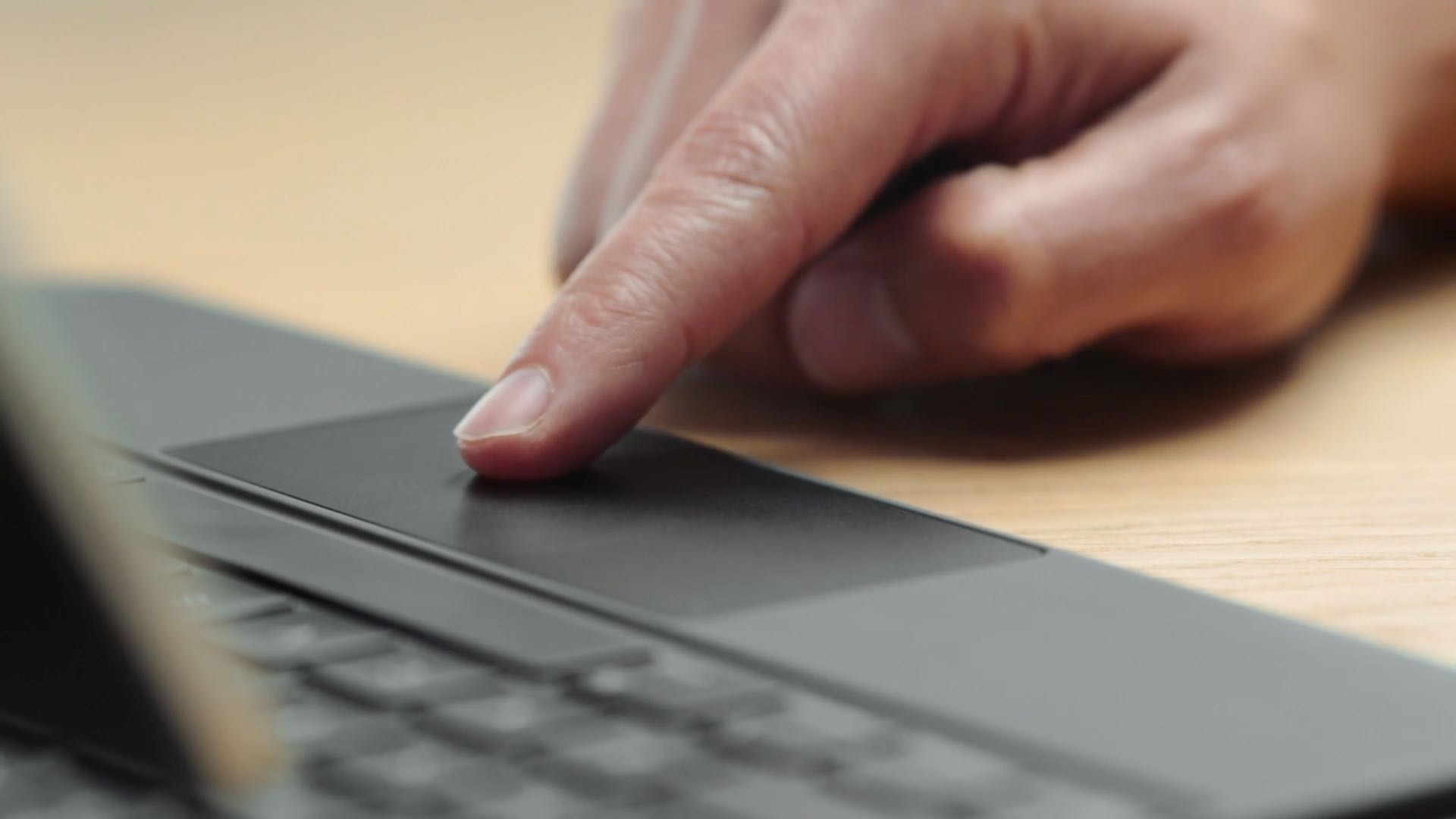
If you need to control your Windows PC desktop or server with Microsft's Remote Desktop Mobile app for iPhone and iPad, you can now do so with proper mouse and trackpad support.