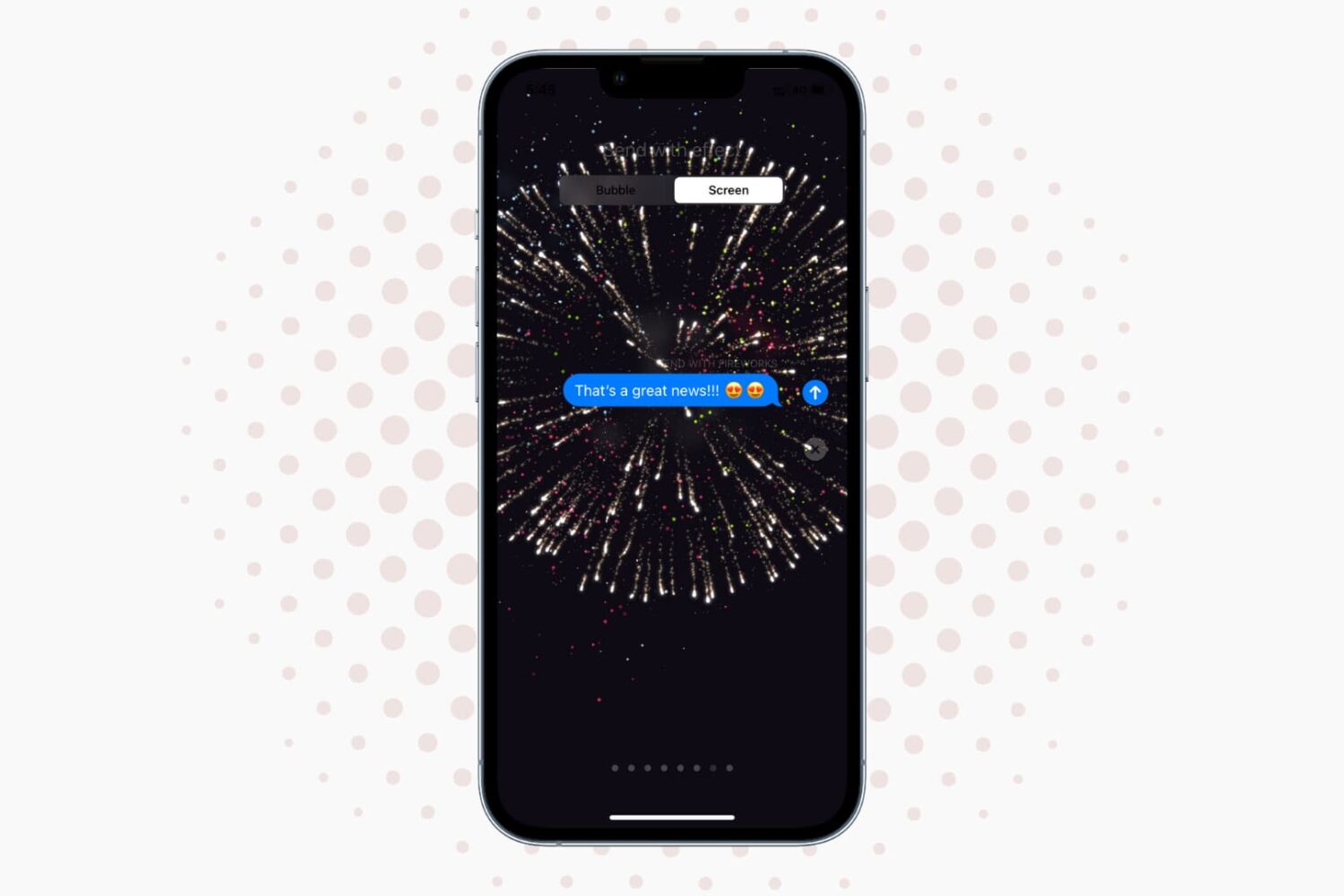
Learn how to spice up your iMessage conversations with bubble and fullscreen effects that play in the Messages app on iPhone, iPad, Mac, and Apple Watch.
How to use bubble and screen effects in Apple Messages
From the latest news to the most comprehensive tutorials, learn how to get the most out of your iPad with our step-by-step guides and expert tips.
Learn how to spice up your iMessage conversations with bubble and fullscreen effects that play in the Messages app on iPhone, iPad, Mac, and Apple Watch.

Facebook just pushed a major update to its Messenger software in the App Store. On iPhones with iOS 10, the app now takes advantage of Apple's new CallKit framework to make audio (VoIP) calls from Messenger look and behave like normal cellular calls with full support for Lock screen and Phone integration.
Bumped to version 89.0, the app now shows incoming VoIP calls from Messenger contacts right on your Lock screen complete with fullscreen contact images, standard controls like the Mute, Keypad, Speaker, Add Call and Video buttons and more.

Snapchat recently rolled out a minor refresh to its iPhone application in the App Store, bumping version number to 9.39.3.0 and bringing out a new Sticker Search feature. As the feature's name suggests, this lets you find precisely the sticker you want simply by typing its description. A previous Snapchat update introduced a few tweaks, including support for caption styling with the new bold, underline and italic options.

At the annual I/O developer conference in April 2016, Google previewed two new mobile apps: a one-to-one video calling app called Duo, which released in mid-August, and a messaging software called Allo, which surfaced on the App Store this morning as a free download.
It sports features commonly found in messaging apps and includes a built-in Assistant, Google's conversational artificial intelligence helper, an Incognito mode and more.
While Google originally promised Allo would only store messages transiently and in non-identifiable form, the firm's had a change of heart as Allo logs all chats by default.

Apple's Messages app provides an optional iOS-only mode which cuts down your cellular data consumption to a bare minimum when sending image attachments. I don't know about you, but I worry about sharing high-resolution images when cellular data is on. In my experience, most normals are oblivious to the fact that sending a single shot-on-iPhone photograph through iMessage burns through one to five megabytes of data, sometimes even more.
In low quality mode, Messages uses only 100KB per image attachment. Another way to think about it: you can send 30 to 50 images for the same amount of data required to share a full-resolution attachment in Messages. In this brief tutorial, we'll teach you how to tell Messages to send lower quality images in order to optimize your cellular data consumption and prevent unwanted overage fees.
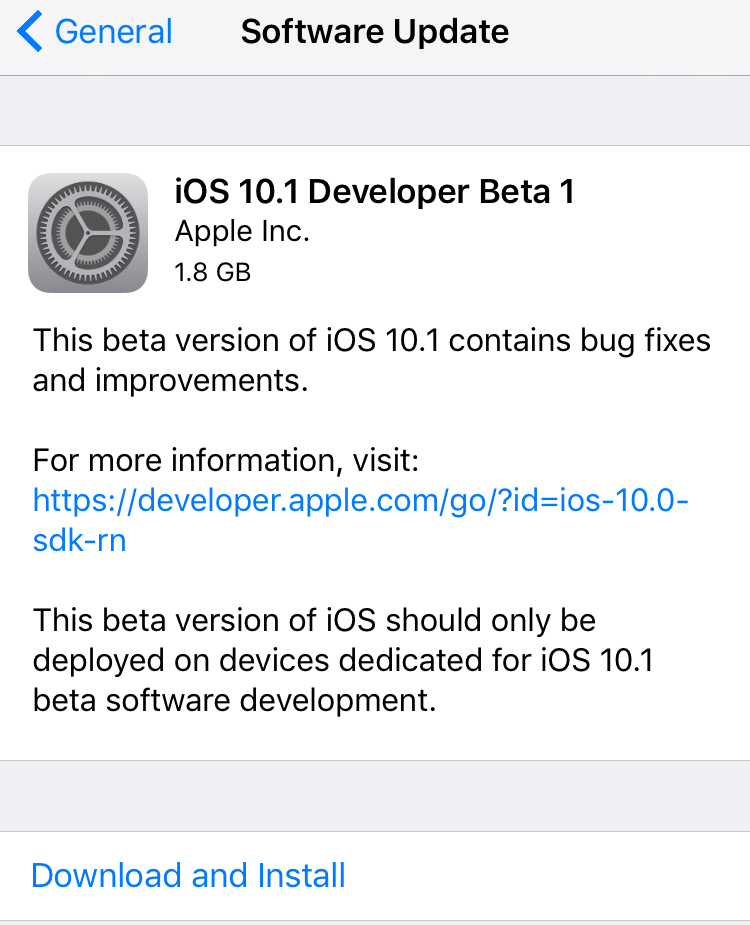
Apple on Wednesday issued the first beta for iOS 10.1. Registered developers can grab the new software via the over-the-air update mechanism in the iOS Settings app, or via Apple's online developer portal.
Perhaps the most significant change in this first 10.1 beta is the addition of Portrait camera mode— a software feature for the iPhone 7 Plus Apple showed off earlier this month that creates a 'bokeh' effect.

With Instagram drafts, you can save any half-finished photo edits and work on them later, which is handy for those times you get too busy to post right away. And if you run an Instagram account for your business, letting your social media manager save a post as a draft makes it easy for you to review it in advance of publishing.

Current (or potential future) Apple Music users are going to want to check out this deal from PayPal. The e-payment company is offering a gift card good for a 1-year subscription to Apple's streaming music service for just $99.
Since an individual subscription to Apple Music is typically $9.99/month, this makes for a ~$20 discount—or 2 free months of service. The gift card can be purchased via PayPal's eBay store and is delivered within minutes by email.

In May of this year, Twitter promised it would be stopping counting media and other non-text content against its 140-character limit. Today, the company announced that embedded photos, videos, GIFs, polls and quoted tweets no longer count toward your 140 characters.
Twitter originally promised to also stop counting user mentions like @iDownloadBlog, but didn't specify today when it'll drop @usernames from the character count.

With iOS 10, Safari didn't receive a major facelift like some other Apple apps did. That's not saying Safari didn't have a few tricks up its sleeve that make browsing the web a more pleasing experience for everyone. One of the little things about iOS 10 that I'm sure many folks appreciated was the ability for Safari to play videos inline on the iPhone and iPod touch, too.
This feature has been present on iPads for years.
Thankfully, you can watch most web videos inline on your iPhone and iPod touch, even while multitasking in Safari. Telling Safari to play a video inside the webpage isn't as obvious as it could have been, so here's a little tutorial to get you up to speed.

This week has been busy for those of us at iDB since iOS 10 was released to the public for iPhone, iPod touch, and iPad. Of course, the jailbreak community doesn't sleep just because Apple releases a new firmware update.
In this roundup, we'll talk about all the jailbreak tweaks that were released in Cydia this week, starting with our favorites.

It's been a crazy week, what with the iPhone 7 launch and all. So we know everyone is ready to kick back and relax this weekend with some fun new apps and games. The latest edition of our Apps of the Week roundup includes a unique reading app, a TV series manager, and a new raw camera app. Plus we have a couple of new games for you to check out.