Apps

Fantastical for iPhone gains drafts feature [bonus: promo codes giveaway]

Developer Flexibits has issued an update to Fantastical's iPhone, iPad and Apple Watch apps this morning. This premium calendar and reminder replacement software for iOS, watchOS and OS X now includes complete support for Japanese users across its iPhone, iPad and Apple Watch editions.

More importantly, Fantastical 2.4 for iPhone now includes drafts, a handy new feature addition that makes it possible to multitask while adding new items quickly and easily. The update is rolling out as we speak and should be available in the App Store shortly.

As a nice bonus, the fine folk at Flexibits have kindly provided more than a dozen promo codes for you, our readers, to redeem so read on to potentially grab your free copy of Fantastical.

Chrome for iOS gains a cool tab-switching gesture

Just days after updating Chrome for iOS with the ability to swipe right or left to navigate backward or forward, the search giant issued another app refresh this morning.

Bumped to version 44.0.2403.67, Chrome's added a handy shortcut to switch between open tabs without having to reach for an icon in the upper right corner with your thumb.

Google's mobile browser for the iPhone, iPod touch and iPad is available at no cost in the App Store.

eBay folding Valet, Fashion and Motors apps into its main client for iPhone and iPad

eBay's bidding application for the iPhone and iPad is about to get a whole lot better as the e-commerce service announced plans to streamline its App Store offering.

As part of the restructuring effort, eBay will shutter its Valet, Fashion and Motors apps and fold some of their functionality into the main iPhone and iPad client, available free of charge in the App Store.

TurboScan puts the power of a high quality mobile scanner in the palm of your hand

TurboScan by Piksoft Inc., a small Bay Area company, has been available on the App Store for more than five years. Yesterday, they finally launched a free version which leaves no features behind so anyone can now experience the power of a high quality scanner in the palm of their hand, at zero cost.

Ranked #1 business app in the US App Store and with over three million existing users, this document and receipt scanner includes powerful features wrapped around an engaging interface.

100 apps and games discounted to $0.99 in massive App Store sale

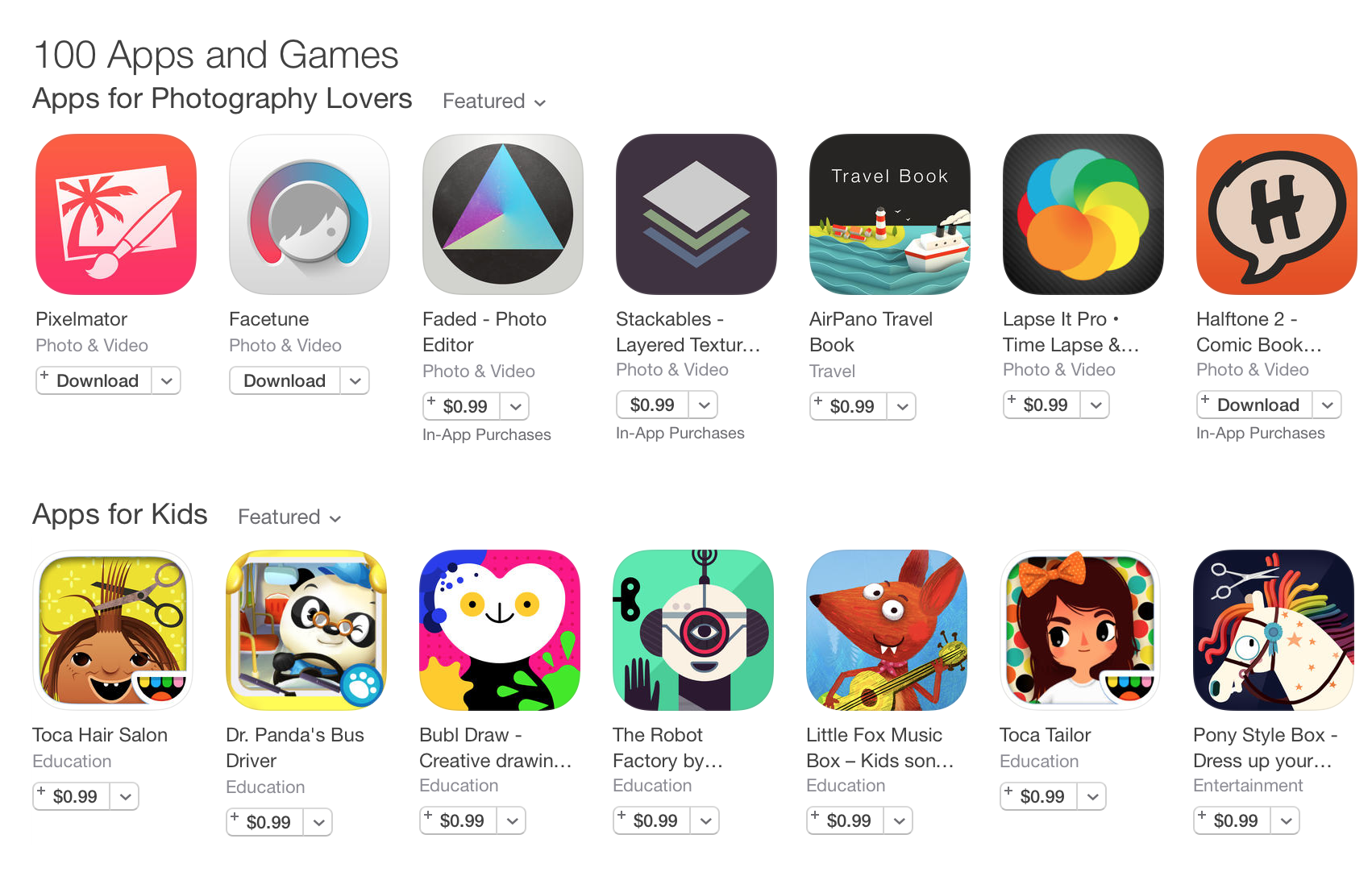
Apple is running a massive sale in the App Store right now, marking down the prices of 100 notable apps and games. The promotion includes titles from a variety of genres, and everything has been discounted down to $0.99.

The promo has been split up into 6 sections: Apps for Photography Lovers, Apps for Kids, Smart Tools for Everyone, Game Hits, App Store Veterans, and More Games to Explore. We've listed some of our favorite deals below.

YouTube app updated with support for fullscreen vertical videos

Google's YouTube updated its iOS client today, bringing the app to version 10.28. The update brings about two major enhancements: support for fullscreen playback of vertical videos and push notifications.

The former is fairly significant. Users can now view vertically-filmed videos in fullscreen when in portrait mode—a big improvement over previous versions, which would shrink content between two black bars.

Apple highlights apps for anniversary of Americans with Disabilities Act

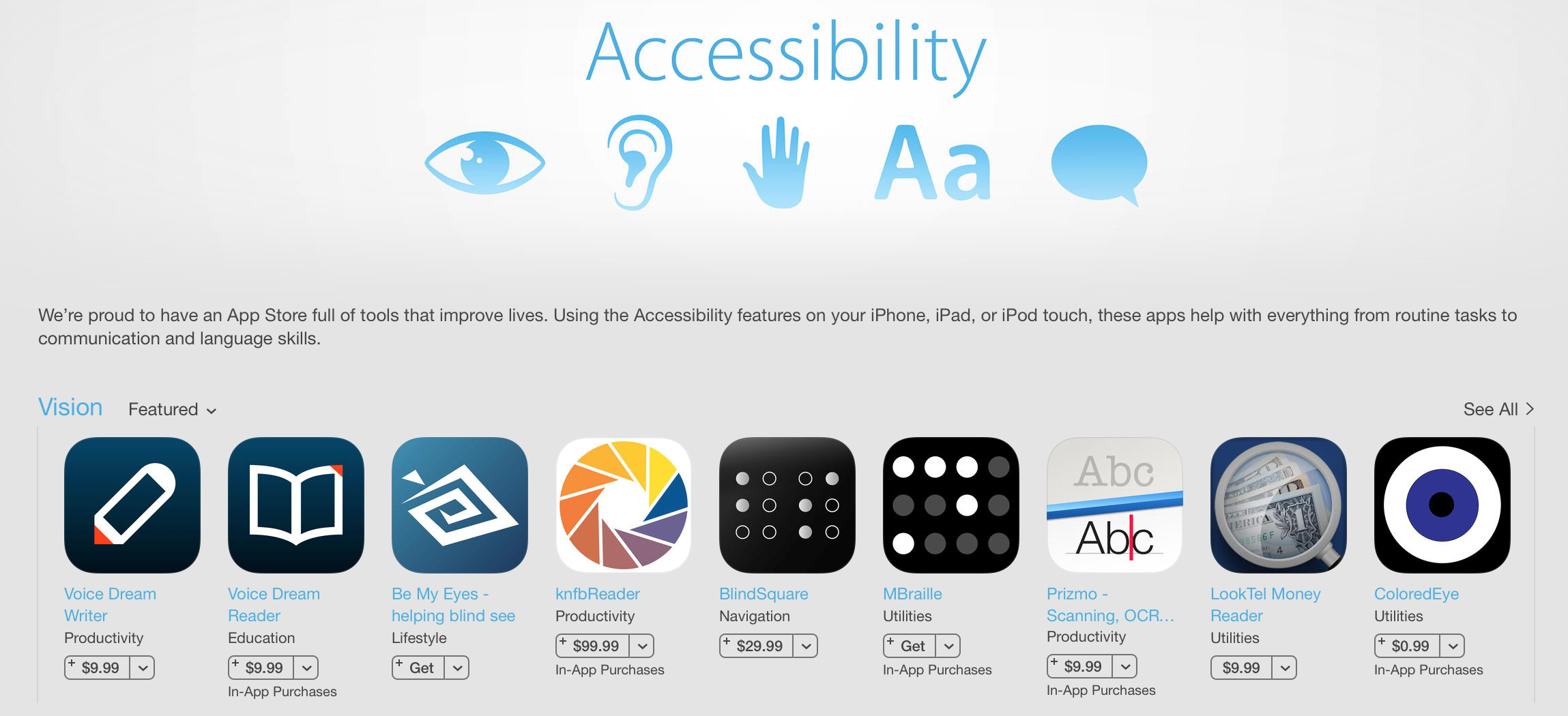
To celebrate the 25th anniversary of the Americans with Disabilities Act, Apple has begun highlighting apps with specialized accessibility features. The curated section features apps such as TapTapSee, Color Identifier and more.

Apple has long been praised for its efforts to ensure iOS devices can be used by those with various disabilities, including vision, hearing and motor skill impairments. It also regularly spotlights third-party accessibility applications.

Nickelodeon’s ‘SpongeBob Moves In’ goes free as Apple’s App of the Week

Apple has just named “SpongeBob Moves In” its App of the Week for this week. This means that from now through next Thursday, you’ll be able to download Nickelodeon's popular city-builder for both iPhone and iPad for free—saving you a solid $4.

On Day 1, players help SpongeBob move into his Pineapple house, get a job at the Krusty Krab and begin building their own Bikini Bottom. As your town begins to thrive, you'll unlock new characters, buildings, decorations and areas like Jellyfish Fields.

Save links for later with Pinterest’s much improved Share extension

Pinterest's Share extension on iPhones, iPod touches and iPads has gotten a whole lot more useful in the latest update which just landed on the App Store.

The free of charge application was among the first on the App Store to have rolled out a native Share sheet extension on iOS 8, albeit sporting a very limited set of features.

With the new, much improved Pinterest button for iPhone, you can now save links for later in a more visual way than before, with customizable Pin descriptions and more.

Office for iOS gains Outlook integration, easier sharing, viewing protected files and more

Software giant Microsoft on Thursday issued a set of updates adding several new features to its Office mobile apps on the iOS platform. For starters, the refreshed editions of Word, Excel and PowerPoint for the iPhone and iPad can finally open and view protected documents.

Next, users can now easily invite others to collaborate on documents and grant permissions from within the apps, another important productivity boost.

Google Maps gaining a cool new feature to revisit all the places you’ve explored

Google yesterday announced a new feature for users of its mapping service which makes it easy and fun to reminisce about the places you've explored with Google Maps.

Currently available on desktop and Android, the “Your Timeline” feature lets you revisit any place you’ve been on a given day, month or year.

Your Timeline is private and visible only to you.

As a bonus, if you use Google's new Photos mobile app, available free of charge in the App Store, it'll show you the photos you took when viewing a specific day.

Google finally updates Chrome for iOS with swipe to navigate

File this one under the “better late than never” drawer. It only took like nearly two years since iOS 7's debut but Google has at long last given users of its Chrome for iOS browser the ability to swipe right or left to navigate backward or forward.

The iPhone and iPad browser, now bumped to version 44.0.2403.65, also brings stability improvements and bug fixes while laying the groundwork for another major feature addition: Physical Web integration in the Notification Center's Today view.

Physical what?