iOS 11

This cool iOS 11 concept would bring more power to your iPhone’s Lock screen

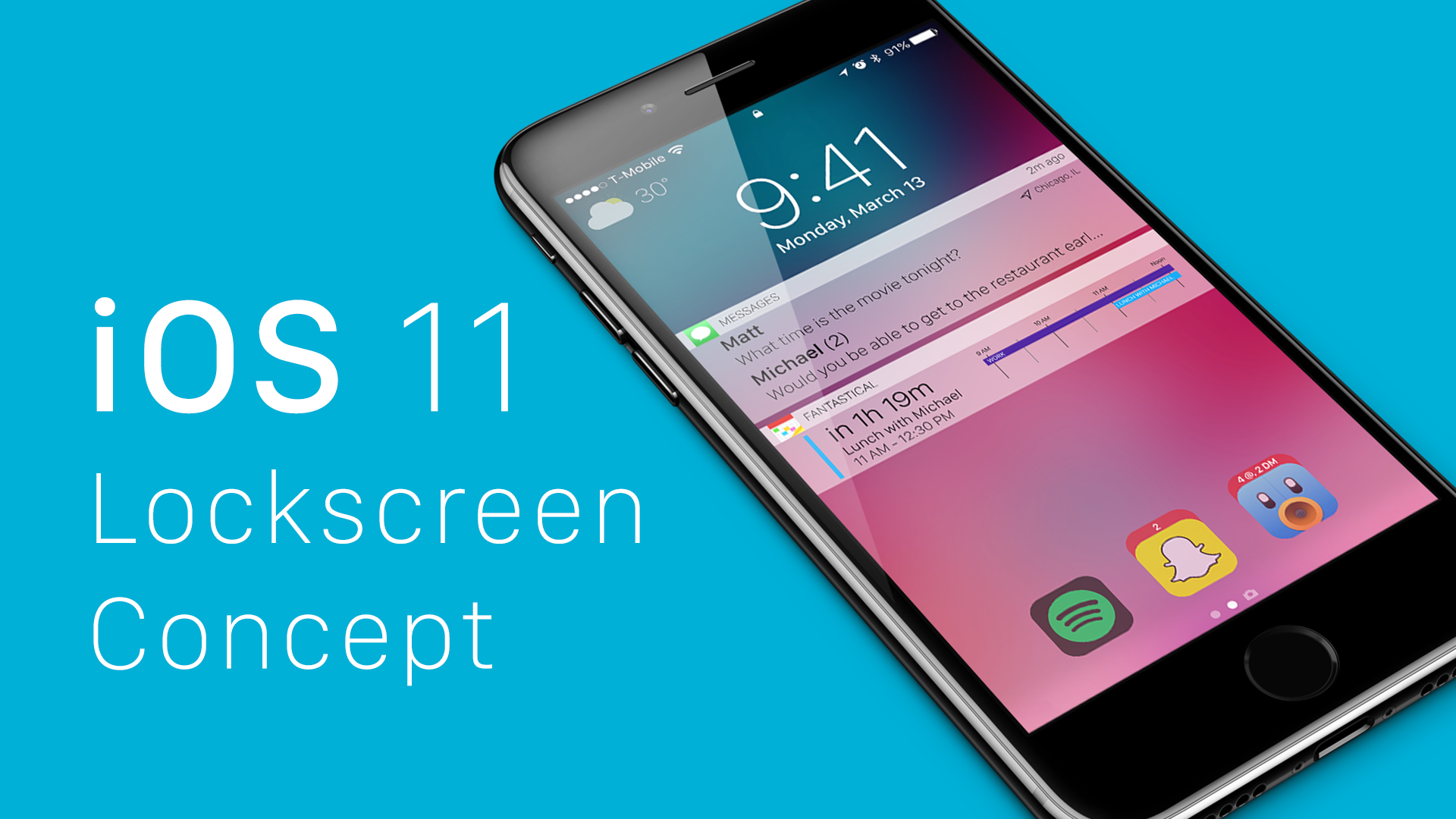
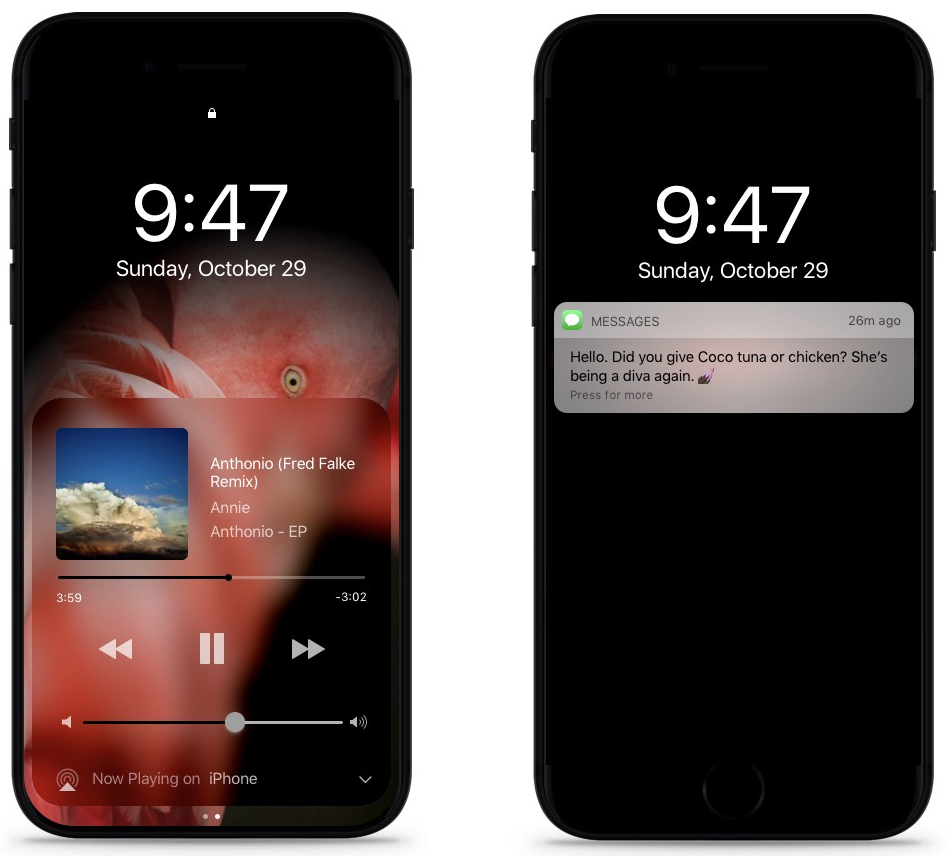
Various iPhone 8 and iOS 11 concepts have been proliferating lately, with app developer Matt Birchler jumping on the bandwagon with mockups of his own. We're liking some of the smart ideas presented in his batch of thoughtfully done renderings that envision a much more useful Lock screen on iOS 11.

Going beyond simple things like checking the date and time, launching the camera, accessing your favorite widgets and seeing notifications that have arrived since your last unlock, Birchler is proposing a Lock screen with Apple Watch-like complications, user-selectable app shortcuts, alert bundles, smart notifications that could be augmented further with optional location information and so forth.

Concept: bezel-less iPhone 8 with wraparound AMOLED screen and Dark Mode

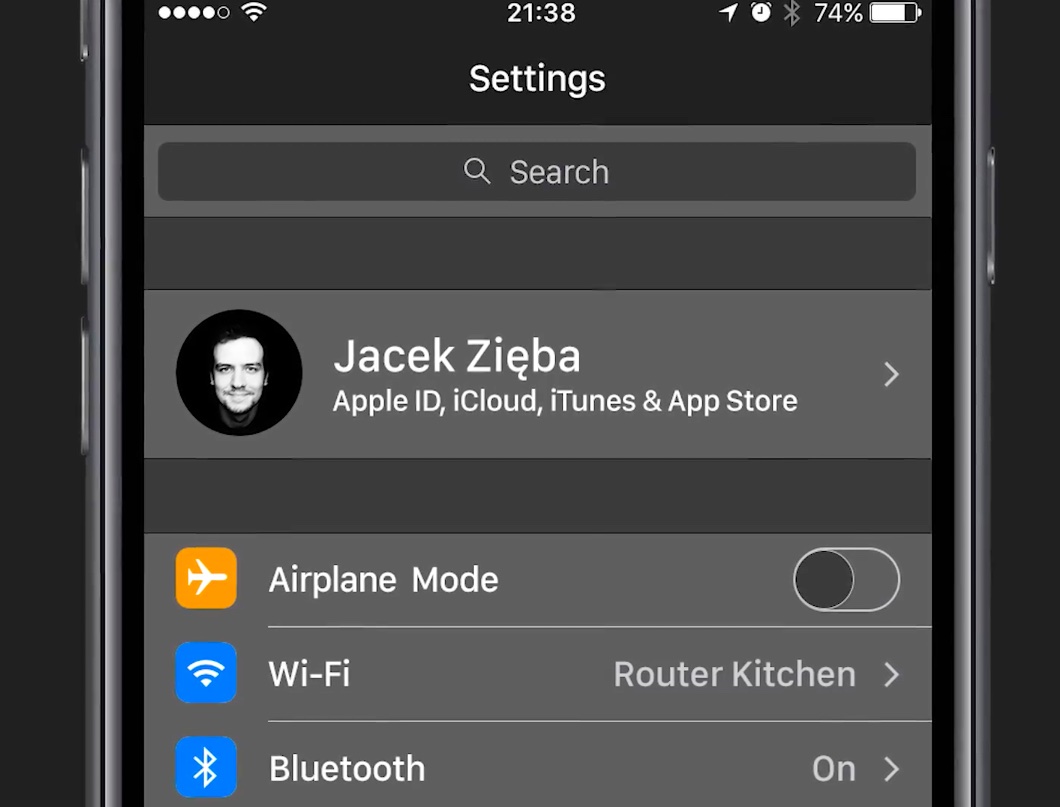
Following a concept video from Polish blog My Apple imagining what a system-wide Dark Mode in iOS 11 (along with a few other sought-after rumored features) might look like, user interface designer Vianney le Masne has taken it upon himself to put together some great-looking mockups depicting how iPhone 8's rumored OLED screen and the handset's bezel-less design could be leveraged to implement Dark Mode across iOS and in apps.

“With Dark Mode in iOS for the next iPhone, 2017 could be all about killing the four sides of your screen and making it all about your thumb,” said le Masne.

iOS 11 concept imagines Dark Mode, Split View on iPhone, FaceTime group calling & more

Unused resources for a dark theme in apps like Messages and Settings were discovered previously in iOS 10 code, fueling speculation that Apple could be laying the groundwork for a full Dark Mode in iOS 11 to coincide with an upcoming iPhone 8 release. A dark interface should help iPhone 8 conserve power because the organic light-emitting diode (OLED) display technology illuminates the individual pixels and doesn't require a power-hungry backlight.

Polish blog My Apple has put together a stunning video concept that attempts to imagine what a system-wide Dark Mode and some other sought-after rumored features of iOS 11 might look like.

iPhone 8 concept imagines rumored “function area” replacing Touch ID and Home button

KGI Securities analyst Ming-Chi Kuo, along with other analysts, told clients that iPhone 8 would most likely feature a 5.8-inch OLED screen with an active display area of 5.1 inches.

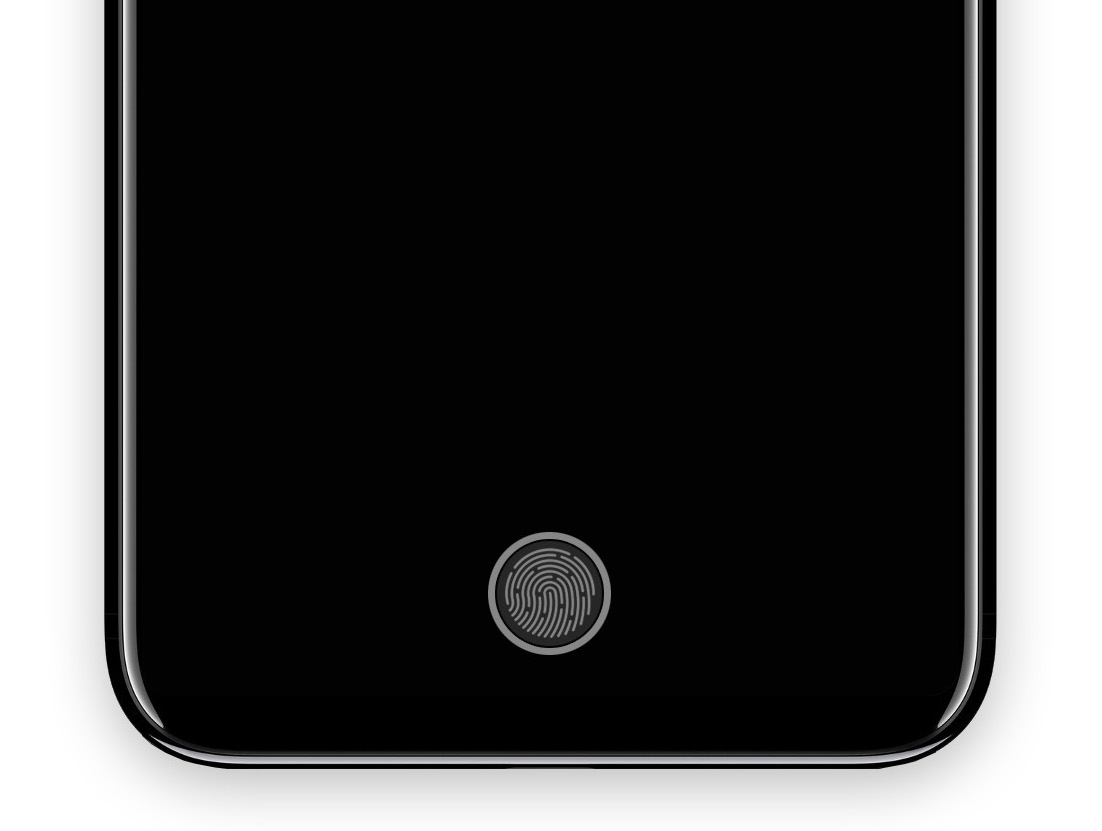
It's now becoming clear that Apple's upcoming handset will probably adopt an almost bezel-less full-screen front face design by ditching the physical Home and Touch ID button.

Its function would be supplanted by a set of dynamic virtual controls sitting in a new “function area” at the bottom of the display. That, in turn, would allow for a range of time-saving shortcuts without degrading the experience, as evidenced in a batch of nicely done renderings created by a MacRumors Forum member “deuxani”.

Will iOS be next to mimic Snapchat?

Everywhere you look today, large social media ventures are seemingly ripping a page out of Snapchat’s playbook. Instagram did it, Facebook’s Messenger app has done it, and we are about to witness Facebook itself clone Snapchat’s daily stories big time. As much as Apple are primarily known for their hardware, it goes without saying that this major shift in what consumers want from their applications (or: spike in perceived self-importance) will not have gone unnoticed by Apple’s software department.

Coincidentally or not, Snapchat-like features are spreading like wildfire at a time where Apple are beginning to talk more openly about the prospect of tying Augmented Reality into a future iOS version. Against the backdrop of Pokemon GO’s success with augmented camera images and Snapchat’s unrivalled popularity based on selfie filters, it is not far to seek that Apple will be looking to capitalize on such trends as well - and what better way to jump on the bandwagon than to provide built-in effects for the stock camera?

Like the sound of it or not, it has got to be a proposition almost irresistible to Apple, mainly for two reasons: the ability to deepen monetization of their in-house apps and chance to reel in a whole lot of new Gen-Y customers. Here’s why filters on iOS could happen in 2017.

When is Apple going to pay FaceTime the attention it deserves?

The other day I overheard a woman at the coffee shop spiritedly conversing on FaceTime with what I can only presume was her mother. The topic of discussion had been the daughter’s holiday trip, and her mom said something that struck a chord with me: why can’t you show me the photos on here? This got me thinking (at which point I stopped listening in, promised). Since its inception, FaceTime has received dreadfully little attention from Apple. The introduction of FaceTime Audio aside, the service practically makes for an absolute freeze-up in an otherwise constantly forward moving software environment.

As consumers, we have become used to companies spending more resources and time on pet projects of theirs and conversely less on comparably idle services, but what is astonishing is that this analogy does not explain the ongoing neglect of FaceTime. Because for all its faults and plainness, FaceTime is tremendously popular. For reasons only known to the Cupertino giant however, it does barely show in the application’s development. To add insult to injury, the lackluster state is likely to persist for yet another year until the next big software update for iOS rolls in. Never mind the fact this means forever in industry years, but it’s even worse because FaceTime is already adrift of the competition.

With that said, it is time for Apple to start play catch-up and resuscitate the service. Since the coffee shop encounter, I have been mulling over how Apple could ramp up the offering realistically in the near future. Here is what I believe is feasible and crucial for FaceTime to implement within the next year: