Find out how to save one, a few, or all photos and videos from a shared iCloud album to your iPhone, iPad, and Mac in just a few quick steps.
How to save all photos from shared albums to your iPhone

From the latest news to the most comprehensive tutorials, learn how to get the most out of your iPad with our step-by-step guides and expert tips.
Find out how to save one, a few, or all photos and videos from a shared iCloud album to your iPhone, iPad, and Mac in just a few quick steps.

In this step-by-step tutorial, we show you how to downgrade your iPhone from iOS 27, iOS 27 public beta, or iOS 27 developer beta back to iOS 26 non-beta. The steps to downgrade your iPad from iPadOS 27 to iPadOS 26 are the same.

Find out how to enter the new recovery/restore screen on your iPhone or iPad running iOS 27 or iPadOS 27 to fix issues or erase your device and start fresh.

Learn how to enable star ratings in the Photos app and assign your photos and videos 1 to 5 stars (★★★★★) for better organization and easier searching.

Use touch to interact with Mac app windows while using Sidecar on an iPad running iPadOS 27 and Mac running macOS 27 Golden Gate.

In this step-by-step tutorial, we walk you through the quick steps to export a slideshow as a video file in the Photos app on your iPhone, iPad, and Mac running iOS 27, iPadOS 27, and macOS 27 Golden Gate.

Learn how to use the new ‘Shared by’ filtering option in a shared iCloud album on iPhone, iPad, and Mac that lets you see images and videos uploaded by a particular participant.

Find out how to temporarily stop a friend or family member from seeing your location without alerting them that you have paused location sharing.

Find out how to create a temporary shared iCloud album in iOS 27, iPadOS 27, or macOS 27 Golden Gate that auto-deletes after 30 days.
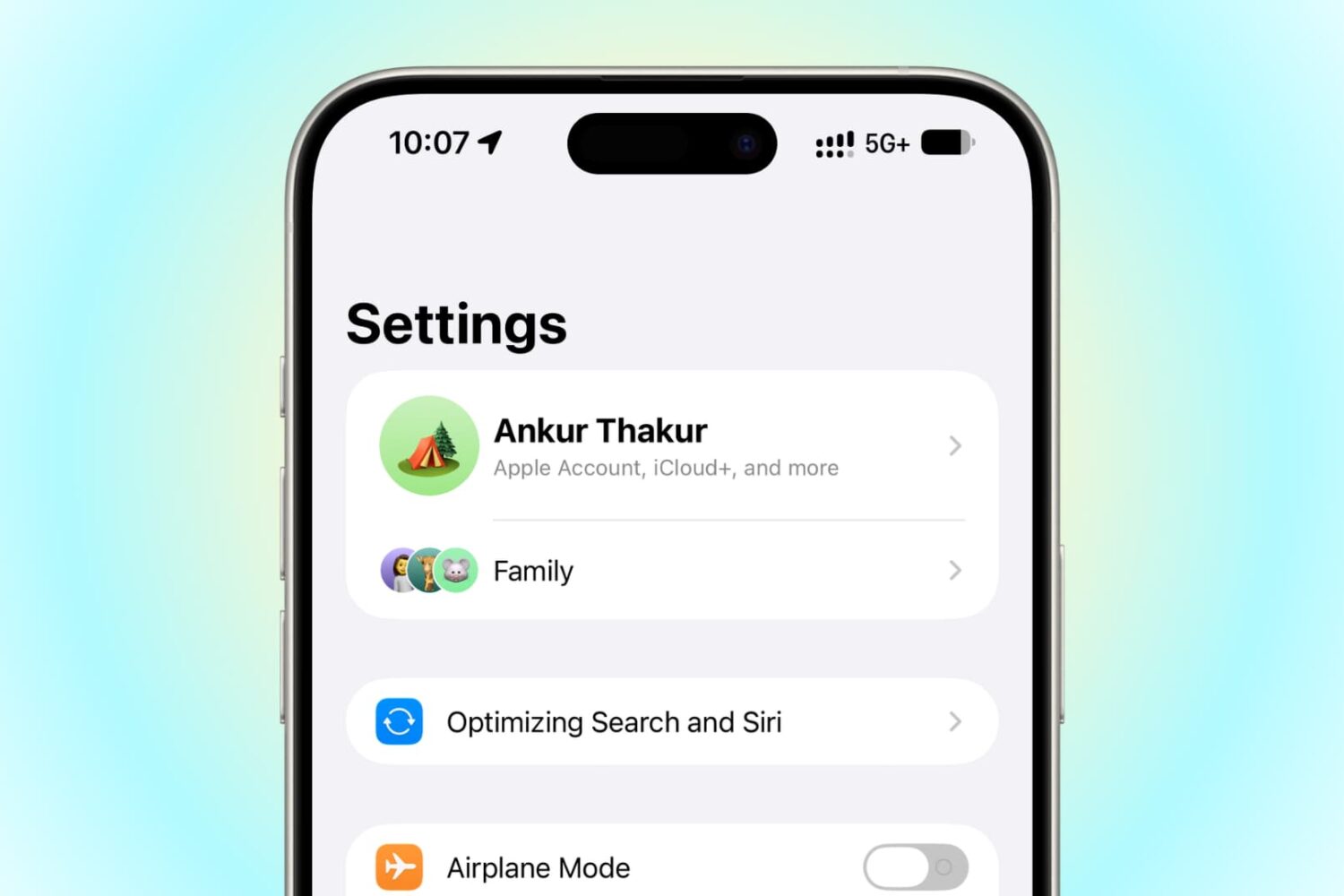
Learn what to do if your iPhone or iPad running iOS 27 or iPadOS 27 is stuck on the “Optimizing Search and Siri” (formerly “Indexing in Progress”) status, and you notice overall system slowness.

iPadOS 27 adds easily accessible buttons to revert (undo) or continue (redo) a change made to your iPad Home Screen.

Learn how to check the indexing progress of your iPhone or iPad, including the exact percentage completed, using the Apple Console app on Mac.