iPad

From the latest news to the most comprehensive tutorials, learn how to get the most out of your iPad with our step-by-step guides and expert tips.

Apple promo videos: Watch the new iPad Pro and Magic Keyboard with trackpad in action

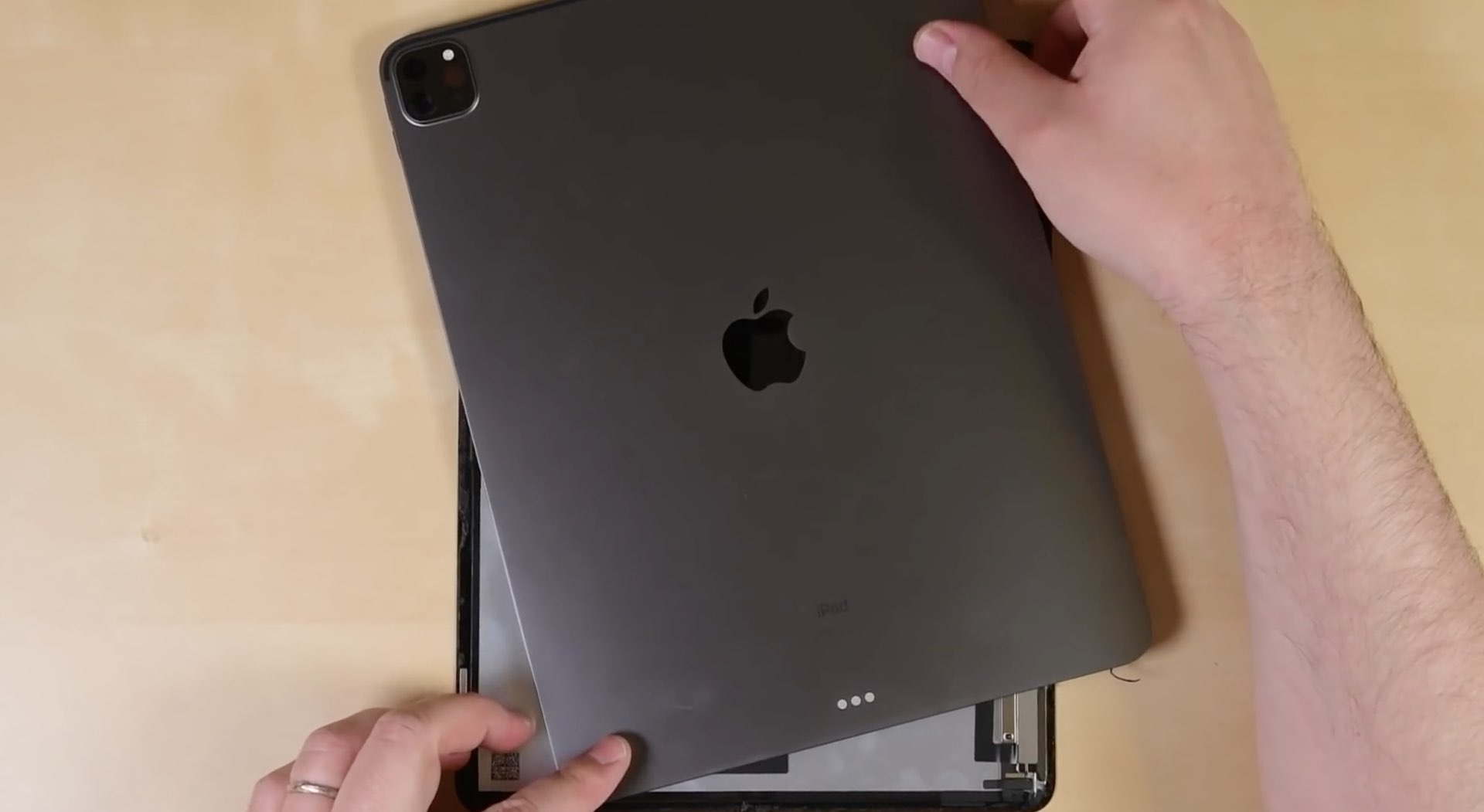
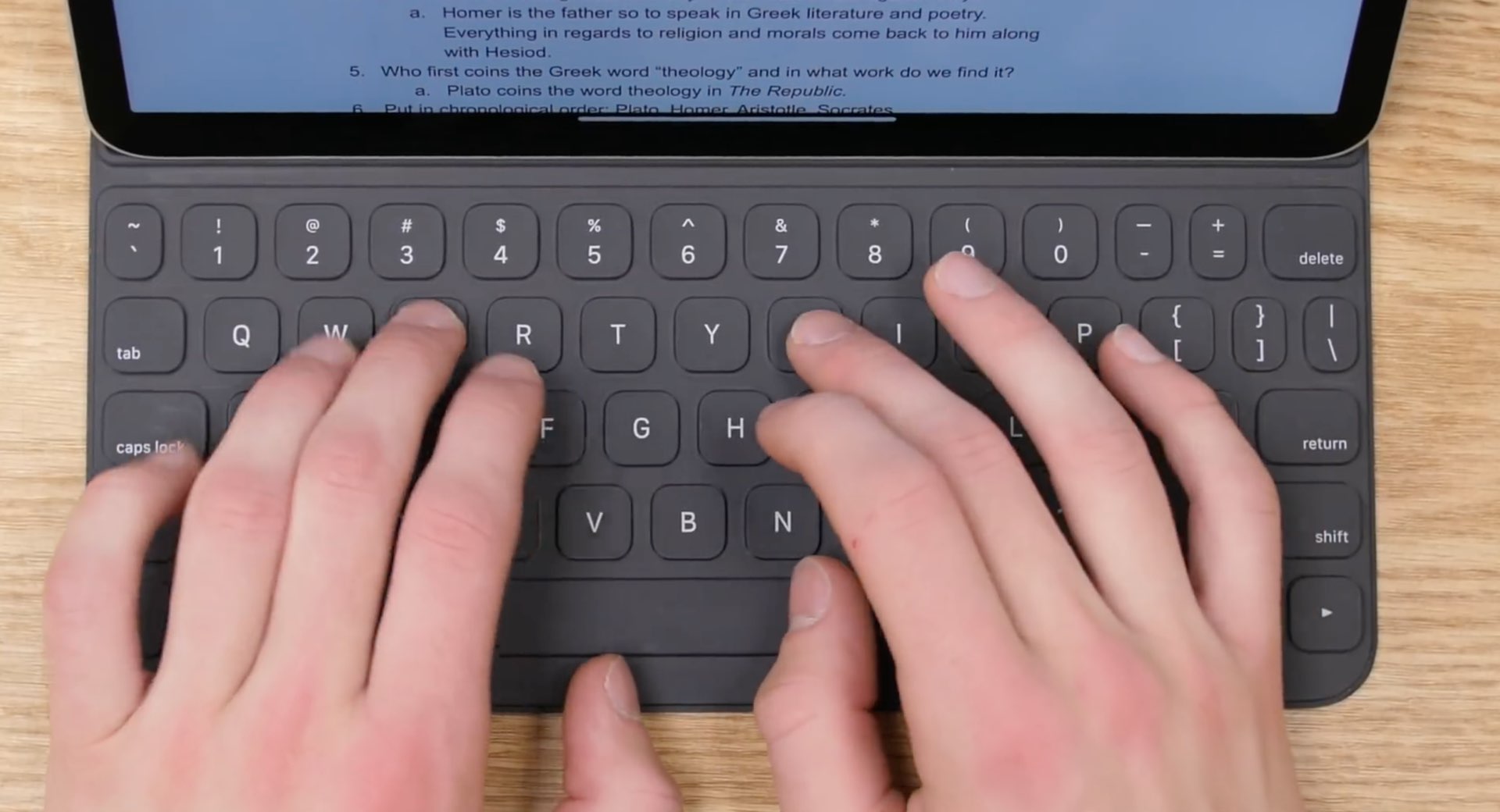
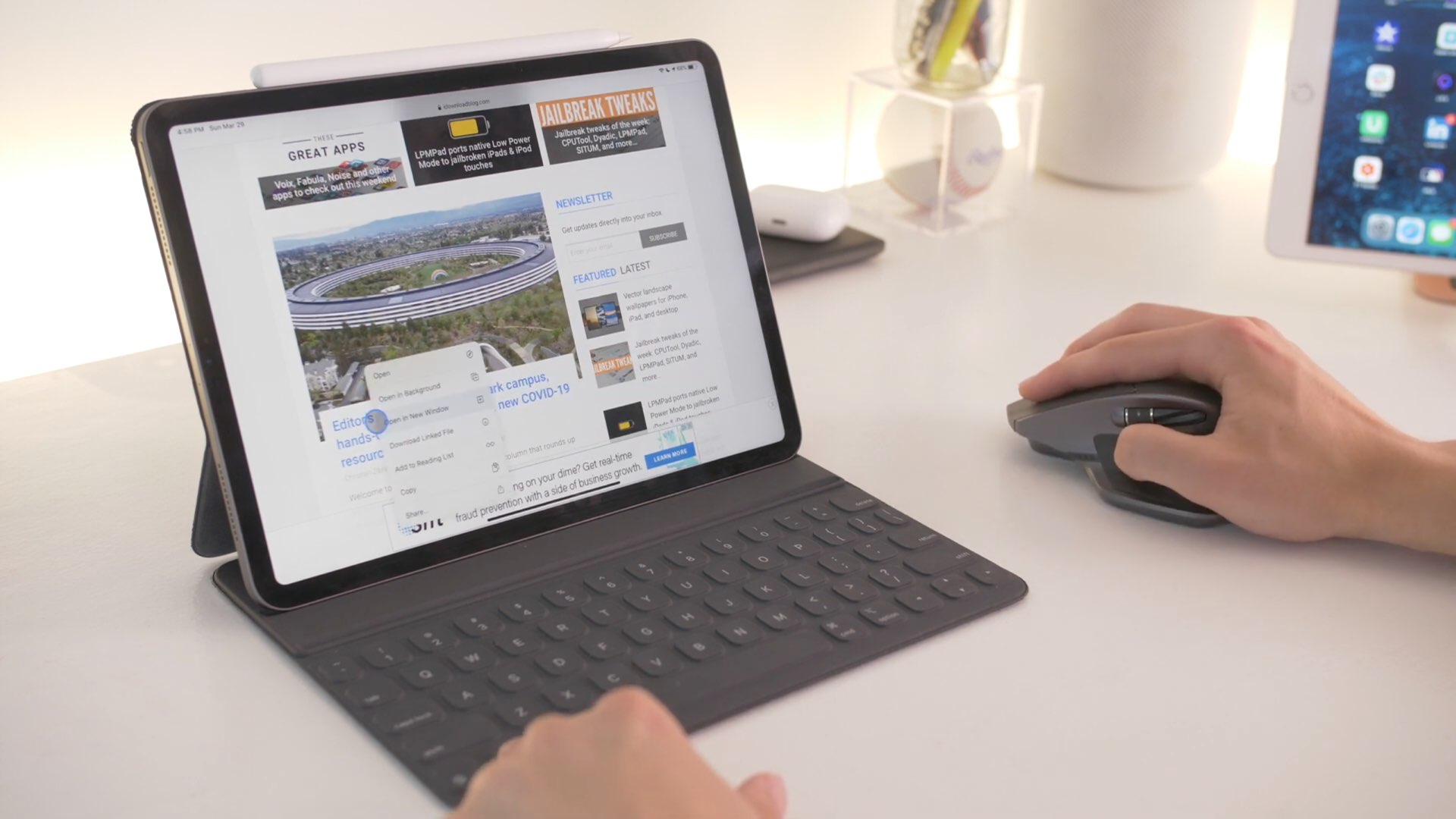
Apple today announced the refreshed iPad Pro family with new cameras, a LiDAR scanner and more, along with the new Magic Keyboard with a built-in trackpad and backlit keys with 1mm travel, designed specifically for the new tablet. To show off what you can do with such a combo, the Cupertino firm shared a pair of promotional videos via its official YouTube channel.

The new iPad Pro brings an ultra-wide camera, LiDAR 3D scanner, the A12Z Bionic chip, Apple’s new Magic Keyboard with trackpad & more

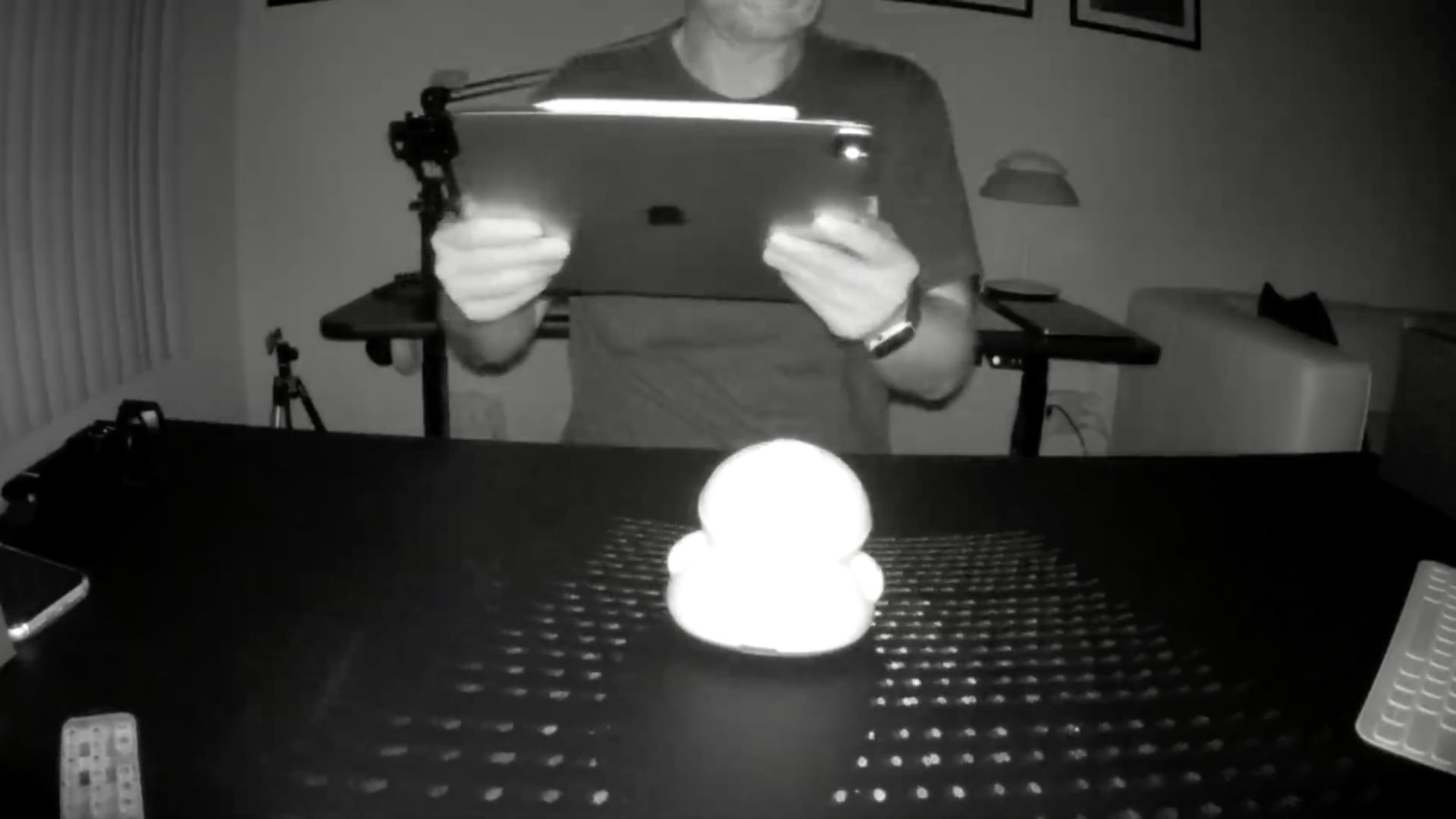
Apple today refreshed its flagship iPad Pro models, bringing even more pro features such as a two-lens rear setup that includes wide and ultra-wide cameras and, for the first time in any Apple device, a sophisticated LiDAR sensor that can map your surroundings in 3D. The company also unveiled a new Magic Keyboard accessory designed specifically for this new iPad Pro that features a floating design, backlit keys and a built-in trackpad which lets you perform Multi-Touch gestures to navigate the entire tablet without ever lifting your hand.

Keyboard Plus can make your iPhone’s keyboard more intuitive

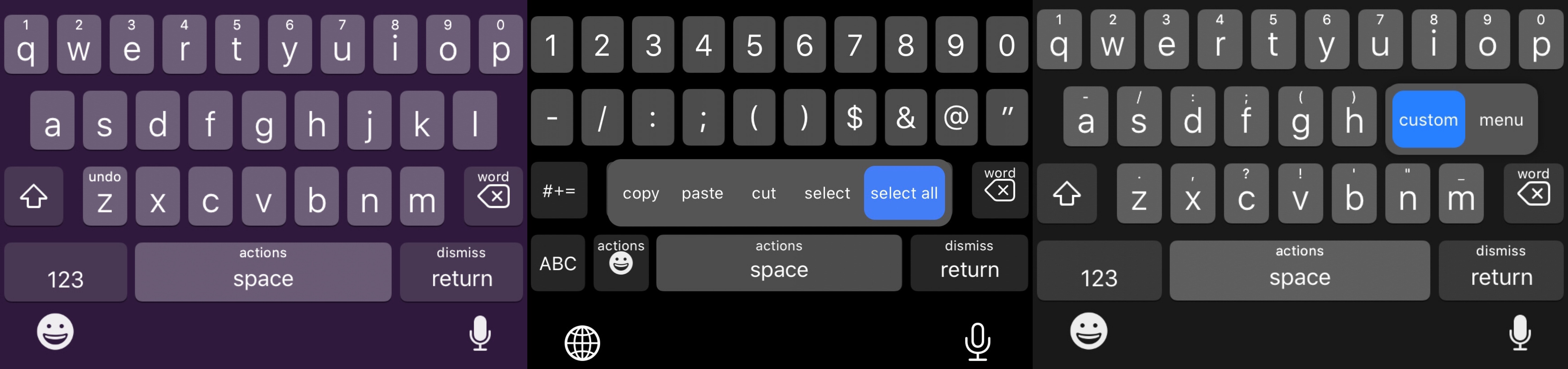
For the most part, Apple’s iPhone sports one of the best software keyboard experiences on the market today, but that certainly doesn’t mean that there isn’t room for improvement.

Those looking to augment their jailbroken iPhone’s typing experience are likely to enjoy a new jailbreak tweak release called Keyboard Plus by iOS developer Ryan Nair. As the tweak’s name implies, Keyboard Plus brings new features and improvements to the native keyboard experience, with the goal of making typing on your iPhone an even nicer experience than it is already.

Personalize your App Switcher experience with Custom SW

Most people use their iPhone’s App Switcher as a means of quickly returning to a recently-used application, but the current interface certainly leaves a lot to be desired, especially if you like what you see on the iPad.

If you find yourself in this situation a lot, then you might be interested in a newly released jailbreak tweak dubbed Custom SW by iOS developer mustafa89. As shown in the screenshot examples above, Custom SW provides users with a plethora of ways to augment the appearance and usability of the iPhone’s native App Switcher.

This add-on brings a Weather display to the BottomToolBar interface

It was only last week that we showed you a neat and quirky extension for the BottomToolBar jailbreak tweak called Activity-BottomToolBar that, as the name implies, adds an Activity-based display to the BottomToolBar interface. But if you’re a BottomToolBar user who demands more from the parent tweak, then you just might be in luck.

Enter Weather-BottomToolBar, yet another extension for the BottomToolBar tweak to be released by iOS developer XCCiao. And as you might have inferred already by the name and the screenshot example above, this add-on integrates a Weather-centric display into the BottomToolBar interface.

B3rry is a nifty new Lock screen-based app launcher for iOS 13

If there’s one thing that’s been around since the dawn of the iOS jailbreak community, it’s the concept of quick application launchers. We’ve witnessed a plethora of different concepts in this department over the years, but one of the latest is a jailbreak tweak being called B3rry by iOS developer MegaDev.

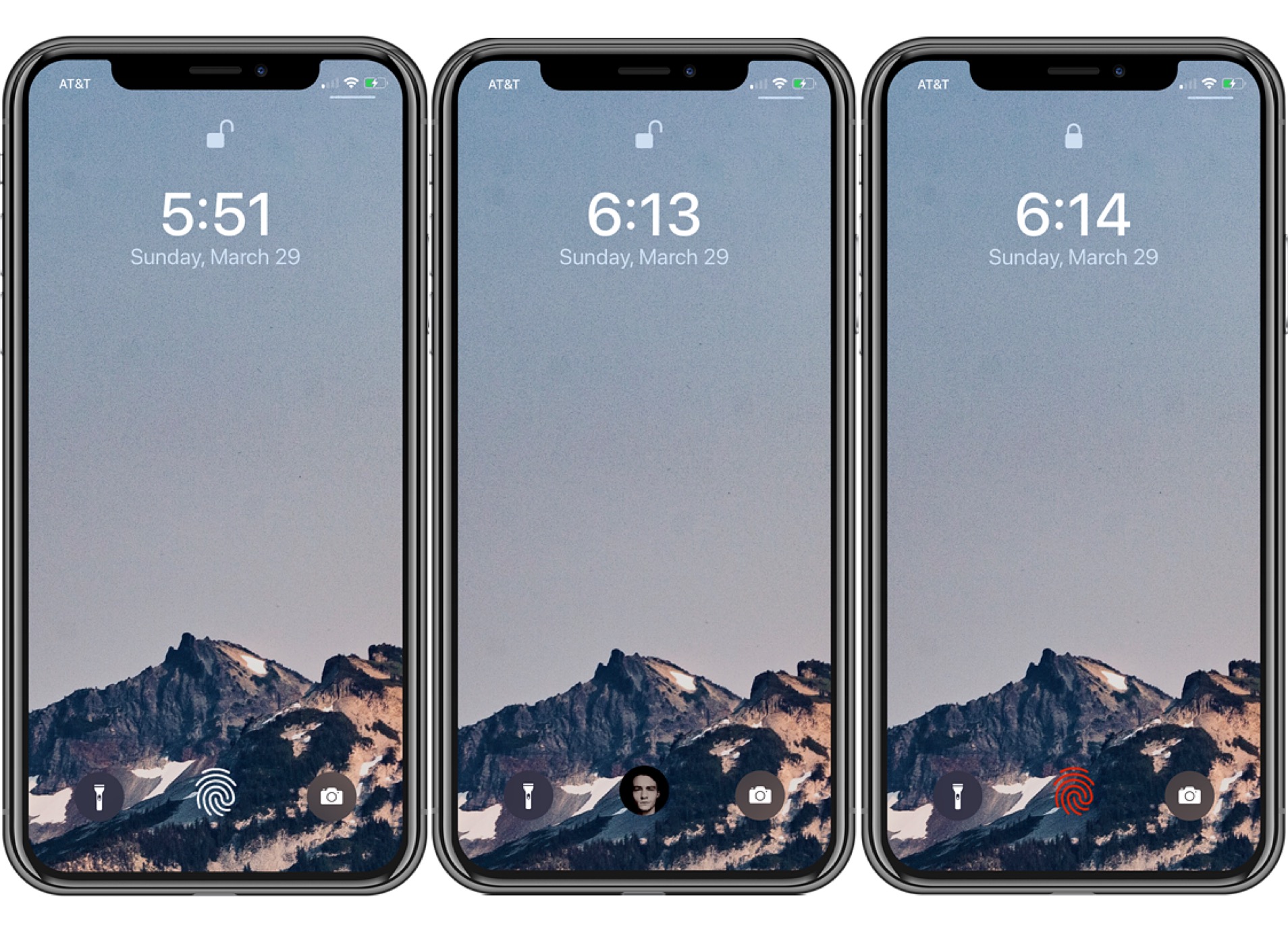
As you can discern for yourself in the screenshot example above, B3rry permits users to configure up to four apps that will appear on the Lock screen at all times for faster access. The app launcher interface appears just beneath the Camera and Flashlight toggle buttons, and right below that, a complimentary and fully customizable waveform-like animation mesmerizes the user at idle.

Ra1nbox is a NanoPi Neo2-powered box that can deploy checkra1n without a computer

The checkra1n jailbreak is driven by a powerful bootrom exploit that can’t be patched with a software update from Apple, and with that in mind, it’s easy to see why some people may opt to use checkra1n over some of the other jailbreaks available, such as unc0ver for example.

While it’s a great jailbreak, Windows users have relentlessly expressed dissatisfaction about having to borrow friends’ Macs or run Linux on their machines. With no certain ETA for a Windows-based checkra1n release, third parties are now cooking up interesting solutions. One is Ra1nbox, a small and portable box powered by a NanoPi Neo2 that can be used to deploy the checkra1n jailbreak from anywhere without the need for a computer.

Jailbreak tweaks of the week: Activity-BottomToolBar, ConfirmRotate, Switcher, and more…

Whether you’re jailbroken on iOS 13 by way of checkra1n or unc0ver, chances are you’re looking for new and innovative ways to make your handset stand out from the crowd.

In this roundup, we’ll discuss all the latest jailbreak tweak releases from Monday, March 9th to Sunday, March 15th. As usual, we’ll kick things off by talking about our favorite releases first and then wrap things up with an outline of the rest afterward.