How to

How to jailbreak the iPhone 4S and iPad 2 with RedSn0w

Now that a method exists for downgrading A5 devices, a greater number of folks will be looking for an easy solution to jailbreak their devices.

While the Absinthe jailbreak tool still works, RedSn0w may be more desirable to you due to its all encompassing nature.

For that reason we've put together a handy guide that shows you how to jailbreak your iPhone 4S and iPad 2 using RedSn0w 0.9.11b1...

How to downgrade your iPhone 4S, iPad 2, or new iPad with RedSn0w 0.9.11b1 [Video]

It's finally here folks, the official downgrade tool for A5 devices!

Indeed, you can now downgrade your iPhone 4S, iPad 2, or new iPad (iPad 3) with the latest version of RedSn0w 0.9.11b1. Downgrading will allow you to perform an untethered jailbreak on your iPhone 4S, or iPad 2 running iOS 5.0.1 firmware.

Check out our tutorial for the step-by-step downgrade instructions inside...

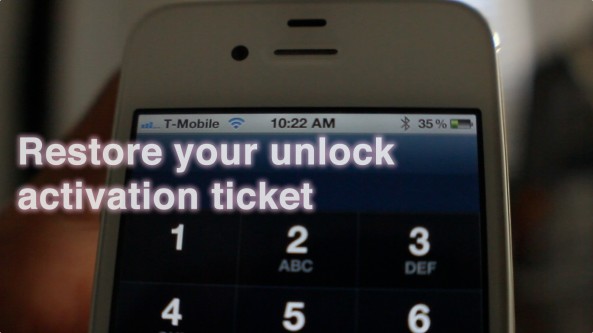
How to restore your SAM unlock activation ticket to unlock your iPhone

Since it appears that Apple has fixed the issue with their activation servers, latecomers to the SAM iPhone unlock party are left in the lurch. Fortunately, not all users have lost the potential to unlock their iPhones.

Those who were proactive enough to unlock their iPhone using SAM, and backed up their activation tickets can still easily restore those tickets and unlock their iPhones if they have to restore their device for whatever reason.

If you're currently unlocked on an unofficial SIM by means of the SAM unlock, backup your activation ticket now before you lose it. We can't stress this enough.

Keep in mind that you will still need a jailbroken iPhone to accomplish this, and you will need your backed up Lockdown folder that you saved-off after successfully unlocking your device the first go-round...

If you meet the criteria, step right inside and take a look at our easy to follow guide for restoring your iPhone unlock...

How to use a third-party remote to control your Apple TV

Although the Apple TV's remote control looks sleek, it leaves a lot to be desired. The tiny buttons on the awkward-shaped directional pad can make it difficult to browse through iTune's library of thousands of movies and TV shows.

As you know, you can easily replace the remote with your iPhone using Apple's Remote app. But did you know there's another option? You can control your Apple TV with a third-party remote. And it's actually fairly easy to setup...

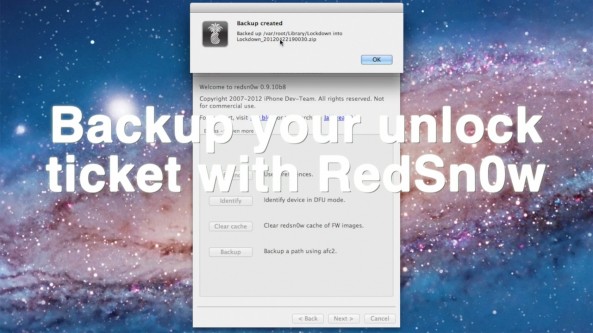
How to backup your iPhone’s unlock activation ticket with RedSn0w

Backing up your iPhone's activation ticket was a step suggested by iPhone Dev Team member MuscleNerd. Fortunately for us, his team has made it even easier to perform such a backup using the latest version of RedSn0w.

This step is suggested for those who take part in the recently uncovered SAM iPhone unlock method. If you followed our tutorial to unlock your phone, we suggest you follow through on preserving your activation ticket as well.

Check inside for a full video tutorial that shows how easy it is to successfully backup your iPhone's unlock activation ticket, and any other file that you want to save locally from your iPhone...

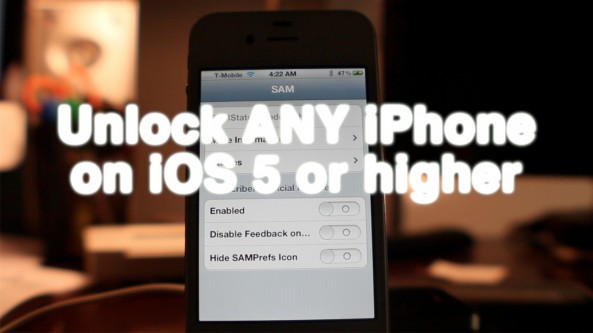
How to unlock any jailbroken iPhone on iOS 5.0 or later on any baseband [Video]

Unlocking the iPhone 4S, and the iPhone 4 just got a whole lot easier thanks to the SAM package unlock revealed earlier this morning.

After alerting you guys to the news, we went into out labs and started testing this for ourselves. After a few failures, we were finally able to come up with a reliable method for making this work every time.

The good news is that this will likely become even easier as time goes on, and needless steps are eliminated. We're already to the point where we can switch back and forth between our AT&T SIM card and our T-Mobile SIM card without having to reconfigure anything. It's pretty awesome.

Check inside for our full tutorial that shows how to unlock any iPhone on iOS 5 or higher (running any baseband) using the SAM jailbreak package...

How to download your Instagram photos to your computer

As most of you know by now, Facebook acquired Instagram, the popular photo sharing service, for a cool $1 billion, about four years ago. The company's CEO Mark Zuckerberg made the cheerful announcement from his Facebook page.

But not everyone was excited about the buyout. In fact, when that happened, a lot of folks told us that they'd plan on ditching their Instagram accounts now that the social network is in charge. So we've put together this easy guide on how to do download your Instagram photos, and close your account if you decide to...

Here’s how to use AT&T’s online chat to unlock your iPhone

So yeah, I was lazy. Unlike Cody, I don't have the patience to wait on hold, or be placed in a revolving door of automated prompts. It was either head directly to the store, or give AT&T's technical support chat a try.

Thankfully, AT&T's technical support chat has a pretty good track record with me; I figured I'd give that a try before deciding to burn a gallon of gas to head to the closest AT&T store. Would they even be open on a holiday anyway?

At the end of the day, I'm glad I decided on this method. In less than 10 minutes the unlocking process for my iPhone was initiated, saving me time, gas money, and a potential headache.

Whereas it took Cody about 20 minutes to initiate his iPhone 4 unlock, it took me less than 10 minutes. Folks, it really doesn't get any simpler than this...


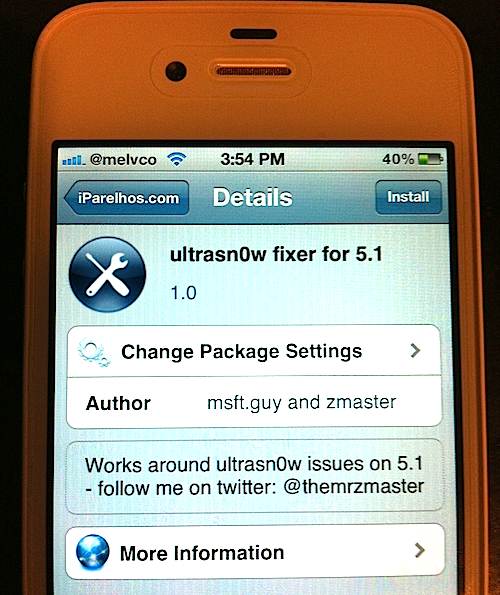
How to use Ultrasn0w Fixer to unlock your A4 device on iOS 5.1

When Apple released iOS 5.1 last week, the update didn't just break the previous jailbreaks. It also broke the software unlock for the iPhone 3GS and the iPhone 4 known as Ultrasn0w.

While this may not be a very big deal to most people, it's rather inconvenient for folks who need to use their iPhone on multiple networks. Luckily, a temporary fix has surfaced in Cydia known as Ultrasn0w Fixer. And even luckier, we're going to show you how to install it...

How to install iPhoto and iMovie on iOS 5.0.1

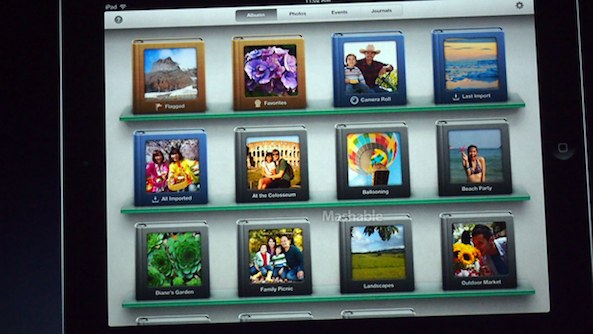
iPhoto was the big new app release that Apple touted at its new iPad media event, but the bad news is that it requires iOS 5.1.

For those of us with jailbroken iPhone 4S' and iPad 2's, this places us in an interesting predicament.

Since there is no way to jailbreak iOS 5.1 on these devices, updating now would not only prevent us from jailbreaking, but it would also prevent us from downgrading back to iOS 5.0.1 now that Apple has closed the signing window for that firmware.

So, what to do? Fortunately, there's an easy workaround to this problem, and we're going to walk you through the process on video...

How to jailbreak iOS 5.1 with Sn0wBreeze v2.9.2

Earlier today we brought you details on ih8sn0w's 2.9.2 release of Sn0wBreeze for Windows.

Now we've put together a written tutorial along with a video tutorial that guides you through the entire tethered jailbreak process for iOS 5.1 on Windows.

This is a tethered jailbreak for non-A5 devices only, so it won't work with the iPhone 4S, and iPad 2. If you have an eligible device like the iPhone 4, or iPad 1, then step right inside...

How to install iPhoto on your first generation iPad

When Apple announced iPhoto for iOS at the press event for the new iPad, the company chose not to make the app compatible for the first generation device, leaving many customers out in the cold.

It is of course true that many original iPad owners may be looking to upgrade this year, but for those are still happy with their two-year-old devices, there is light at the end of the tunnel, with a relatively simple little hack allowing iPhoto to be installed on their devices. As is always the case though, there is a downside to proceedings.

For those that just want to forge ahead regardless, here's what you'll need to do...