In this quick tutorial, we will show you how to delete the Touch Bar data from your MacBook using a short Terminal command.
How to clear your MacBook Pro Touch Bar data
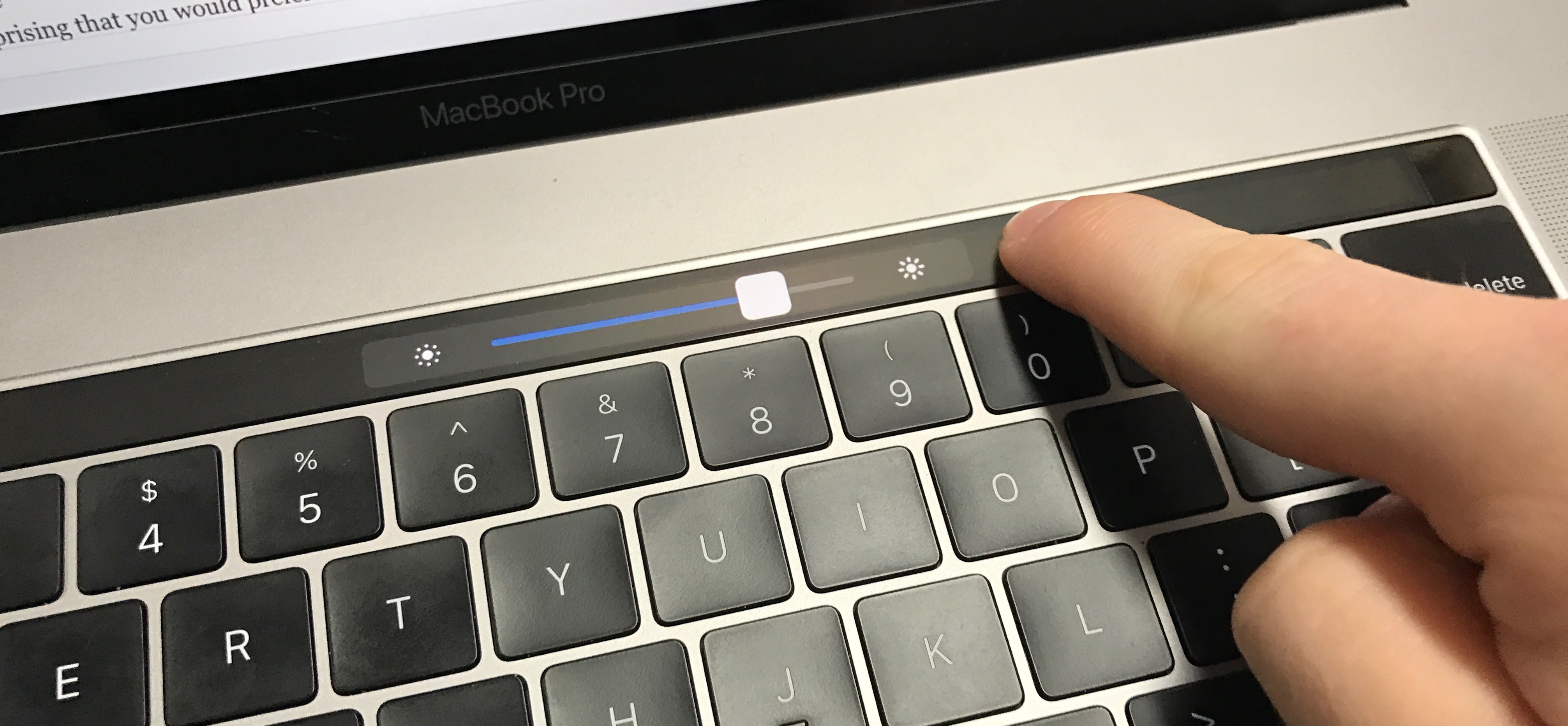
In this quick tutorial, we will show you how to delete the Touch Bar data from your MacBook using a short Terminal command.
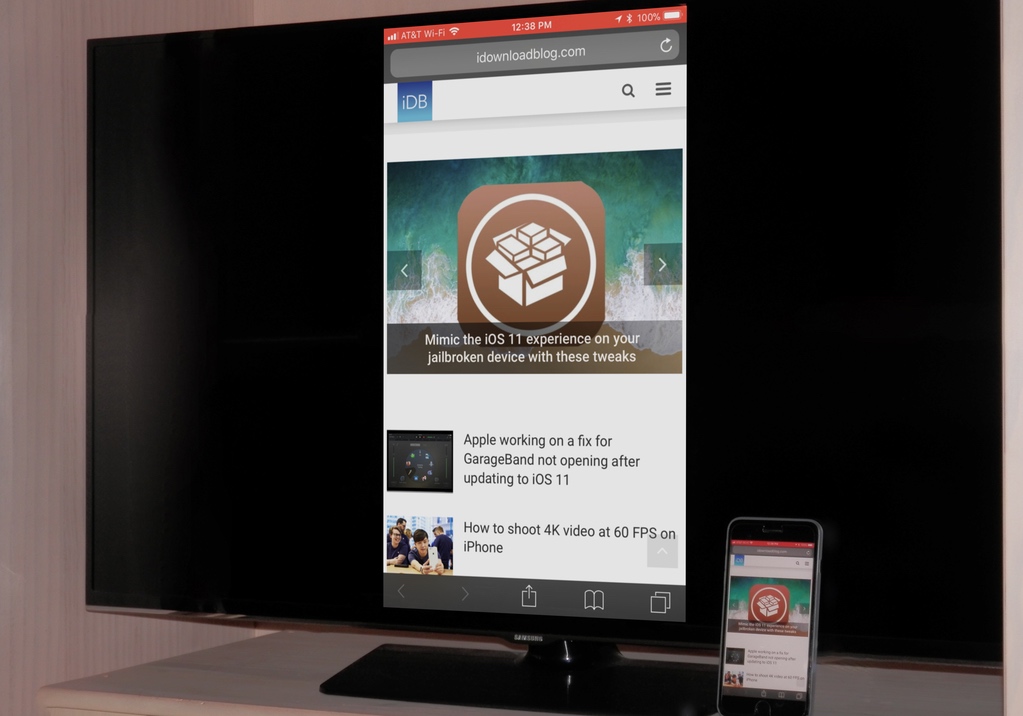
AirPlay is integrated into multiple Smart TVs from major brands like Samsung, Sony, LG, Vizio, making it effortless to mirror your iPhone, iPad, or Mac to the bigger TV screen. But if your smart TV doesn't have AirPlay built-in, here's how to wirelessly mirror your iPhone and iPad to it using a third-party app.
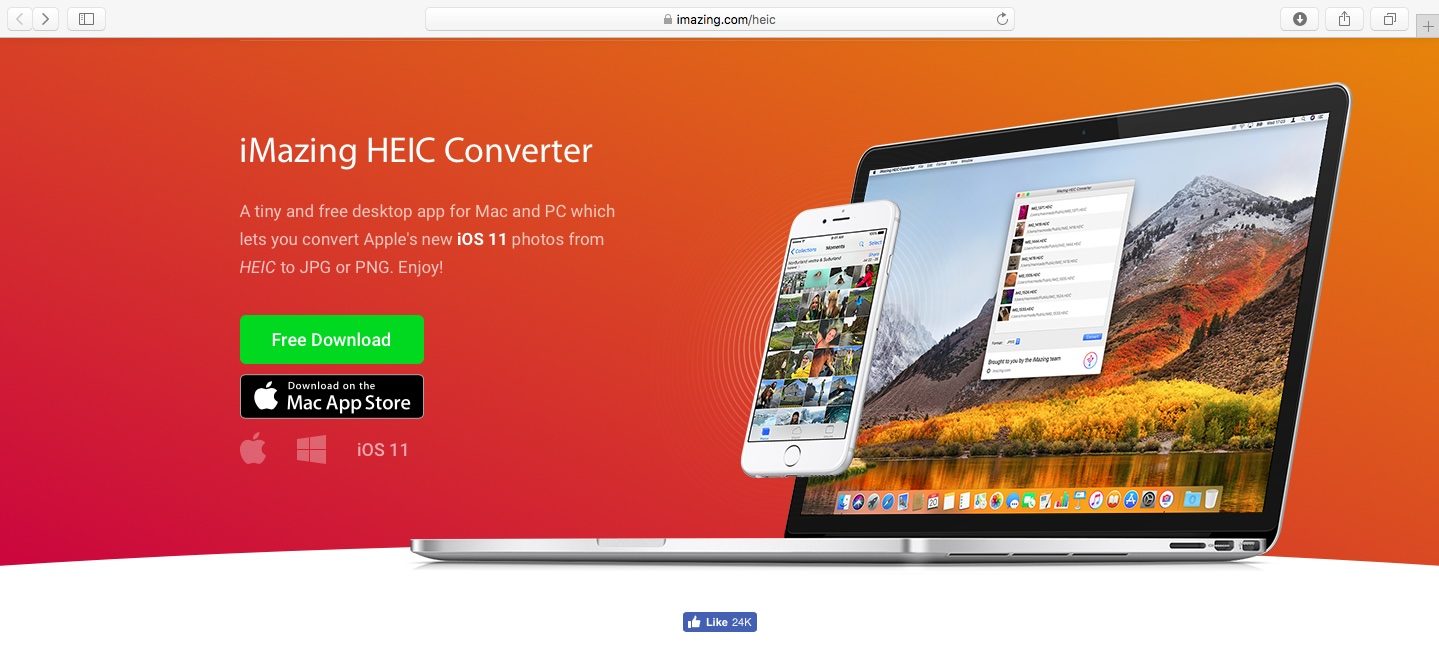
As you might know, Apple with iOS 11 and macOS High Sierra introduced a new space-saving image file format, called High Efficiency Image File Format (HEIF).
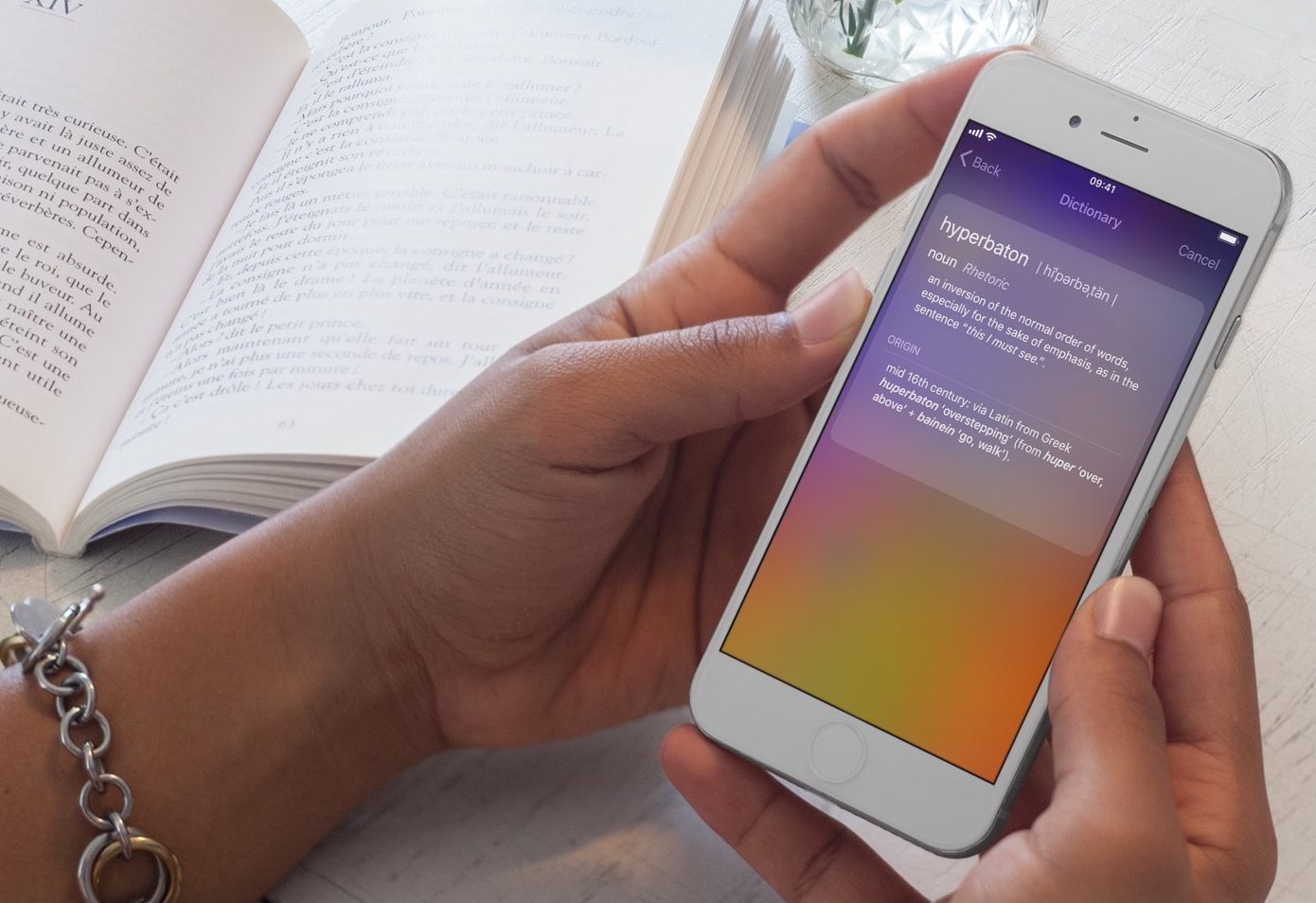
Your iPhone and iPad come with built-in features that allow you to look up word definitions without the need for third-party apps or services. In this guide, we will show you two ways you can use your iPhone or iPad to define words.
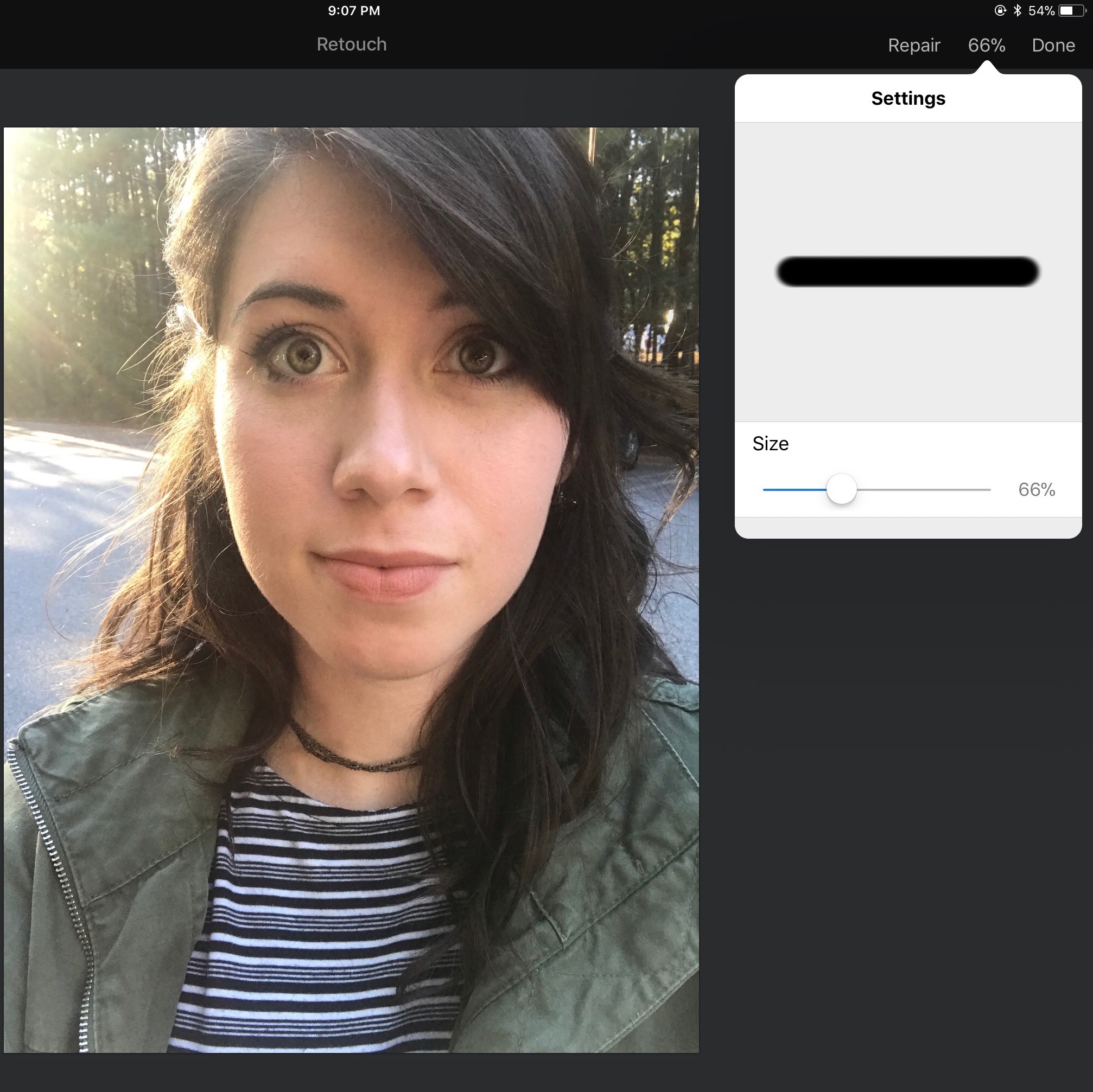
Pixelmator is a powerful and extremely useful image editor for both Mac and iOS. While its features and applications are numerous, one of its most common and easy to use is the ability to remove facial blemishes via the retouch brush.

Find out how to use the Snapchat group chat feature on your iPhone or Android phone to text and talk with multiple friends at the same time.
Learn how to convert or save documents created in Apple's Pages app as Word files on your Mac, iPhone, and iPad for cross-platform compatibility with Windows.
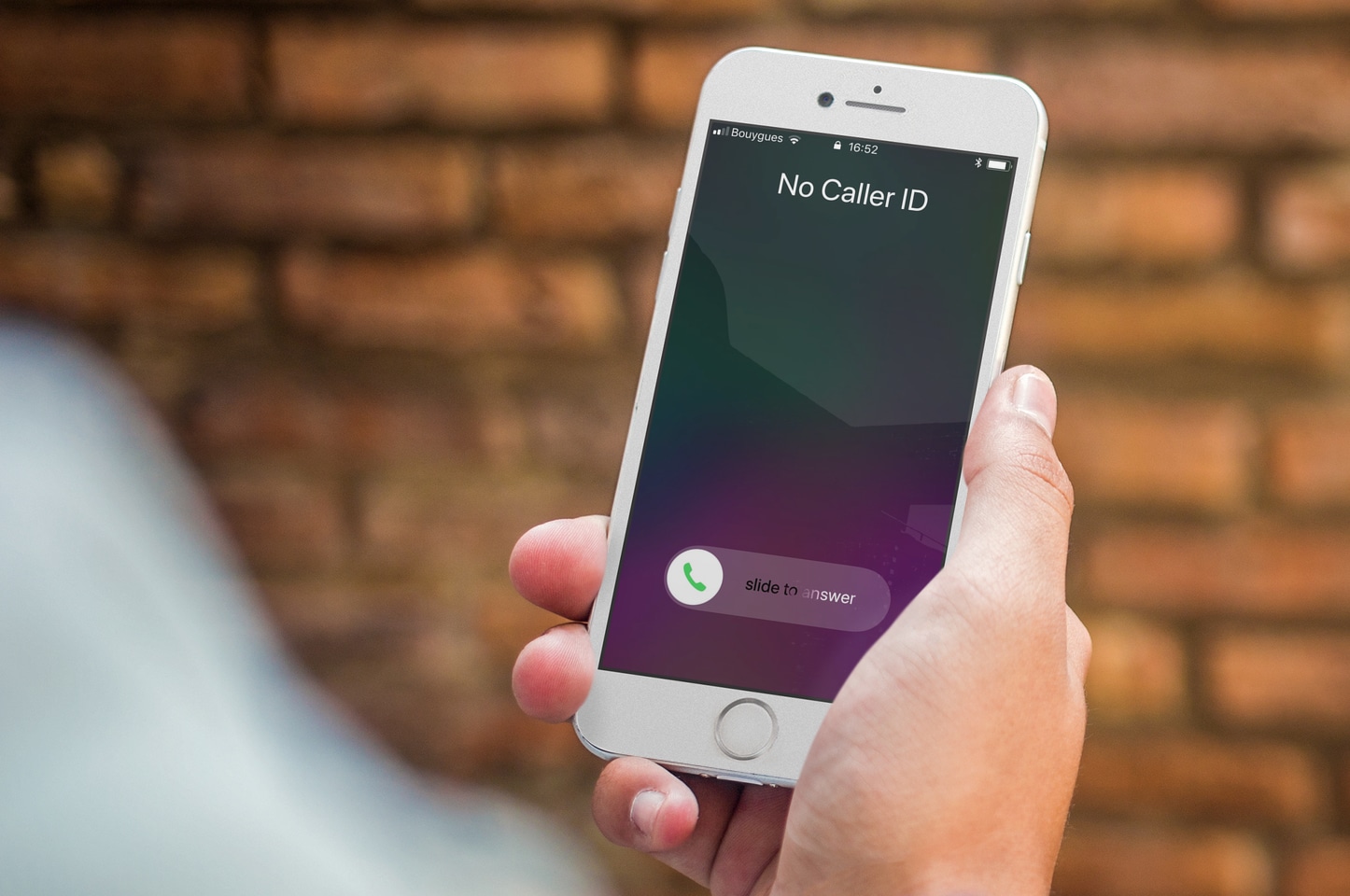
If you want to hide your phone number when calling someone on your iPhone, you have a handful of options available to you. In this post, we'll go over these options and show you how to hide your caller ID and call someone without showing your number.
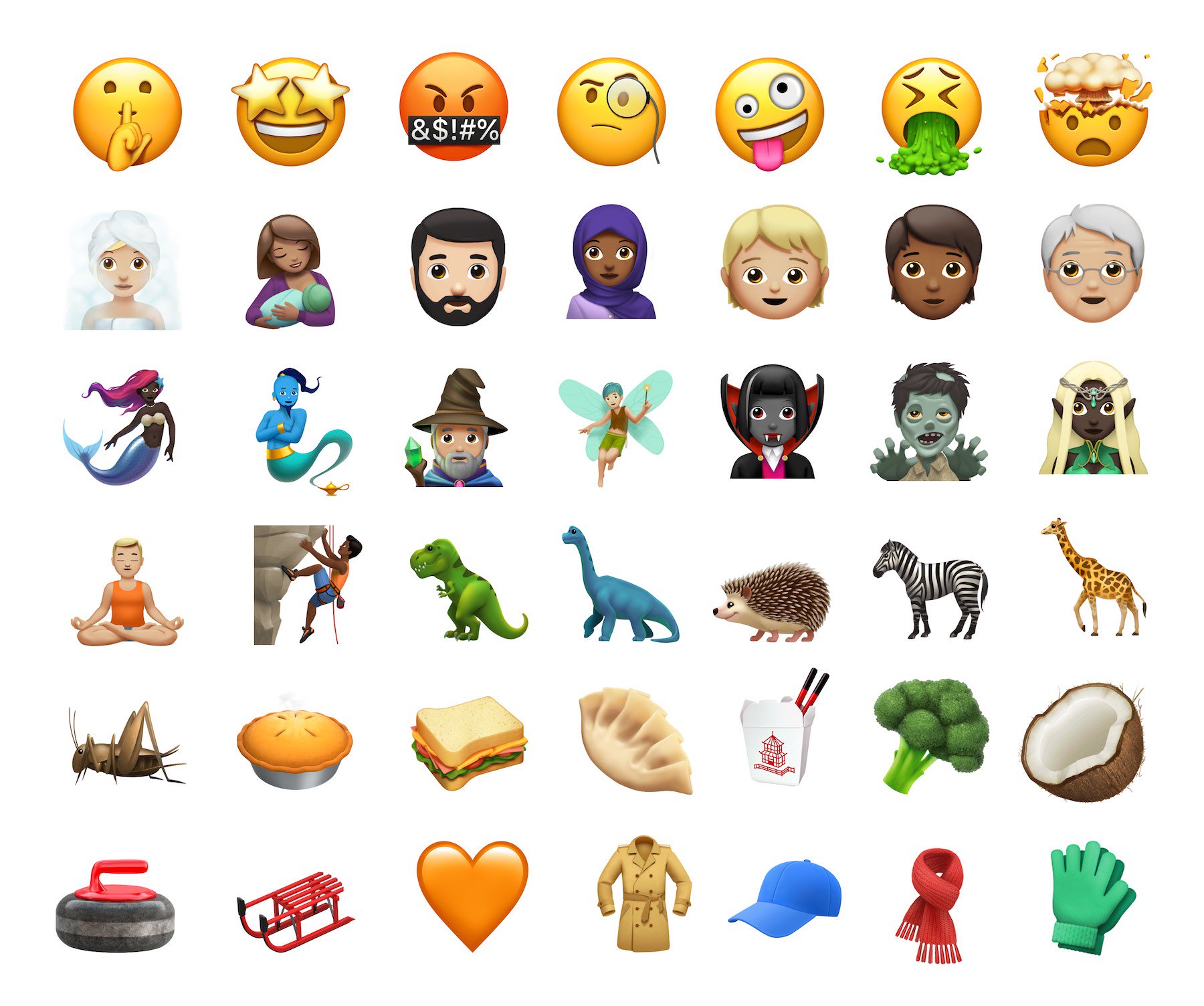
It beggars belief the number of times I've searched through the iOS keyboard looking for a sandwich emoji to send to my nearest and dearest; it's a big part of my life. And finally, I am to be catered for, quite literally. iOS 11.1 beta 2 serves up some tasty emoji additions.
If you're jailbroken on iOS 9 or 10, you will want to be able to send and view these newbies without losing your jailbreak, and you can. We'll walk you through the most stable method for bringing iOS 11.1 emoji to lower jailbroken firmwares.

Learn how to elevate your iPhone or iPad videography game by shooting stunning 4K footage at 120 or 60 frames per second.

Don’t like it when your iPhone vibrates every time you receive a new email? Me neither! So, in this post, we’ll show you how to turn off vibrations for incoming emails on your iPhone.

Configure Safari to automatically enable Reader view whenever you visit a specific website on your iPhone, iPad, Mac, or Apple Vision Pro, so you can read the article without ads and other distractions.