How to

How to create blank disk images with Disk Utility

Should you ever find yourself in the need to create blank disk images, OS X's built-in Disk Utility is your friend. A disk image usually has a .dmg extension and appears, looks and behaves like any ordinary file, with one key exception: launching it prompts OS X to mount the volume on the desktop.

These mountable disk images can be useful in a number of situations. For example, you may want to create blank disk images for storage.

Furthermore, disk images can be used as a virtual disk for software distribution, to burn CDs or DVDs and so forth. In this step-by-step tutorial, you'll learn how to create blank disk images in Disk Utility, at any size, with optional password protection, formatting options and more.


How to convert text into a spoken iTunes track on Mac

Whenever you want to save a block of important text to your Mac, you probably copy and paste it into the Notes app or into a text editor to save it as a text document. But, did you know you could save any body of text on your Mac as a spoken iTunes track instead?

In this tutorial, you will learn how to convert any highlighted body of text into a spoken iTunes audio track.

How to password protect PDF files on your Mac

Password protecting your PDF files is a great way to keep the contents from being revealed to those who you never intend to see them.

This great security feature can be taken advantage of right from the Preview app that comes bundled with your Mac, and in this tutorial, we'll show you how you can use it to enhance the security of your PDF files.

How to remove Adobe Flash from your Mac

The succession of vulnerabilities found in Adobe's Flash Player shows no signs of dying down: not a month goes by without Adobe releasing another yet emergency update for Flash to patch a bunch of newly discovered vulnerabilities (measuring in the dozens).

Some of them can be pretty nasty as they introduce new attack vectors for spyware, ransomware, trojans and other malicious applications that you don't want anywhere near your computer.

A few years ago, Flash Player was impossible to avoid because a bulk of web video was encoded in Adobe's proprietary Flash format, but not anymore: YouTube, Vimeo, Facebook and many other popular web services now use HTML5-based video players that work in any modern browser.

While Apple does block older, vulnerable versions of Flash in the Safari browser on macOS, you should do yourself a favor and remove Flash Player from your Mac using step-by-step instructions provided in this tutorial.

How to configure Automatic Downloads on your Mac

TV app on Mac

macOS users can take advantage of Automatic Downloads, which allows your Mac to automatically download apps, movies, music, and other media that were downloaded on other Apple devices you own.

Unfortunately, some users may not want this. Some apps and media take up a lot of storage space, and there's no reason to sop up all of your individual devices' storage space to keep home to one specific app.

In this tutorial, we'll show you how you can configure automatic downloads on your Mac so you have better control over the content that is downloaded to your machine.

Finding what version and build number of macOS you have on your Mac

There come times when you need to know not only what version of macOS that you're running, but also where you may want to know the actual build number.

This information usually comes mostly in handy when you're running betas, but sometimes when filing bug reports with Apple, they might ask you to provide them with what version of macOS you are running on your Mac and the build number it shows.

In this tutorial, we'll show you not only how to find out what version of macOS you're running, but also where to find the build number of the version of macOS you have installed.

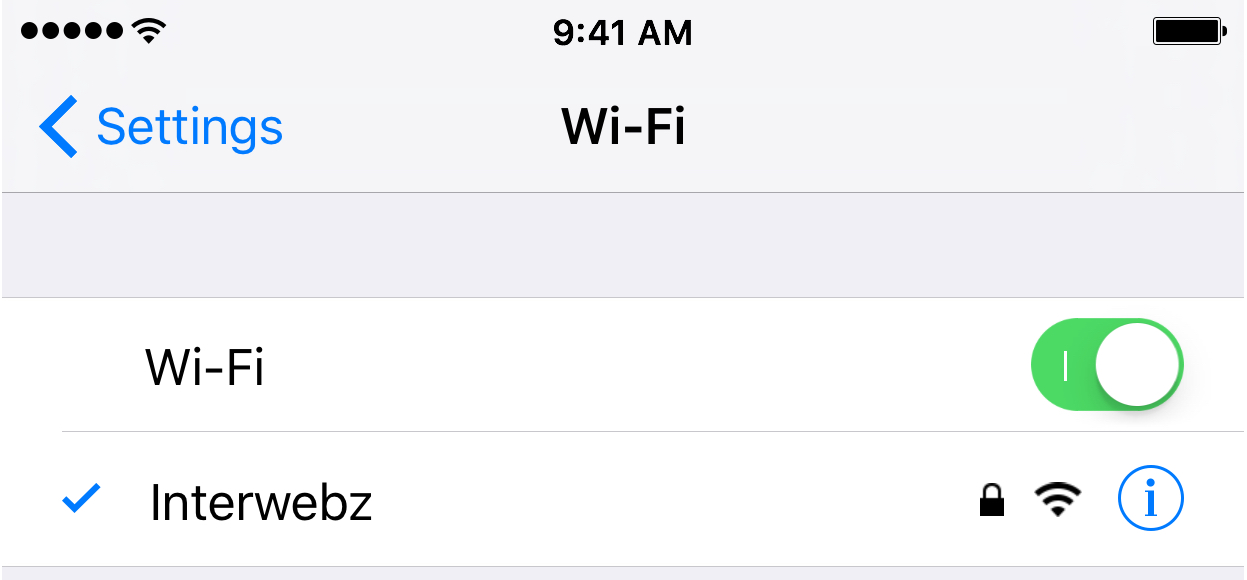
How to fix IP address conflicts on your Wi-Fi network

Every so often, you might end up with two devices on your Wi-Fi network that have the same IP address. This conflict can cause a plethora of problems with trying to use the internet on any of the devices affected.

Fortunately, there's a really easy to way reset your IP addresses on your iOS devices or Macs, and in this tutorial, we're going to show you how!

What to do if iTunes doesn’t recognize your iPhone or iPad

If you ever sync your iPhone, iPod touch, or iPad with iTunes, then more than likely you've experienced hiccups at some point in time where iTunes has been unable to find or recognize your device.

You have it plugged in, but for whatever reason, it just doesn't show up in iTunes. What gives?!

In this piece, we'll go over what to do if iTunes doesn't seem to recognize your iOS device when you plug it in to your computer so that if and when it happens to you, you'll be prepared to tackle the situation.