Learn how to synchronize your Home Screen layout and installed apps on the Apple TV across multiple boxes for a unified media experience.
How to sync Home Screen layout, apps across multiple Apple TVs
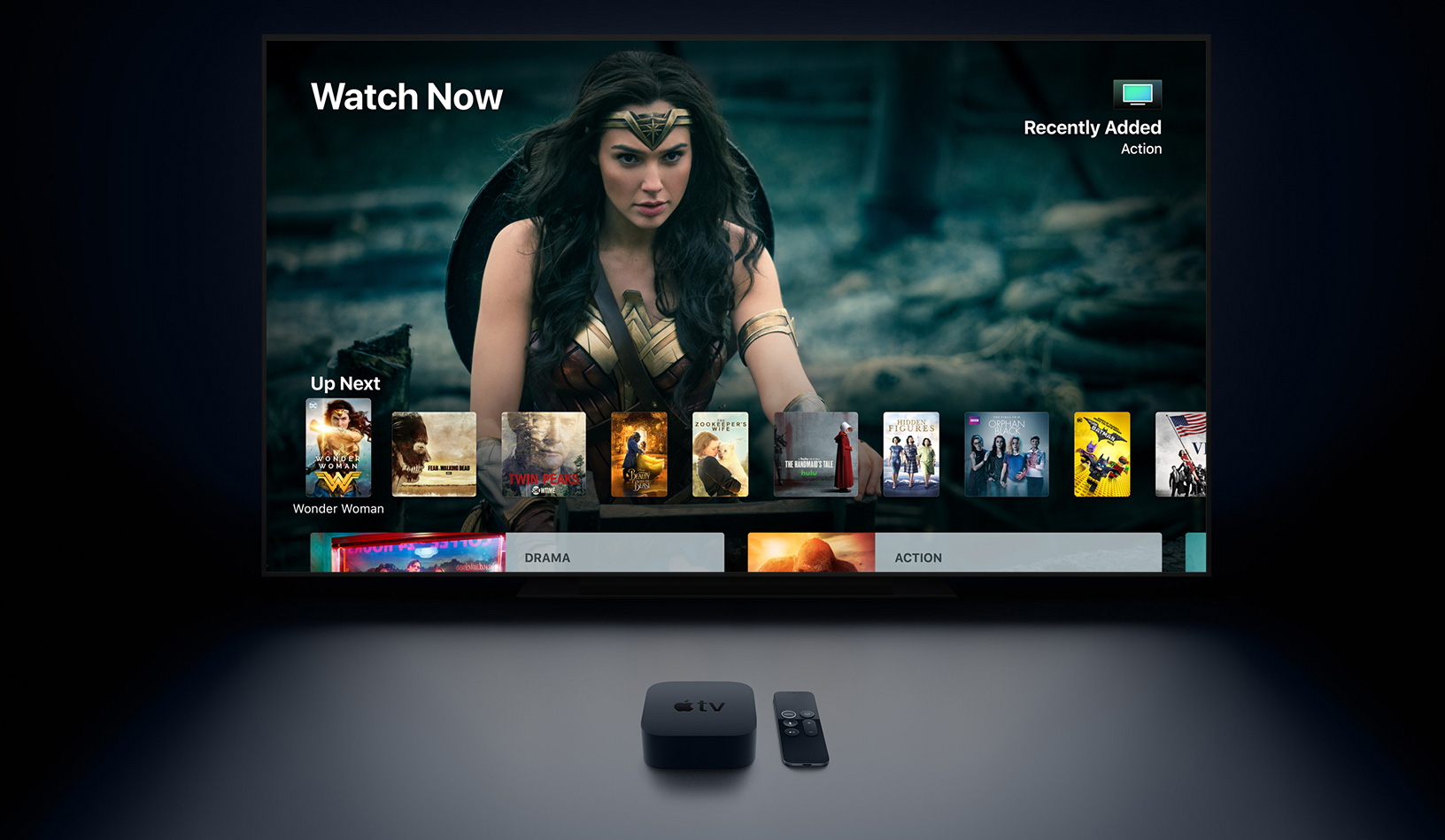
Learn how to synchronize your Home Screen layout and installed apps on the Apple TV across multiple boxes for a unified media experience.

Learn how to use the built-in document scanner feature of your iPhone or iPad Notes app to scan and save receipts, invoices, business cards, photographs, documents, etc.
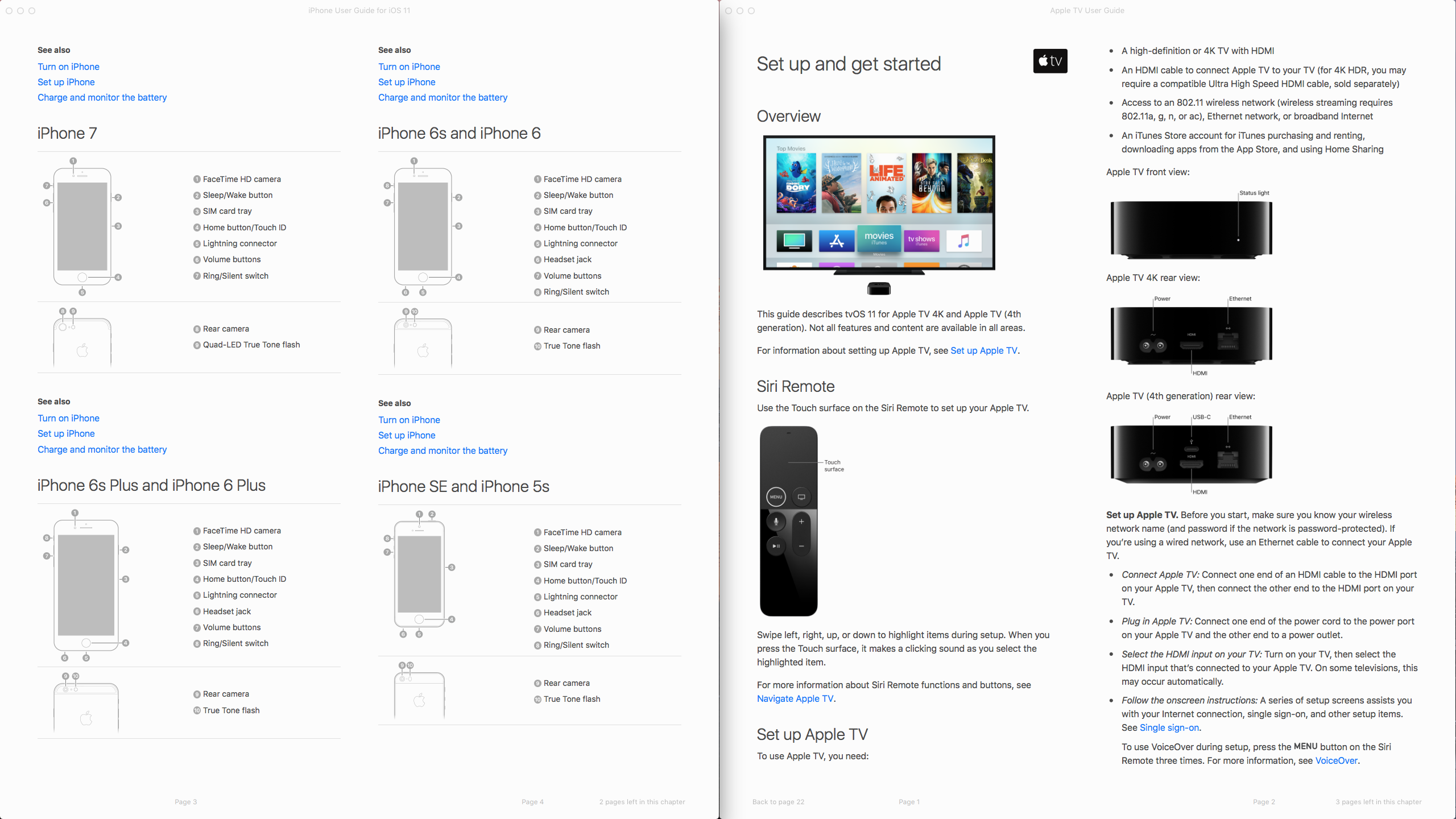
Following today's release of the major iOS 11 software update, the new watchOS 4 firmware and the minor tvOS 11 update, Apple has now released accompanying user guides for the iPhone, iPad, Apple TV and fifth-generation Apple TV hardware.
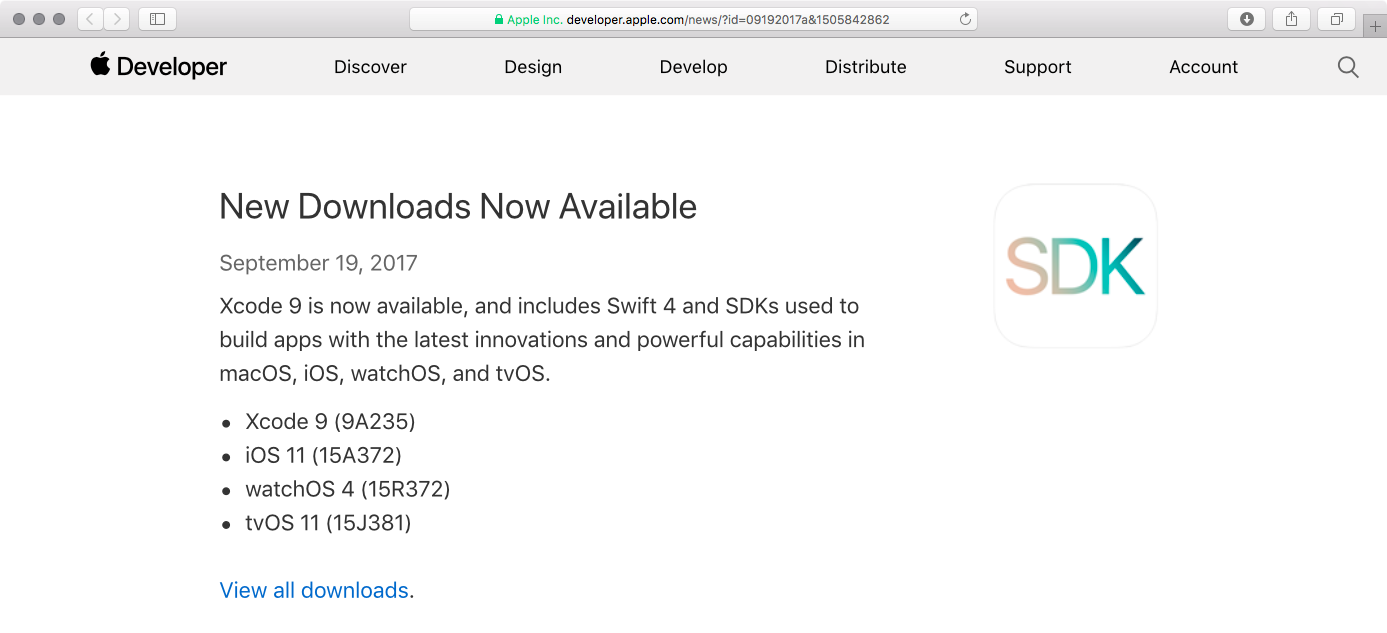
Apple this morning released iOS 11 to the general public and some people are asking how to move from a Golden Master candidate release, which dropped a week ago, to the public release.
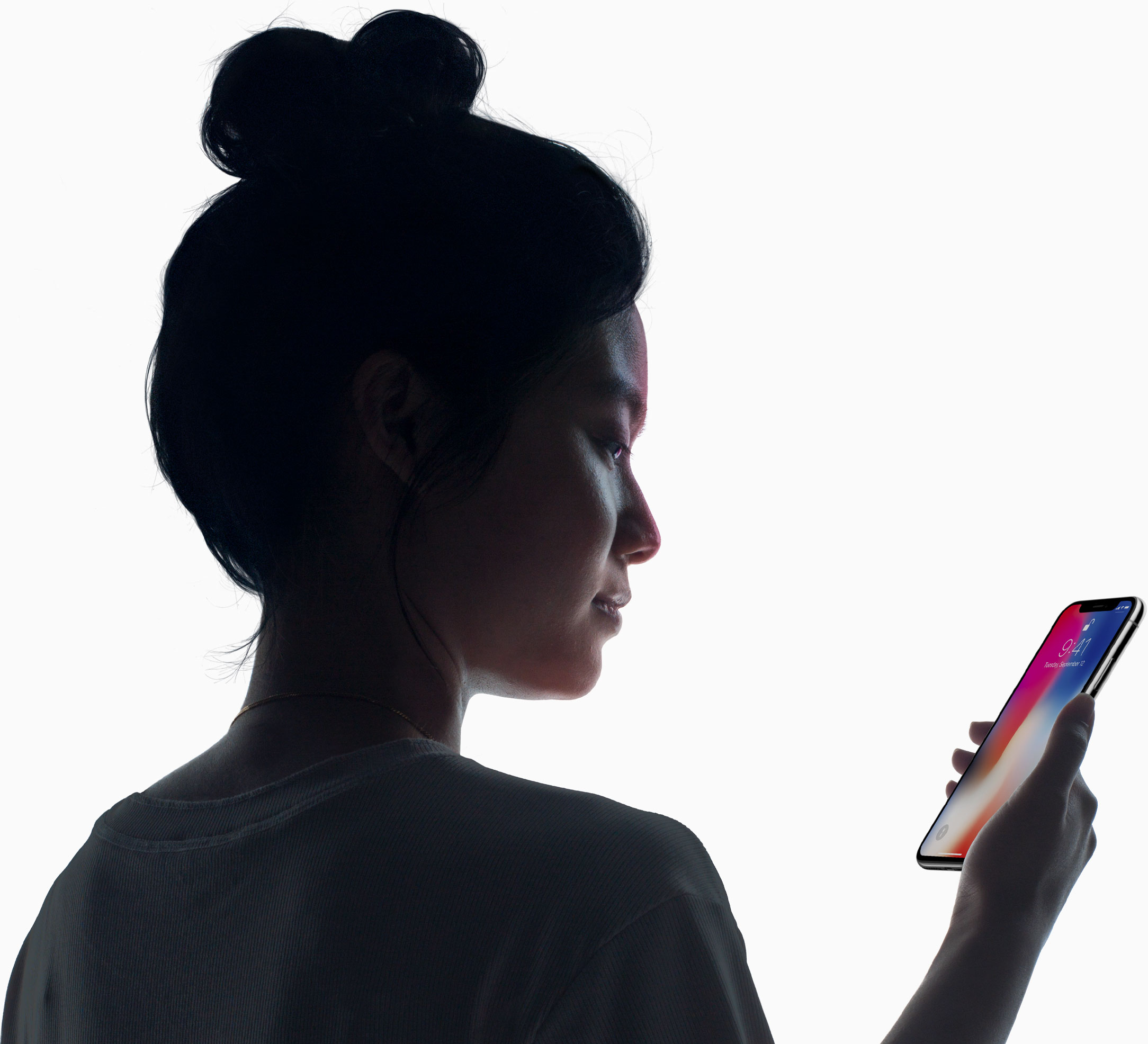
Ten years after kickstarting the mobile revolution with the original iPhone and four years since mainstreaming mobile fingerprint sensors with Touch ID, Apple has now begun to supplant fingerprint biometrics on mobile with facial recognition based on depth perception.

With less than 24 hours left until Apple's non-spoiler-free September 2017 keynote Tuesday, you may want to make necessary preparations ahead of it in order to ensure you'll be able to stream Apple's most important presentation in years uninterrupted.
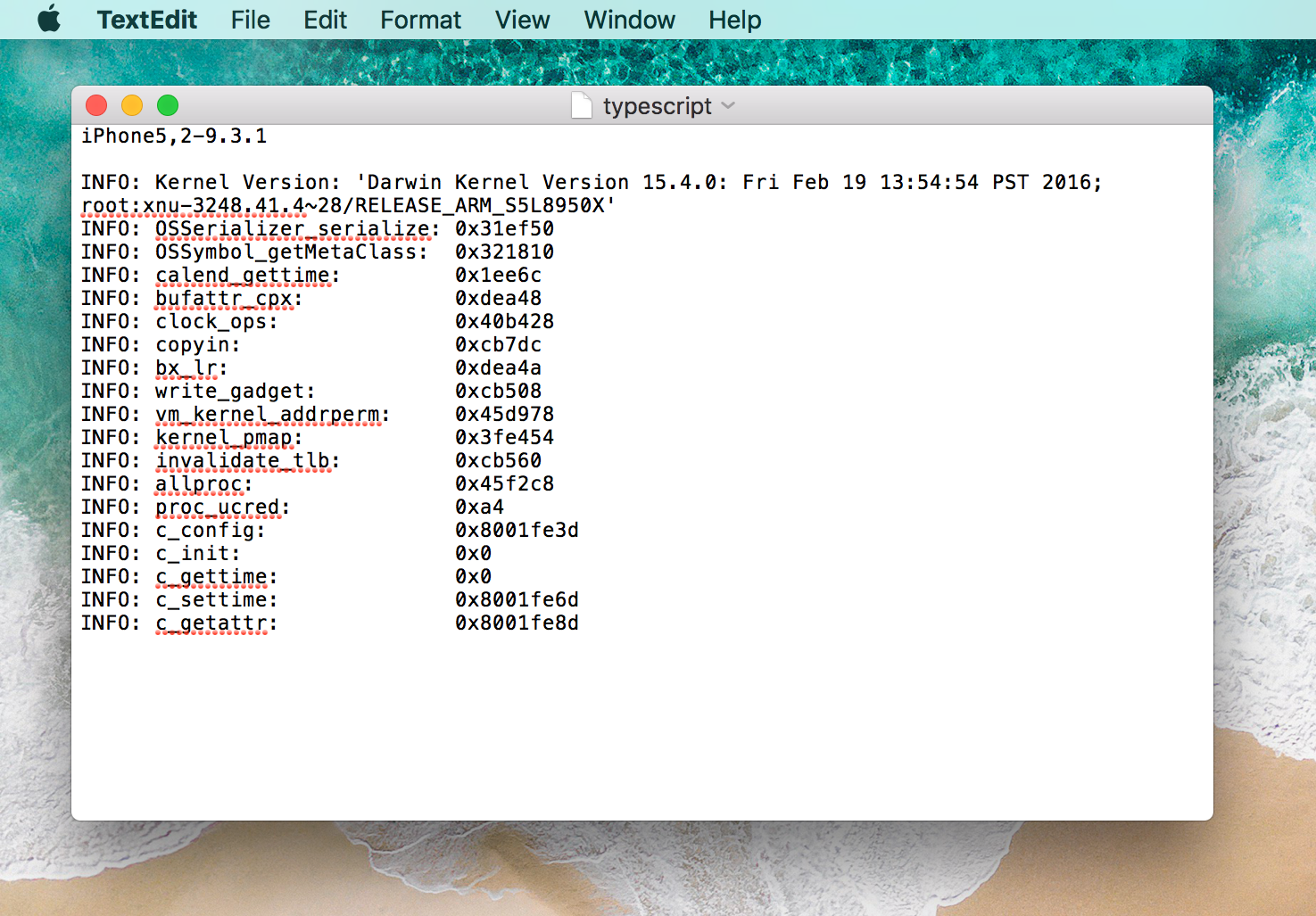
Want to turn your semi-tethered Home Depot jailbreak on iOS 9.1-9.3.4 into fully untethered? I'll show you how to find the offsets to do so, and how to be part of finishing up the jailbreak simultaneously.
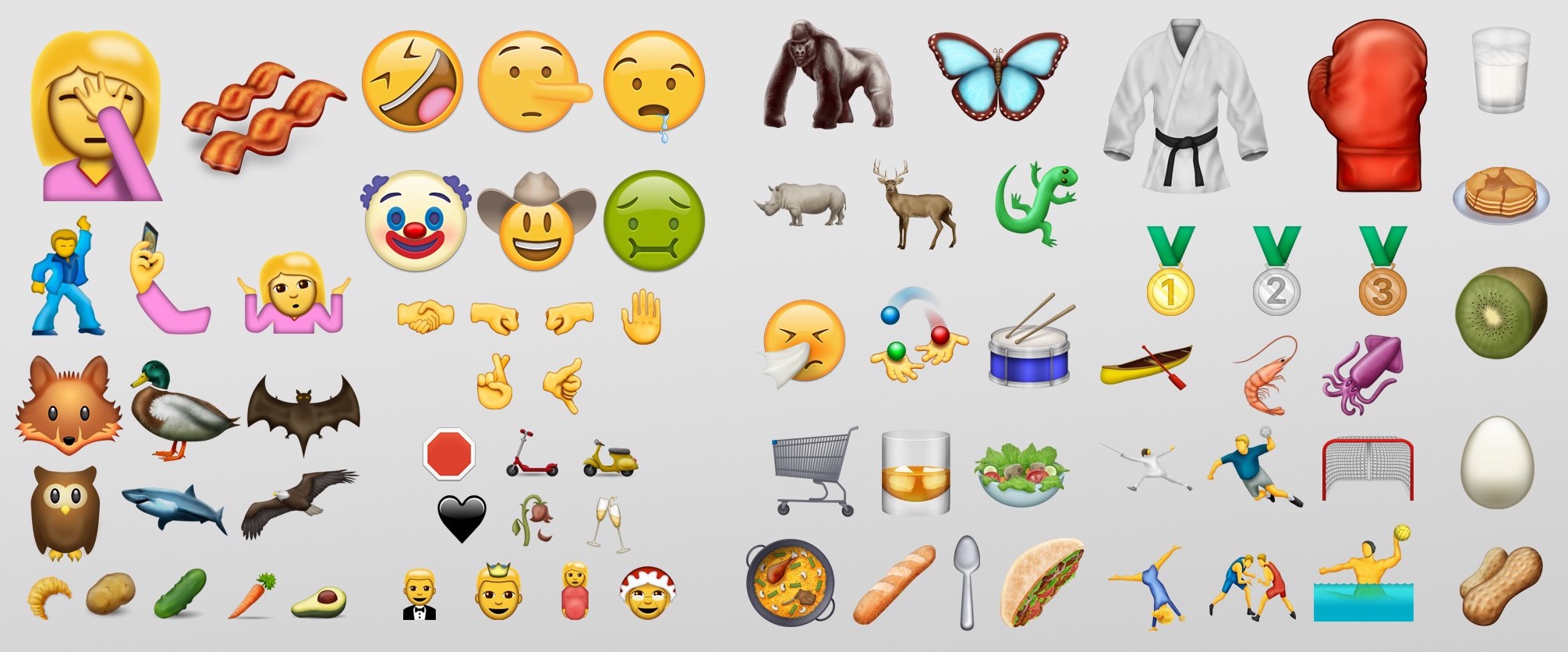
If you've had trouble enabling the latest emoji using Bytafont, Anemone, or EmojiFontManager in the past, this guide is just what you need! These theming solutions are prone to quirks, and may not work at all (ahem, Bytafont) on higher firmwares.
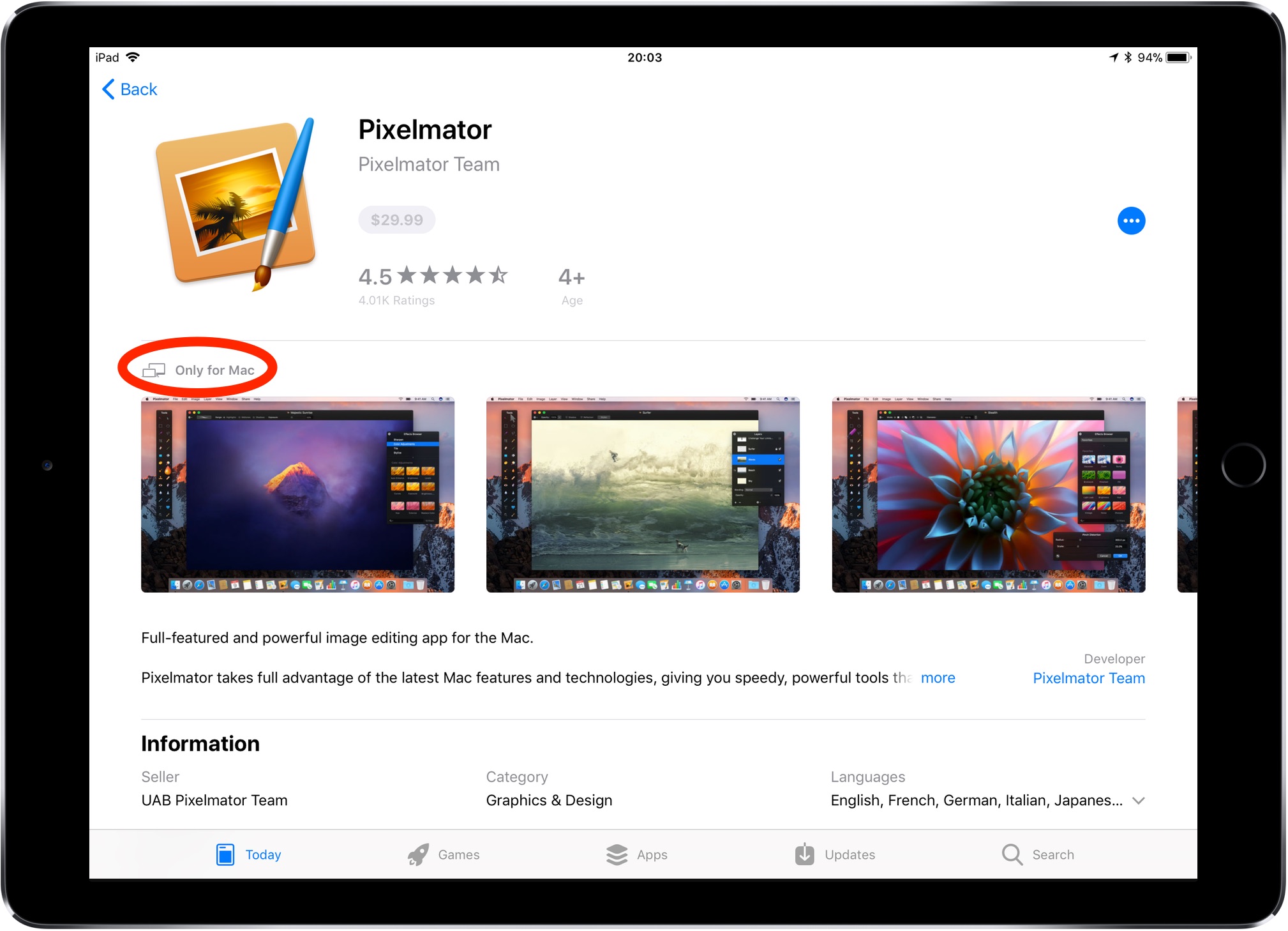
Before iOS 11, following a Mac app link in Safari on your iPhone or iPad yielded a warning message saying you could only download macOS apps using Mac App Store on your computer.
Thankfully, iOS 11's much-improved App Store changes that behavior.
At long last, now it's at the very least possible to bring up Mac app previews on your iOS devices. Yes, no longer do you have to switch to your Mac just to glance at basic information for a Mac app that interests you, such as its price, description, screenshots and so forth.

Now that a 32-bit jailbreak for iOS 9.3.5 is finally available a lot of legacy device owners will be looking to try it out on their devices, whether as an end of life plan, or to downgrade them to an unsigned firmware which runs more smoothly. In this guide, we'll show you how to use the Phœnix jailbreak, as well as how to move correctly from the first version to any later ones.

You can turn off Background App Refresh on your iPhone or iPad to save cellular data and extend the battery life.
In this tutorial, we'll tell you what Background App Refresh is and how to disable it for all apps or only selected apps. Plus, we'll show you how to turn it off only for cellular data or for both cellular data and Wi-Fi.
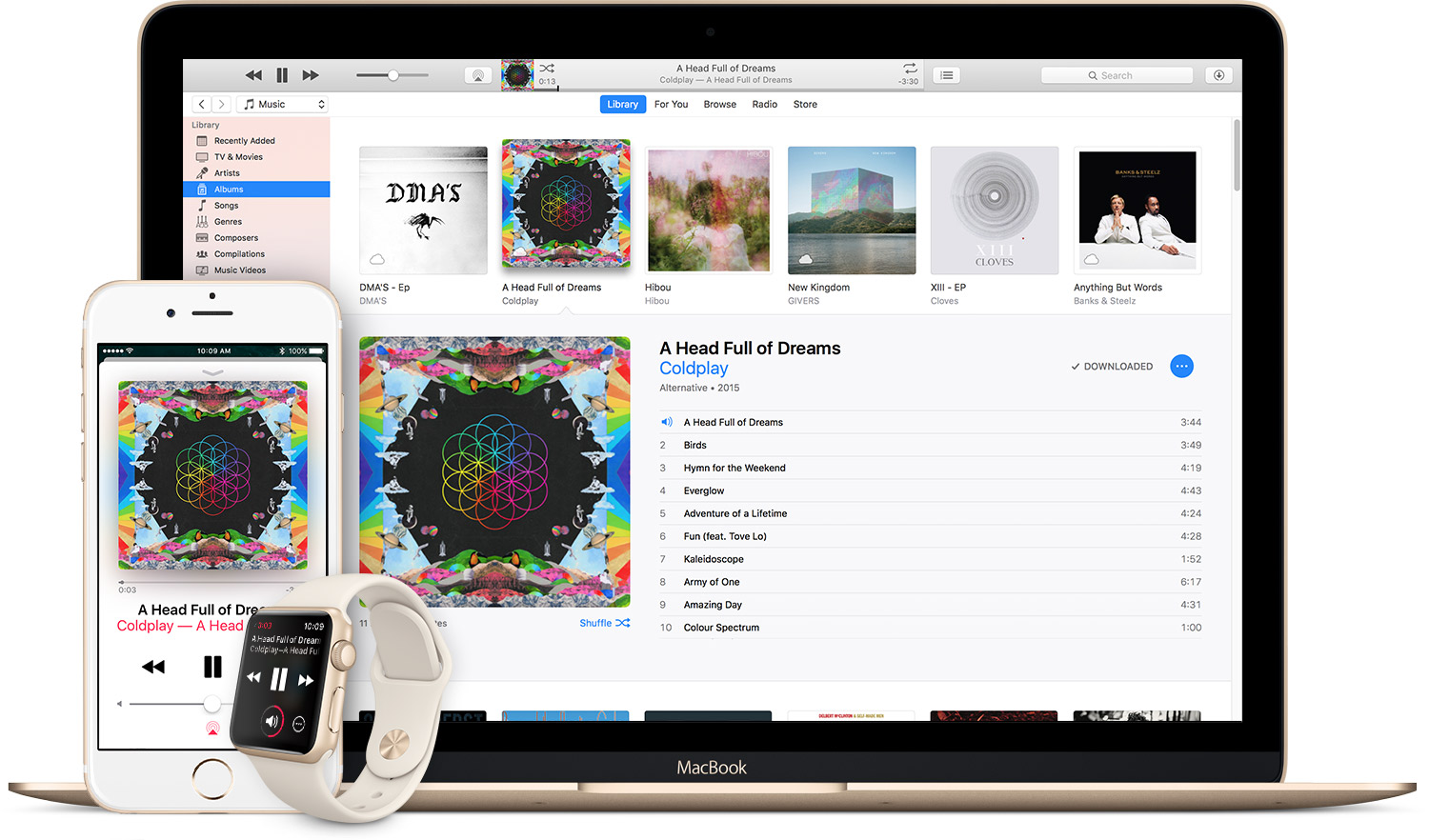
Do you use Apple Music on a regular basis and foresee continuing to do so? Are you paying your membership month-to-month? If so, how would you like to get full twelve months of uninterrupted Apple Music experience for the price of ten?