Learn how to identify Apple silicon Macs and determine whether your computer is running an Intel processor or Apple’s in-house chip, such as M1, M2, M3, M4, M5, or one of its variants.
How to know if your Mac has Apple silicon or Intel processor
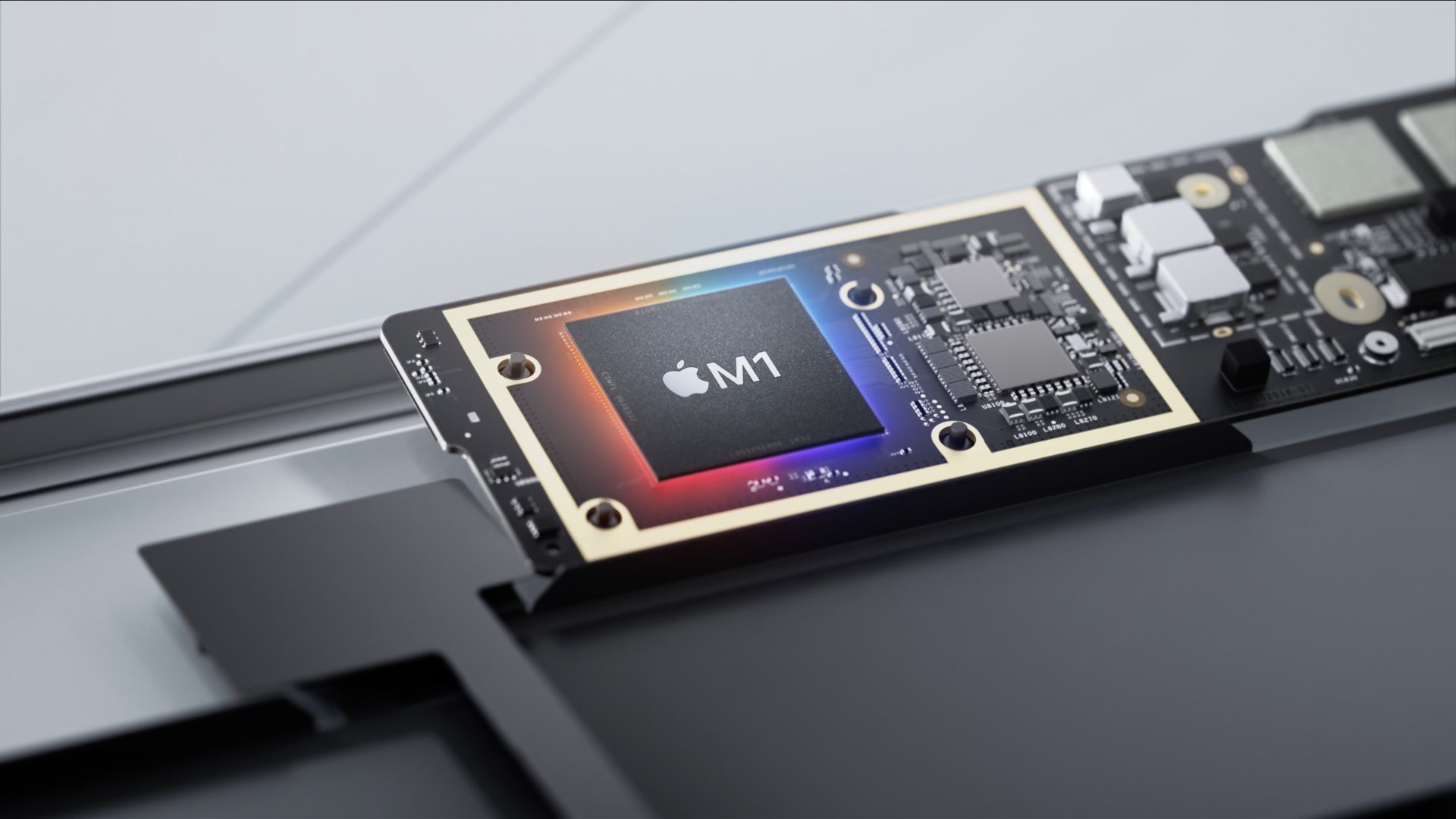
Learn how to identify Apple silicon Macs and determine whether your computer is running an Intel processor or Apple’s in-house chip, such as M1, M2, M3, M4, M5, or one of its variants.

Changing the Lock and Home screen wallpapers on your iPhone or iPad requires using the Settings app. Wouldn't it be great if you could change your wallpaper automatically, with a single tap? With wallpaper automation that's now available in iOS 14.3 and iPadOS 14.3, you can do just that. In this tutorial, we'll show you how to use a custom workflow in Apple's Shortcuts app to automate changing wallpaper with a single tap of a Home screen icon.

Power users usually prefer to start a fresh new installation of Big Sur rather than upgrade the existing copy of the macOS operating system on their Mac. If you're among them, you'll need to perform a clean install of Big Sur. The process entails doings things such as backing up your Mac, wiping off the current operating system and creating a bootable installer. Follow this tutorial for detailed instructions on how to perform a clean install of macOS Big Sur.
Apple provides the enhanced Universal 2 binary feature to its developers who wish to ship macOS apps that pack in code for both Intel and Apple Silicon systems. In other words, a universal binary runs natively on both Apple M1 and Intel-based Mac computers because it contains executable code for both architectures. However, certain edge cases may justify running a native Apple Silicon app under Rosetta emulation, and we show you how it's done.
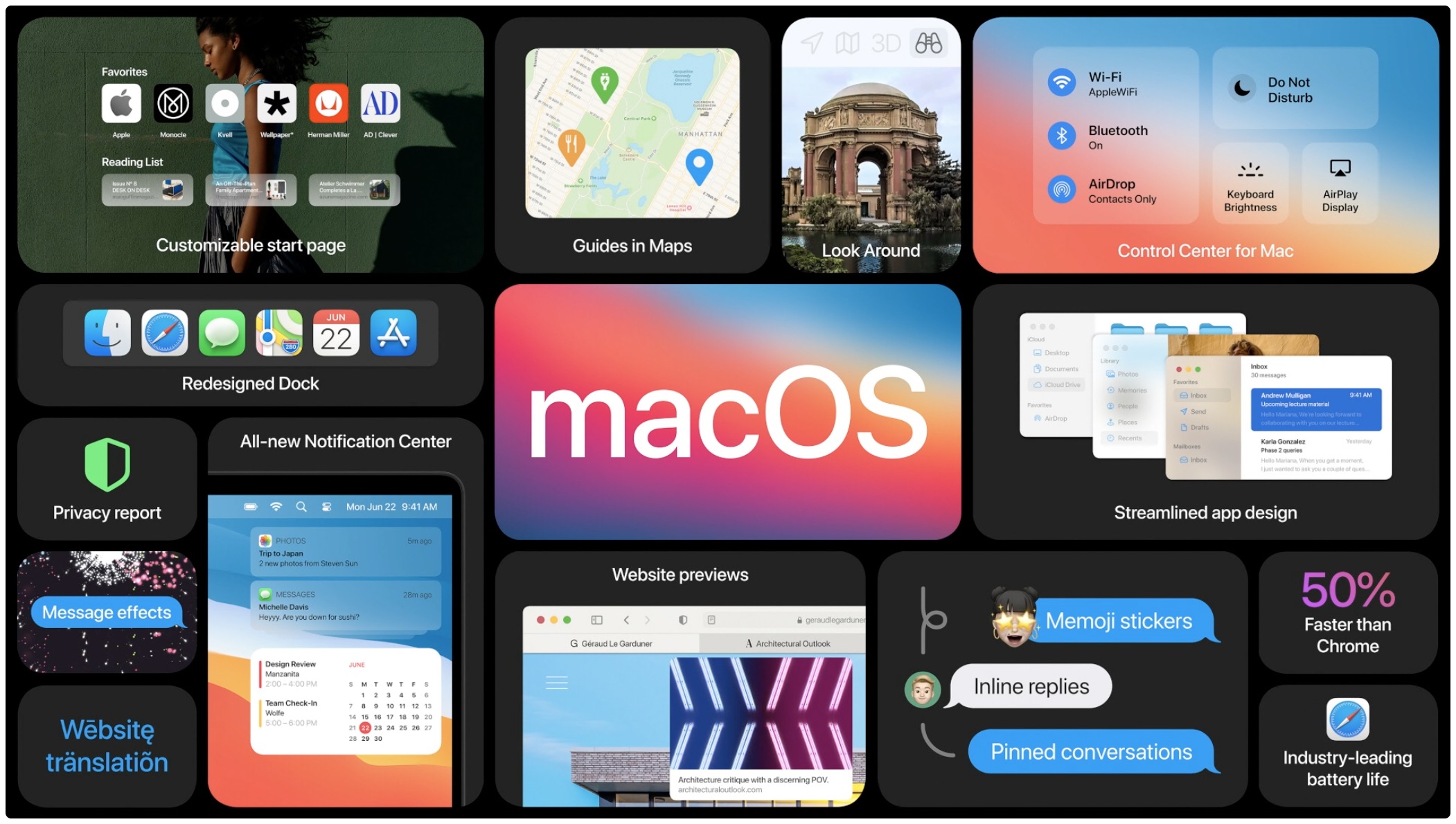
macOS Big Sur, Apple's latest software powering Macs, has been available for more than a week now. As some people have reported problems when trying to update their late-2013 or mid-2014 13-inch MacBook Pro notebook to Big Sur, Apple has now offered a fix.
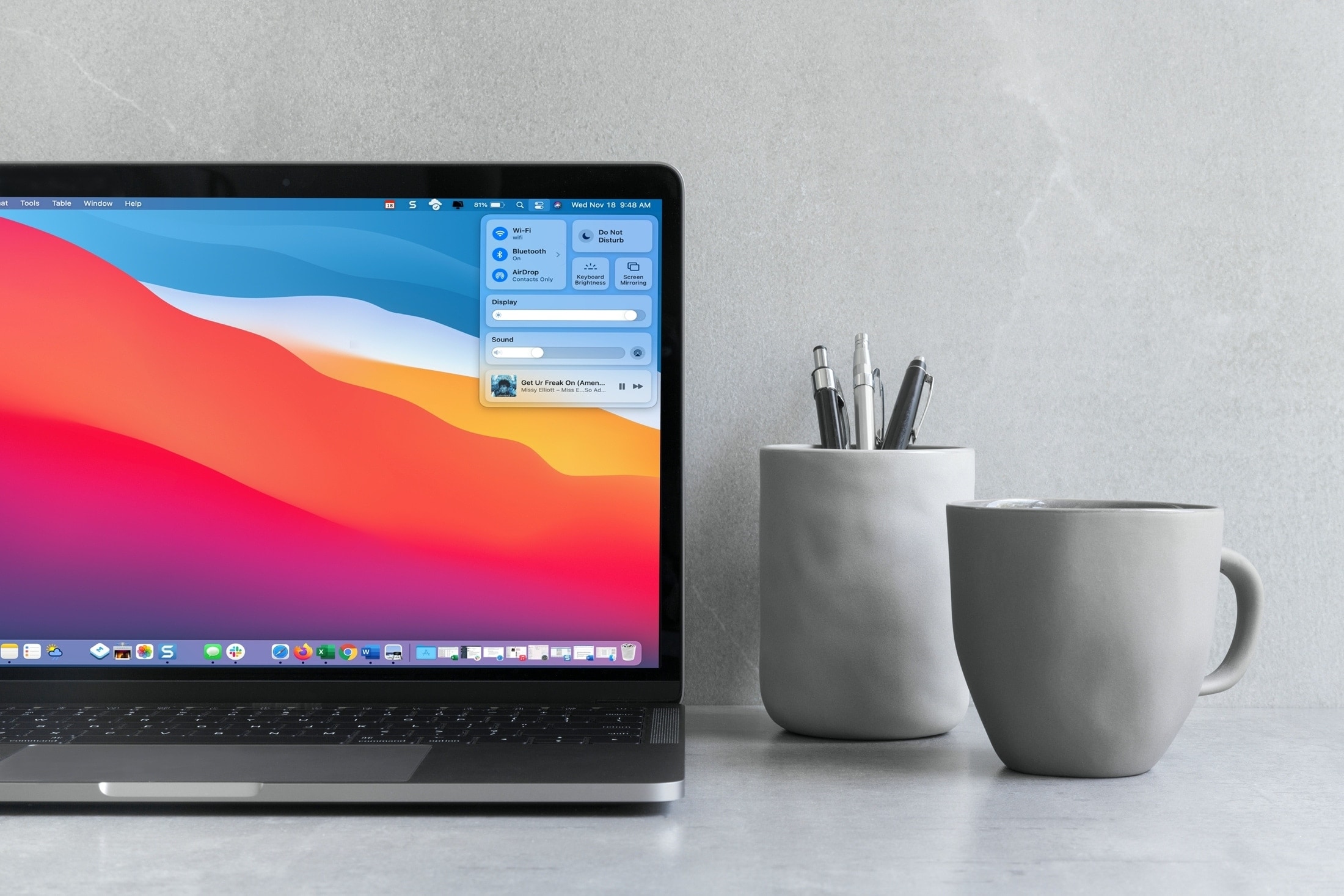
Your Mac comes with the Control Center feature that's similar to the iPhone and iPad's Control Center you already know and love. Follow along with this tutorial to learn how to use macOS Control Center, including how to customize it to your liking by adding or removing items.

The iPhone 12, Apple's smallest handset in their 2020 lineup, is finally here! The entry-level device cuts corners when it comes to battery life, but makes up for it with extreme pocketability. At just 5.4-inches diagonally and near fullscreen design with Face ID, this is going to be the beloved iPhone for many. Here are a few tips for making the most out of it.
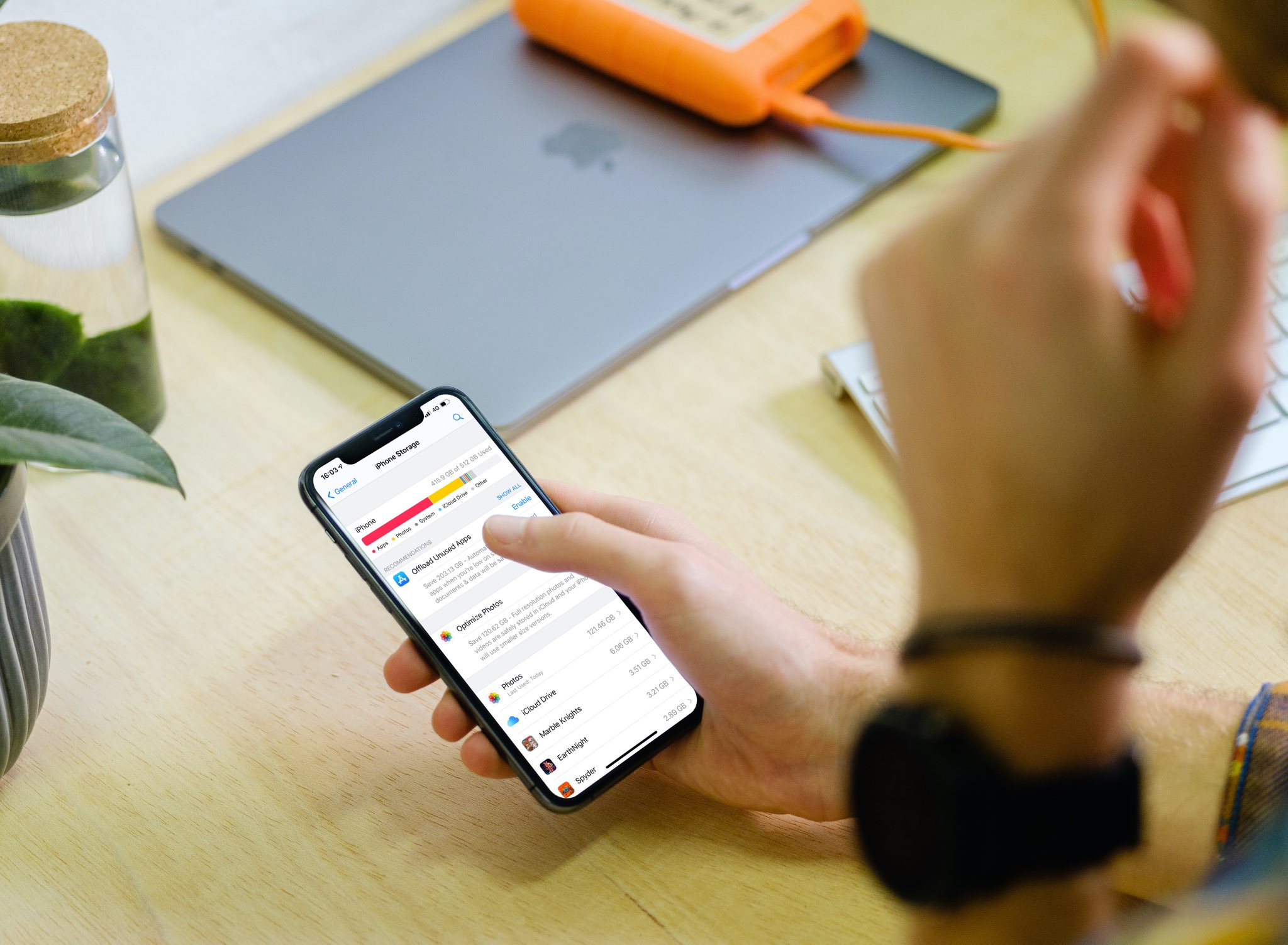
With the iPhone storage search feature, you can quickly find out how much storage space a specific app is taking up on your device without having to scroll through a long list of apps.
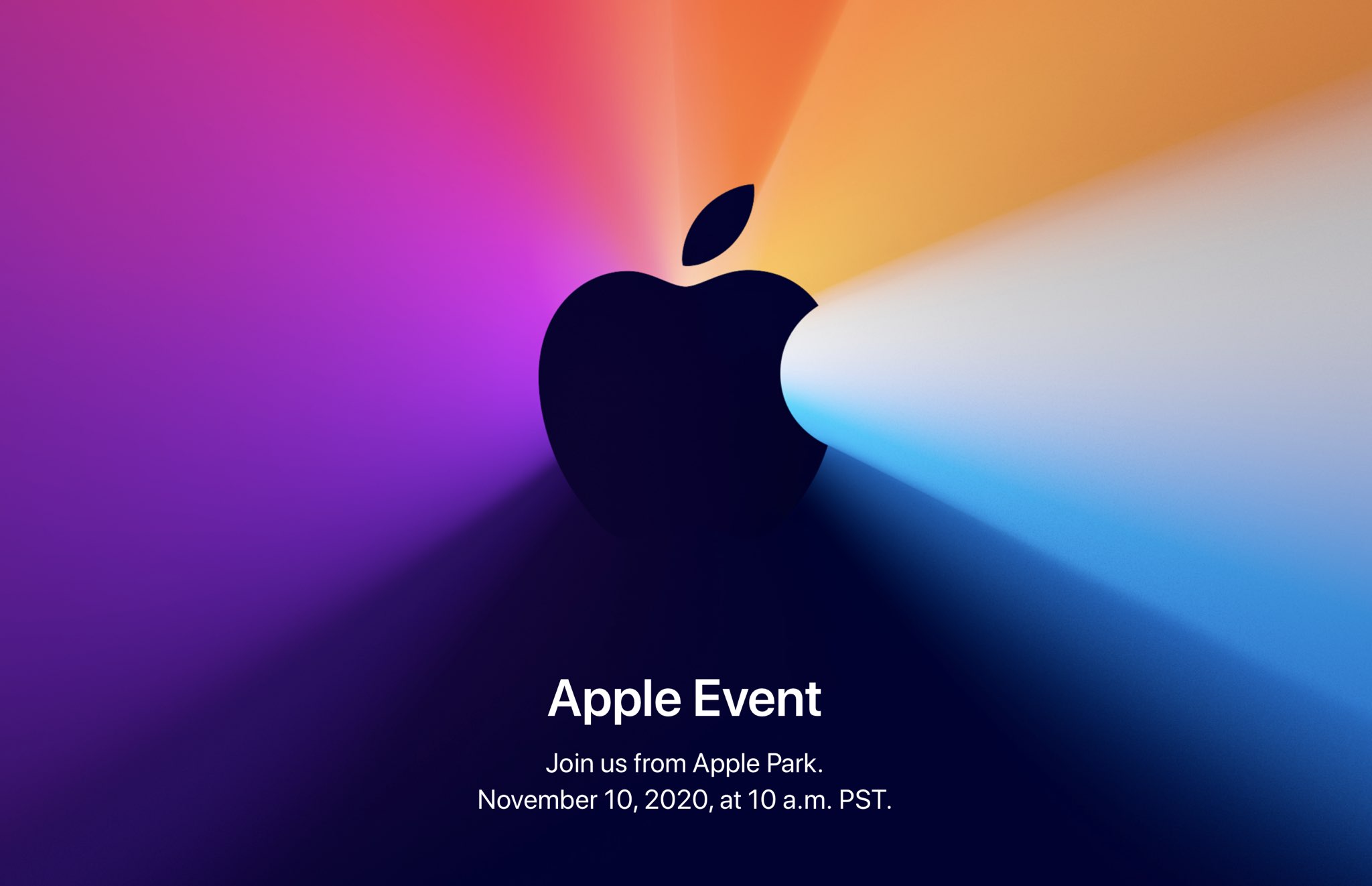
Apple is holding its last media event this year tomorrow, November 10, 2020, at 10am PDT. The "One more thing" event is pre-recorded due to the COVID pandemic and work-from-home measures. Here is how you can follow Apple's upcoming product presentation and see the company's first Apple Silicon-powered Mac models, regardless of where you live and which platforms or devices you may happen to be using for the moment.
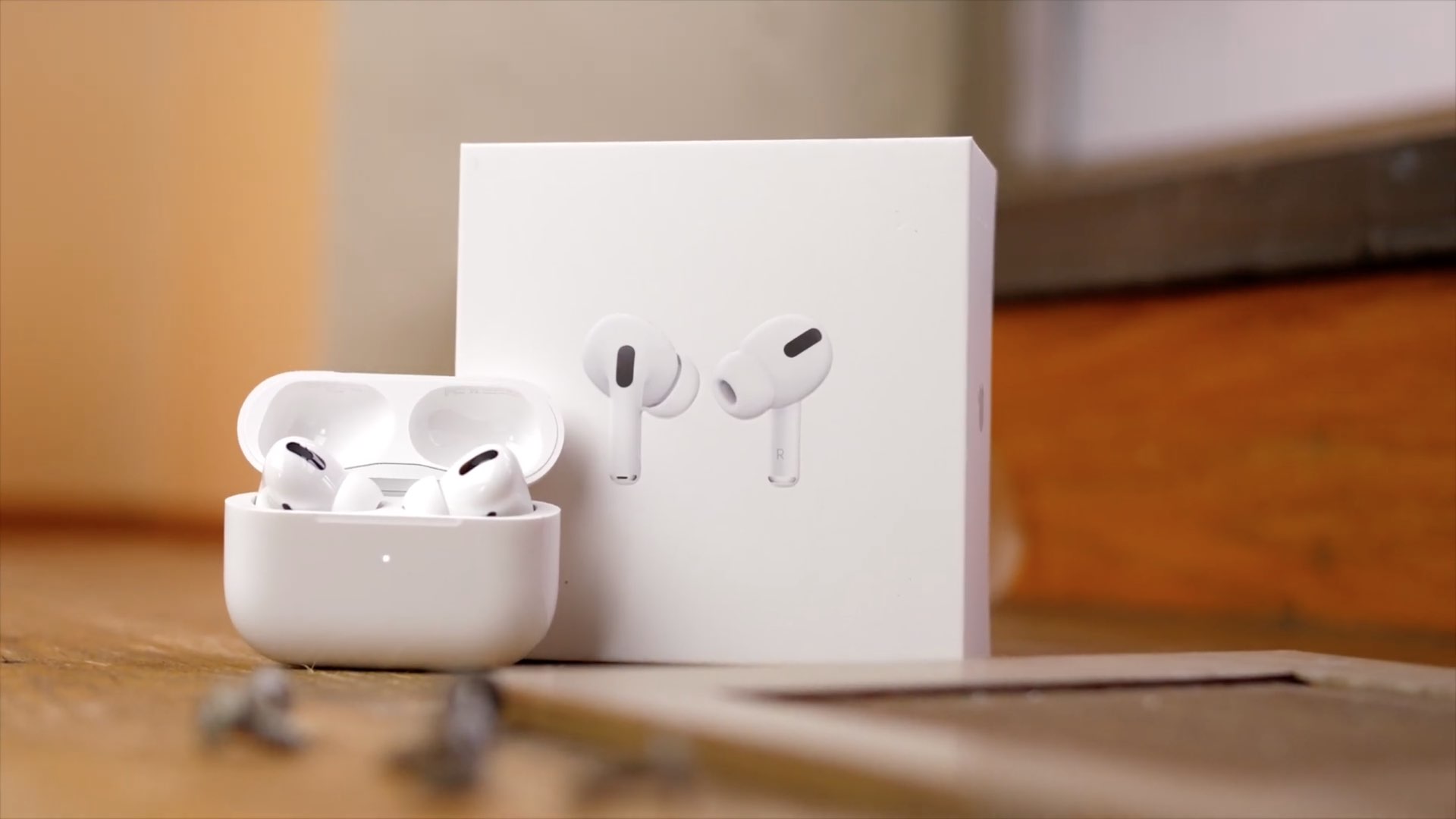
Learn how to use the AirPods Optimized Battery Charging feature to slow down battery aging by delaying charging past 80% until needed.
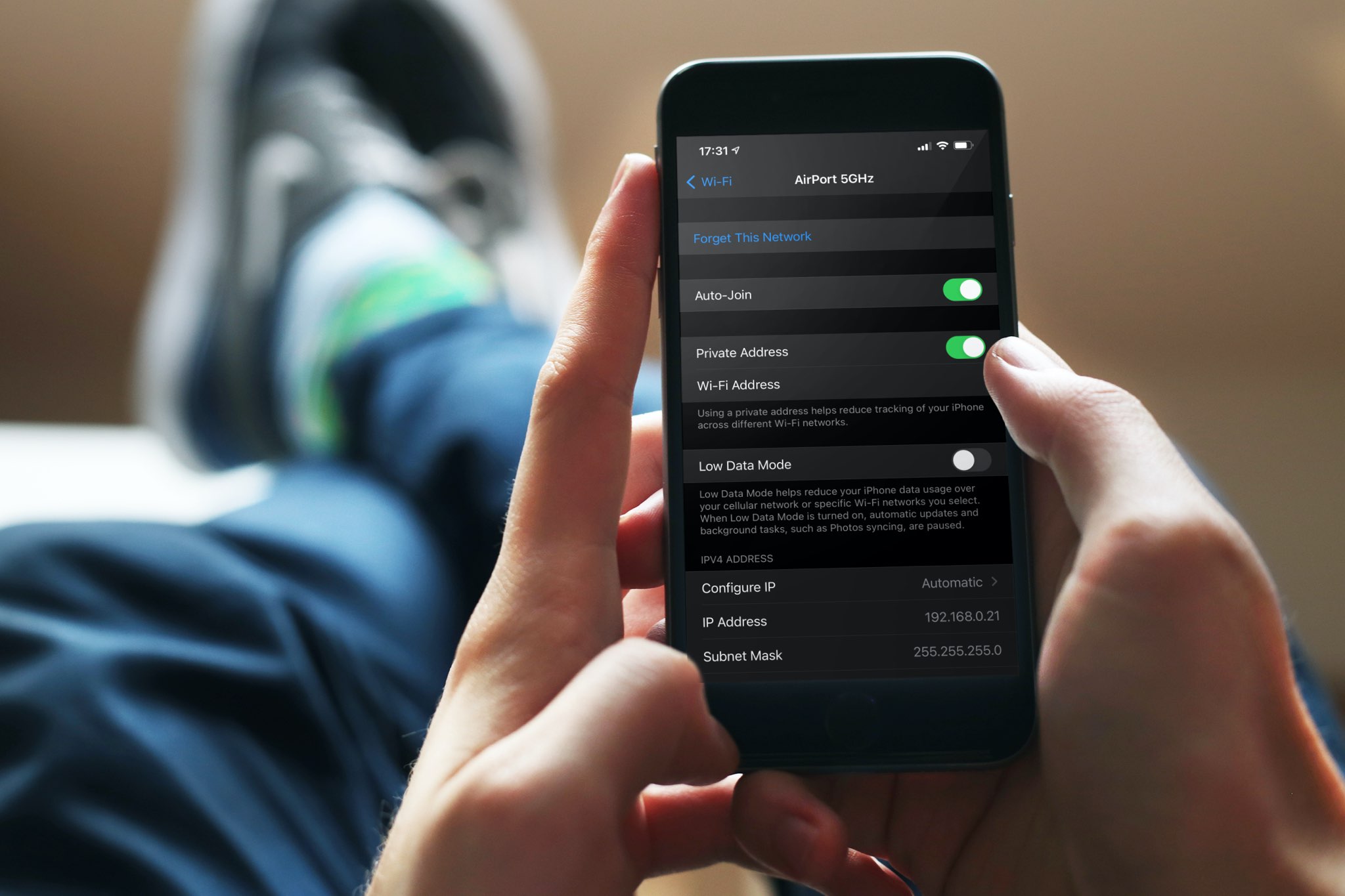
A private Wi-Fi address protects your privacy by reducing the tracking of your iPhone, iPad, Mac, and Apple Watch across different wireless networks. In this tutorial, you’ll learn how to enable a private Wi-Fi address on your Apple devices to enhance your privacy.
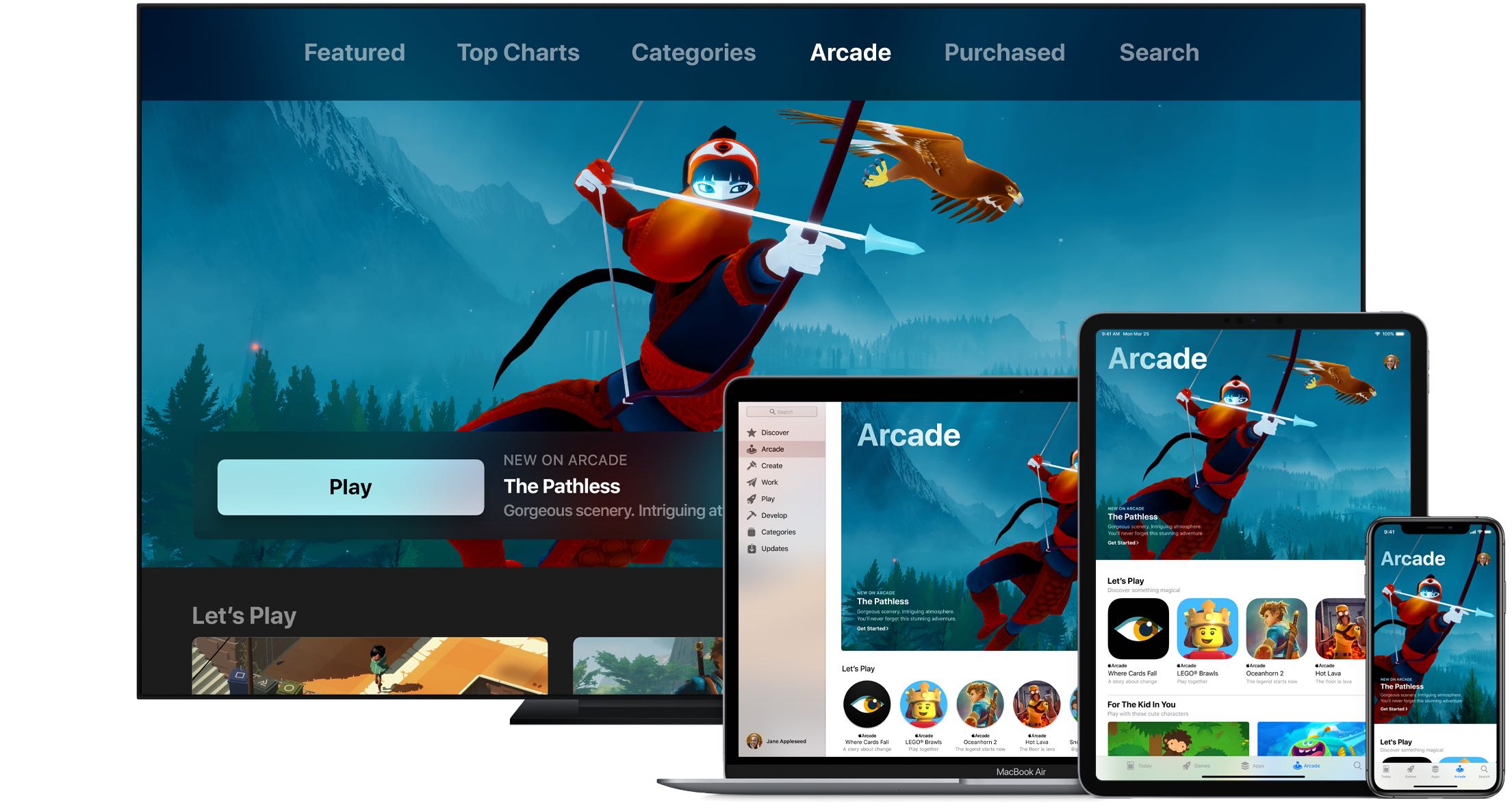
Apple Arcade connects you with your friends on Game Center. Not only does this allow you to play with them on any of your devices, but also see what they're playing. Follow along with us as we show you how to view the list of games that are popular with your Apple Arcade friends.