With Apple's ever-turning game of unsigning older firmware to prevent downgrades to jailbreakable firmware, jailbreakers are forever wondering what the best strategy is for their device.
Jailbreak Guide: Can I Jailbreak?
With Apple's ever-turning game of unsigning older firmware to prevent downgrades to jailbreakable firmware, jailbreakers are forever wondering what the best strategy is for their device.
Learn how to unlock your iPhone with your Apple Watch for times when you’re wearing a face mask, sunglasses, or ski goggles and can’t use Face ID.
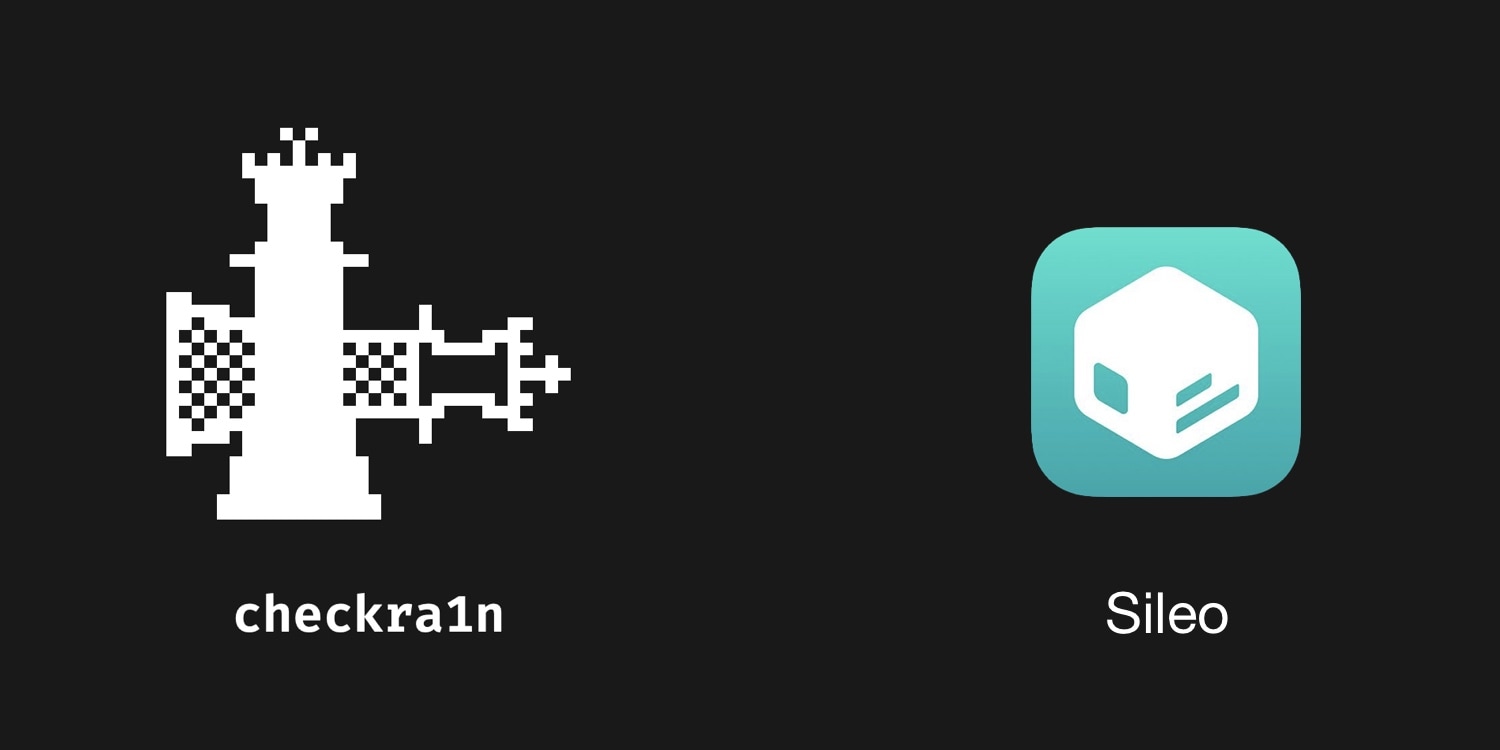
By default, the checkra1n jailbreak installs Cydia as the defacto package manager, and Cydia Substrate or Substitute can be used for tweak injection. But if you’re accustomed to the Chimera or Odyssey jailbreaks, then you might prefer to use Sileo for package management and libhooker for tweak injection instead, yet checkra1n’s jailbreak method offers many benefits over relying on certificates or signed apps.
If you’re wondering whether it’s possible to install Sileo and libhooker on your checkra1n device, then the astounding answer would be yes! A script called Odysseyra1n installs the entire bootstrap on your checkra1n device, allowing you to have an Odyssey-like experience on your checkra1n jailbreak.
If you rely on a slide-loadable jailbreak such as Odyssey (iOS 13.0-13.7) or unc0ver (iOS 11, 12, and 13.0-13.5), then it can be devastating if your device suddenly reboots because of a dead battery or a glitch. When this happens, you’ll be without your jailbreak and any add-ons you installed until you can re-jailbreak again.
Sadly, with many signing service certificates being revoked left and right without notice and with AltStore suddenly not working for apps installed after January 28th, it almost seems like using these jailbreaks puts you right in the crossroads of frustration and unreliability. But perhaps it doesn’t need to.
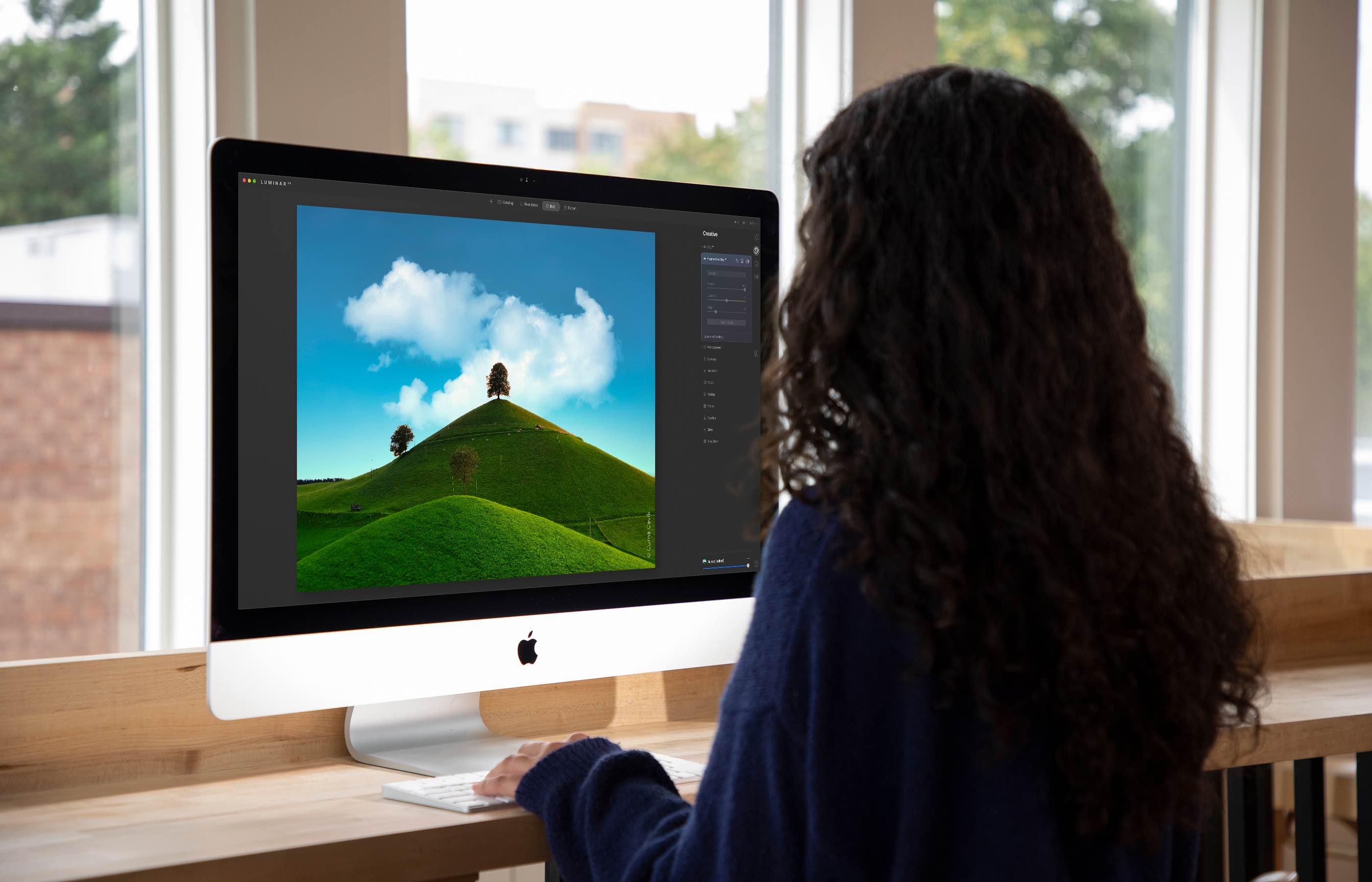
The Luminar AI image editor lets you edit landscapes, cityscapes, nature portraits and architecture photos with ridiculous ease—no need to deal with complex layers and palettes or adjust countless knobs. In this tutorial, we'll demonstrate how easy and fun achieving eye-catching landscape looks can be by with Luminar's rich assortment of AI-powered tools.
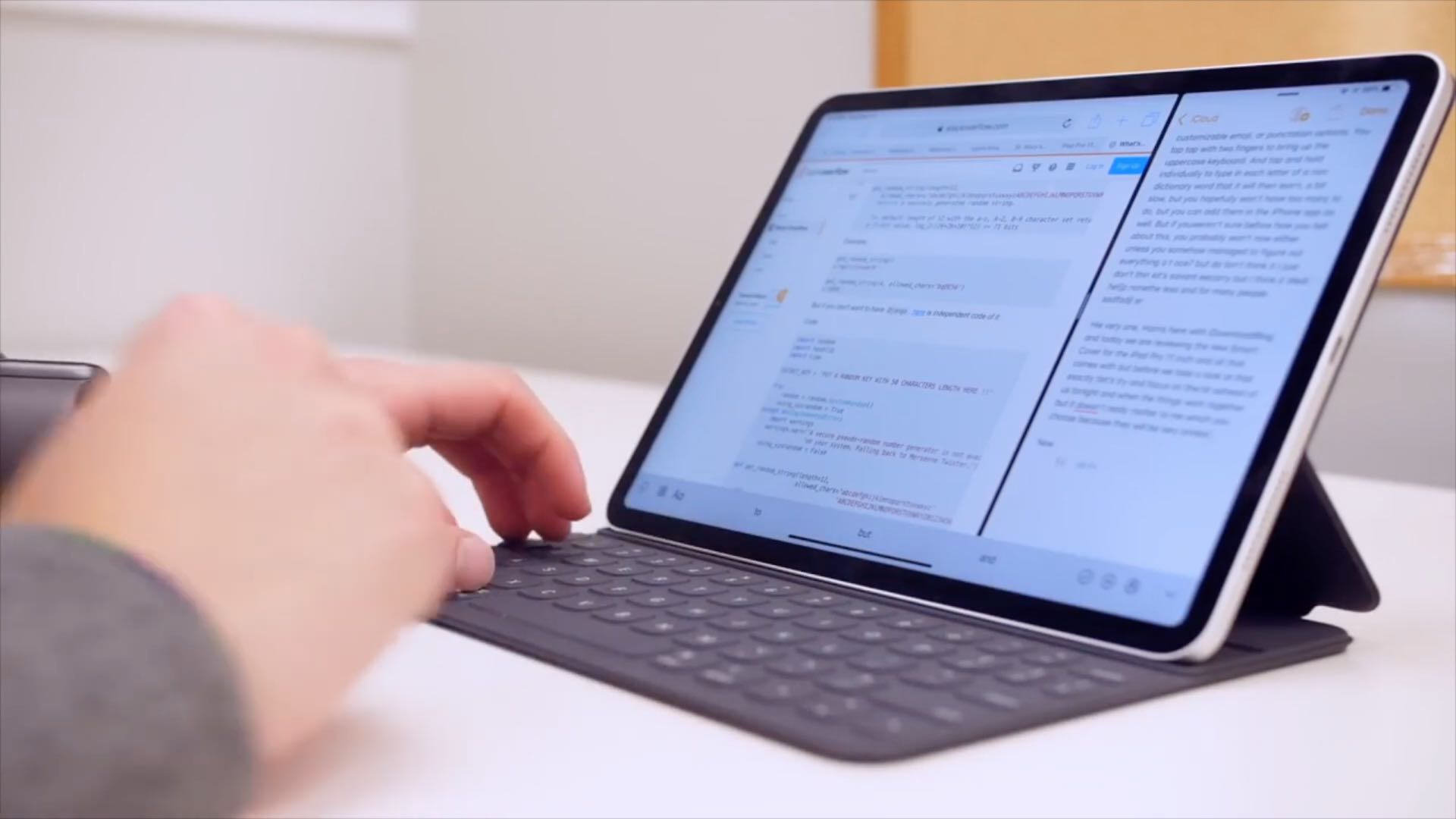
Learn how to configure your physical keyboard so that pressing the globe key instantly brings up the iPad emoji picker anywhere in iPadOS.
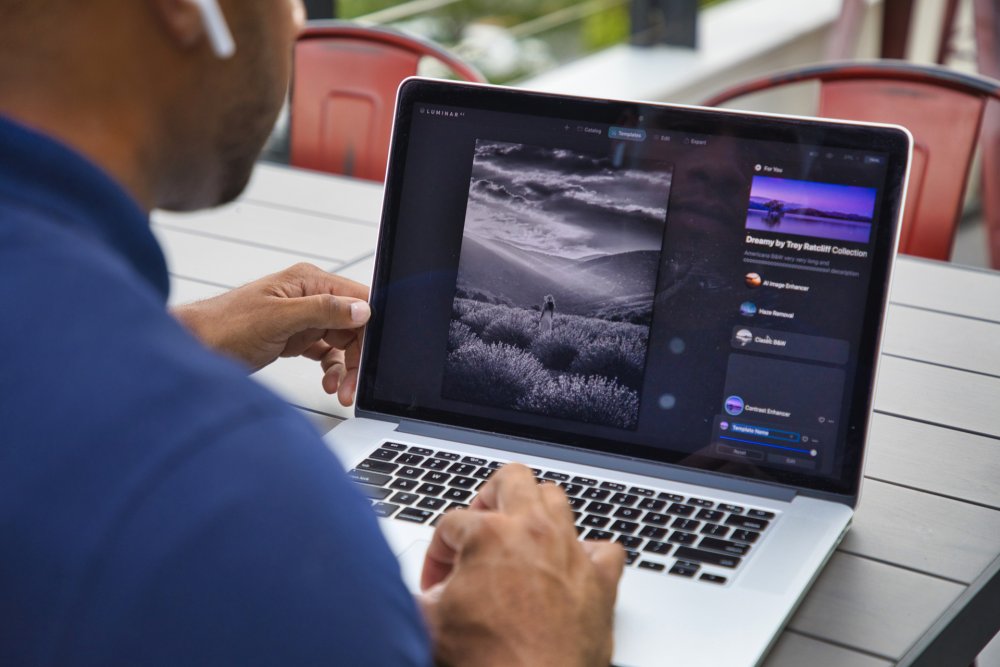
Achieve amazing results as if you had an entire graphics department working for you is easy with templates in the Luminar AI image editor. By leveraging artificial intelligence to understand the strengths and weaknesses of every image, templates make it easy to automatically correct common capture problems and apply enhancements across multiple images at once. In this tutorial, we'll show you how to use templates in Luminar AI.
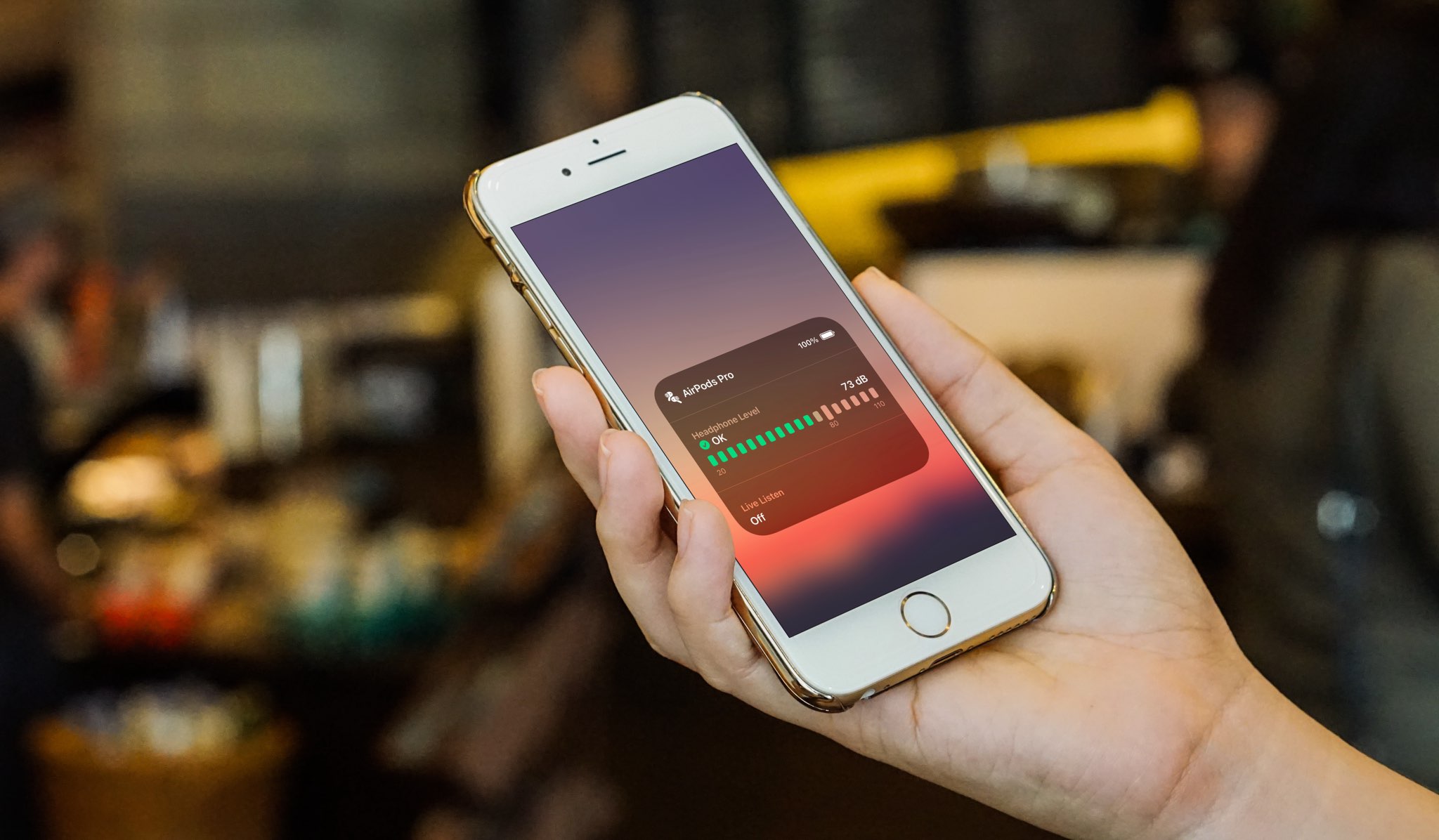
Learn how to check headphone audio levels with a helpful real-time measurement tool available in Control Center on your iPhone or iPad.

Learn how to use your iPhone or iPad to change the press speed and press & hold duration for your AirPods stem and AirPods Max Digital Crown.
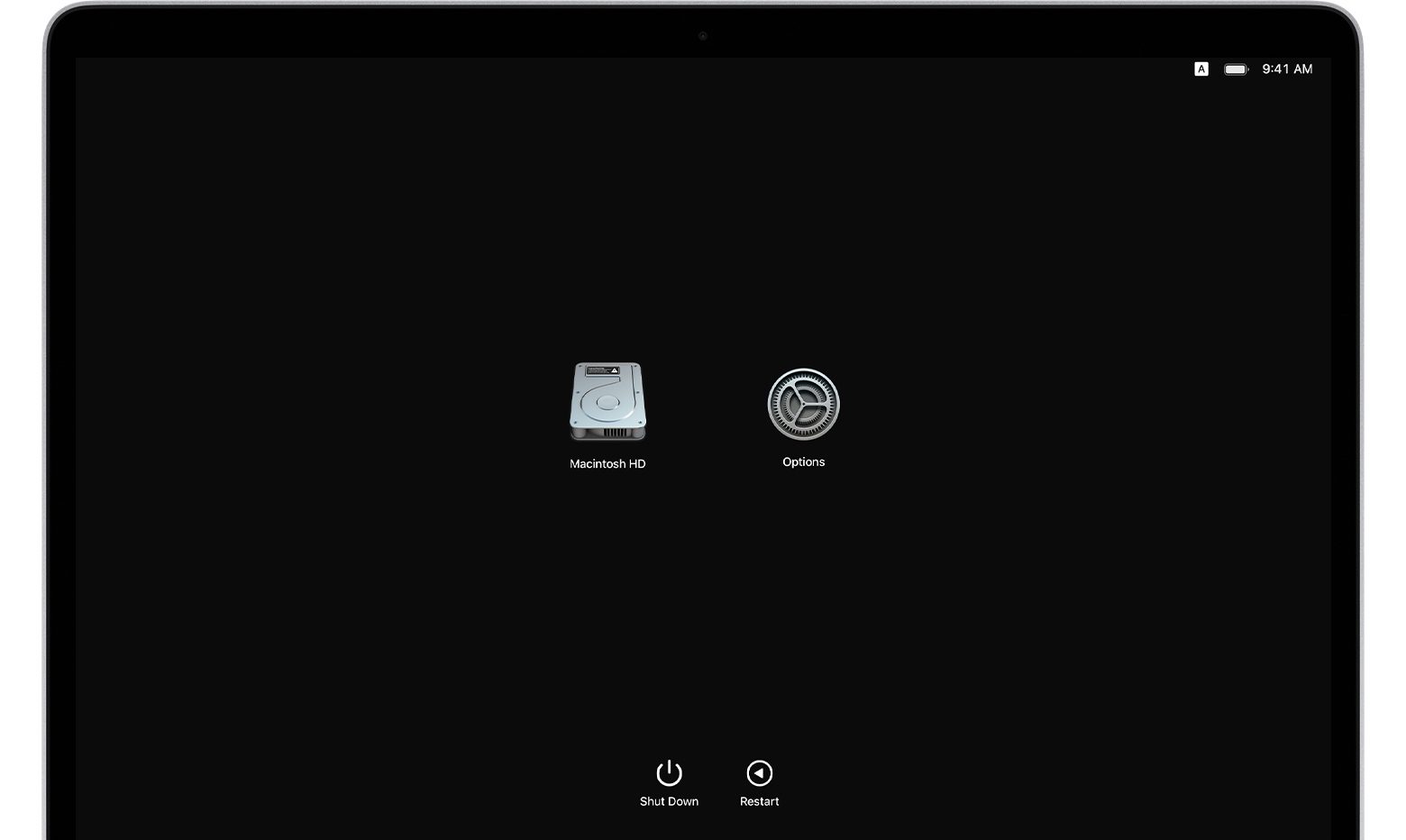
If you own an Apple silicon Mac and are wondering how to transfer your files to another Mac computer, you've come to the right place. Apple's macOS Recovery feature makes it simple to transfer files between two Mac computers, and we show you how it's done in this tutorial.
Whether you've just ordered Apple's expensive over-ear AirPods Max headphones or are already a happy owner of a pair of these, you might want to watch our video tutorial going over the physical and software details, including tips and tricks for using the headphones like a pro.
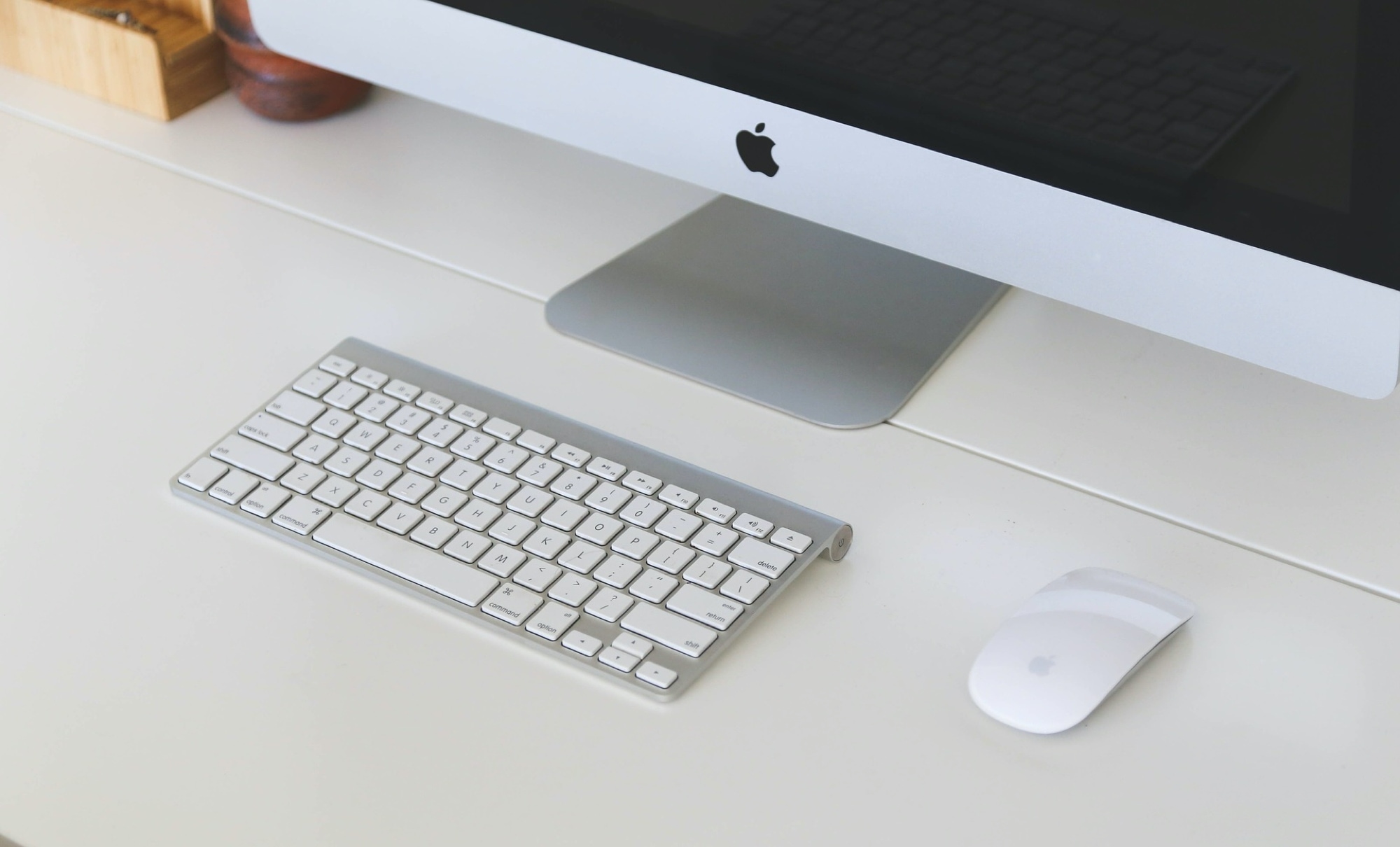
In this tutorial, we’ll walk you through the steps to reset Bluetooth on your Mac to fix common wireless connection issues with your Bluetooth accessories.