Guide

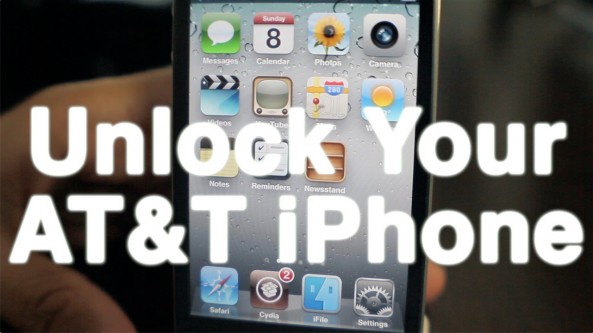
Here’s how to use AT&T’s online chat to unlock your iPhone

So yeah, I was lazy. Unlike Cody, I don't have the patience to wait on hold, or be placed in a revolving door of automated prompts. It was either head directly to the store, or give AT&T's technical support chat a try.

Thankfully, AT&T's technical support chat has a pretty good track record with me; I figured I'd give that a try before deciding to burn a gallon of gas to head to the closest AT&T store. Would they even be open on a holiday anyway?

At the end of the day, I'm glad I decided on this method. In less than 10 minutes the unlocking process for my iPhone was initiated, saving me time, gas money, and a potential headache.

Whereas it took Cody about 20 minutes to initiate his iPhone 4 unlock, it took me less than 10 minutes. Folks, it really doesn't get any simpler than this...
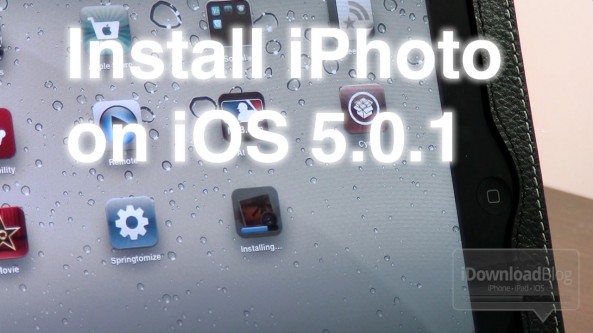
How to install iPhoto and iMovie on iOS 5.0.1

iPhoto was the big new app release that Apple touted at its new iPad media event, but the bad news is that it requires iOS 5.1.

For those of us with jailbroken iPhone 4S' and iPad 2's, this places us in an interesting predicament.

Since there is no way to jailbreak iOS 5.1 on these devices, updating now would not only prevent us from jailbreaking, but it would also prevent us from downgrading back to iOS 5.0.1 now that Apple has closed the signing window for that firmware.

So, what to do? Fortunately, there's an easy workaround to this problem, and we're going to walk you through the process on video...

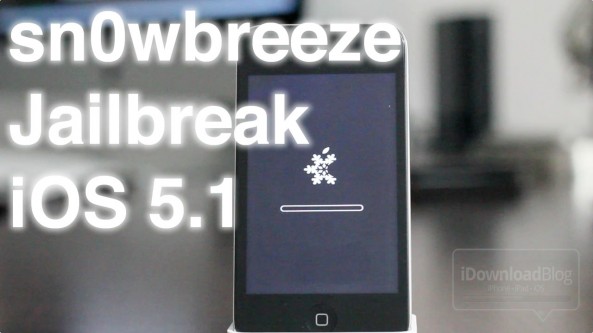
How to jailbreak iOS 5.1 with Sn0wBreeze v2.9.2

Earlier today we brought you details on ih8sn0w's 2.9.2 release of Sn0wBreeze for Windows.

Now we've put together a written tutorial along with a video tutorial that guides you through the entire tethered jailbreak process for iOS 5.1 on Windows.

This is a tethered jailbreak for non-A5 devices only, so it won't work with the iPhone 4S, and iPad 2. If you have an eligible device like the iPhone 4, or iPad 1, then step right inside...

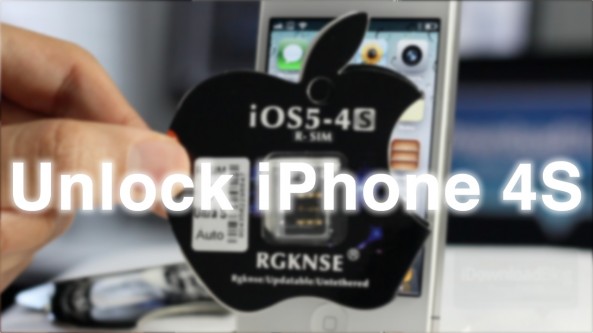
How to unlock the iPhone 4S using the R-SIM interposer

I'll admit that I've never used a Gevey SIM interposer, or anything like it in the past, but I figured I'd give it a shot with the iPhone 4S.

The iPhone 4S has its own special SIM interposer called the R-SIM II Ultra S, which was recently released.

I'm happy to report that this is by far the easiest method for "unlocking" your iPhone 4S, and using it with T-Mobile or virtually any other GSM carrier. And guess what, no jailbreak is required.

Check out our review of the iPhone 4S R-SIM tool inside...

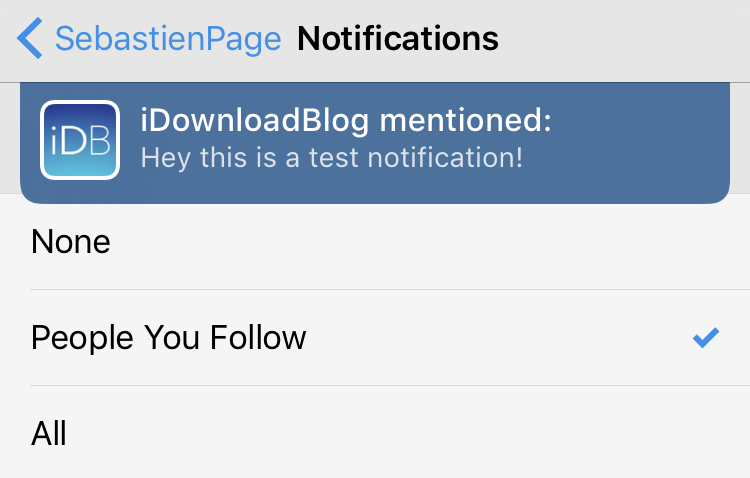
How to enable Notifications for Tweetbot

Before you think to yourself how obvious the answer to that question is, let me assure you that I receive this question many times a day, especially after doing a video where I receive a Tweetbot banner notification.

Setting up banner notifications in Tweetbot may seem like a no-brainer to most of us, but there still remains a fair amount of people who find it confusing — my email inbox is a testament to that fact.

With this in mind, I felt we were long overdue for a tutorial that shows how to enable notifications for Tweetbot.

How to Check Where Jailbreak Tweaks Are Installed

Have you ever wondered what files a specific jailbreak tweak places on your device? Have you ever wondered where the files are stored?

If so, you could always fire up iFile or use an FTP utility to go digging around in your file system. Or, you could just head to Cydia and utilize a provision that's available for every package you have installed on your device...

How to Install Plex on the Apple TV For Free

Plex is a simple way to access both local media stored on your PC or networked drives, along with online media on a variety of devices.

There are Plex apps for the Mac, PC, iOS, and even Android devices. Being the ubiquitous app that it is, it's not surprising that it runs on a jailbroken Apple TV.

Inside we'll show you how to install Plex on your jailbroken Apple TV for free...

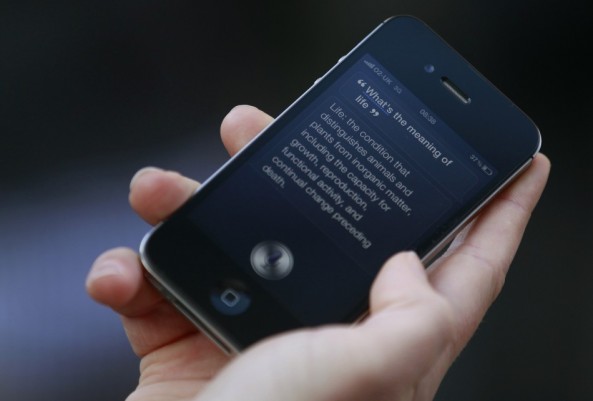
Russian Siri “Port” Garners Mixed Results

Okay, so we've been debating running this story for quite some time now, but we figured since this involves Siri, that ultimately we should do so.

You're probably all aware of the so-called Siri port that runs on some Russian server hosted who-knows-where. Well, apparently it technically works, although many have had very mixed success in getting it to work.

Inside, we'll show you what you need to do to go about obtaining this "port" for yourself, although it's not without some disclaimers...

How to Jailbreak the iPhone 4S and iPad 2 on Linux

Now that the Linux version of Absinthe has been released, all major platforms have access to the jailbreak tools needed to jailbreak their iPhone 4S and iPad 2.

We've already covered how to jailbreak on OS X and Windows in depth, but we didn't want to leave our Linux readers out in the cold.

Since there is no iTunes for Linux, things can be slightly more tricky, but it's still extremely easy to apply the Absinthe untethered jailbreak on Linux.

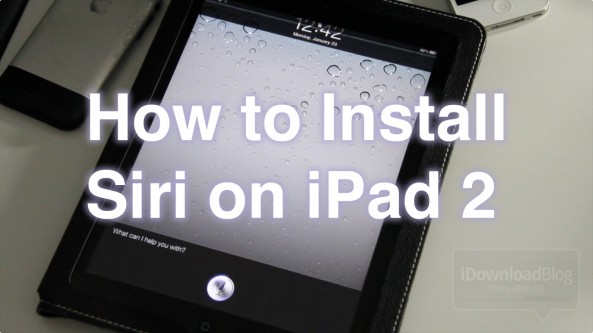
How to Install Siri on iPad 2

Siri on the iPad 2 is now a reality, courtesy of the iPad 2 untethered jailbreak. It became a lot more compelling with the release of tweaks like SiriToggles, and updates to Hands-Free Control.

We've already shown you how to install Siri on the iPhone 4, so we'll use that tutorial along with some additional key information to help you get Siri running on the iPad 2!

How to Jailbreak the iPhone 4S and iPad 2 With Absinthe for Windows

Alright all of you Windows users, as promised, the Chronic Dev Team has just released a Windows version of its new jailbreak utility, Absinthe. The software works on both the iPhone 4S and the iPad 2.

The program is pretty straight-forward. So if you're a veteran jailbreaker, feel free to grab Absinthe from our Downloads page and get started. But for those looking for help, here's an easy to follow step-by-step tutorial...

How to Jailbreak the iPhone 4S and iPad 2 Untethered With Absinthe

Ladies and gentlemen, boys and girls. The moment you've all been patiently waiting for. This iPhone 4S untethered jailbreak and iPad 2 untethered jailbreak have been released.

Indeed, as we initially told you just a few minutes ago, you can now download Absinthe and jailbreak your iPhone 4S or iPad 2 untethered.

Check inside as we guide you through the entire jailbreak process step-by-step...