In this quick beginner’s guide, we’ll show you how to save a PDF from a website in Safari, Google Chrome, and Firefox on your iPhone or iPad.
How to download a PDF from a browser on iPhone or iPad

In this quick beginner’s guide, we’ll show you how to save a PDF from a website in Safari, Google Chrome, and Firefox on your iPhone or iPad.

In this step-by-step tutorial, we’ll show you how to delete all the browsing history, cache, cookies, and site data in Google Chrome and Mozilla Firefox to troubleshoot browser issues, log out of all websites, or start with a fresh slate.

Back in December of 2024, Apple acquired a popular iCloud Passwords extension that enabled iCloud Keychain auto-fill capabilities in the Mozilla Firefox web browser. This allowed even Firefox users to enjoy one of the conveniences enjoyed by users of Apple’s first party Safari web browser.

Learn how to export saved usernames and passwords in your Apple account and import them into a browser like Google Chrome, Microsoft Edge, or Firefox.

This guide explains how to enable built-in settings or use third-party extensions to automatically delete all browsing history when you close Safari, Chrome, Firefox, Brave, or Microsoft Edge on your Mac or Windows PC
Learn how to delete saved cookies, cache, and other site data for a specific website in Safari, Google Chrome, Firefox, Edge, and Brave browsers. This can help resolve issues or reset your site preferences.

Learn how to autofill usernames and passwords saved in the Apple Passwords app or iCloud Keychain when logging into websites using the Firefox browser on macOS.
As someone who has been using the Mozilla Firefox web browser on their Mac and Windows computers for nearly two decades, I’ve never been able to comfortably switch to Apple’s Safari web browser on my Mac. This is, in part, because of the higher quality extensions available for Firefox. But one gripe that I’ll admit is Safari’s deep integration with Apple’s Passwords app makes entering logins a breeze.

Learn how to use the built-in editor in Firefox on your Mac or Windows PC to add text, signature, images, and highlights to a PDF file right from your browser.
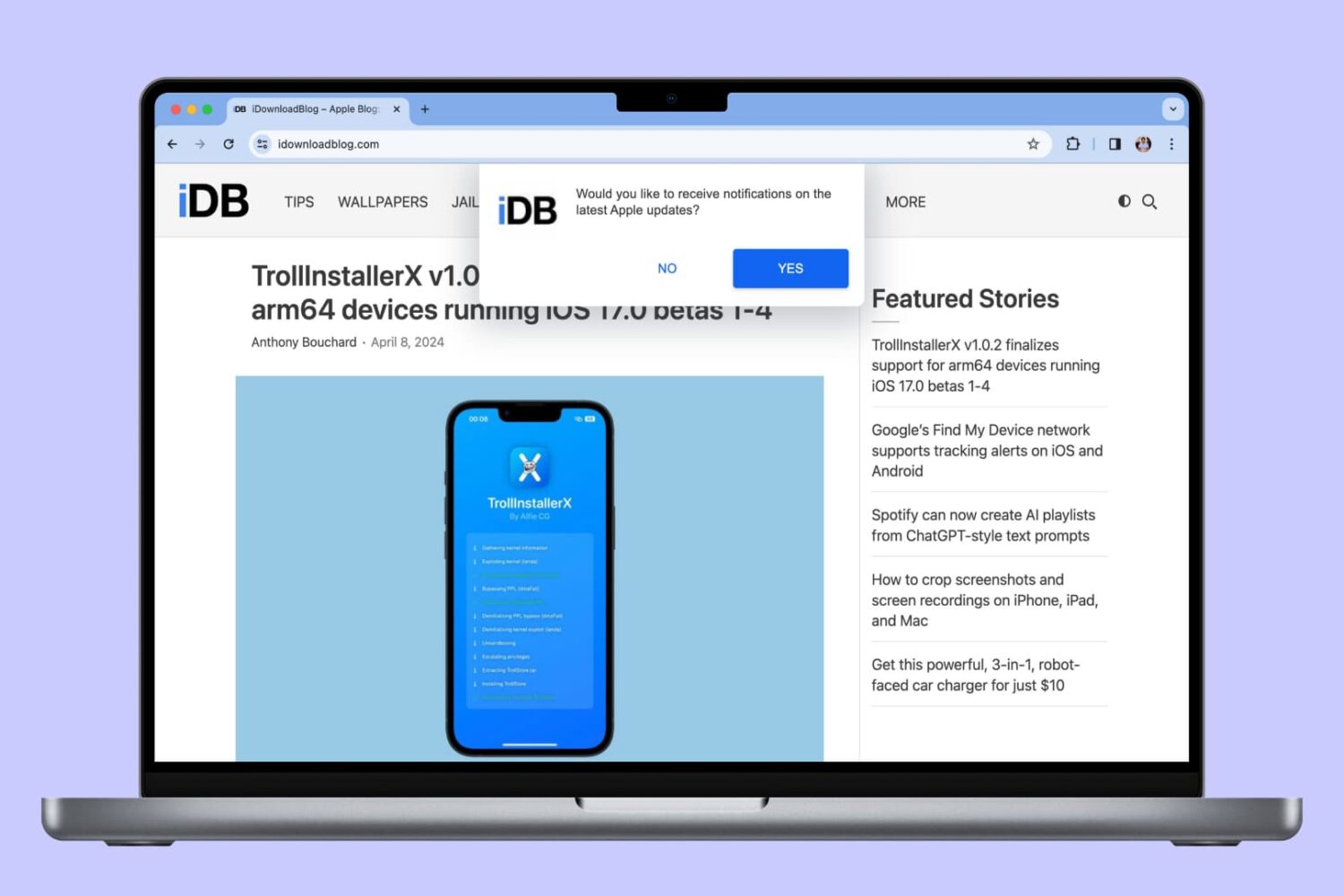
In this tutorial, we will show you how to allow, block, customize, and turn off website notifications in popular browser apps like Safari, Chrome, and Firefox on your Mac.
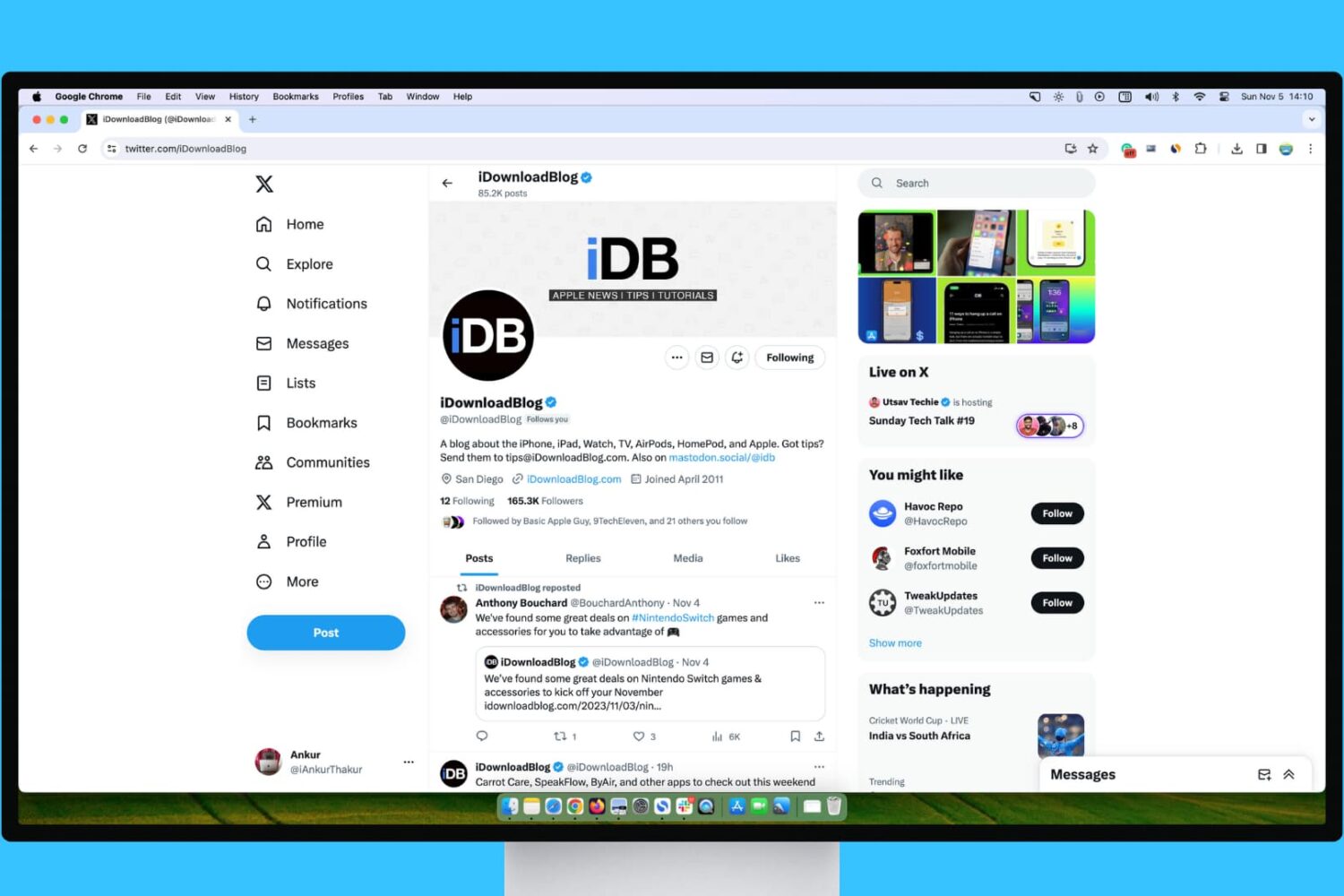
Learn what steps to take if your experience with X (Twitter) in Safari, Chrome, Firefox, or Microsoft Edge on your Mac or Windows PC isn’t up to par.
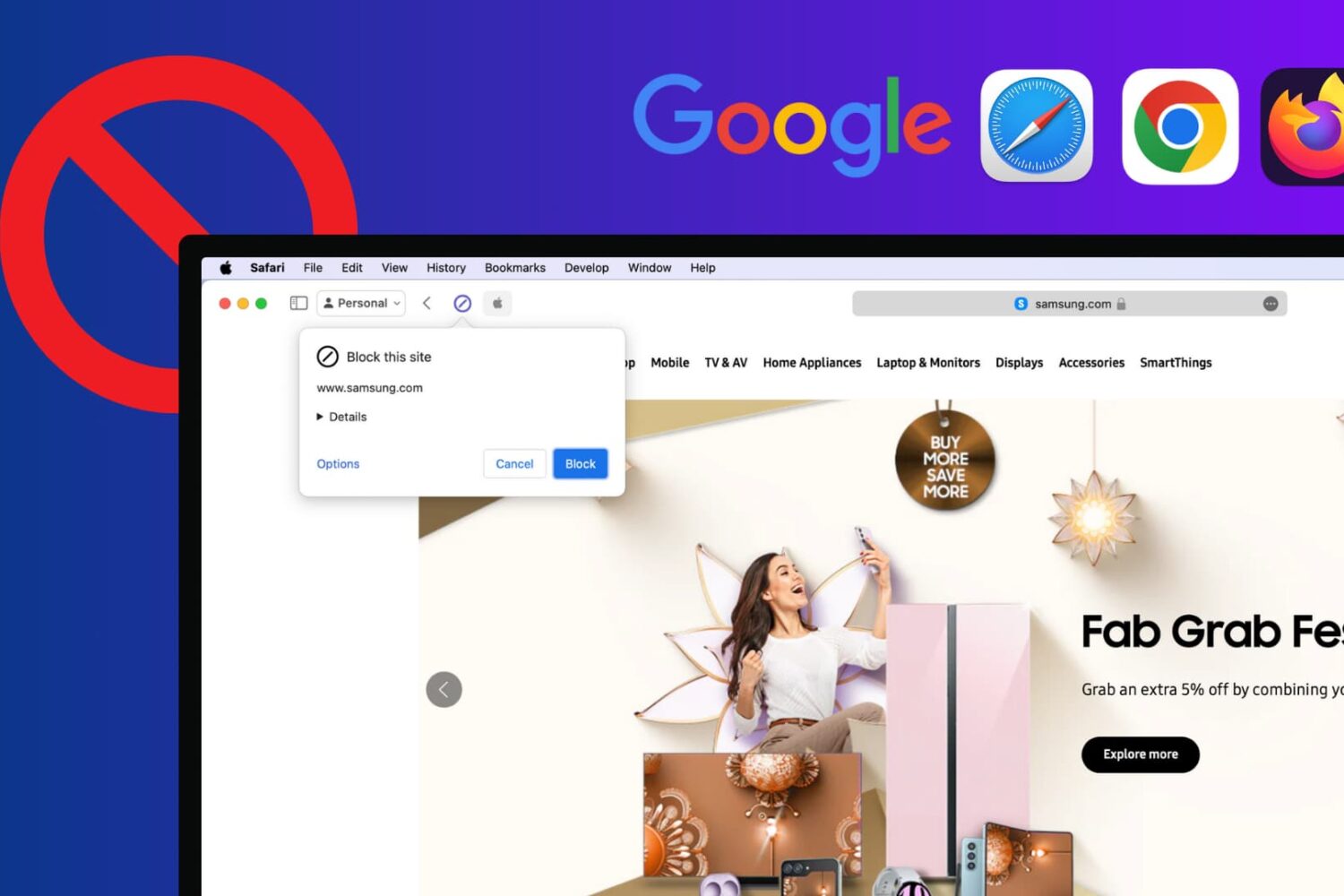
Learn how to block certain sites from showing up in Google results on popular Mac and Windows browsers to refine your queries and improve your search experience.