Battery

NoLowPowerAutoLock disables the 30-second auto-lock when Low Power Mode is turned on

iPhone owners can use the included Low Power Mode to save battery life on their iPhone in a pinch, and while it can be useful, I don’t particularly care for how it forces a 30-second auto-lock down your throat.

Apple doesn’t give you a way to increase the auto-lock timeout on a stock device with Low Power Mode enabled, but jailbreakers can take advantage of a free jailbreak tweak called NoLowPowerAutoLock by iOS developer SparkDev to command differently.

This tweak transforms iOS’ low battery pop-ups into banner notifications

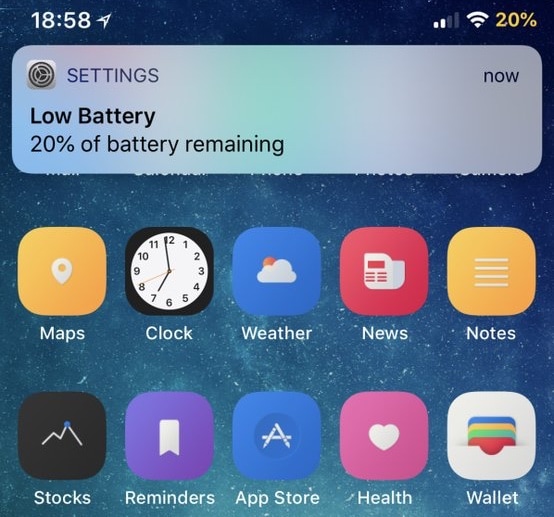
When your iPhone’s battery level dips below 20%, a persistent pop-up alert appears front and center on your display to let you know. Most people cringe at these kinds of notifications because they get in the way of everything, but a free jailbreak tweak called LowBatteryBanner by iOS developer SparkDev can help.

As you might have inferred from the name already, LowBatteryBanner replaces the standard low battery level pop-up alert with something we can all appreciate: a banner notification.

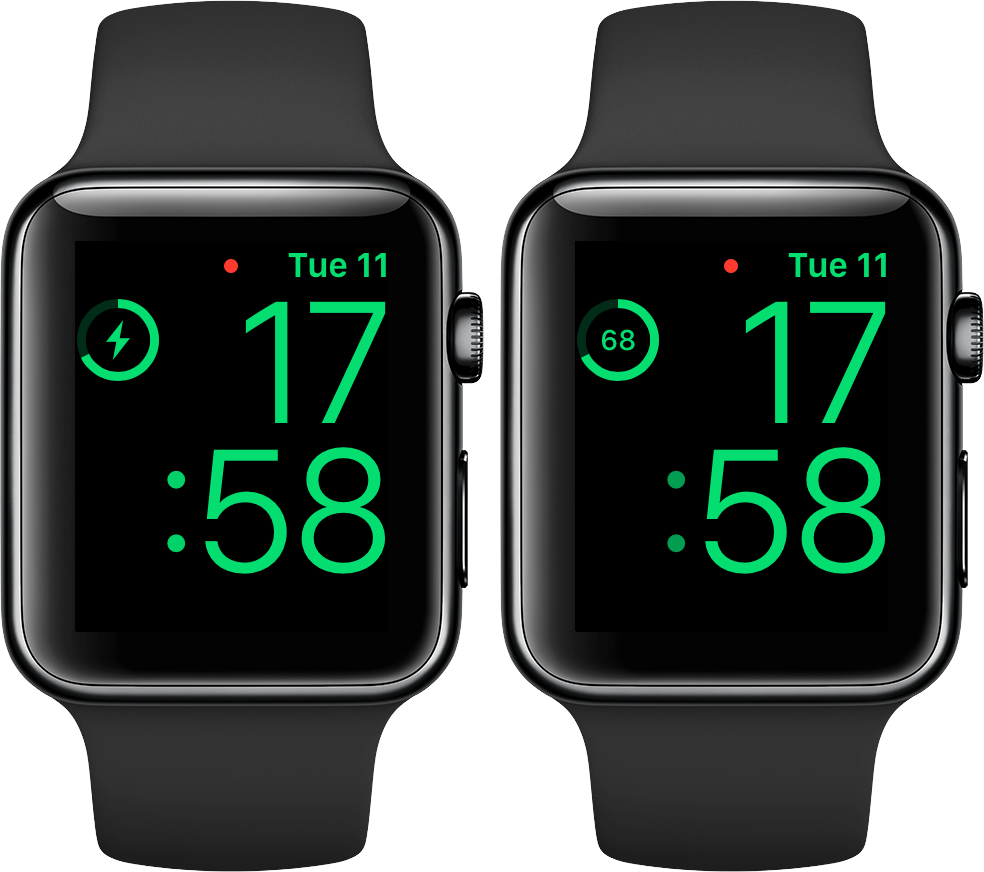
How to see battery percentage when charging Apple Watch in Nightstand mode

No matter how you charge your Apple Watch—either via its magnetic charging cable or charging dock—doing it in Nightstand mode displays a circular indicator on the screen along with a green lightning bolt inside. The outline gets gradually tinted green to visually denote charge progress, but it's a rough estimate of how full the battery is and as such not very accurate. Here's how you can switch to a more precise percentage display.

ifConnected augments Low Power Mode with new toggling options

Battery life is one of those essential things that iPhone owners are always trying to improve. The Low Power Mode setting that comes baked into iOS can help with this, but it could still do with some improvements.

Given some of the shortcomings that Low Power Mode exhibits on the iPhone, iOS developer Soh released a new free jailbreak tweak called ifConnected that brings a handful of new toggling features to the platform.

Your iPhone X or iPhone 8/8 Plus might one day get throttled by Apple

Late last year, Apple was caught throttling iPhones that had degrading batteries. This lead to class action lawsuits, a discounted battery replacement program, and various meetings with regulators around the world. It also forced Apple to add a battery monitoring tool in iOS 11.3. With the 2018 iPhones now in stores comes word that last year's handsets might eventually be throttled too.

As first discovered by The Verge, the recently released iOS 12.1 update brings Apple’s controversial “performance management feature” to the iPhone X, iPhone 8, and iPhone 8 Plus for the first time. With this tool, Apple can dynamically throttle the devices (i.e. slow them down) as the battery degrades in order to stop random shutdowns.

An Apple support page explains:

With a low battery state of charge, a higher chemical age, or colder temperatures, users are more likely to experience unexpected shutdowns. In extreme cases, shutdowns can occur more frequently, thereby rendering the device unreliable or unusable. For iPhone 6, iPhone 6 Plus, iPhone 6s, iPhone 6s Plus, iPhone SE, iPhone 7, and iPhone 7 Plus, iOS dynamically manages performance peaks to prevent the device from unexpectedly shutting down so that the iPhone can still be used. This performance management feature is specific to iPhone and does not apply to any other Apple products. Starting with iOS 12.1, iPhone 8, iPhone 8 Plus, and iPhone X include this feature, but performance management may be less noticeable due to their more advanced hardware and software design.

No doubt this news will lead to some more criticism against Apple. However, it's probably no longer justified. If you own one of last year's phones, you can turn off the performance management feature.

What do you think? Let us know below.

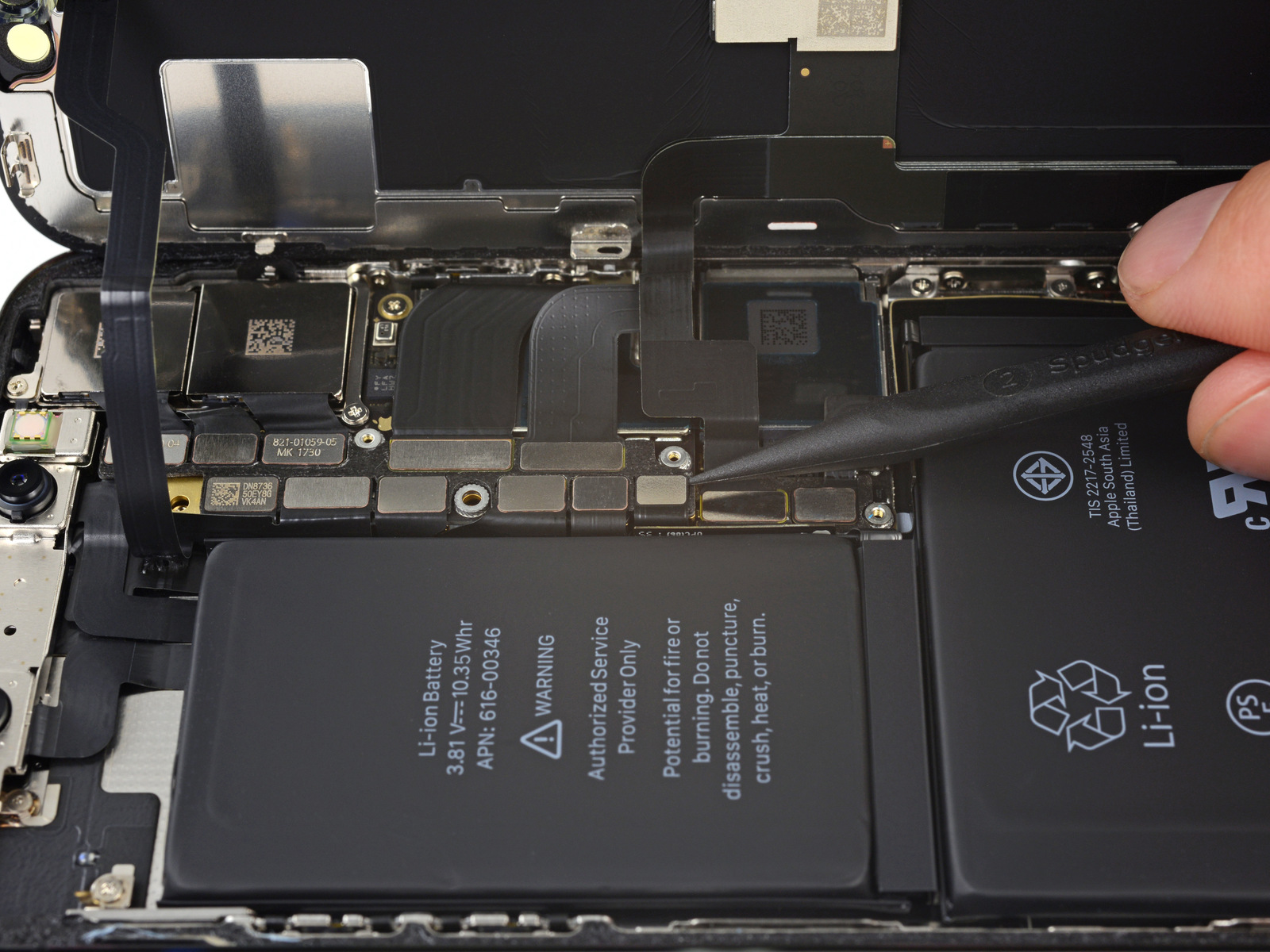
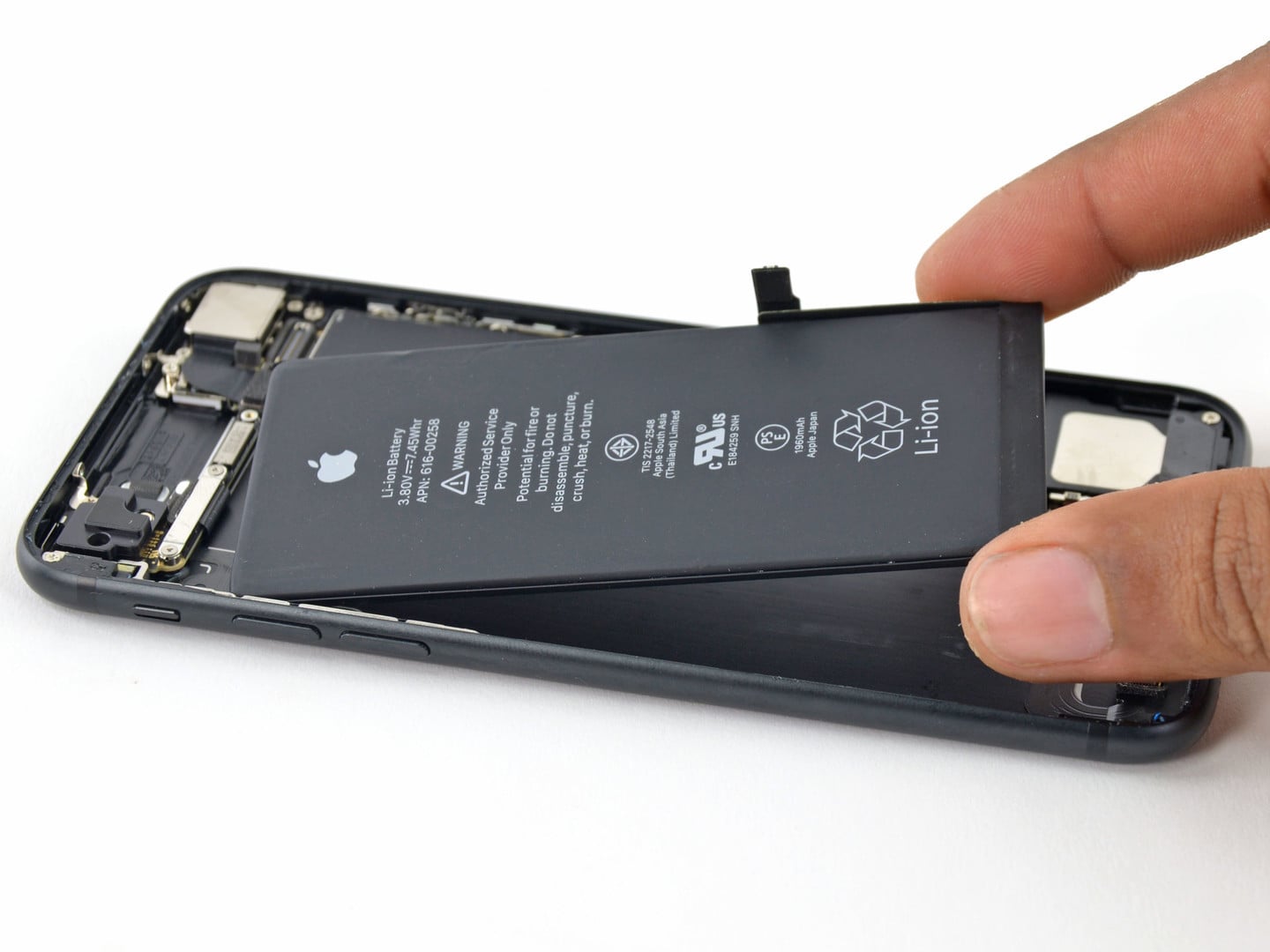
Image of iPhone X battery courtesy of iFixit

BatteryColor brings battery percentage-centric dynamic colorization to the Status Bar indicator

Among the plethora of icons that live in your iPhone’s Status Bar, the battery level indicator just might be one of the most critical. The battery level indicator does its job just fine on a stock installation of iOS, but if you’re jailbroken, then why stop there?

A new free jailbreak tweak dubbed BatteryColor by iOS developer Chasewhip enhances the aesthetic of your iPhone’s battery level indicator by giving it a dynamic color gradient that changes depending on your current battery percentage.

iOS 12 Screen Time suspected to cause excessive iPhone battery drain for some

iPhone battery replacement

Are you seeing excessive or even extreme iPhone battery drain after updating to Apple's latest and greatest mobile operating system? If so, you're definitely not alone because many affected people have taken to Reddit, Twitter, MacRumors Forums and Apple Support Communities to describe the problem, with some reporting that the new iOS 12 Screen Time feature might be causing up to two times faster iPhone battery drain when enabled.

Customize your iPhone’s battery indicator with SmoothBattery

Out all the different indicators that appear in your iPhone’s Status Bar, the battery indicator is one of the most pertinent. But while it’s great at its job of displaying how much battery life you have left, it doesn’t have much to speak for in terms of user customization.

A new free jailbreak tweak dubbed SmoothBattery by iOS developer CydiaGeek changes that by providing iOS device users with a host of new battery indicator-centric configuration options.