Audio

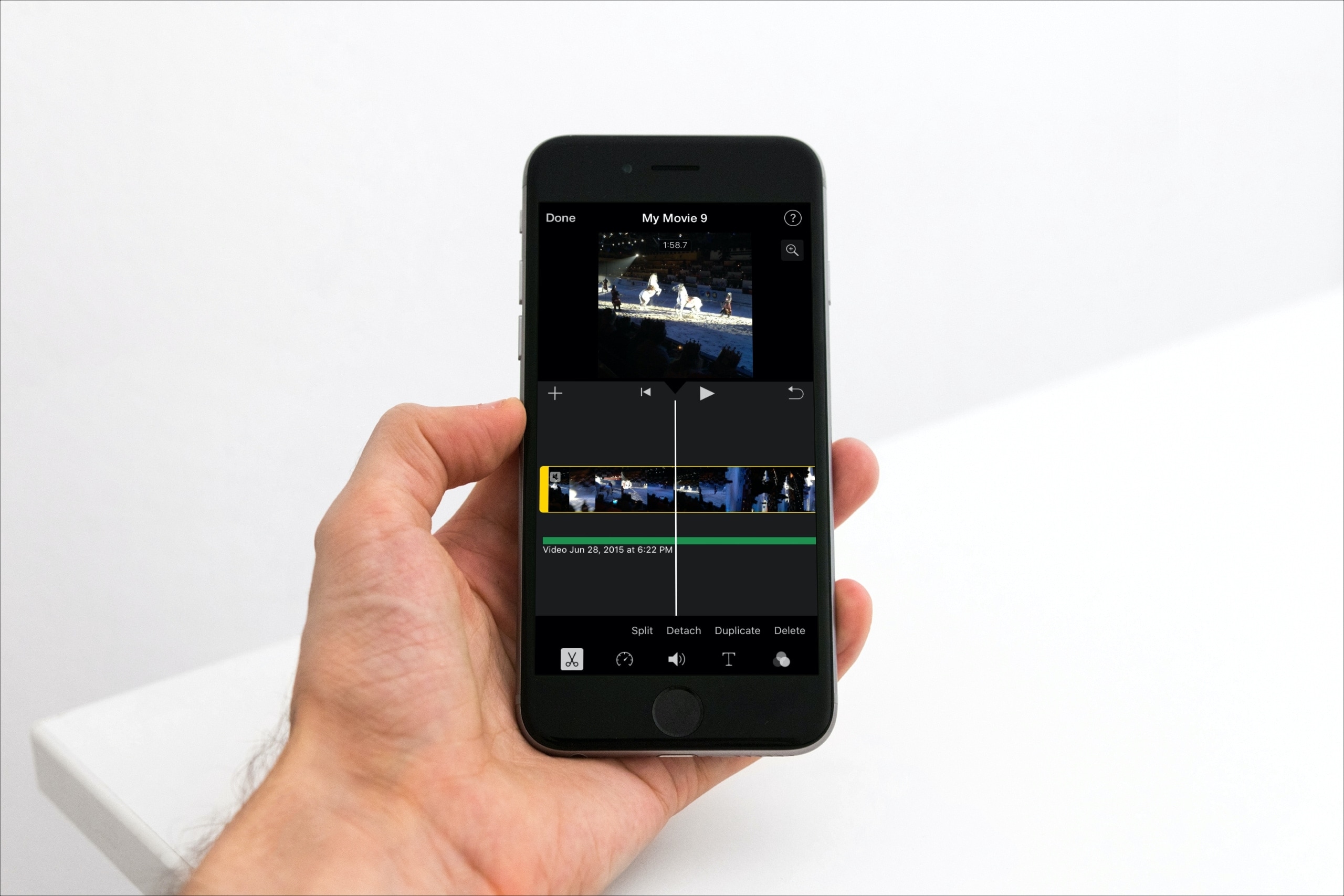
How to edit, trim, and adjust audio clips in iMovie

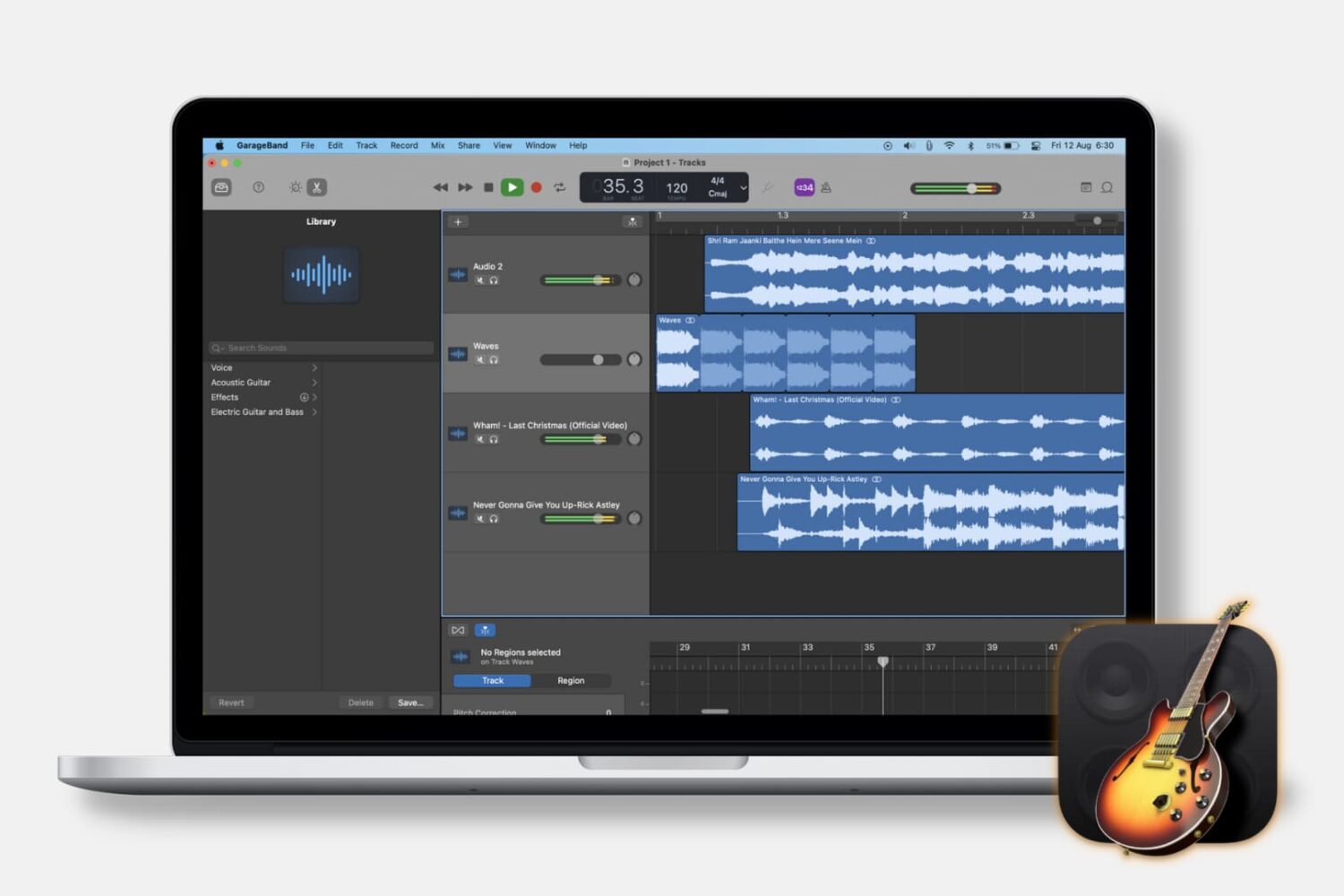
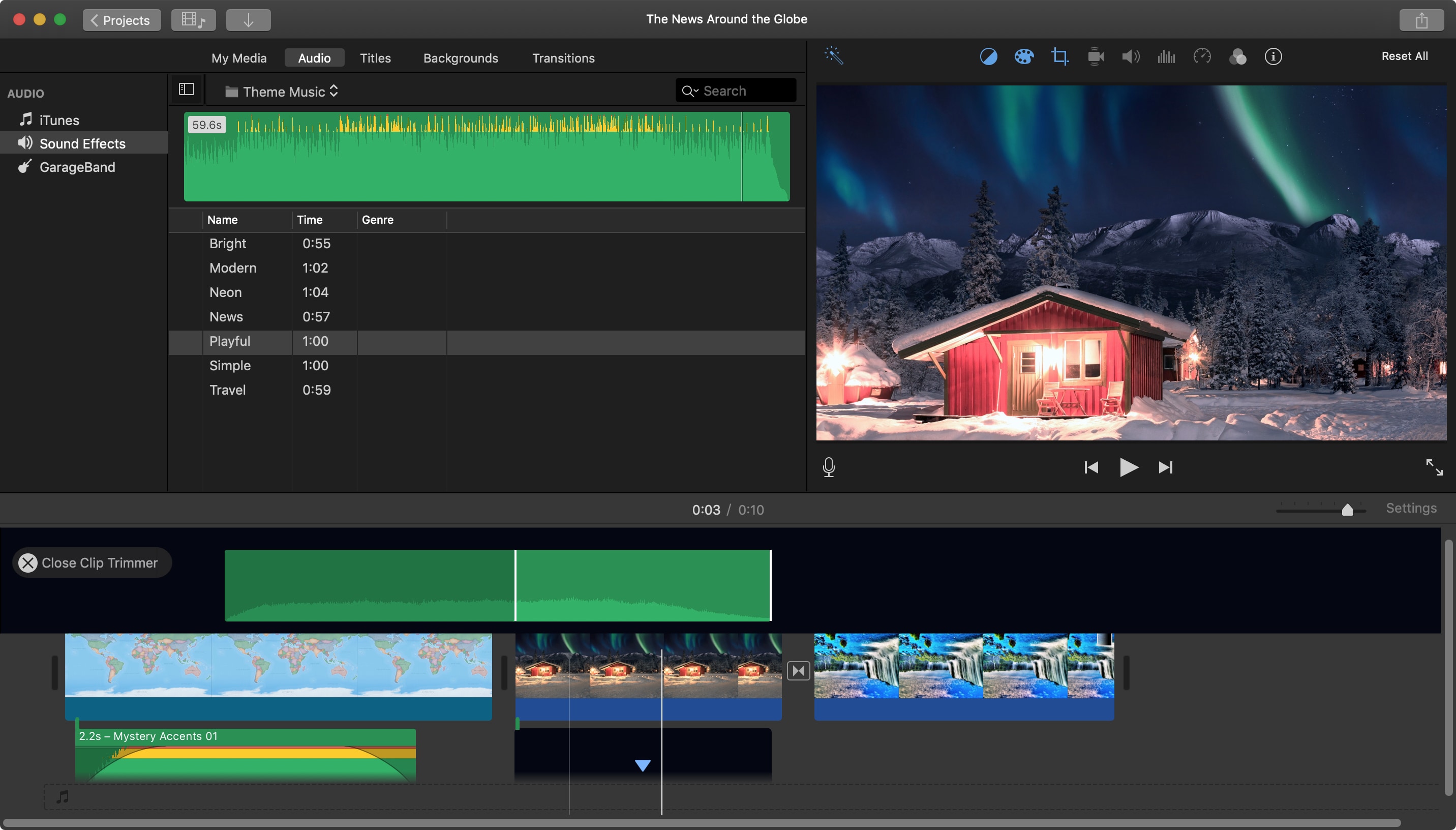
Edit Audio Clips in iMovie Mac

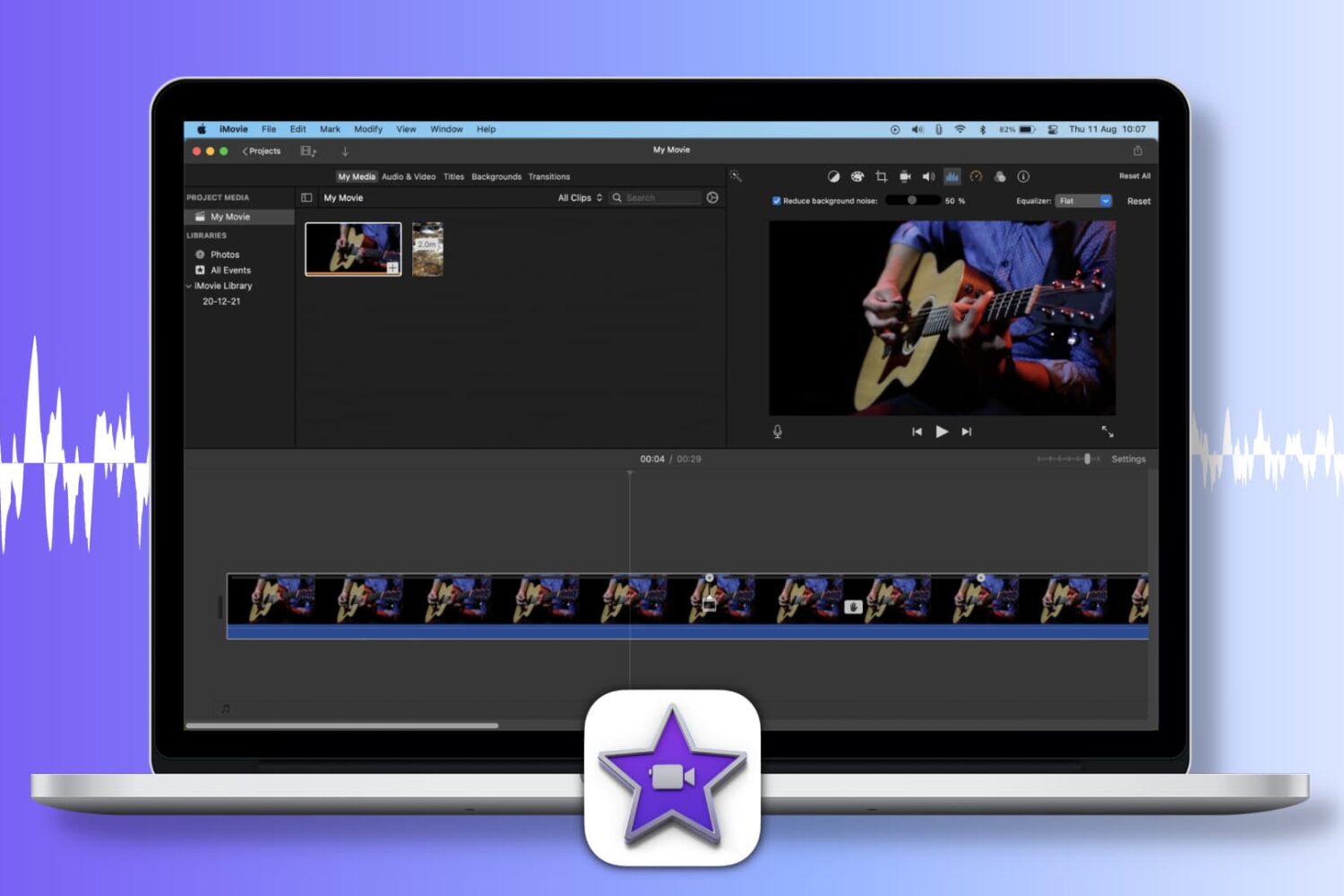
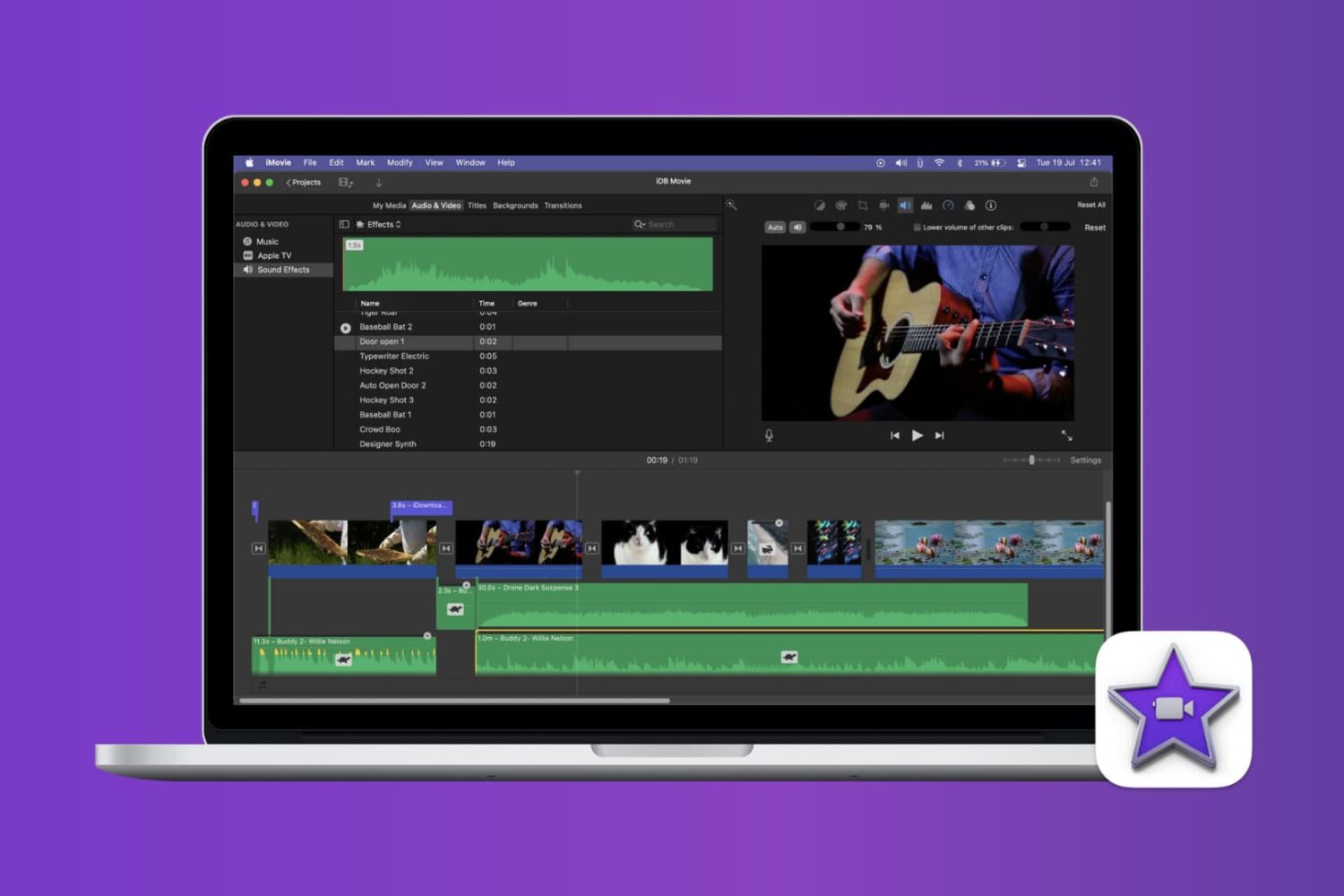
When you add an audio effect or background music to your movie in iMovie, you may want to make some adjustments. Luckily, iMovie provides features for editing your audio clips so that you can trim them, change the speed, and adjust the volume.

For iMovie on both Mac and iOS, this tutorial shows you the basics of how to edit, trim, and adjust your audio clips.

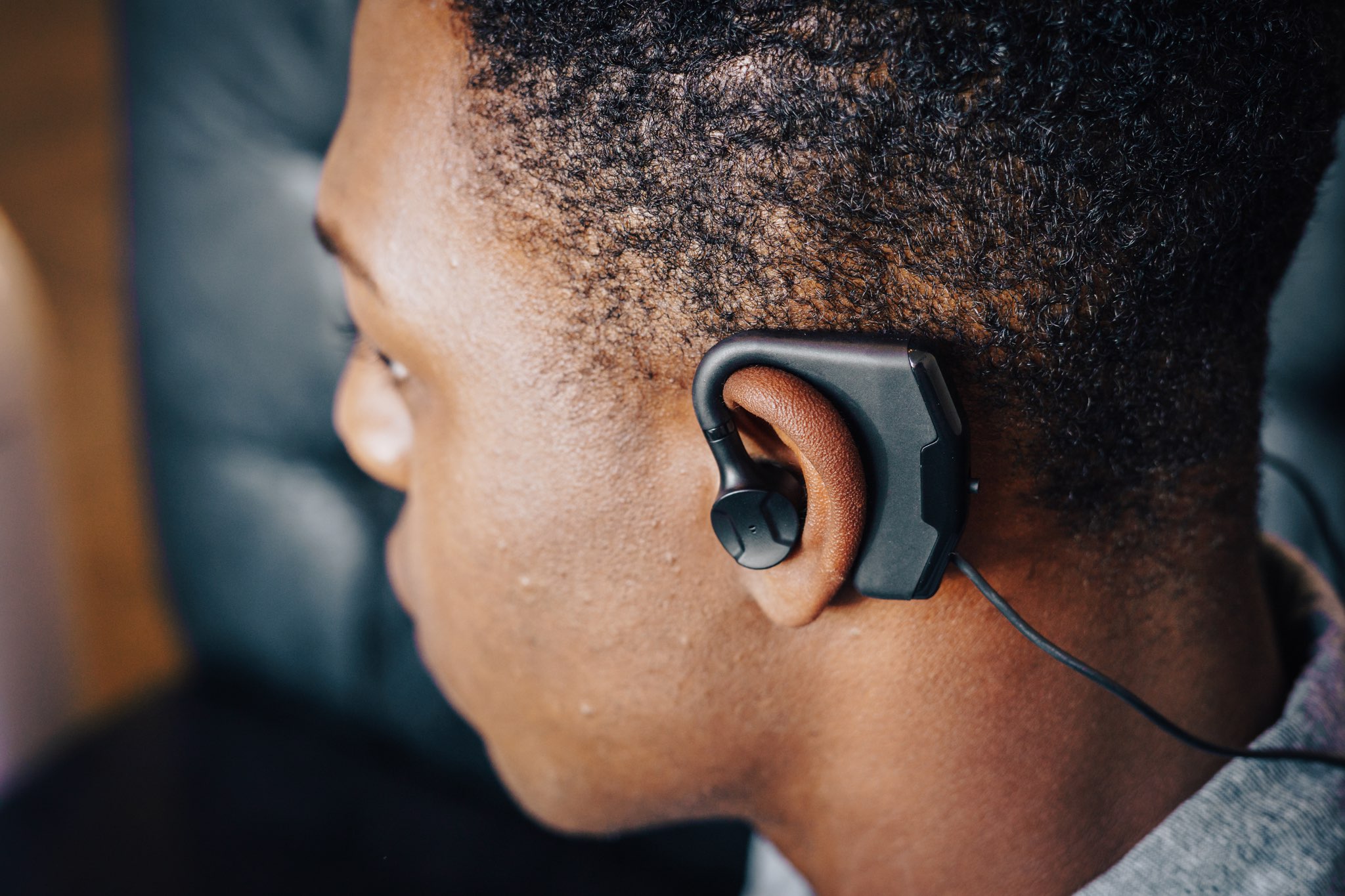
This tweak adds audio balance controls to Control Center

You can easily fine-tune your handset’s volume level with the Control Center-centric volume scrubber, but have you ever wished that you could have easier control over your handset’s audio balance from the same place?

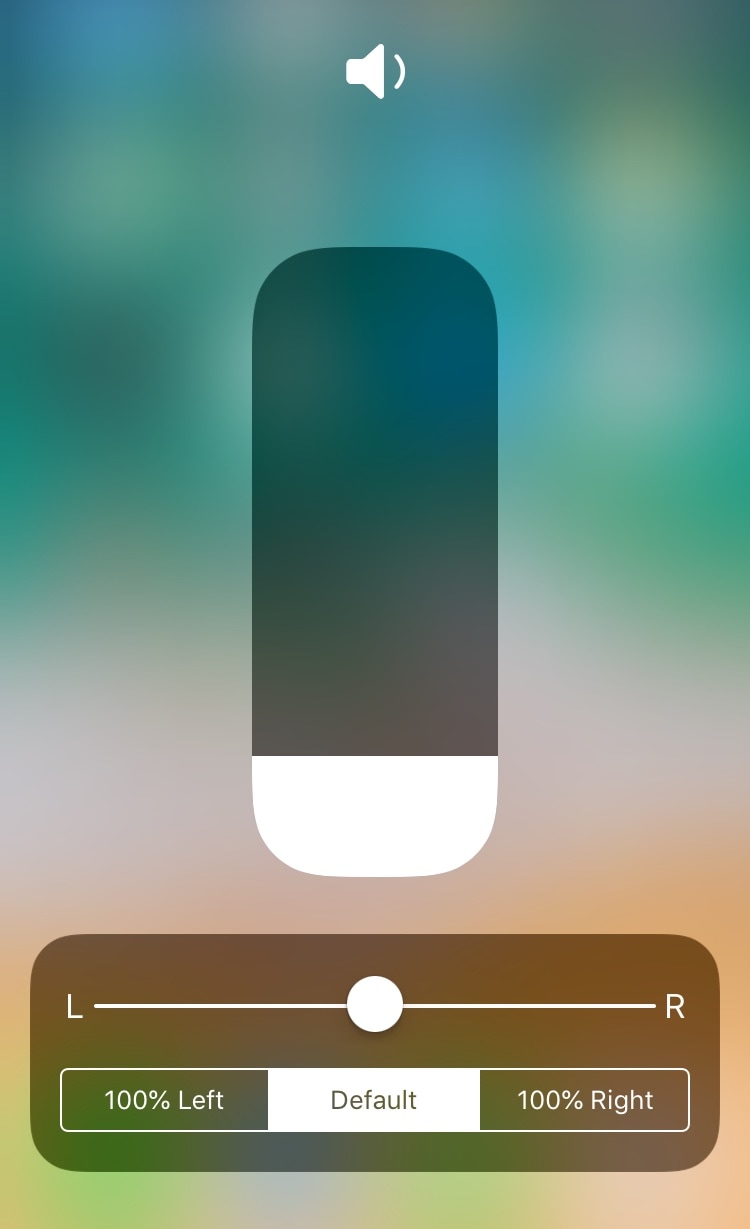
If you answered yes to that question, then you’ll absolutely love a free jailbreak tweak dubbed CCAudioBalance by iOS developer shiftcmdk, because this tweak adds a full-featured audio balance adjustment tool to Control Center’s full-screen volume scrubber interface, as shown above.