Apple Music

Apple’s original show “Carpool Karaoke” will debut August 8 on Apple Music

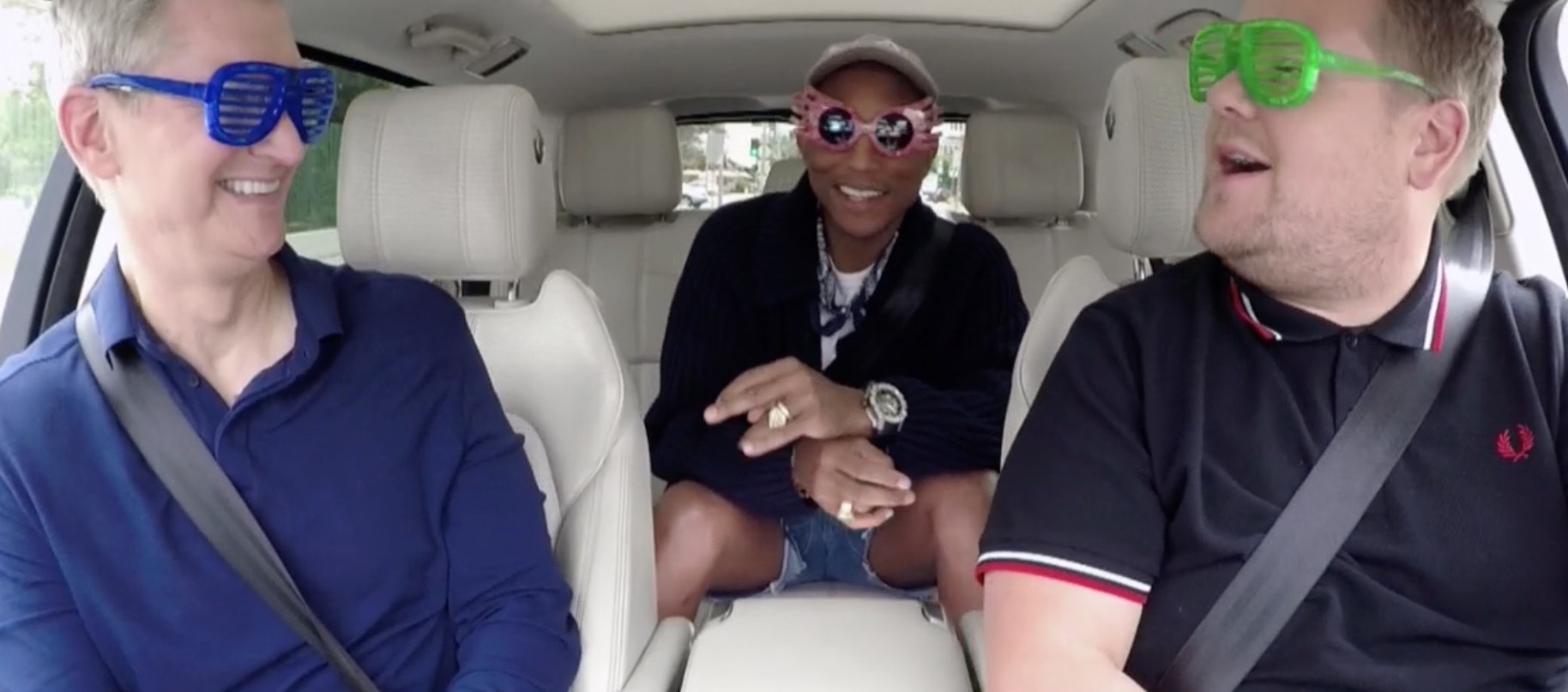
“Carpool Karaoke: The Series,” Apple's first original show based on the popular segment on “The Late Late Show” with James Corden, will premiere August 8 on Apple Music. The news was revealed in today's tweet by Eddy Cue, Apple's chief of Internet Software and Services.

The show was originally supposed to air on Apple Music beginning April 2017, but the iPhone maker was forced to postpone its arrival due to tight production schedule.

All sixteen episodes will debut on Tuesdays, available only to Apple Music members.

https://www.youtube.com/watch?v=n2fipKCrV3I

Featuring a different host every episode, Apple's version of “Carpool Karaoke” replaces the show's regular host James Corden with actors, comedians, athletes and other celebrities, who will be seen riding along in a car together as they're singing different tunes.

Some of the confirmed celebrities that will appear on the show include Will Smith, Billy Eichner, Metallica, Alicia Keys, John Legend, Ariana Grande, Seth MacFarlane, Chelsea Handler, Blake Shelton, Michael Strahan, John Cena and Shaquille O’Neal.

“Planet of the Apps,” Apple's show about apps and their creators, is coming this year. Apple wrapped up filming of that one back in February 2017, but it's unclear when exactly the company might release it on Apple Music.

How to redeem iTunes or Apple Music gift cards

If you don't set up one of the supported payment methods for your Apple ID, you won't be able to upgrade your iCloud storage or buy music, movies and TV shows from iTunes Store, apps from App Store and Mac App Store, books and audiobooks from iBooks Store and more.

That's where an iTunes or Apple Music gift card should come in handy.

Upon redeeming, the amount shown on the card is added to your Apple ID in the form of good-as-cash credit that can be used for each purchase you make in Apple's content stores.

In this tutorial, you'll learn about the types of gift cards Apple supports, how they should be used, as well as how to redeem your iTunes or Apple Music gift card and apply the credit toward an individual Apple Music membership or to top up your Apple ID balance.

About iTunes and Apple Music gift cards

iTunes gift cards and Apple Music gift cards can be purchased from Apple, PayPal, Amazon, eBay, Best Buy and a number of other retailers. iTunes gift cards typically come in $25, $50 and $100 denominations. Apple Music gift cards are currently available in $30 and $100 denominations for three or twelve months of service, respectively.

You can buy them in physical form for delivery via mail or opt for a digital gift card, in which case your redemption code will be delivered straight to your inbox.

The 16-digit redemption code is hidden underneath the label on the card's back.

The redemption code always starts with an “X”.

The redemption code may appear in different places on the back of your card.

Redeeming an iTunes gift card adds store credit to your Apple ID.

Store credit is used for each purchase you make in iTunes Store, App Store or iBooks Store until it's gone. iTunes billing system always uses your store credit first, as long as the value of the item that you're buying is less than or equal to the value of your credit balance.

If you don't have any store credit left, the payment method that you designate when you sign up for an Apple ID is charged for the entire purchase.

You can use your store credit to buy the following items:

Apps from App Store and Mac App Store In-App Purchases Songs, albums, movies, TV shows and more from iTunes Store Books and audiobooks from iBooks Store iCloud storage

Store credit cannot be used to purchase more gift cards or iTunes Gifts.

NOTE: Some purchases might require that you have a credit card on file, even if you're using your credit balance to make the purchase. For instance, you must have a credit card on file in order to use store credit to pay for your iCloud storage upgrades.

You cannot use store credits for:

App gifting—When you gift an app or media item to someone else the payment method on file is always billed for the entire purchase, not the store credit. Family Sharing—You cannot share your store credit with other family members.

Even if a Family Sharing member buys something and the family organizer has store credit on their account, the item cost is still billed to the organizer's payment method on file rather than being deducted from their store credit.

TUTORIAL: How to gift apps

If a Family Sharing member with a credit on their account buys something from Apple's content stores, the amount is billed to their own account unless there's a remainder, in which case it bills to the family organizer's payment method.

You can use the credit from your Apple Music gift card to:

Sign up for a new Apple Music membership Extend your Apple Music membership by the number of months shown on the card Credit the amount to your Apple ID, like an iTunes gift card

Read Apple's support document for more on how iTunes Store purchases are billed.

How to redeem iTunes or Apple Music gift cards on iPhone and iPad

1) Open iTunes Store, App Store or iBooks on your iOS device.

2) In iTunes Store, App Store or iBooks, tap the Featured tab, then scroll to the very bottom of the screen and tap the Redeem option.

3) Sign in with the Apple ID that you use for iTunes Store or Apple Music purchases.

Tip: You can quickly get to the redeem feature by visiting the link below on your Apple device:

To redeem an iTunes gift card, follow this link To redeem an Apple Music gift card, follow this link

TIP: If your device has 3D Touch, you can press the iTunes Store or App Store icon and select the Redeem option from the Quick Actions menu on your Home screen.

4) Choose whether you'd like to type in your code manually or have the card scanned:

Scan the redemption code—If you have a physical gift card with a box around the code, use this option to redeem it via your built-in camera. Tap Use Camera, then hold the back of the card up to your iPhone's camera until it scans the code. Only gift cards with a focus box around the redemption code are redeemable via a camera. This feature is not available in all countries and regions. Type in the redemption code manually—Tap the field labeled ”You can also enter your code manually”, then peel off the label on the back of the card and type in the redemption code or paste the code from your purchase confirmation email.

When you redeem an iTunes gift card, your updated store balance appears onscreen. An error message appears if you try to redeem a gift card that's already been used.

Upon redeeming an Apple Music gift card, you're given the choice between topping up your iTunes store credit or using the code toward an individual Apple Music membership.

This is what happens if you choose to use the code for your Apple Music membership:

Apple Music members—Applying the credit to your ongoing membership extends your date of renewal by the number of months shown on the card. Apple Music non-members—Applying the credit signs you up for a membership.

If you've never been an Apple Music member, you can still get your free three-month trial in addition to the number of months your Apple Music gift card card is worth.

5) In the upper-right corner, tap Done to finish the process.

If you'd like to redeem another iTunes or Apple Music gift card, tap Redeem Another Code.

TIP: If you received your gift card via email, click the Redeem Now link in the email.

To get information about your iTunes Store or Apple Music balance:

iTunes Store balance—You can find your store balance underneath your Apple ID at the bottom of the Featured tab in iTunes Store, App Store or iBooks on your iOS device. Apple Music balance—To view your Apple Music membership, go to Settings → [your name] → iTunes & App Store and tap your Apple ID at the top of the screen. Tap View Apple ID, then Subscriptions. From the list, choose the subscription that you want to see more information about.

Your account balance automatically updates in iTunes Store, App Store and iBooks Store after redeeming the card. If your store credit does not update automatically, sign out and back in on all of your devices for it to refresh properly.

How to redeem Apple Music gift card in iOS Music app

1) Open the Music app on your iOS device.

2) Switch to the For You tab at the bottom of the screen.

3) Tap your profile image in the upper-right corner.

4) Tap the Redeem option.

5) Use your iPhone to scan the redemption code on the back of the card or enter it manually, then tap Redeem to continue.

7) Tap Done when finished redeeming the code.

How to redeem Apple Music gift card on Android

1) Open the Apple Music app on your Android device.

You can download Apple Music for Android free from Google's Play Store.

2) Tap tap the Menu icon in the upper-left corner.

3) Tap your Apple ID.

4) Tap Redeem.

5) Enter the code from the back of the card, then tap Redeem again.

An error message will appear if you try to redeem a card that's already been used.

How to redeem iTunes or Apple Music gifts card on Mac and Windows PCs

1) Open iTunes on your Mac or Windows PC.

2) Choose Music, Movies, TV Shows or Apps from the popup menu near the top-left corner, then click the Store tab near the top of the screen.

3) Click the Redeem link under the Quick Links heading on the right side.

Tip: Alternatively, choose the Redeem option from iTunes' Account menu.

To get to the Redeem feature faster, visit the link below on your computer:

To redeem an iTunes gift card, follow this link To redeem an Apple Music gift card, follow this link

4) Enter the password for the Apple ID you use for iTunes Store purchases or your Apple Music membership, then press the Return or Enter key on your keyboard, or click the Sign In button.

5) Choose how you'd like to redeem the code on the card:

Scan the redemption code—Use this option to redeem a physical card via your Mac's built-in camera. Click the Use Camera button, then hold the back of the card up to the FaceTime camera until it scans and redeems the code. Only gift cards with a focus box around the code are redeemable via a camera. This feature is not available in all countries and regions. Type in the redemption code manually—Click inside the field labeled ”You can also enter your code manually,” then type in the redemption code from the back of the card or paste it from your purchase confirmation email.

6) Click Redeem to continue.

You'll be asked if you'd like to apply the credit toward your individual Apple Music membership.

If not, select the option Use Credit for iTunes or App Store to add the amount shown on the card to your Apple ID store balance like a regular iTunes gift card.

Your updated store balance appears onscreen.

7) Click Done to finish redeeming the card.

To redeem an iTunes gift card in iBooks or App Store on your Mac:

iBooks—Open the iBooks app from your Dock, Launcher, Spotlight or the Applications folder. In the upper-left corner, click the iBooks Store button, then click the Redeem link underneath the Quick Links heading on the right side. App Store—Open the App Store app from your Dock, Launcher, Spotlight or the Applications folder. Click the Featured tab at the top, then click the Redeem link underneath the Quick Links heading on the right side.

An error message appears if you try to redeem a card that's already been used.

Related tutorials

You may find the following how-tos useful:

How to gift iTunes or App Store credit on iPhone and iPad How to redeem iOS app promo codes How to redeem Apple TV app promo codes Redeeming iTunes gift cards with iPhone's camera Redeeming iTunes gift cards with Mac's camera That's all, folks!

If you have a question, post a comment below and we'll do our best to answer it. Please share this tutorial on social media and pass it along to the folks you support.

Submit your ideas regarding future coverage via tips@iDownloadBlog.com.
Apple Music’s 3 month trial has gone from free to paid in some countries

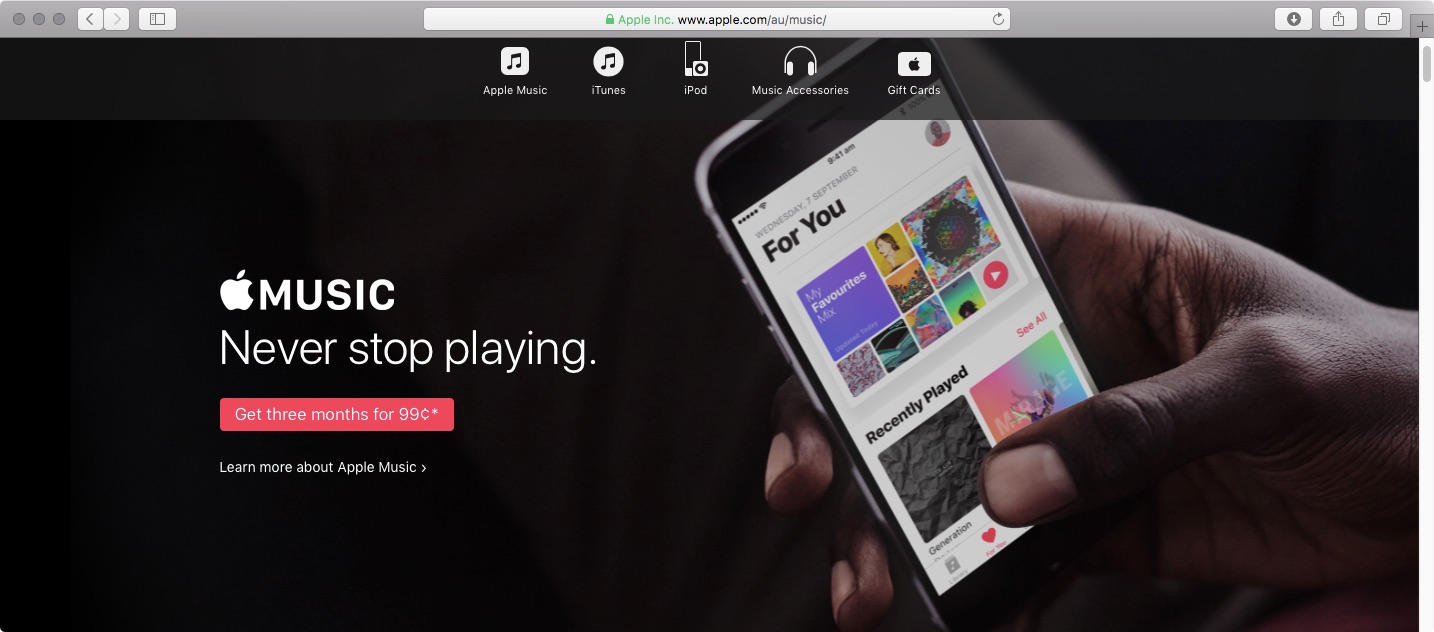
If you live in Australia, Spain or Switzerland, you can no longer try out Apple Music for three months for free. In those countries, Apple Music's three-month trial now requires a small payment. In Australia, three months of Apple Music is now AUD 0.99. In Spain, Apple Music trial is now a € 0,99 value and in Switzerland it comes in at SFR 0.99.

The trial was still free in those countries as of May 14, according to The Verge. In an email statement to the publication, Apple said: “Pricing and promotions for Apple Music vary from country to country.”

AppleInsider thinks the move may have something to do with Apple trying to recover some of those costs with paid trial periods.

https://www.youtube.com/watch?v=Yp1WwrX9APY

Subscribe to iDownloadBlog on YouTube

In all other countries, Apple Music's three-month trial remains available at no charge.

Apple Music lunched in 2015 with a fairly generous three-month free trial allowing customers to try the service before paying a monthly subscription.

It's interesting that rival Spotify also does not offer a free trial in Australia, Spain and Switzerland, charging the same fee for three months of its service in those markets.

On the other hand, Spotify's trial costs 99 cents elsewhere, too, including in the US and Canada.

Google Home is gaining hands-free calling, Apple Music streaming via Bluetooth & visual responses via iPhone

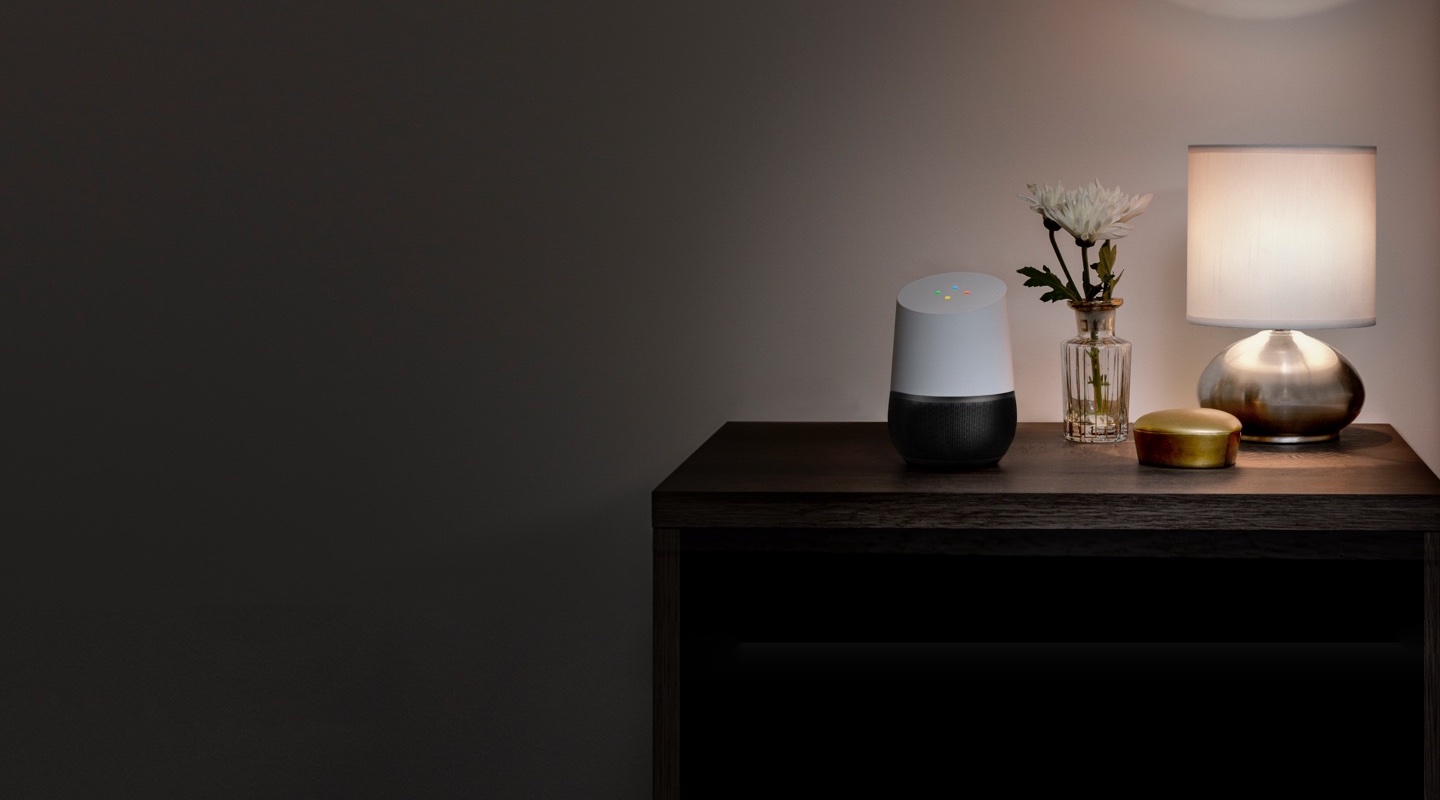
Google's AI-powered speaker, called Home, is getting new features announced earlier today during the keynote address at the company's annual conference for developers. Soon, Home owners will be able to stream songs from Apple Music and other apps running on their iPhone, iPad, Mac or Android device via Bluetooth.

Hands-free calling

And with hands-free calling, customers will be able ask Assistant running on the device to place calls to mobile phones or landlines in the US or Canada for free.

Even better, there’ll be no setup and no need for a phone or additional app.

Visual responses

Yet another upcoming enhancement, called visual responses, will let the smart speaker put responses to queries on a supported display, including your iPhone's.

That's right, you’ll be able to see Assistant answers on the biggest screen in your house, whether you're asking “What's on YouTube TV right now?” or “What's on my calendar today?”

https://www.youtube.com/watch?v=dpnxTXILS4s

Getting visual responses from Home's Assistant on a TV will be even easier with Chromecast.

Bluetooth streaming

Google is adding Bluetooth support to let Home users enjoy more music, movies and TV shows in apps running on Bluetooth-enabled smartphones, tablets and computers, like Apple Music.

Soundcloud, Deezer and Spotify’s free music offering are coming soon to Home as well. On the video front, they've already added Netflix, and have more partners on the way like HBO NOW, CBS All Access and HGTV.

Reminders, additional countries

You can now use your Home speaker to schedule new calendar appointments and create reminders (support for adding reminders is coming soon). “Since it’s the same Google Assistant across devices, you’ll be able to get a reminder at home or on the go,” said the firm.

Google provided this brief explanation for proactive notifications:

Conversations can take place in many different ways. Sometimes your Assistant should be the one to start it—so over the next few months, we’re bringing proactive notifications to Google Home.

Google Home is currently available in a few markets, but that's about to change later this year as they expand it to new places, including Australia, Canada, France, Germany and Japan.

Assistant updates

Hands-free calling, adding reminders, Bluetooth streaming and visual responses will all be enabled for Google Home users in the coming months via a free firmware update.

Google Home is powered by Google Assistant (now available as a dedicated iPhone app).

Speaking of Assistant, the AI-powered helper will be rolling out to eligible Android phones in Brazilian Portuguese, French, German and Japanese. By the end of the year, Assistant will support Italian, Korean and Spanish.

Starting today, developers can build conversational apps for the Google Assistant on phones. As a result, you’ll soon be able to not only get help and answers from Google, but also from third party services.

The company currently has 70+ smart home partners backing Assistant across Google Home, Android phones and iPhone, including August locks, TP-Link, Honeywell, Logitech and LG.

iTunes is coming to Windows Store later this year

Windows maker Microsoft announced today at its Build conference for developers that Apple is working on bringing iTunes to Windows Store with full support for Apple Music and iOS device syncing. TechCrunch reports that users will essentially enjoy the same iTunes experience from Windows Store that the existing iTunes for Windows download currently offers.

While Microsoft didn’t show any screenshots of what this experience might look like, Apple may be required to tweak iTunes’ look and feel to match Microsoft’s new Fluent Design system.

The development is especially important in light of Windows 10 S, a slimmed down version of Windows 10 for inexpensive Chromebook-like computers aimed at education, because Windows 10 S customers can only install officially sanctioned apps from Windows Store.

As a result of the restrictions, many popular apps such as Apple iTunes, Google Chrome, Mozilla Firefox and Spotify are currently unavailable on Windows 10 S systems. According to The Verge, iTunes is one of the apps Windows users search for most often on the store.

Unless iTunes is available on Windows Store, people in the market for a Surface Laptop, for example, won't be a be able to synchronize their iOS devices with their Windows 10 S-powered PC unless they upgrade to Windows 10 Pro to remove all restrictions.

Windows 10 is now on half a billion devices and Office 365 recently passed its hundred-millionth monthly user, Microsoft revealed at the Build conference.

Design student imagines simplified navigation and gamified experience for Apple Music

After he got turned down for a dream internship at Apple, Northwestern University design student Jason Yuan took matters into his own hands, deciding to teach Apple a thing or two about good user interface design. The result of his endeavor: beautiful mockups of a completely overhauled user interface for Apple Music.

Yuan explains in a post on Medium that the current Apple Music design is not well-suited for people without massive music libraries who prefer to listen to curated playlists.

On creating the mockups:

At first, I was frustrated — Northwestern University doesn’t offer any sort of undergraduate graphic design program, so whatever growth they were looking for would have to be self taught. But as soon as I came to this realization, I became inspired to embark on what became a a three-month long journey to the holy grail — the iOS app that Apple Music deserves.

For me, this was an opportunity to really dig my teeth into UX research and design, an excuse to spend way too much time on Sketch and Principle, a reason to bore everyone around me with my notebook of crudely drawn wireframes.

He says his Apple Music redesign effort was informed by qualitative user research, Apple’s official Design Principles and his own designer intuition.

He imagined what a video-centric experience on Apple Music could look like.

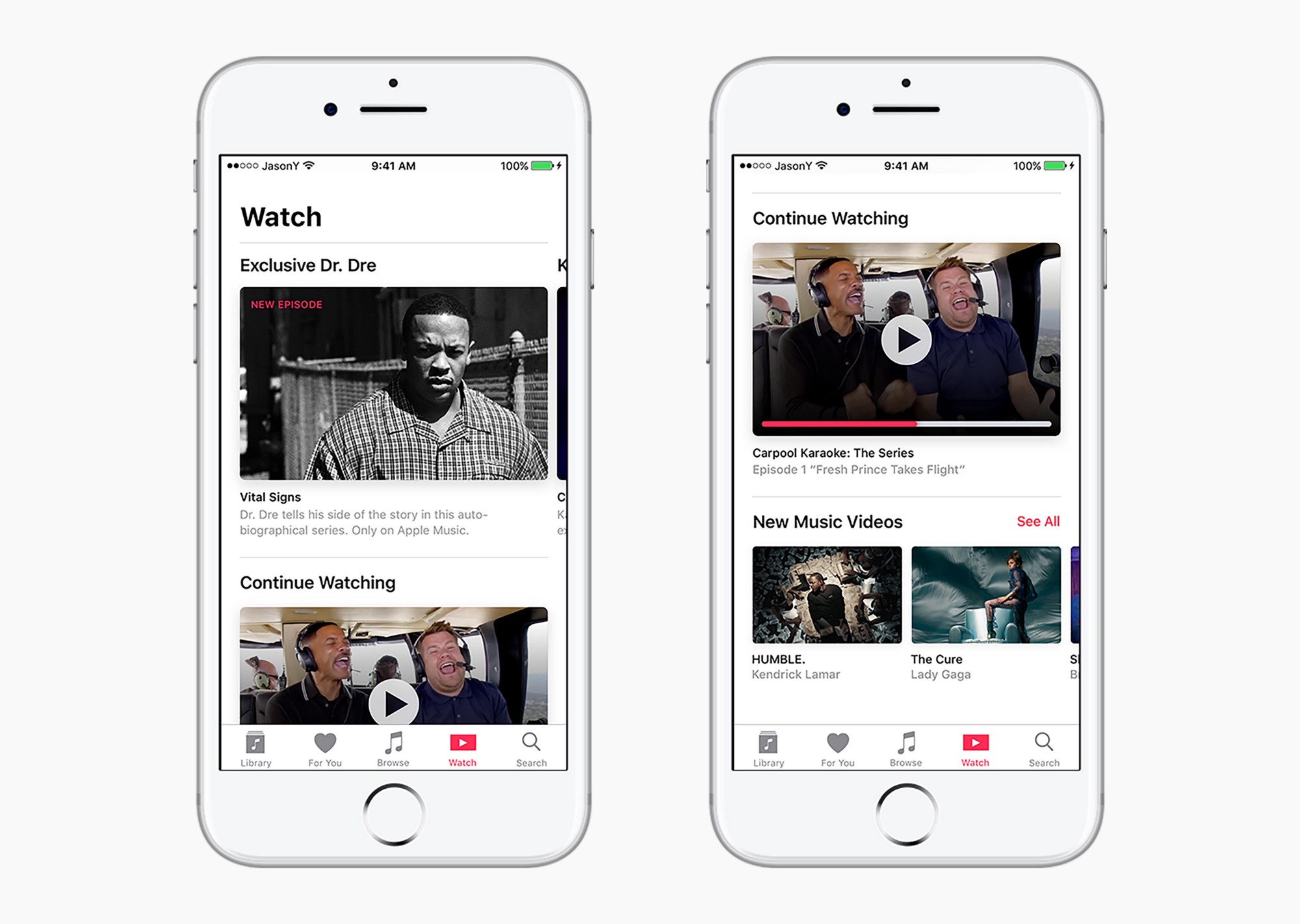
As you know, the Cupertino firm is gearing up to launch its first original shows on the service. According to Yuan, videos would be served via a new Watch tab, with a Daily Stream feature pushing exclusive video content to Apple Music members based on their preferences.

Apple is also underestimating the power of gamification, the student said.

“I have come to understand that, through a gamified experience, the user is able to establish an immediate connection to the music they discover,” he added.

His proposed My Sampler feature would replace the current New Music Mix playlists.

Here's an excerpt from Yuan's post:

It was born out of the understanding that users who are picky about what goes into their library would also be more reluctant to sit through an entire playlist full of new music. A better experience would be presenting snippets—or samples—of curations that gives the user just enough information to decide whether or not to add it into their library and weekly playlist.

Upon entering a Sampler section, the user would be presented with a series of artist headshots that corresponded to a curated song. After tapping and holding, the system would play a 15-second preview of each song from the album. The user could swipe up to reject the song or swipe down to add it to their library.

Once the user has finished sampling, their selections could be used by the system to create a New Music Mix that the user can listen to. “I chose to use gestural interaction so that users can use the Sampler even if they’re not looking at the screen,” he writes.

In Yuan's view, Apple should focus on integrating existing social media with Apple Music instead of trying to push yet another one on its already overburdened consumers.

“Truth is, I didn’t see any data from my research that would justify keeping the Connect feed in the app as is,” he said. “Users were more interested in connecting with friends and family through music (a la Spotify) instead of with artists through a watered-down Twitter.”

After making it through the first seed, Yuan was selected for an interview with Apple.

Unfortunately, they turned him down.

Though his work was OK, Apple told him it preferred candidates with more growth and training. Yuan eventually completed his internship at Sony Music, where he learned that a brand’s visual presence in a streaming service “must be recognizable yet invisible at the same time.”

Be sure to check out Yuan's post on Medium for additional mockups and his thoughts on how Apple Music could be rethought from a user experience standpoint, including an enhanced For You section and more.

How do you like Yuan's user interface ideas for Apple Music?

Let us know by leaving a comment below.

Apple’s Workflow app gains new Apple Music actions, brings back Chrome and Pocket integrations

Workflow, the powerful iOS automation app that Apple acquired in March, has brought back a few features that were originally removed from the software following the Apple deal while adding updated Apple Music actions.

In Workflow 1.7.4 for iPhone and iPad, users can now create workflows using actions specifically designed for Google's Chrome browser and the read-later app Pocket, which browser vendor Mozilla acquired in February.

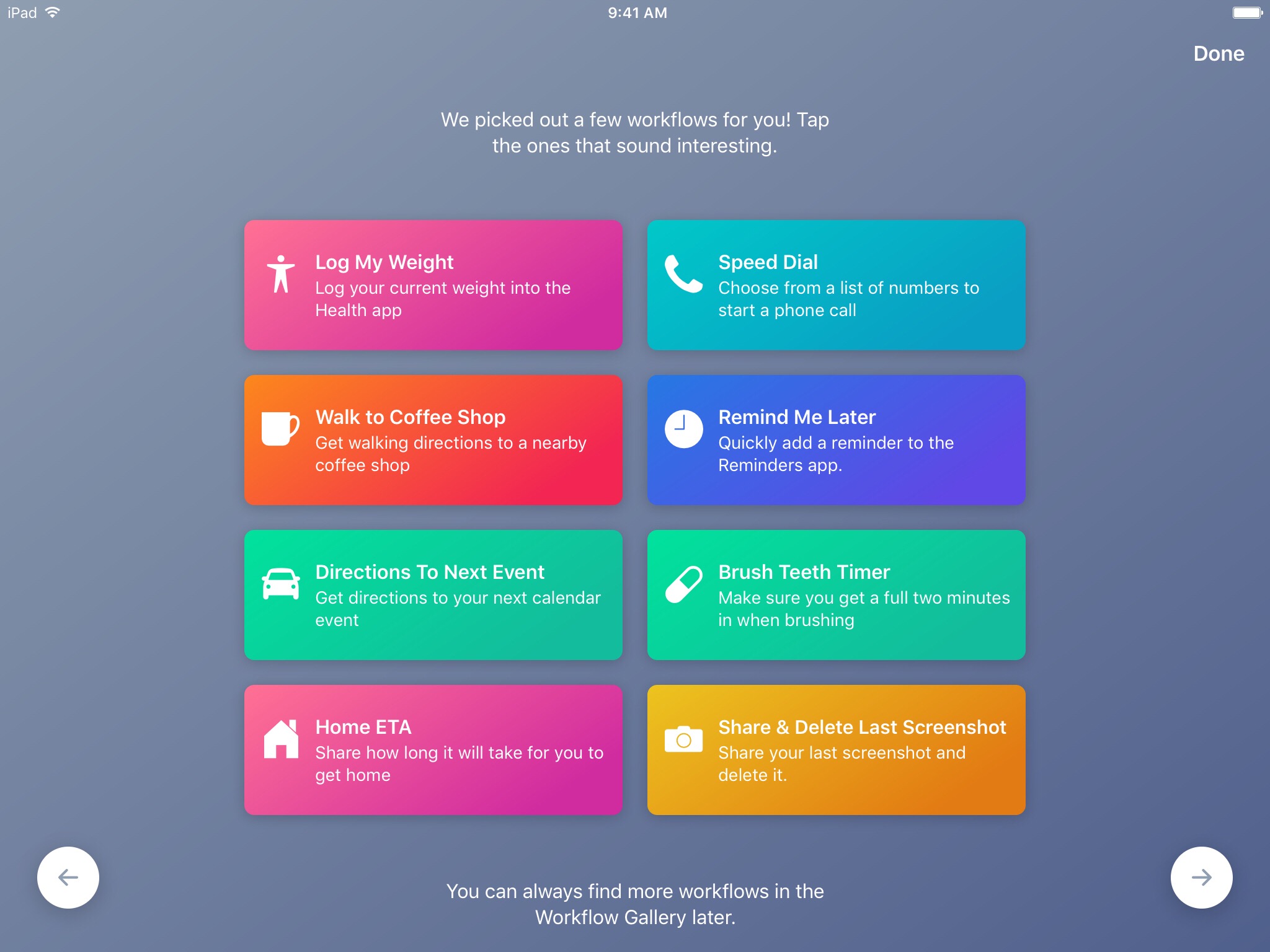
With the updated Apple Music actions, Workflow fans can now add songs to their Up Next queue in the Music app. Another new action lets you clear the songs in the Up Next queue.

Additionally, Workflow's Get Distance actions has been updated with support for getting the distance from a specified location while the order of items passed from a Dictionary action to Choose from List is now preserved.

Here's everything new and fixed in Workflow 1.7.4:

Bug fixes and improvements Restored the Google Chrome and Pocket actions Add music to your Up Next queue with the Add Music to Up Next and Clear Up Next actions Get Distance now supports getting the distance from a specified location The order of items passed from a Dictionary action to Choose from List is now preserved Fixed getting prices for books in Search iTunes Store Fixed making archives with special characters in the filename on iOS 10.3 and later Fixed an issue where workflow glyphs in the Today Widget may be stretched and cut off Fixed an issue where latitude and longitude may be formatted incorrectly in international locales Fixed an issue where .wflow files may fail to open on iOS 10.3 and later Fixed an issue where improperly formatted URLs from Pinboard could cause Workflow to crash Fixed an issue where booleans may not update when their value is changed inside dictionary fields Fixed an issue where handing off clipboard content from the Today Widget or Action Extension may throw a “The file Clipboard could not be opened” error Fixed an issue that could cause Workflow to crash on launch Other bug fixes and minor additions

Apple has said that it will continue to push maintenance updates to Workflow, but no new user features will be added to the software. Today's update makes good on that promise.

https://www.youtube.com/watch?v=7rJXJcn93jU

Subscribe to iDownloadBlog on YouTube

Apple's plans for Workflow are unclear at the moment. For what it's worth, any new features or major changes that could be in the works for the app should be formally announced at the company's annual conference for developers next month.

Workflow is available at no charge via App Store.

Hey Apple, we need to talk about AirPods (again)!

AirPods teaser

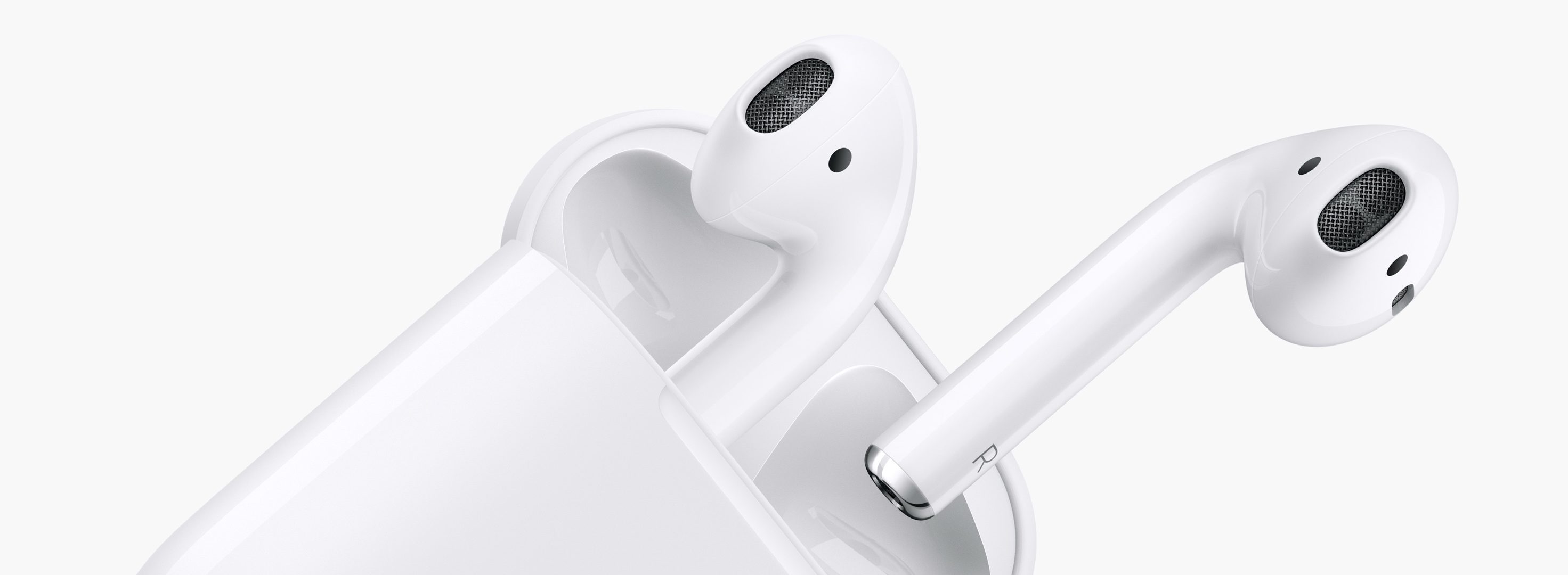
On the back of their latest earnings call, a fair bit of renewed attention has been paid to Apple’s prodigious AirPods. In it, we got confirmation of what owners of the cordless headphones likely already knew, and what analysts were anticipating: AirPods crush customer satisfaction surveys and the sales are, to quote Tim Cook, a runaway success. As such, surely the Cupertino head office must feel in a party mood with regard to their EarPods successor?

Put it this way, something tells me the sound and sight of popping bottles and Eddy Cue flailing his arms to the sound of Pharrell’s Happy will have to wait - because for all their success, almost half a year into their lifecycle AirPods remain a problem child. It only takes one metric and four words to back up that not so outlandish case: ships in six weeks.

Apple Music now supplies song snippets to Musical.ly

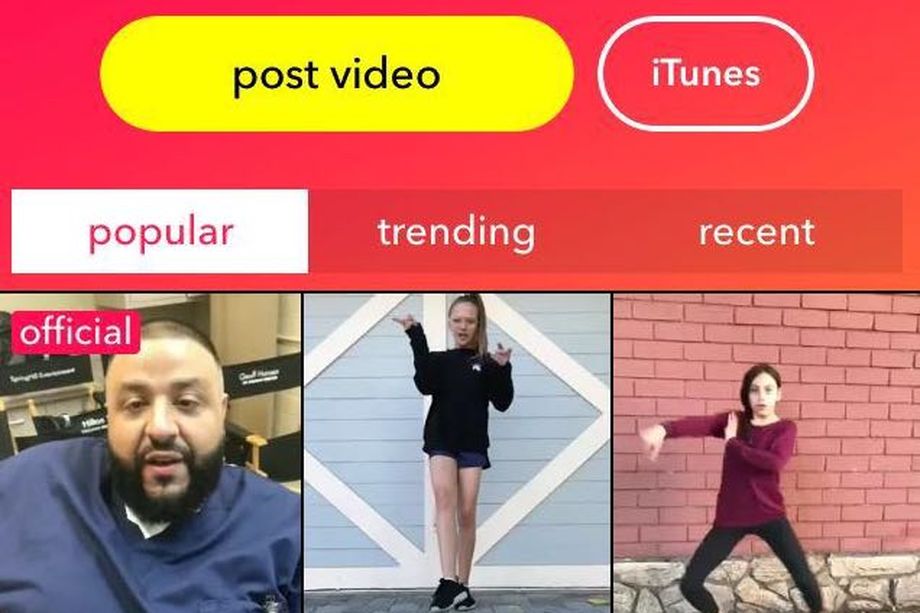
As of today, Apple Music is providing snippets of songs to Musical.ly, a social app for video creation, messaging and live broadcasting. Musical.ly will also permit paying Apple Music subscribers to listen to the full songs within its iPhone app.

Recode reported Friday that Apple has now joined U.K.-based provider 7digital in supplying the songs to Musical.ly. The partnership will help the app expand its global reach and Apple will benefit from the exposure of its service to Musical.ly's users.

iOS 11 to bring new video features to Apple Music, 10 original series planned this year

Bloomberg BusinessWeek today ran an extensive profile of Jimmy Iovine, 64, who runs Apple Music. In it, he reveals some of Apple's plans for the service, including new video-centric features coming to Apple Music as part of iOS 11. Iovine says Apple could release up to ten original series on Apple Music this year. Essentially, it boils down to turning Apple's music-streaming service into a one-stop shop for pop culture.

Puff Daddy’s documentary hitting Apple Music on June 25

Billboard reported Thursday that a new documentary about Sean “Diddy” Combs aka Puff Daddy is coming exclusively to Apple Music on June 25. Titled “Can't Stop, Won't Stop: A Bad Boy Story,” it chronicles Combs' and his record label's precipitous rise in the mid-90s to the top of the music business.

Among other topics, the film deals with “the trials and tribulations” Combs faced in putting together last year's 20th anniversary Bad Boy reunion shows in two weeks time and with artists who hadn't performed in years, noted Billboard.

Apple postpones its Carpool Karaoke spinoff until later this year

“Carpool Karaoke”, Apple's first original series based on the popular segment of “The Late Late Show” with James Corden, has been officially delayed until later this year, Reuters was able to confirm Tuesday. The show was supposed to make its debut on Apple Music this month and Apple has even created a star-laden trailer for it ahead of launch.

According to Reuters' sources, a premiere party for the series was originally scheduled for March in Los Angeles, but got postponed without explanation days before it was to take place.