App Store

How to disable in-app ratings and review requests on iPhone and iPad

Apple included a handy new feature in iOS 10.3 beta to give people the power to disable in-app prompts seeking feedback in one fell swoop. Apps that use the new SKStoreReviewController API can invoke a new standardized prompt offering users to provide a rating or write a review without taking them to the actual App Store. This feature has been available on and off for beta testers and should be available to the public in an upcoming update to iOS 10.

These in-app prompts for ratings and reviews can be disabled at once for all apps installed on your iPhone, iPad or iPod touch which support the feature. This tutorial provides step-by-step instructions for how to disable in-app ratings and review requests in iOS.

How to disable in-app ratings and review requests on iPhone and iPad

To opt out of receiving these feedback prompts, do the following:

1) Launch Settings on your iOS device.

2) Tap iTunes & App Stores.

3) To disable all in-app prompts for App Store reviews and ratings, flip the switch In-App Ratings & Reviews switch to the OFF position.

This will prevent all apps that are installed on your iPhone, iPad or iPod touch from asking for product feedback in the form of App Store ratings and reviews. Again, this toggle has no bearing on apps on your device that do not use iOS 10.3's new SKStoreReviewController API.

Please think twice before disabling in-app ratings and reviews.

As I explained before, the new API streamlines the product feedback experience with standardized prompts limited to three per year per app. As Apple itself suggests, you should help developers and other users know what you think by letting apps ask for product feedback.

Like before, your submitted ratings are valid for the App Store territory where you originally purchased the app. You can also leave ratings and write reviews for iPhone, iPad and iPod touch apps directly in App Store, and for macOS apps in Mac App Store.

You can also leave ratings for Apple TV apps, but not submit reviews.

About in-app ratings and review requests

iOS 10.3 beta gives users the power to silence in-app prompts seeking App Store feedback.

In the past, developers were free to interrupt the experience and inundate users with pesky prompts asking them to provide a rating or write a review on App Store.

With the new SKStoreReviewController API, developers simply choose when they’d like to prompt the user and identify places in their apps where it makes sense to ask for feedback, and the system takes care of the rest.

The system allows users to submit a rating through the standardized prompt and authenticate with Touch ID to write and submit a review, all without leaving the app.

The API limits these requests to three prompts per app in a 365-day period. The counter is not reset when the app is updated. The hope here is that the new API will encourage developers to strategically ask for feedback for major updates only.

Previously, many apps would aggressively ask for feedback after each and every update because App Store erases an app's average rating with each submitted update. Apps that don't use the aforesaid API can still put up a bespoke prompt seeking feedback “at appropriate times throughout the user experience,” according to Apple.

App makers that use iOS 10.3's new SKStoreReviewController API save time because the system decides when to pull up these in-app prompts and how they're rendered.

Users benefit from having the standardized prompt and the ability to write a review or submit a rating without leaving the app they're in.

When the user sees an in-app prompt seeking App Store feedback, he or she can authenticate with Touch ID to write and submit a review, right there and then.

“The system’s rating prompt offers a familiar, efficient experience that’s designed to engage the user with minimal impact,” explains Apple.

As a bonus, developers can at long last respond publicly to App Store reviews.

Any questions?

If you have any questions regarding the topic of this tutorial, please post a comment below and our knowledgable writers will try to answer them.

Be sure to pass this article along to the friends and family you support.

Submit your ideas regarding future coverage via tips@iDownloadBlog.com.

Apple’s marketing chief says smart speakers should have built-in displays

Philip Schiller

Phil Schiller, Apple's Senior Vice President of Worldwide Marketing, recently sat down for a quick interview with Gadgets 360, discussing the possibility of App Store upgrade pricing, the future of Amazon Echo-like smart speakers, Apple's new programming language Swift and more.

Commenting on Echo-like products, Schiller opined that smart speakers should feature a built-in display for those times when you want to, say, share photos, which is something voice-only assistants are not perfectly suited for.

Asked to share his thoughts on devices like Google Home and Amazon's Echo, he said:

Well, I won't talk to either one specifically, I don't want to. My mother used to have a saying that if you don't have something nice to say, say nothing at all. So, instead, let's abstract the conversation just briefly to some of the general concepts and talk about those, because it's really interesting.

First of all, there is a lot of talk in the industry about voice-driven assistants and we believe deeply in voice-driven assistants that's why invest in Siri, but there is interest in a voice-only assistant, where there is no screen, and we think it's important to that there are times when it's convenient to simply use your voice when you are not able to use the screen.

For example, if you're driving and you want Siri to work for you without having to look at the screen, that's the best thing. Or maybe you're across the room, and you want to ask Siri to change the song you were listening to—you don't have to walk over and back and you can use Siri instead.

So there's many moments where a voice assistant is really beneficial, but that doesn't mean you'd never want a screen. So the idea of not having a screen, I don't think suits many situations.

For example, if I'm looking for directions and I'm using Maps, Siri can tell me those directions by voice and that's really convenient but it's even better if I can see that map, and I can see what turns are coming up, and I can see where there is congestion, I understand better my route, and what I'm going to do.

Or, for example, with photography, and one of the most popular reasons for our products is photography now, and photography requires a screen.

So the idea of a device without a screen, well it's not really useful for that whole category of photos that we all share. and all the social networking apps that are now embracing photos more and more, well, it doesn't work really so great in voice-only assistants.

Or the biggest category of all of apps is games, and I have yet to see any voice-only games that, for me, are nearly as fun as the one that I play on my screen. And so I think voice assistants are incredibly powerful, their intelligence is going to grow, they're gonna do more for us, but the role of the screen is gonna remain very important to all of this.

Bloomberg claimed Amazon was working on bringing a seven-inch touchscreen display and telephony to a next-generation Echo Home device. Due next year, the premium device will target kitchens and cost more than the current Echo gadgets.

“The latest Amazon speaker will be larger and tilt upwards so the screen can be seen when it sits on a counter and the user is standing,” said one of the people familiar with Amazon's plans.

Earlier today, Microsoft announced a new Invoke smart speaker with built-in Cortana, Harman Kardon audio technology and other features, due this fall.

https://www.youtube.com/watch?v=Io8NU6iTto0

Subscribe to iDownloadBlog on YouTube

A recent supply chain rumor claimed AirPods manufacturer Inventec had landed Apple's first order for an Echo-like device with Siri, AirPlay and more. The accessory should sport a Mac Pro-like cylindrical chassis with a concave top with built-in controls and a speaker mesh.

According to Australian leakster Sonny Dickson, Apple's gadget will use Beats audio technology for “excellent acoustic performance” and include seven tweeters, a woofer and possibly the company’s W1 wireless chip which debuted in AirPods.

According to KGI Securities analyst Ming-Chi Kuo, the connected speaker will file as the iPhone maker's first AI-driven smart home device. It’s expected to be targeted at the premium segment of the market and cost more than Amazon’s $179 Echo.

The analyst said the Siri-driven speaker could be announced at WWDC 2017 in June.

Siri device mockup via iFunnyVlogger on Twitter

How to gift iTunes credit on iPhone and iPad

A particularly cruel proverb says there's more than one way to skin a cat. True or not for cats, its intended meaning certainly applies to sending iTunes gifts and gift cards to your loved ones. For years, Apple has done their homework to make sure we can easily swoop up gift cards for iTunes at most retailers, online through services such as PayPal and also directly gift apps or music we come across and want to share immediately.

On top of the bevy of options available, there's another simple trick to send (any desired) iTunes credit to a fellow application user, right through iTunes or the App Store on iOS. While on no account a hidden gem, we haven't called attention to it before on iDB, so let's bring you up to speed on it if necessary.

Apple clarifies only in-app commissions have dropped to 2.5 percent

Apple has clarified in an email communique by its iTunes Affiliate Support team that the recently reduced affiliate rates which went into effect May 1 only apply to in-app content, not to apps linked on websites and other outlets.

The company announced a policy change last month, saying commission rates for apps and in-app content would drop from seven to just 2.5 percent. The firm now clarifies that the change applies only to affiliate links used inside apps, not the ones on websites like iDB.

“Please note that only in-app commissions have changed,” reads the message from iTunes Affiliate Support. Here are the correct new app commission levels, according to Apple itself:

iOS apps commissions: 7 percent In-app iOS commissions: 2.5 percent Mac apps commissions: 7 percent In-app macOS commissions: 2.5 percent

Several website owners and bloggers linking to App Store and Mac App Store apps have reported that the seven percent commission for apps has in fact remained unchanged.

MacGamerHQ provides the following screenshots of Apple's email to iTunes Affiliate members.

Apple originally said about two weeks ago that beginning May 1, 2017 commissions for all apps and in-app content would get slashed from seven percent to just 2.5 percent globally. The poor wording of the message has been blamed for the misunderstanding.

“We will also continue to pay affiliate commissions on Apple Music memberships so there are many ways to earn commissions with the program,” Apple said two weeks ago.

Aside from slashing commissions for in-app content, items like music, movies, books and TV subscriptions remain subjected to the seven percent commission rate across all markets.

iTunes Affiliate Program lets website owners and developers claim a small percentage of the proceeds from linked apps and content.

The company's Affiliate Resources webpage offers a Getting Started guide on becoming an affiliate partner, an updated Program Overview section providing information on the commission raters, reporting, creating links and other useful resources.

The best wallpaper apps for iPhone

Every so often as an iPhone user, we get a little bored with the optics of our device and feel the need to give it a fresh coat of paint. Cases and skins aside, the fastest and most immersive option to shake things up visually is to go down the wallpaper path, which we very much love assisting you with here at iDB.

Granted there is no shortage of wallpapers anywhere on the internet, at the same time the ever-growing demand for more has also given rise to a bevy of unusable, flat-out lousy offers. So where to turn to for quality material you ask? We’ve got your back on that, as we have compiled a list of the best wallpaper apps available on the App Store today.

Time to dust off your iPhone’s home screen and live it up in your pocket!

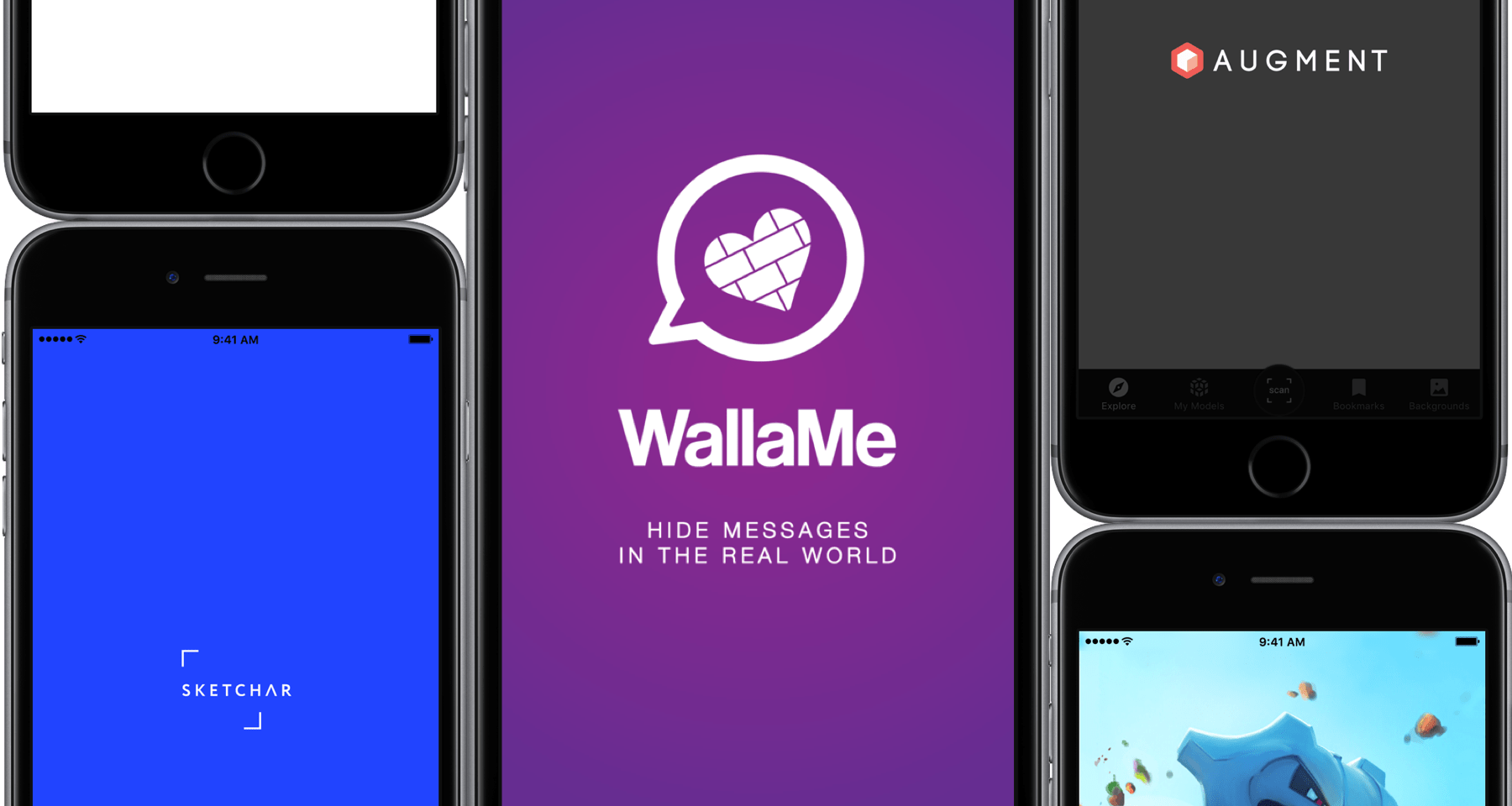
The best Augmented Reality apps for iPhone

More often than not, the term Augmented Reality still has that elusive, techy ring to it, particularly when brought up in conjunction with Apple’s purported eyewear project. Curiously, many of us have it down as tomorrow’s technology rather than today’s, when the truth is that AR apps have populated the App Store for years.

While some of these apps are admittedly not much more than shoddy tech demos, separating the wheat from the chaff actually produces some really cool apps conceived to boost your business, creativity or simply keep you entertained in novel ways. With the preamble out of the way, here are the best Augmented Reality apps for iPhone available today.

Apple to cut affiliate commission on apps and in-app content to 2.5 percent

As first noted by Contrast founder David Barnard, Apple just slashed the affiliate commission on iPhone, iPad, iPod touch and Mac apps and In-App Purchases from the previous seven percent rate down to 2.5 percent globally.

“Beginning May 1, 2017, commissions for all apps and in-app content will be reduced from seven percent to 2.5 percent globally,” Apple told iTunes Affiliate Program members via email.

All other iTunes content types, including music, movies, electronic books and TV subscriptions, shall remain at the current seven percent commission rate in all markets.

“We will also continue to pay affiliate commissions on Apple Music memberships so there are many ways to earn commissions with the program,” reads Apple's message.

Apple's Affiliate Resources webpage has received a facelift with optimized navigation, a new Getting Started guide on becoming an affiliate partner, an updated Program Overview section providing information on the commission raters, reporting, creating links and more.

Source: David Barnard on Twitter via MacRumors

Chinese government takes issue with live streaming apps on App Store

Chinese regulators have taken issue with live-streaming apps that can be downloaded from App Store. As Reuters said Wednesday citing the official Xinhua News Agency, a government body in China’s capital charged with regulating Internet services is planning to “summon” Apple and urge the company to “tighten its checks” regarding live-streaming apps on App Store.

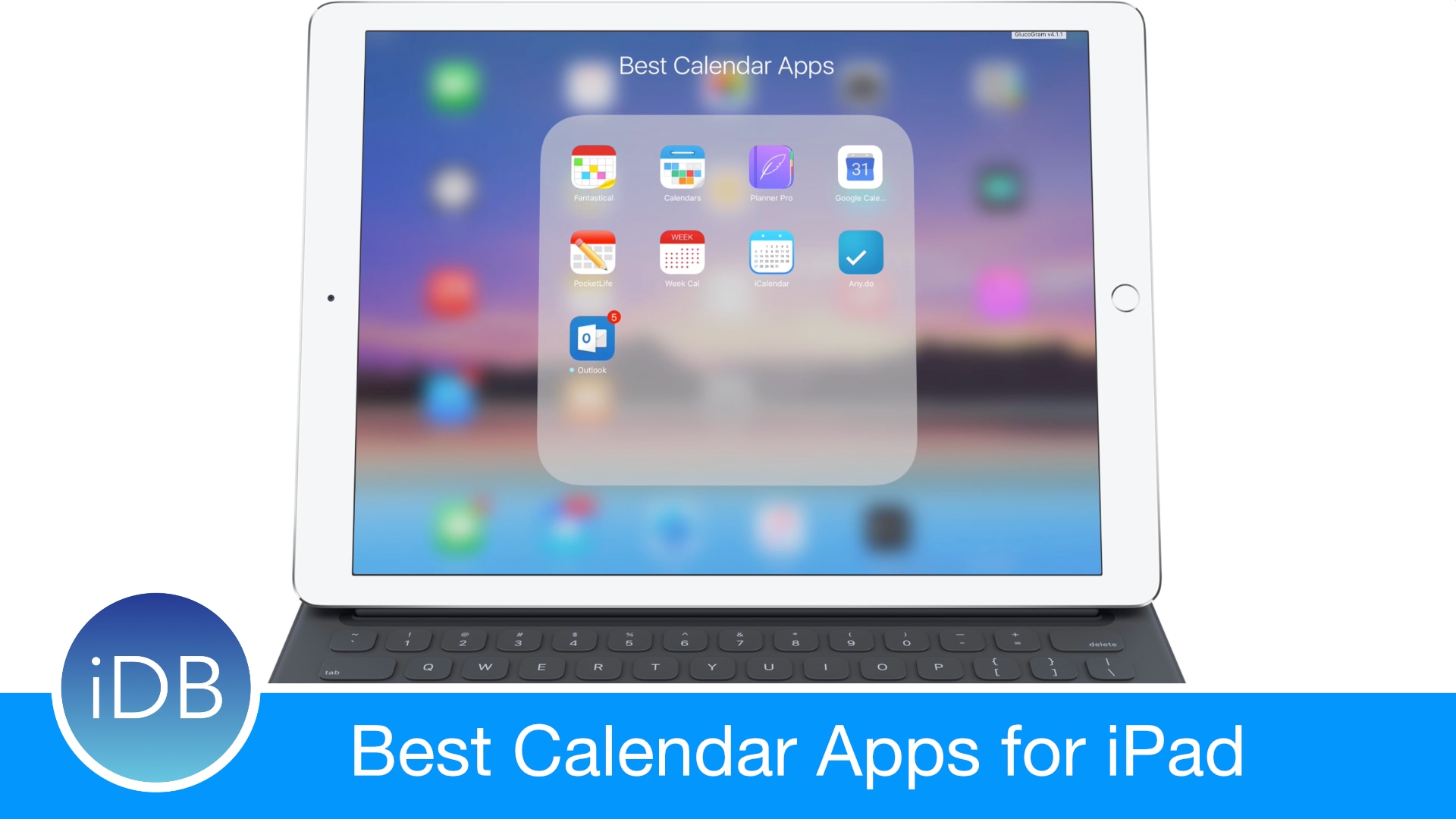
The best calendar apps for iPad

Time famously flies, which is why calendars have been invented to make sense of that unstoppable ride called life we're all on together. It is also the reason why it has been ages since we last shook the App Store tree and scrutinized all the best calendar apps for iPad falling off it for their quality.

So here we are again, same place but different time, sizing up what today’s App Store has to offer in terms of third-party apps to satisfy your organization and scheduling needs on iPad. Join us on a roundup of some of the best iPad calendar apps for iPad.

Apple starts rejecting submissions with pricing info in app titles, screenshots & more

Apple's rules have always prohibited developers from spicing up their screenshots on App Store with annoying marketing messages although a quick glance at App Store pages reveals the firm hasn't been enforcing that particular rule. But things are now changing, for the better.

As first reported by VentureBeat, the Cupertino firm has began rejecting submissions that promote pricing like ”Free” in app titles/ icons and on App Store screenshots/previews.

A closer look at iOS 10.3’s streamlined App Store ratings and reviews capabilities

Following yesterday's OS update bonanza, Apple shared some additional details pertaining to iOS 10.3's new ratings and reviews capabilities that are available to developers.

As previously noted, iOS 10.3 is changing how reviews and feedback are handled within apps.

Rather than inundate users with endless prompts seeking feedback, like before, developers now have a new StoreKit API on iOS 10.3 at their disposal.

First and foremost, the StoreKit APIs allow users to provide ratings and reviews without leaving the app they're in. Developers simply choose when they’d like to prompt the user and identify places in their app where it makes sense to ask for feedback, and the system takes care of the rest.

How to use Wish List to track iOS apps and games

Wish List is one of the lesser-known features of App Store. Your Wish List is accessible in App Store on mobile and iTunes on desktop. As the feature's title suggests, you can add iPhone, iPad and iPod touch apps and games to your Wish List that you might want to explore or purchase later.

With this tutorial, you'll learn how to add, remove and downloads items on your Wish List on your iPhone, iPad, iPod touch, Mac or PC devices.