Tutorial

Learn how to master your Apple devices with our comprehensive tutorials. From iPhone and iPad to Mac, Apple Watch, AirPods, and more, our expert guides will help you unlock the full potential of your Apple products. Discover new features, tips, and tricks each day to enhance your user experience.

How to Jailbreak iOS 5.0.1 Beta 2 With RedSn0w

Am I imagining things, or did iOS 5.0.1 beta 1 just drop a few days ago? Now we already have iOS 5.0.1 beta 2?

Either way, it's no big deal for jailbreakers, because as noted, iOS 5.0.1 beta 2 can be jailbroken using the latest version of RedSn0w.

Inside, we'll show you how to do so on video...

How to Forward Push Notifications to Your Mac or PC Using ‘GrowlNotifier’

Wouldn't it be awesome if you could forward all of your iPhone's push notifications to your Mac or PC? Well now you can, if your iDevice is jailbroken.

GrowlNotifier is a free jailbreak tweak that allows you to easily forward all of your push notifications to your Mac or PC with just a few easy to configure steps.

Check inside for a video walkthrough and tutorial...

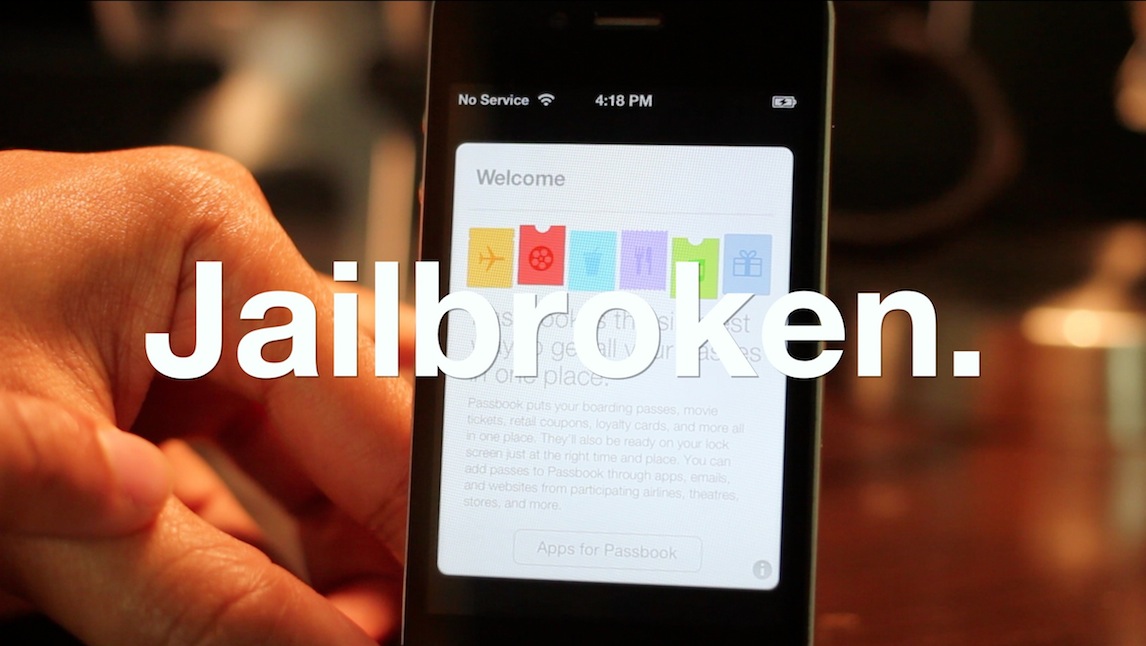
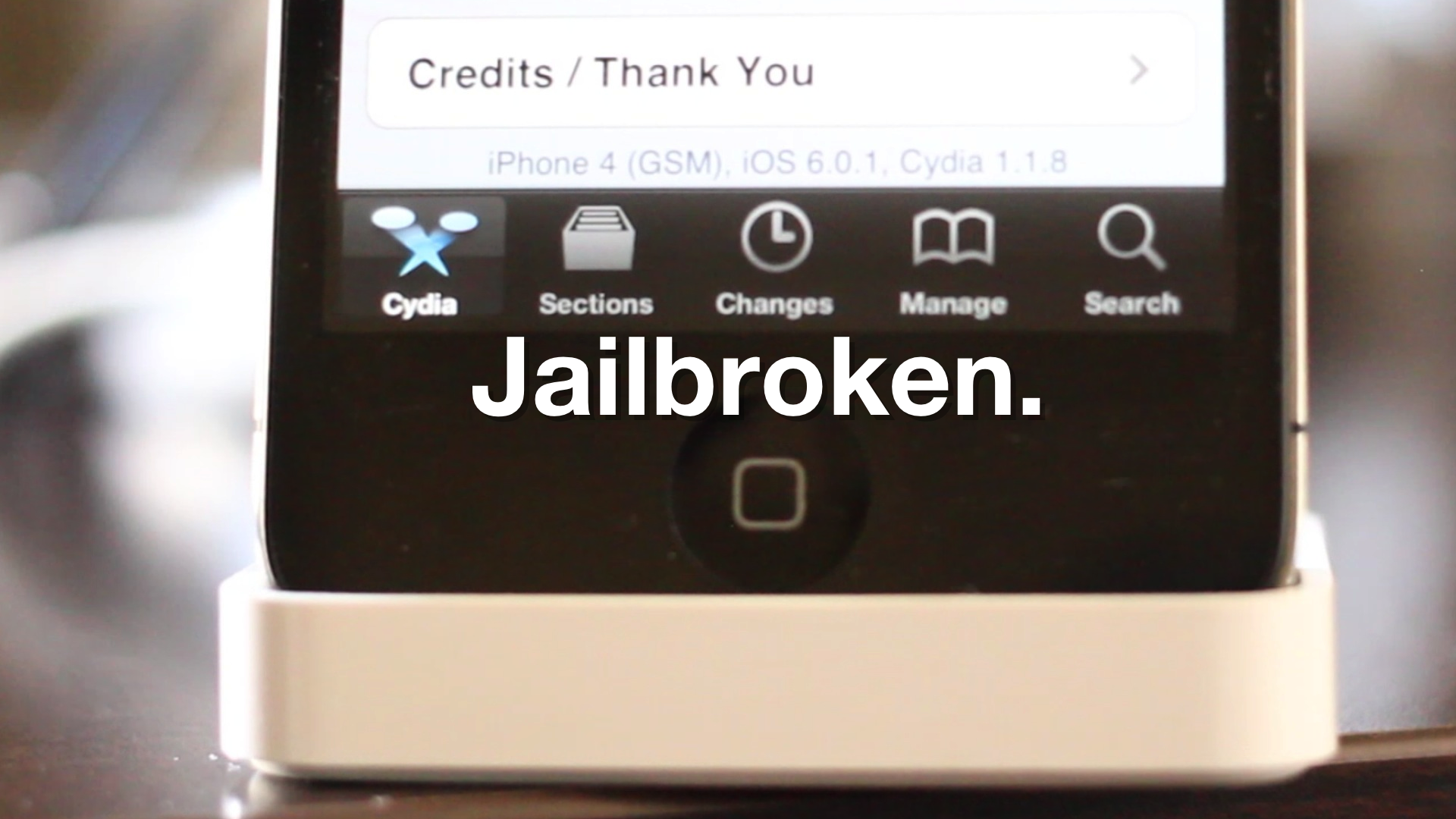
How to Jailbreak iOS 5.0.1 With RedSn0w

If you're a developer and you've taken the plunge to update to iOS 5.0.1 beta, we confirmed earlier that you can jailbreak the bleeding edge firmware.

Now we'll show you how to jailbreak iOS 5.0.1 on video using RedSn0w. You will need your iOS 5.0 firmware, since RedSn0w has not been updated to recognize 5.0.1 yet.

Other than that small little detail, jailbreaking iOS 5.0.1 with RedSn0w is a cinch...

How to Enable iTunes Match on Apple TV 2 [Video]

So by now you've probably heard the news: Apple has released iTunes 10.5.1 beta 2, and along with it comes iTunes Match Support for Apple TV 2.

But how do you go about enabling iTunes match on the Apple TV? It's actually much easier than one would expect.

Check out our video demonstration of iTunes Match on Apple TV inside...

How to Fix iBooks on a Jailbroken iOS 5 Device

Yesterday, a book about Steve Jobs was released; perhaps you've heard of it?

Sadly, if you're an iBooks reader with a jailbroken iOS 5 device, you won't be doing too much catching up on the late Apple CEO's affairs, or otherwise.

That's because iBooks crashes on iOS 5 devices that are jailbroken, rendering it quite useless. Fortunately, there is a workaround. Check out the video tutorial inside, for an in-depth walkthrough on the fix...

How to Semi Untether Jailbreak iOS 5 [Video Tutorial]

For those of you clamoring for an untethered jailbreak for iOS 5, you've now got a great compromise to hold you over — SemiTether.

As we reported, SemiTether is a new jailbreak tweak that will allow you to get closest to an iOS 5 untethered jailbreak without actually being an untethered jailbreak.

Inside, we'll show you exactly what you need to do to take advantage of this remarkable little tool. If your iOS 5 installation is jailbroken, you don't want to miss this!

How to Enable Multi-Touch Gestures On Original iPad Running iOS 5

Earlier in the month we warned you that updating to iOS 5 on your original iPad would remove the device's multi-touch gestures. These gestures were never an official iOS feature, but they were baked into previous versions of the mobile software.

The feature allows users to swipe between apps, reveal the multitask bar, and access the home screen — all with on-screen gestures. Needless to say, some folks were upset when this option disappeared. But don't worry, we know how to get it back...

How to Make Sure You Receive iMessages on All Your iDevices

iMessage is one of my favorite new features in iOS 5. It's simple, fast, and most importantly integrated right into the Messages app, which makes it even more compelling, assuming you have friends with iDevices as well.

If you have an iPhone your iMessages are sent to your phone number by default, which acts like your iMessage ID, if you will. If you have an iPad, you can only receive iMessages sent to your registered email address. But what happens if you want to receive all your iMessages on all of your iDevices?

How to Enable WinterBoard Notification Center Themes

So you downloaded that pretty Aluminum Notification Center theme mentioned in our iOS 5 WinterBoard video walkthrough, and it didn't work; now what?

Fortunately there's a workaround for the Notification Center theme issue, as many people made me aware of after our video went live late last night.

Inside, I'll show you how to enable Notification Center themes on your iOS 5 device, using a handy workaround...

How to Use iCloud to Share Your Reminders on iOS 5

Reminders in iOS 5 is Apple's kick in the teeth for all those To-Do apps that litter the App Store right now. A walk through the App Store will reveal more To-Do apps than you can shake a stick at, but Apple's own Reminders app does pretty much everything you could ever need in iOS 5.

There's one Reminders feature that Apple hasn't made a very good job of promoting. You can use iCloud to share and sync your reminders and tasks with other people...

How to Tweet and Update Facebook Using Siri

Apple's unique selling point for the iPhone 4S is Siri, a digital assistant that knows what you mean and how to answer your questions.

For all Siri's polish and ability to take real language and turn it into emails and text messages, there is one glaring omission from its repertoire, and that's the ability to tweet or update your Facebook status.

With Twitter now very much built into the fabric of iOS, it has been a surprise to many that Apple didn't give Siri any hooks into the world of 140 characters and less. But fear not, for those of us that are addicted to Twitter can now send messages using Siri, and it's super easy to set up...