Check out four free solutions to convert image files (JPEG, PNG, HEIF, GIF, etc.) into PDF documents on your iPhone or iPad.
How to convert your photos to PDF on iPhone and iPad

Learn how to master your Apple devices with our comprehensive tutorials. From iPhone and iPad to Mac, Apple Watch, AirPods, and more, our expert guides will help you unlock the full potential of your Apple products. Discover new features, tips, and tricks each day to enhance your user experience.
Check out four free solutions to convert image files (JPEG, PNG, HEIF, GIF, etc.) into PDF documents on your iPhone or iPad.

Apple included a handy new feature in iOS 10.3 beta to give people the power to disable in-app prompts seeking feedback in one fell swoop. Apps that use the new SKStoreReviewController API can invoke a new standardized prompt offering users to provide a rating or write a review without taking them to the actual App Store. This feature has been available on and off for beta testers and should be available to the public in an upcoming update to iOS 10.
These in-app prompts for ratings and reviews can be disabled at once for all apps installed on your iPhone, iPad or iPod touch which support the feature. This tutorial provides step-by-step instructions for how to disable in-app ratings and review requests in iOS.
How to disable in-app ratings and review requests on iPhone and iPadTo opt out of receiving these feedback prompts, do the following:
1) Launch Settings on your iOS device.
2) Tap iTunes & App Stores.
3) To disable all in-app prompts for App Store reviews and ratings, flip the switch In-App Ratings & Reviews switch to the OFF position.
This will prevent all apps that are installed on your iPhone, iPad or iPod touch from asking for product feedback in the form of App Store ratings and reviews. Again, this toggle has no bearing on apps on your device that do not use iOS 10.3's new SKStoreReviewController API.
Please think twice before disabling in-app ratings and reviews.
As I explained before, the new API streamlines the product feedback experience with standardized prompts limited to three per year per app. As Apple itself suggests, you should help developers and other users know what you think by letting apps ask for product feedback.
Like before, your submitted ratings are valid for the App Store territory where you originally purchased the app. You can also leave ratings and write reviews for iPhone, iPad and iPod touch apps directly in App Store, and for macOS apps in Mac App Store.
You can also leave ratings for Apple TV apps, but not submit reviews.
About in-app ratings and review requestsiOS 10.3 beta gives users the power to silence in-app prompts seeking App Store feedback.
In the past, developers were free to interrupt the experience and inundate users with pesky prompts asking them to provide a rating or write a review on App Store.
With the new SKStoreReviewController API, developers simply choose when they’d like to prompt the user and identify places in their apps where it makes sense to ask for feedback, and the system takes care of the rest.
The system allows users to submit a rating through the standardized prompt and authenticate with Touch ID to write and submit a review, all without leaving the app.
The API limits these requests to three prompts per app in a 365-day period. The counter is not reset when the app is updated. The hope here is that the new API will encourage developers to strategically ask for feedback for major updates only.
Previously, many apps would aggressively ask for feedback after each and every update because App Store erases an app's average rating with each submitted update. Apps that don't use the aforesaid API can still put up a bespoke prompt seeking feedback “at appropriate times throughout the user experience,” according to Apple.
App makers that use iOS 10.3's new SKStoreReviewController API save time because the system decides when to pull up these in-app prompts and how they're rendered.
Users benefit from having the standardized prompt and the ability to write a review or submit a rating without leaving the app they're in.
When the user sees an in-app prompt seeking App Store feedback, he or she can authenticate with Touch ID to write and submit a review, right there and then.
“The system’s rating prompt offers a familiar, efficient experience that’s designed to engage the user with minimal impact,” explains Apple.
As a bonus, developers can at long last respond publicly to App Store reviews.
Any questions?If you have any questions regarding the topic of this tutorial, please post a comment below and our knowledgable writers will try to answer them.
Be sure to pass this article along to the friends and family you support.
Submit your ideas regarding future coverage via tips@iDownloadBlog.com.
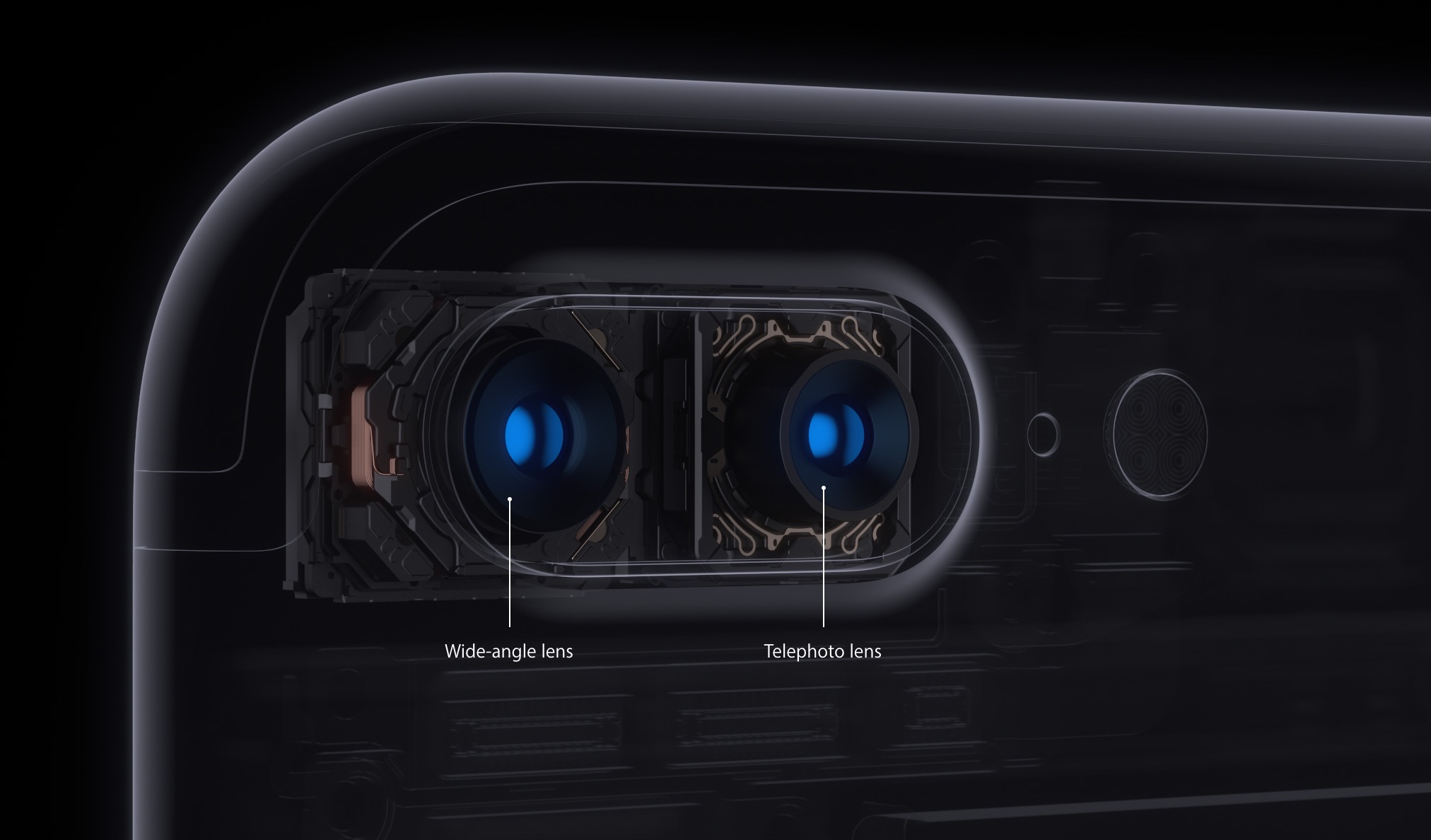
iOS decides on your behalf when it's appropriate to use iPhone 7 Plus's telephoto camera and when to switch to the wide angle shooter. This default behavior can be altered, which helps you avoid potentially unexpected results when shooting video.
If the phone switches to or from the second lens while you’re zooming in or out, glitches will probably appear in the recorded video. Thankfully, Apple, in all its wisdom, has provided a toggle in Settings to easily override this behavior at any time.
With its dual-lens system, iPhone 7 Plus is an awesome portable camera for both pro and wannabe iPhone photographers. In addition to powering depth-of-field photography, the dual twelve-megapixel cameras give you the benefits of an 2X optical zoom.
The problem with lens switchingDue to an ƒ/1.8 aperture and optical image stabilization, the wide angle camera captures images that are sharper and stabler than those taken with its telephoto counterpart. The two lenses have a different aperture and physical position, which also affects image quality.
Jarring transitions in your recorded videos are caused by automatic lens switching, which occurs if your iPhone switches to or from the second lens as you’re zooming in or out.
To avoid accidentally running into jarring transitions while recording video on your iPhone 7 Plus, you should disable the automatic lens switching feature.
Here's how.
How to stop your iPhone from automatically switching lenses1) Launch the Settings app.
2) Tap Photos & Camera.
3) Tap Record Video underneath the Camera heading.
4) Slide the Lock Camera Lens switch at the bottom to the ON position.
Your iPhone will no longer automatically switch between camera lenses while shooting video.
This setting only takes effect when you’re actually shooting video. If you toggle the Lock Camera Lens to the ON position, your iPhone will keep on using whichever lens you started recording with. You'll want to keep that in mind when fiddling with this setting.
By the way, I learned about this feature via the always informative iLounge.
Speaking of which, iLounge explains how this setting affects your video recordings:
In most cases, you’ll simply be relying on digital zoom rather than optical. However, if you begin recording a video while zoomed in to beyond 2X, you may not be able to zoom back out, as you’ll already be using the 2X lens.
iOS uses a number of factors to determine whether it should use the optical 2X lens or simply rely on digital zoom, such as in lower light conditions where the faster primary lens has an advantage, so you won’t always see the impact of the Lock Camera Lens setting.
And that's it, boys and girls.
Any questions?If you have any questions regarding automatic lens switching on iPhone 7 Plus, please post them in the comment section below and our knowledgable writers will try to answer them.
Be sure to pass this article along to th friends and family you support.
You can shoot us your ideas regarding future coverage to tips@iDownloadBlog.com.

Learn how to change the display name of your Apple Watch to easily identify the device in the Find My app, on iCloud, in watchOS menus, etc.
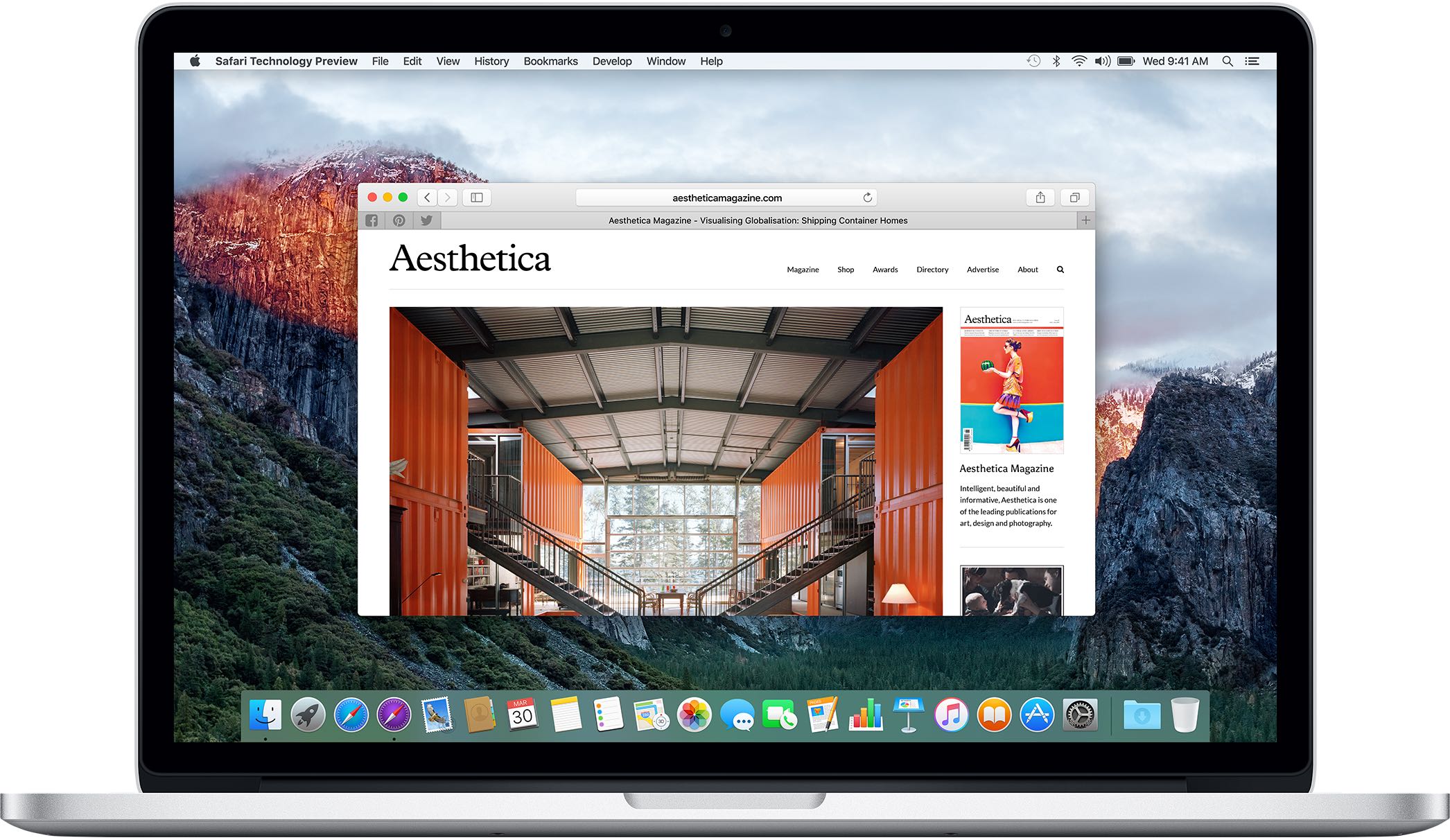
In this tutorial, we'll show you the quick steps to disable all images on websites you visit in Safari on your Mac.

A particularly cruel proverb says there's more than one way to skin a cat. True or not for cats, its intended meaning certainly applies to sending iTunes gifts and gift cards to your loved ones. For years, Apple has done their homework to make sure we can easily swoop up gift cards for iTunes at most retailers, online through services such as PayPal and also directly gift apps or music we come across and want to share immediately.
On top of the bevy of options available, there's another simple trick to send (any desired) iTunes credit to a fellow application user, right through iTunes or the App Store on iOS. While on no account a hidden gem, we haven't called attention to it before on iDB, so let's bring you up to speed on it if necessary.

Your Apple devices provide a global setting for representing specific quantities of temperature in apps. You can switch between displaying the temperature in either Celsius or Fahrenheit. Apps that support this feature, including Apple's stock Weather app, honor this setting to display the temperature in your preferred unit regardless of your regional settings.
In this tutorial, you will learn how to easily switch between Celsius and Fahrenheit independently of your other regional settings on your iPhone, iPad, or iPod touch, as well as adjust this setting on other Apple devices, such as your Apple TV, Apple Watch, or Mac.
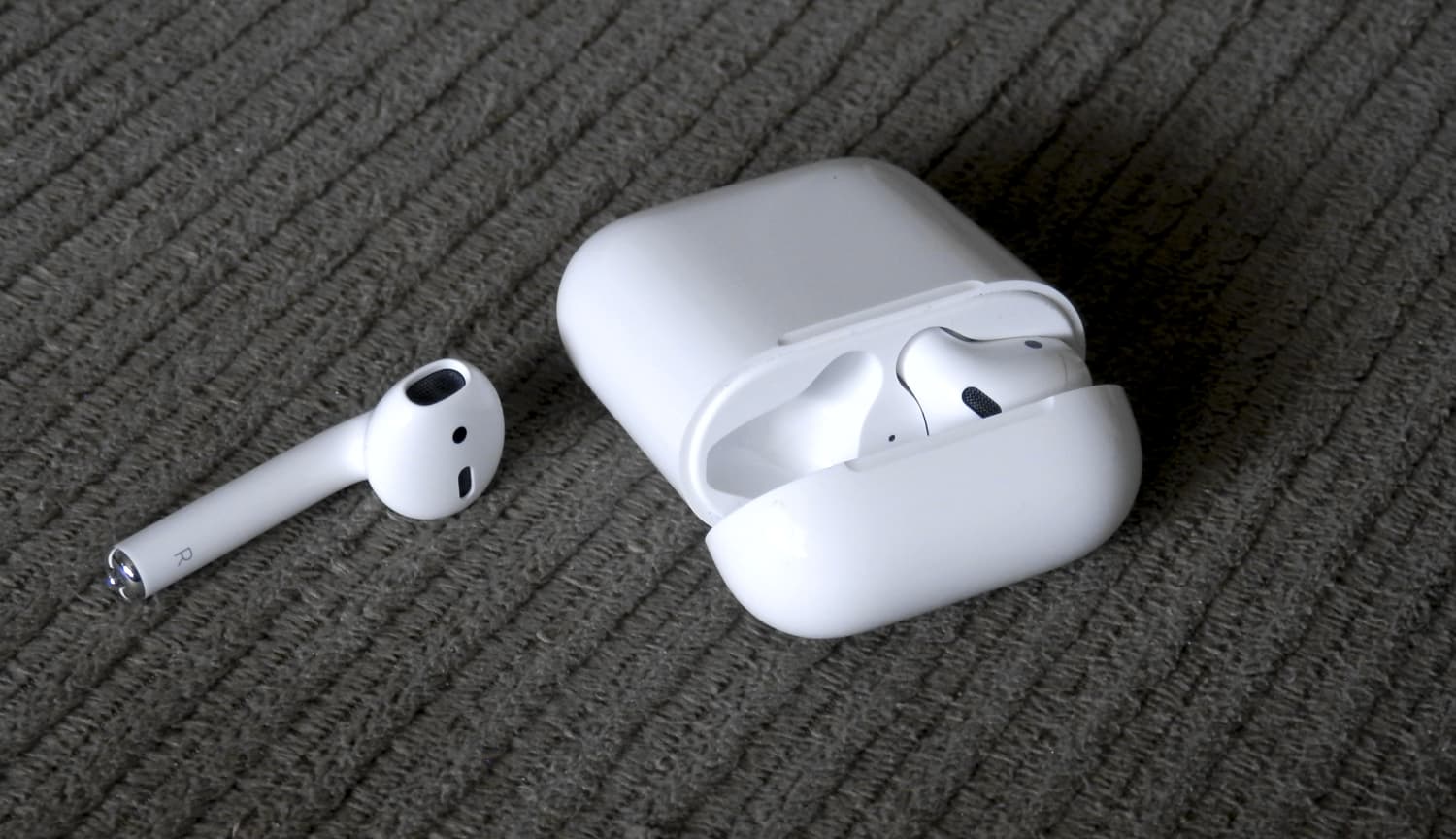
Learn how to fix AirPods resetting to their default name if you cannot rename them as “AirPods” in order to simplify their appearance in menus on your iPhone.
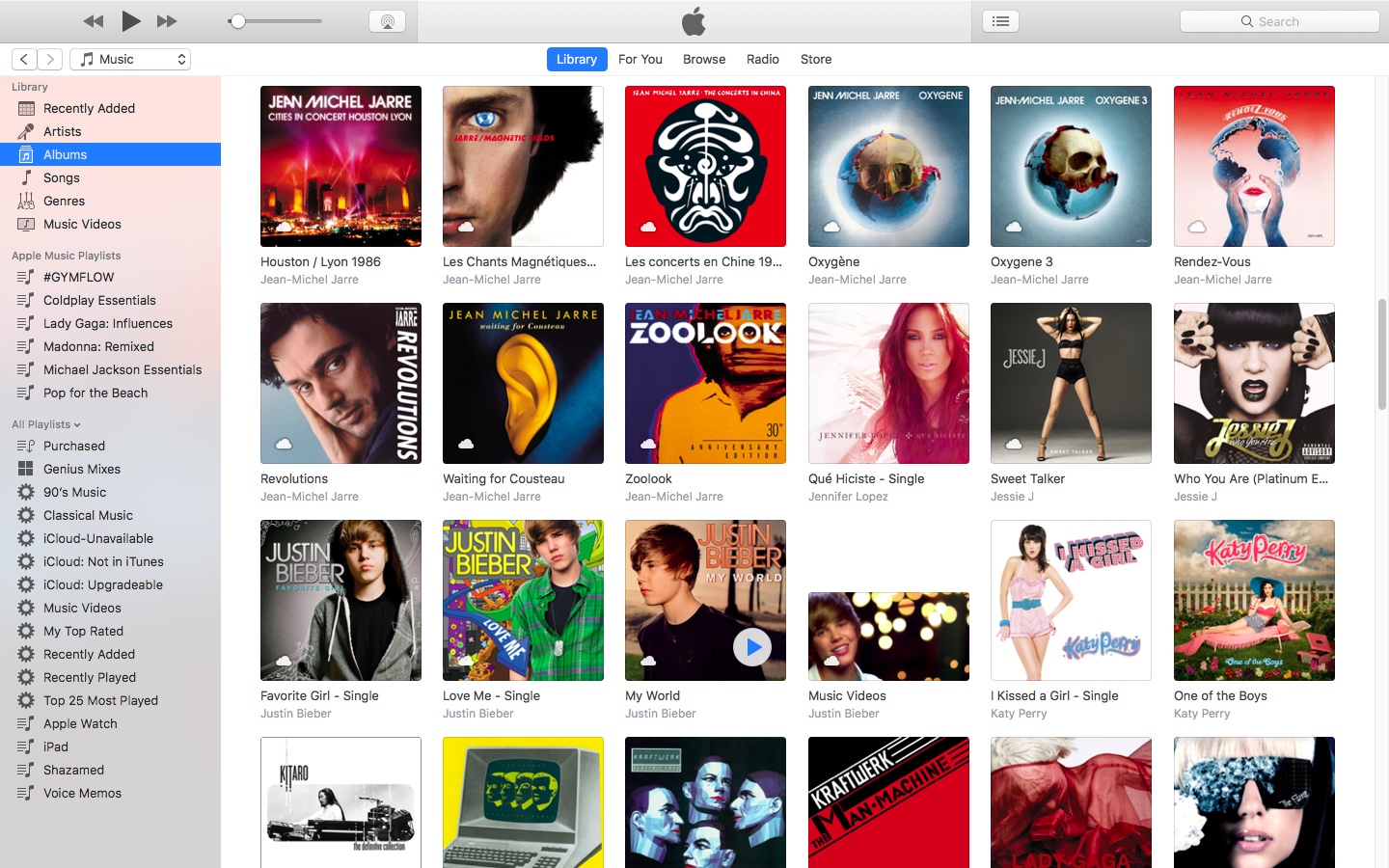
In older versions of iTunes, you could easily open a playlist in a separate window. It was both a great time-saver and a boon to your productivity, especially on large screens.
For reasons unknown, Apple has removed that functionality from the iTunes 12 update which was overhauled around a single-window workflow.
Thankfully, the company has reinstated the ability to open playlists in new windows with iTunes 12.6. Here's how to open your playlists in their separate windows using iTunes for Mac.
How to open your playlist in a new iTunes window1) Launch iTunes on your Mac.
2) Choose Music from the menu near the upper-left corner, then click the Library tab.
3) In the lefthand column, right-click or Control (⌃)-click your playlist underneath the All Playlists heading, then select the option Open In New Window from the popup menu.
This will open a new iTunes window containing the selected playlist, as shown top of post.
You can drag songs at will between the playlist windows and open as many playlists in separate windows as you like. I don't have that many playlists created in iTunes so I was able to open “only” four playlist windows, but it worked like a charm.
How to open an Apple Music playlist in a new windowPlaylists on Apple Music cannot be opened in their separate windows unless they're in your iTunes library. To do so, follow the steps below:
1) Launch iTunes on your Mac.
2) Choose Music from the popup menu near the upper-left corner of the window, then click either the Library or the For You tab.
3) Find a playlist on Apple Music and click the three dots in the lower-right corner of playlist graphics to bring up the contextual menu, then choose the option Add to Library.
4) With the selected Apple Music playlist now in your iTunes library, switch to the Library tab, right-click it underneath the Apple Music Playlists heading in the lefthand column, then select the Open in New Window command.
Just like that, the selected Apple Music playlist from your library opens in a new window.
iTunes playlists windows and Split ViewSadly, playlists windows in iTunes don't support macOS's useful Split View feature.
If iTunes supported Split View properly, it could have been a great multitasking feature. In other words, you cannot browse your iTunes library in the main window and have your favorite playlist in its separate window in macOS's Split View mode.
And that's it, boys and girls!
Pass along this article to other Mac users you support and don’t forget we accept your submissions regarding future coverage ideas via tips@iDownloadBlog.com.
If you have any questions, please post a comment below.
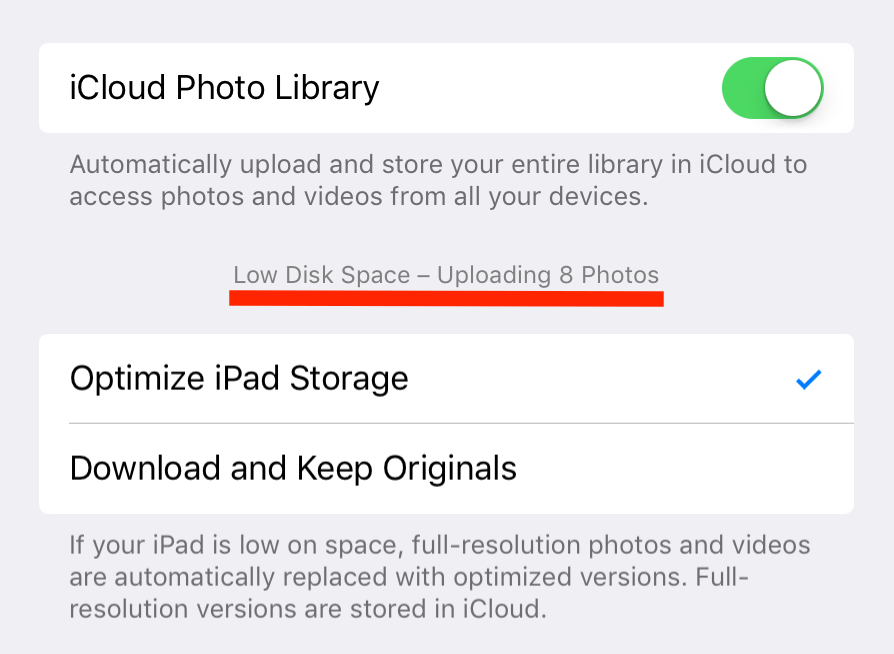
iCloud Photo Library is one of these great features that you think you don't really need until you actually start using it. One of the promises of the service is that it automatically keeps every photo or video you take in iCloud. These photos and videos can then be accessed from any of your devices, assuming the feature is enabled on these devices. iCloud Photo Library is great... at least when it works as it should.
In this tutorial, we’ll show you how to use referenced library mode in Mac’s Photos app to stop it from making copies of your media and help save space.

Over time, web browsers accumulate website data from everyday browsing. Known as cache, this data collection helps browsers load web pages more quickly, so these files don't have to be re-downloaded when you revisit the same websites in the future.
Unfortunately, cache is also the main suspect when diagnosing issues loading websites, and it can also eat up valuable storage space on your Mac. That's why in this tutorial, we'll show you how to delete cache and cookies in three of the most popular web browsers: Apple Safari, Google Chrome, and Mozilla Firefox.