Learn how to change your Mac’s sleep time settings to adjust when the screen turns off automatically and explore related options.
Customize the automatic sleep time of your Mac’s display

Stay up-to-date on the latest Mac news, and tutorials. Get expert tips and tricks to optimize your Mac’s performance and learn about the latest Apple products and software updates. Discover the best Mac apps and accessories to enhance your user experience.
Learn how to change your Mac’s sleep time settings to adjust when the screen turns off automatically and explore related options.
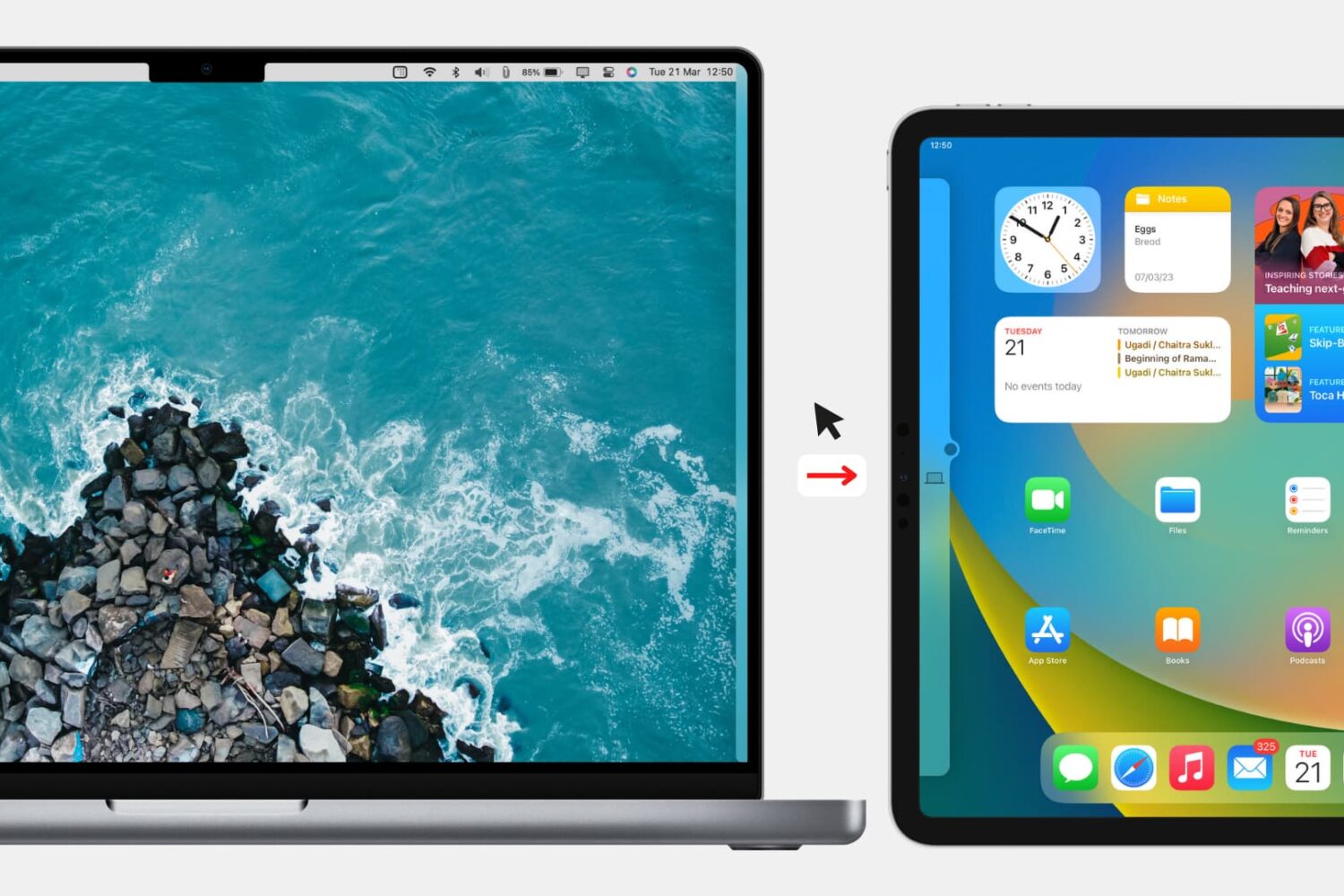
Check out the quick steps to block your Mac’s keyboard, mouse, and trackpad from being used on a nearby iPad or other Mac.
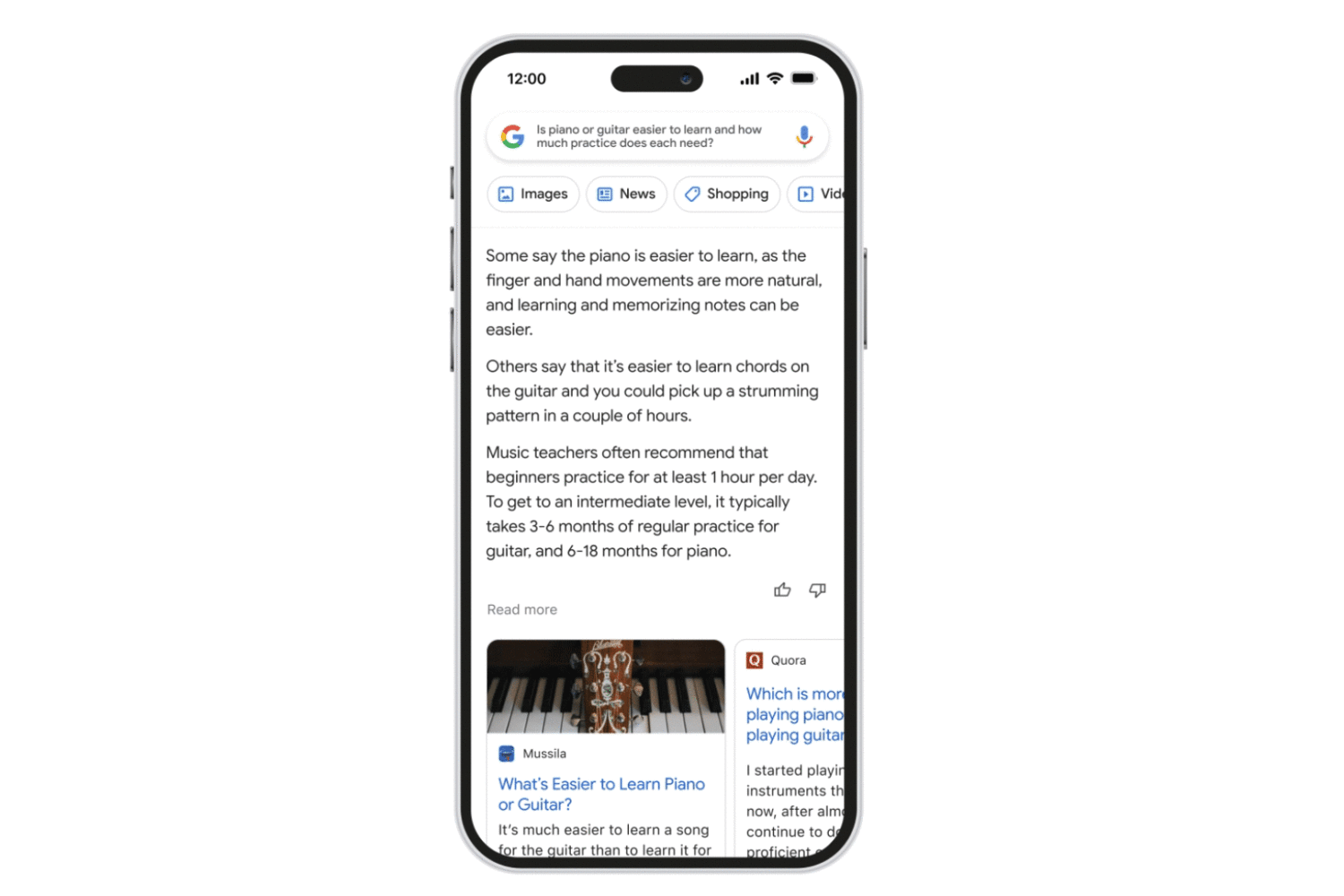
Follow these steps to access the Bard AI chatbot, Google’s ChatGPT rival, using a browser on your iPhone, iPad, Mac or other compatible devices.
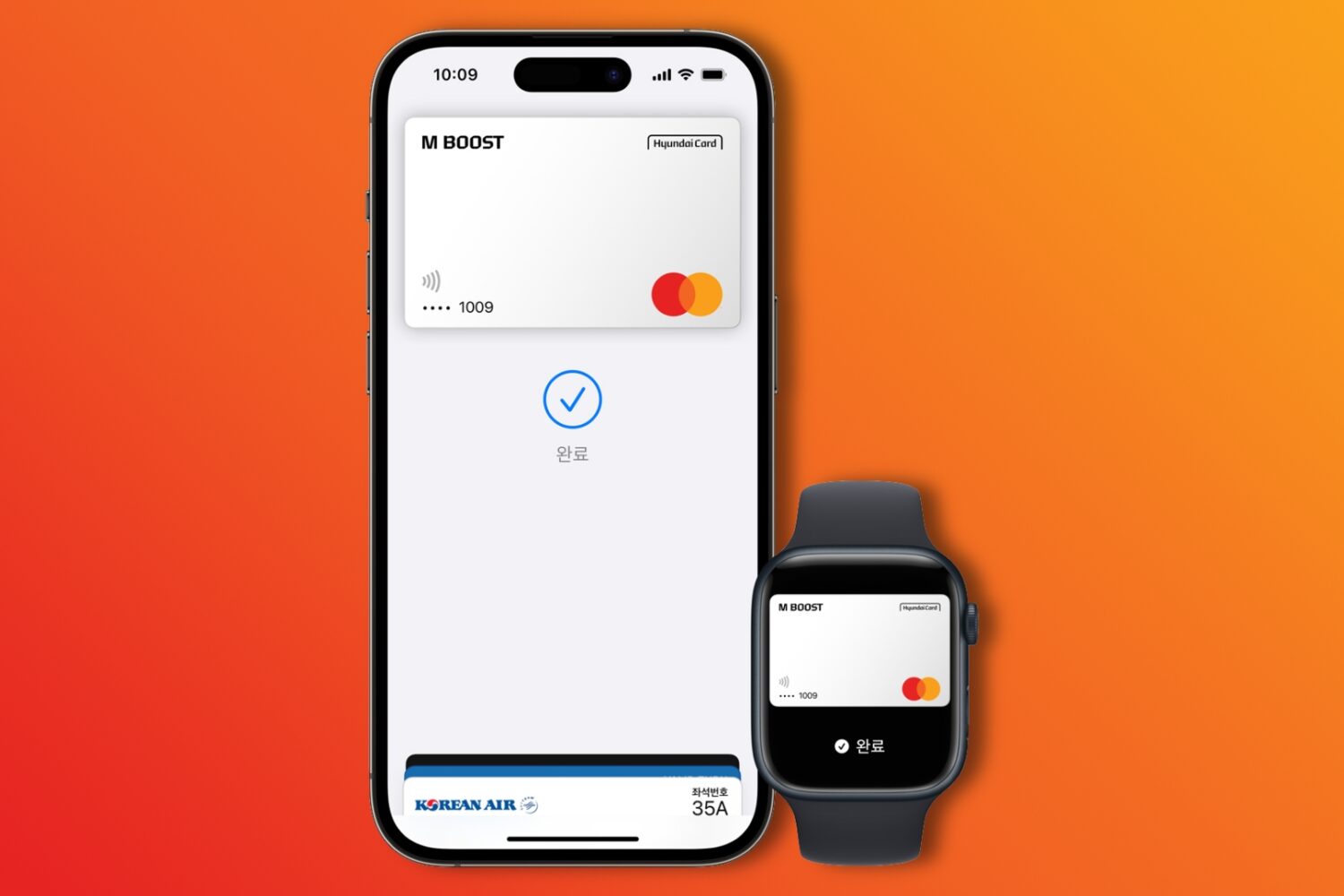
The Apple Pay mobile payment service is now available to Hyundai Card customers in South Korea on their iPhones, iPads and Macs.

Six models of 8BitDo's gaming controllers can now be paired with and used to play games on your iPhone, iPad, Mac and Apple TV, with more incoming.
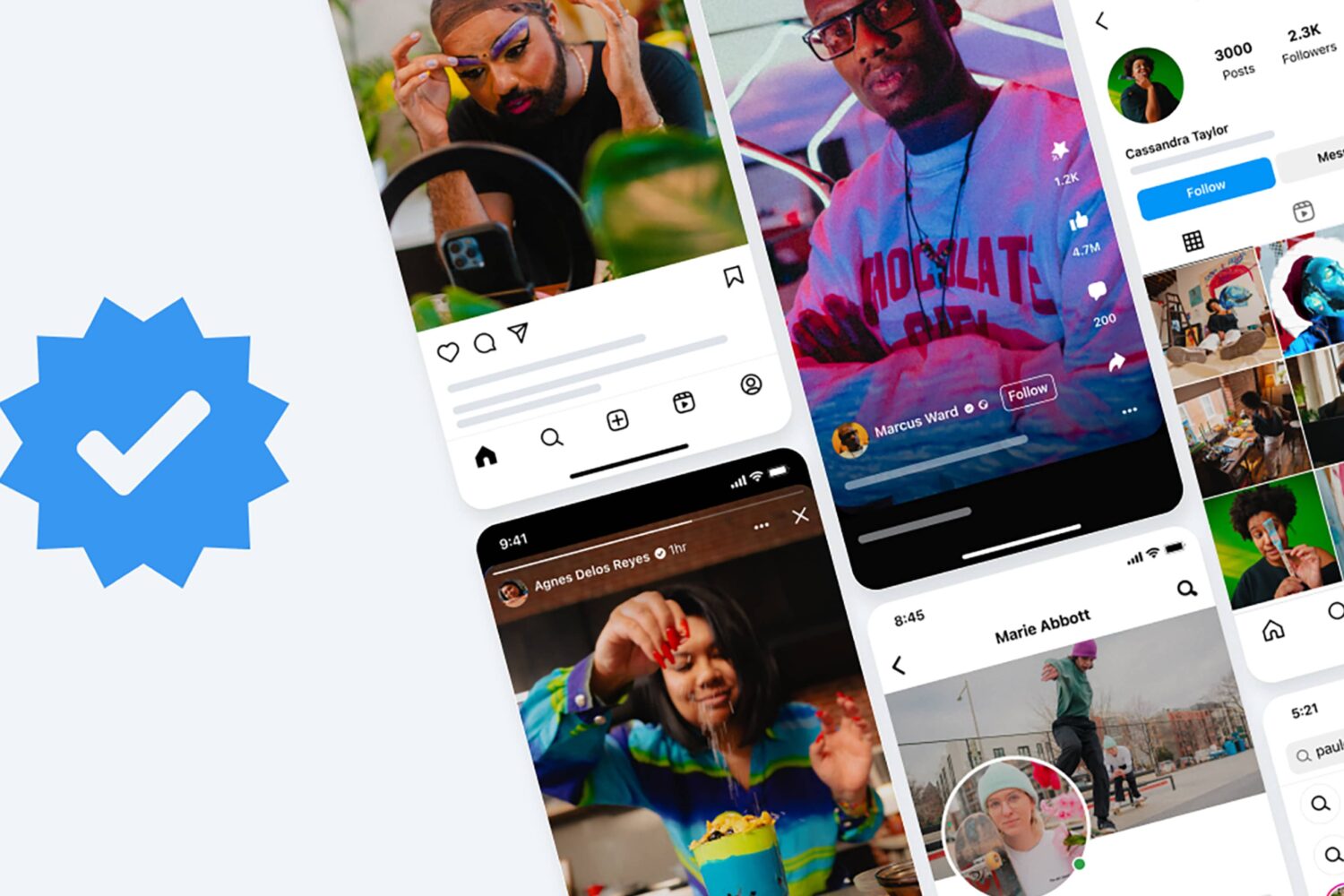
The Meta Verified price is on the high side, with Meta expecting you to purchase its new subscription separately on Instagram and Facebook.
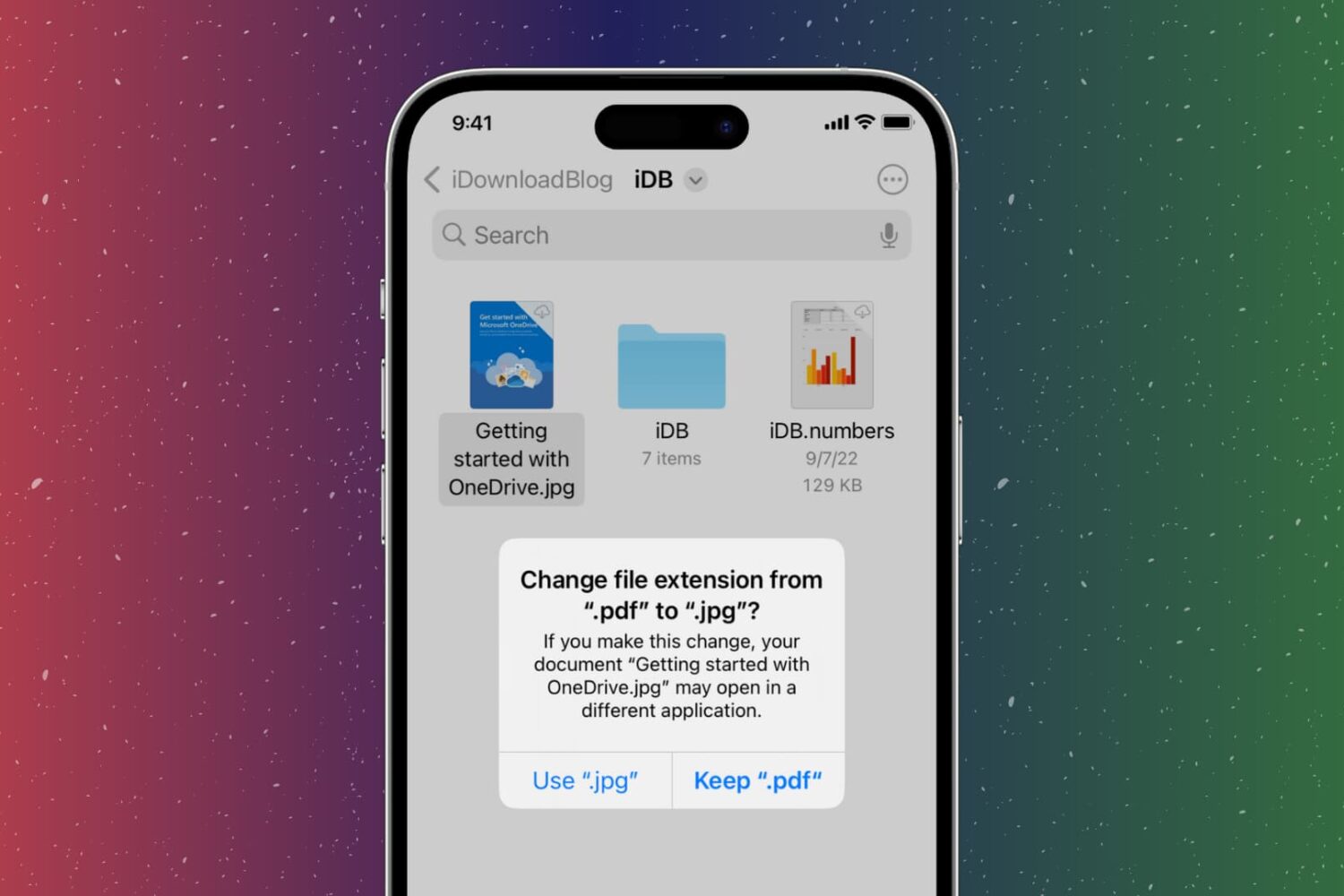
In this step-by-step tutorial, we show you how to change the extension of an image, video, audio, document, or other file on your iPhone, iPad, or Mac, why you might want to do that, and potential issues to avoid.
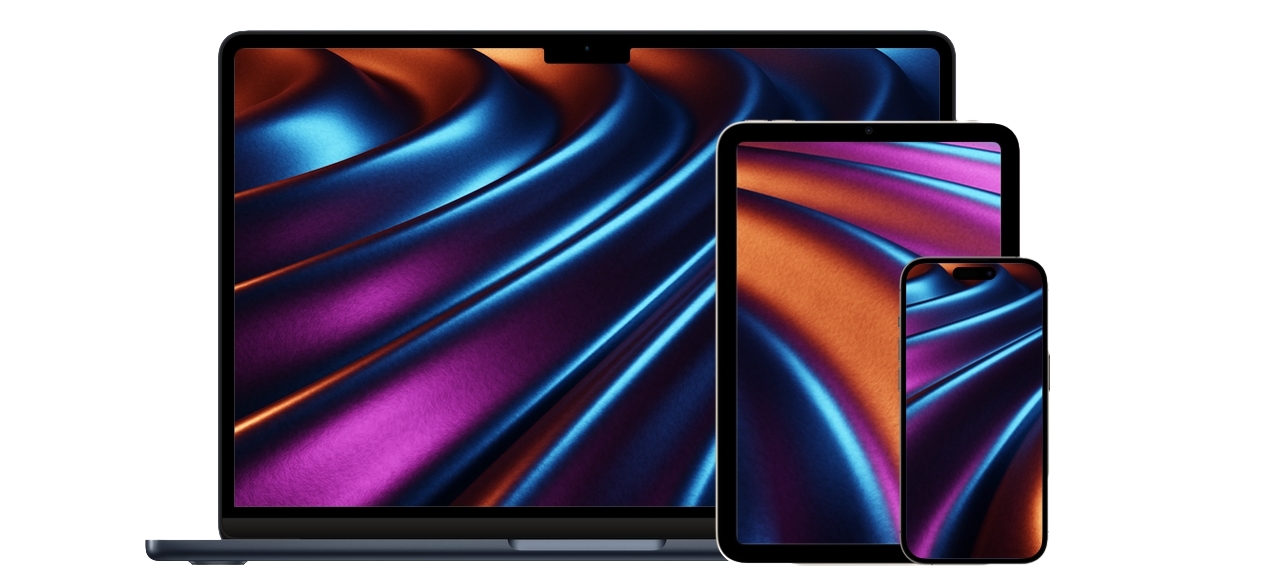
Run the excellent Mac image editor Pixelmator Pro to create stunning iPhone, iPad and Mac mockups with realistic shadows, editable device frames, etc.
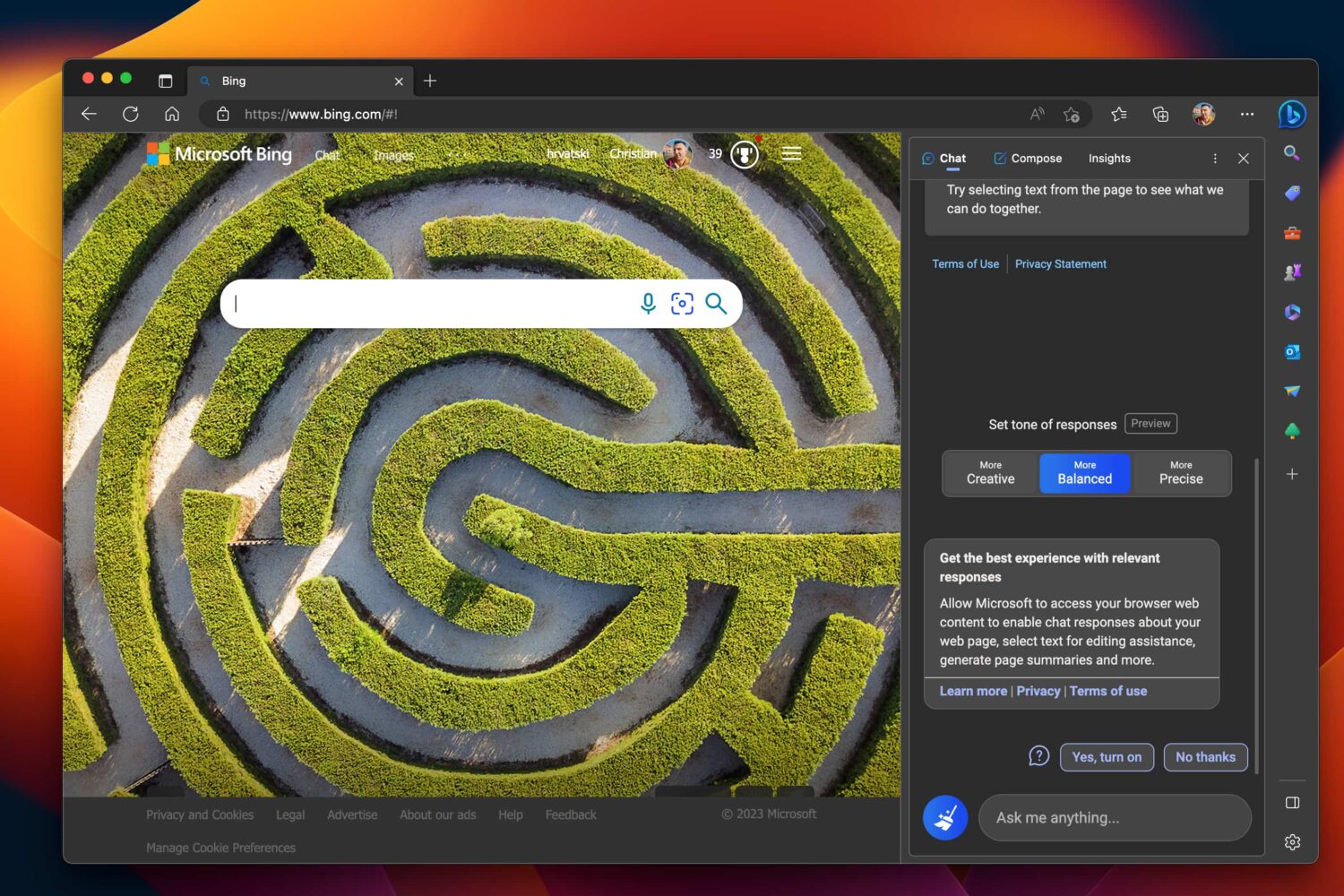
Microsoft’s ChatGPT-like artificial intelligence (AI) chatbot is now available to all users in the Bing sidebar of the Edge browser following developer testing.
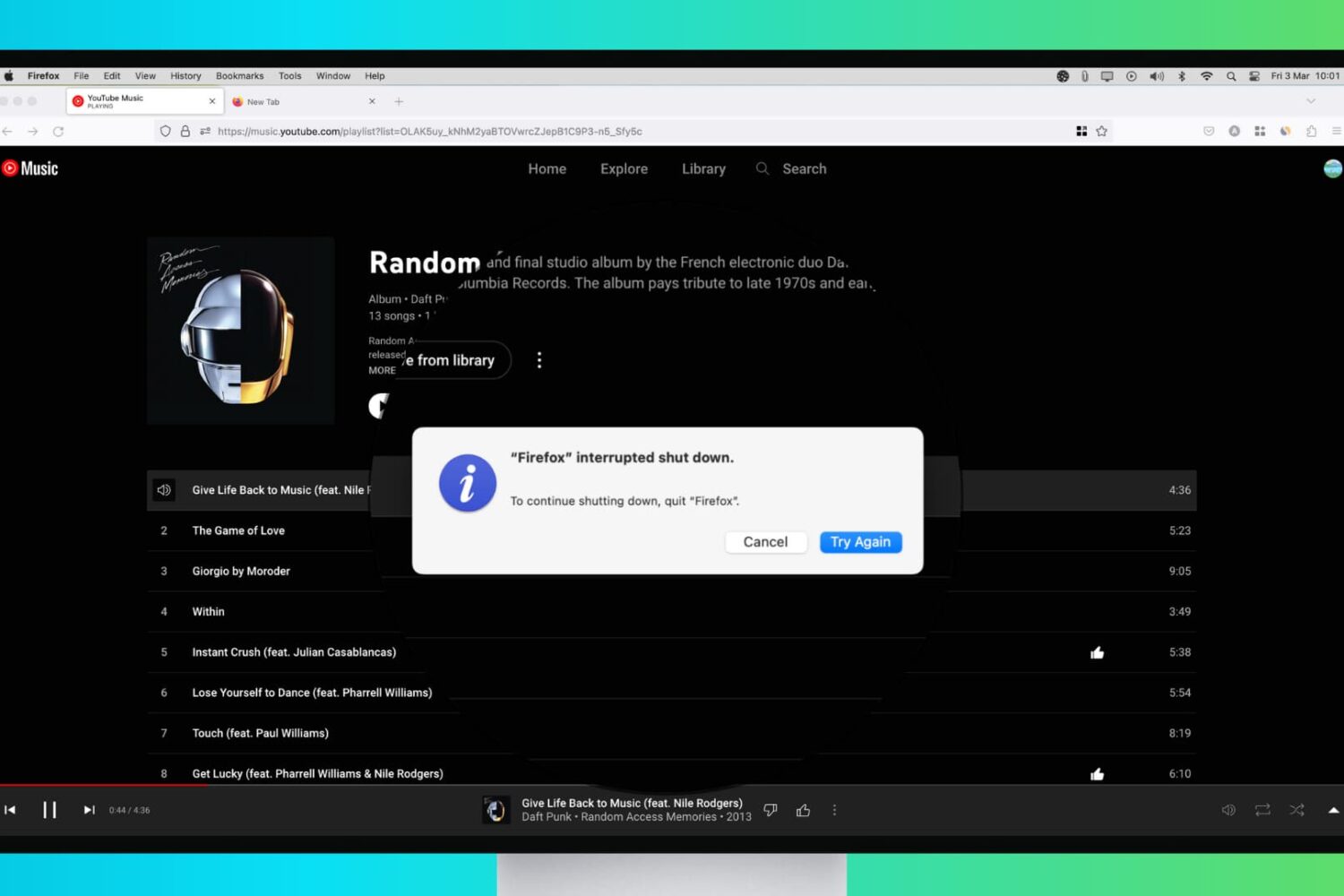
Try these troubleshooting tips to fix your Mac that refuses to shut down or restart, which can happen for a variety of reasons.
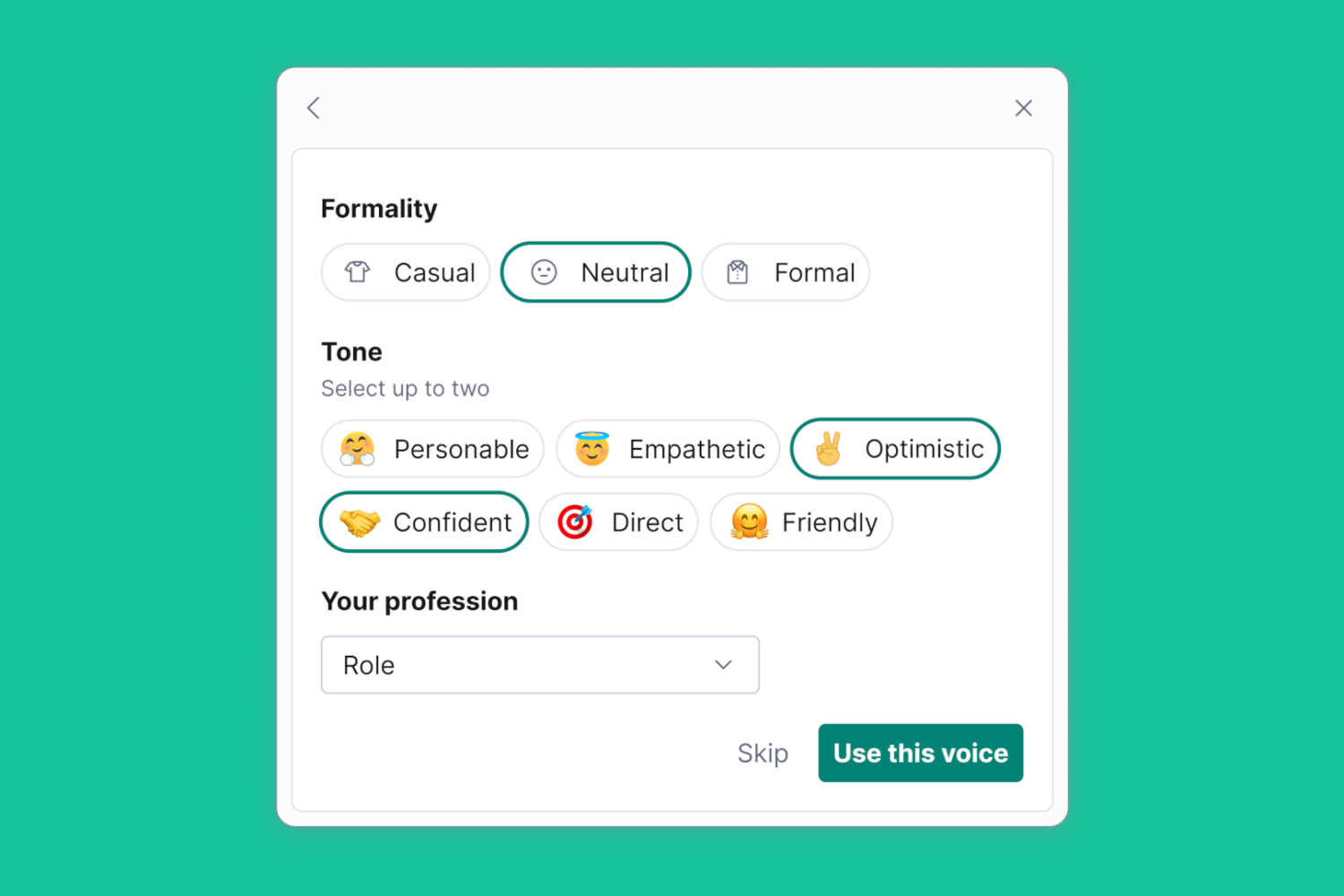
GrammarlyGO uses generative AI to help rewrite any text for specific tone and clarity, matching not only your personal writing tone but also context and intent.

GarageBand for Mac 10.4.8 fixes two vulnerabilities that could allow an app to leak sensitive user information and gain elevated privileges.