Jailbreak

Check out the most comprehensive jailbreaking coverage on the internet, including the latest news, apps, tweaks, and detailed tutorials about everything jailbreak.

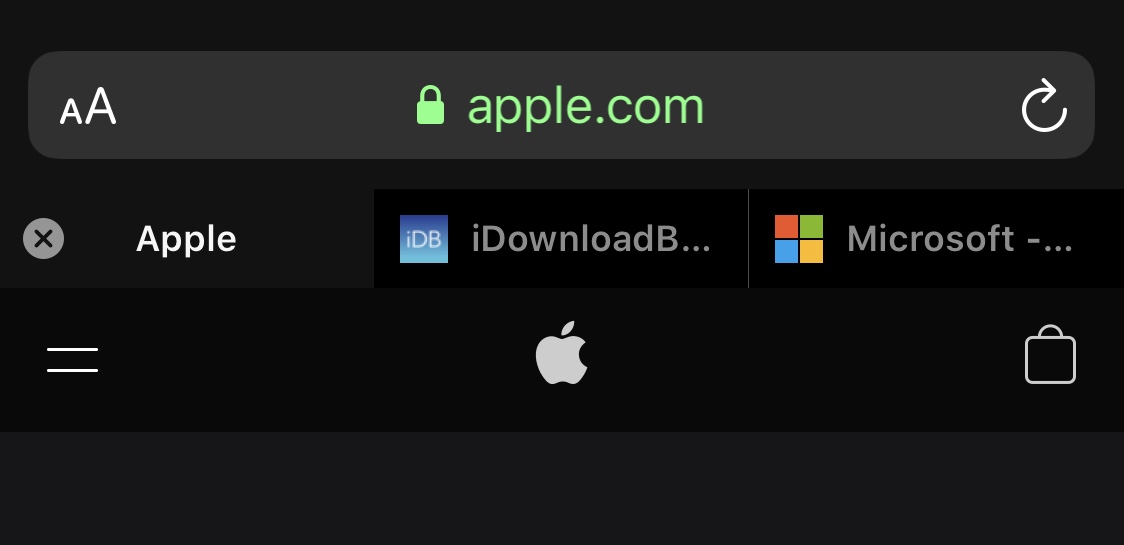
This tweak brings iPad-style tabbed web browsing to the iPhone

One of my favorite parts of browsing the internet on my iPad is having a near-desktop-class web browser at my fingertips. Unfortunately, many of the features that make the iPad version of Safari so convenient to use aren’t present in the iPhone version, such as tabbed browsing.

While you can certainly have more than one web page open at once on the iPhone, switching among them isn’t quite as satisfying as it is on the iPad. Fortunately, a newly released and free jailbreak tweak dubbed Safari Features by iOS developer HurouofTech brings the iPad’s incredible tabbed browsing experience to jailbroken iPhones and iPod touches.
FlatURL helps mobile Safari users embrace minimalism

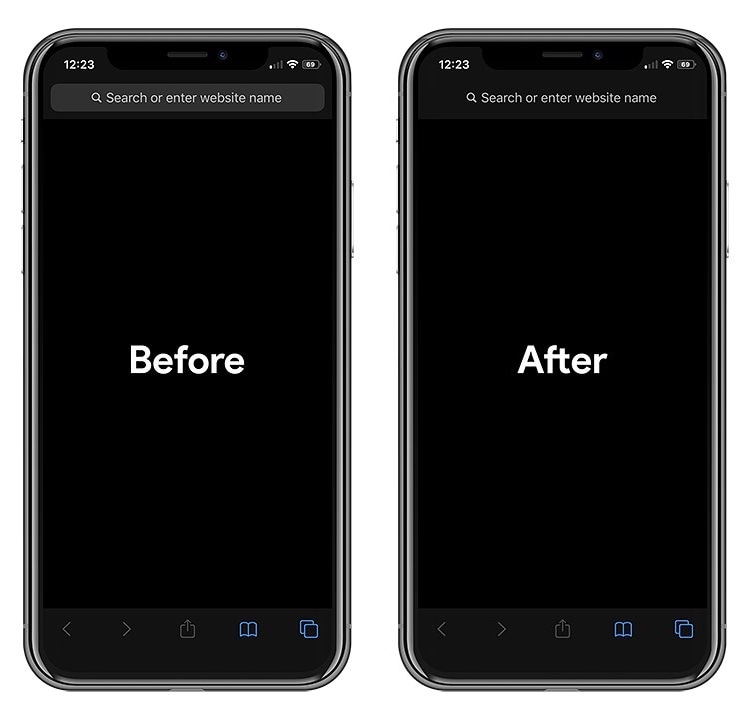
To all those jailbreakers out there that are looking for a spicy new way to tech out their mobile Safari web browser, a newly released and free jailbreak tweak called FlatURL by iOS developer MTAC just might satisfy your cravings.

FlatURL is a relatively simple interface-centric tweak that, as depicted in the screenshot examples above, gives the Safari app’s search/URL bar a minimal aesthetic by removing its background and making it appear totally unified with the header itself.

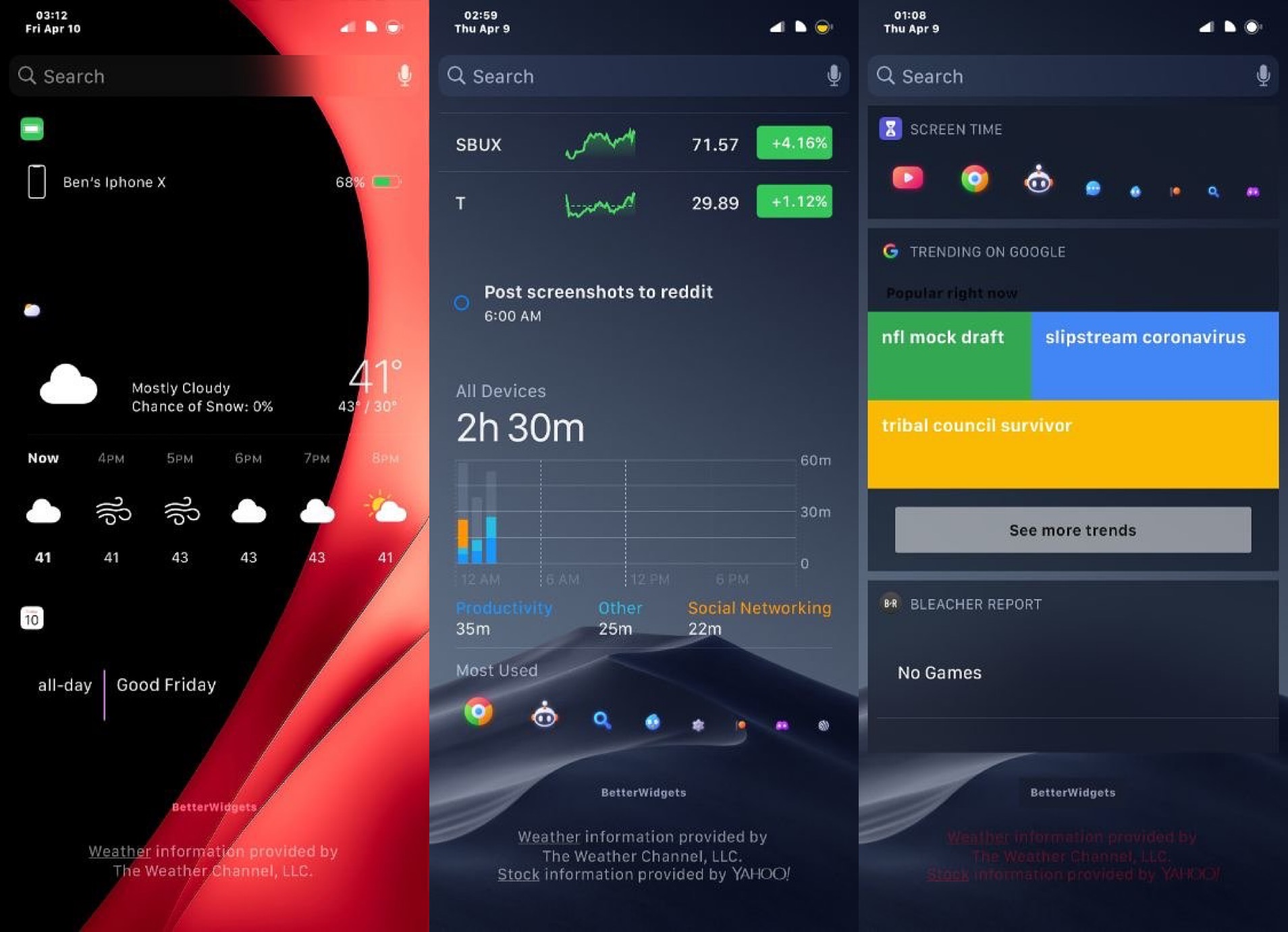
BetterWidgets offers more customization for iOS’ Today widgets

Lots of iPhone and iPad users take advantage of iOS’ Today widget system to snag a glance at pertinent information without needing to launch and navigate complex apps. But Apple doesn’t provide much in terms of widget customization.

If you have a jailbroken handset at your disposal, then you can take advantage of a newly released and free jailbreak tweak called BetterWidgets by iOS developer ShadowDev to get the customization options that Apple has deprived you of since the Today widget system came to be.

Apple no longer signing iOS 13.4, preventing downgrades from iOS 13.4.1

Apple on Wednesday stopped signing iOS and iPadOS 13.4, a move on the Cupertino-based company’s part that prevents its users from intentionally downgrading their handset’s firmware version to anything besides the latest release.

Notably, iOS and iPadOS 13.4.1 were only just released last week. Apple typically waits two weeks before closing signing windows for its firmware, but has demonstrated a more aggressive approach to this behavior more recently.

Command your iPhone’s Status Bar with peep

The Status Bar is used to display pertinent information about your iOS device at a glance, including the battery level, signal strength, and time, to name just a few of those things. While I like seeing the Status Bar in most cases, I can also attest to the fact that I sometimes wish I could hide it unobtrusively, such as when playing Pokémon GO for instance (as it doesn't blend in well with the game's background).

Here to help with such a whim is a newly released and free jailbreak tweak dubbed peep by iOS developer ConorTheDev, which lets users hide and show their iOS device’s Status Bar on demand with just a tap.

Veza is an aesthetically pleasing Lock screen toggle and shortcut interface

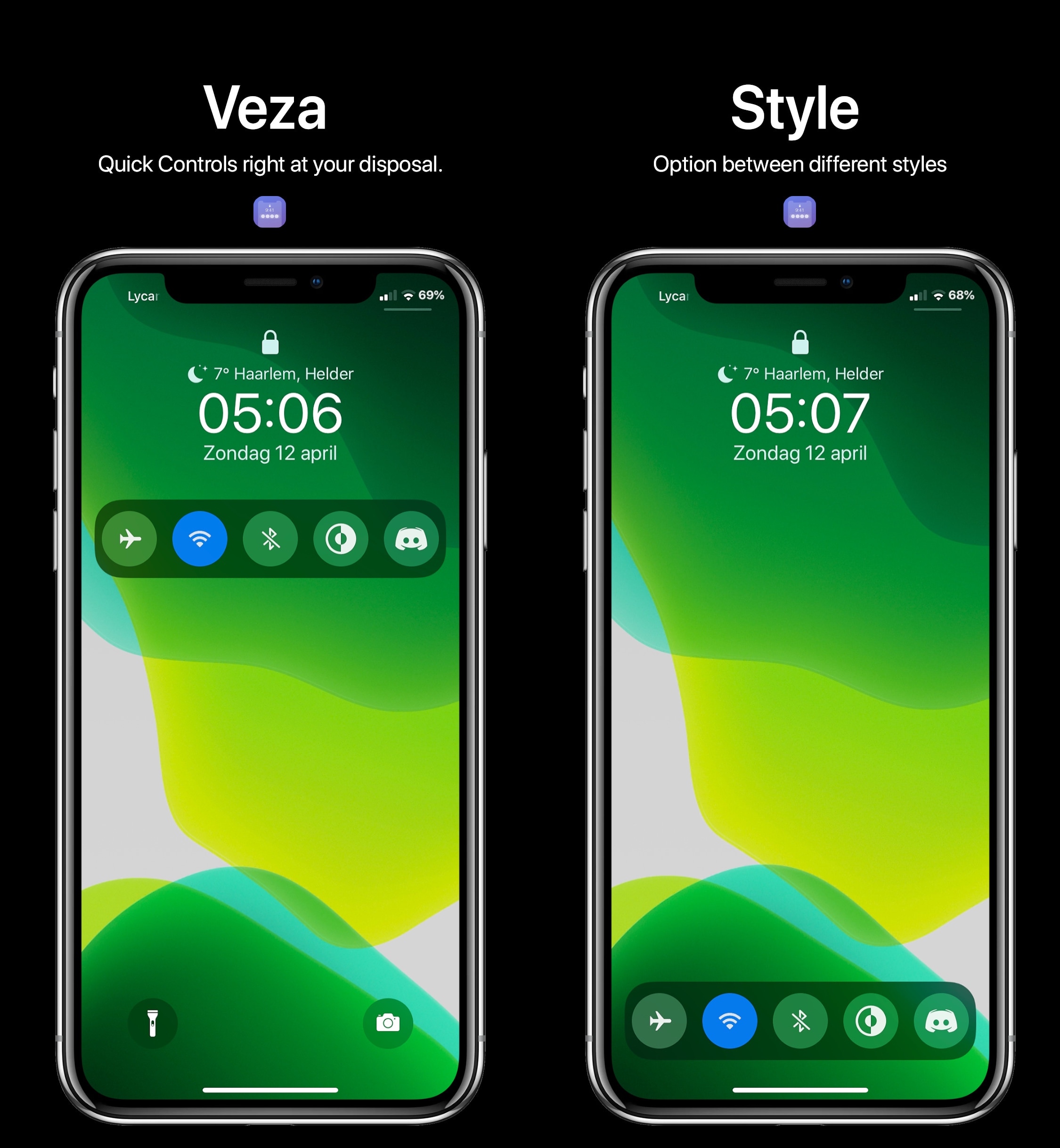
Upon refreshing your sources in your pwned handset’s package manager, you should be able to feast your eyes on a newly released jailbreak tweak dubbed Veza by ApexTweaks in your Changes tab.

Veza makes it easier to interact with your device by adding a myriad of handy Control Center-inspired shortcuts and toggles directly to your Lock screen. In the screenshot examples embedded above, you’ll notice that the tweak is as aesthetically pleasing as it is customizable.

DockSpring lets you use your iPhone’s Dock to respring

Jailbroken iOS device owners know just how important it is to respring after installing jailbreak tweaks or applying changes to their extensions. That’s precisely why it’s convenient to have a means of respringing your handset on demand.

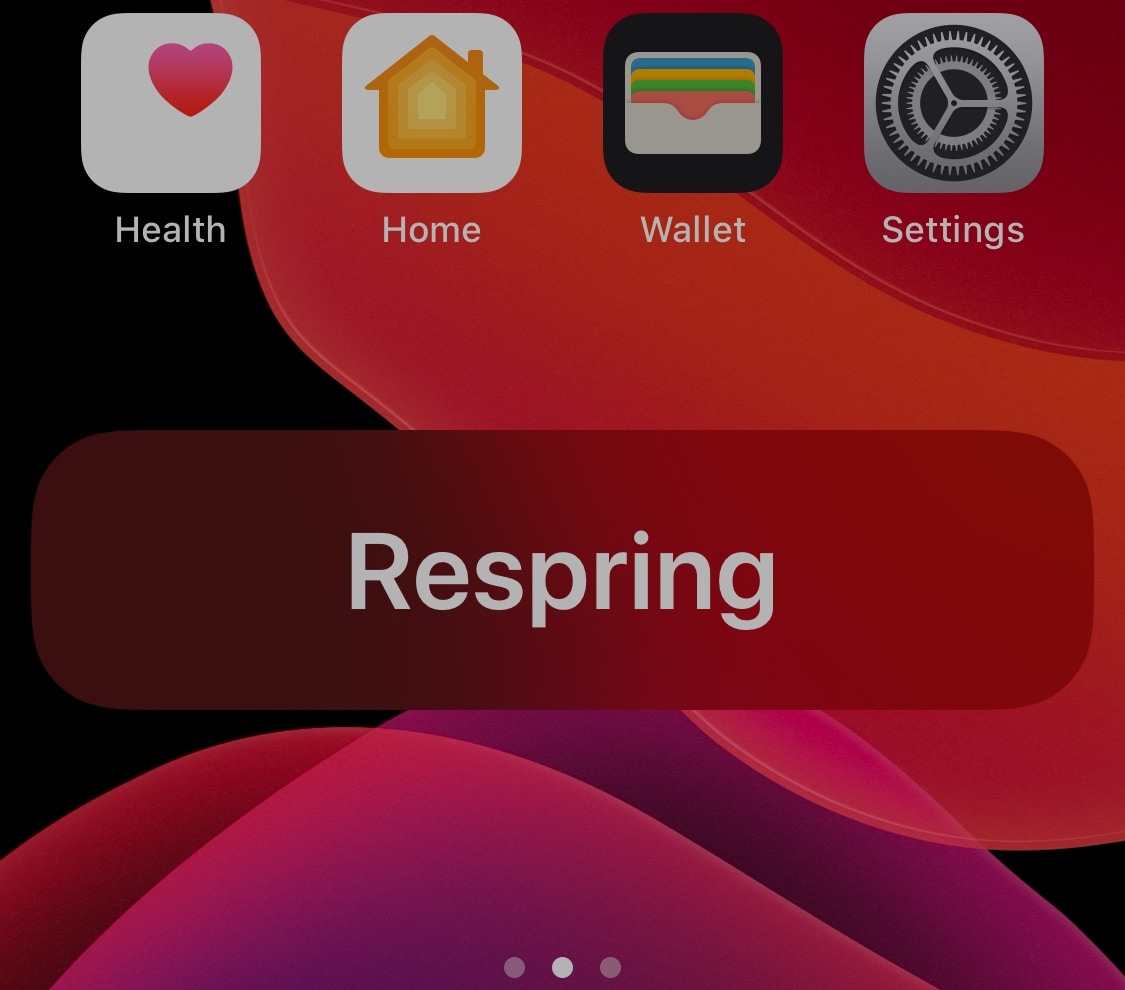
DockSpring is a newly released and free jailbreak tweak created by iOS developer neoney that lets you respring your pwned iPhone with a simple slide-up gesture from the Home screen’s Dock. Not only is it incredibly convenient, but the animations are top-notch as well.

Ryan Petrich launches new Activator beta with preliminary iOS 13 support

Activator, perhaps one of the most-used extensions ever created for the jailbreak community, received a beta update this weekend to add the first official support for iOS/iPadOS 13 since the checkra1n and unc0ver jailbreak tools made pwning these versions possible. At the time of this writing,  the latest Activator beta is now version 1.9.13~beta6.

Project lead developer Ryan Petrich announced the new beta version with preliminary iOS 13 support via Twitter late last night, along with Activator’s sister extension, Flipswitch:

Jailbreak tweaks of the week: Arc, dotto+, DNDMyRecording, and more…

The COVID-19 situation hasn't gotten any better yet, resulting in yet more lock-downs around the world. Fortunately, jailbreakers can depend on the excitement of their pwned handsets as a means of coping with stir-craziness.

In this roundup, we'll discuss all the latest jailbreak tweaks releases from Monday, April 6th to Sunday, April 12th. As usual, we'll kick things off by discussing our favorite releases of the week first, and then wrap things up with an outline of the rest afterward.

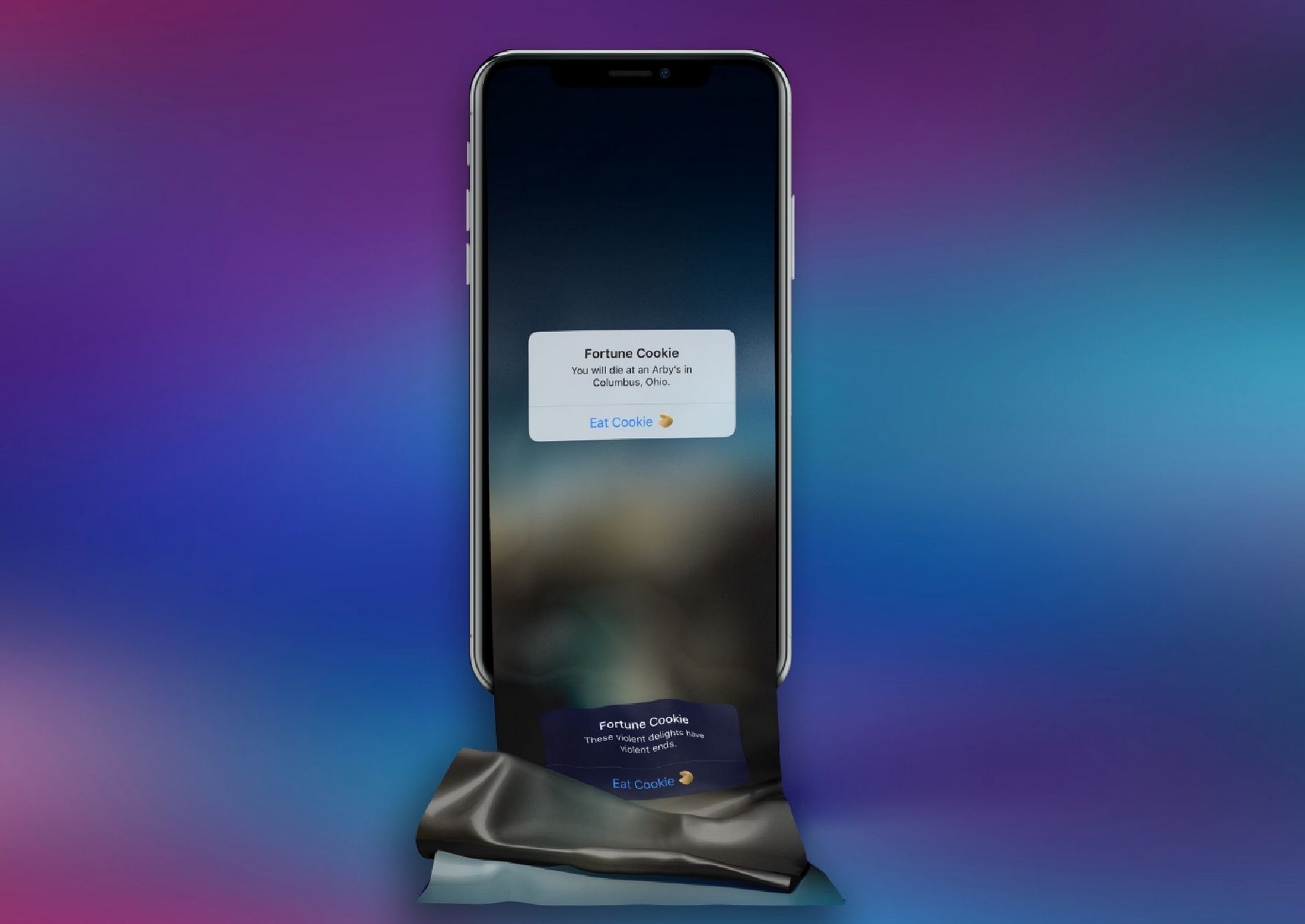
Love fortune cookies? This tweak offers fortunes without the cookie

Opening fortune cookies and reading the words of wisdom inside are one of my favorite parts about ordering takeout from local Chinese restaurants. On the other hand, it seems like one fortune is never enough and I’m always reaching deeper into the bag for a second.

If you’re anything like me and easily entertained by these so-called ‘fortunes,’ then you just might take a liking to a newly released and free jailbreak tweak called FortuneCookie by iOS developer alex_png. This tweak lets you receive free fortunes right on your iPhone without having to eat any unnecessary calories to get them.

This tweak lets you delete all iPhone alarms in one fell swoop

Whether you use alarm clocks to wake up every morning for work or you casually use them to wake up for special events that occur every so often, you might find yourself in a situation where alarm times change or you no longer need an alarm you’ve used previously.

If you use your iPhone as an alarm clock and find yourself in either of the two scenarios described above, then you might enjoy a newly released and free jailbreak tweak dubbed Delete All Alarms by iOS developer 0xkuj. Just as the name implies, this tweak lets you delete all your Clock app’s alarms in one fell swoop as opposed to deleting them one-by-one as Apple currently compels you to.

Cydia v1.1.33 resolves slow loading after this morning’s update

Cydia, the package manager that comes pre-installed on the checkra1n and unc0ver jailbreaks, received an update late last night to version 1.1.32 to resolve a sporadic crash that could occur if your metadata file became corrupted.

It didn’t take long after the update surfaced that users began reporting slow application loading, especially when refreshing sources. Fortunately, Sam Bingner has released a second update to Cydia Friday evening dubbed v1.1.33, which is meant to address that same slowness.