In this special episode, Cody and Sebastien compare their Home screens, the logic behind the placement of icons, and what apps they use the most.
What’s on Cody and Sebastien’s Home screens [Let’s Talk iOS #247]
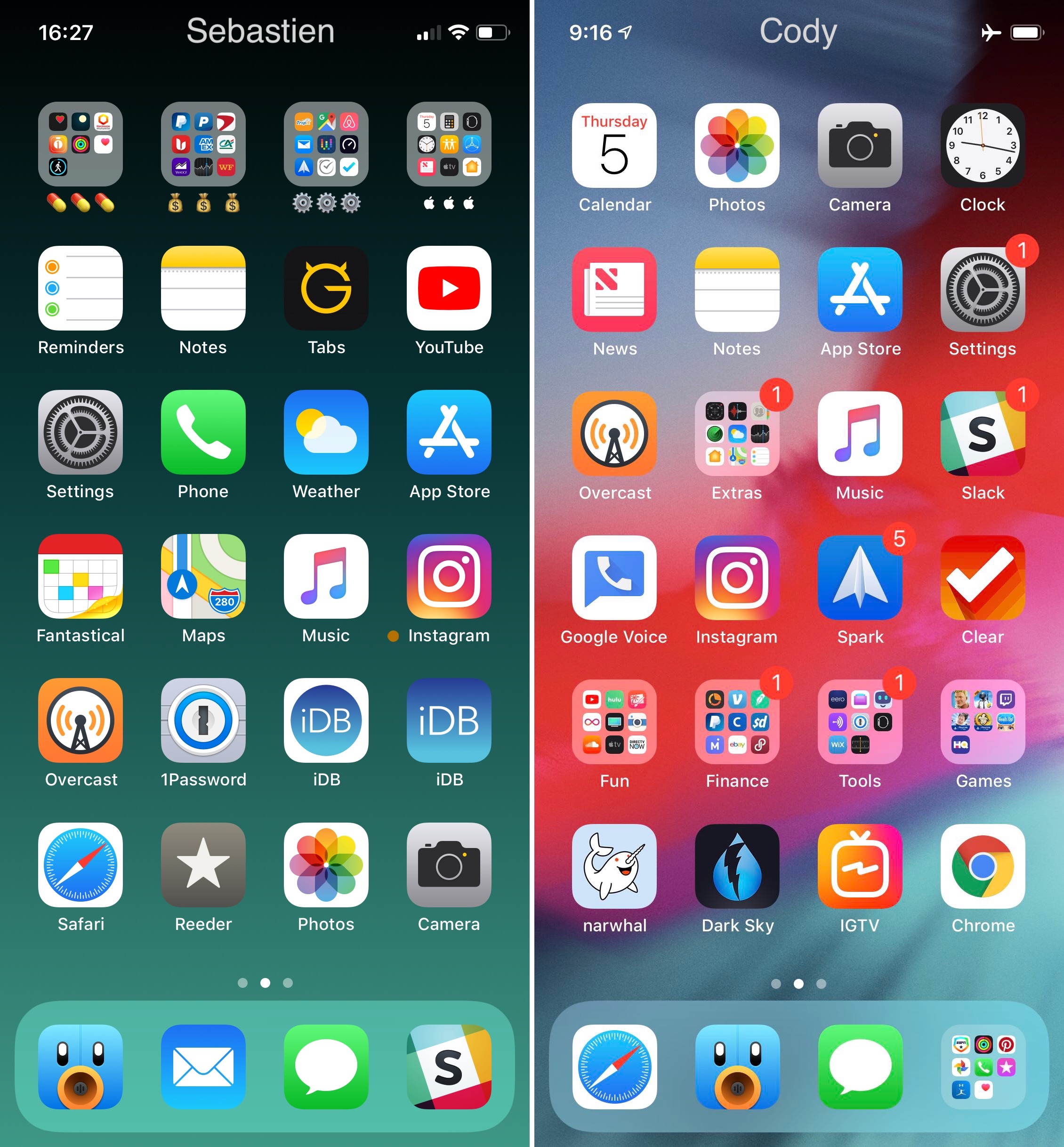
In this special episode, Cody and Sebastien compare their Home screens, the logic behind the placement of icons, and what apps they use the most.
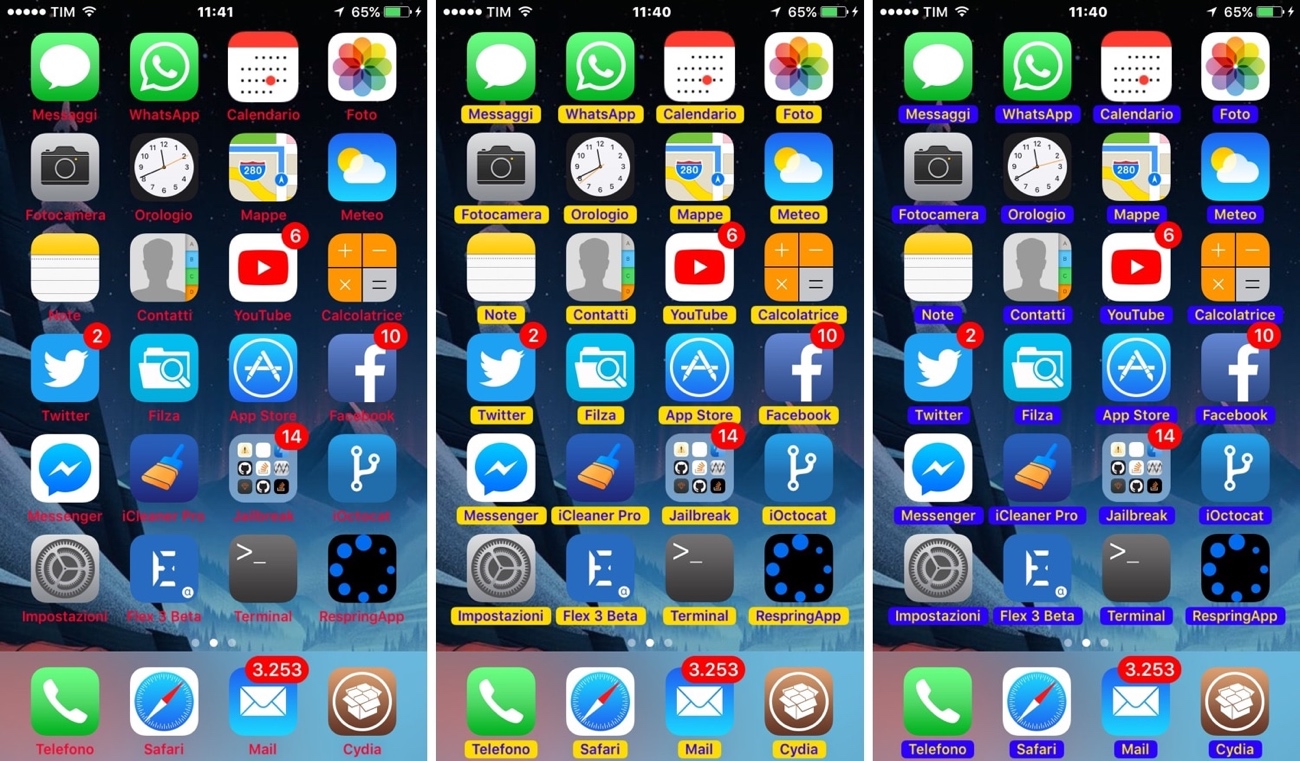
Apple designed the Home screen’s icon labels to be legible against most wallpapers out of the box, but some exceptions exist, especially when using third-party alternatives to the stock offerings. In other situations, users simply want something more expressive than just plain-Jane black or white.
Whatever the case may be, a new free jailbreak tweak called TintIconLabels by iOS developer CydiaGeek is here to help. Just as the name implies, TintIconLabels lets you adjust the appearance of your application icon labels.
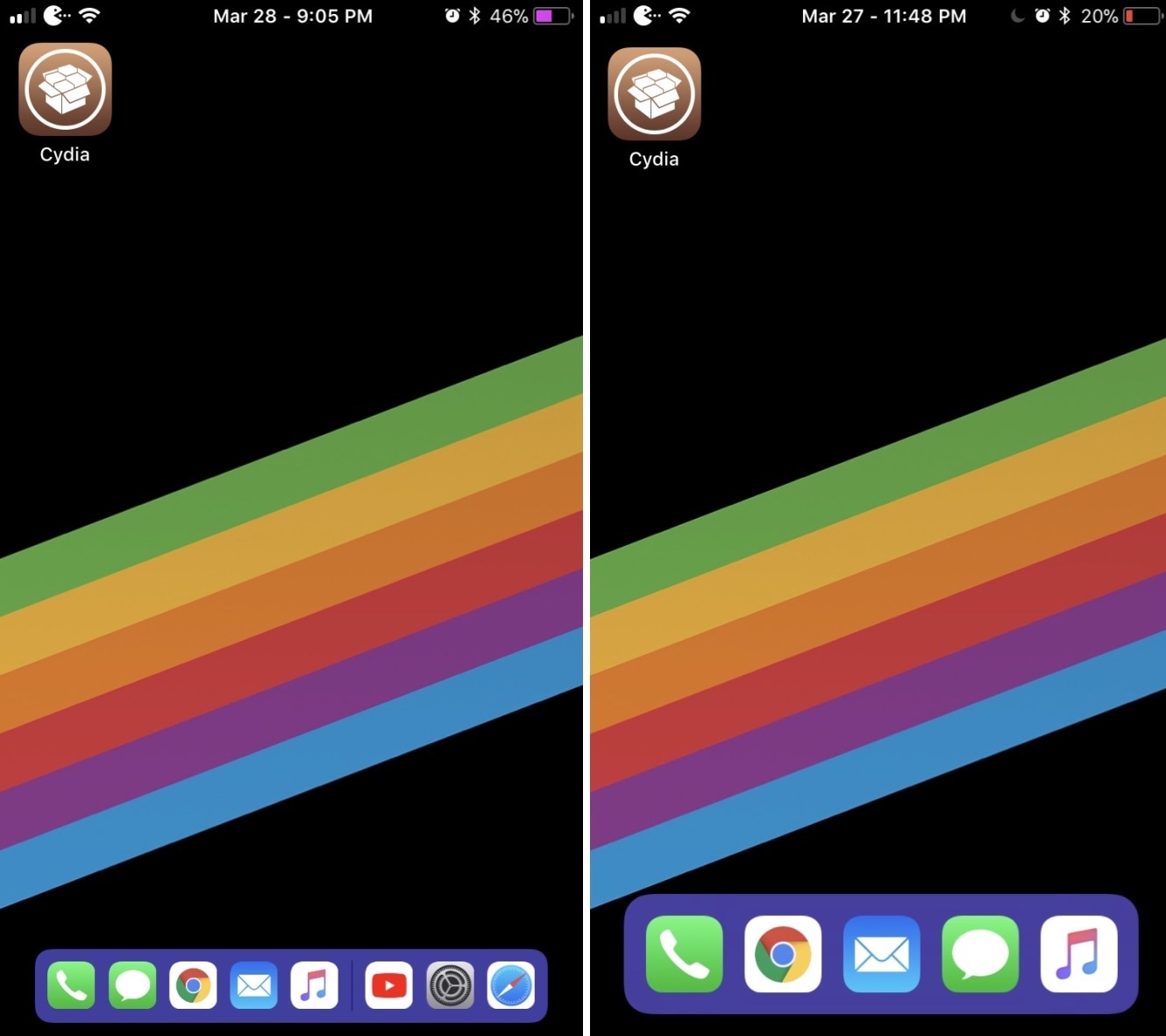
Starting with iOS 11, the Dock has become much smarter on the iPad. Not only does it serve as a spot for your favorite apps, but it can also suggest other apps based upon your usage.
Unfortunately, iPhone users don’t get the same treatment, but a new free jailbreak tweak dubbed FloatingDock by iOS developer Kiran Patil can change that.
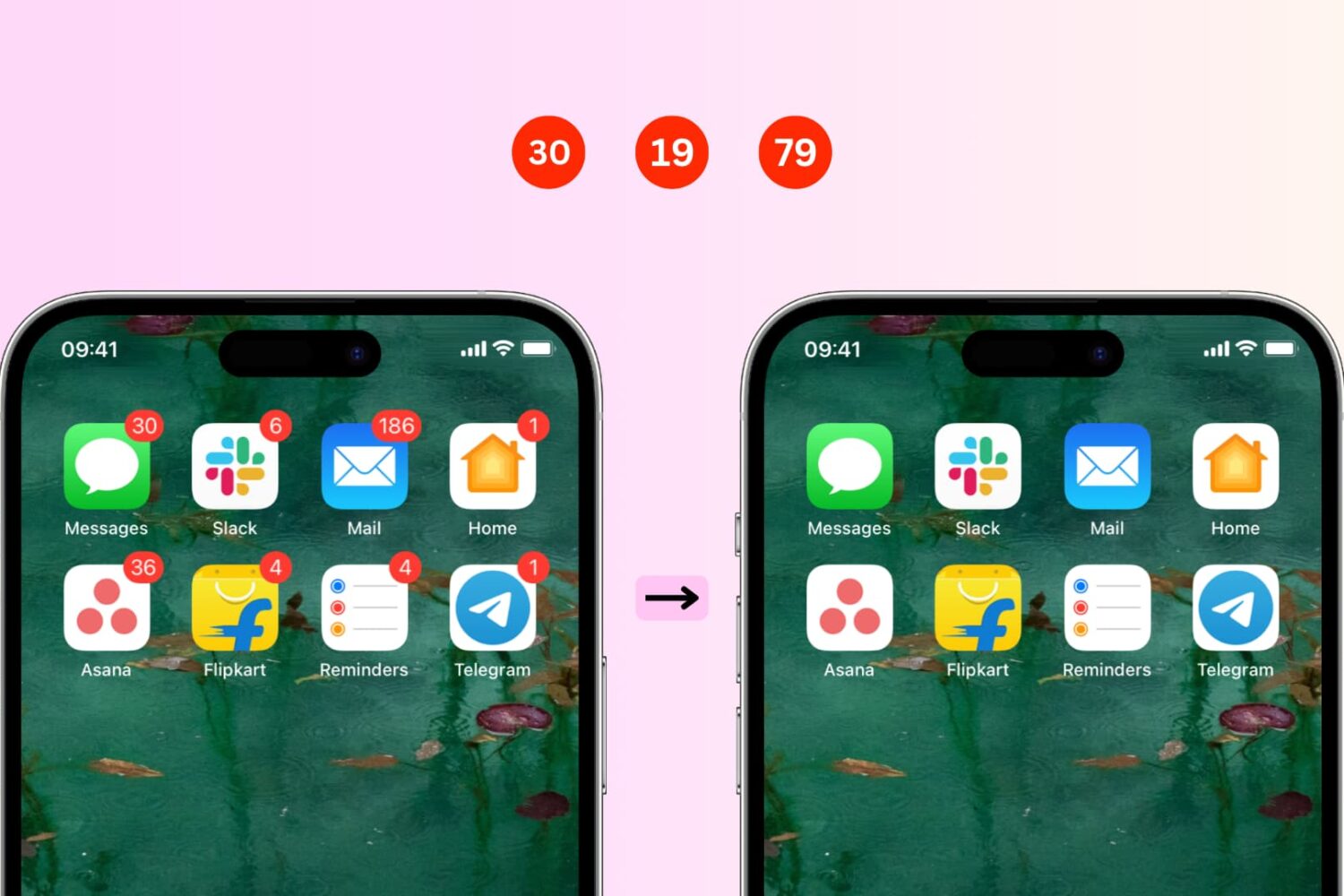
In this simple step-by-step guide, we’ll show you how to remove those pesky red notification badges on your iPhone or iPad app icons. We’ll also share some tips to follow if you don’t see the option to hide them in iOS notification settings.
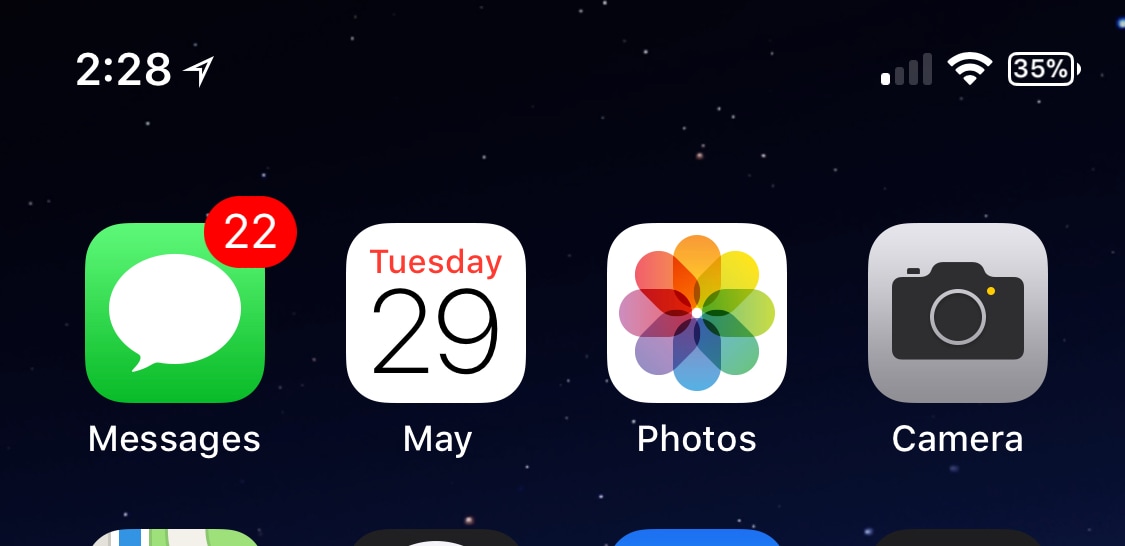
Quickly glancing at the Calendar app icon on your Home screen can be a fast and effective way to discern the date/day in a pinch, but iOS developer Maxwell Lang wanted to expand upon that idea with the release of a new free jailbreak tweak called Monthlicon.
As the name of the tweak implies, Monthlicon keeps you informed of the current month in addition to the date and day. It does so by replacing the Calendar app’s Home screen label with the name of the month.
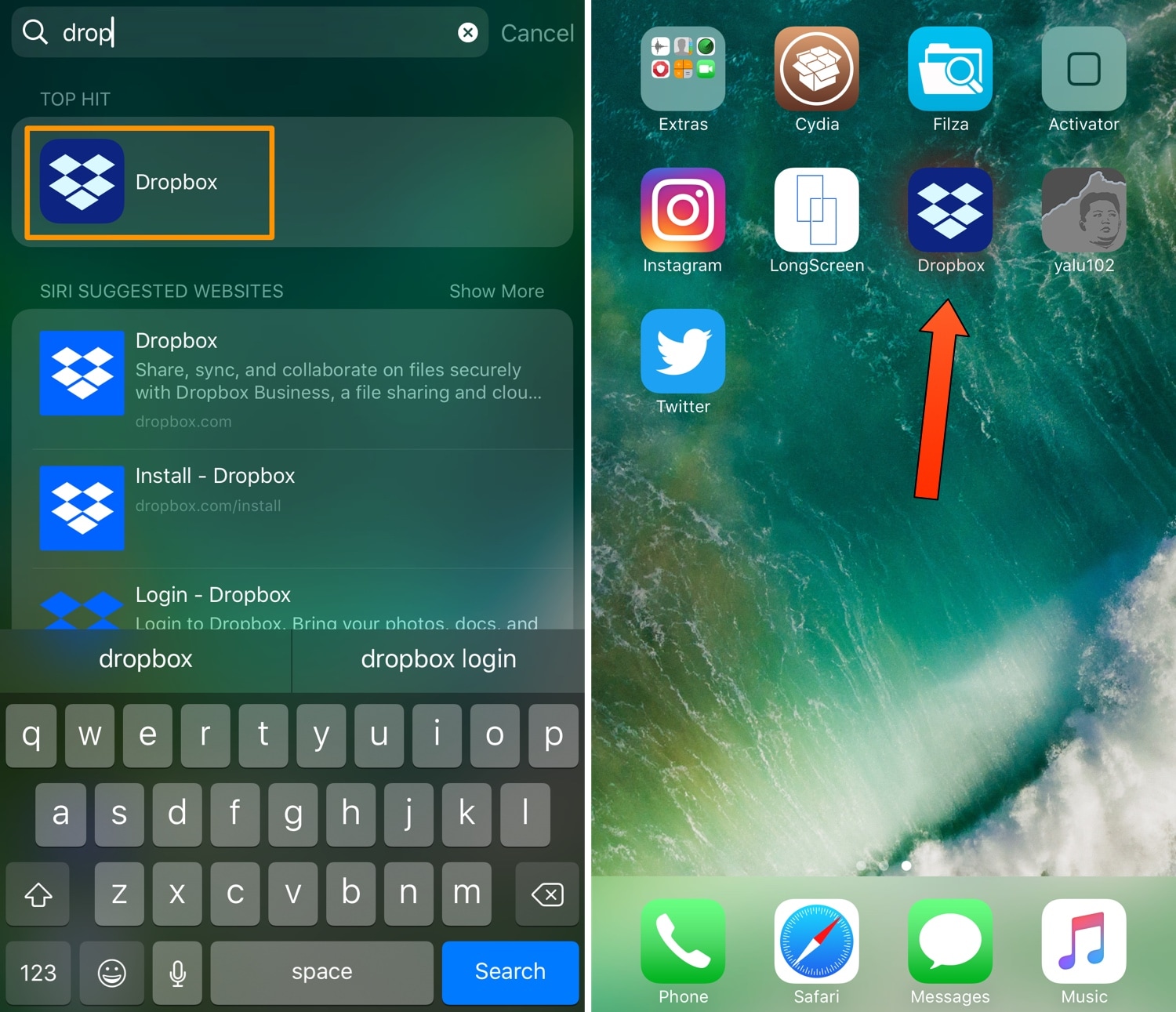
Home screen setups vary from one person to the next, but if yours is more cluttered than most, then perhaps you could benefit from a new free jailbreak tweak release called LeadMeHome by iOS developer LonestarX.
LeadMeHome aims to help you find app icons on your Home screen more efficiently. Whether you want to launch, move, or delete the app in question, LeadMeHome saves you the time and hassle of searching several pages’ worth of app icons with a fine-toothed comb.
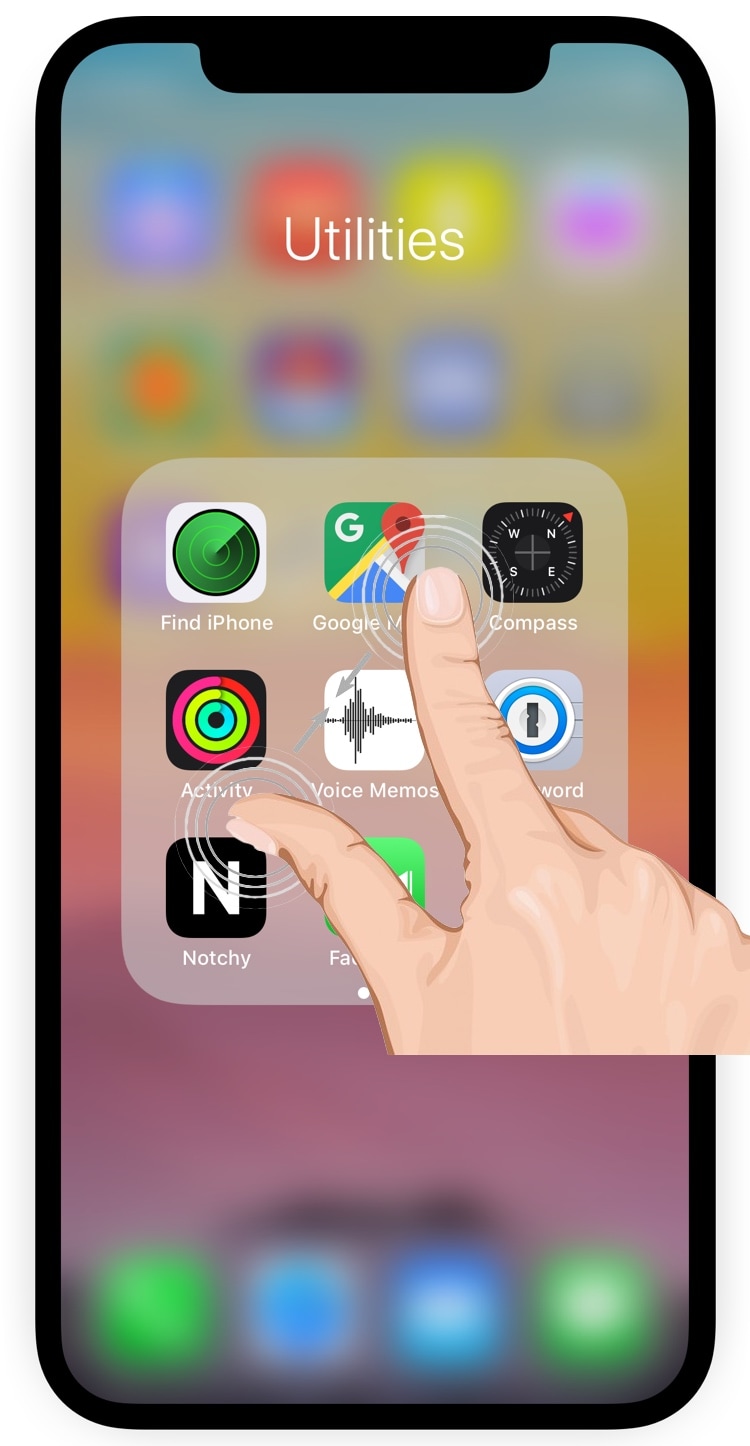
Folders can be convenient for keeping your iPhone or iPad’s Home screen methodical, but Apple could have put more thought into the folder-closing experience; more specifically, the gesture used to exit an open folder.
Fortunately, the jailbreak community now offers the perfect solution. A new free jailbreak tweak dubbed PinchToCloseFolders by iOS developer Maddox lets you close out of folders with a simple pinch gesture.
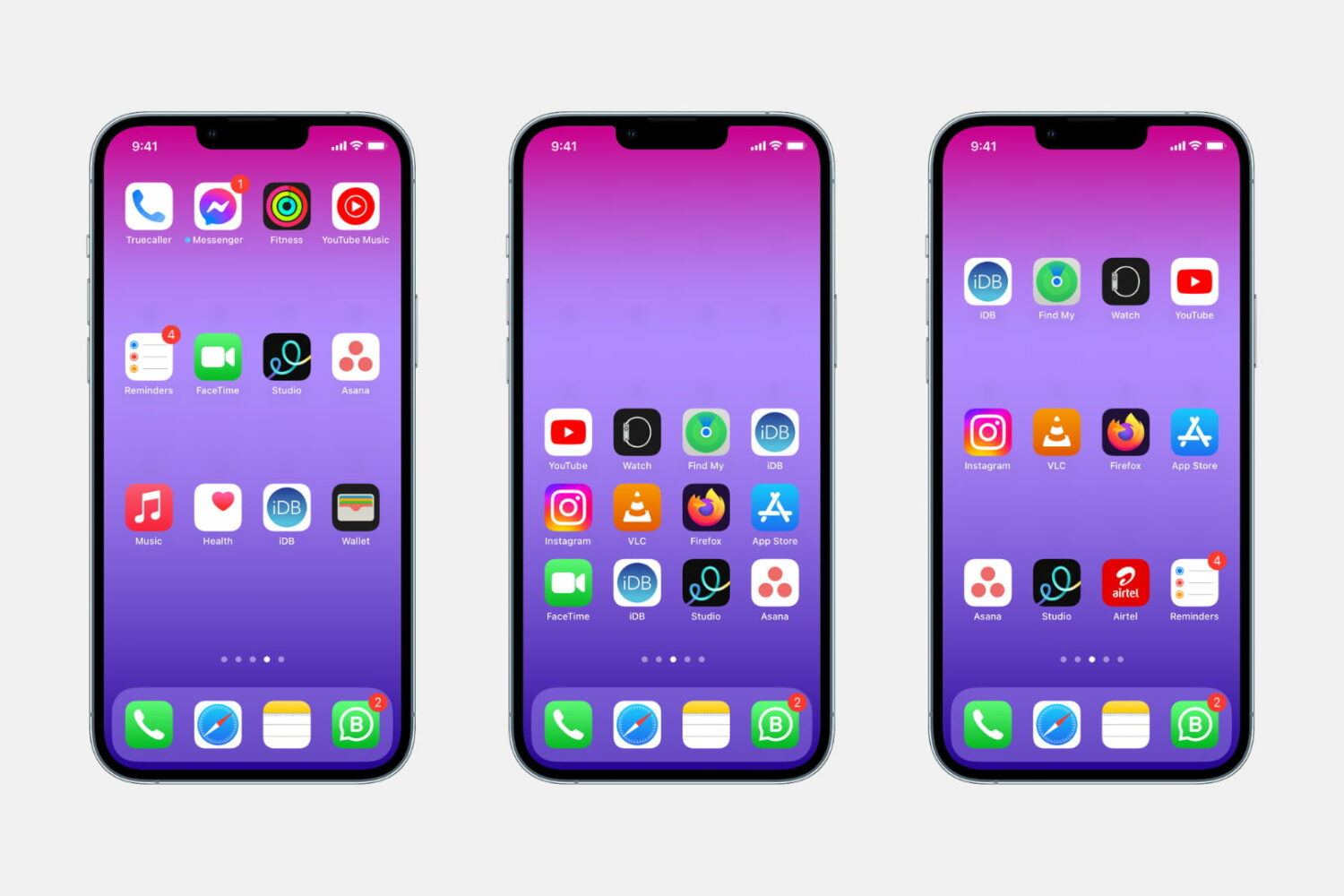
Whether you want to show off your beautiful wallpaper or simply want your setup to look different from the millions of other iPhones out there, one of the best ways to do that is to use widgets, create a blank Home Screen with no app icons, or add blank icons to your Home Screen. In this tutorial, we will focus on the latter.
These invisible icons will allow you to create empty spaces on your Home Screen to either let the wallpaper shine or arrange your app icons in a very specific way. For example, you can place all the empty icons on the top, which will push your meaningful app icons down, making them easier to reach when using your iPhone in one-handed mode.
This tutorial will show you how to create blank, transparent iPhone icons with no jailbreak required.
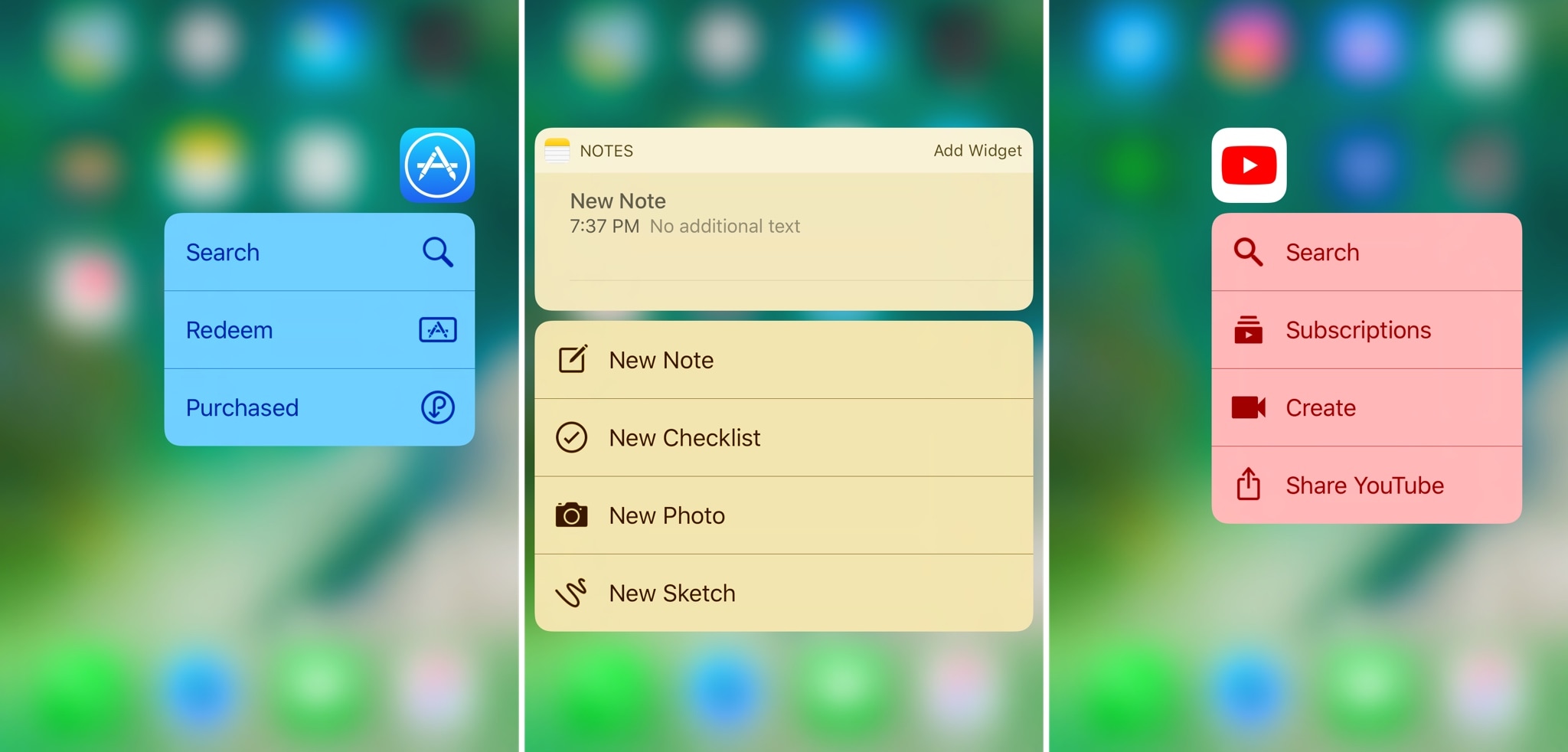
Anyone with an iPhone 6s or newer can use 3D Touch gestures on their Home screen icons to access Quick Action menus with various app shortcuts. As useful as they can be, these menus can look incredibly bland on stock devices.
A new free jailbreak tweak called SB3DTouchColor by iOS developer Cole Cabral improves the aesthetic of these menus. It does so by colorizing them to match the dominant color of the respective app icon.
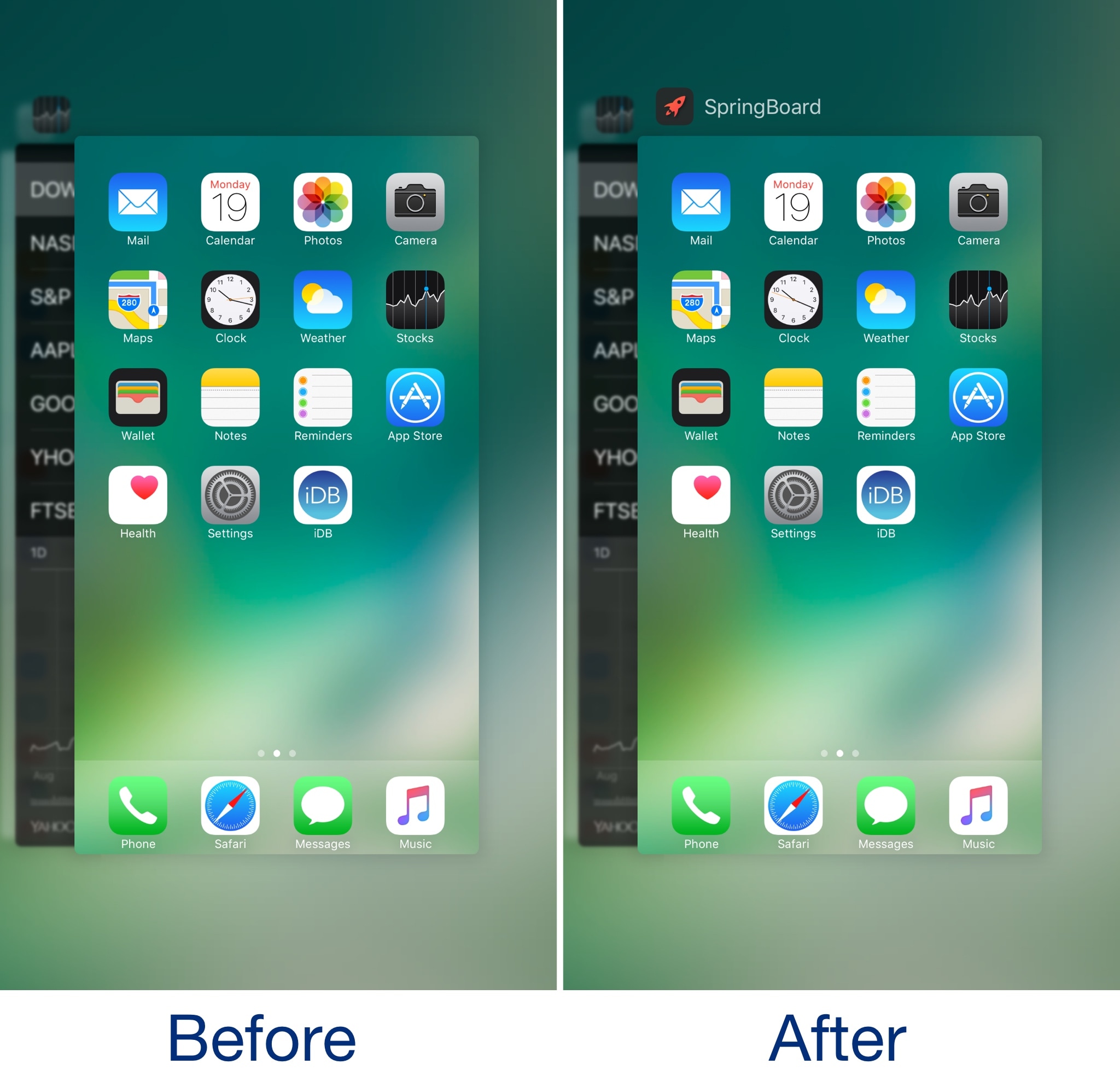
Whenever you use the App Switcher on your iPhone or iPad, every card that you can swipe between sports an icon and label, except for the one that represents your Home screen.
A new free jailbreak tweak called RocketScience by iOS developer rollerorange attempts to fix this inconstancy by providing the Home screen card with its own icon and label.

A new report from Ina Fried over at Axios says Apple has pivoted their upcoming plans for iOS. Instead of several new features making their debut this year, Apple will put a higher priority on performance and quality, delaying the majority of new features until next year.
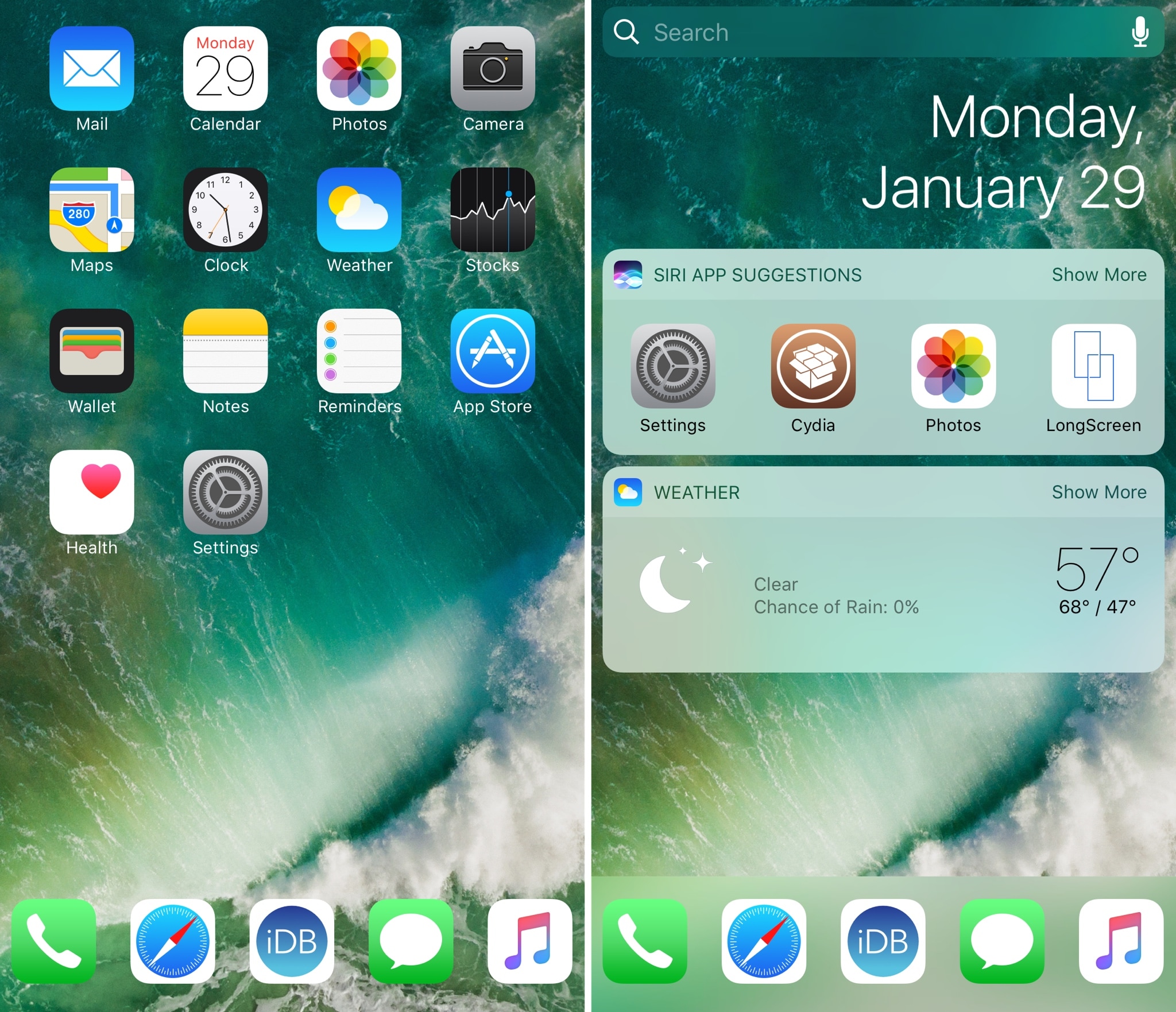
Customizing the application Dock has always been a favorite past-time for jailbreakers, and a new free tweak dubbed Marina by iOS developer CydiaGeek takes that notion into consideration.
Out of the box, Marina lets you customize the number of apps in your Dock and change how it displays on your Home Screen. Imbued with these abilities, you can make your dock both more functional and better-looking than it would be on a stock device.