Learn how to set up and use the camera timer on your iPhone to capture perfect group shots or selfies without rushing.
How to set up and use the camera timer on iPhone

Learn how to set up and use the camera timer on your iPhone to capture perfect group shots or selfies without rushing.

The popular Halide Camera app has enabled focus and exposure controls via the new Camera Control capture button on the iPhone 16 line.

One of the things the Camera Control button can do is switch between front and rear cameras by a combination of double-press and swipe gestures. If you’ve never tried it out, we’ll show you how to do that.

A feature that I use all the time when recording videos on my iPhone is the still capture button. This button allows you to capture a still frame as a photograph file even as you continue recording a video, and it doesn’t interrupt the video recording process in any way.

Starting with iOS 18, iPhone users can finally tap a pause button to temporarily suspend video recording in the Camera app while in the middle of capturing video. They can then easily resume video recording to build upon the existing video file instead of making an entirely new one.

In addition to the recently released CameraModes jailbreak tweak that iOS developer PoomSmart recently released for controlling which shooting modes do and don’t appear in your device’s native Camera app, the developer has also released a new and free jailbreak tweak called EModeji that replaces the names of your Camera app’s shooting modes with Emojis.

There are several different modes you can utilize in the Camera app for capturing photographs and recording videos, but people seldom use every single one, resulting in what feels like a bloated Camera app experience that some users may feel like paring down to a less-bloated state.
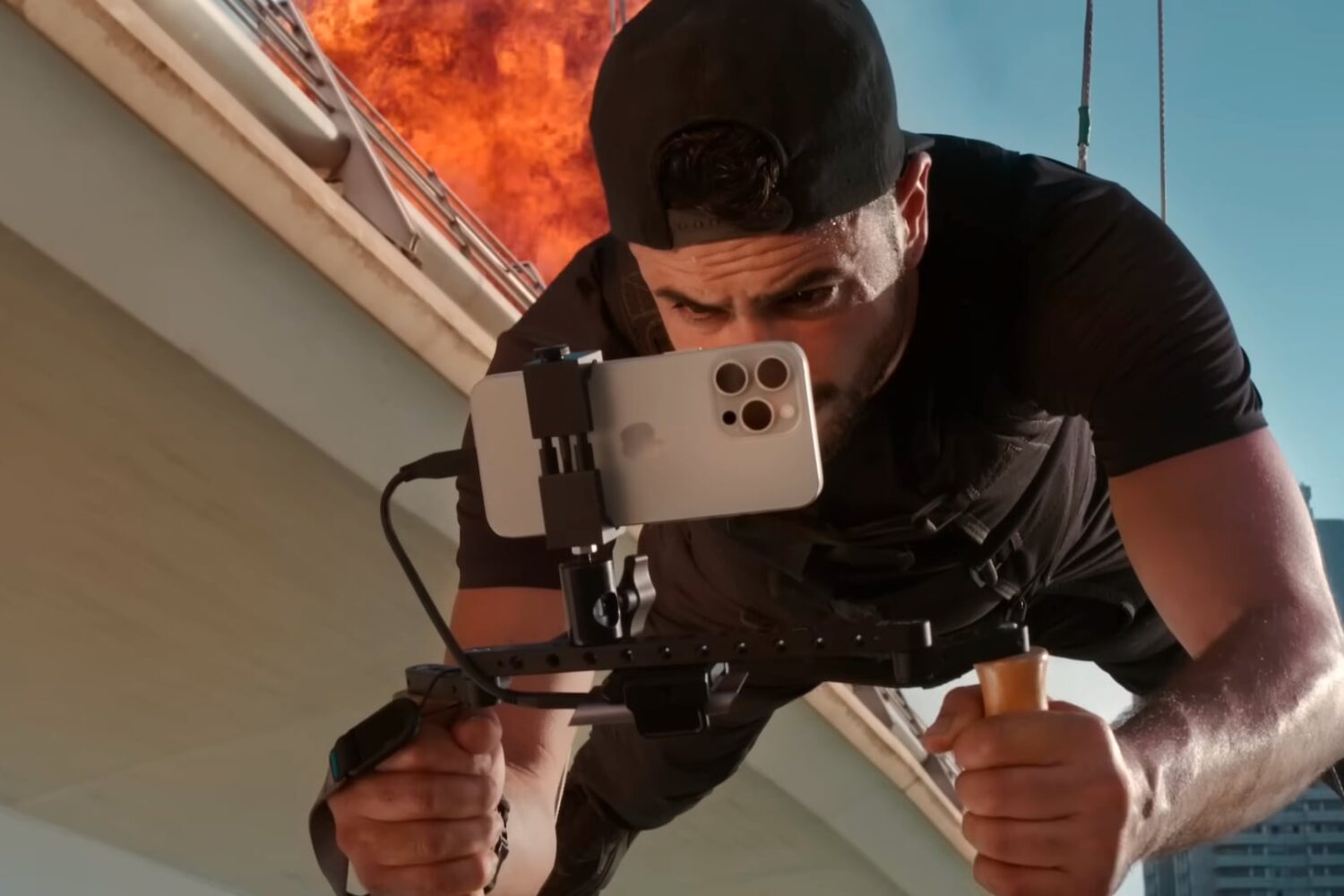
The upcoming iPhone 16 Pros should boost their cameras to let you capture 4K video with double the frame rate at 120 frames per second (fps).

In this troubleshooting guide, we’ll explain what to do if the photos and videos you take on your iPhone or iPad do not contain location information.

Apart from exposure-changing and color-grading software like Adobe Lightroom, Topaz Photo AI is perhaps one of my most-used tools when editing RAW photographs fresh off the camera sensor. Its powerful AI-based photo enhancement features can help polish even some of the slightest photographer mistakes, making a ‘halfway there’ photograph look more like a completed masterpiece.

iOS developer PoomSmart is out with another jailbreak tweak this week dubbed CamElasped+ that displays sub-seconds in the Camera app’s timer when the user begins recording video.