Guide to futurerestore: Introduction

This is an introductory article which explains what futurerestore is and how it works, as well as how to follow our futurerestore guides to upgrade/downgrade your device.

Before attempting any of the guides, everyone should read this article. It explains whether the guides apply to you, and if they do, which ones you should follow, as well as making sure that you fulfil the requirements for it to work. Not everyone can use futurerestore.

Guide to futurerestore Part 1: How to set a generator

This is Part 1 of a two-part guide on how to use futurerestore.

Before attempting this guide, everyone should read the introductory article, Guide to futurerestore: Introduction. It will explain whether this guide applies to you, as well as making sure that you fulfil the requirements for it to work.

If you currently have a jailbreak and you want to move to a different firmware with futurerestore’s generator mode, you must follow this guide first before following Part 2.

If you currently have no jailbreak, and you want to move to a different firmware with futurerestore’s Apnonce collision mode, you can skip this guide and head straight to Part 2. This method does not apply to most users.

Guide to futurerestore Part 2: How to use futurerestore to restore to unsigned firmwares

This is Part 2 of a two-part guide on how to use futurerestore.

Before attempting this guide, everyone should read the introductory article, Guide to futurerestore: Introduction. This will explain whether the guides apply to you, as well as making sure that you fulfil the requirements for it to work.

If you currently have a jailbreak and you want to move to a different firmware with futurerestore's generator mode, you must follow Part 1 of the guide before following Part 2.

If you currently have no jailbreak, and you want to move to a different firmware with futurerestore's Apnonce collision mode, do only this part of the guide. This method does not apply to most users.

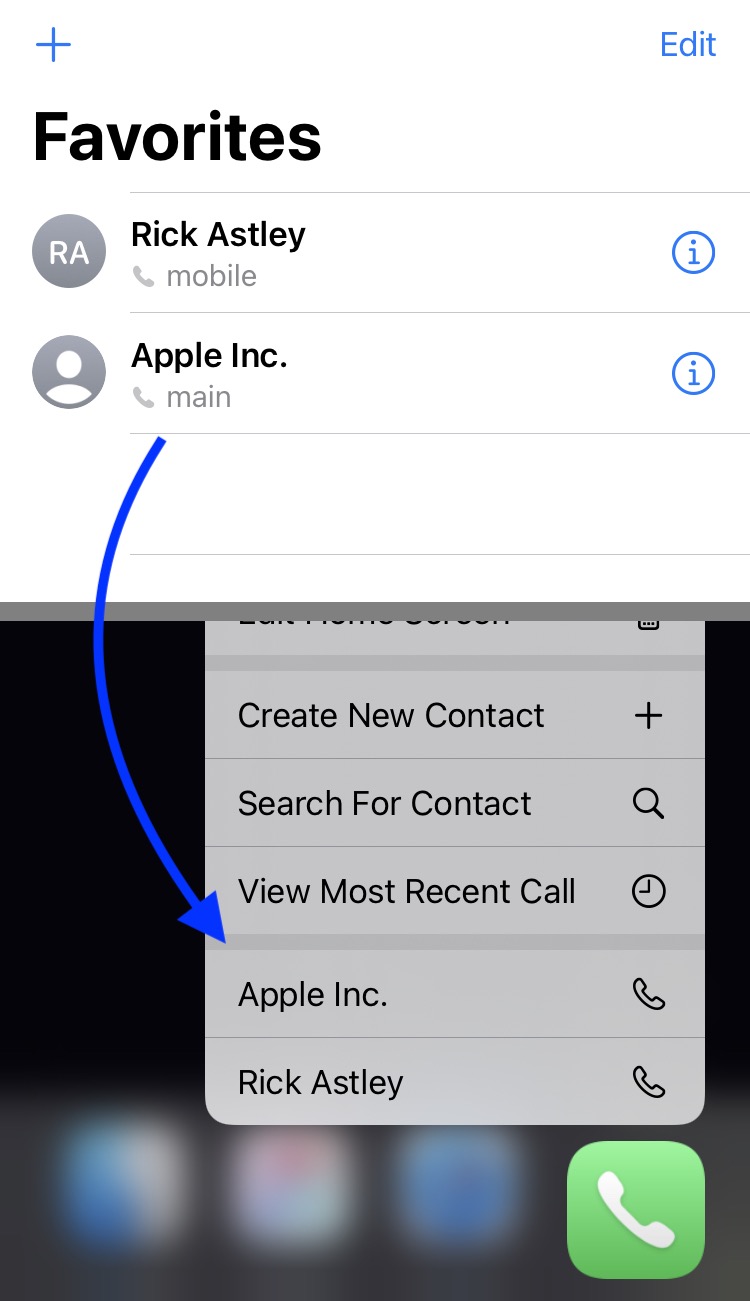
CallFavorites lets iOS 14 users dial favorite contacts via a Haptic Touch gesture on the Home Screen

We all probably have at least a few favorite contacts saved on our iPhones, whether it’s close family or our best of friends. Fortunately, Apple allows you to set up favorite contacts in the Phone app so that it’s easier to get in touch with them when life necessitates it.

Designating a contact as a ‘favorite’ contact in the Phone app moves that person’s contact information to the dedicated Favorites tab at the bottom of the app, but if you were looking for even more added convenience, then we think you’ll come to appreciate a newly released and free jailbreak tweak called CallFavorites by iOS developer pixelomer.

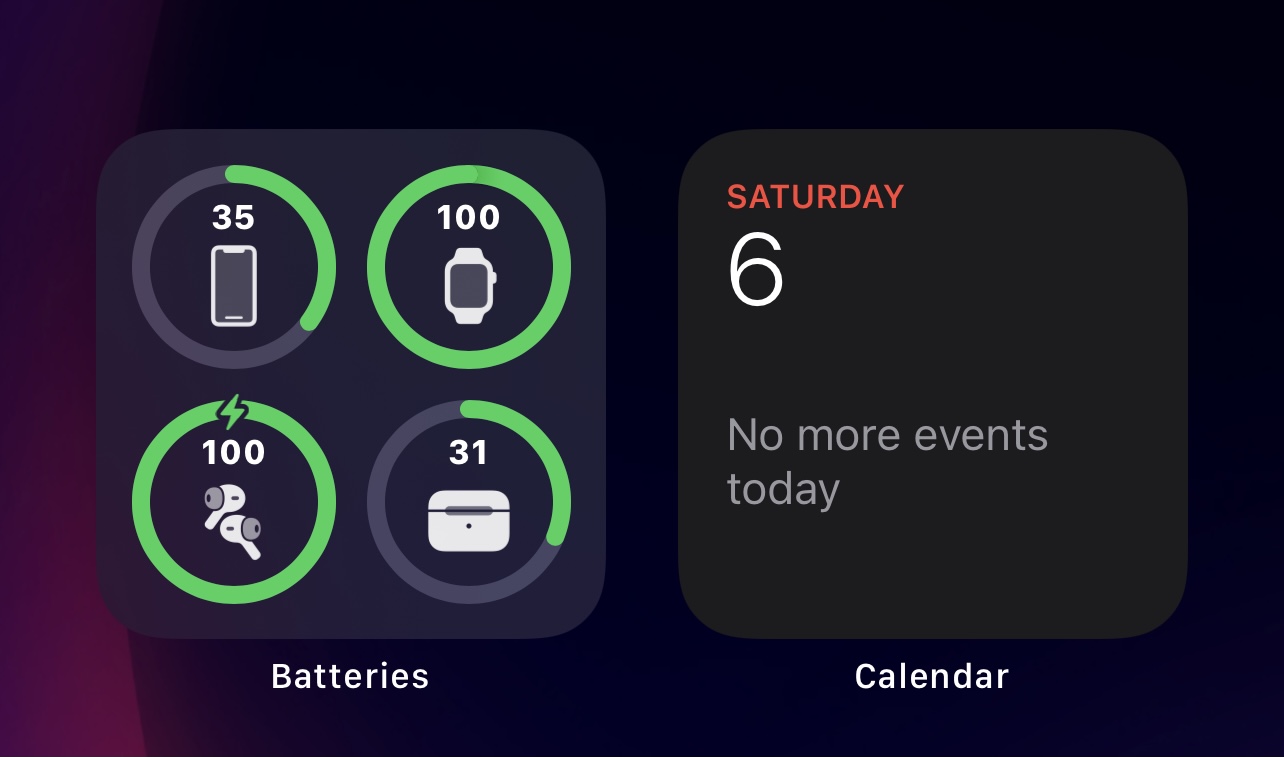
RingPercentLabel adds battery percents to items in iOS 14’s Battery widget

It was only a couple of days ago that we showed you a free jailbreak tweak called CompactBatteryAvocado, which improved the overall look and feel of iOS & iPadOS 14’s native Battery widget by adding numeric battery percentage labels to each item that appears inside of it.

But as it would seem, CompactBatteryAvocado isn’t the only jailbreak tweak in town that can serve the aforementioned purpose. Enter RingPercentLabel, an alternative to CompactBatteryAvocado by iOS developer P2KDev that serves the same purpose, albeit with a slightly different aesthetic.

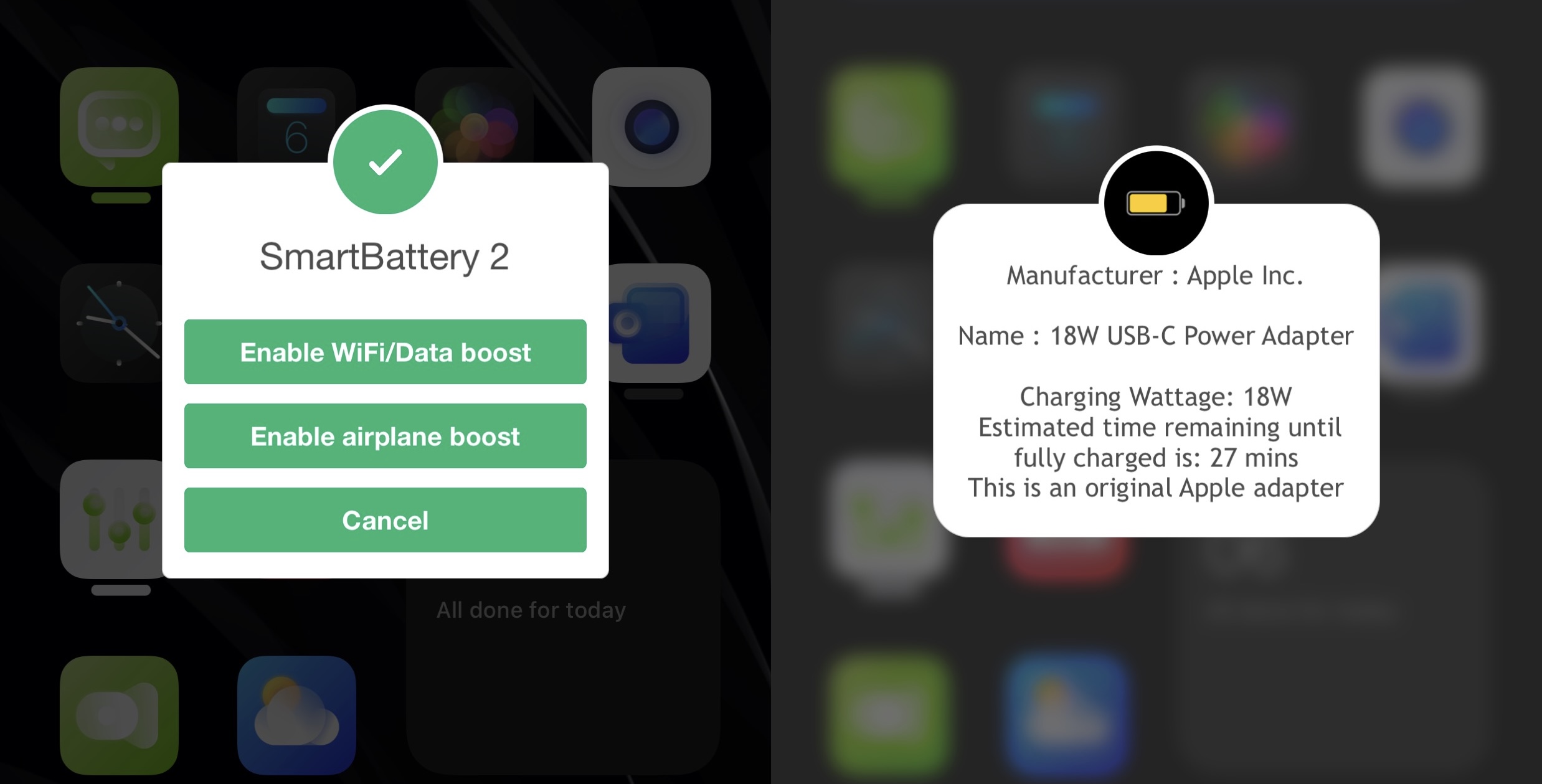
SmartBattery 2 gives jailbreakers more control over their handset’s battery & device behavior

SmartBattery iOS 15

One of the things that most iPhone users pay close attention to is their battery consumption. Apple likes to insinuate all-day battery life for most of its iPhones, but the unfortunate reality is that most activities drain substantially more battery than we’re led to believe, such as online gaming, operating the device in a low signal environment, using the device as a personal hotspot, and so on.

To help combat the issue of a draining battery, some users carry external battery packs or extra charging cables on or about their person to ensure that they’ll always have a way to keep their handset alive throughout a demanding day. But why do that when you can fine tune your handset’s software to keep the battery powering your handset even longer?

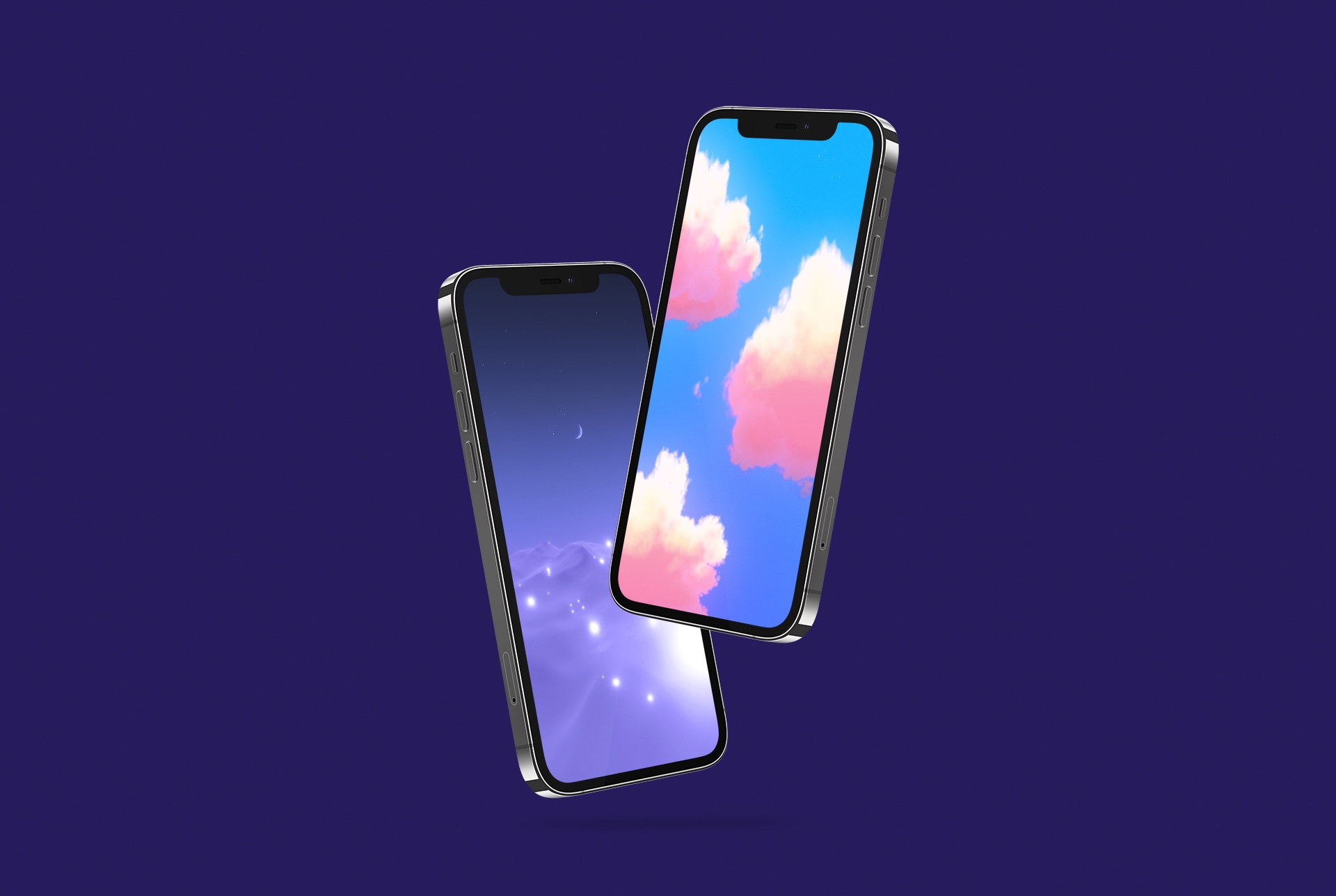
Fantasy cloud iPhone wallpapers from sunset to moonrise

iDownloadloadBlog's Wallpapers of the Week collection is updated every single Sunday. Rain or shine. Gathering up the best wallpapers from around social media and the net, you can find photo quality images for your iPhone, iPad, and Macs. Whenever possible, we feature original artists' work and today fits within that category. We have an original set of fantasy cloud iPhone wallpapers; from sunrise to midnight, these simplistic images make great backgrounds.

Jailbreak tweaks of the week: HomePlus Pro, SmartNetwork 2, Xenon, & more…

With so much happening in the jailbreak community recently, especially with regard to the unc0ver jailbreak picking up support for iOS & iPadOS 14.0-14.3, it’s a great time to get involved in the community. Whether you’re new to jailbreaking, returning after a short hiatus, or simply looking forward pwning your handset on the latest firmware, then you’ve come to the right place.

In this roundup, we’ll showcase all the latest jailbreak tweaks and news tidbits from the week spanning Monday, March 1st to Sunday, March 7th. As usual, we’ll talk about our favorite releases first and then wrap things up with an easy-to-digest outline of everything else afterward.

Unc0ver jailbreak updated to version 6.1.1 with additional bug fixes and improvements for iOS 14

Ever since the unc0ver jailbreak added support for iOS & iPadOS 14.0-14.3, the tool has received a steady stream of updates from lead developer Pwn20wnd with various bug fixes and performance improvements to improve the performance and stability of the jailbreak experience overall.

While unc0ver v6.1.0 was recently released to resolve all known issues with its iOS & iPadOS 14.0-14.3 support, it seems that more room for improvement was discovered following that release, as the tool was just updated again to version 6.1.1 this afternoon.

How often do you use Siri?

Siri answering sports question

Siri is available on every major Apple platform, such as iPhone, iPad, Apple Watch, Mac, Apple TV, HomePod and Vision Pro. It's also available in your car through CarPlay. So, the question arises: do you use it, and if so, how often?