macOS High Sierra public beta 2 drops

Aside from releasing iOS 11 public beta 2, Apple this morning posted a second public beta for macOS High Sierra. It has the same features (and bugs) like developer-only beta 3 seeded to registered developers and members of the paid Apple Developer Program two days ago.

To install the public beta of High Sierra on your computer, sign up for Apple's Beta Software Program by signing in with your Apple ID in Safari on your Mac at beta.apple.com

Next, click the “Enroll Your Devices” link on the webpage to download the macOS Public Beta Access Utility, which will enable your computer to receive public beta software through the Software Update mechanism via the Mac App Store's Updates tab.

To check if your computer is enrolled in the beta program, open System Preferences and click the App Store icon. A message will appear saying "your computer is set to receive beta software update" if your Mac is enrolled in the program.

macOS High Sierra includes new features like the Apple File System, support for the new High Efficiency Video Codec (HEVC), also known as H.265, an updated version of Metal with support for VR applications and external GPU enclosures, Safari 11 with new anti-tracking features, support for flight status information in Spotlight, more natural voices for Siri and more.

FaceTime, Messages, Notes and other stock apps have been updated with various enhancements, including the Photos app which now has a new sidebar, curve-based editing and support for editing in third-party apps like Pixelmator and Photoshop.

High Sierra will release for public consumption this fall for supported Mac models.

Second public beta for iOS 11 is out now

Apple on Wednesday released iOS 11 public beta 2, which has the same features as a third developer-only beta that was seeded to developers two days ago.

Before it can be installed on your device, you must sign in with your Apple ID at beta.apple.com in order to enroll your iOS device to access the latest public beta of iOS 11.

Next, from your iOS device visit beta.apple.com/profile to download the configuration profile.

Follow the onscreen instructions to allow installation of the profile, which will permit your iOS device to automatically receive over-the-air public beta software updates.

Lastly, go to Settings → General → Software Update to install the public beta.

Screenshot via Joey Antonini

You're wholeheartedly recommended to perform a full iCloud or iTunes backup of the device before installing any beta software. Do not install the iOS 11 public beta on your daily driver.

Here's our overview of the changes in the iOS 11 public beta 2.

https://www.youtube.com/watch?v=bixdLWqPIvA

Subscribe to iDownloadBlog on YouTube

For the complete list of all the changes in iOS 11 public beta 2 and developer-only iOS 11 beta 3 (which, again, have the same features), check out our previous article.

iOS betas are typically riddled with bugs and various issues until a Gold Master candidate is released ahead of public launch. You've been warned—performance issues, crashes, battery drain and various other problems and hiccups are a commonplace with iOS betas.

Apple typically optimizes iOS for speed and power consumption close to launch.

To report any issues and bugs to Apple, use the included Feedback Assistant app. The iOS 11 software update will release to everyone this fall.

PayPal for Apple ID expands to 11 markets, now with support for Apple TV & Apple Watch

PayPal announced today that it's expanding support for App Store and other purchases made with Apple ID across Apple devices to eleven new markets, including the United Kingdom, Germany, France, Italy, Austria, Spain, Canada, Mexico, Israel and Australia.

The roll out began today in Canada and Mexico, with other markets including the US due soon.

Before today, the PayPal option was limited to customers in the United States with limited integration requiring a credit card on file with PayPal as a linked method of payment.

As part of an expanded partnership with Apple, your App Store purchases can be now deducted directly from your PayPal account. The new system provides a “secure and versatile payment method to meet the growing demand for digital entertainment,” in PayPal's own words.

Adding PayPal as a payment method now works in the App Store, iTunes Store and iBooks Store apps for iPhone, iPad and iPod touch: just go to Settings → iTunes & App Stores, tap your Apple ID in the list and choose payment information to link PayPal with your Apple ID.

Previously, customers had to go through iTunes for Mac and Windows PCs to configure their Apple account for PayPal integration. Once PayPal has been selected, all future purchases with the customer's Apple ID will be automatically charged to their PayPal account, including:

Apps on App Store and Mac App Store Apple Music subscriptions Music, movies, TV shows, ringtones and more on iTunes Store Books on iBooks Store iCloud storage upgrades

As a bonus, the feature now supports PayPal's One Touch technology,

One Touch skips the PayPal login screen at checkout after the first use as long as you’re in the same device or browser. In other words, after buying something using your Apple ID from App Store and other stores, One Touch will skip the password field that PayPal normally requires.

More importantly, One Touch allows for simple purchasing from all Apple devices—including your Apple TV and Apple Watch for the first time—since you no longer need to provide your PayPal credentials for every purchase.

Both new and existing customers will be able to switch their account to use PayPal as the default method when the feature goes live in their market.

For more information on how to set up PayPal with your Apple ID account on your iOS device, visit paypal.com/ituneslaunch.

The best thing about using PayPal as a payment method on App Store and elsewhere is the fact that you can add credit cards to your PayPal account to use with your Apple ID without having to enter any financial details into your Apple ID account.

Fantastical for Mac gains attachment and travel time support, time to leave alerts & more

Developer FlexiBits today released a major update to the Mac edition of its award-winning calendar application, Fantastical, that you may be familiar with.

Version 2.4 brings a host of improvements, including new features like time to leave alerts, attachment support for iCloud and Exchange calendar events, undo/redo and more.

You can now view, create, and edit attachments on iCloud and Exchange (or view them on Google Calendar). With this feature, you can attach things like images, videos, Keynote presentations and other files to your calendar events.

The feature works on other CalDAV servers that support managed attachments.

https://www.youtube.com/watch?v=s2lJ5p8hd8A

Another new feature, aptly named Travel Time, allows customers to receive notifications when they need to leave to help ensure they reach an event on time. You can even define your own travel time so you can plan how long it will take to reach an event.

https://www.youtube.com/watch?v=_tVOwXgnipE

Fantastical 2.4 also improves invitation support for Google Calendar and Exchange with response messages, invitation guest count for Google, the ability to forward Exchange invitations and the option to respond to Exchange invitations without sending a reply.

TUTORIAL: How to create app-specific passwords for Fantastical and other apps

The app includes a bunch of refinements and under-the-hood fixes, like full undo/redo support for adding, editing, and deleting events and reminders, the ability to combine identical events that are on multiple calendars, to mention a few.

There's also a new More link in the Month view to show additional events and reminders, Facebook push updates are now instantaneous while new options in preferences at long last permit you to customize the number of weeks per month.

Have a look at everything new in Fantastical 2.4 for Mac.

https://www.youtube.com/watch?v=GZm3PWDBh5k

Last but not least, you can now forward invitations to other people on Exchange accounts, see the year of the anniversary for contacts and respond to an Exchange invitation without sending a message to the sender by clicking and holding the Accept, Decline or Maybe buttons.

Fantastical requires macOS El Capitan 10.11 or later.

Current users can get the update for free via the Mac App Store's Updates tab or through the in-app updater if the app was purchased directly from the Flexibits Store.

Fantastical 2.4 for Mac is $49.99 on Mac App Store.

A three-week trial is available via the Flexibits website.

Apple unveils 2017 Back to School deals: free Beats with select iPad Pro & Mac purchases

Apple on Wednesday announced its 2017 Back to School promotion for customers in the United States and Canada. Students, teachers and university staff members will get a free Beats Solo3 wireless headphones when they purchase an eligible Mac with education pricing, including the MacBook, MacBook Pro, MacBook Air, iMac and Mac Pro models.

If you opt for a 10.5-inch or 12.9-inch iPad Pro, Apple will treat you to a free BeatsX wireless earphones or you can pay $50 extra to get a Powerbeats3 in-ear headphones or $150 extra for the Solo3 on-ear wireless headphones.

The Solo3 headphones are a great choice because they contain Apple's W1 chip for more reliable connections, better sound quality and longer battery life compared to Solo2.

The 2017 Back to School deals area available to students enrolled in college, parents, teachers and faculty members. Verification is required at checkout.

Apple also recommends Back to School accessories such as AirPods, Apple TV and more.

Plus, students can take advantage of existing Apple Music deal with a monthly subscription available to eligible students half price at just five bucks per month, or sixty bucks per year.

The Back to School promotion for customers in Australia, New Zealand and Japan went live back in January. It offered an Apple Store credit in exchange for a qualified iMac, Mac Pro, MacBook/Air/Pro or iPad Pro purchase made from February 7 to March 16.

Interactive HomeKit demos hit Apple Stores

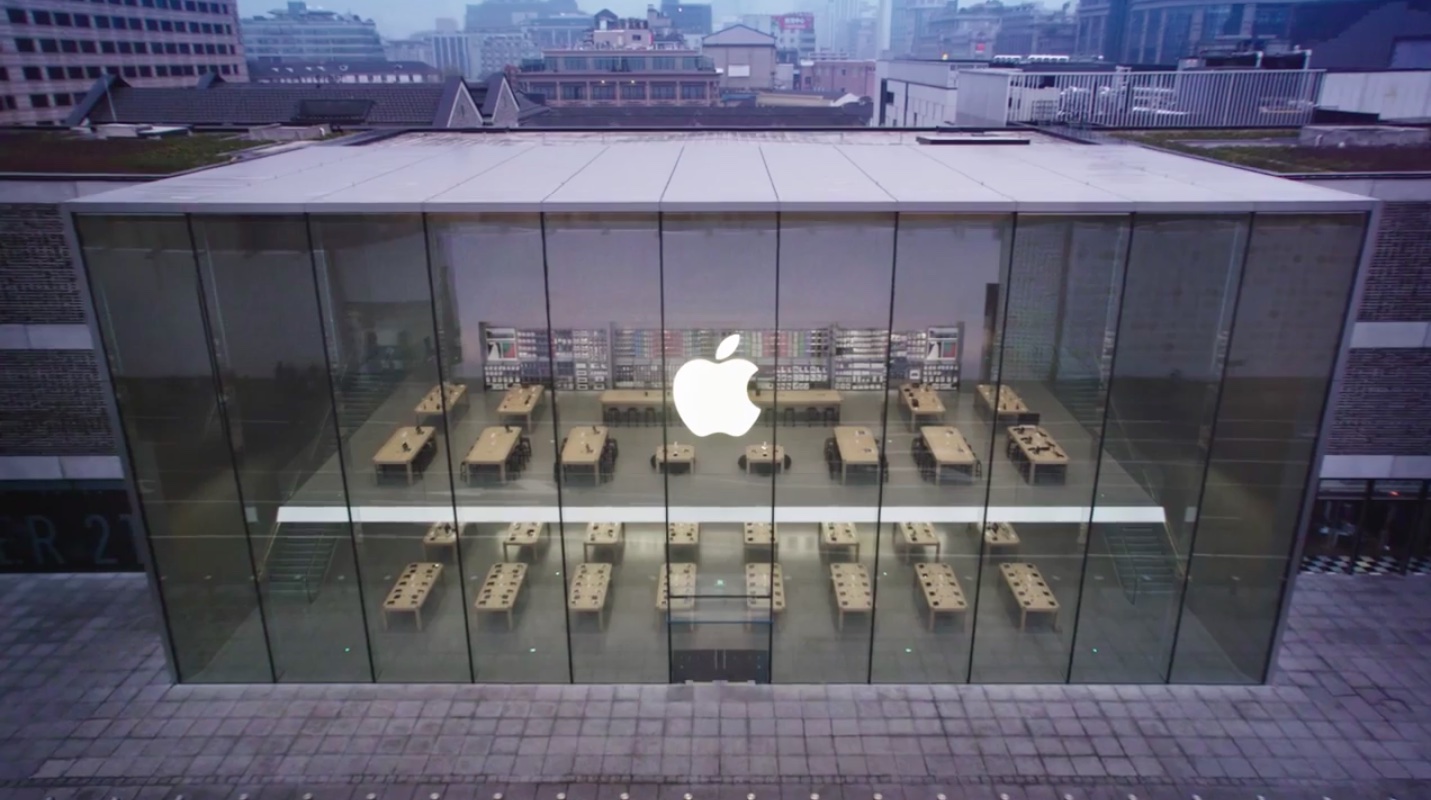
If you don't own HomeKit accessories or haven't had a chance to try them in someone’s home or apartment, Apple has you covered. As TechCrunch reported Wednesday, Apple has unveiled cool HomeKit experiences in 46 of its retail stores worldwide.

For customers in the United States, these demos are currently available at Apple's Union Square store in San Francisco, the World Trade Center and Williamsburg outlets in New York and 28 other stores throughout the country.

Globally, as many as fifteen stores are currently hosting the new experience, including select outlets in the United Kingdom, United Arab Emirates, Germany, Mexico, Singapore and Taiwan.

The interactive demos feature the Home app which can be used from either an Apple Watch, iPhone or iPad to control devices like the Phillips Hue light bulb and the Hunter ceiling fan.

This isn't a full show room. For instance, if you tell the Home app to lower the shades in the living room, you'll see simulated results of your action in the house shown on the huge screen.

The demos include HomeKit scenes which the user can set up to their liking in order to activate and control multiple devices with a single tap or Siri command. Apple last November invited select members of the press to a house in Alameda that it decked out with HomeKit gear.

Apple's renewed push for the living room and these interactive demos will play a bigger role later this year, when the company hopefully takes the wraps off a next-generation Apple TV with 4K resolution and releases the Siri-enabled HomePod smart speaker.

“Apple doesn’t have a clear timeline for how long this will be available inside retail stores, but it seems that it will be relatively constant, at least through December when the HomePod comes out,” according to writer Megan Rose Dickey.

iPhone 8 could launch without software support for wireless charging and 3D sensor

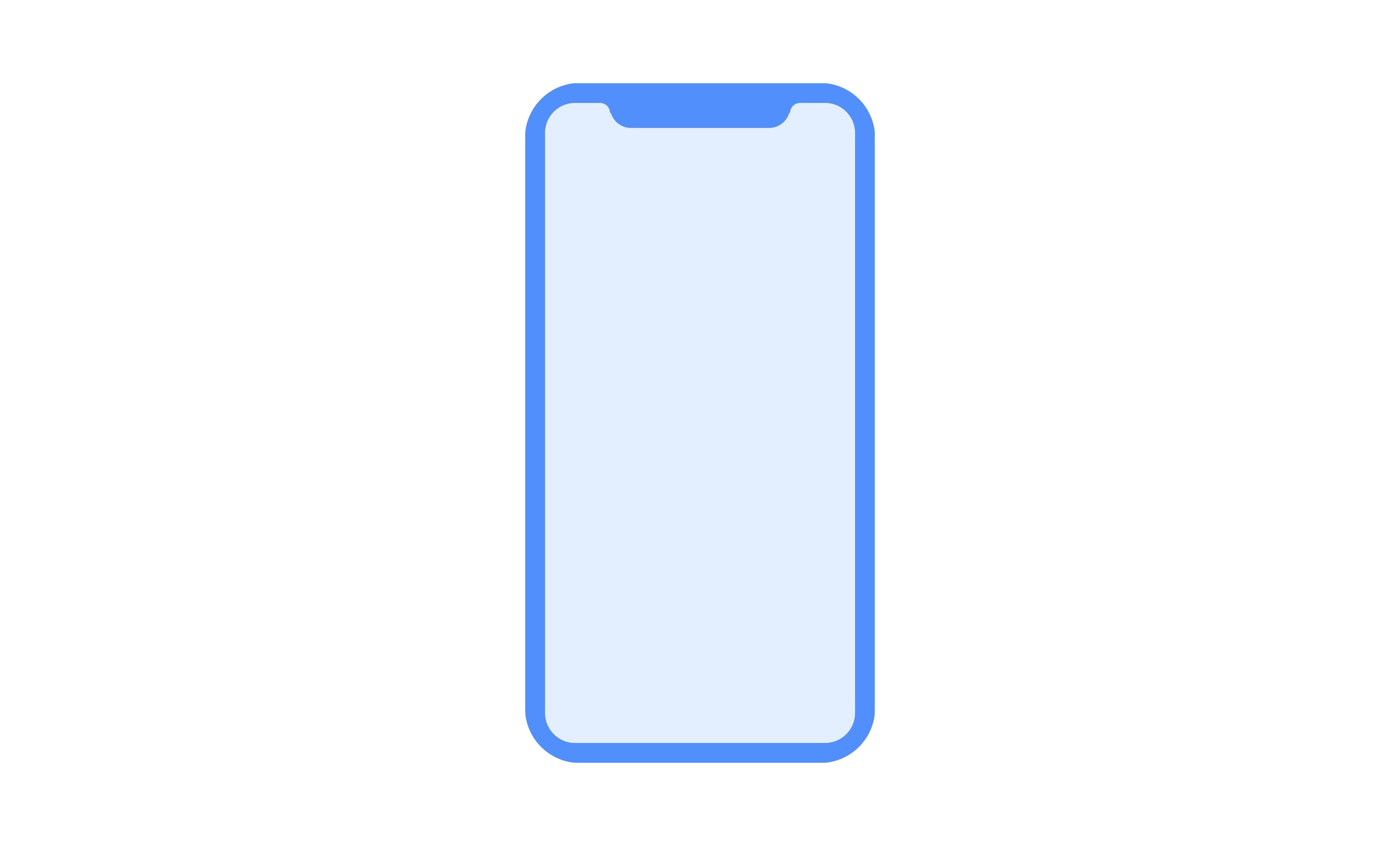
Apple is reportedly in panic mode due to persistent software problems with wireless charging and an all-new 3D sensor, which are increasingly threatening to spoil iPhone 8's launch party.

“June was a tense month for the engineers and designers on Apple’s iPhone team with 'a sense of panic in the air',” a source with knowledge of the situation told Fast Company.

Should engineers fail to fix software hiccups, the Cupertino technology giant may be left with no other choice but to enable these features later on via an iOS 11.1 software update.

“Apple's been working feverishly to fix software problems in its hotly anticipated iPhone 8 that could ultimately cause production and delivery delays,” sources said.

“If the software problems aren’t resolved quickly, the new flagship iPhone could even launch with major features disabled.”

iPhone 8 will use inductive charging similar to Apple Watch, where the phone sits directly on a separate charging device. The wireless charging components provided by Broadcom are not the key issue, claims the publication, it’s the software that’s not ready for prime time.

The company faces similar problems with the new front-facing 3D sensor which will be used for facial unlocking, 3D mapping, augmented reality and other features.

Fast Company's source claims Apple's been struggling to get the sensor to work reliably.

“The sensor hardware is not the problem, but rather the accompanying software,” said the source, speculating Apple should be able to have the 3D software working in time.

“If not, the company could include the sensor in the phone anyway, and turn it on later on with a software update,” reads the article. As for the Touch ID situation, the source says that the fingerprint sensor will be embedded under the display after all.

It wouldn't be the first time Apple shipped an iPhone with inoperable hardware.

Look no further than last year's iPhone 7 launch—the 5.5-inch Plus model shipped with the necessary chips and sensors to support its depth-of-field photography mode, but that key feature was activated only a few weeks later via a software update.

Is Apple running the risk of launching the hotly anticipated OLED iPhone with wireless charging and 3D-sensing functionality disabled at launch, do you think?

Tell us in comments!

The Satechi Type-C Pro Hub Adapter is the only accessory I need for my MacBook Pro

If USB-C is the future, the present still has lots of catching up to do, as we are still reliant on legacy standards such as HDMI, USB 3.0, SD cards, and more. That makes moving to the new MacBook Pro a little less convenient than we were promised, and unless you want to stock up on a set of new cables for all your peripherals, the next smart thing to do is to buy a USB-C hub.

How to properly configure SSH on the extra_recipe and Yalu jailbreaks

For security reasons, the Yalu and extra_recipe jailbreaks have confined SSH connections to USB only. This is sufficient for most, but power users may wish to enable wireless SSH connections for convenience. Additionally, the Dropbear client that these jailbreaks use to manage SSH does not bundle SCP or SFTP, the commands most often used for pushing files to and from your iOS device over SSH.

In this guide, we'll set about fixing up both these issues, to leave you with a more fully-configured SSH client.

NCLink10 groups inbound notifications by app and lets you collapse them

In the most recent iterations of iOS, inbound notifications on the Lock screen and in Notification Center aren't displayed as pleasantly as they once were in older versions. App-based notification groups and the ability to collapse certain groups have gone missing.

With a new jailbreak tweak called NCLink10 by iOS developer HiDaN, you can resurrect these feature on even the latest iterations of iOS.

Send yourself test notifications with this jailbreak tweak

There are countless jailbreak tweaks in Cydia that let you change the look and feel of your notification banners, but not all of them come with an option to preview your changes after you apply new settings.

If you come across this issue often, then you're going to love a new free release dubbed NotificationTester by iOS developer D4ni.

Apple could export “Made in India” iPhone SE models

The Economic Times of India reported today that although Apple is in no hurry to assemble additional models in India beyond iPhone SE, it is allegedly planning to eventually expand production capacity and bring “Made in India” devices to overseas markets.

“Apple will focus on iPhone SE model both for India and overseas markets,” a government official said. “It is looking to start exports from India,” the person added.

Apple's manufacturer Wistron has been assembling a limited run of “Made in India” iPhone SE models for two months now in a facility set up at Peenya on the outskirts of Bengaluru.

Those phones currently don't ship overseas and don't carry a lower price tag even though they're made locally. Government officials aware of the matter say Wistron has not made any fresh request for approval.

“Apple will stick to making iPhone SE model at its Bengaluru plant for some more time and has no immediate plan to assemble its flagships iPhone 7 and iPhone 7 Plus in the country, according to the government source quoted earlier.

Just yesterday, the same publication reported of Apple's alleged plans to expand local production. According to that article, Apple could manufacture other iPhone models in India at a later stage and even set up a full-fledged manufacturing plant.

Apple is also planning to open its largest global store to date in India by 2020.

It's reportedly looking at 4-5 flagship outlets limited to metros over 5-10 years. The stores will be located at prime locations and should have enough class to make them tourist attractions.

Lastly, the Cupertino giant could launch a dedicated online store in India by October.