Check out these 3 quick ways to send photos and videos to your family and friends using iMessage on your iPhone or iPad.
3 quick ways to send photos and videos via Messages on iPhone
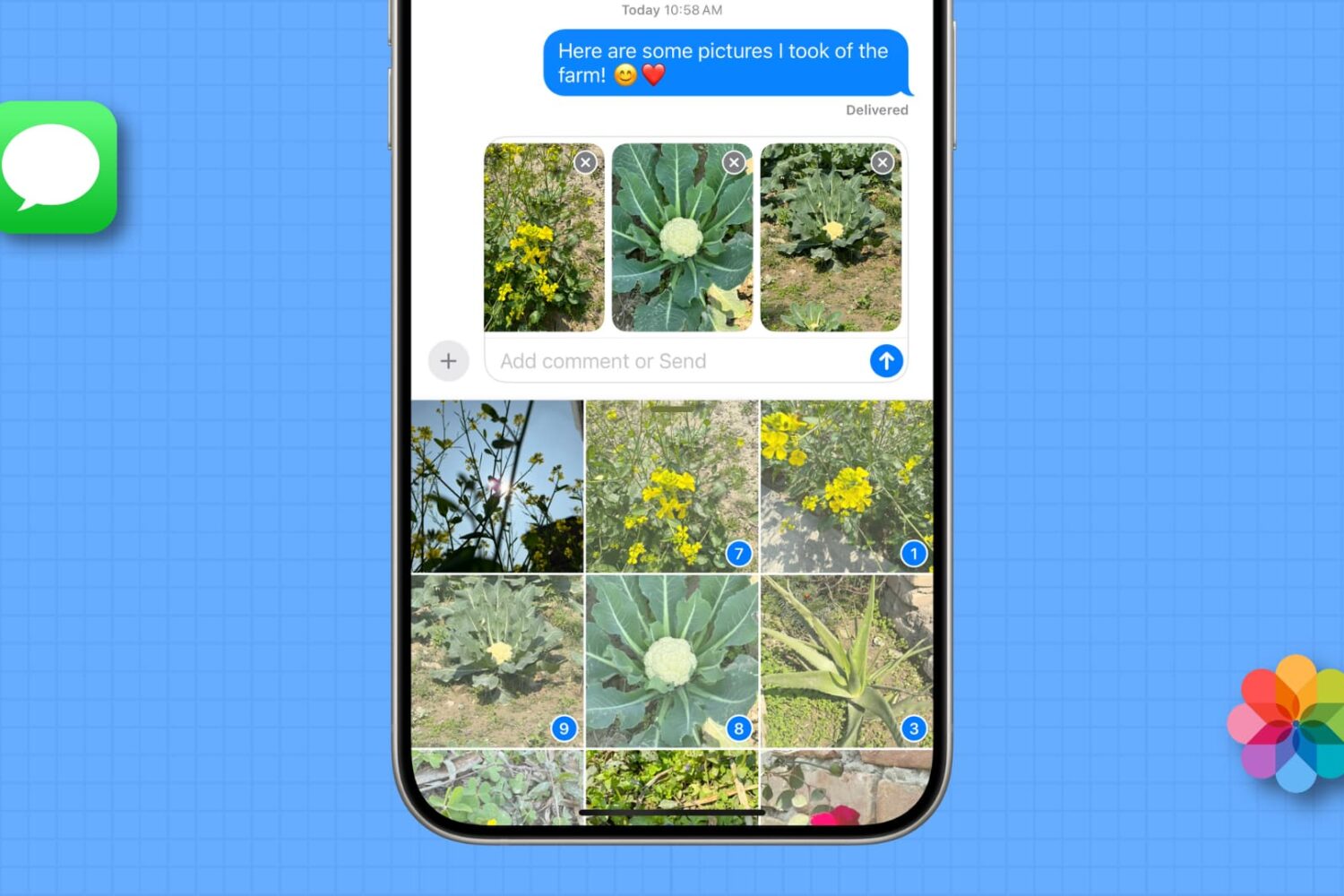
Check out these 3 quick ways to send photos and videos to your family and friends using iMessage on your iPhone or iPad.
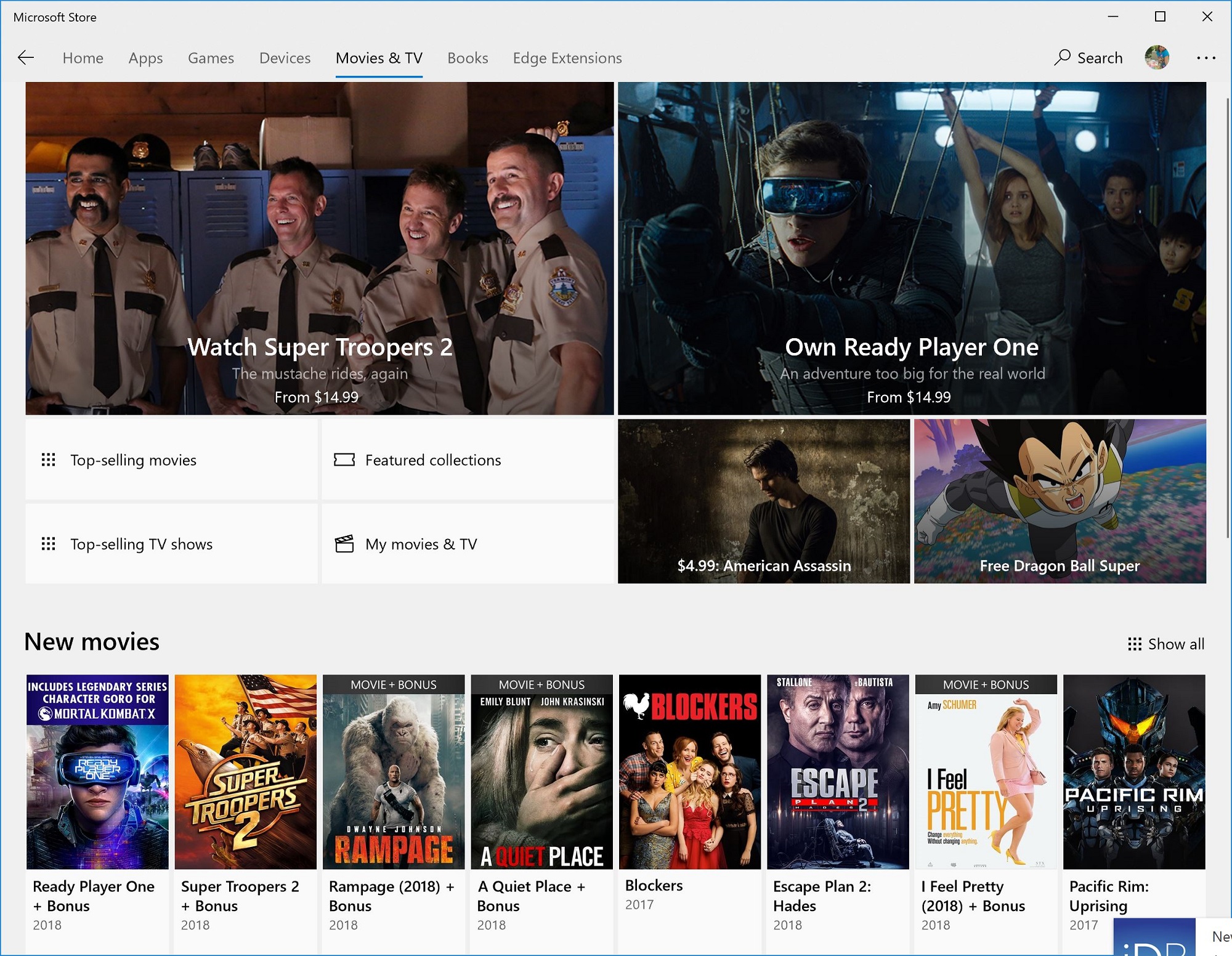
It seems everyone is offering a way to purchase movies and televisions shows on mobile devices like the iPhone. Add Microsoft to that long list. According to Windows Central, the company plans on bringing its Movie & TV service for Windows machines to iOS and Android.

Apple on Friday released several new World Cup-themed videos through its official YouTube channel. As part of its continuing “Shot on iPhone” advertising campaign, the latest footage showcases soccer-themed videos captured by iPhone owners from all over the world.

Apple Music is now the No. 1 music streaming service in the United States, according to an industry source who spoke to Digital Music News. If correct, this would be the first time the number of Apple Music subscribers in the U.S. has surpassed the industry leader, Spotify.
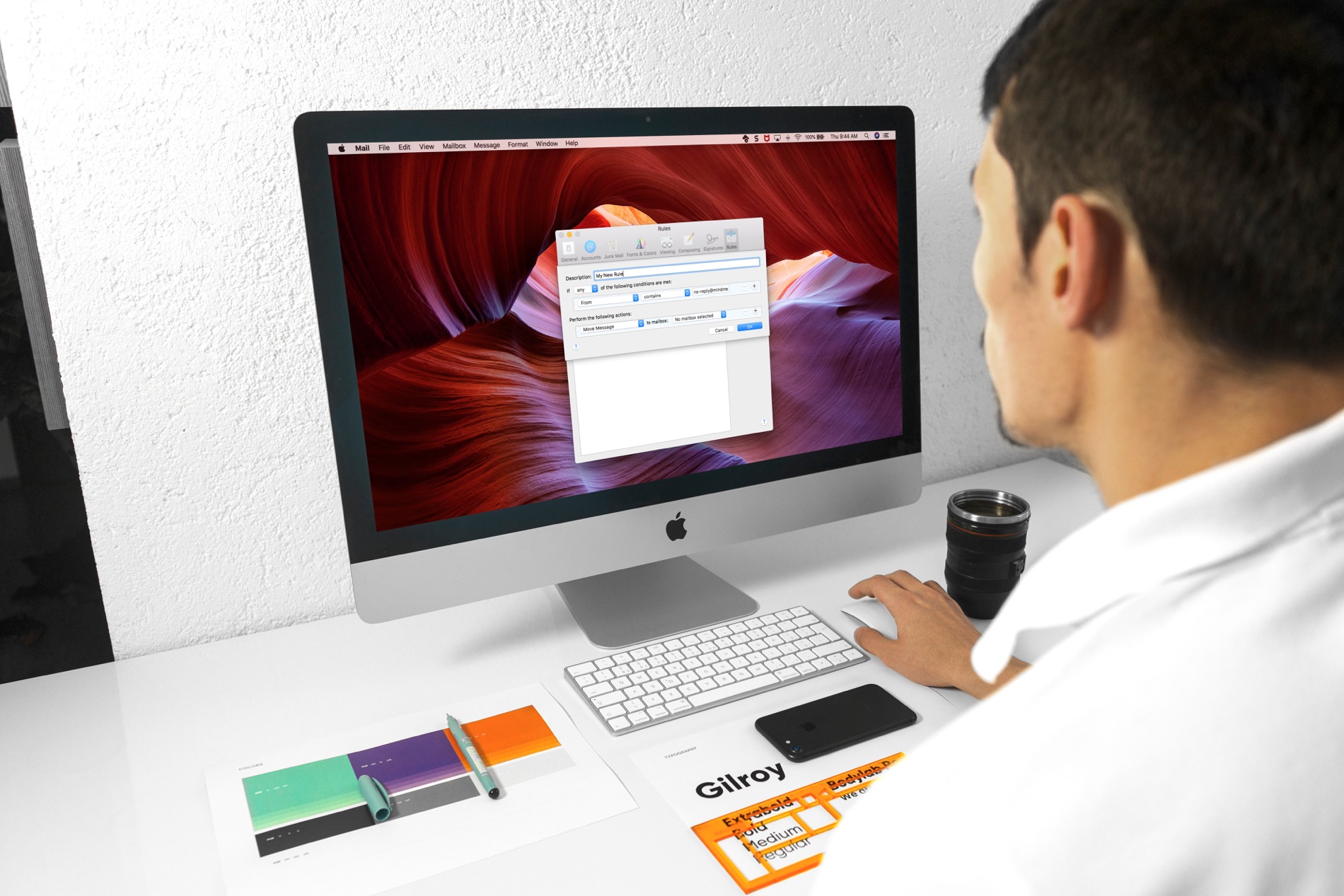
Managing your inbox can be a daunting task these days. From those important emails, you must see to those that just get in the way, it can be tedious to organize it all to see what you want to see.
If you use the Mail app on your Mac, you can set up email rules that help you manage it all. Direct emails as they arrive, mark them, so they’re easier to spot, and clean up your inbox easily; here’s how.
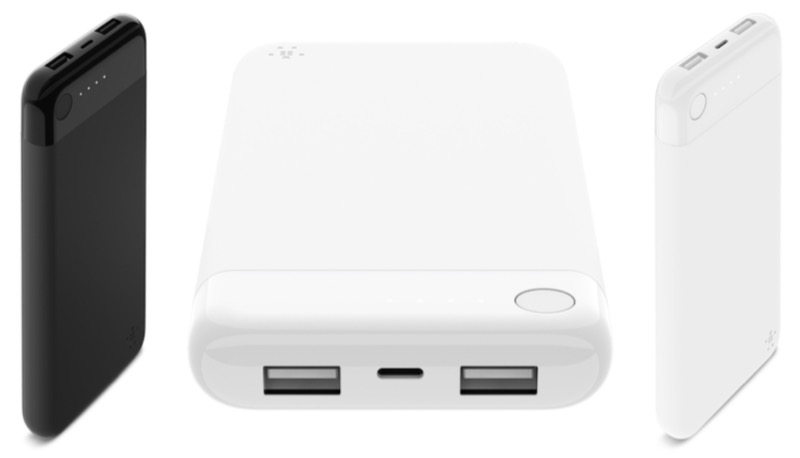
Belkin is about to release the first Apple-approved battery pack that features a Lightning port input for charging. The BoostCharge Power Bank Lightning 1oK is arriving soon.
As first spotted by MacRumors, the power bank offers 10,000 mAh of charging power. It's recharged over a Lightning connector using either a USB-to-Lightning cable or a compatible Lightning dock sold separately. The device is certified under Apple's MFi licensing program, which assures that the product meets Apple's standards for quality and compatibility.
Belkin explains:
Designed especially for iPhone and iPad, this portable power bank is the first MFi-power bank to recharge via Lightning connector, allowing you to use the same Lightning cable to charge the power bank, as you use to charge your iPhone. This one-cable solution makes this small, thin, lightweight power bank (aka portable charger) ideal for on-the-go charging and is fully MFi-certified to guarantee compatibility with iPhone and iPad.
Should you buy it?
While it's great seeing a product like this finally launch, there are a few things to keep in mind.
First is the price. At $59.99, this is about twice what you would pay for a regular battery pack with similar capacity. Additionally, in 2018, a wiser choice might be to get a USB-C battery pack that would work with more devices, including those not made by Apple.
The BoostCharge Power Bank Lightning 10K will be available in white and black.

Twitterrific by The Iconfactory, one of the best third-party Twitter clients for iPhone and iPad, has removed its watchOS component and other features from the latest update on App Store.
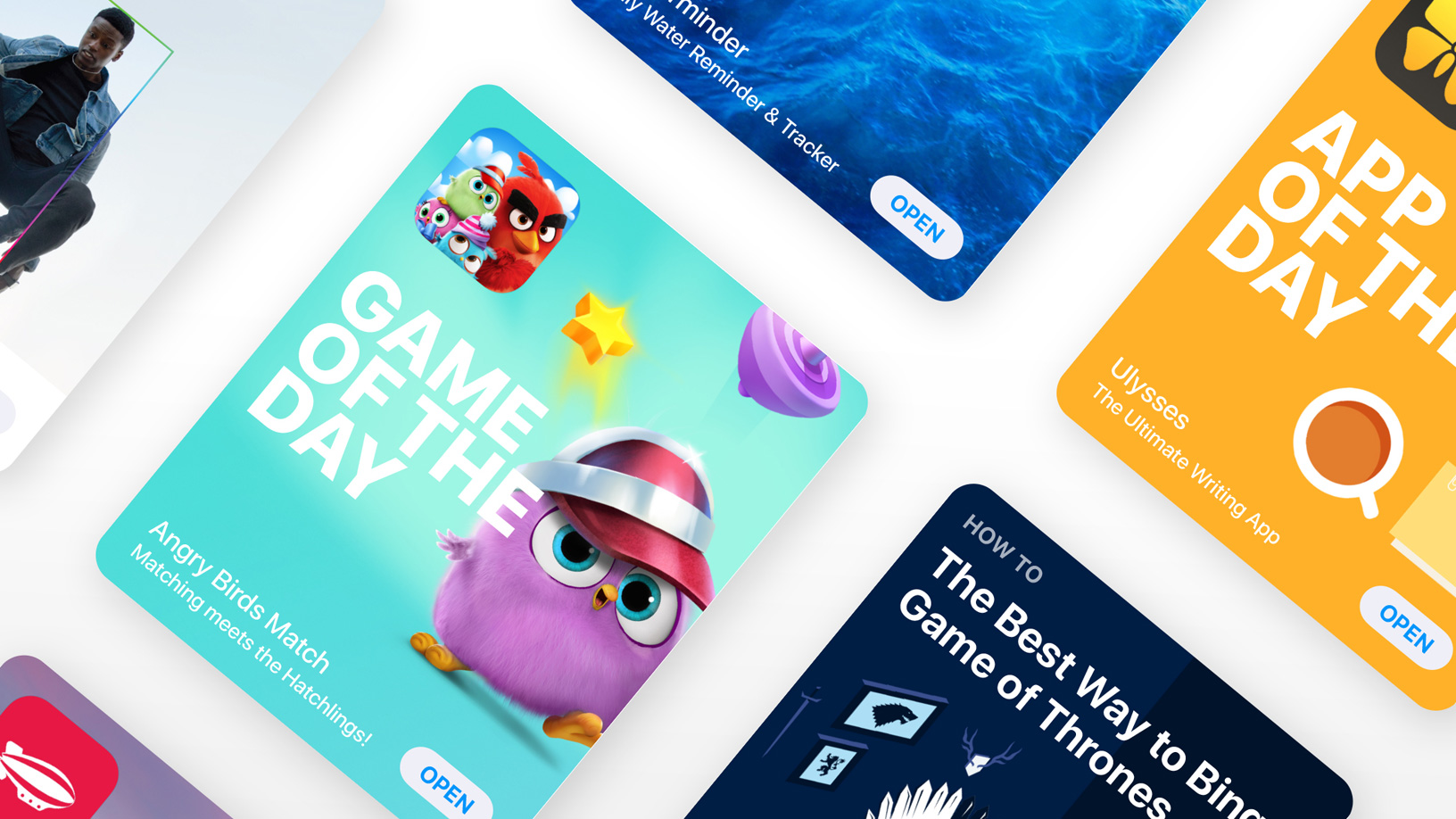
The App Store opened on July 10, 2008. One day later, the iPhone 3G was launched. The rest, as they say, is history. Just days before the tenth anniversary of the App Store, Apple is reminding the world just how relevant the store has been, not only to the tech industry but to everyone else as well.
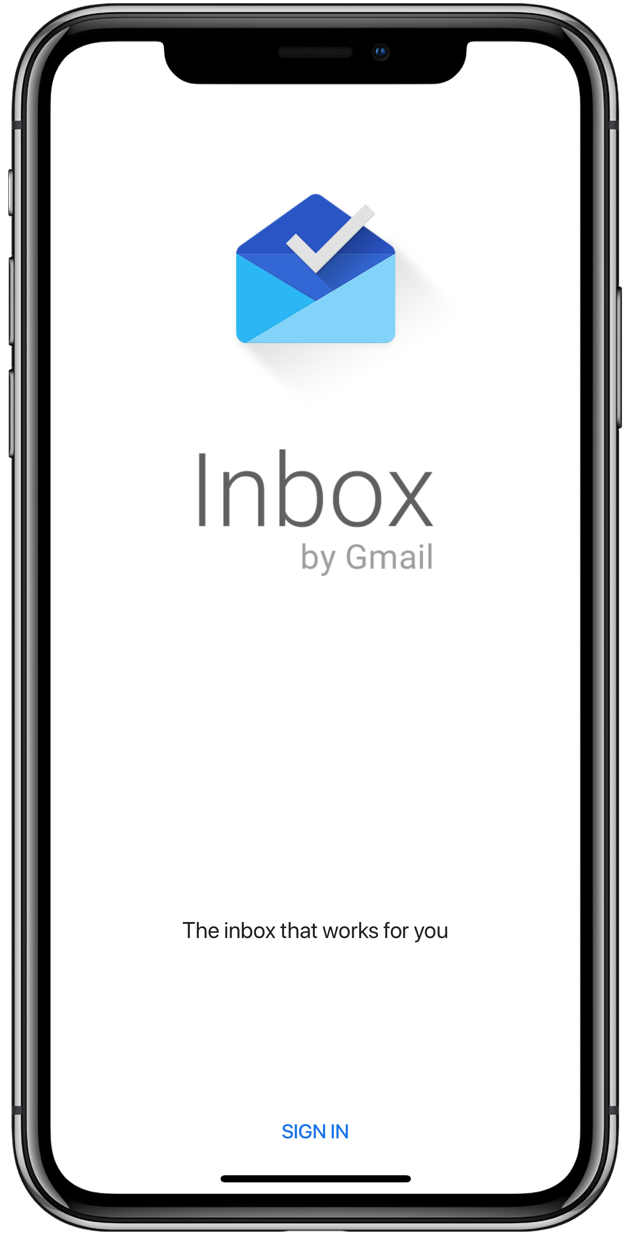
Inbox fans needn't put up with those ugly black bars at the top and bottom of their iPhone X display anymore because Google has finally updated the beloved gesture-driven email client with full support for the edge-to-edge Super Retina OLED panel on the flagship smartphone.

Since iOS 12 was announced last month, developers have been waiting patiently to begin testing the new Shortcuts app. Those tests can now start as Apple has introduced an all-new Shortcuts beta app.

When you want to send a nice message to someone, maybe for a birthday, thank you, or get well soon, you might use one of those ecard apps. There are some great ones out there with cards for every occasion. But, did you know that the Mail app on Mac offers these types of messages too?
NOTE: This feature has been removed from the Mail app since the release of macOS Mojave in 2018.
If you want to send a card-like email, check out the Stationery options instead. The feature in your Mail app on Mac is easy to use, gives you cool cards to pick from, and lets you say exactly what you want to say.

No one likes multi-megabyte attachments. That's why iOS 12 and later lets you quickly share iPhone pictures and videos from your Photos app by generating Dropbox-style links that anyone, including non-Apple users, can open to view and download the items. In this tutorial, we show you how to make it happen.