SmartLight lets you toggle the iPhone’s flashlight with hardware buttons

I use my iPhone’s rear-facing LED flash as a flashlight all the time for various tasks, but I’ll be the first to admit that Apple could and should come up with a more intuitive way of toggling it on or off. In some cases, using a software button to toggle the flashlight just isn’t good enough, such as when you have wet or dirty hands.

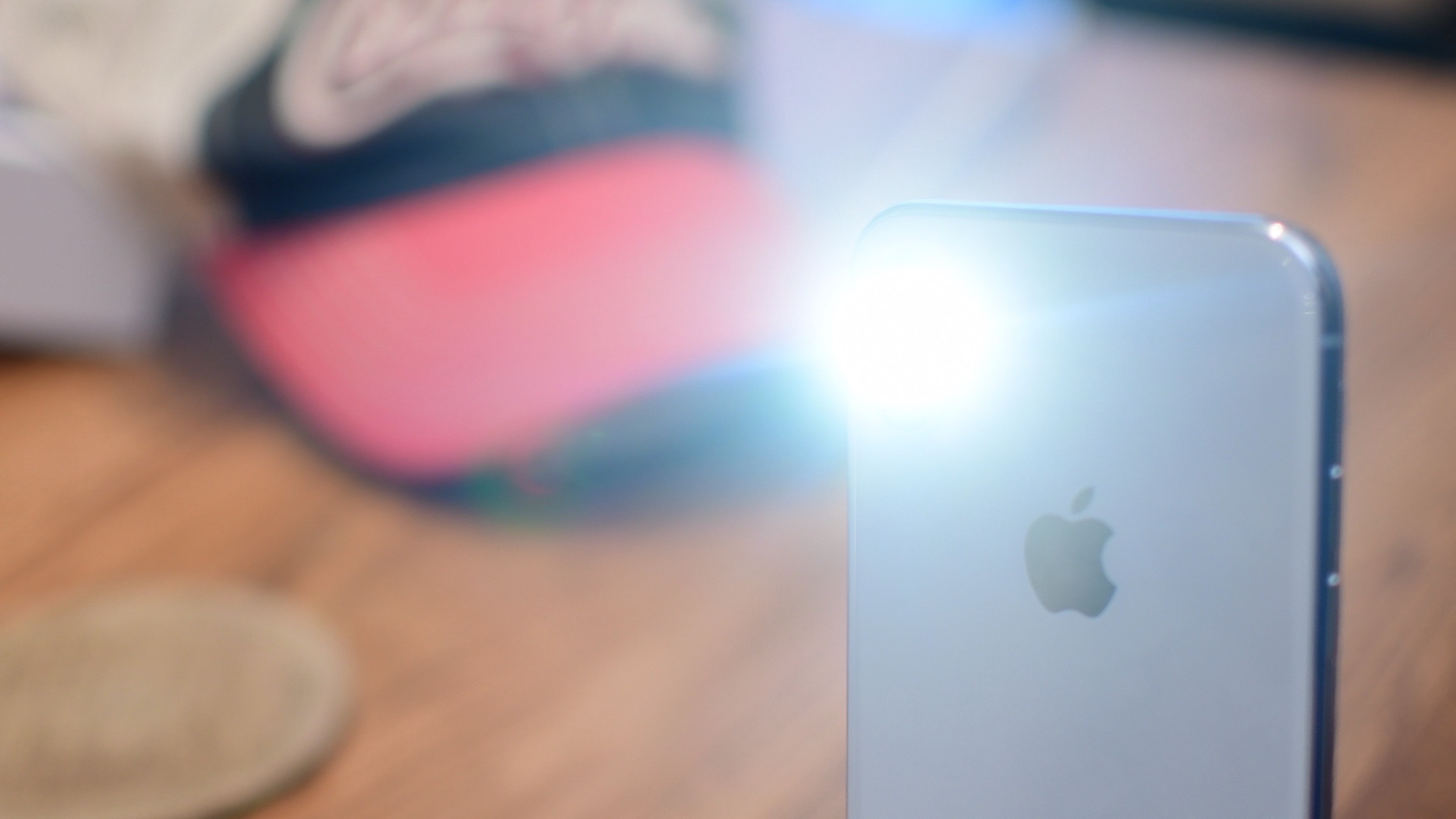
Here to the rescue is a new free jailbreak tweak called SmartLight by iOS developer smokin1337, which spearheads a solution to these kinds of scenarios by letting users toggle the rear-facing flashlight on or off with the device’s hardware buttons instead.

Add an application drawer to your jailbroken iPhone with Vesta

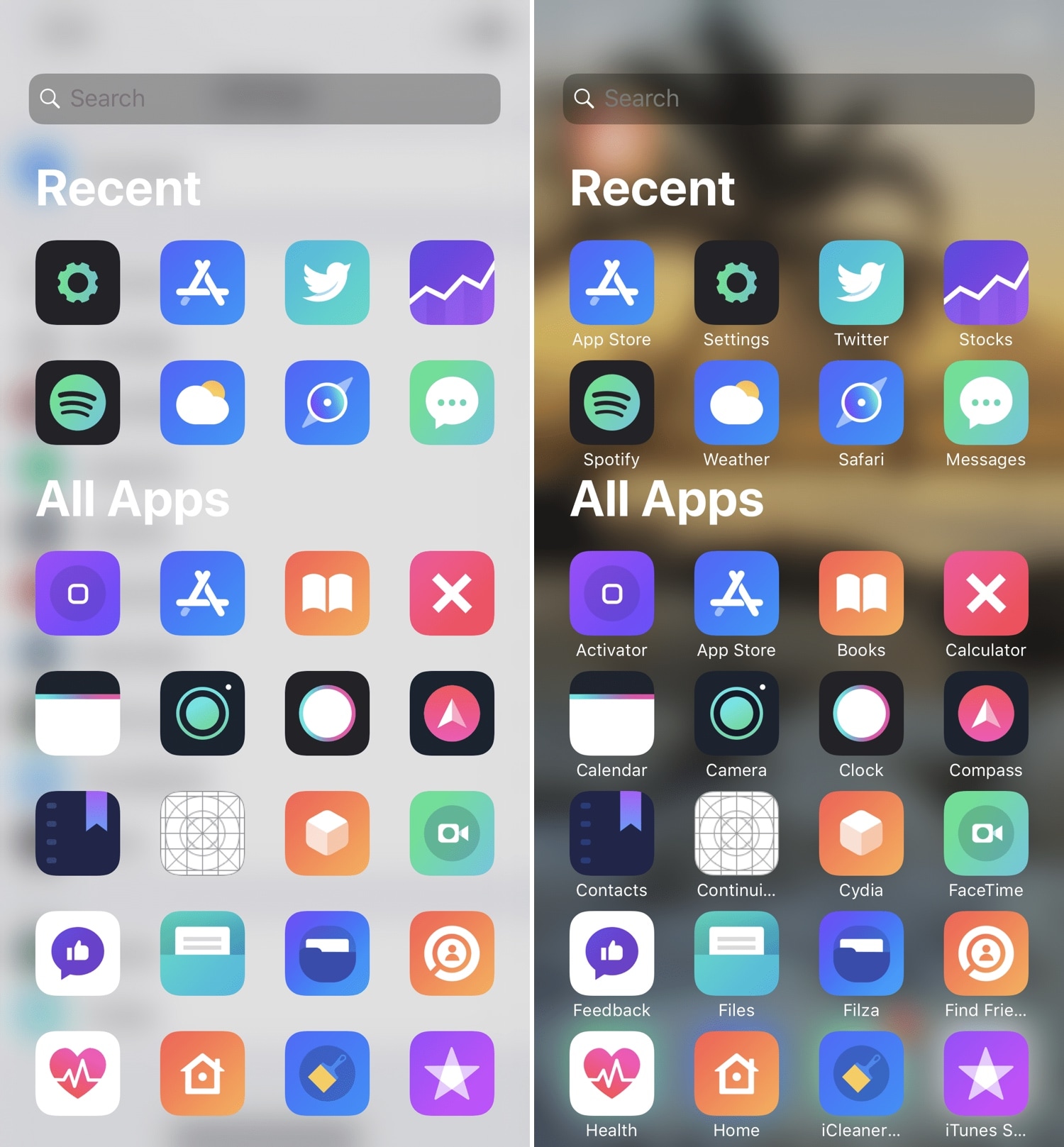
If you’ve ever used an Android handset before, then you might be familiar with the App Drawer where you can access any of your installed apps from one place. iOS has never sported an App Drawer-like feature out of the box, and this prompted iOS developer SparkDev to create a new jailbreak tweak called Vesta to bring one to the iOS platform.

Vesta is easily invoked with any of the built-in gestures or with Activator, and as depicted in the screenshot examples above, the Vesta interface is divided into two sections – one that displays some of your recently-used apps, and another that displays all your handset’s installed apps in one convenient place with no Home screen pages or folders to get in your way.
NoIdleTimer negates the Lock screen’s lockout timer if your device is charging or playing music

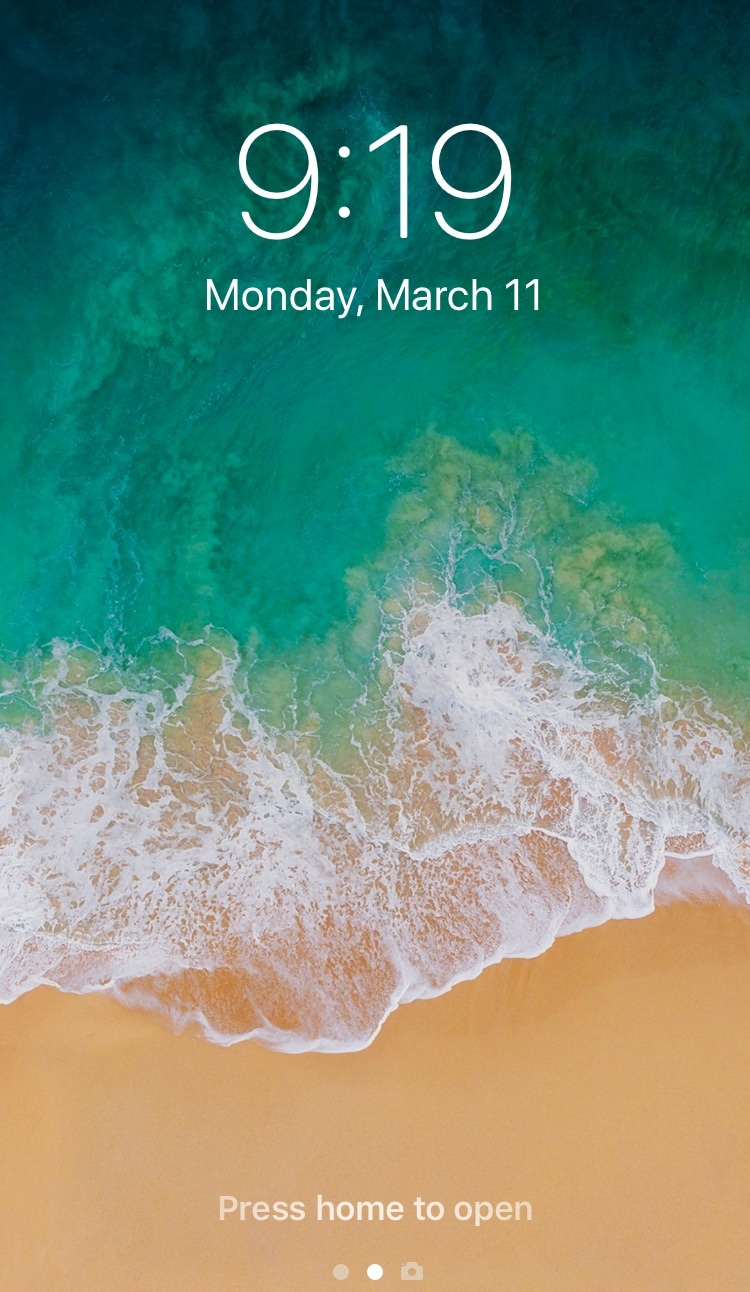
Apple designed your iOS device’s Lock screen to go back to sleep after a predefined timeout period, and while this can be useful for battery savings in certain circumstances, there are some instances where this might be irrelevant or where you may favor performance over battery life.

For that reason, iOS developer Nepeta came out with a new free jailbreak tweak called NoIdleTimer that lets you disable the Lock screen’s automatic lockout period so long as certain conditions are met.

How to subscribe to Apple News+ on iPhone or iPad

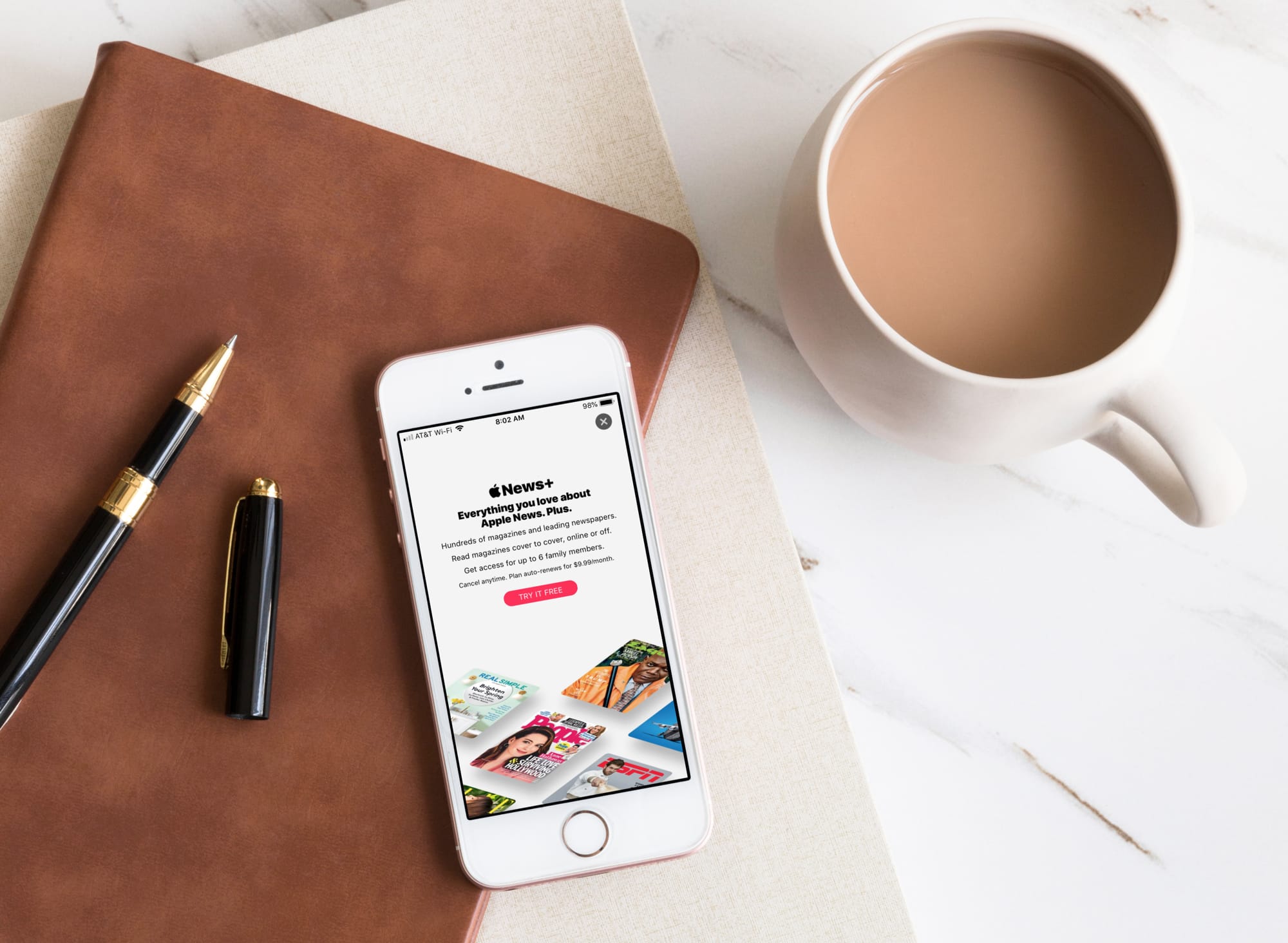
Apple News Plus on iPhone Subscribe

At Apple’s March media event, a new subscription service was announced called Apple News+. This service is part of the News app and gives subscribers access to over 300 magazines, newspapers, and publications.

If you’re ready to jump on board and check out magazines like People and National Geographic Magazine along with newspapers like The Wall Street Journal and the Los Angeles Times, here’s how to subscribe to Apple News+ on iPhone or iPad.