The best free iPhone weather widgets

Best Weather Widgets iPhone - Weather Underground

Your iPhone and iPad both come with a handy weather app for getting your current conditions and upcoming forecast. And you can use the widget for that app in your Today View. But what if you want something more or just a little different?

Instead of searching the App Store and trying tons of weather widgets, we’ve compiled a list for you. Here are the best free iPhone weather widgets for your Today View.

Sync iPhone data to Mac without iTunes errors – MacX MediaTrans license + AirPods giveaway [sponsor]

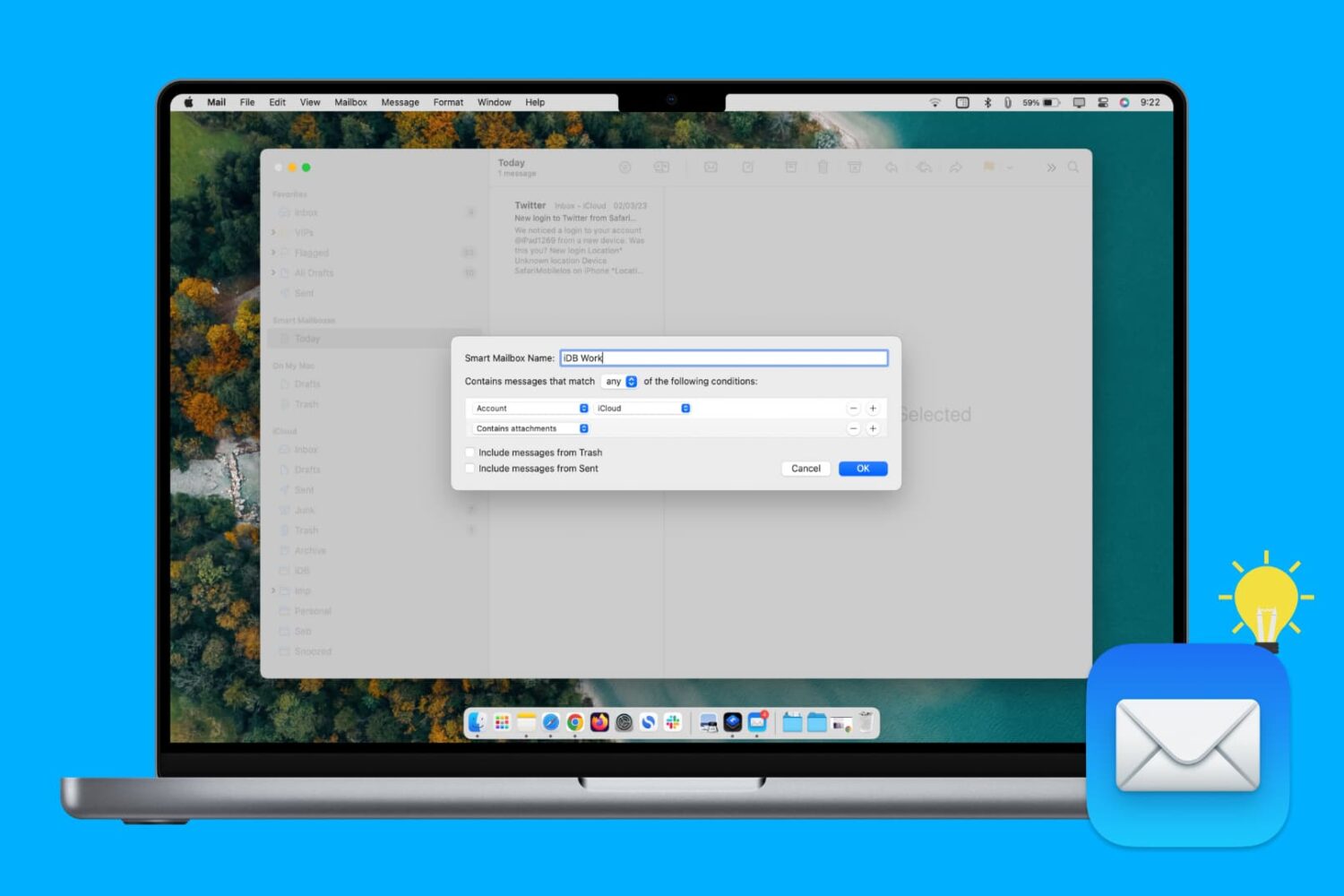
Transferring your iPhone data to a Mac or Windows PC isn't a hassle-free affair due to various iTunes syncing errors that can quite often result in duplicate files, syncing inconsistencies and even data loss. One viable option is MacX MediaTrans by developer Digiarty Software, a versatile iTunes alternative for your Mac that resolves iTunes syncing errors.

NCGrabberInfo: An actually useful Notification Center grabber for jailbroken devices

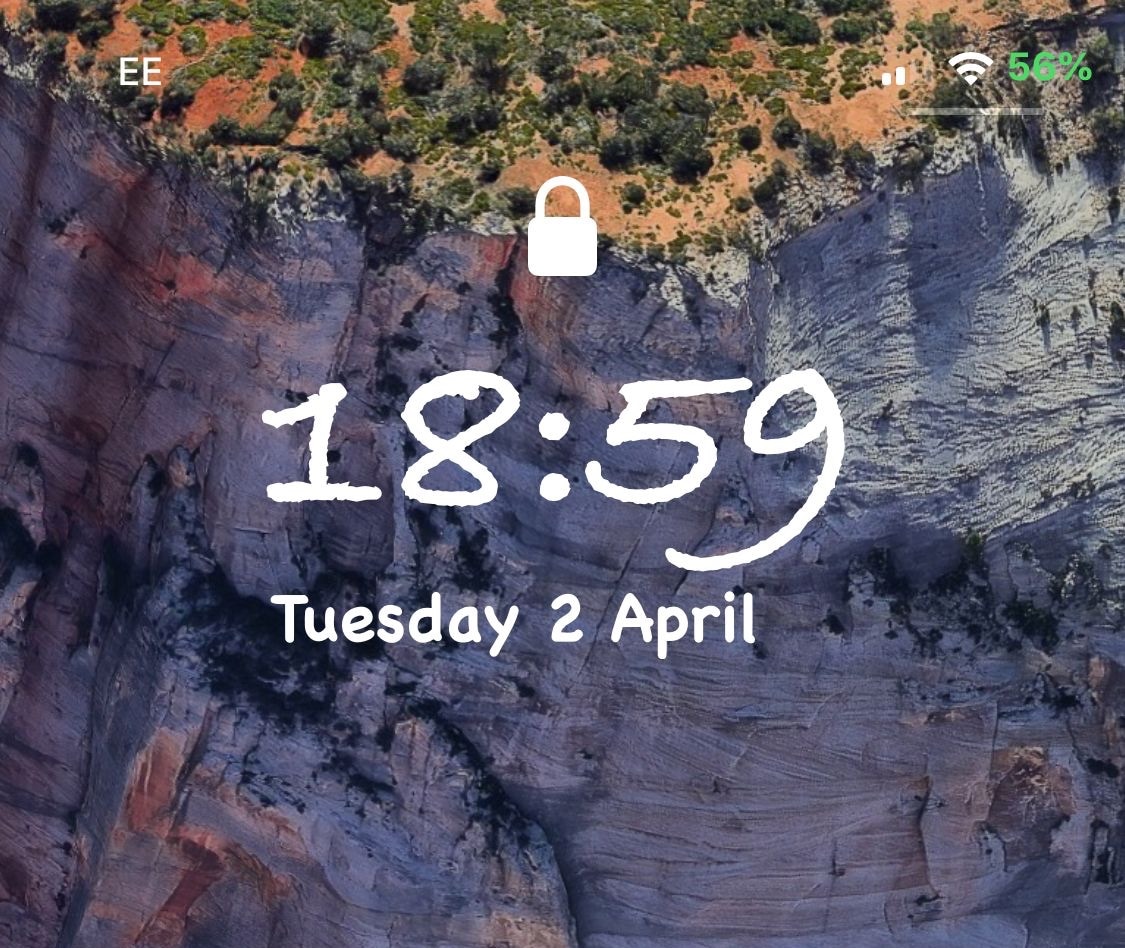
A lot of times when playing full-screen games on my iPhone, I wonder what time it is or how much battery life I have left. It’s inconvenient to pause my game to peek at Control Center or swipe out of the app to glance at the Status Bar, and so I was particularly excited when I saw a new free jailbreak tweak called NCGrabberInfo by iOS developer Antique.

With this tweak, you can grab a peek at both the time and your handset’s remaining battery life even when you’re enjoying a full-screen game; and the best part is, you don’t need to stop playing or leave the app to do it.

MessageColors lets you add color gradients to the Messages app

If you have an iPhone, then chances are you spend a lot of time in the Messages app text messaging other people. With that in mind, wouldn’t it be great if you could colorize the Messages app to match your individual personality?

If you like what you’re hearing so far, then you’ll probably enjoy a new free jailbreak tweak called MessageColors by iOS developer RestiveConch. This tweak lets you apply custom color gradients to your Messages app, making it possible to achieve the result you see in the screenshot example above.

This tweak lets you add a splash of color to your iPhone’s passcode entry interface

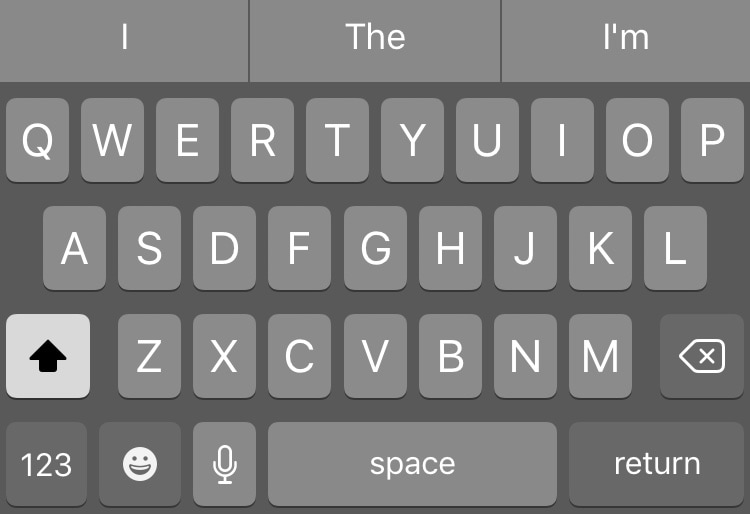
One of the most exciting parts of owning a jailbroken iPhone or iPad is having the freedom to customize the handset’s look and feel outside the realm of Apple’s stock parameters and disturb the monotony exhibited by most iOS devices. If you agree, then you might take a liking to a new free jailbreak tweak called NudePassScreen by iOS developer Kiran Patil.

As you might have discerned from the screenshot examples above, NudePassScreen empowers the user to colorize their handset’s passcode entry interface with virtually any color scheme they want, helping them to stand out from the rest of the crowd.

No2Theft2 protects your iPhone from thieves and pranksters

Whether you’re always paranoid about someone stealing your iPhone when you set it down on a table somewhere in public or you’ve just got lousy friends that like to play pranks on you, a jailbreak tweak called No2Theft2 by iOS developer Elias Sfeir promises to let you know whenever someone tries to be nefarious with your handset.

After you’ve installed and configured No2Theft2, you can rest assured that if someone’s doing something fishy with your iPhone behind your back, you’ll know about it. The tweak uses several methods to notify you whenever someone picks up your handset and enters the passcode incorrectly.

SpotCC launches Control Center instead of Spotlight when swiping down on the Home screen

Swiping down while on the Home screen of your iPhone usually presents you with the Spotlight search interface, but if you don’t use the Spotlight search feature that often, then you might take a liking to a new free jailbreak tweak called SpotCC by iOS developer Kiran Patil.

There isn’t much to say here concerning what the tweak does, but just as the name implies, SpotCC makes it so that swiping down on the Home screen summons Control Center rather than Spotlight search.