Learn what to do if your iPhone or iPad running iOS 27 or iPadOS 27 is stuck on the “Optimizing Search and Siri” (formerly “Indexing in Progress”) status, and you notice overall system slowness.
Fix iOS 27 stuck on “Optimizing Search and Siri”
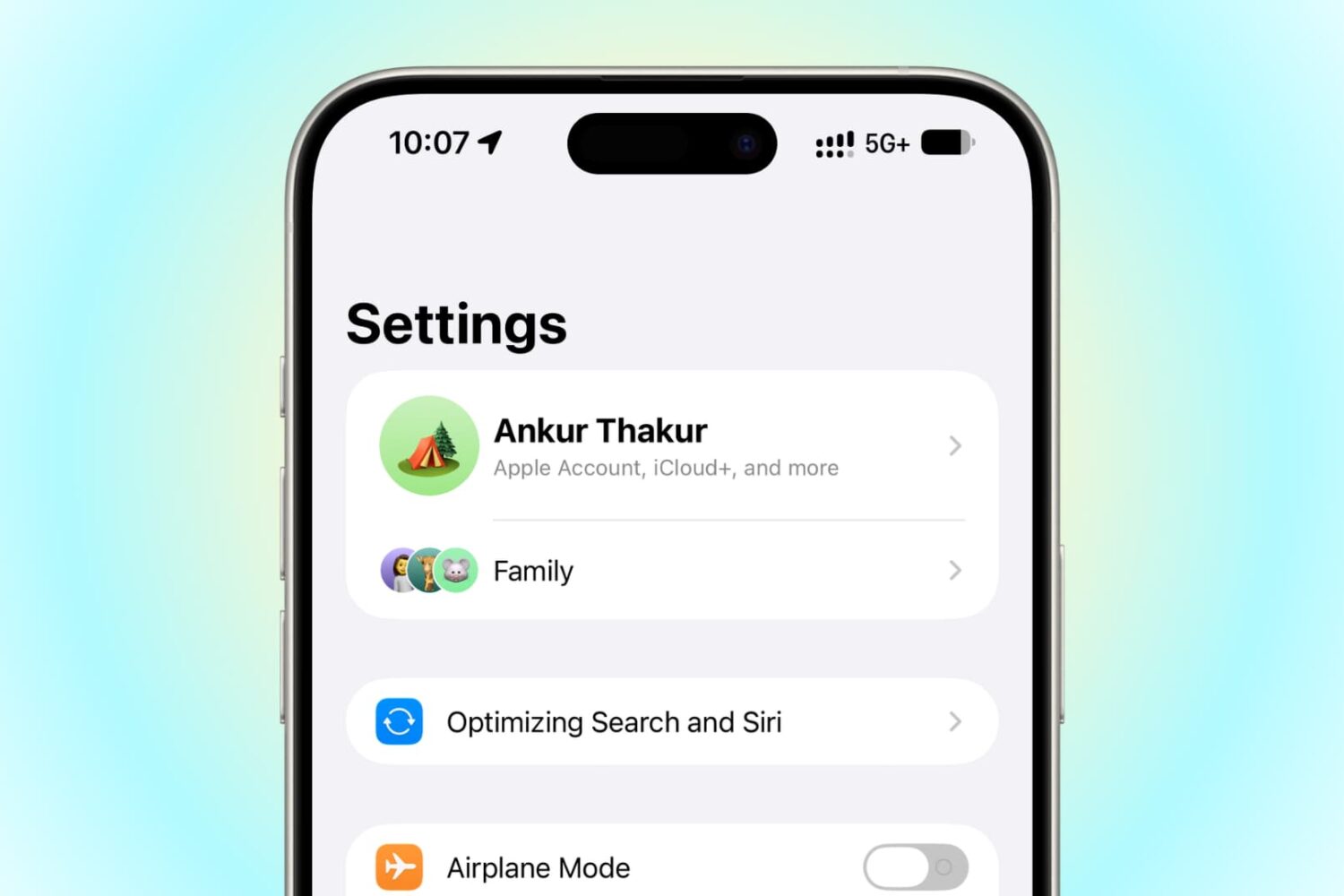
Learn what to do if your iPhone or iPad running iOS 27 or iPadOS 27 is stuck on the “Optimizing Search and Siri” (formerly “Indexing in Progress”) status, and you notice overall system slowness.

iPadOS 27 adds easily accessible buttons to revert (undo) or continue (redo) a change made to your iPad Home Screen.

Learn how to check the indexing progress of your iPhone or iPad, including the exact percentage completed, using the Apple Console app on Mac.

In this step-by-step tutorial, we show you how to download and install the latest tvOS 27 non-beta, public beta, or developer beta on your Apple TV so you can get the new features.

In this brief tutorial, we show you how to draw and sketch right in the Apple Notes app on your Mac running macOS 27 Golden Gate, without having to rely on your iPhone, iPad, or external touchscreen devices.

Find out how to manually adjust the glassy transparency level of the Liquid Glass interface on your iPhone, iPad, and Mac running iOS 27, iPadOS 27, and macOS 27 Golden Gate.

In this step-by-step tutorial, we explain how to convert your USB thumb drive into a macOS 27 installer so you can deploy macOS Golden Gate on multiple Macs without having to download the massive 17 GB file on each computer every single time.

In this step-by-step tutorial, we show you how to download and install macOS Golden Gate on a second partition of your Mac.

Turn your ideas and needs into powerful Apple Shortcuts just by describing what you want to do on your iPhone, iPad, and Mac running iOS 27, iPadOS 27, and macOS 27 Golden Gate.

Learn how to export a video frame as a photo on your iPhone, iPad, and Mac to capture a moment in the clip without taking a screenshot.

In this step-by-step tutorial, we explain how to upgrade to smart Siri and get the new Siri AI app on your iPhone, iPad, and Mac running iOS 27, iPadOS 27, and macOS 27 Golden Gate.
