Tutorials

Video: hands-on with Apple ARKit demo app

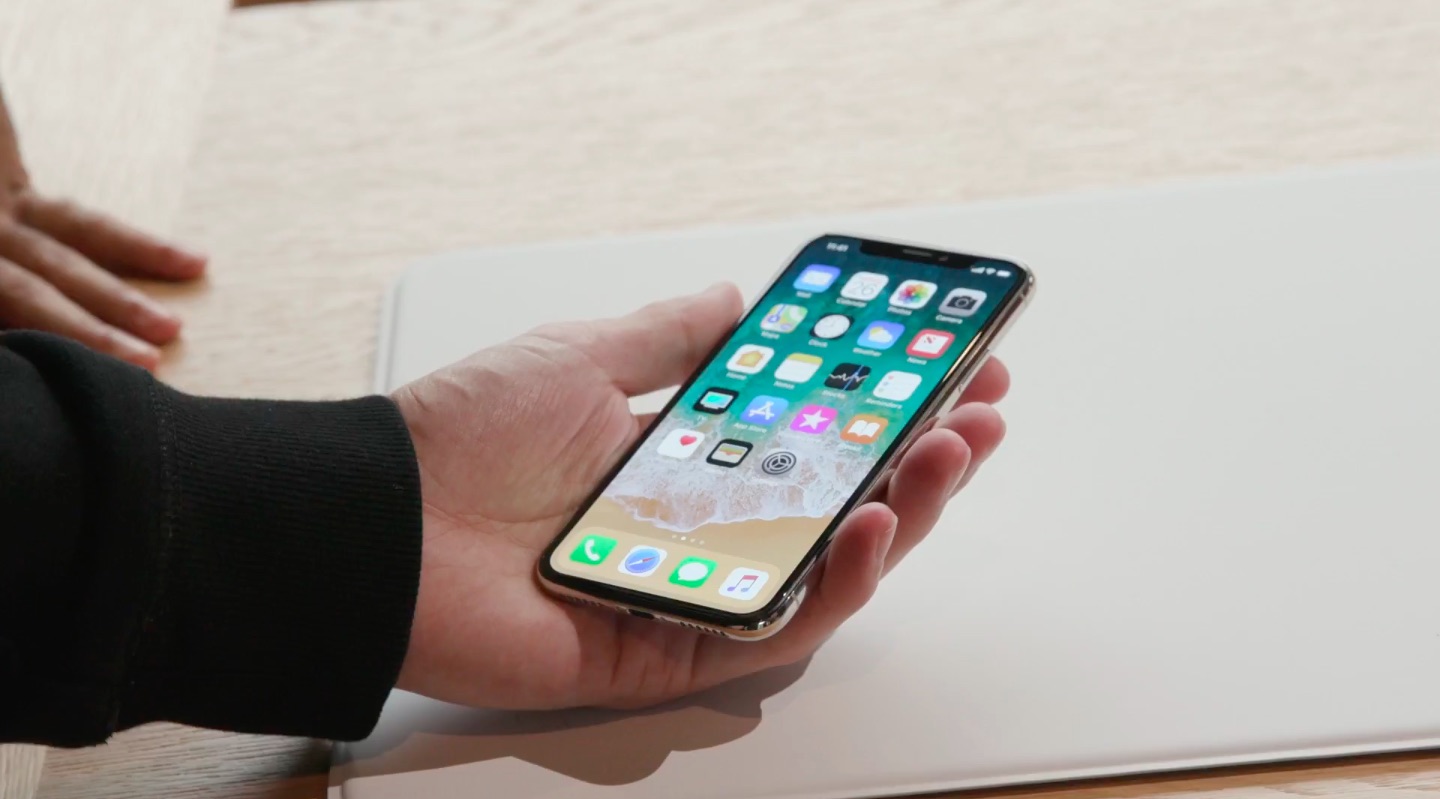
To help developers prepare for the arrival of iOS 11 and ARKit, Apple has made a demo application available to download and check out. If you have the prerequisites, it is actually very easy to get up and going with ARKit to try it out for yourself.

How to preview Mac apps in App Store on iPhone and iPad

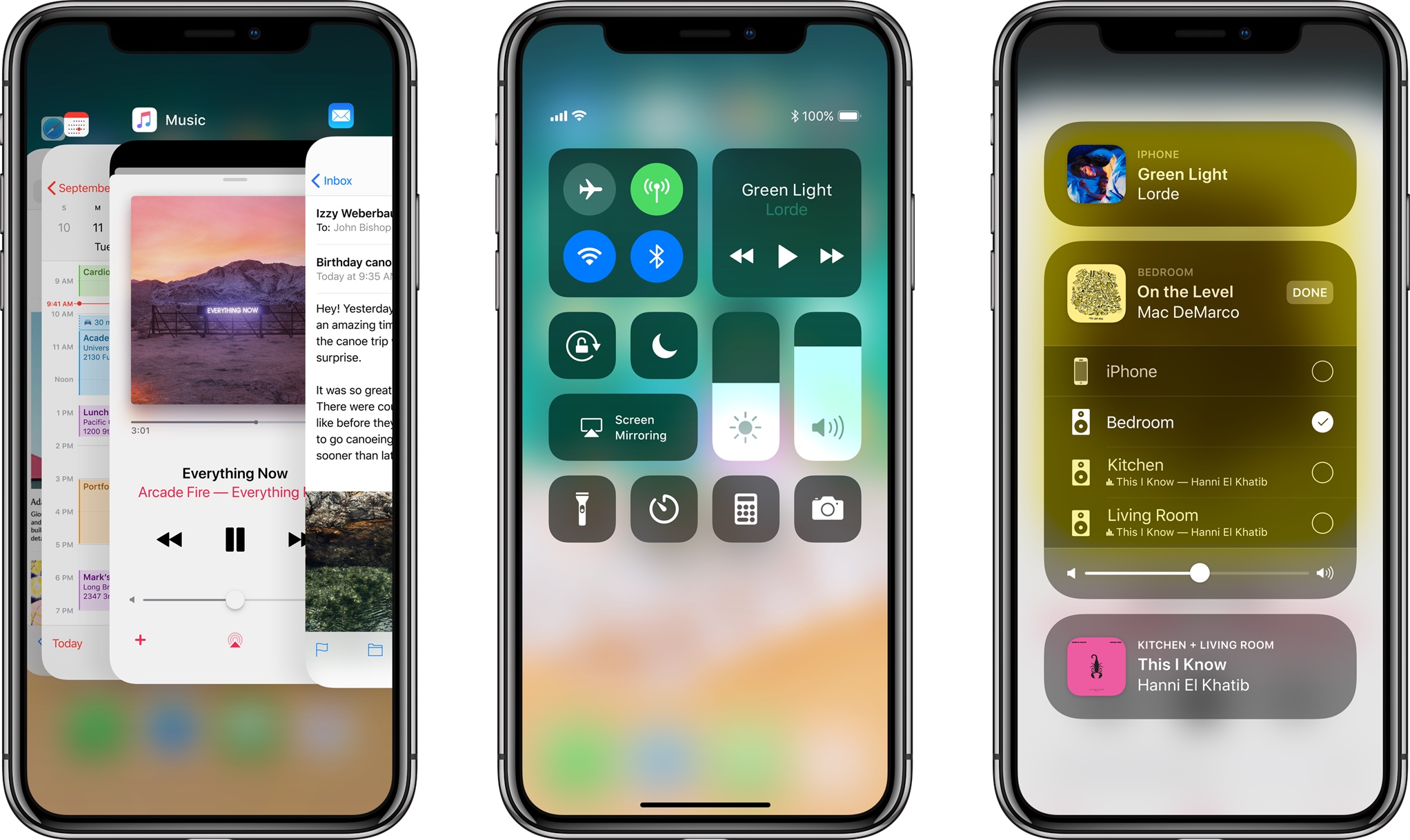
Before iOS 11, following a Mac app link in Safari on your iPhone or iPad yielded a warning message saying you could only download macOS apps using Mac App Store on your computer.

Thankfully, iOS 11's much-improved App Store changes that behavior.

At long last, now it's at the very least possible to bring up Mac app previews on your iOS devices. Yes, no longer do you have to switch to your Mac just to glance at basic information for a Mac app that interests you, such as its price, description, screenshots and so forth.

How to jailbreak iOS 9.3.5 with Phœnix (and how to move from version 1 to later versions)

Now that a 32-bit jailbreak for iOS 9.3.5 is finally available a lot of legacy device owners will be looking to try it out on their devices, whether as an end of life plan, or to downgrade them to an unsigned firmware which runs more smoothly. In this guide, we'll show you how to use the Phœnix jailbreak, as well as how to move correctly from the first version to any later ones.

Why and how to turn off Background App Refresh on iPhone & iPad

Background App Refresh in iPhone settings

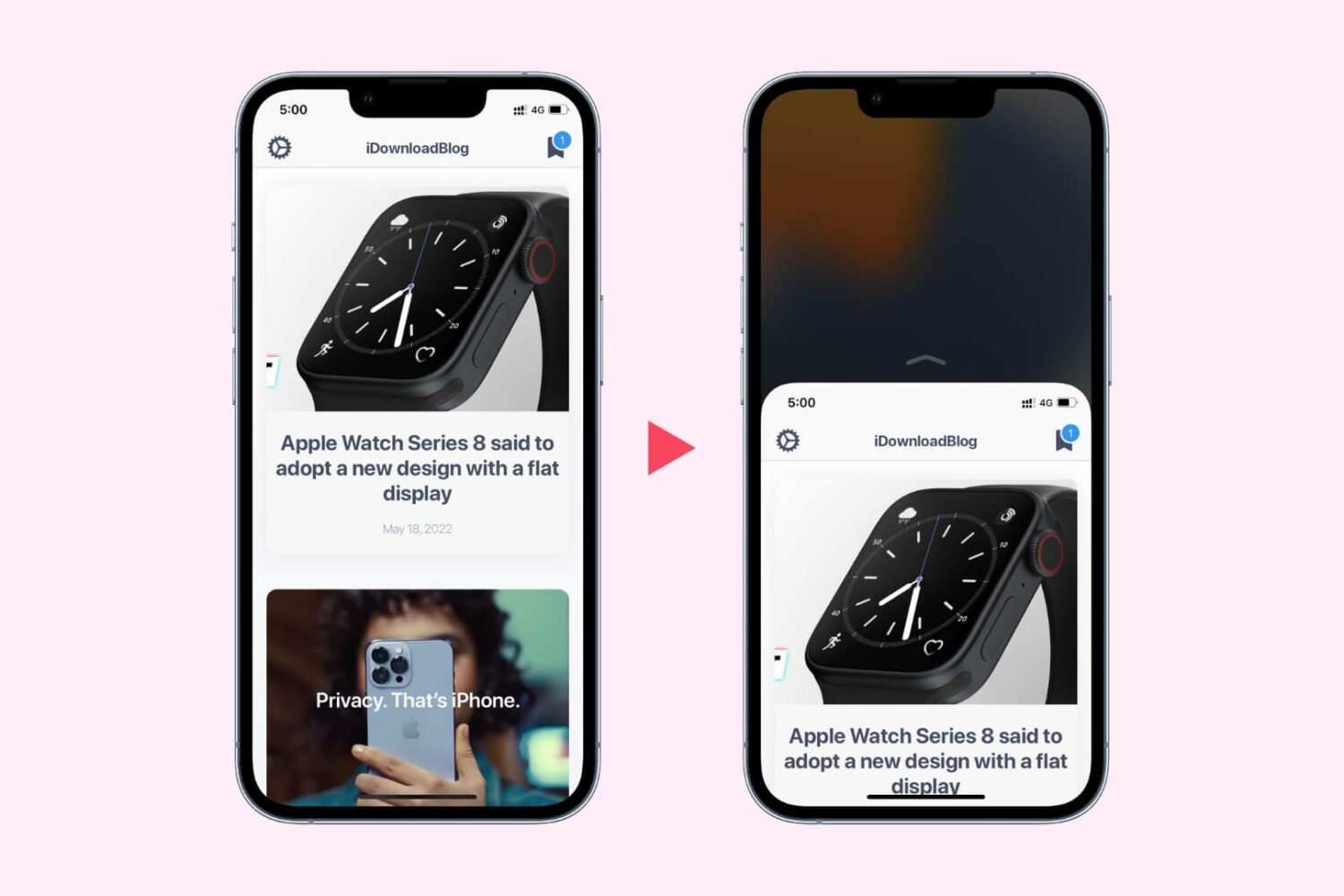
You can turn off Background App Refresh on your iPhone or iPad to save cellular data and extend the battery life.

In this tutorial, we'll tell you what Background App Refresh is and how to disable it for all apps or only selected apps. Plus, we'll show you how to turn it off only for cellular data or for both cellular data and Wi-Fi.

Mac unlock with Apple Watch not working? Try these simple steps

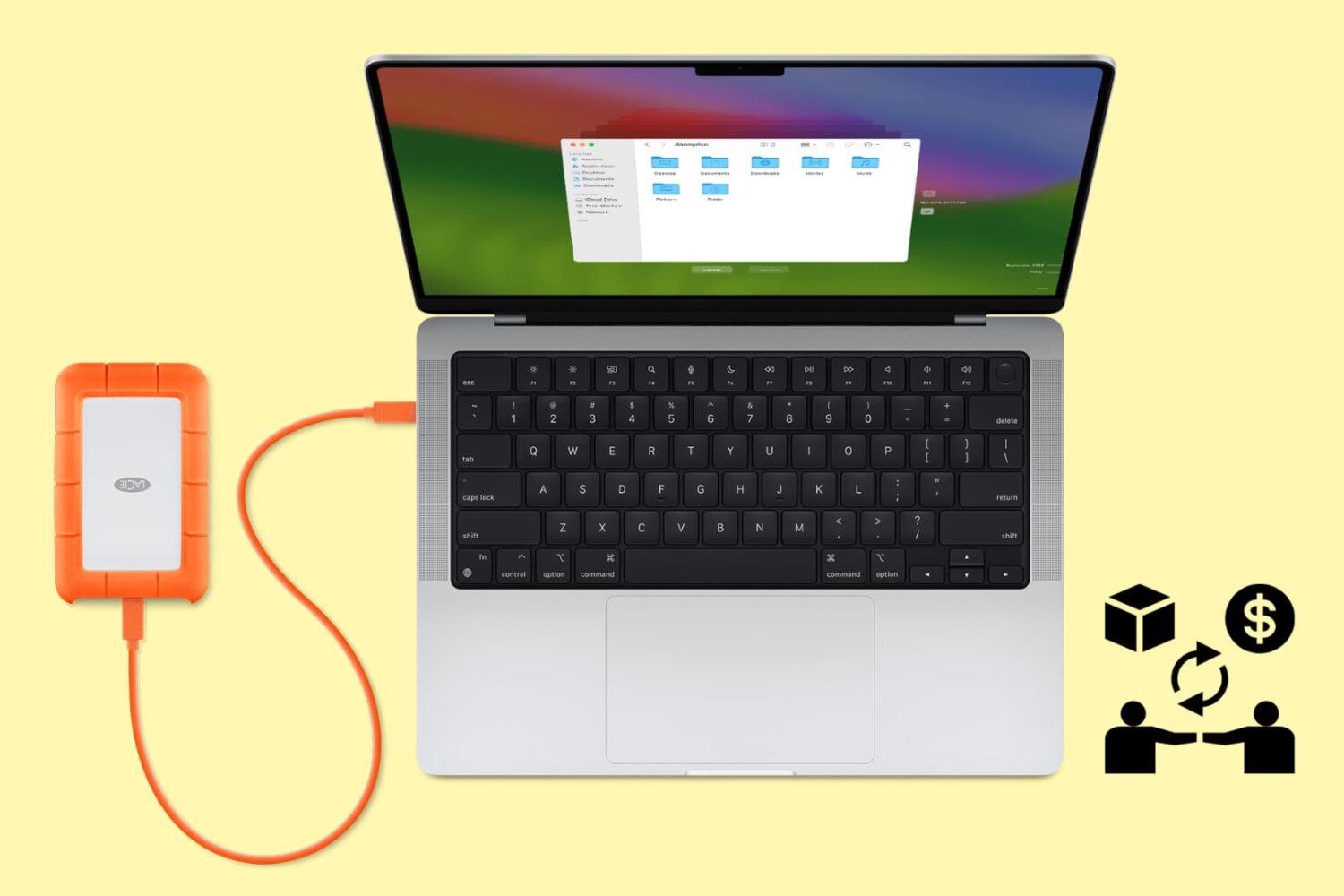
The macOS feature that allows you to unlock your Mac with your Apple Watch offers security and convenience. The problem may arise when that feature doesn't work as expected.

If you have set up your Mac to be unlocked with your Apple Watch and are having issues with the feature not working properly, there are a few things you can try.