The Home app gives all your HomeKit accessories a default icon whenever you add them. Did you know, there are other icons you can choose from?
Quick tip: How to change device icons in the Home app
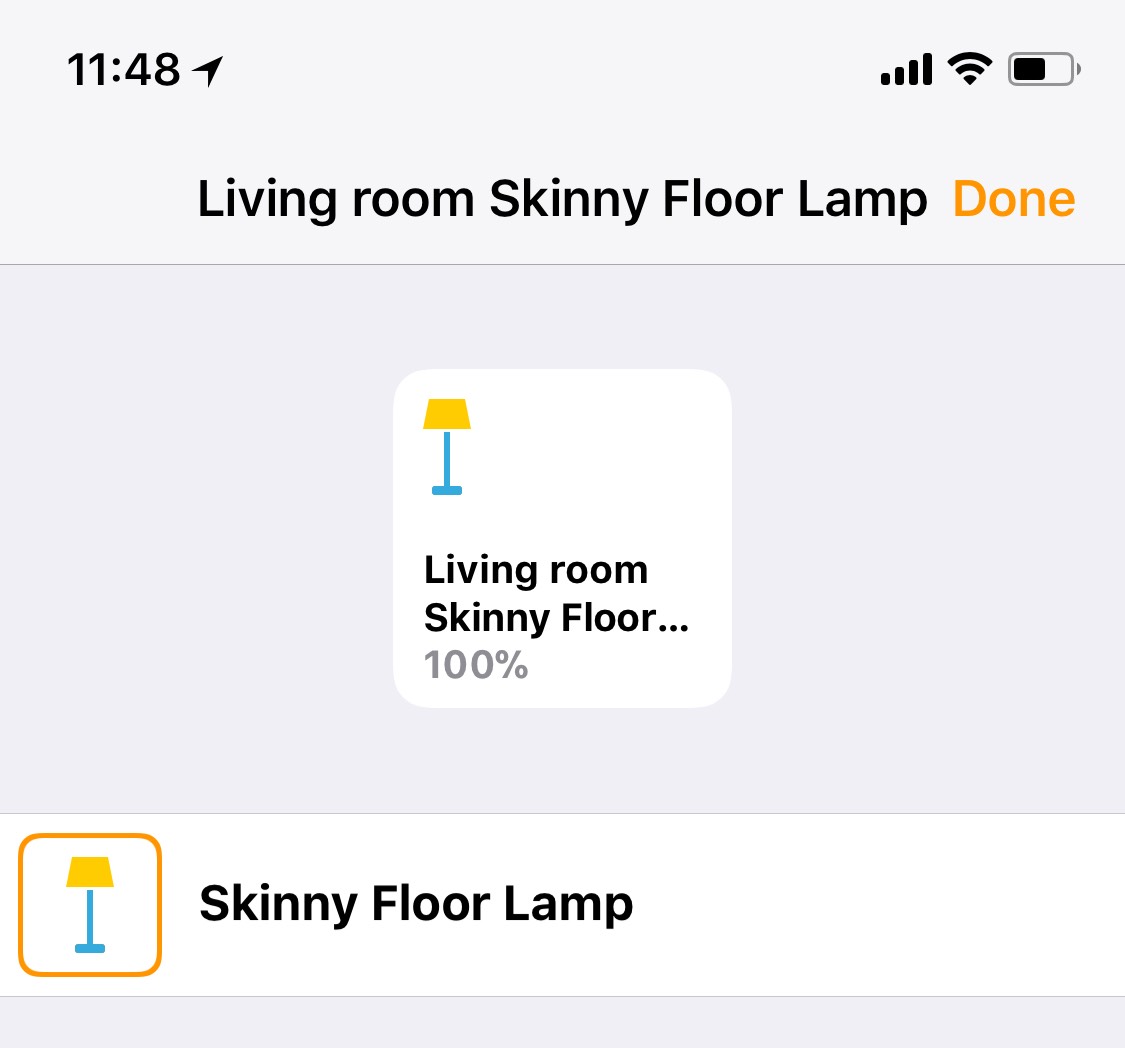
The Home app gives all your HomeKit accessories a default icon whenever you add them. Did you know, there are other icons you can choose from?
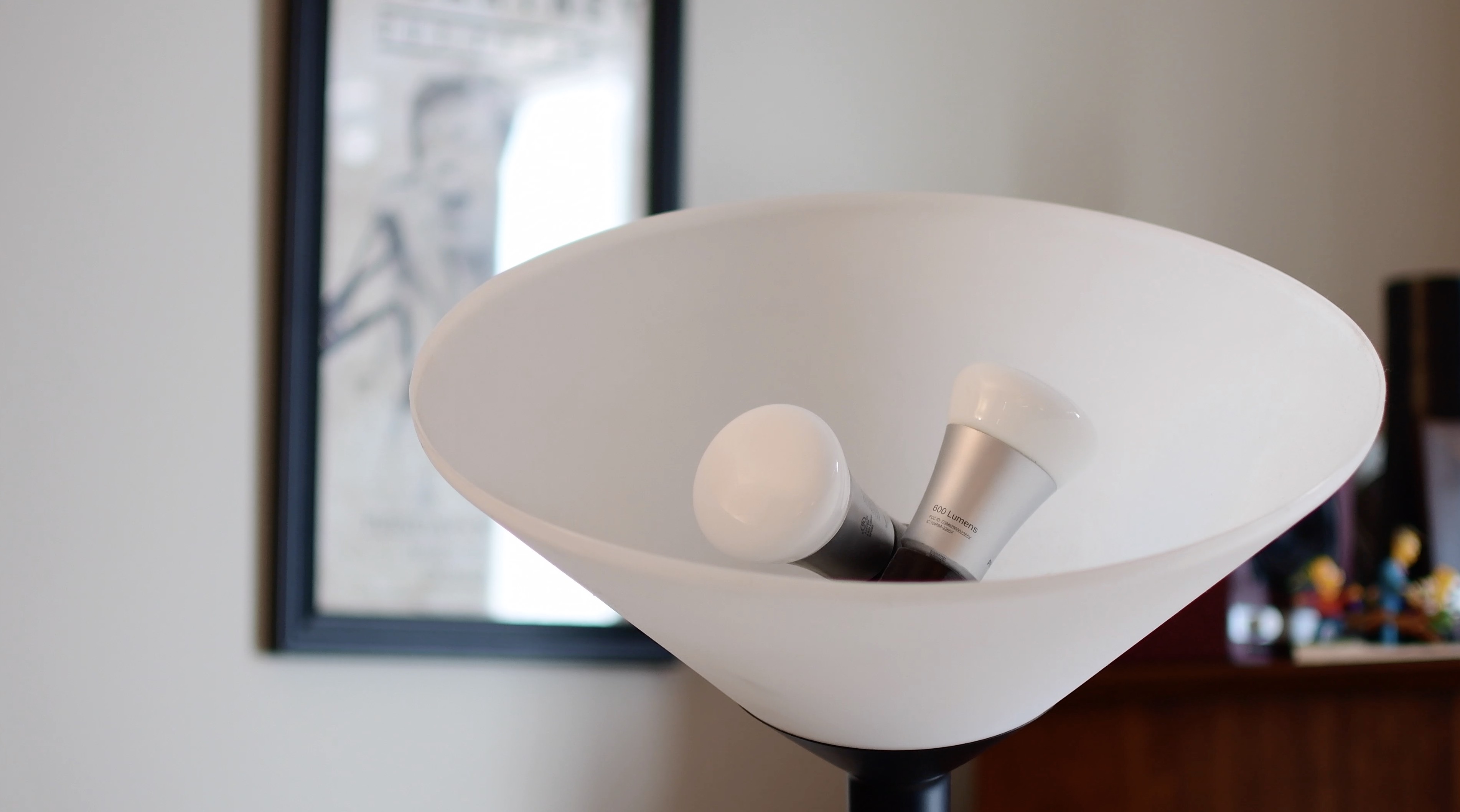
In the second entry to our HomeKit automation series, we take a look at the different grouping methods for accessories. This is especially helpful in lights or fixtures that utilize multiple bulbs.
As we reported recently, nitoTV has released his eponymous tool for various tvOS firmwares. It's a package manager, much like Cydia is for iOS, but it needs a jailbreak to work. For tvOS 10.2.2, that jailbreak is greeng0blin, and in this guide we'll show you how to use it.
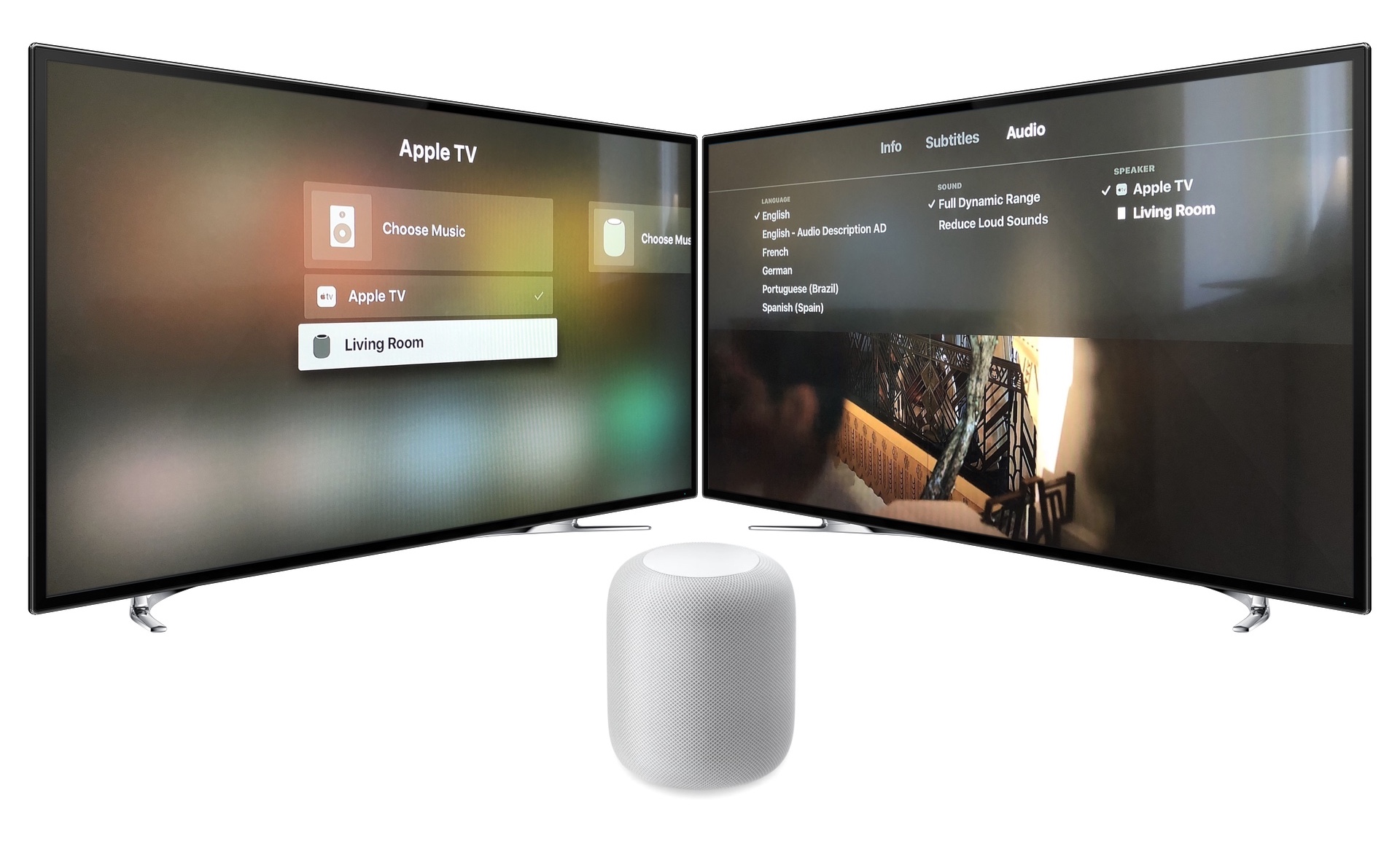
Learn how to use your HomePod with Apple TV. We'll look at the setup, the playback settings and controls, and the limitations of HomePod as your main Apple TV speaker.

In this tutorial, we'll guide you through the steps to download and install the latest software version on your HomePod using your iPhone, iPad, or Mac, so you can enjoy all the newest features on your smart speaker.

This tutorial shows you how to find the serial number and the current software version of your HomePod 1st & 2nd generation or HomePod mini.
We reported yesterday on the release of nitoTV, the package manager for tvOS. Just like Cydia does on iOS, it allows for the installation of unsigned apps and tweaks on Apple TV 4 and 4K, and currently supports tvOS 9, 10.0-10.1 and 10.2.2. All of these firmwares have jailbreaks, but only one of them is still being signed by Apple, ready to be downgraded to and jailbroken. But is it that simple?
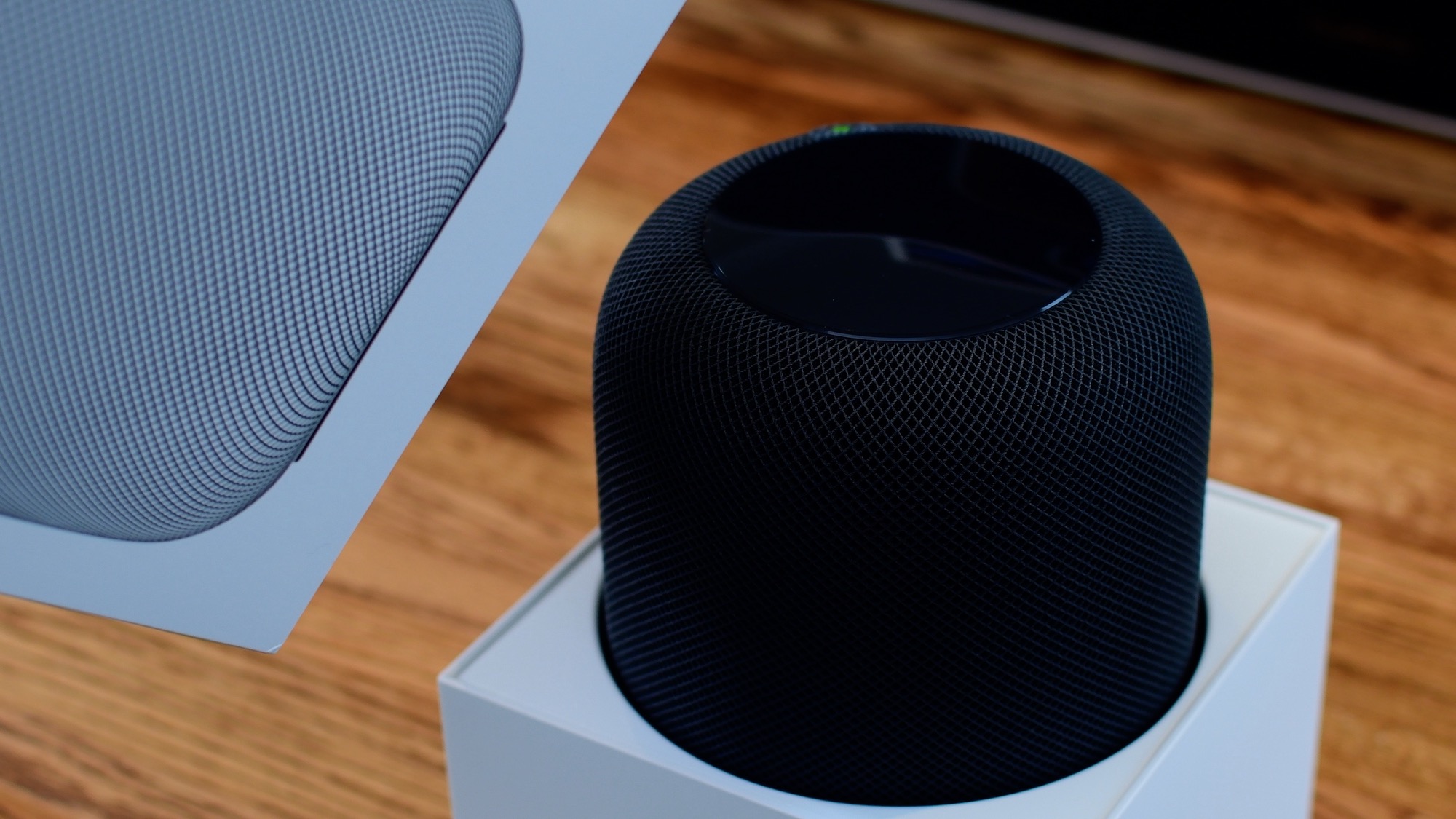
From connecting your HomePod to your Wi-Fi network to setting up Siri, this guide will walk you through the simple steps to get your HomePod up and running in no time, thanks to Apple's Automatic Setup feature.
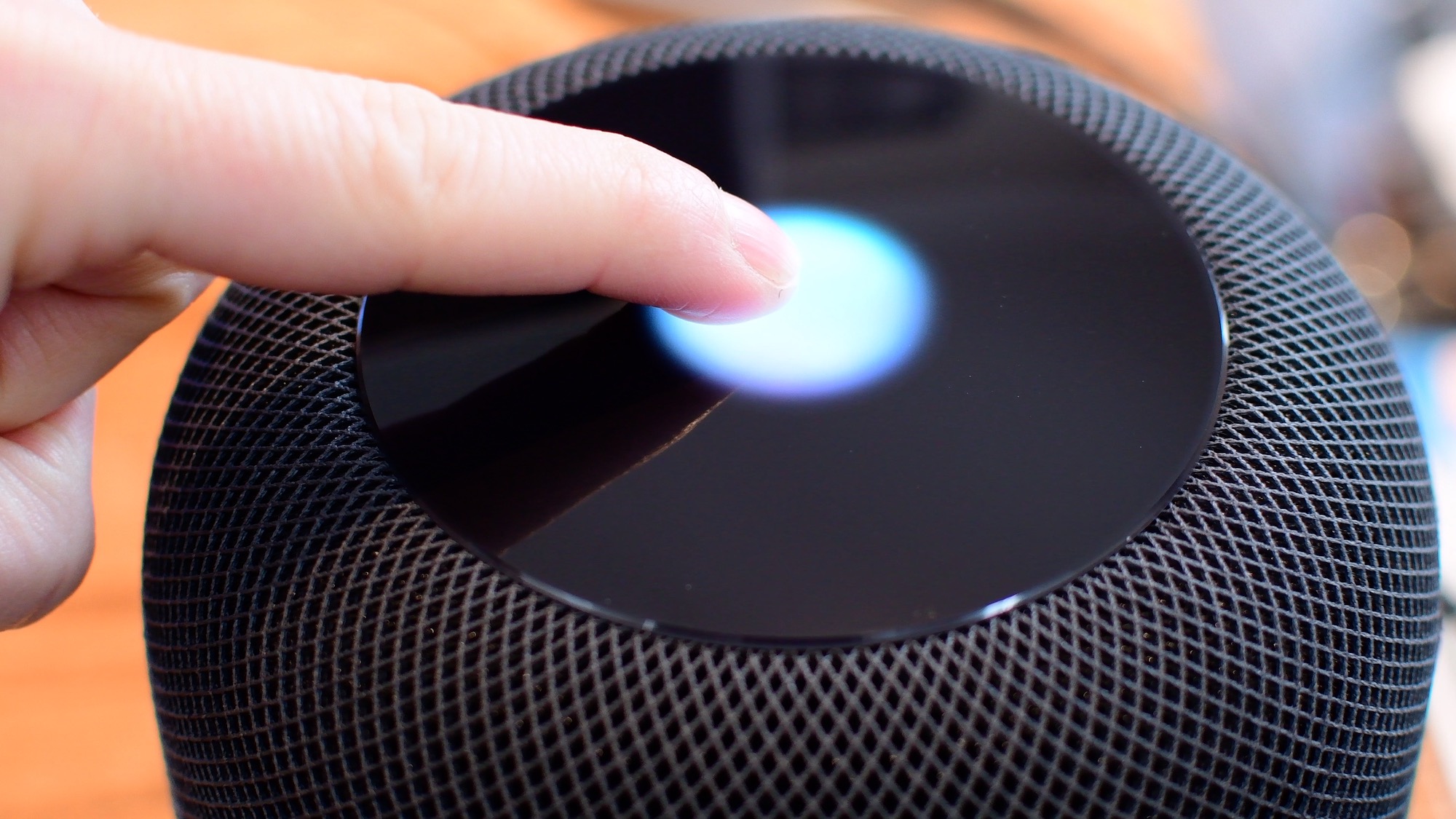
Siri is clearly going to be the best way to control your HomePod or HomePod mini. Everything that you do with touch, you can also do with Siri. However, there are times when it is easier/more convenient to use the touch interface instead. Take a look at this video or scroll down for our written tutorial.

In case you didn't get the memo, macOS High Sierra is the last release of Apple's desktop operating system that supports 32-bit apps out of the box without any compromise.
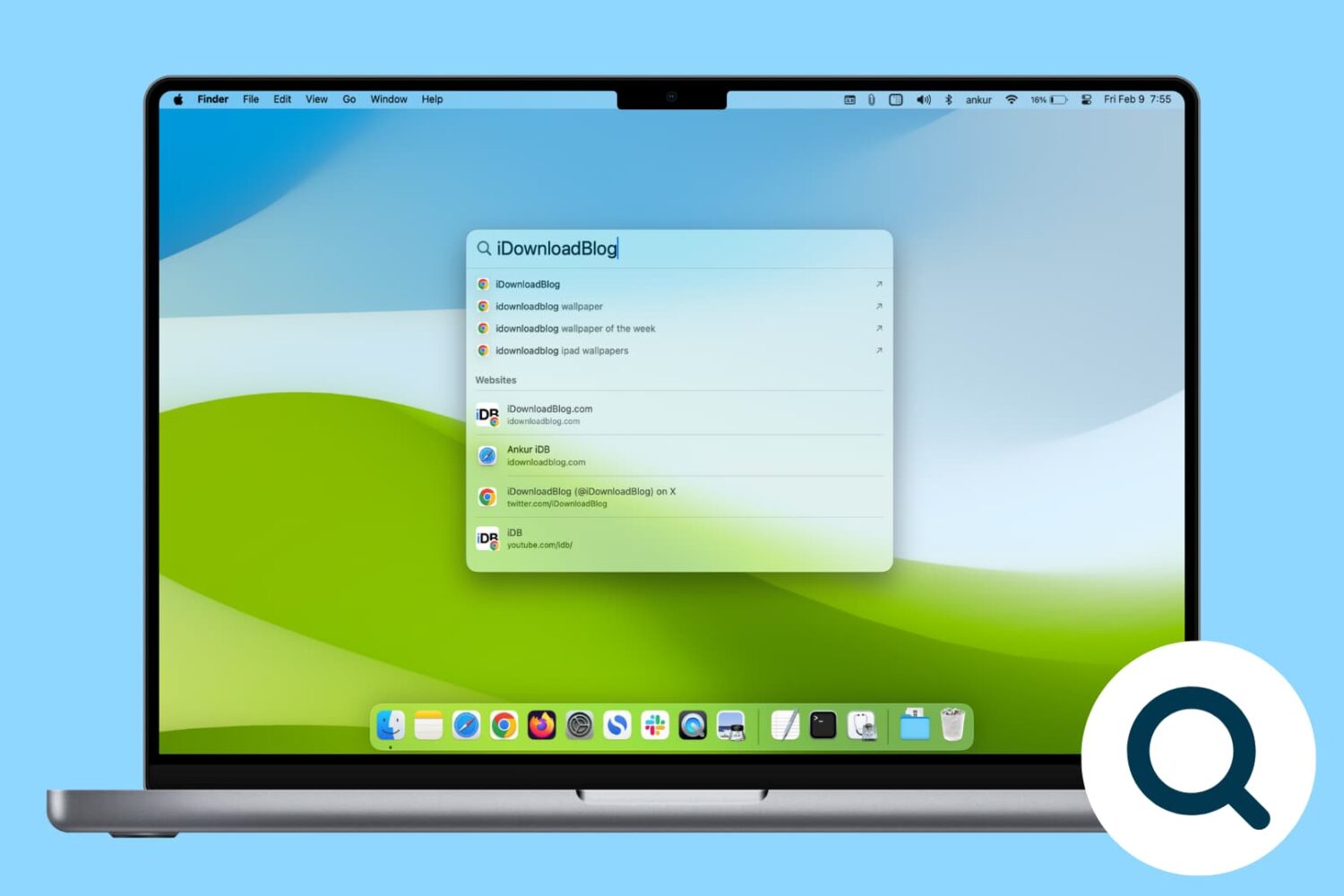
Rebuild the Spotlight index on your Mac if Spotlight isn’t working properly or if searching doesn’t show the expected results.

One of the ways of keeping your smartphone addiction under control entails checking out how much time you're actually spending in apps on your iPhone, iPad, or iPod touch. iOS includes a feature that allows you to see the time spent on apps, but it's buried counterintuitively in an unlikely place where most people won't bother looking.
Here's how to use it.