Learn how to turn a regular 2D picture into a 3D spatial wallpaper on your iPhone or iPad to create an immersive Lock Screen experience.
How to set 3D Lock Screen wallpaper on iPhone in iOS 26

Learn how to turn a regular 2D picture into a 3D spatial wallpaper on your iPhone or iPad to create an immersive Lock Screen experience.

Learn everything about sports mode on CarPlay, which lets apps display real-time stats for live sporting events on the Now Playing interface while streaming audio.

Find out how to stop your iPhone or iPad from automatically opening the screenshot and showing the full-screen preview after you take a screenshot.
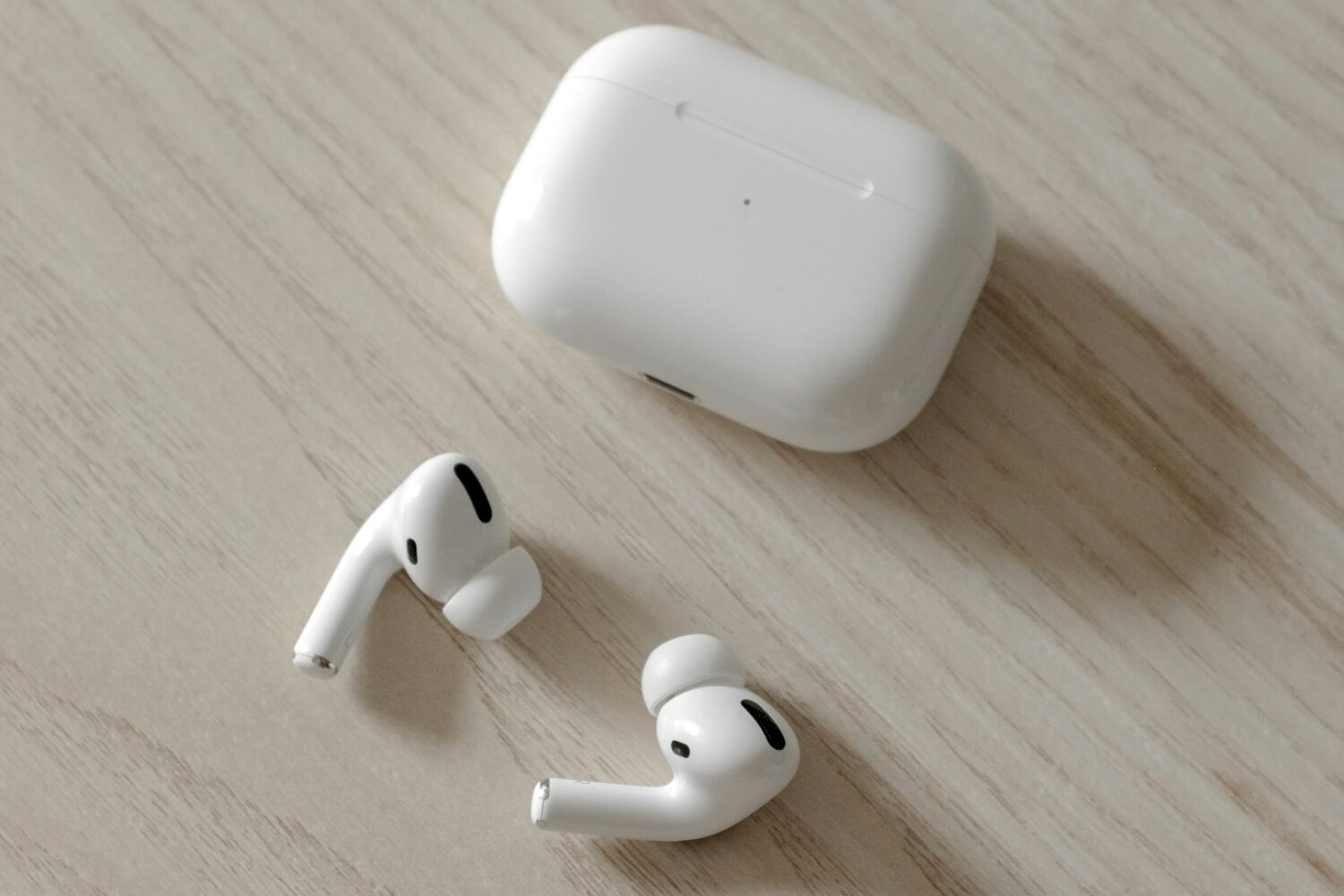
Learn how to configure your AirPods to automatically pause audio or video playback when you fall asleep so your favorite music or podcast won’t disrupt your sleep.

Learn how to put macOS Tahoe on a USB thumb drive so you can install macOS 26 on multiple Macs without downloading the huge software file each time.

Learn how to stop incoming notifications for calls, texts and apps from pausing music playback on your iPhone or lowering the volume in your car.

Learn how to download and install the tvOS 26 beta or non-beta on your Apple TV to experience all the latest features and the new Liquid Glass design.

Learn how to see the file name of an image or video in the Apple Photos app on your iPhone or iPad to identify it faster when browsing files.

Learn how to tone down the new Liquid Glass transparency effects across the user interfaces on your iPhone, iPad, Mac, Apple Watch, and Apple TV running the latest version of their respective software.

Try these troubleshooting tips if you're having issues when you try to drag and drop items like text, images, and files and between apps on your Mac.

With many of us storing extremely personal documents, photos, and other types of information on our computers these days, it can be detrimental when a storage drive fails, or when a computer needs to be replaced, and we have no viable data backup.
