Learn how to delete albums you no longer need in Apple Photos on an iPhone, iPad, or Mac to clean up and organize your image library.
How to delete photo albums on iPhone, iPad, Mac

Learn how to delete albums you no longer need in Apple Photos on an iPhone, iPad, or Mac to clean up and organize your image library.

Learn to change the Alexa Wake Word to something else on your Amazon Echo to personalize your device experience.

If you use an Amazon smart speaker like the Echo or Echo Dot, you’ll notice a variety of different status lights. But these lights aren’t very helpful if you don’t know what they mean. Does the yellow light keep coming on? Is there a purple light continuously flashing?
To help you decipher what your smart speaker is trying to tell you, here’s a quick rundown of what the status lights on an Amazon Echo speaker mean.

Learn about helpful Siri voice commands that you can use to play and control your favorite podcasts on your HomePod.

Learn how to redownload previously purchased free or paid apps on iPhone, iPad, and Mac without having to pay again.

Learn how to use the handy Text Clippings feature on Mac to save a snippet of text from a website, document, Terminal, email, message, or elsewhere.

By default, the Touch Bar at the top of your MacBook Pro's keyboard displays app-specific controls that appear when you need them and vanish when you don't.
In this step-by-step tutorial, we will lay out the steps for customizing the Touch Bar so that it either continuously displays the function keys or a complete suite of media controls all the time.

Learn how to change the Siri voice and language on your HomePod if you’re not happy with the current sound and want to try something else that better suits your preferences.

Want to control your TV from your wrist? Here’s how to use your Apple Watch as your Apple TV remote for those times when you just don't want to use the Siri Remote.

Learn how to manage your Apple Music playback and see your Up Next queue for your Apple TV and HomePod directly on the device or your iPhone and iPad.
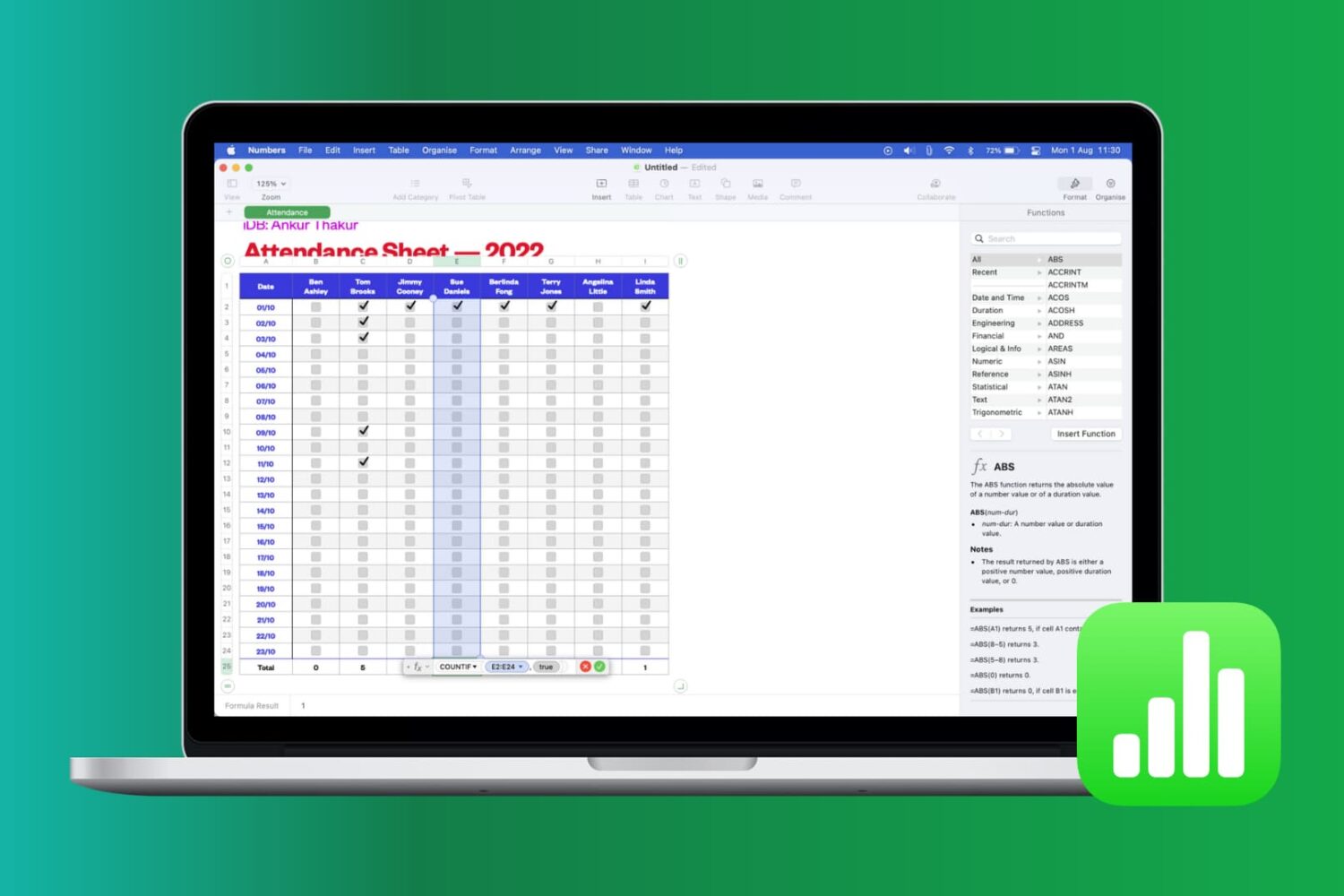
Learn how to work with common functions and formulas in Apple Numbers spreadsheets on your iPhone, iPad, and Mac, saving time and reducing errors.

In this tutorial, we will share a hidden tip that lets you search for specific open tabs in Safari and close all matching options in one swoop.